
Night Train Snapshot
Generates a realistic, candid-style photo of a young woman on a night train, featuring a slightly blurred, non-professional photography look.
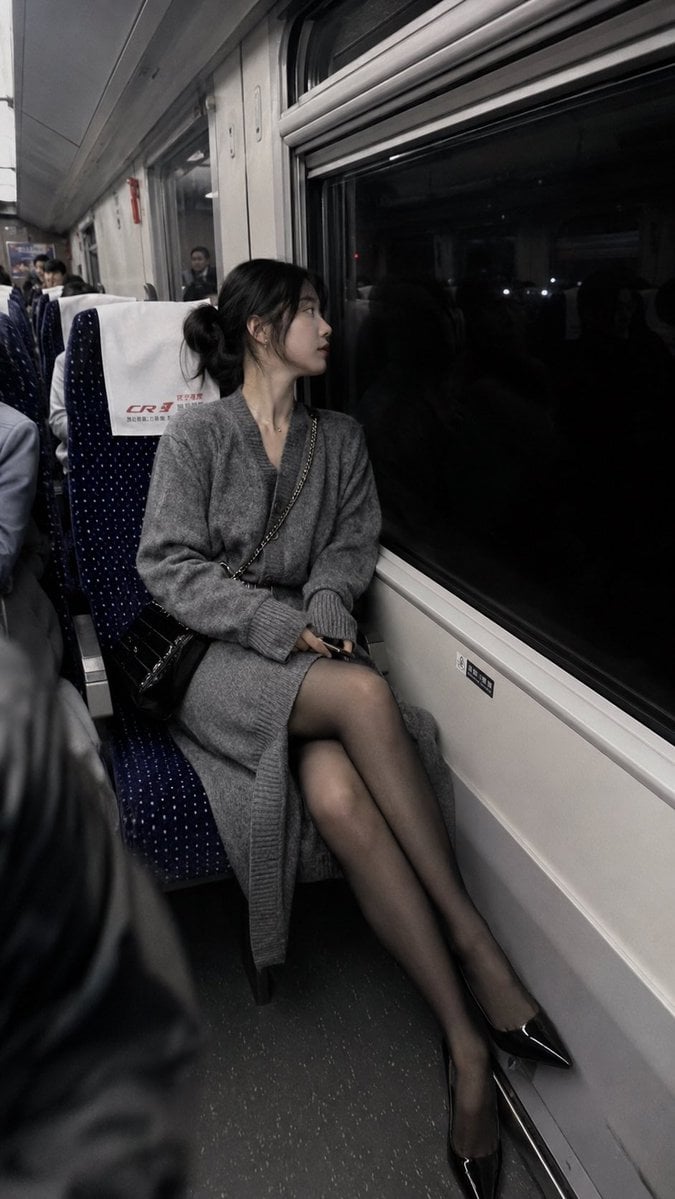
- Prompt included
- Model and format preset
- Free template
The prompt behind this image
Copy the exact prompt behind Night Train Snapshot, or open it in the studio and make it yours.
这是一张用平庸的手机拍摄的照片,略带动态模糊,构图拙劣,是随手一拍的ccd快照,不经意间的抓拍。真实生活照片,主体是{argument name="年龄" default="二十多岁的中国年轻女性"},鹅蛋脸,黑色头发盘成低发髻,气质清冷,身体放松靠向车窗,双腿并拢侧放靠窗位置,坐在长途列车靠窗座位上。穿搭为{argument name="服装" default="长款灰色针织开衫"},搭配亮面丝袜,黑色细高跟,身侧斜挎黑色金属质感腋下包。场景为{argument name="场景" default="夜晚的客运列车车厢内部"},窗外是黑暗的室外夜景,车厢内坐着其他乘客。中景机位,从斜前方拍摄,构图跟随人物主体。光源来自车厢内部顶灯,人物身体受光均匀,整体氛围安静疏离,充满故事感与生活感,叠加复古冷调胶片滤镜。9:16
How to use Night Train Snapshot in 3 steps
- 1
Open
The prompt is already in the box next to the preview, with the template's model and format selected.
- 2…a portrait of your subject in softgolden-hour light, 85mm…
Personalize
Edit the subject and creative details for your destination.
- 3Generate
Generate
Press Generate — your image is created in PicX Studio, so you can compare it with the original and refine one variable at a time.
More like this
Templates with the same subject, style or setup. Open one to see its prompt.
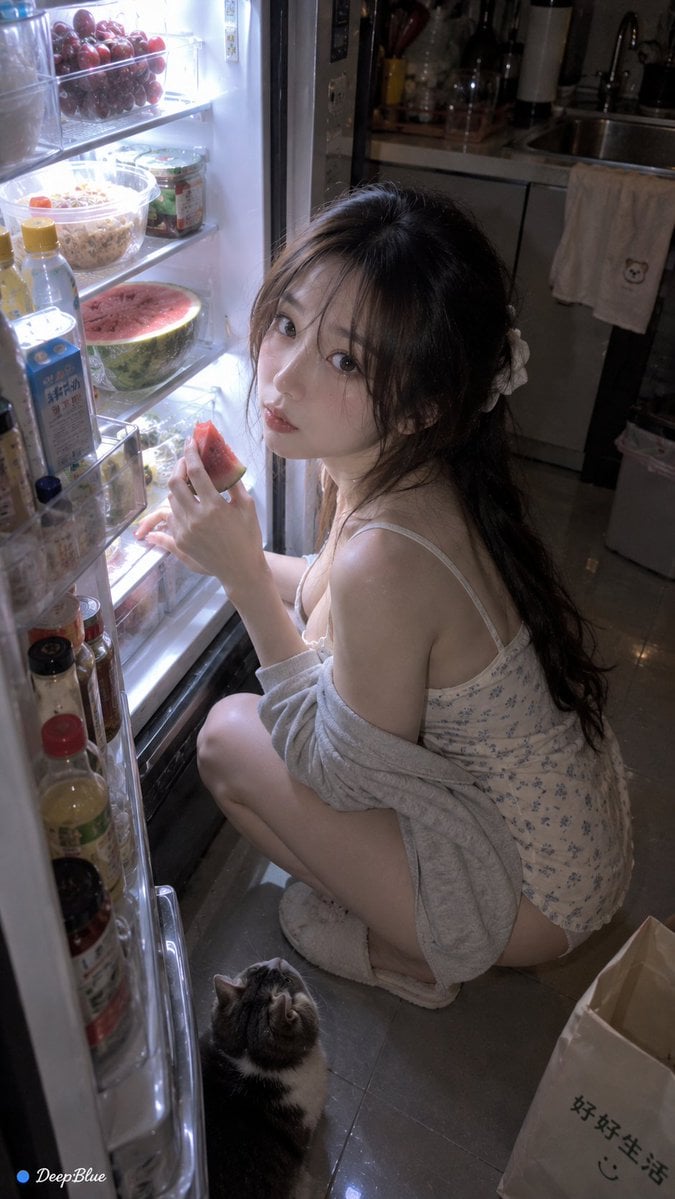
Late Night Fridge Candid Snapshot
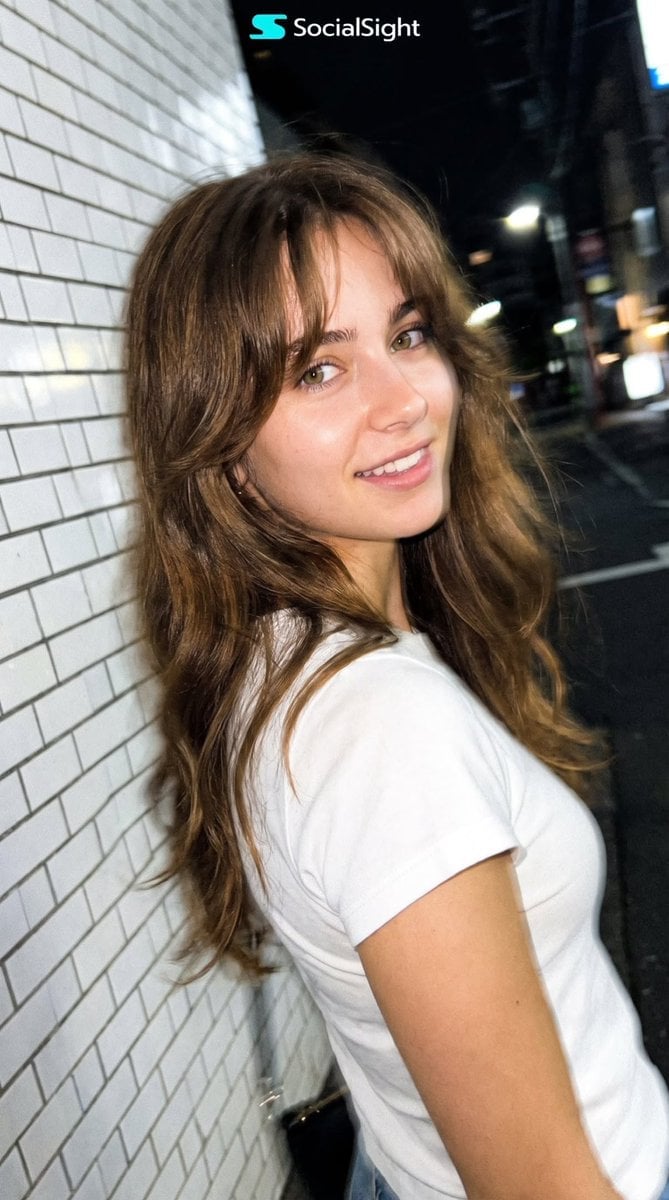
Candid Tokyo Night Smartphone Snapshot

Subway Platform Quiet Introspective Portrait

Nostalgic Digicam Café Afternoon Portrait
Subway Platform Quiet Introspective Portrait

Spider-Man Night Swing New York Cinematic
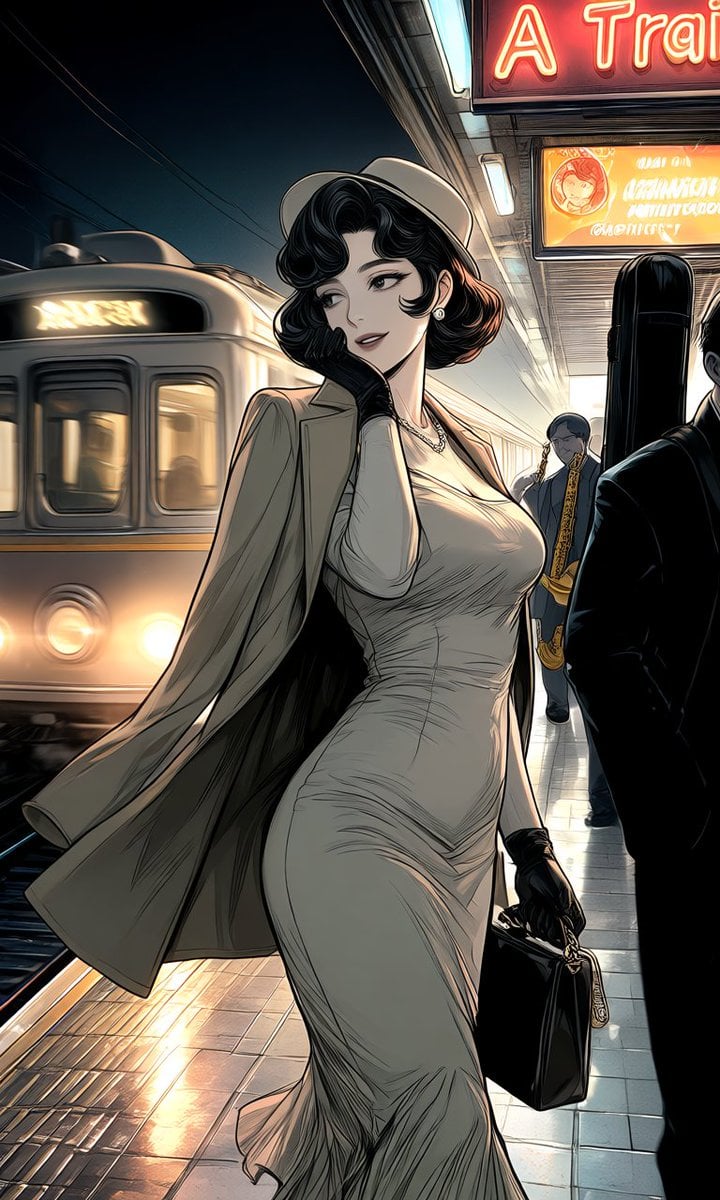
Elegant Woman on Night Train Platform

Floating Woman Above Cityscape with Notifications

Night Sports Car Portrait — Cinematic Moody

Nano Banana - Cozy Cafe Night
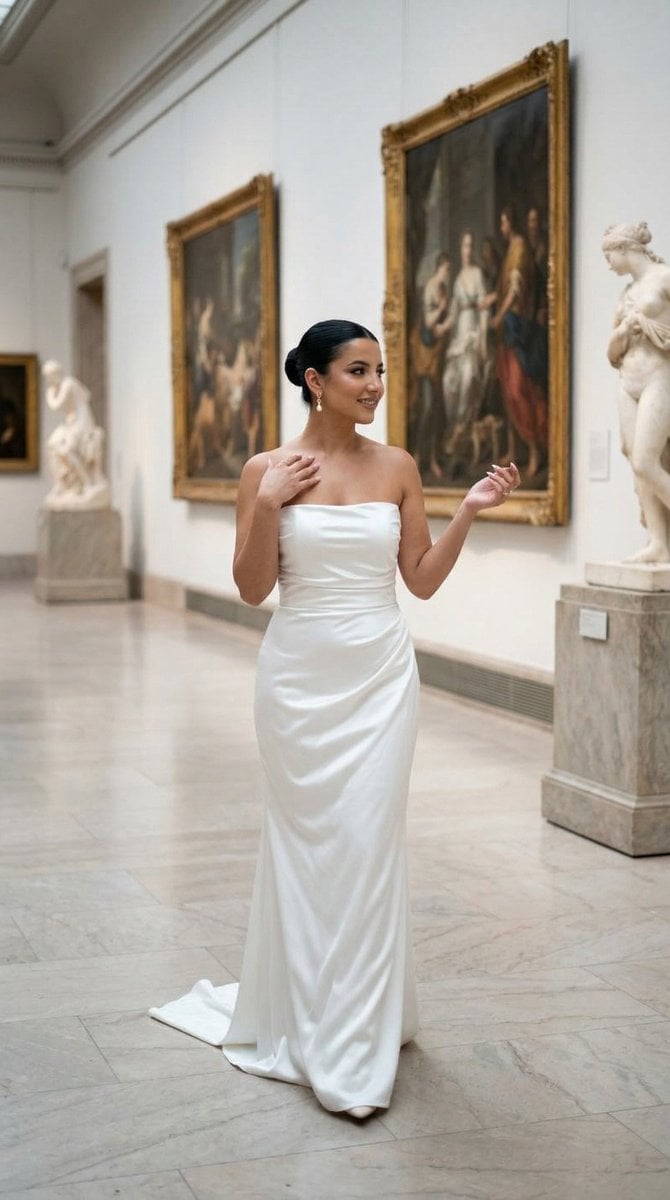
Nano Banana - Dancing Carefree Paris

Nano Banana - Paris Night Party Dancing
Make it yours
Night Train Snapshot works as-is. These are the safest ways to change it without losing the look.
Change one field
Copy a single group, rewrite it, and generate again so you can see what that field is doing.
Keep the frame, change the subject
Hold the composition and light of Night Train Snapshot, then swap wardrobe, props or the person for a new take.
| If the result… | Why | Fix |
|---|---|---|
| The result drifts from the preview | Too many fields changed at once. | Reuse Night Train Snapshot as-is first, then change one group — subject, light, or setting. |
| The model over-stylizes the scene | The prose prompt leaves finish and camera underspecified. | Add one camera or lighting sentence and stay on GPT Image 2. |
More GPT Image 2 templates
Other prompts made for GPT Image 2.

Six VTuber Japanese Logo Sheet

Realistic Portrait of Woman and Deer

The Vista Modular Condo Poster

AI Model Routing Comparison Infographic

2.5D Anime Art Board

Isometric Productivity Desk Scene

New York Double Exposure Poster

Four-Panel AI Landscape Comparison

Japanese Tatami Lifestyle Magazine Cover

NESCAFÉ Coffee Map Poster
More image prompts
Fresh picks from across the catalog.
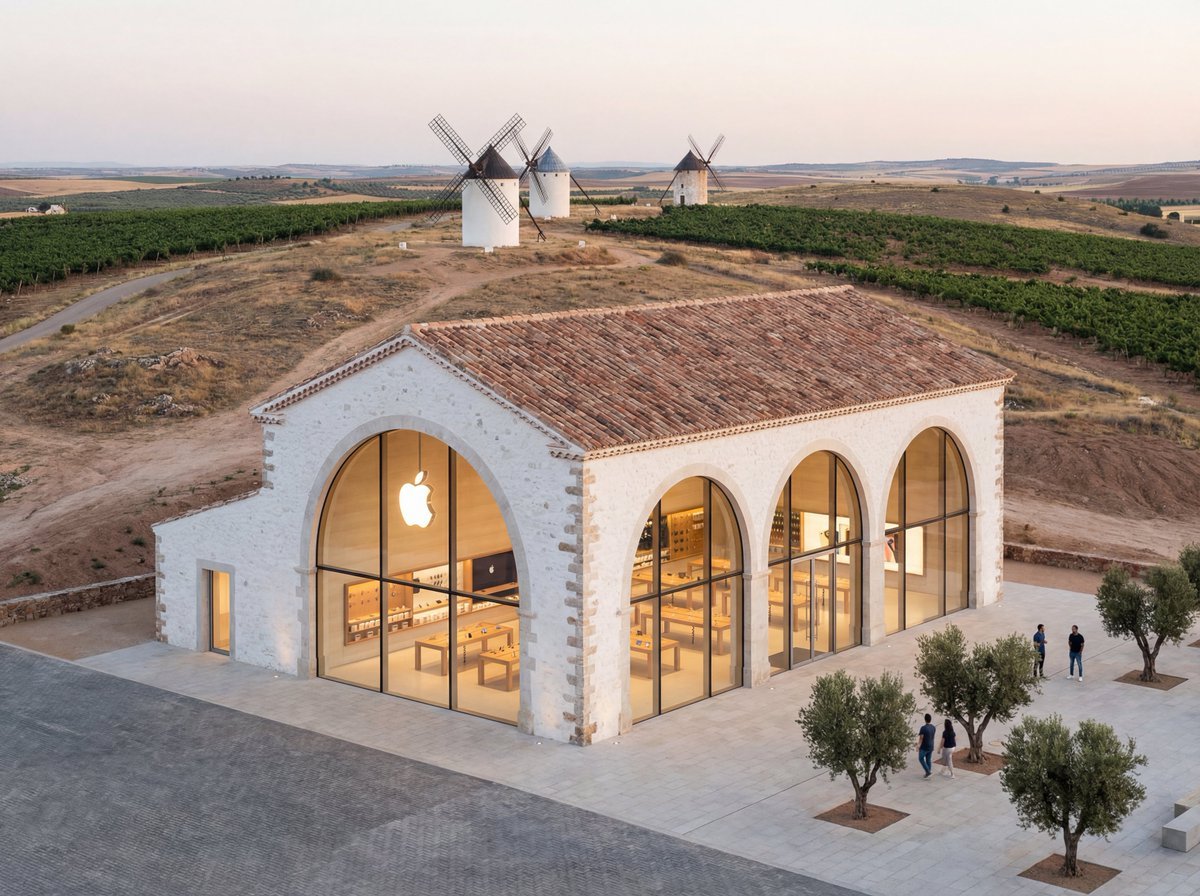
Apple Store in La Mancha Comparison
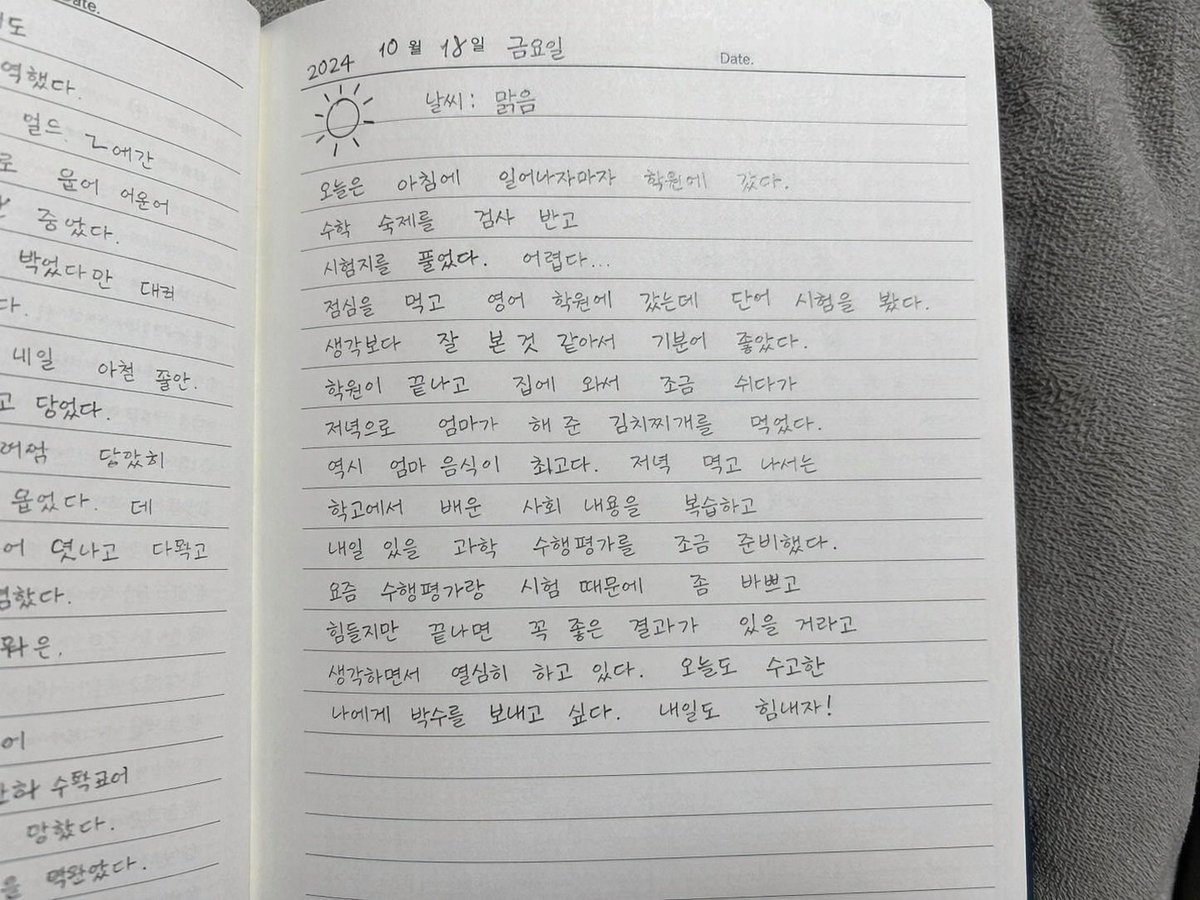
Handwritten Korean Diary Entry
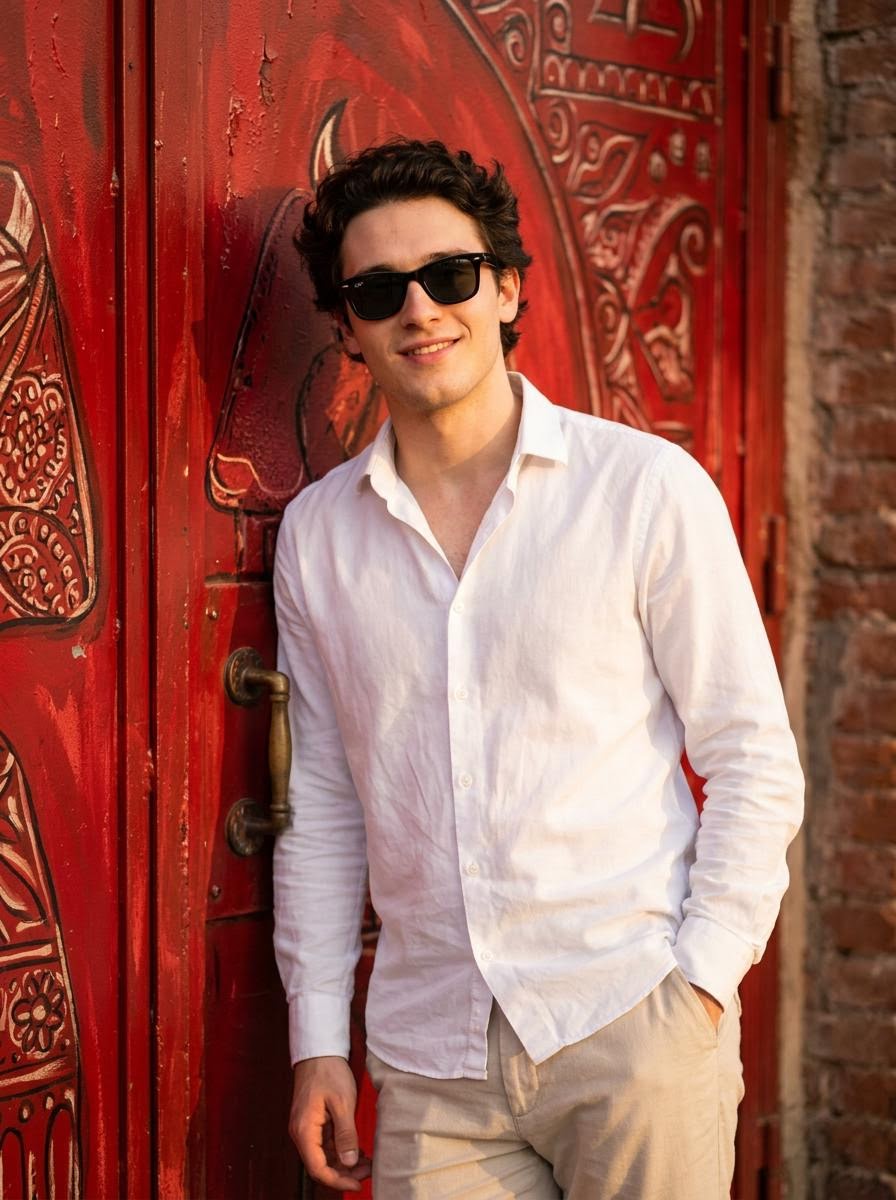
Realistic Photo with Face Swap and Cinematic Lighting
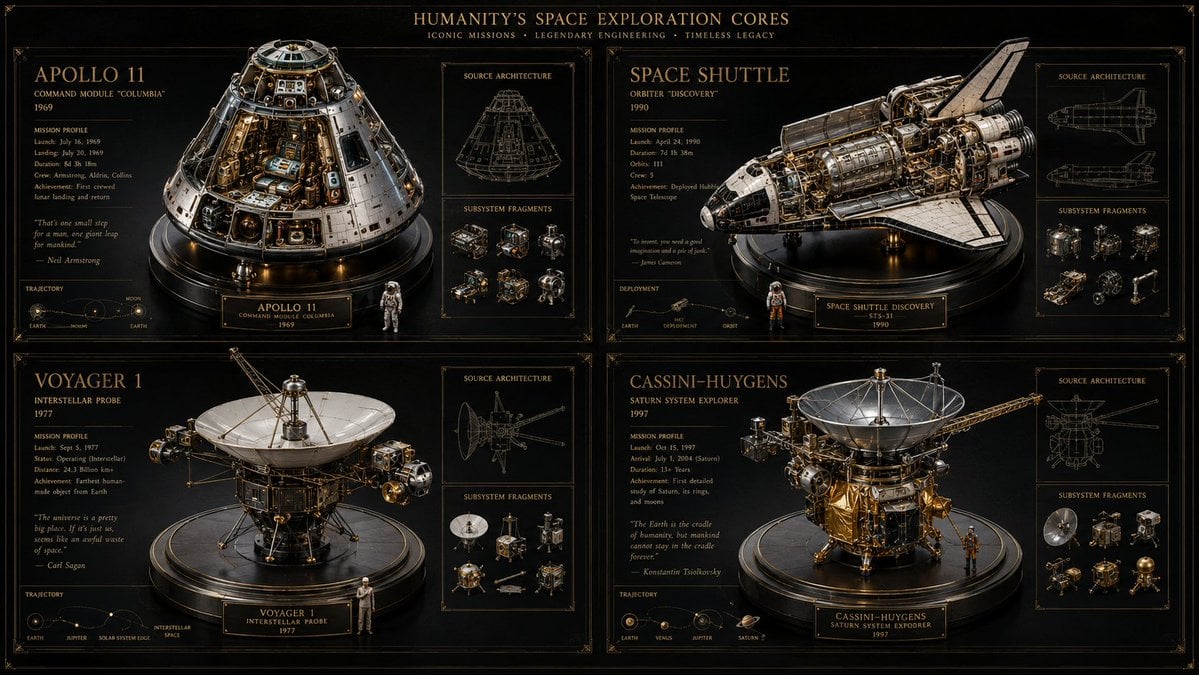
Space Mission Technical Artifacts
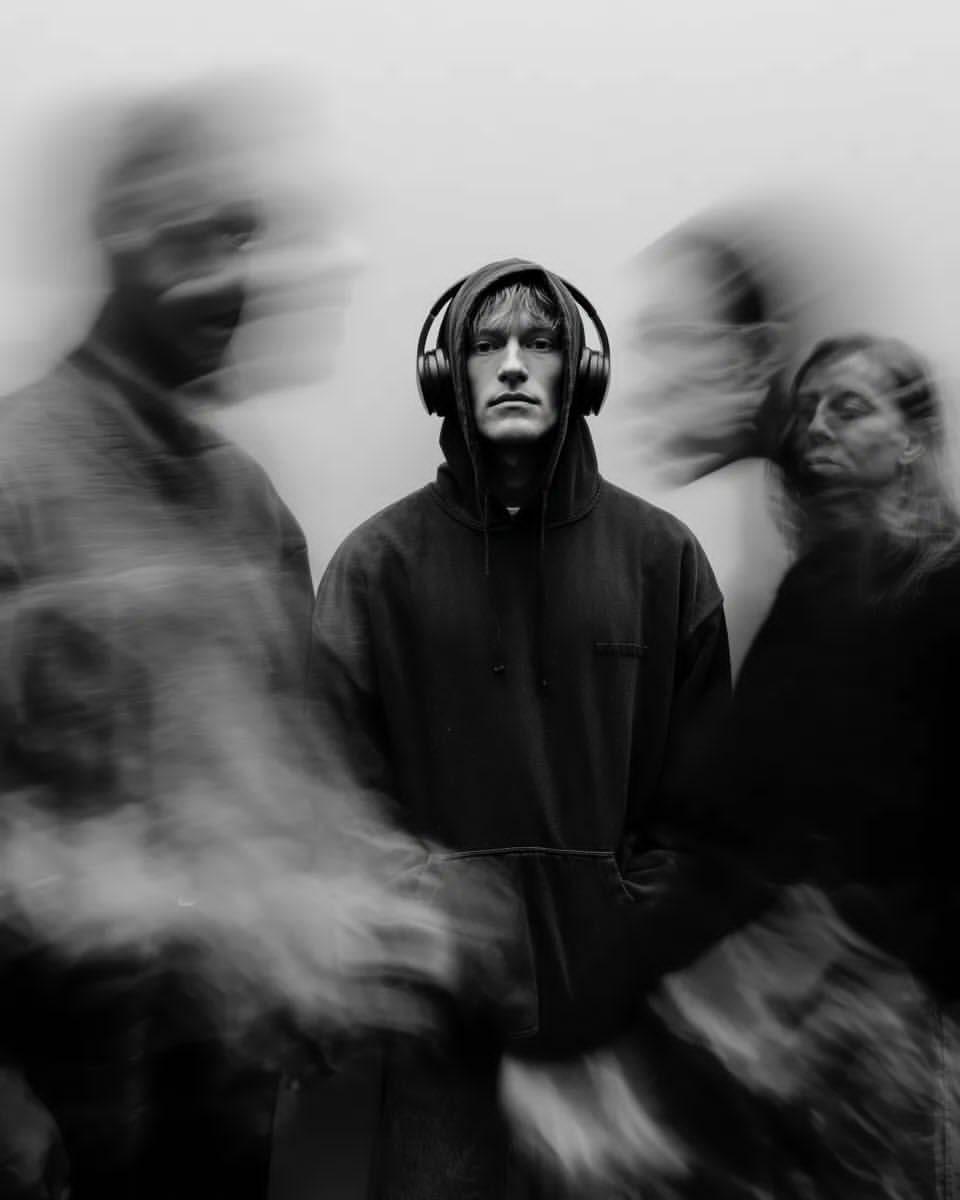
Black and White Cinematic Portrait with Motion Blur
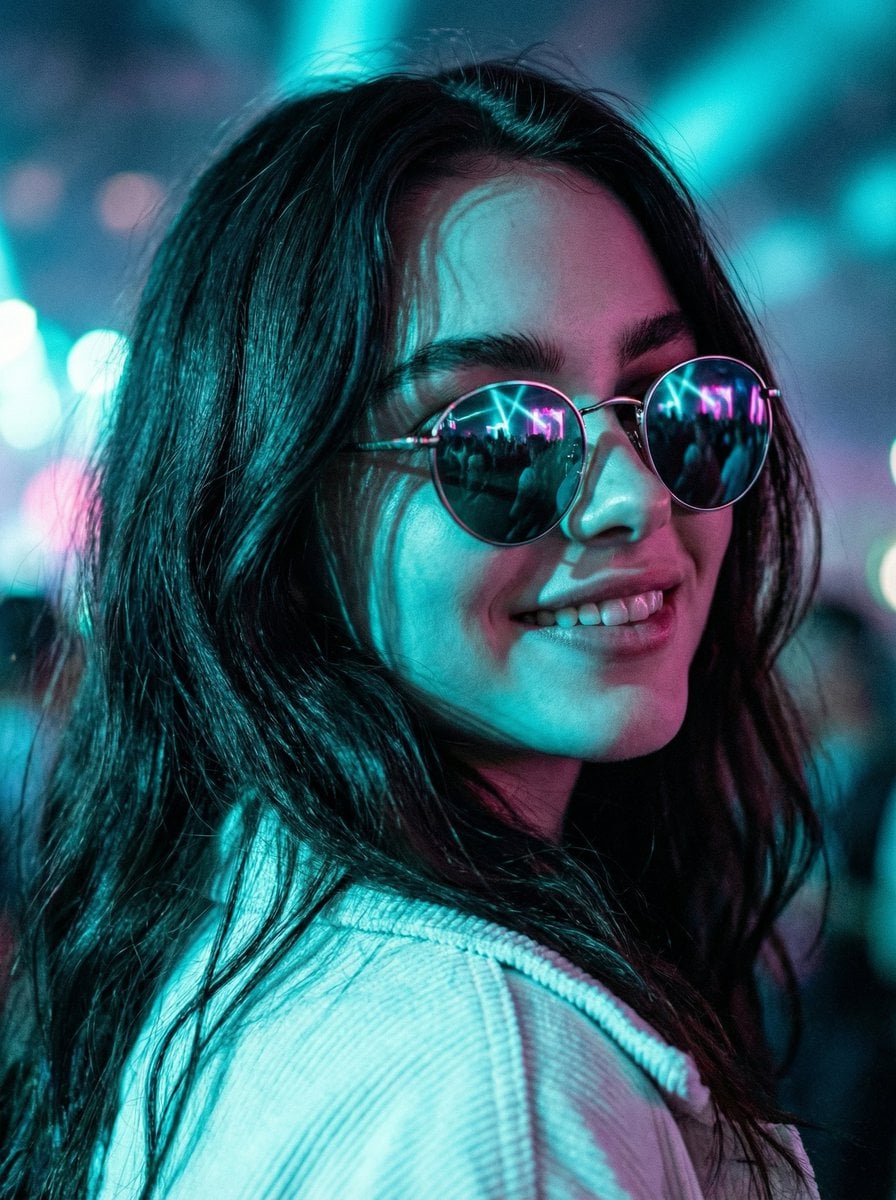
Cinematic Close-Up at an Electronic Music Festival
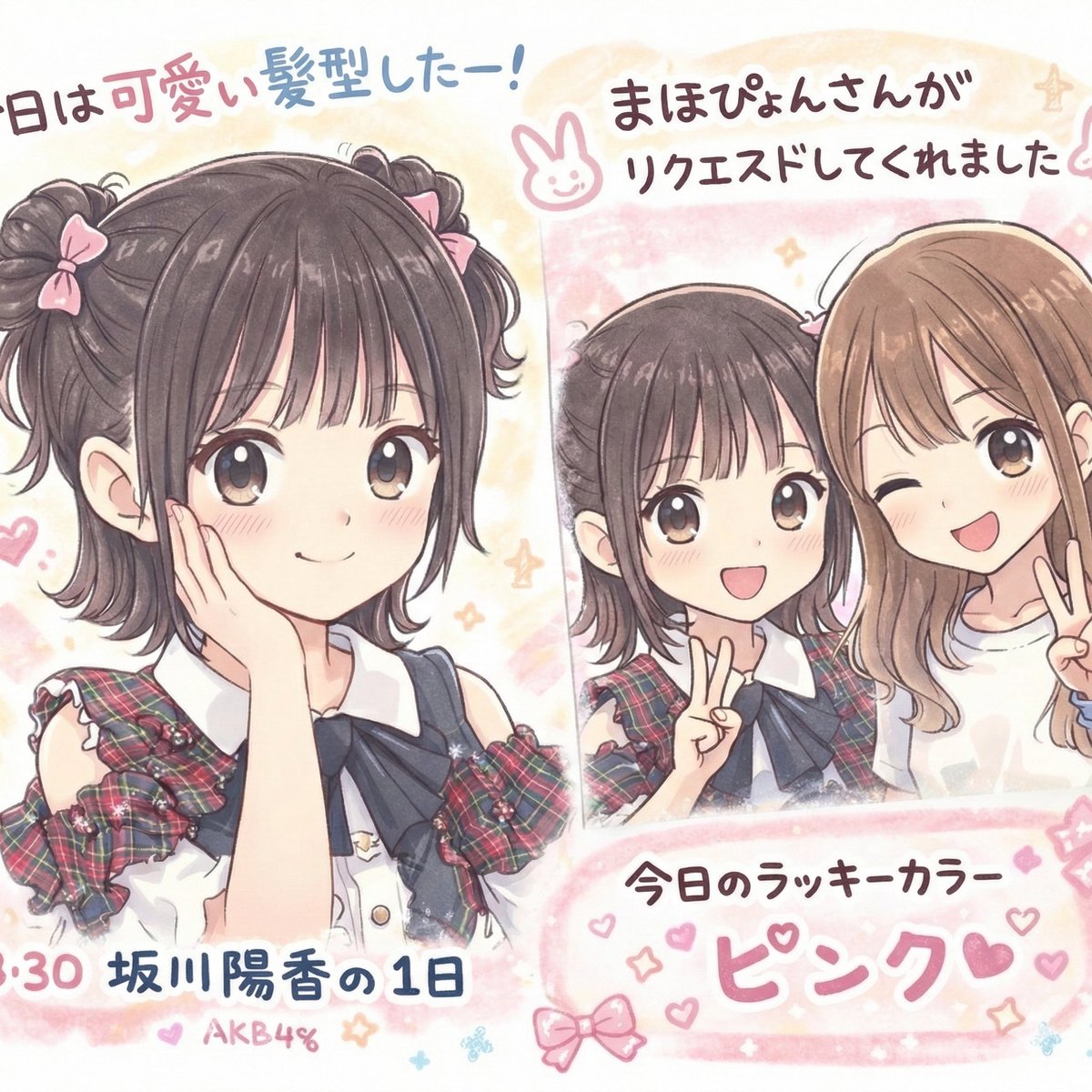
Text Correction and Replacement Prompt
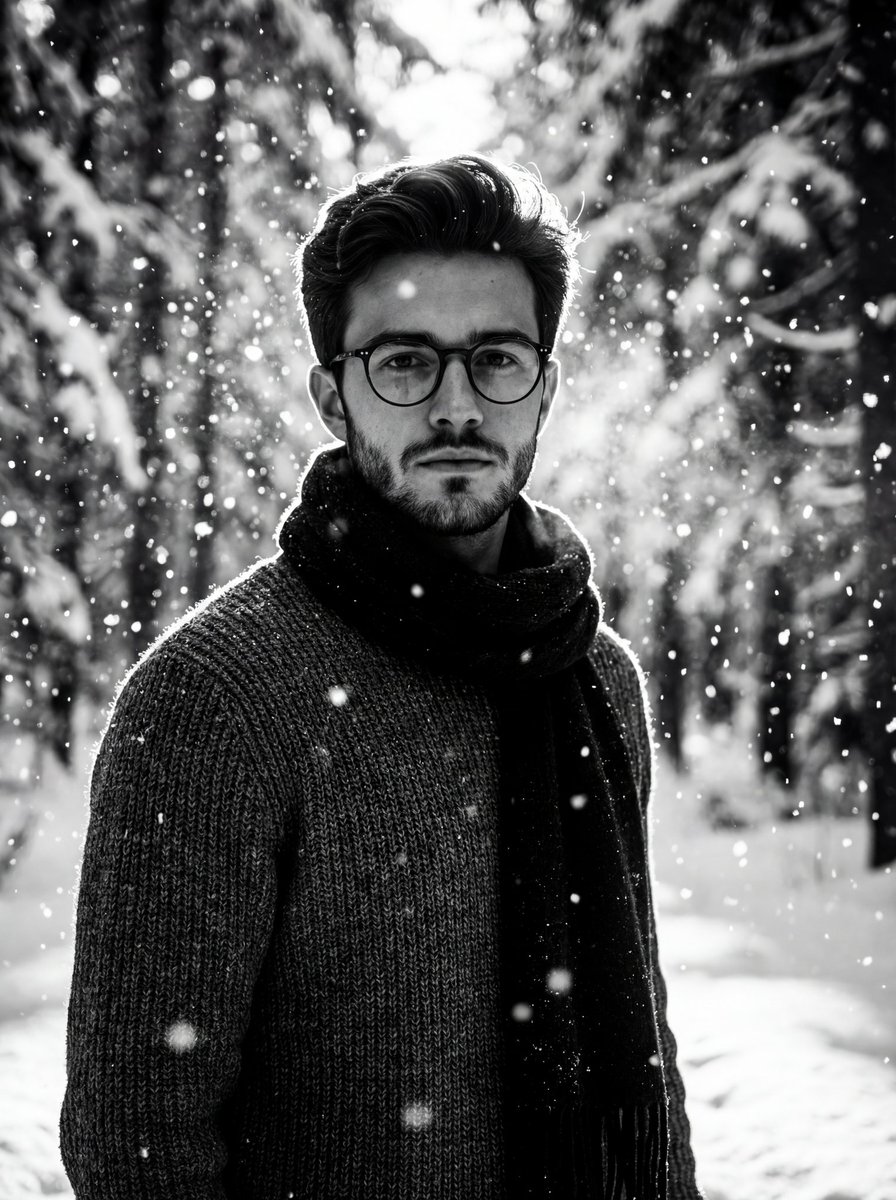
Winter Forest Portrait with Dramatic Backlight
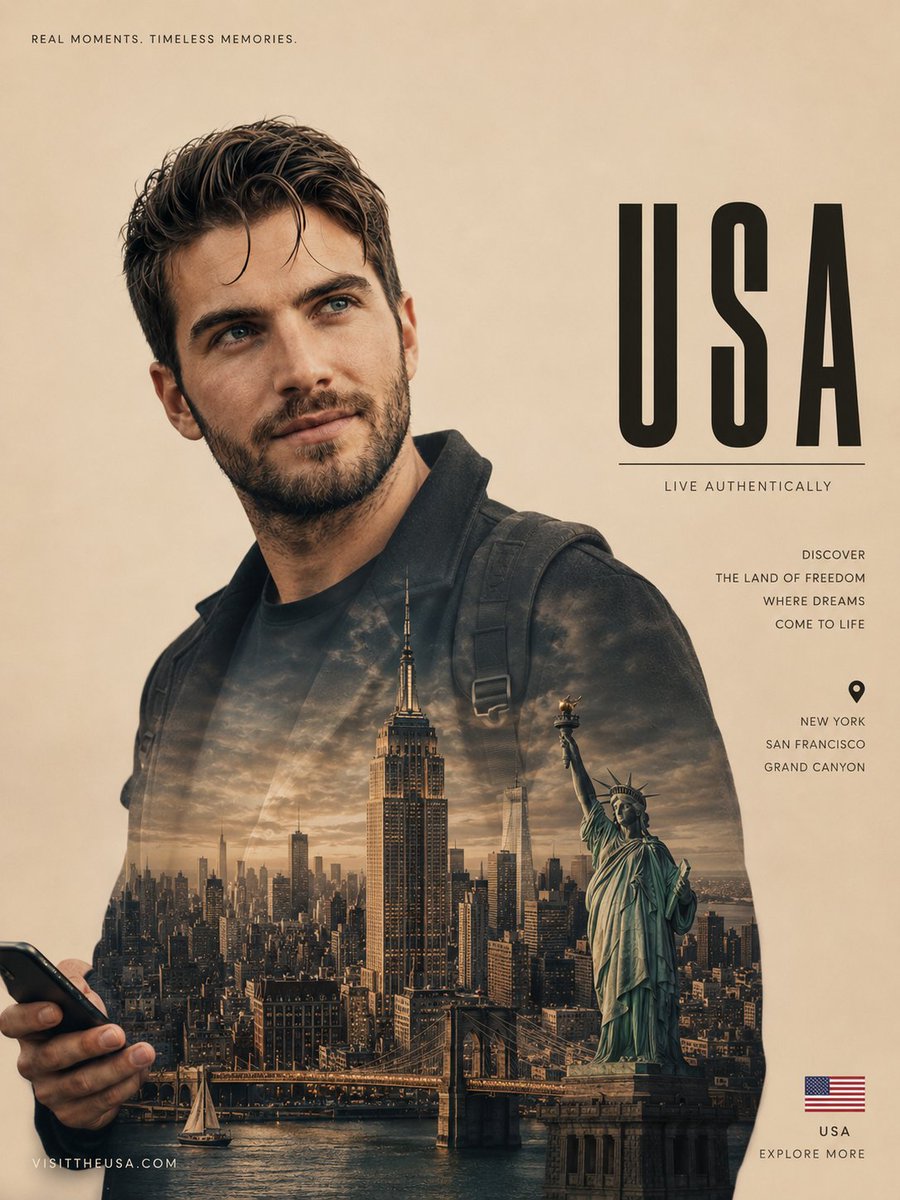
Cinematic Double Exposure Travel Poster
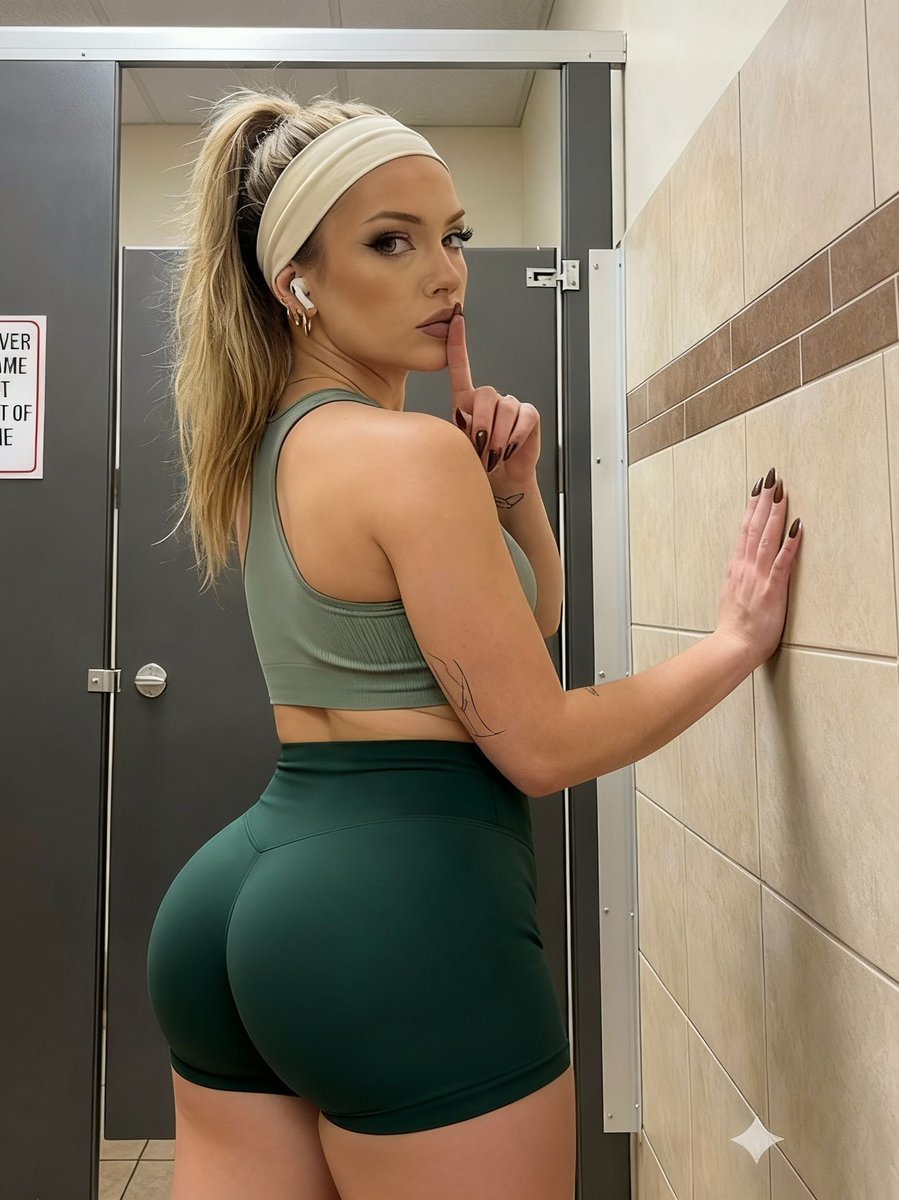
Athletic Portrait in Public Restroom Stall
Browse template categories
Night Train Snapshot questions
How do I use the Night Train Snapshot template?
Add your photo if the template asks for one, edit the prompt if you like — the template's model and format are already selected — and press Generate. Your version opens in PicX Studio.
Can I customize the Night Train Snapshot template?
Yes. You can change the subject, setting, lighting, mood, format, and available model controls before creating your image.
Is the Night Train Snapshot template free?
Opening and editing this template is free. Generating uses credits, shown on the Generate button when you are signed in.
Which AI model should I use?
Start with GPT Image 2, which is the model associated with this template. You can compare another compatible model for a different finish.
Looking for something else? Browse all templates.

Your photo, any look
Thousands of ready templates for every top image and video model, from one credit balance.