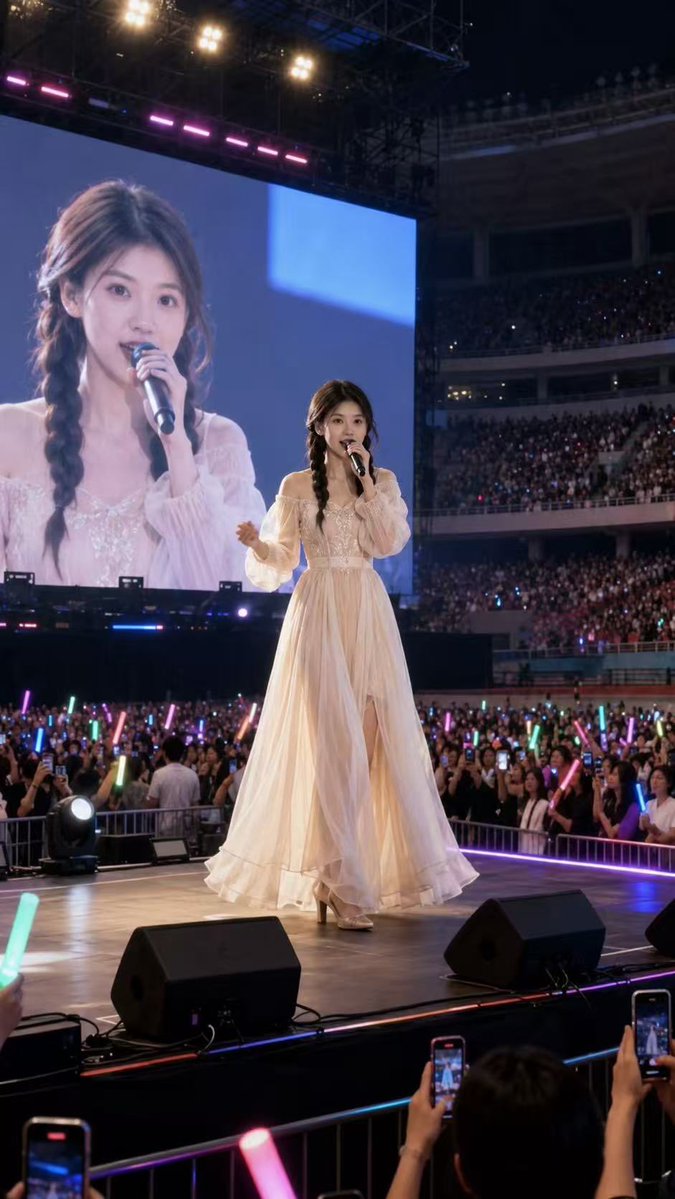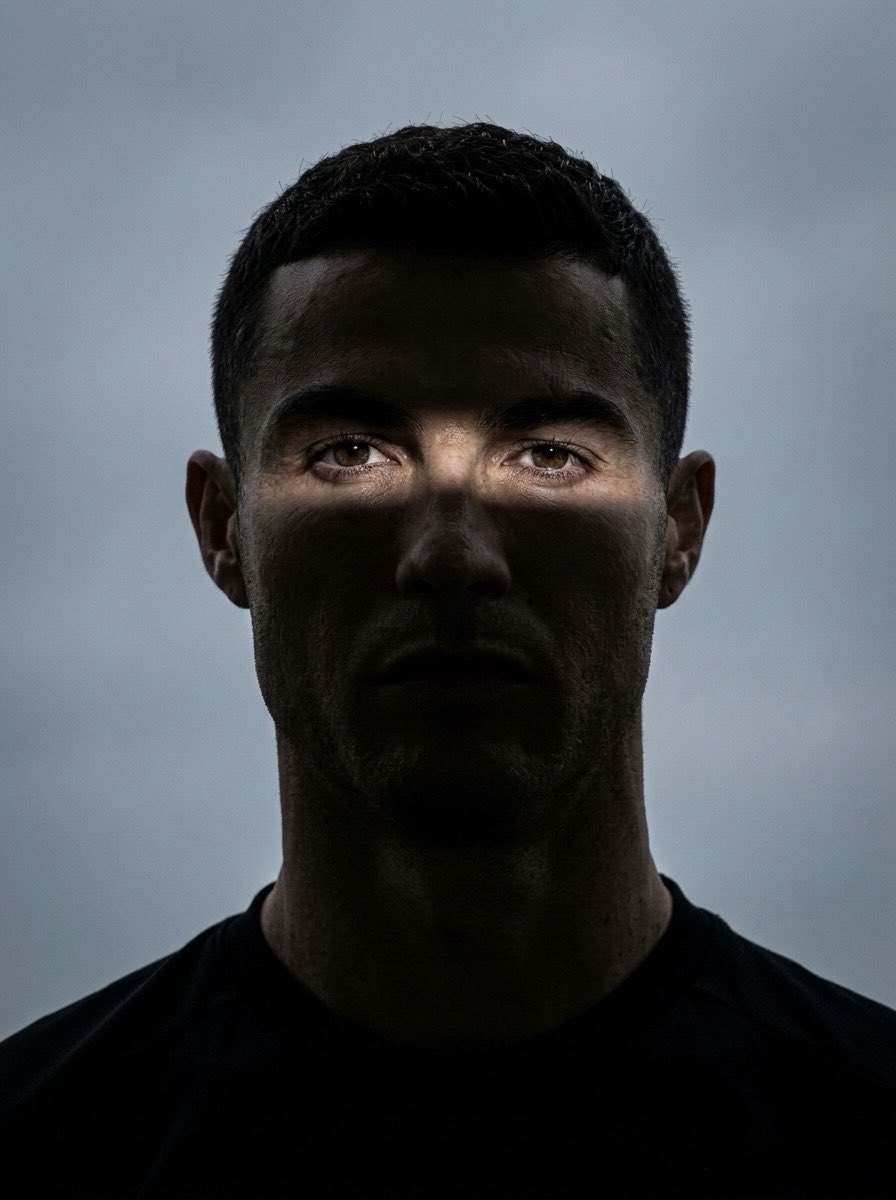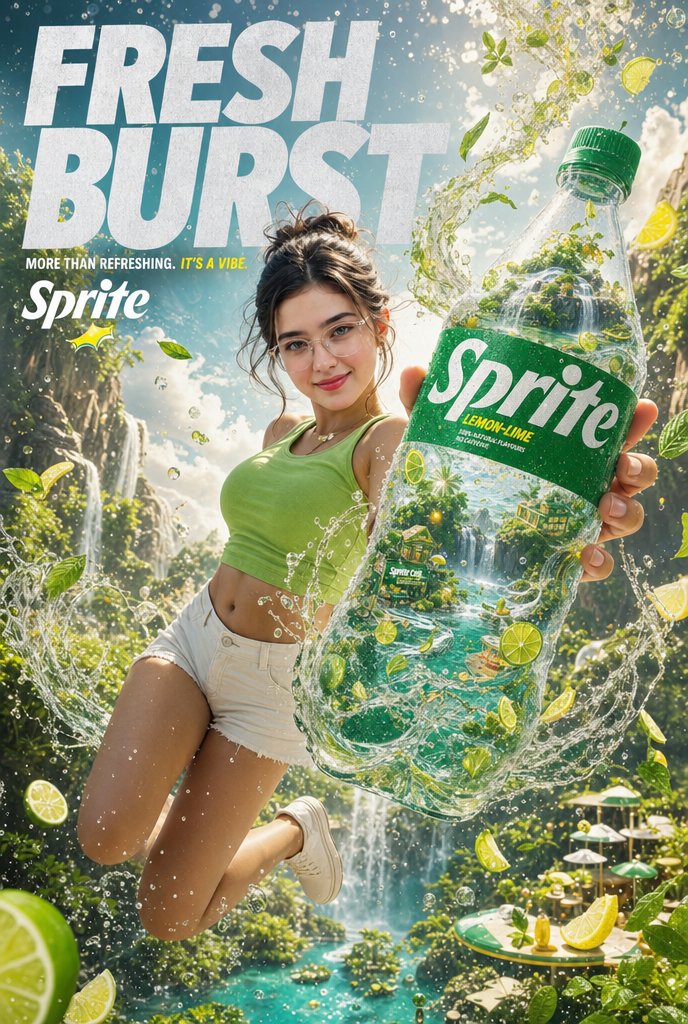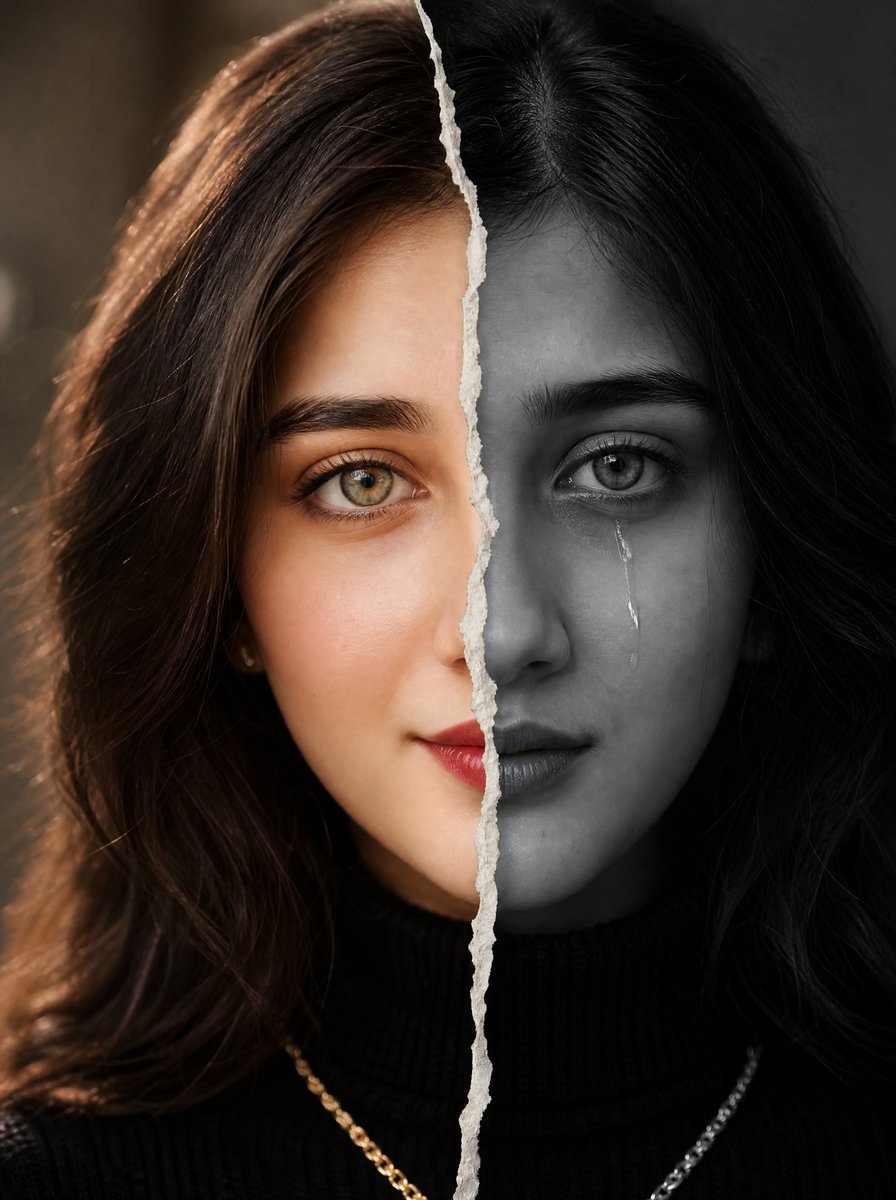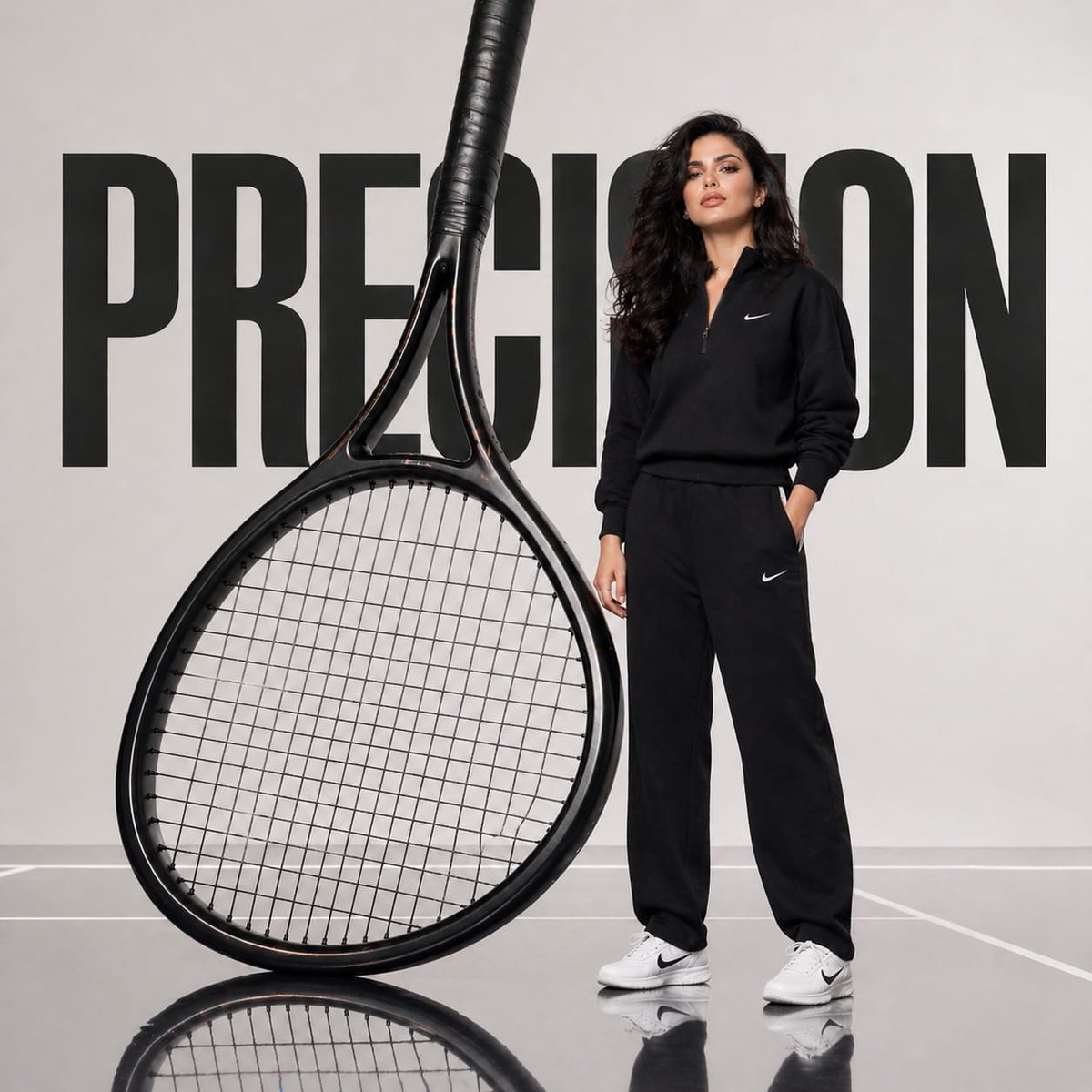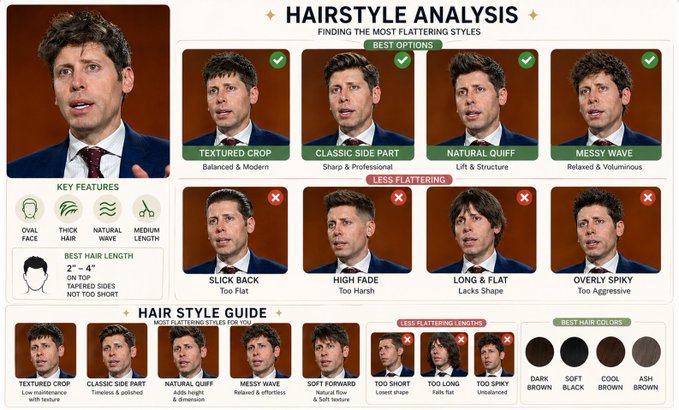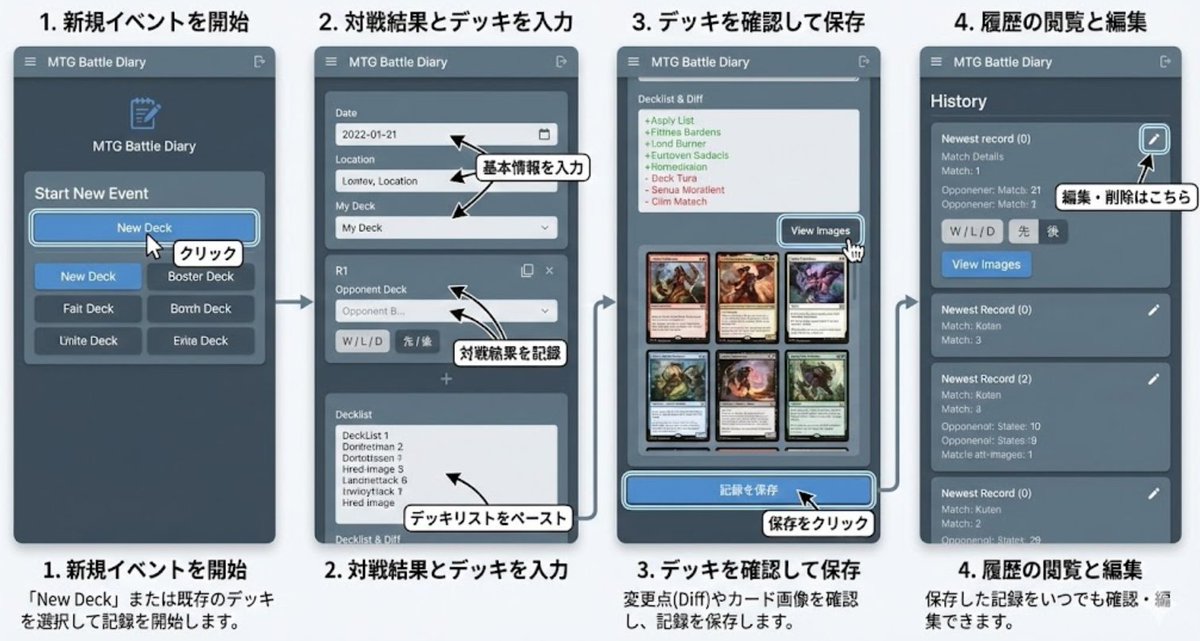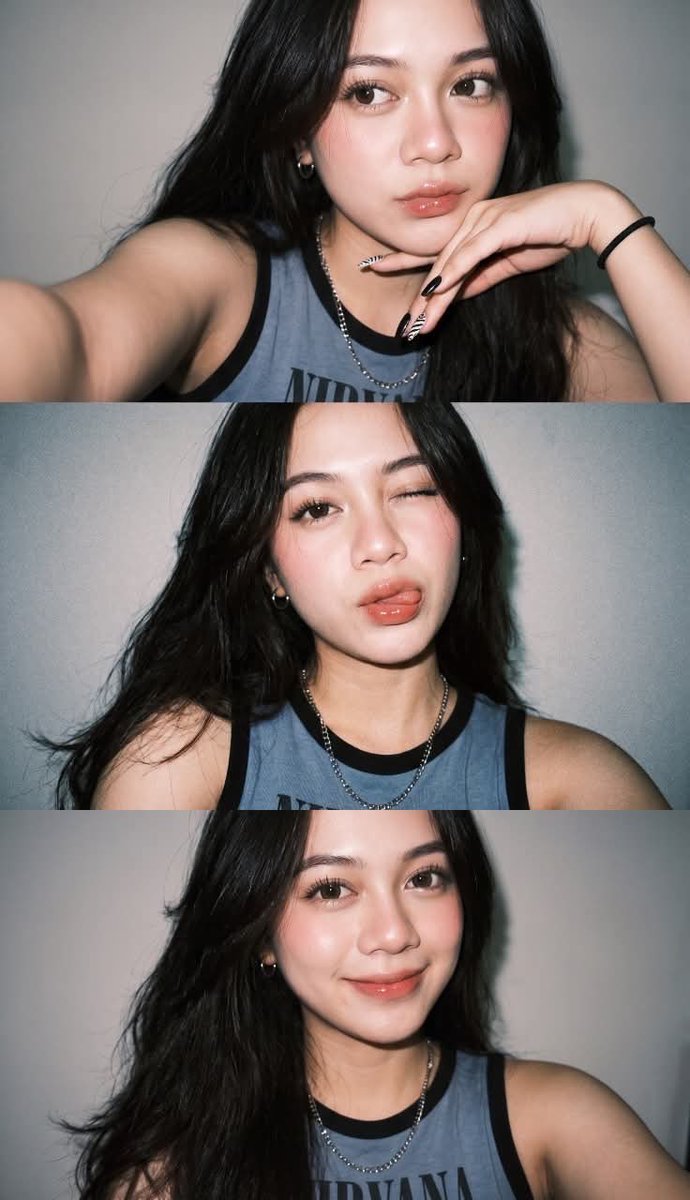
How do I use the Spring Xianxia Pink Hanfu Portrait template?
Choose the primary action to open PicX Studio with the available template settings. Review the model and format, personalize the creative direction, and generate when ready.
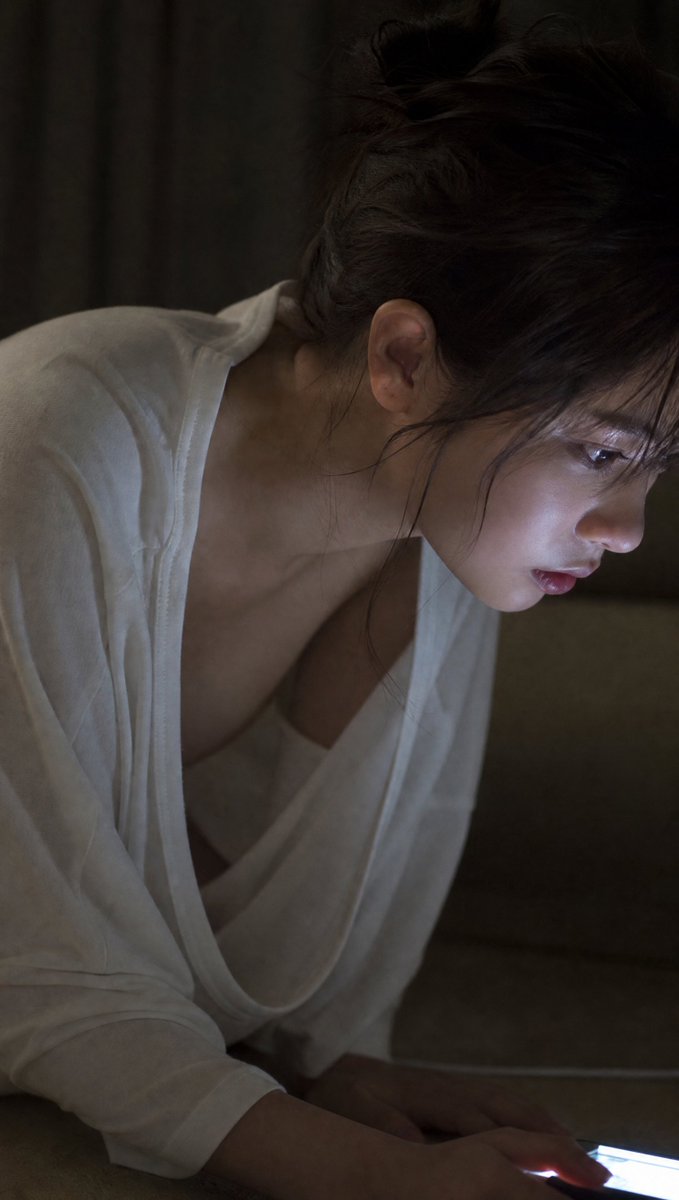
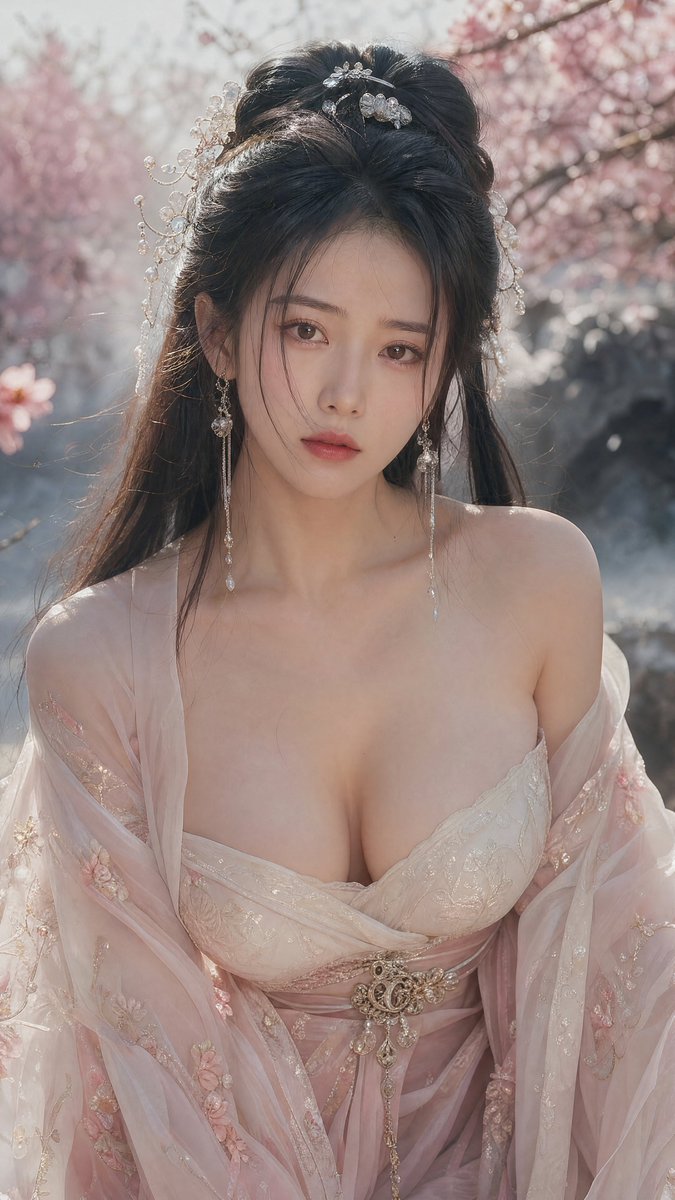
Transforms a moonlit xianxia reference portrait into a bright cherry-blossom garden fashion portrait with a pale pink off-shoulder hanfu. (free to use) — Free AI image template on PicX Studio.
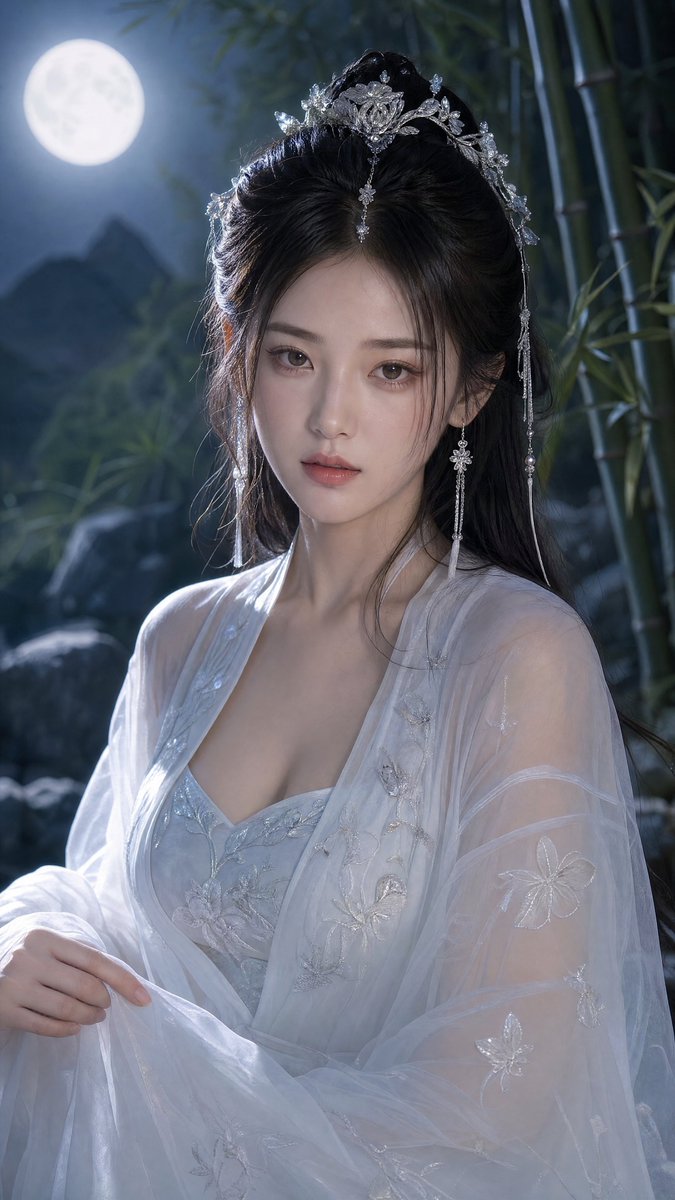
Using the provided reference image as the character and styling base, regenerate the portrait as a high-resolution ancient Chinese xianxia fashion photo in a new setting and outfit. Transformation: Change the scene from moonlit bamboo night to a soft daylight spring garden with pink cherry blossoms, pale mist, and blurred rocks/water in the background. Keep the same vertical close-up portrait framing and elegant fantasy-romance mood, but make the lighting warm, bright, and backlit with soft bokeh. Wardrobe: Replace the white robe with a delicate {argument name="dress color" default="pale pink and ivory"} hanfu-style gown. Make it an off-shoulder, sheer gauze look with embroidered floral details, layered translucent sleeves, a wrapped bodice, and an ornate jeweled belt at the waist. The styling should feel graceful and sensual but still refined. Hair and accessories: Keep the elaborate half-up ancient hairstyle concept, but adapt it with pearl-and-silver floral hairpins, dangling bead ornaments, and long delicate earrings that catch the sunlight. Composition: Create a chest-up portrait, centered, with the subject facing forward in a calm romantic pose. Use shallow depth of field, detailed fabric texture, visible embroidery, luminous skin tones, sparkling jewelry, and cinematic 4K realism. Quality constraints: Photorealistic, ultra-detailed, natural skin and hair detail, no text, no watermark, no extra people, no modern objects.
Spring Xianxia Pink Hanfu Portrait needs input media to work. Open it in the studio and these load alongside the prompt — pick whichever ones your chosen model can take.
Use Spring Xianxia Pink Hanfu Portrait to plan an AI image around gpt-image-2 generation, themes such as en and gpt-image-2. Match the preview's composition first, then personalize the subject, setting, and mood for your own project.
Use the primary action to load the template settings in PicX Studio.
Adjust the subject and creative details for your destination.
Create the image, compare the result with the preview, and refine one variable at a time.
A continuous mix — similar concepts first, woven with same-model prompts and fresh picks from the catalog.
Choose the primary action to open PicX Studio with the available template settings. Review the model and format, personalize the creative direction, and generate when ready.
Yes. You can change the subject, setting, lighting, mood, format, and available model controls before creating your image.
This template is free to open and customize. Generation usage is shown in PicX Studio before you create.
Start with gpt-image-2, which is the model associated with this template. You can compare another compatible model for a different finish.
Follow a topic to a crawlable collection of related PicX Studio templates.
39,157 public templates available. Verified via the PicX Studio public templates API; refreshed hourly.
A continuous mix — similar concepts first, woven with same-model prompts and fresh picks from the catalog.