How do I use the Rainlit Runway Aesthetic template?
Edit the prompt in the box under the preview — the template's model and format are already selected — and press Generate. Your version appears right on this page.
Rainlit Runway Aesthetic is a ready photo look.

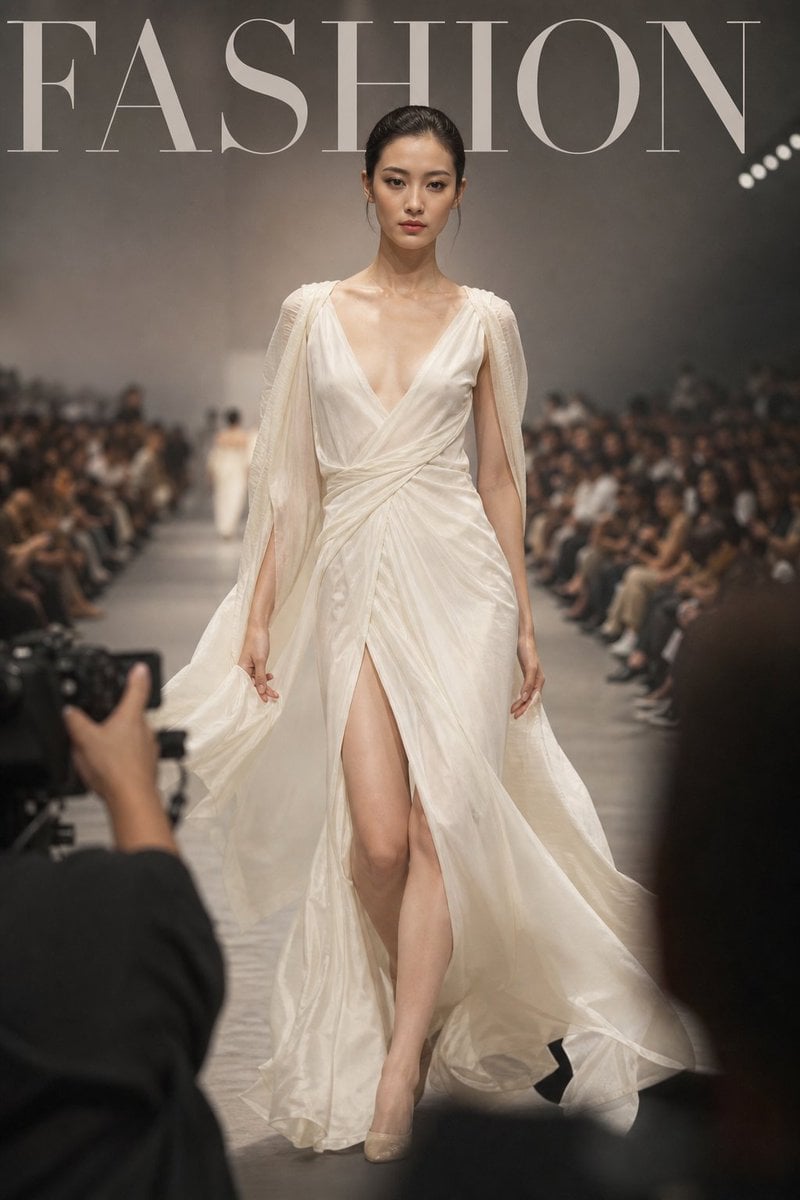
(masterpiece, best quality, ultra-realistic:1.2), high angle view, top-down perspective, 1 female, fashion model, sharp features, textured skin, unpolished skin, visible texture, stray hairs, intense expression. (Attire & Pose) wearing a cream-colored structured blazer coat, silver necklace, dark fitted jeans, ankle boots, carrying a leather clutch bag, mid-stride pose, head tilted up slightly, wind blowing through hair, vogue editorial vibe. (Environment - Kept) dark tiled pavement, rain-soaked ground, glossy reflections on the floor, dark moody surroundings, dim street lights. (Photography) fashion magazine aesthetics, dramatic lighting, soft shadows, cinematic composition, blurry foreground elements framing the shot, f/2.8, ISO 800, highly detailed, color grading, realistic photography.
(masterpiece, best quality, ultra-realistic:1.2), high angle view, top-down perspective, 1 female, fashion model, sharp features, textured skin, unpolished skin, visible texture, stray hairs, intense expression. (Attire & Pose) wearing a cream-colored structured blazer coat, silver necklace, dark fitted jeans, ankle boots, carrying a leather clutch bag, mid-stride pose, head tilted up slightly, wind blowing through hair, vogue editorial vibe. (Environment - Kept) dark tiled pavement, rain-soaked ground, glossy reflections on the floor, dark moody surroundings, dim street lights. (Photography) fashion magazine aesthetics, dramatic lighting, soft shadows, cinematic composition, blurry foreground elements framing the shot, f/2.8, ISO 800, highly detailed, color grading, realistic photography.
Edit the prompt in the box under the preview — the template's model and format are already selected — and press Generate. Your version appears right on this page.
Yes. You can change the subject, setting, lighting, mood, format, and available model controls before creating your image.
Opening and editing this template is free. Generating uses credits, shown on the Generate button when you are signed in.
Choose a compatible model in PicX Studio based on the style, speed, and output controls your project needs.
Follow a topic to a crawlable collection of related PicX Studio templates.