How do I use the Algeria Travel Poster Graphic Collage template?
Edit the prompt in the box under the preview — the template's model and format are already selected — and press Generate. Your version appears right on this page.
Curated from MeiGen gallery (ID: 2048057470812074251) by Ayyoub Ai.

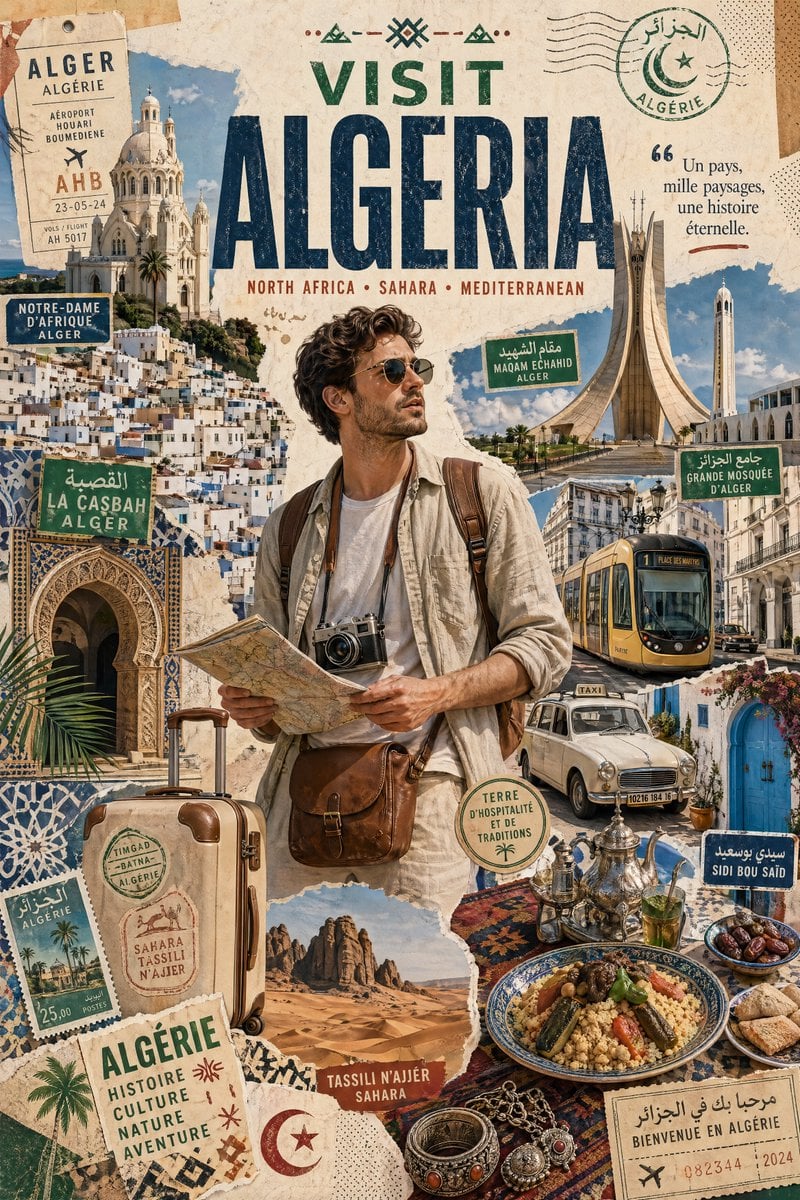
Create a stylized travel poster / graphic collage for [ALGERIA]. The main subject should be a stylish international tourist visiting [ALGERIA], clearly presented as a traveler and not a local resident. Show the tourist wearing modern travel fashion, with details such as a camera, backpack, sunglasses, map, or suitcase, exploring the culture and atmosphere of [ALGERIA]. Place the tourist in a dynamic composition surrounded by iconic architecture, streets, landscapes, landmarks, transportation, food, signage, and cultural elements associated with [ALGERIA]. Blend realistic character detail with a graphic collage background made of layered paper textures, torn poster edges, sticker elements, halftone dots, editorial typography, and bold geometric shapes. Include authentic visual motifs from [ALGERIA], but keep the tourist's appearance and styling globally fashionable and clearly foreign to the setting. Add a large readable headline: "VISIT [ALGERIA]". Modern, artistic, premium editorial travel poster aesthetic, balanced layout, print-worthy composition.
Create a stylized travel poster / graphic collage for [ALGERIA]. The main subject should be a stylish international tourist visiting [ALGERIA], clearly presented as a traveler and not a local resident. Show the tourist wearing modern travel fashion, with details such as a camera, backpack, sunglasses, map, or suitcase, exploring the culture and atmosphere of [ALGERIA]. Place the tourist in a dynamic composition surrounded by iconic architecture, streets, landscapes, landmarks, transportation, food, signage, and cultural elements associated with [ALGERIA]. Blend realistic character detail with a graphic collage background made of layered paper textures, torn poster edges, sticker elements, halftone dots, editorial typography, and bold geometric shapes. Include authentic visual motifs from [ALGERIA], but keep the tourist's appearance and styling globally fashionable and clearly foreign to the setting. Add a large readable headline: "VISIT [ALGERIA]". Modern, artistic, premium editorial travel poster aesthetic, balanced layout, print-worthy composition.
Edit the prompt in the box under the preview — the template's model and format are already selected — and press Generate. Your version appears right on this page.
Yes. You can change the subject, setting, lighting, mood, format, and available model controls before creating your image.
Opening and editing this template is free. Generating uses credits, shown on the Generate button when you are signed in.
Choose a compatible model in PicX Studio based on the style, speed, and output controls your project needs.
Follow a topic to a crawlable collection of related PicX Studio templates.