How do I use the Realistic Woman at Japanese Bus Stop template?
Choose the primary action to open PicX Studio with the available template settings. Review the model and format, personalize the creative direction, and generate when ready.
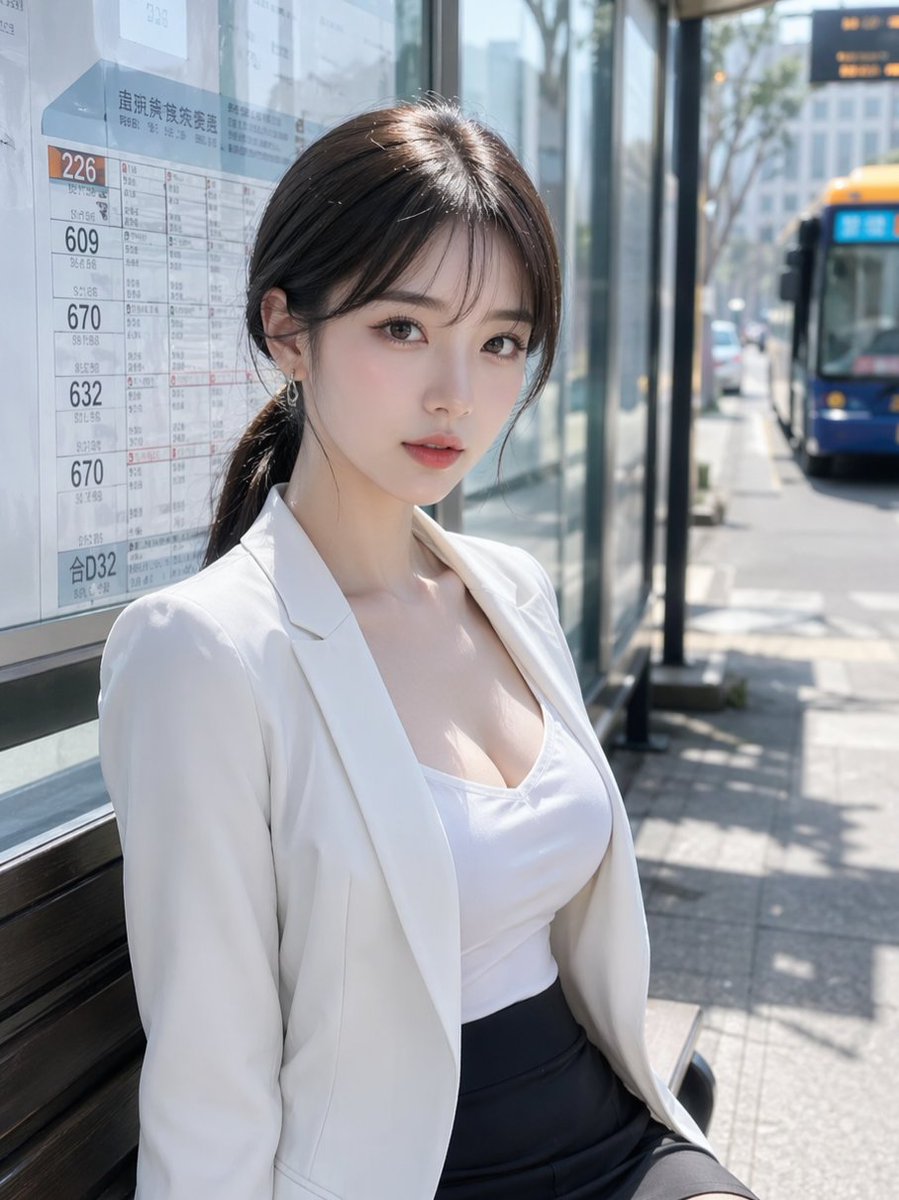
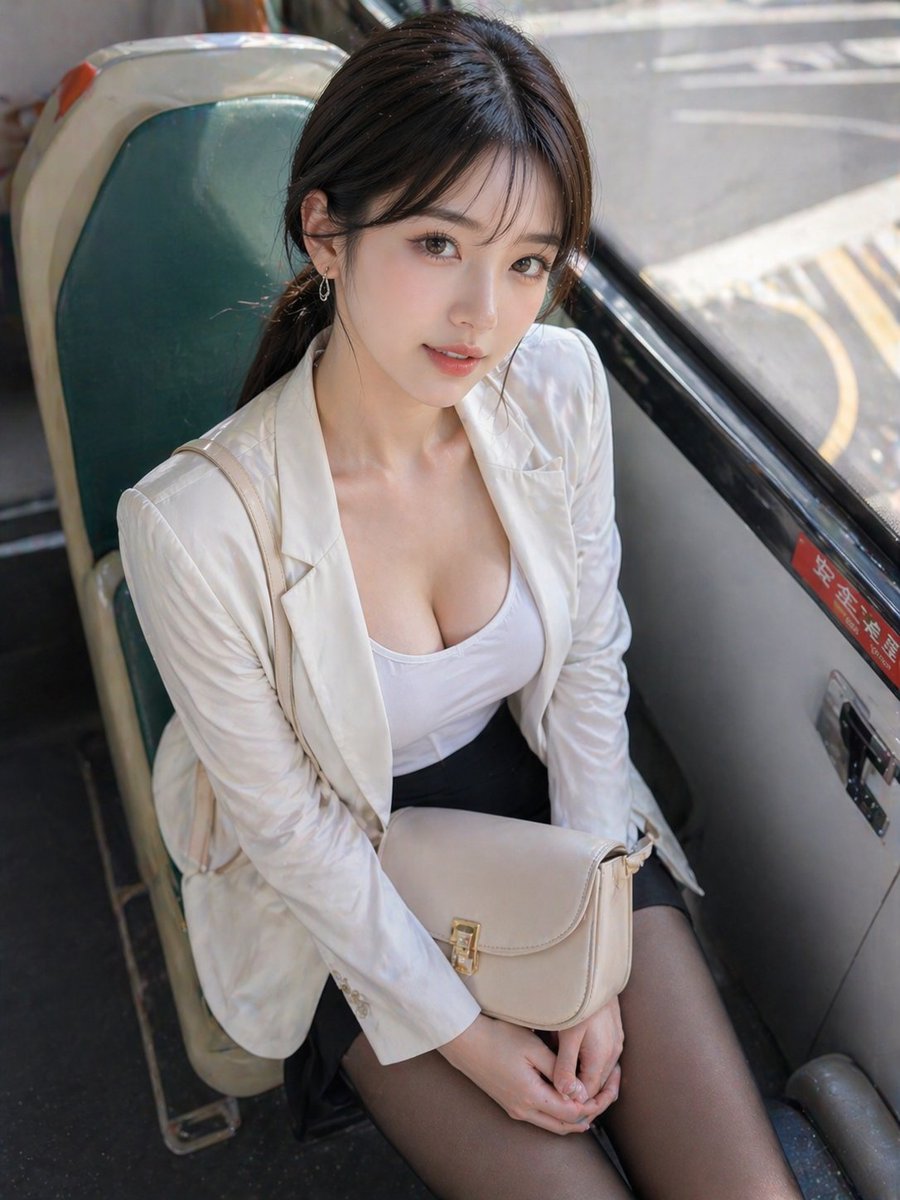
This prompt generates a realistic vertical street portrait of a stylish young woman seated at a sunlit Japanese bus stop, suitable for lifestyle, fashion, or urban commuting imagery. (free to use) — Free AI image template on PicX Studio.
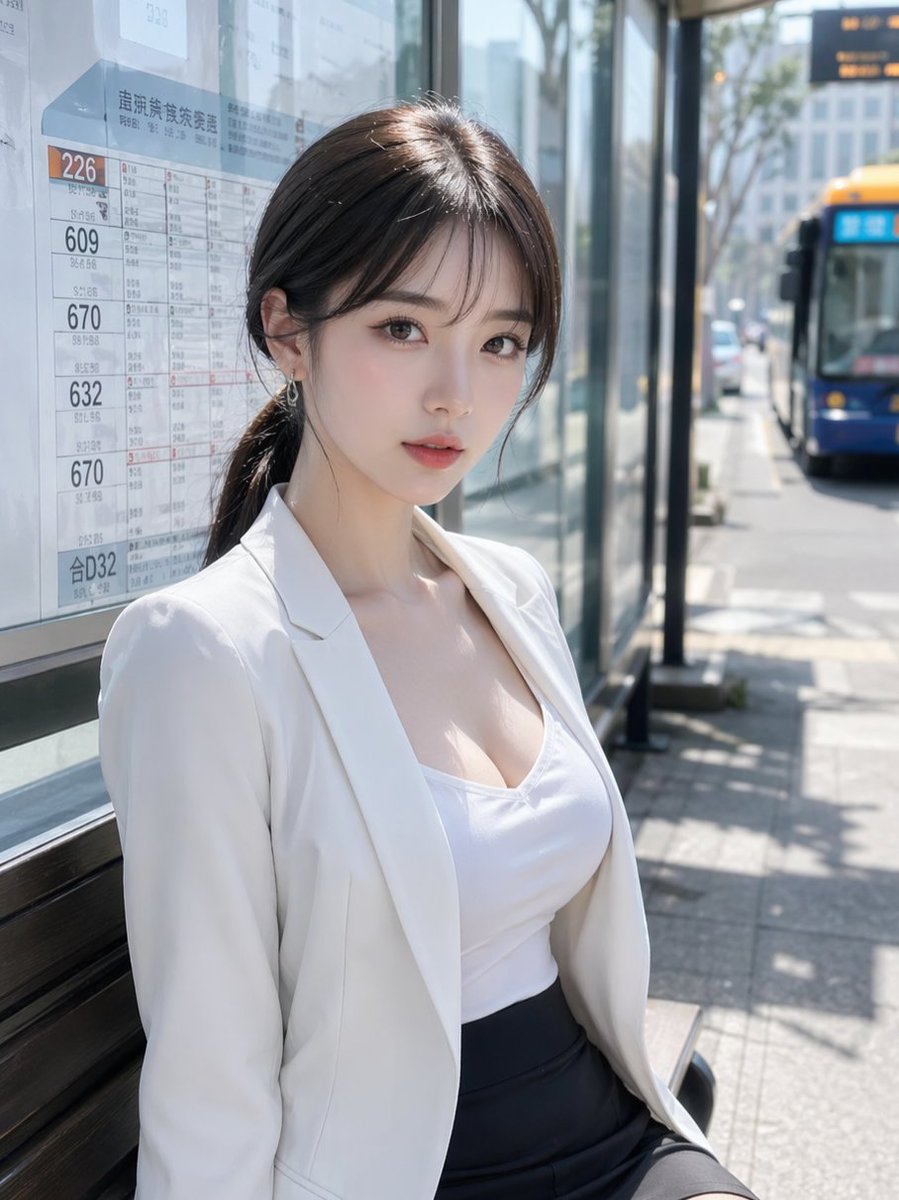
A realistic candid street photo of a young East Asian woman sitting at a glass-walled bus stop on a bright sunny day in Japan, framed as a vertical portrait from mid-thigh up. She has dark brown hair tied back in a low ponytail with soft side bangs and wears small dangling earrings, a fitted white camisole or tank top under a white blazer, and a high-waisted dark navy or black pencil skirt. Her posture is relaxed, seated slightly angled toward the camera with one shoulder closer, giving a polished office-worker look. Behind her on the left is a bus route timetable board filled with Japanese text and route numbers, including visible numbers like 226, 609, 670, 632, and 合D32. On the right side in the background, a blue city bus with a yellow roof is approaching or stopped along the curb, softly out of focus. The bus shelter has reflective glass panels, metal framing, and a bench, with a sunlit sidewalk, tree shadows, and urban buildings in the distance. Use natural midday lighting with crisp highlights and soft shadows, shallow depth of field, realistic skin and fabric textures, clean commercial photography style, high detail, DSLR-like bokeh. Replace the obscured face area with a natural, fully visible face of an attractive adult woman, keeping the expression calm and neutral. Use {argument name="outfit color" default="white blazer with white top and dark skirt"}, {argument name="hair color" default="dark brown"}, {argument name="location" default="Japanese urban bus stop"}, and {argument name="bus color" default="blue with a yellow roof"}.
Use Realistic Woman at Japanese Bus Stop to plan an AI image around gpt-image-2 generation, themes such as en and gpt-image-2. Match the preview's composition first, then personalize the subject, setting, and mood for your own project.
Use the primary action to load the template settings in PicX Studio.
Adjust the subject and creative details for your destination.
Create the image, compare the result with the preview, and refine one variable at a time.
A continuous mix — similar concepts first, woven with same-model prompts and fresh picks from the catalog.
Choose the primary action to open PicX Studio with the available template settings. Review the model and format, personalize the creative direction, and generate when ready.
Yes. You can change the subject, setting, lighting, mood, format, and available model controls before creating your image.
This template is free to open and customize. Generation usage is shown in PicX Studio before you create.
Start with gpt-image-2, which is the model associated with this template. You can compare another compatible model for a different finish.
Follow a topic to a crawlable collection of related PicX Studio templates.
39,157 public templates available. Verified via the PicX Studio public templates API; refreshed hourly.
A continuous mix — similar concepts first, woven with same-model prompts and fresh picks from the catalog.