

How do I use the Professional Football Media Posters template?
Choose the primary action to open PicX Studio with the available template settings. Review the model and format, personalize the creative direction, and generate when ready.
A set of prompts for creating high-resolution sports announcement and transfer posters, featuring specific club branding and athlete poses. (free to use) — Free AI image template on PicX Studio.
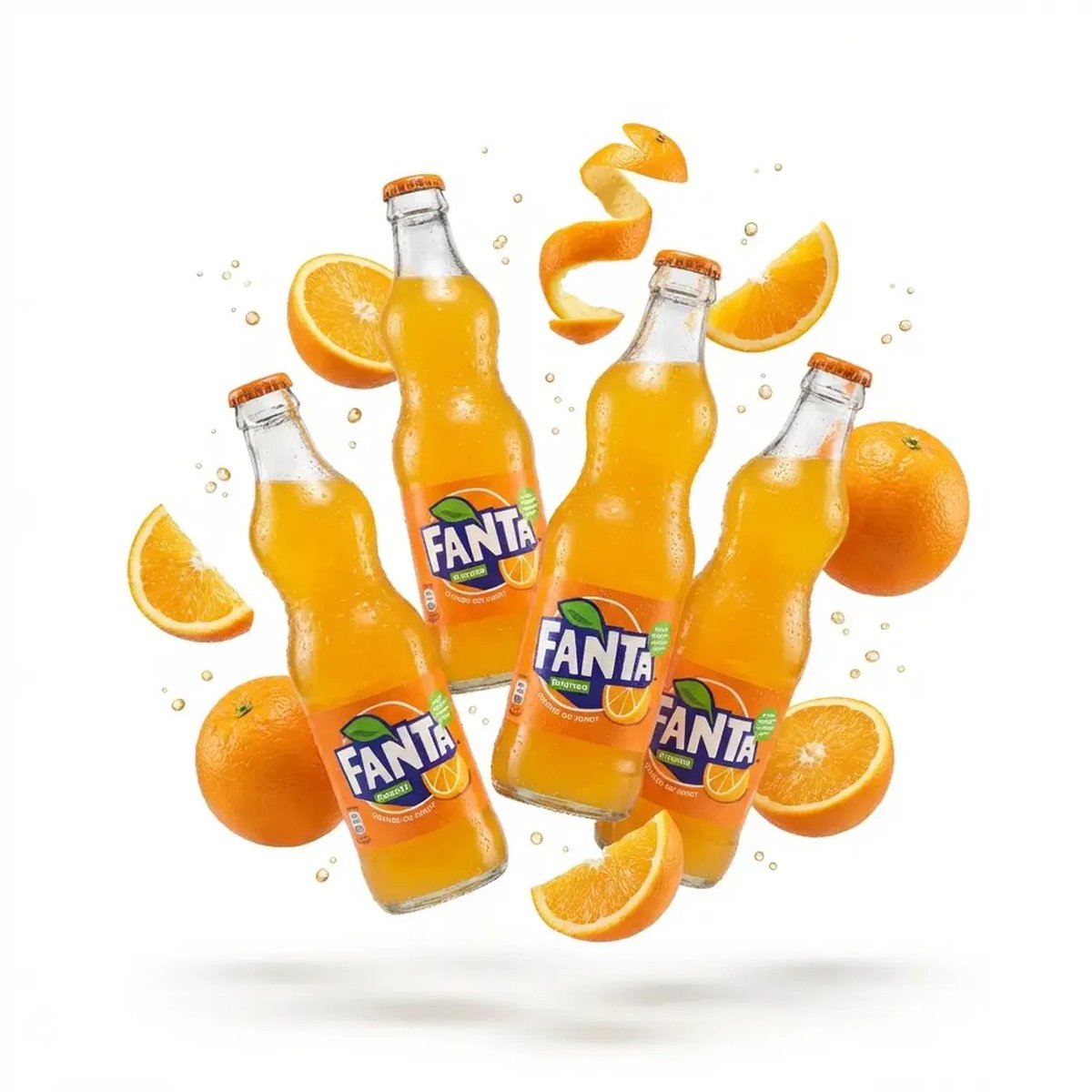
Ultra-realistic sports announcement poster of a {argument name="subject" default="confident blonde female model"} wearing a {argument name="jersey" default="white Real Madrid jersey"}, pointing at the club badge on her chest. Clean studio lighting, soft shadows, sharp facial details, natural makeup, slightly tilted chin pose. Background features a faded stadium with crowd and subtle golden tones. Large bold typography on the left reading “{argument name="text" default="WELCOME TO REAL MADRID"}” with modern sans-serif font, minimal layout, white and gold color palette. Add club logo at top, subtle signature text, and cinematic depth of field, 8K resolution, professional sports branding aesthetic.\n⸻\nDramatic cinematic football transfer poster of {argument name="player" default="Cristiano Ronaldo"} wearing a {argument name="team jersey" default="red América de Cali jersey"}, looking upward with intense expression, hand pointing at club crest. Highly detailed skin texture, sharp lighting with strong highlights and shadows. Background filled with a massive stadium crowd, red flares, smoke, and waving flags creating a powerful atmosphere. Include large bold typography “{argument name="transfer text" default="RONALDO #7"}” in distressed font behind him, glowing red tones, high contrast, cinematic grading. Add club badge, sponsor logos, and dramatic lighting effects, 8K ultra-detailed, epic sports poster composition.
Use Professional Football Media Posters to plan an AI image around gpt-image-2 generation, themes such as en and gpt-image-2. Match the preview's composition first, then personalize the subject, setting, and mood for your own project.
Use the primary action to load the template settings in PicX Studio.
Adjust the subject and creative details for your destination.
Create the image, compare the result with the preview, and refine one variable at a time.
A continuous mix — similar concepts first, woven with same-model prompts and fresh picks from the catalog.
Choose the primary action to open PicX Studio with the available template settings. Review the model and format, personalize the creative direction, and generate when ready.
Yes. You can change the subject, setting, lighting, mood, format, and available model controls before creating your image.
This template is free to open and customize. Generation usage is shown in PicX Studio before you create.
Start with gpt-image-2, which is the model associated with this template. You can compare another compatible model for a different finish.
Follow a topic to a crawlable collection of related PicX Studio templates.
39,157 public templates available. Verified via the PicX Studio public templates API; refreshed hourly.
A continuous mix — similar concepts first, woven with same-model prompts and fresh picks from the catalog.