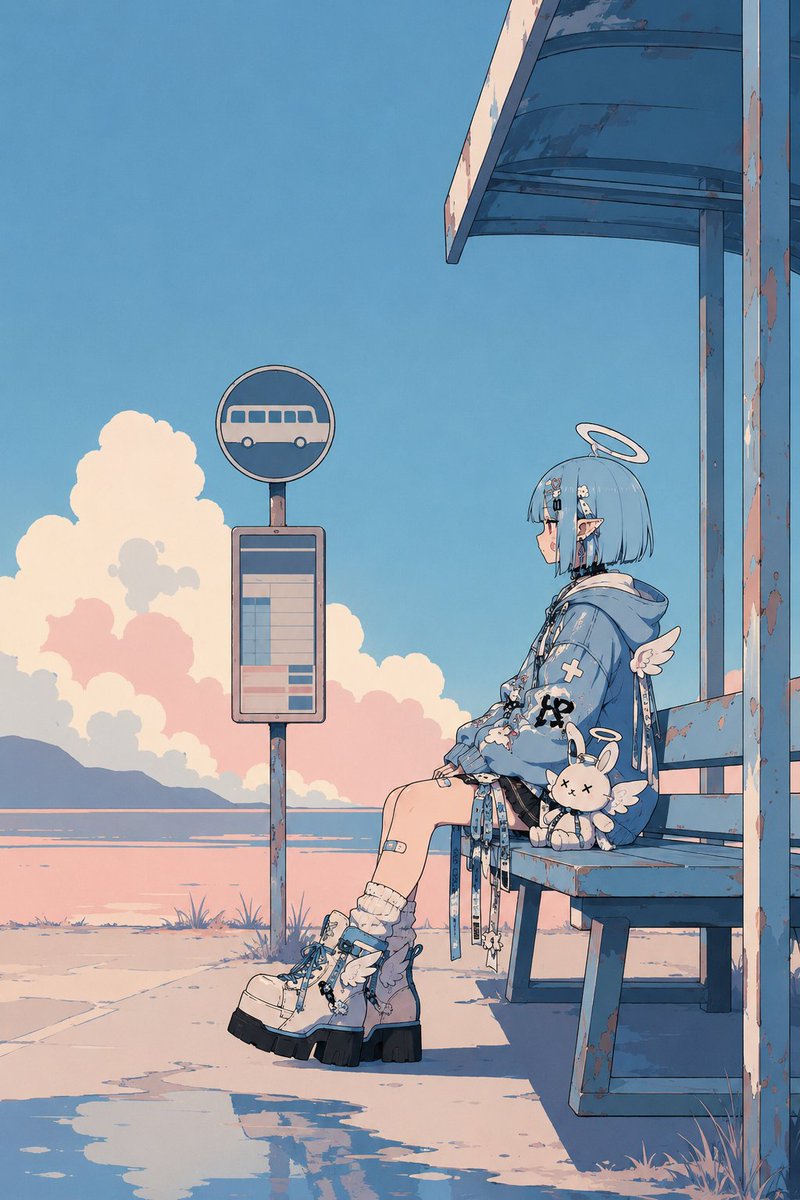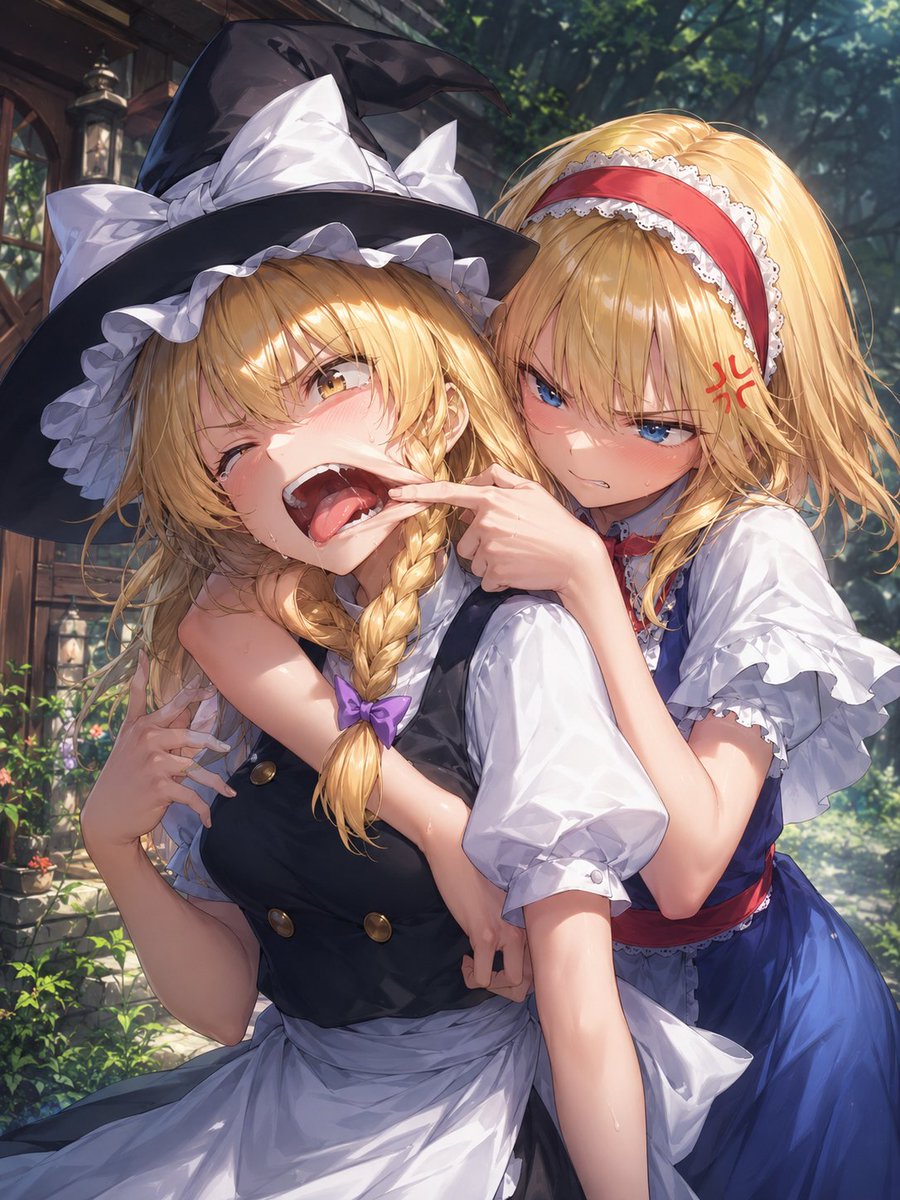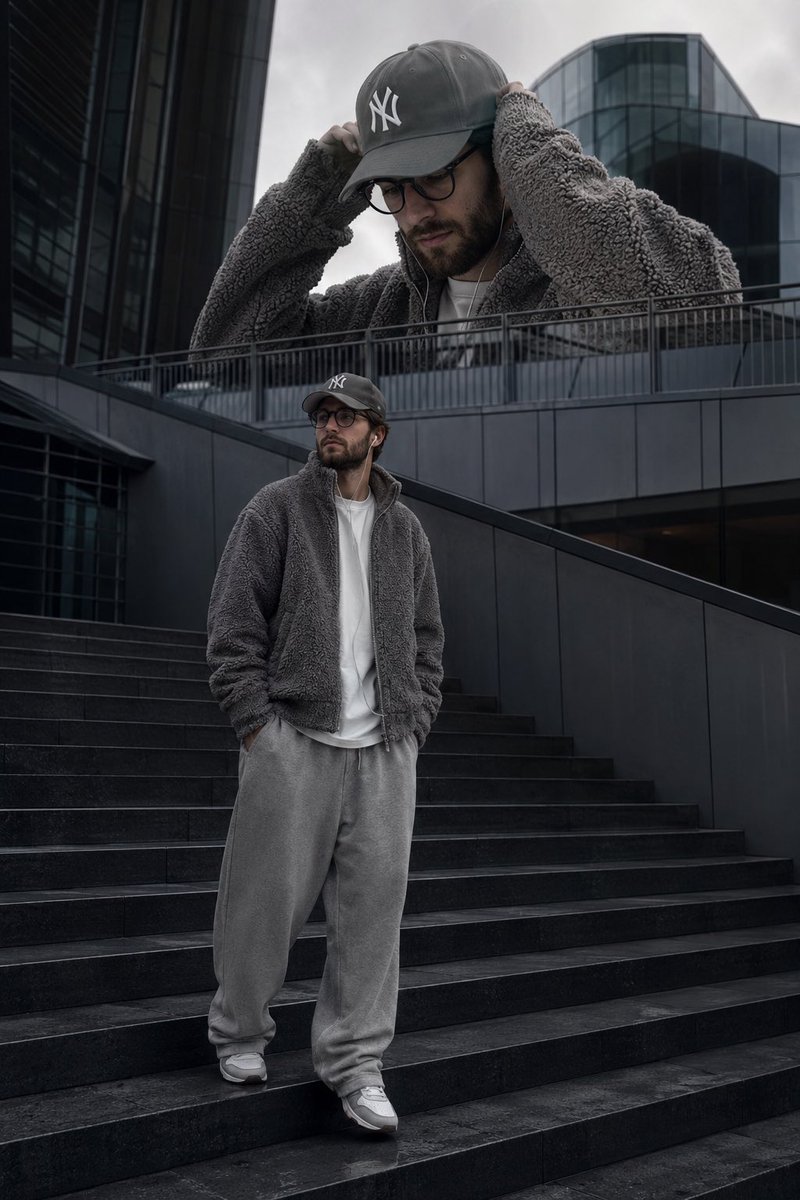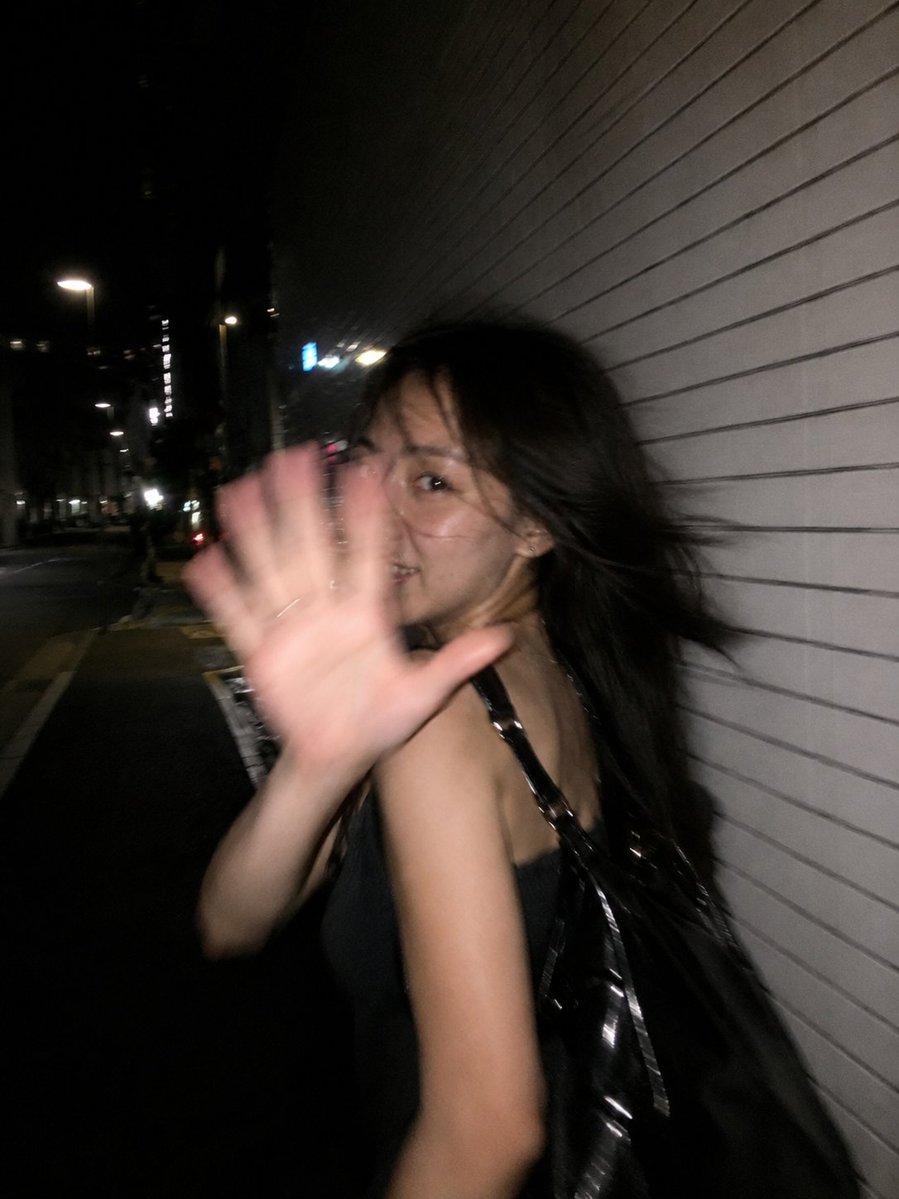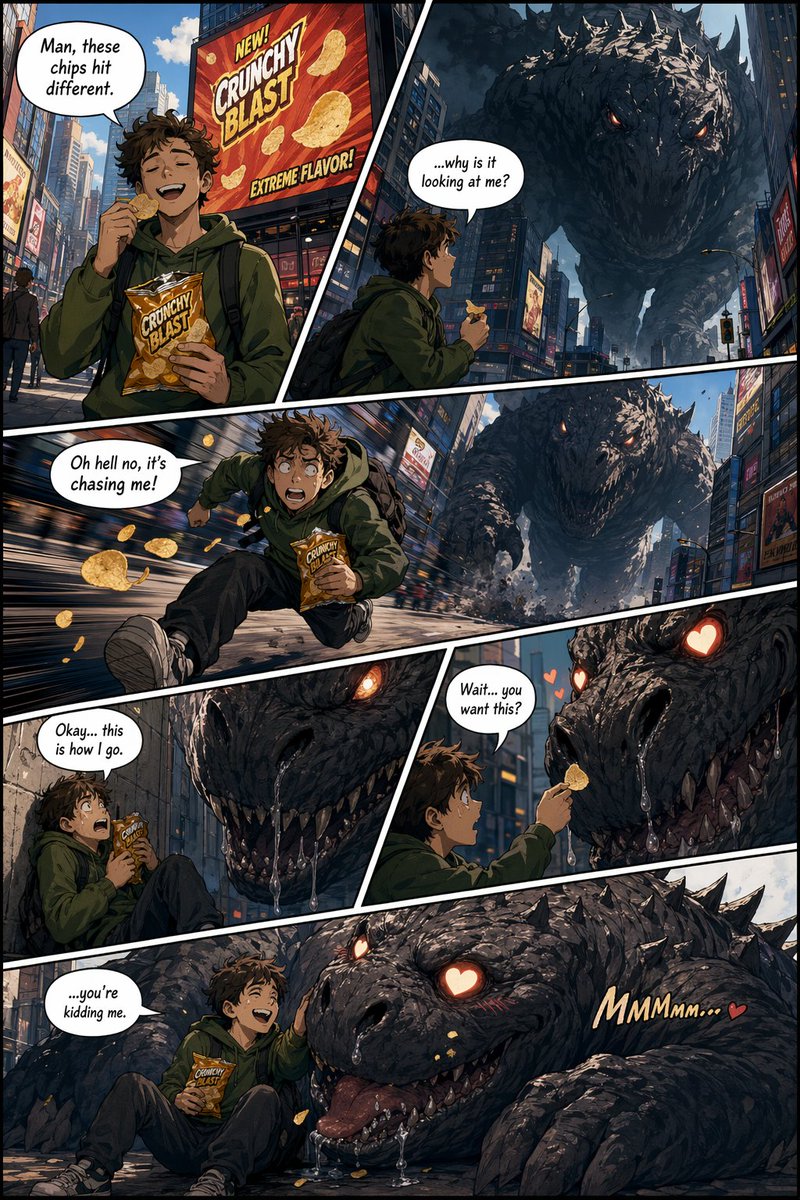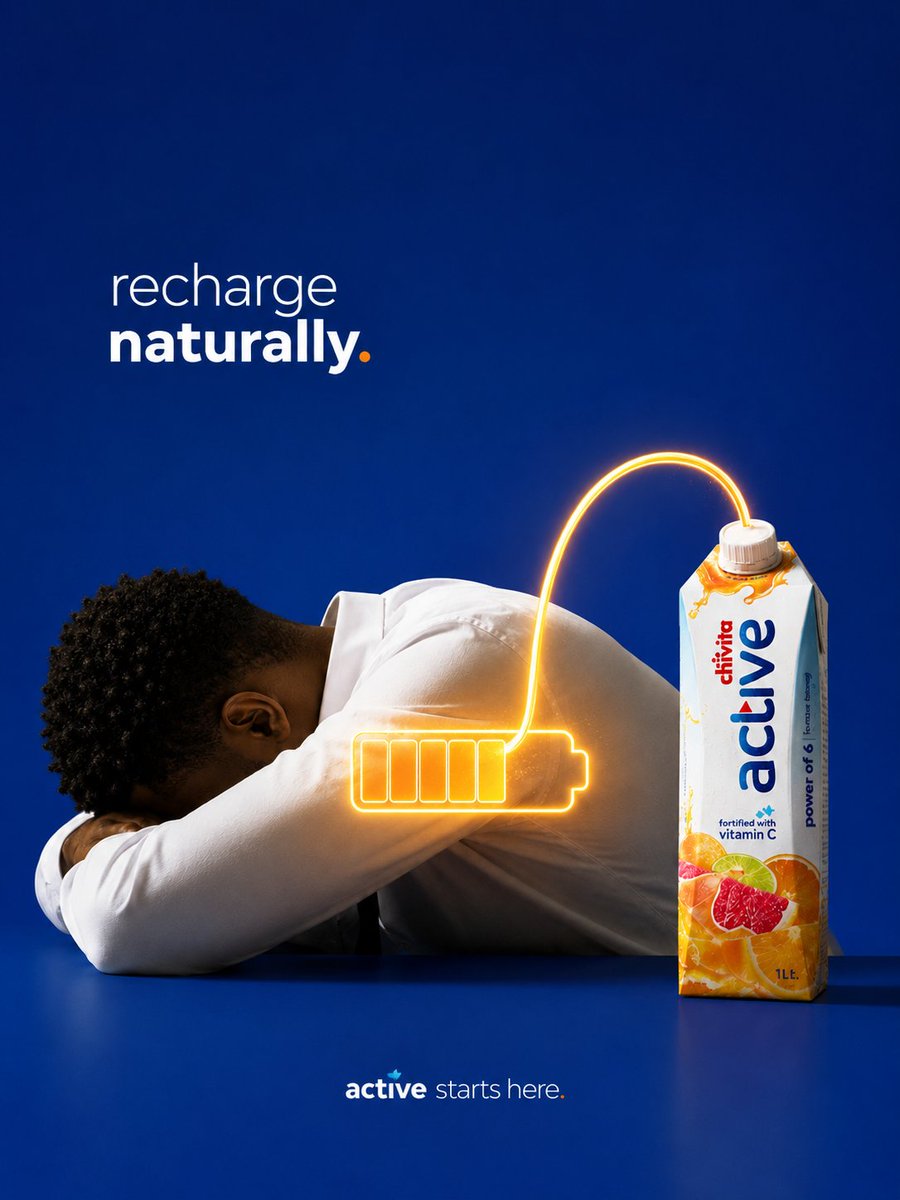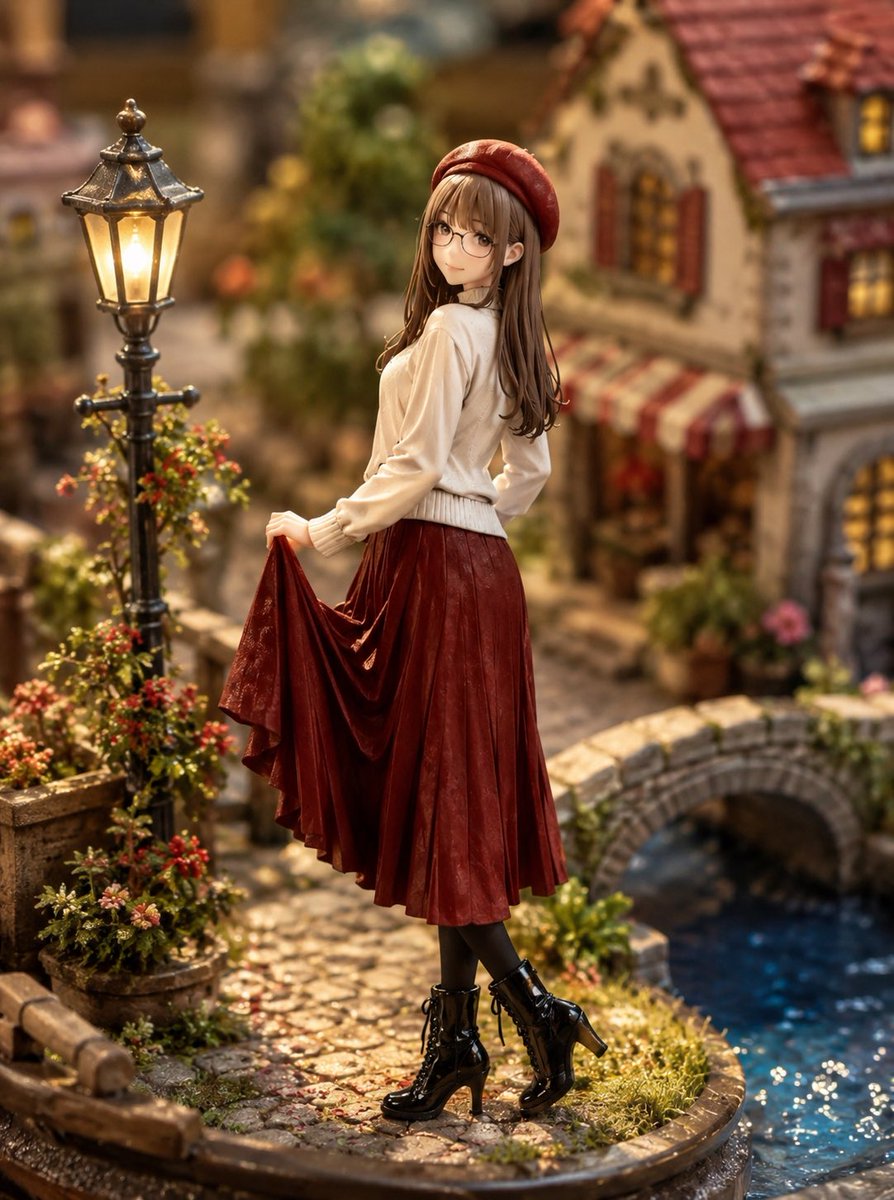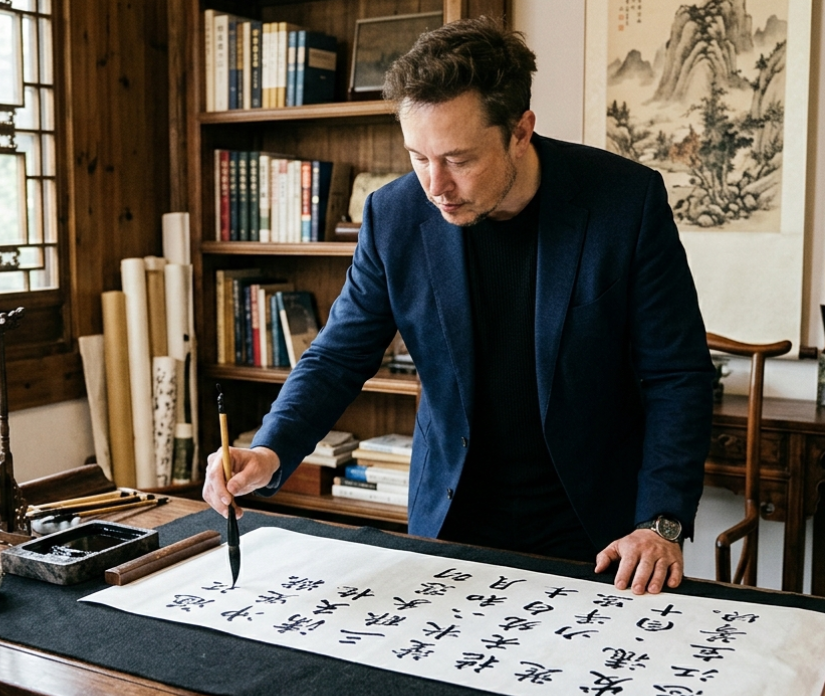
How do I use the Pixar Style 3D Character Design template?
Choose the primary action to open PicX Studio with the available template settings. Review the model and format, personalize the creative direction, and generate when ready.
A highly detailed JSON-structured prompt for creating Pixar-style 3D characters with exaggerated proportions and studio lighting. (free to use) — Free AI image template on PicX Studio.
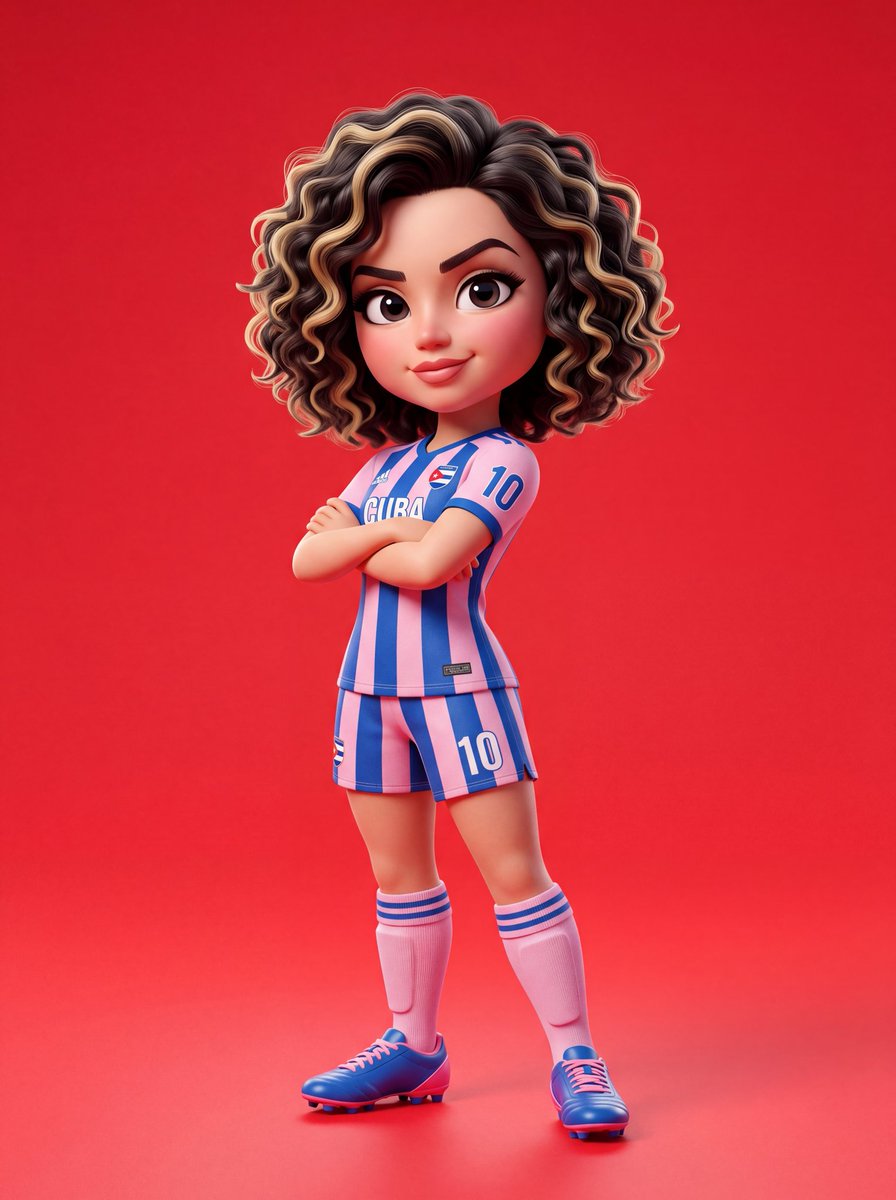
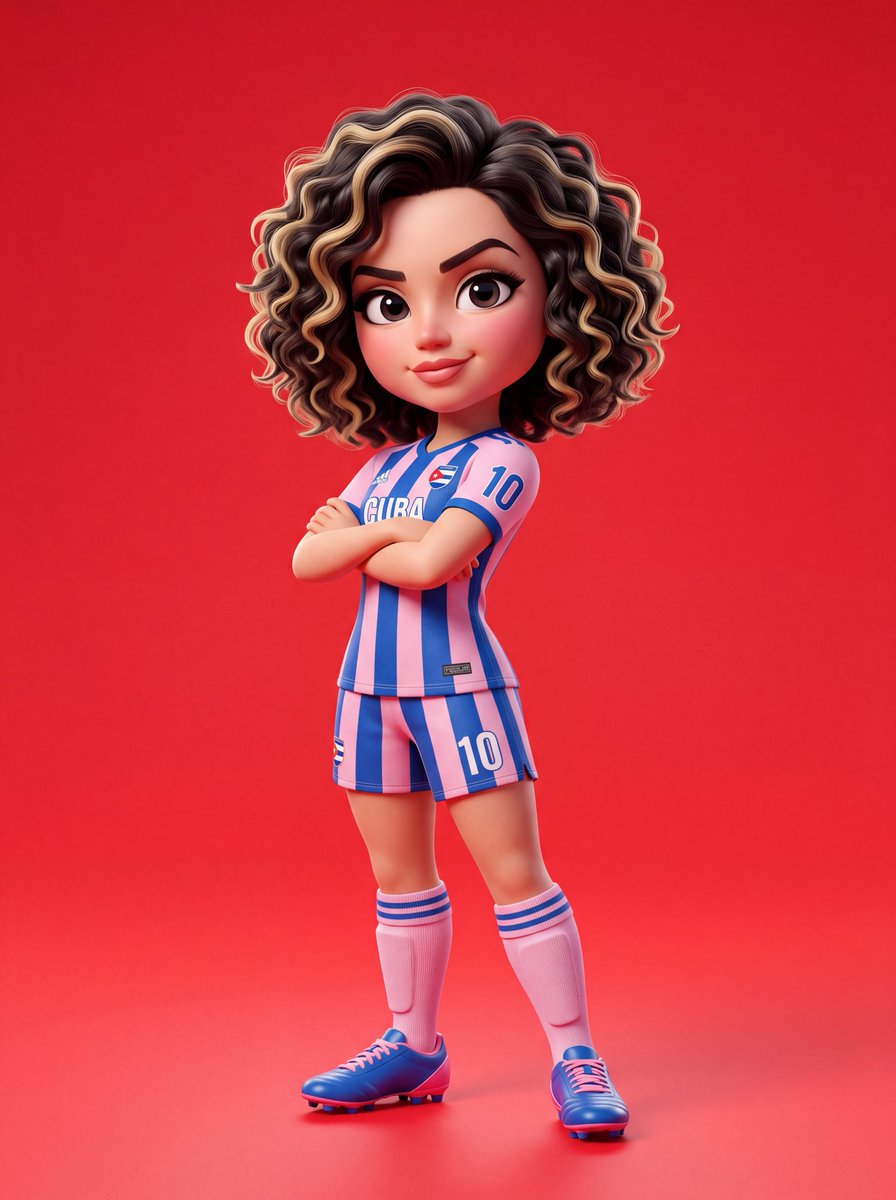
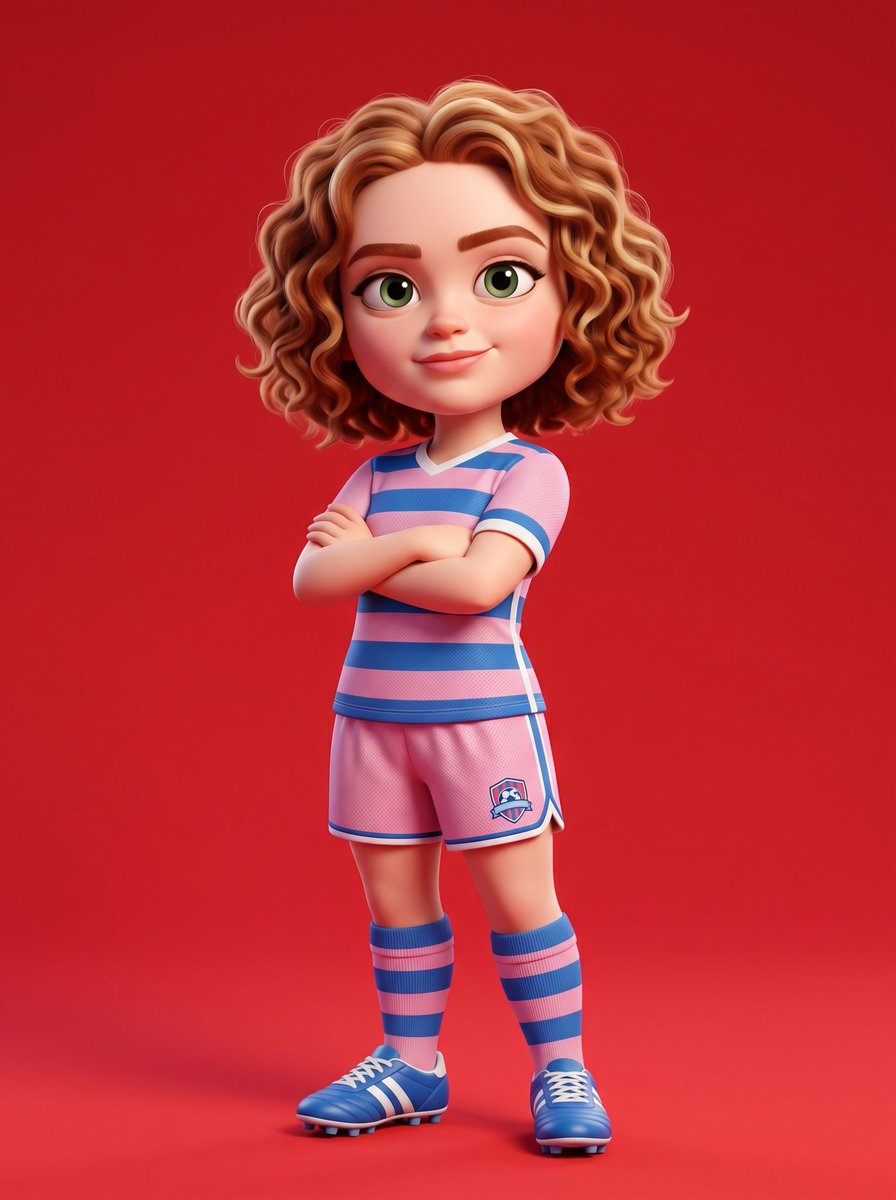
{ "prompt_type": "3D_character_design", "style": { "rendering": "{argument name="rendering style" default="Pixar-style"}", "dimension": "3D", "aesthetic": "cartoon", "quality": "ultra high resolution", "lighting": "soft studio lighting", "depth": "cinematic depth" }, "subject": { "type": "character", "based_on": "{argument name="character name" default="Sadie Sink"}", "design_approach": "stylized cartoon with exaggerated proportions" }, "character_anatomy": { "head": { "size": "large, exaggerated proportion relative to body", "skin": "smooth, glossy texture", "eyes": { "size": "big and expressive", "style": "cartoon exaggerated" }, "eyebrows": "sharp, defined", "hair": { "length": "short", "texture": "curly", "color": "base natural with blonde highlights" } }, "body": { "proportions": "exaggerated cartoon style", "build": "athletic" } }, "outfit": { "jersey": { "type": "{argument name="outfit type" default="soccer jersey"}", "pattern": "striped", "colors": ["pink", "red"], "fit": "standard athletic" }, "shorts": { "type": "soccer shorts", "colors": ["pink", "red"], "pattern": "matching jersey" }, "socks": { "height": "knee-high", "colors": ["pink", "red"] }, "footwear": { "type": "cleats", "style": "soccer cleats" } }, "pose": { "body_position": "standing", "arms": "crossed over chest", "tilt": "slight body tilt", "attitude": "confident", "expression": { "mouth": "subtle smile", "overall_mood": "confident and cool" } }, "composition": { "framing": "full-body", "alignment": "centered", "background": { "type": "solid", "color": "bright red" } }, "textures_and_materials": { "skin": "smooth, glossy", "fabric": "vibrant, clean-rendered", "overall_finish": "glossy with clean shadows" }, "lighting": { "type": "studio", "quality": "soft", "shadows": "clean, subtle", "highlights": "soft with glossy reflections" }, "technical_specs": { "resolution": "ultra high resolution", "style_reference": "Pixar / professional 3D character design", "color_palette": ["pink", "red", "blonde", "bright red background"], "detail_level": "highly detailed", "professional_grade": true } }
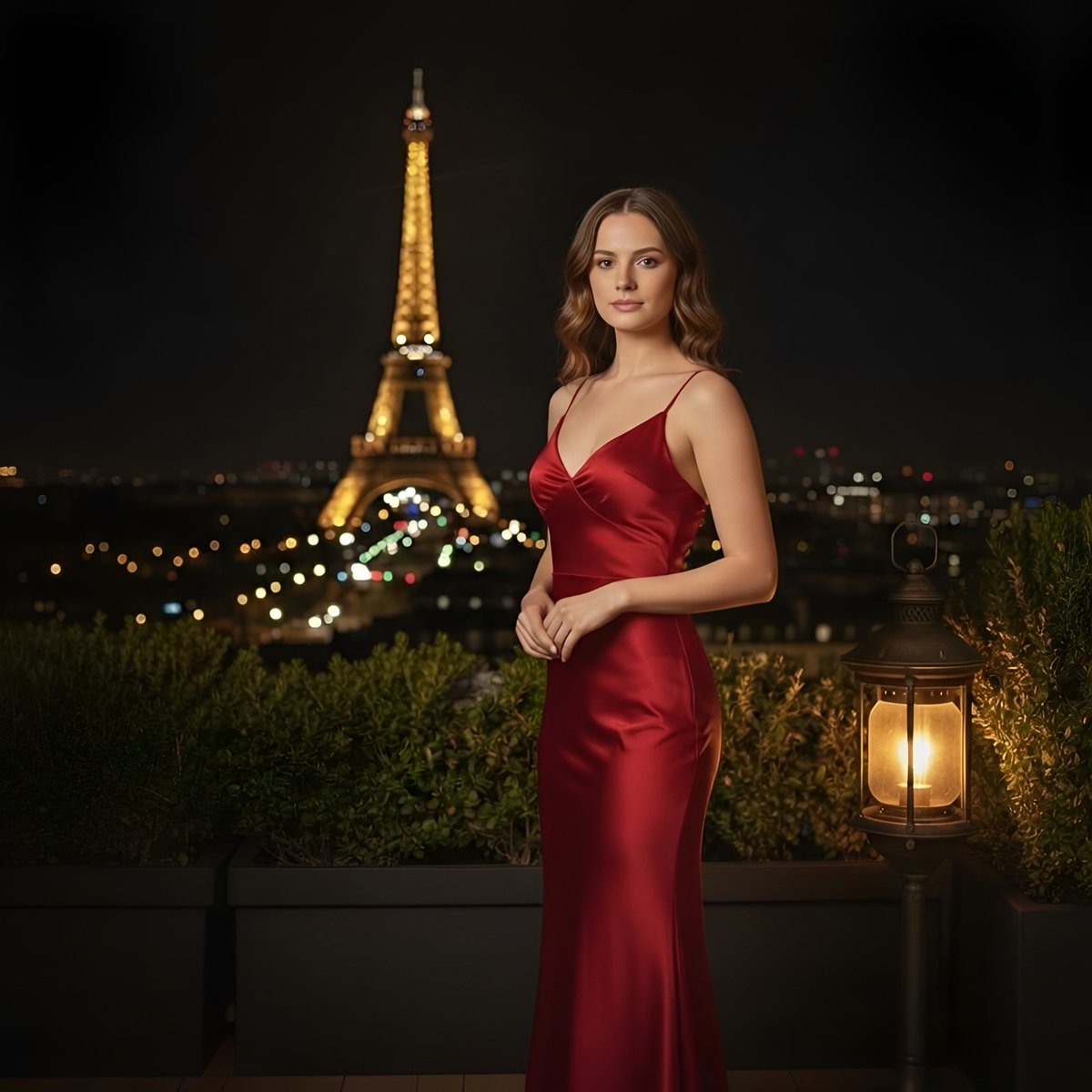
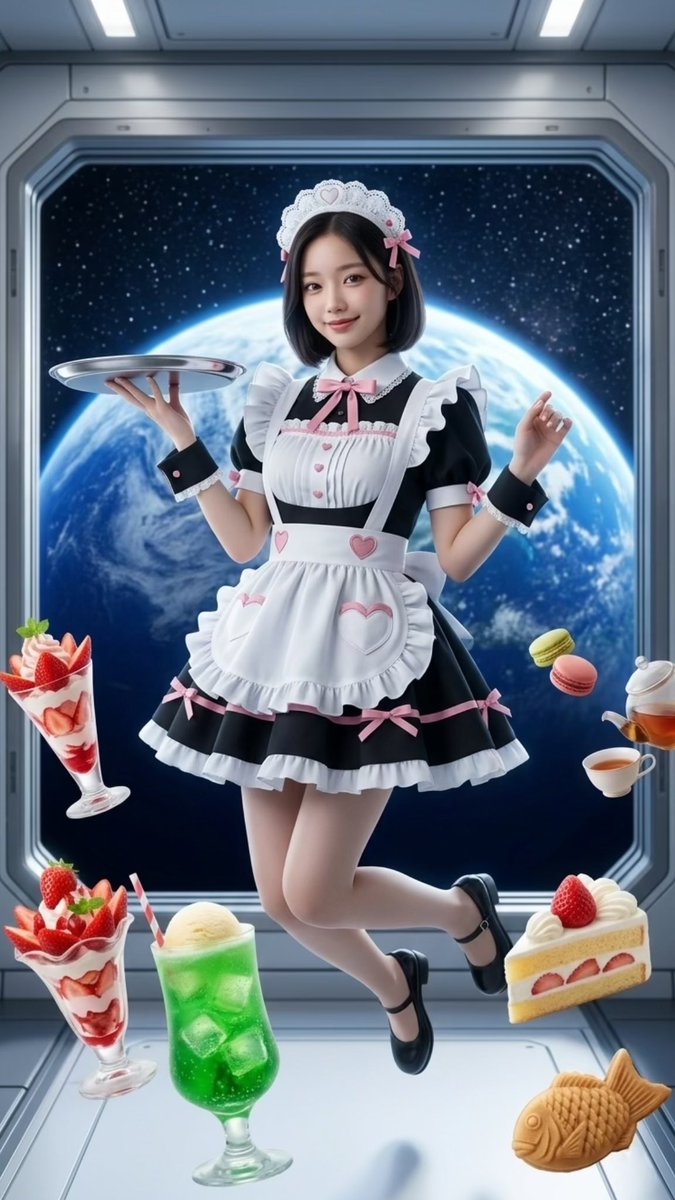
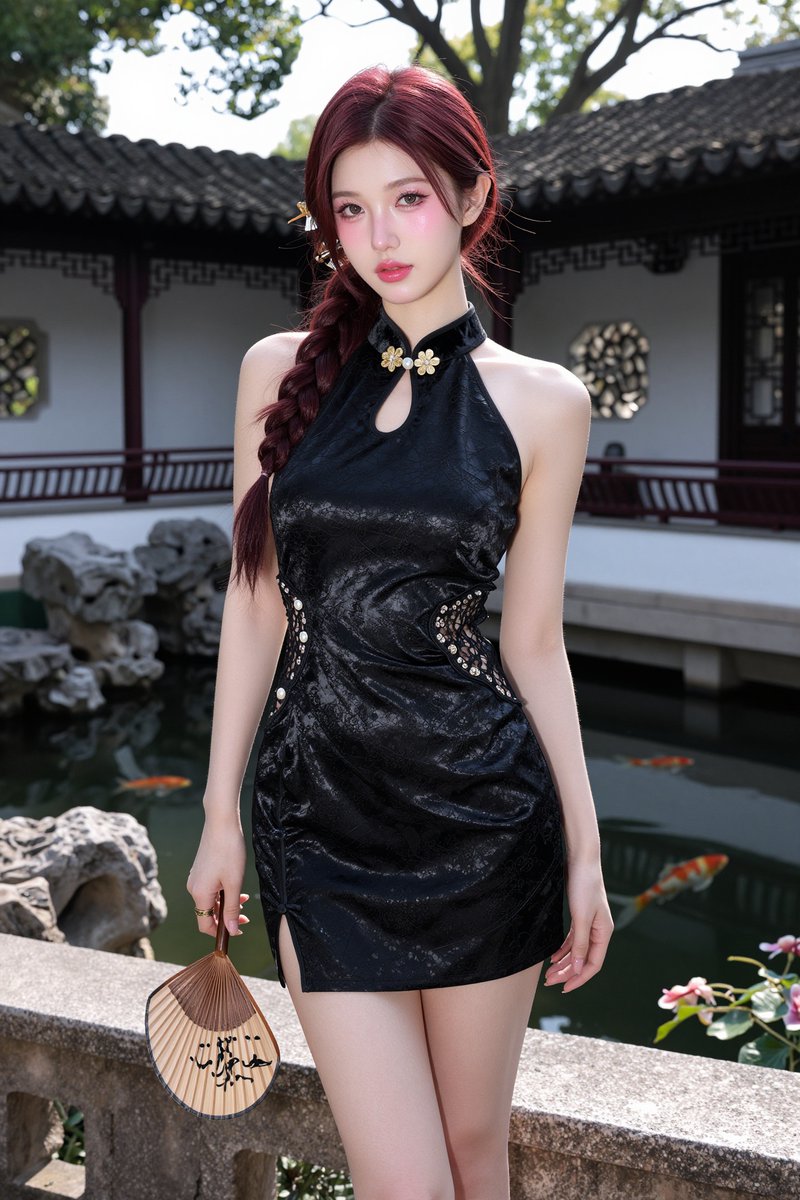
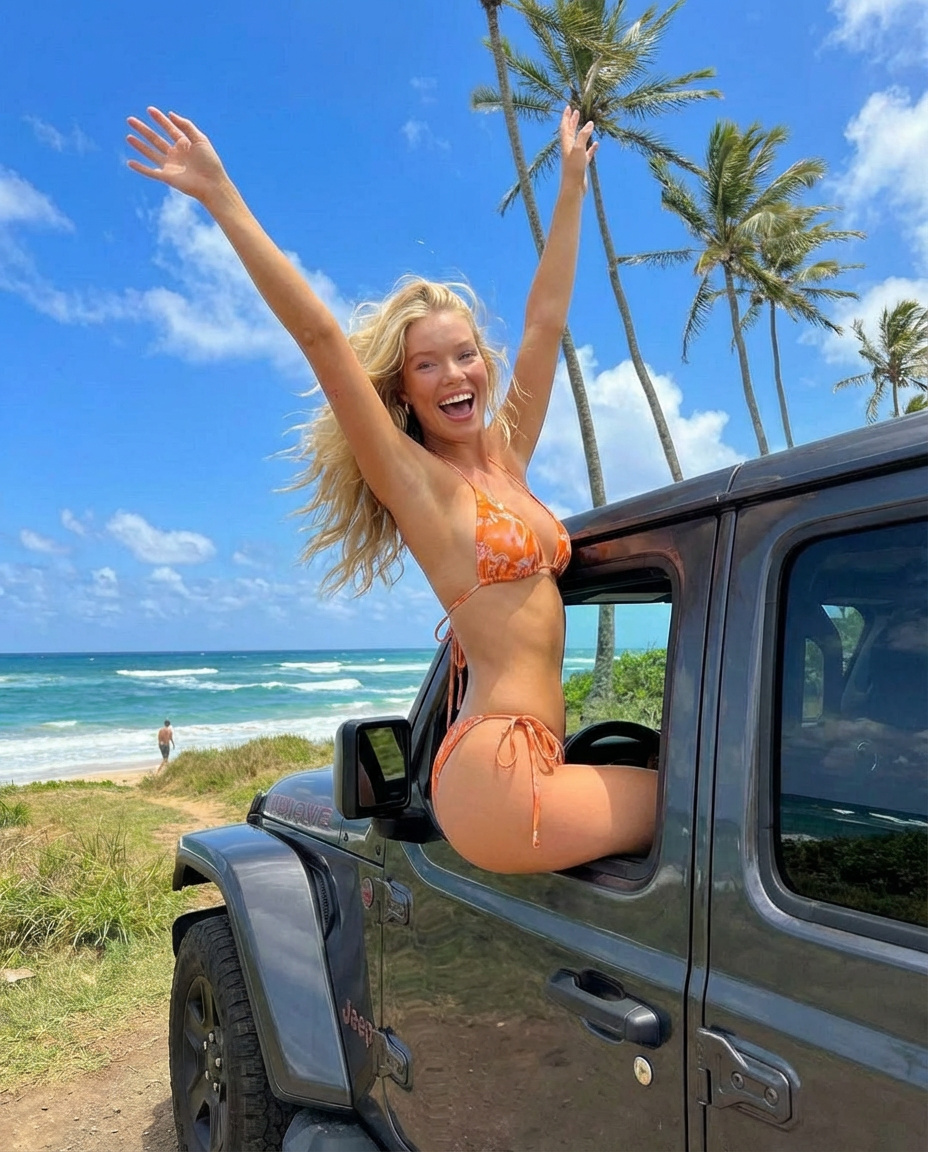
Use Pixar Style 3D Character Design to plan an AI image around gpt-image-2 generation, themes such as en and gpt-image-2. Match the preview's composition first, then personalize the subject, setting, and mood for your own project.
Use the primary action to load the template settings in PicX Studio.
Adjust the subject and creative details for your destination.
Create the image, compare the result with the preview, and refine one variable at a time.
A continuous mix — similar concepts first, woven with same-model prompts and fresh picks from the catalog.
Choose the primary action to open PicX Studio with the available template settings. Review the model and format, personalize the creative direction, and generate when ready.
Yes. You can change the subject, setting, lighting, mood, format, and available model controls before creating your image.
This template is free to open and customize. Generation usage is shown in PicX Studio before you create.
Start with gpt-image-2, which is the model associated with this template. You can compare another compatible model for a different finish.
Follow a topic to a crawlable collection of related PicX Studio templates.
39,157 public templates available. Verified via the PicX Studio public templates API; refreshed hourly.
A continuous mix — similar concepts first, woven with same-model prompts and fresh picks from the catalog.