How do I use the Anime Silver Style Magazine Cover template?
Choose the primary action to open PicX Studio with the available template settings. Review the model and format, personalize the creative direction, and generate when ready.
This prompt generates a polished anime-style Japanese fashion magazine cover with two stylish girls, dense editorial typography, and a vibrant sporty-feminine streetwear aesthetic. Change the subject, setting, or lighting one variable at a time.
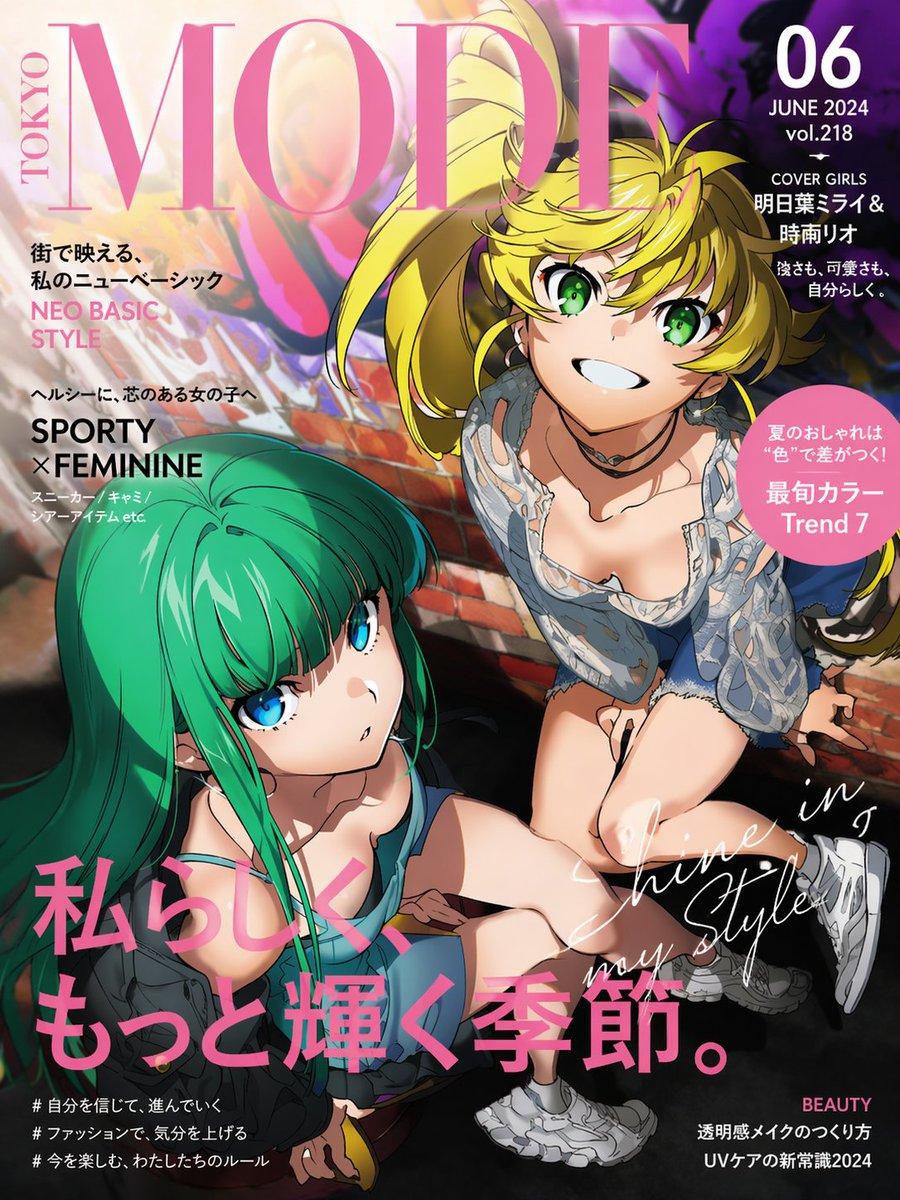
A stylized Japanese fashion magazine cover titled MODE TOKYO, designed like a glossy contemporary women's style publication. The composition is a high-angle, dynamic street-fashion anime illustration of 2 girls looking up toward the viewer from beside a brick wall with colorful graffiti and dramatic sunlight. The girl on the right has {argument name="hair color" default="golden blonde"} hair in a lively messy ponytail with loose bangs, bright green eyes, a wide cheerful grin, and a sporty-feminine outfit: a light blue lace-trim camisole or slip-style top, short bottoms, chunky white sneakers, and a black choker. She is posed energetically, leaning forward with one knee bent, giving a confident summer-fashion editorial feel. The girl on the left has long vivid teal-green hair with straight heavy bangs, large blue eyes, and a calm, cool expression. She wears a casual layered street outfit in dark tones with a sleeveless top and sits lower in the frame, angled toward the right girl while gazing upward. Use bold cel-shaded anime rendering with crisp linework, glossy highlights in the hair and eyes, soft skin shading, and a polished commercial illustration finish. The background should combine sunlit urban texture, blurred mural colors in pink, purple, orange, and black, and deep shadows to create contrast. The overall palette mixes hot pink typography, summer sunlight, teal, blonde, and saturated street-art hues. Include dense magazine-cover typography in a premium editorial layout: a giant pink serif masthead reading {argument name="magazine title" default="MODE"} across the top with TOKYO vertically on the left; on the upper right a dark circular or rounded block containing {argument name="issue number" default="06"}, JUNE 2024, vol.218, and cover lines in Japanese; on the left side several smaller Japanese and English fashion blurbs including NEO BASIC STYLE and SPORTY × FEMININE; a pink circular badge on the right with Japanese text and Trend 7; a large hot-pink Japanese headline across the lower left and center reading 私らしく、もっと輝く季節。; elegant white handwritten script diagonally across the lower right reading Shine in my Style; small footer cover lines and hashtags in Japanese; and a small BEAUTY label at bottom right. Make it look exactly like a real high-end Japanese fashion magazine cover, vertical format, full bleed, vibrant, youthful, feminine, sporty, and trendy.
Choose the primary action to open PicX Studio with the available template settings. Review the model and format, personalize the creative direction, and generate when ready.
Yes. You can change the subject, setting, lighting, mood, format, and available model controls before creating your image.
This template is free to open and customize. Generation usage is shown in PicX Studio before you create.
Start with GPT Image 2, which is the model associated with this template. You can compare another compatible model for a different finish.
© 2026 PicX Studio. All rights reserved.

Follow a topic to a crawlable collection of related PicX Studio templates.
43,474 public templates available. Verified via the PicX Studio public templates API; refreshed hourly.

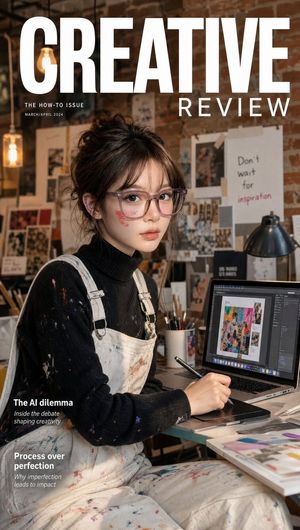




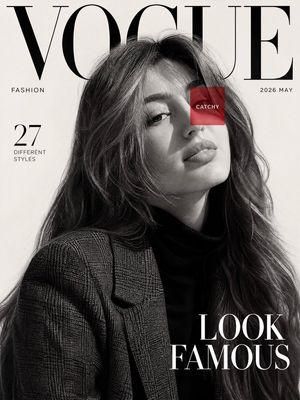








![Luxury Streetwear Magazine Cover — [Reference Image] Ultra-realistic luxury streetwear editorial magazine cover featuring a commanding {argument name="subject"](https://cms-assets.youmind.com/media/1784104893056_x33stm_HNKEdJnaQAAAulH-300x530.jpg)




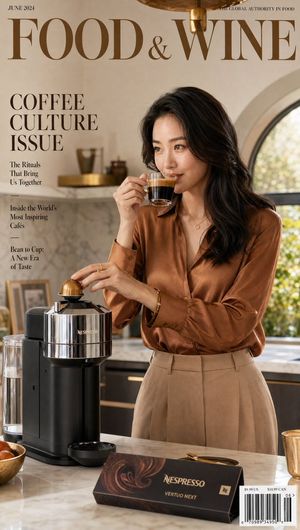
![Cozy Beverage Magazine Cover — [Reference Image]
Use the reference photo while keeping the face completely unchanged and identical to the original subject, Ultr](https://cms-assets.youmind.com/media/1782205405212_oj6gho_HLYUUVBbAAAdnh--300x400.jpg)


![Minimalist Flat Vector Travel Poster — Premium minimalist flat-vector travel poster for {argument name="city name" default="[CITY_NAME]"}, 3:4 vertical format.](https://cms-assets.youmind.com/media/1787917359711_3ug846_HQX205cbMAA6F6S-300x400.jpg)



















![Mid-Century Travel Poster — Create a vertical mid-century travel poster for {argument name="city name" default="[CITY NAME]"} fe…](https://cms-assets.youmind.com/media/1778490956036_lmrr6t_HH-VFGqaIAE0yEf.jpg)





![Minimal Flat Geometry Illustration Prompt — Minimal flat illustration of {argument name="subject" default="[SUBJECT]"}, simple geometric shapes, limited color p](https://pbs.twimg.com/media/G-84CAKXcAEiuxY.jpg)



![Stylized Tech Illustration Template — A stylized illustration of {argument name="product or technology" default="[PRODUCT / TECHNOLOGY]"} visualized as {argumen](https://pbs.twimg.com/media/HAO1yGvaUAACtyq.jpg)