How do I use the Anime Celebrity Sakura Portrait template?
Choose the primary action to open PicX Studio with the available template settings. Review the model and format, personalize the creative direction, and generate when ready.
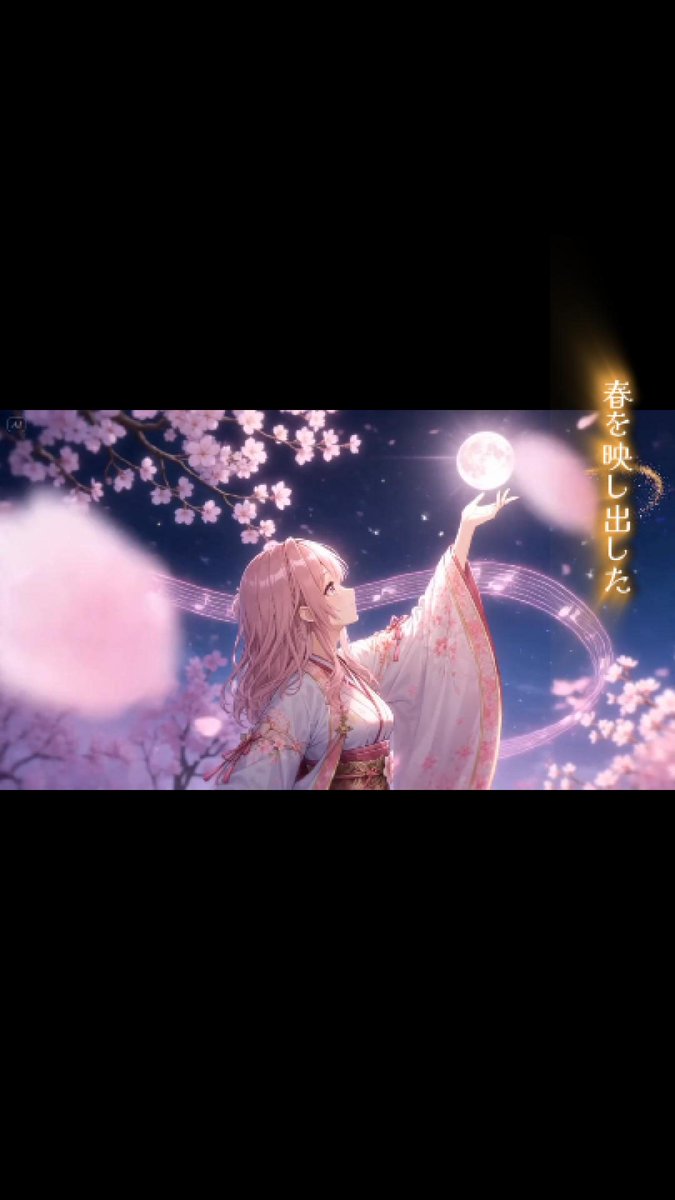
Generates a dreamy cinematic anime-style portrait of a handsome celebrity character surrounded by cherry blossoms and floating petals. Change the subject, setting, or lighting one variable at a time.
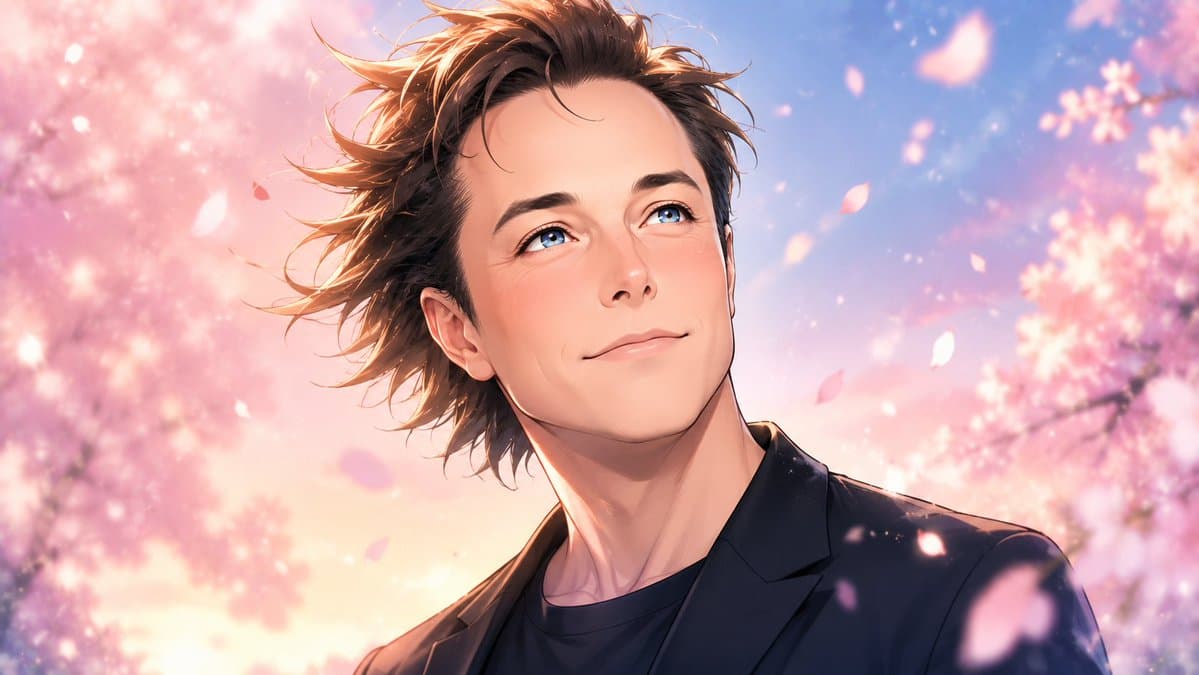
Create a highly stylized anime-style cinematic portrait of {argument name="character name" default="a handsome male celebrity"}, reimagined as a breathtakingly beautiful anime character in a romantic spring scene. Horizontal 16:9 composition, close-up bust portrait from the chest up, character centered slightly right, shoulders angled, head turned gently toward the viewer. He has voluminous wind-swept medium-length {argument name="hair color" default="warm brown"} hair with many loose strands flying leftward, a slim elegant neck, soft peachy glowing skin, refined jawline, and classic shoujo-anime facial beauty with large sparkling doe eyes, delicate nose, and gentle lips. Dress him in a dark navy-black blazer over a black crew-neck shirt, polished but casual. Background is an ethereal cherry blossom avenue at golden hour with pink sakura trees on both sides, dreamy blue-lavender sky, warm peach sunlight, soft bokeh sparkles, and exactly 12 clearly visible floating cherry blossom petals of varied sizes across the foreground and midground. Visual style: ultra-detailed anime illustration, romantic shoujo fantasy, luminous rim lighting on hair and shoulders, soft painterly gradients, glossy highlights, high contrast between dark clothing and pastel blossoms, shallow depth of field, cinematic lighting, delicate atmospheric glow, no text, no watermark, no border.
Choose the primary action to open PicX Studio with the available template settings. Review the model and format, personalize the creative direction, and generate when ready.
Yes. You can change the subject, setting, lighting, mood, format, and available model controls before creating your image.
This template is free to open and customize. Generation usage is shown in PicX Studio before you create.
Start with GPT Image 2, which is the model associated with this template. You can compare another compatible model for a different finish.
© 2026 PicX Studio. All rights reserved.

Follow a topic to a crawlable collection of related PicX Studio templates.
43,474 public templates available. Verified via the PicX Studio public templates API; refreshed hourly.





![Candid College Celebrity Portrait — Ultra-photorealistic candid daily-life portrait of {argument name="celebrity name" default="[Celebrity Name]"} as a clearly](https://cms-assets.youmind.com/media/1786344497627_idffnx_HPQPVnIX0AAvOY9-300x372.jpg)







![Minimalist Flat Vector Travel Poster — Premium minimalist flat-vector travel poster for {argument name="city name" default="[CITY_NAME]"}, 3:4 vertical format.](https://cms-assets.youmind.com/media/1787917359711_3ug846_HQX205cbMAA6F6S-300x400.jpg)























![Picnic Meadow Photo with 2D Illustration Overlay Prompt — A wide-angle shot of the [reference woman] sitting on a checkered picnic blanket in a lush green meado](https://pbs.twimg.com/media/G8tGO0XWoAA_0GP.jpg)