
Moonlit Twenty-Four Bridges Painting
This generates a panoramic classical Chinese-style moonlit bridge landscape with 14 robed figures, ideal for poetic fine-art scenes and antique ink-wash aesthetic illustrations.
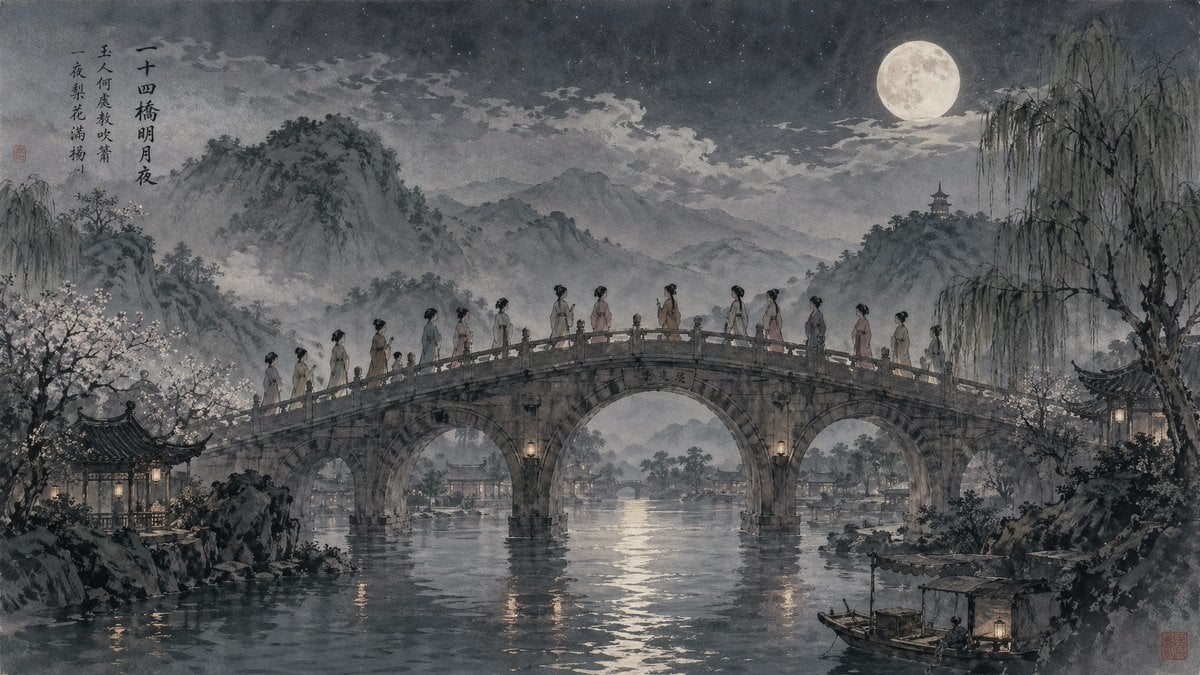
- Prompt included
- Model and format preset
- Free template
The prompt behind this image
Copy the exact prompt behind Moonlit Twenty-Four Bridges Painting, or open it in the studio and make it yours.
A panoramic classical East Asian ink-and-wash night painting in the style of an antique handscroll, depicting {argument name="bridge name" default="Twenty-Four Bridges"} under a bright full moon. Center the composition on a large arched stone bridge crossing a calm reflective river, with exactly 14 slender women in flowing traditional hanfu-like robes walking in single file across the top of the bridge, each seen in side profile or three-quarter view, their garments in soft muted tones of dusty pink, pale jade, beige, cream, and faded lavender. The bridge has three visible arches, weathered stone texture, carved railings, and small warm lanterns mounted near the central supports, with subtle engraved Chinese characters on the center span. Surround the bridge with a poetic Jiangnan landscape: misty layered mountains in the distance, drifting clouds, a luminous moon high in the upper right sky, drooping willow trees on the right, blooming trees on the left, pavilion architecture on both riverbanks, and small traditional boats on the water including one docked boat with a canopy and lantern in the lower right foreground. Add gentle moonlight reflections across the river, faint haze around the mountains and bridge, and a restrained monochrome palette with delicate low-saturation accents. Include a vertical column of Chinese calligraphy in the upper left with the title {argument name="calligraphy title" default="二十四橋明月夜"} and two additional poetic lines beneath it, plus small red seal stamps in the painting. The mood is serene, melancholic, literary, and dreamlike, with highly detailed brushwork, aged paper texture, soft atmospheric perspective, and the refined composition of a museum-quality historical Chinese painting.
How to use Moonlit Twenty-Four Bridges Painting in 3 steps
- 1Upload ImagePNG, JPG or paste
Add your photo
Upload the photo the template builds on. The prompt, model and format are already set.
- 2…a portrait of your subject in softgolden-hour light, 85mm…
Personalize
Edit the subject and creative details for your destination.
- 3Generate
Generate
Press Generate — your image is created in PicX Studio, so you can compare it with the original and refine one variable at a time.
More like this
Templates with the same subject, style or setup. Open one to see its prompt.

Dancer Character - Four View Reference Sheet

Moonlit Fox Mask Night Market

Lone Mountaineer in Moonlit Snow

Moonlit Ghost Lotus Anime Portrait
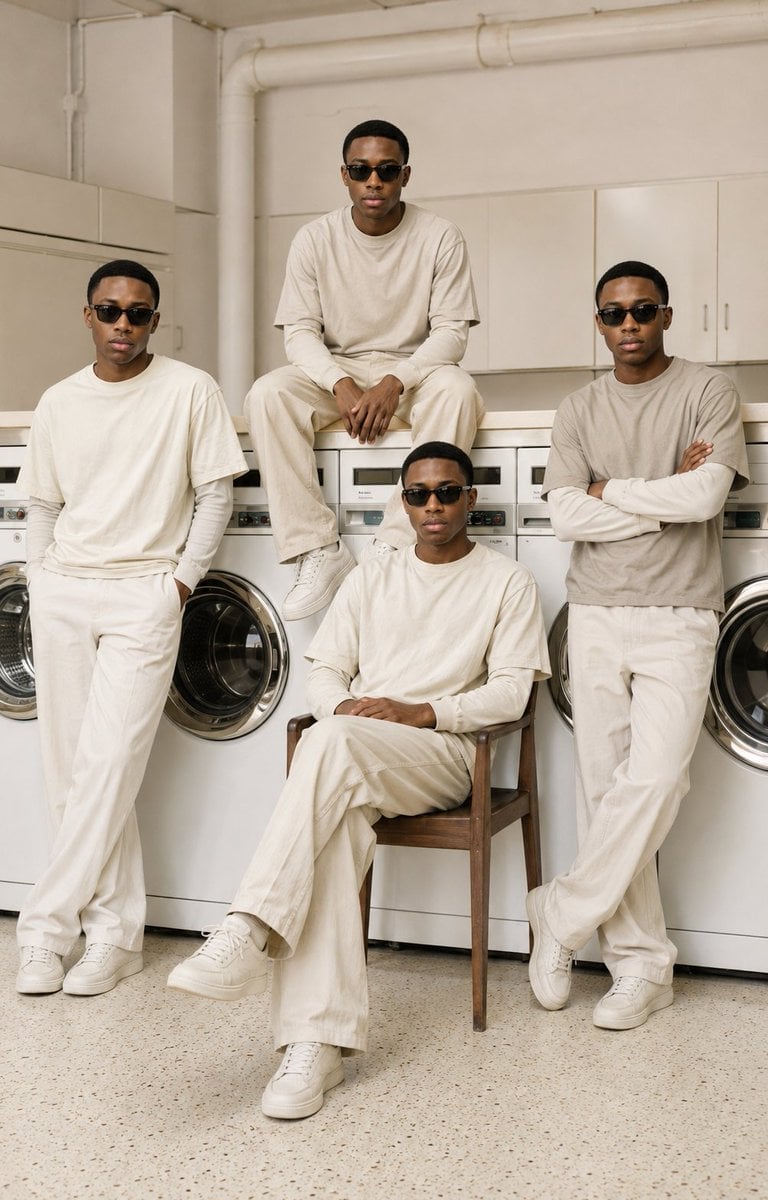
Four-Man Laundromat Fashion Editorial
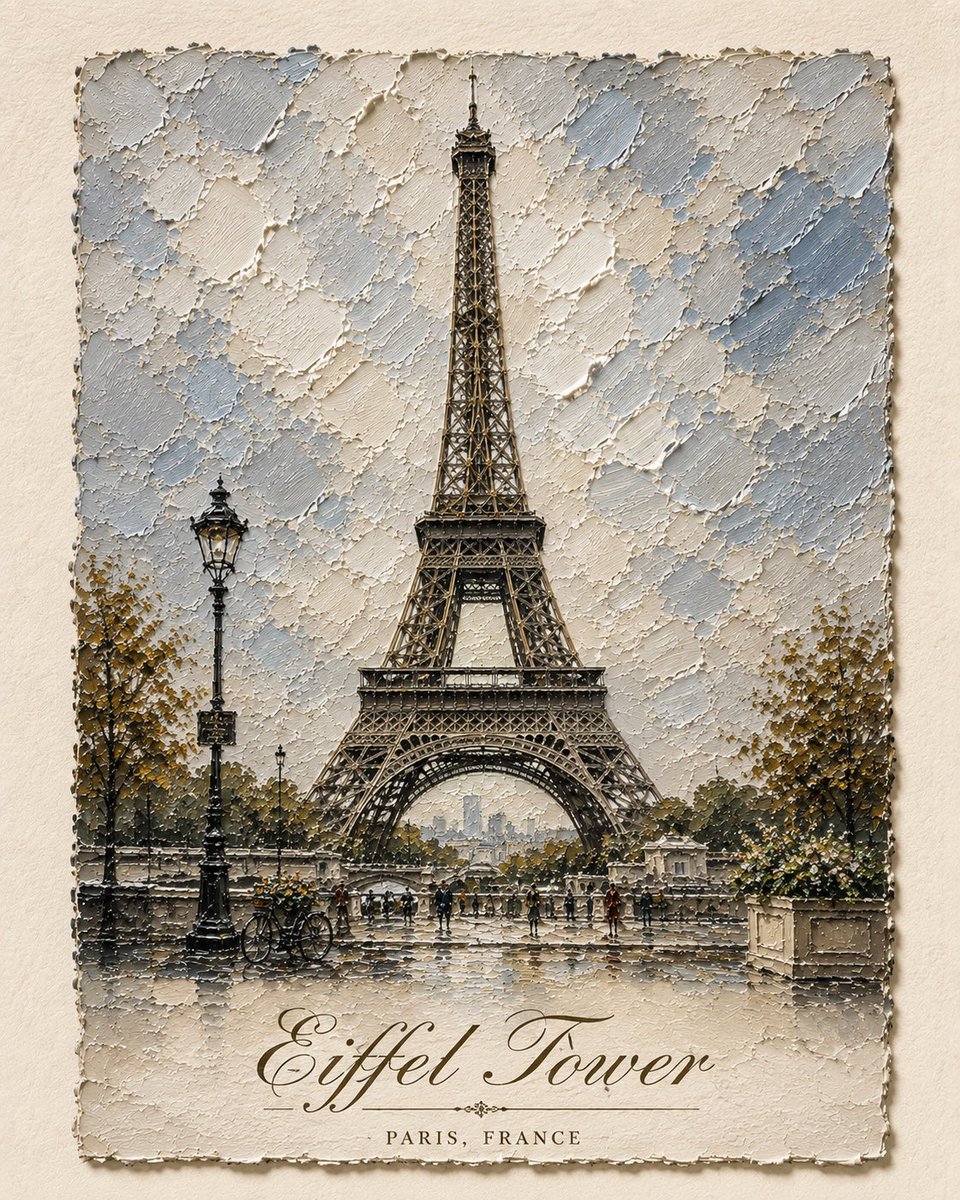
Impasto Oil Architectural Painting
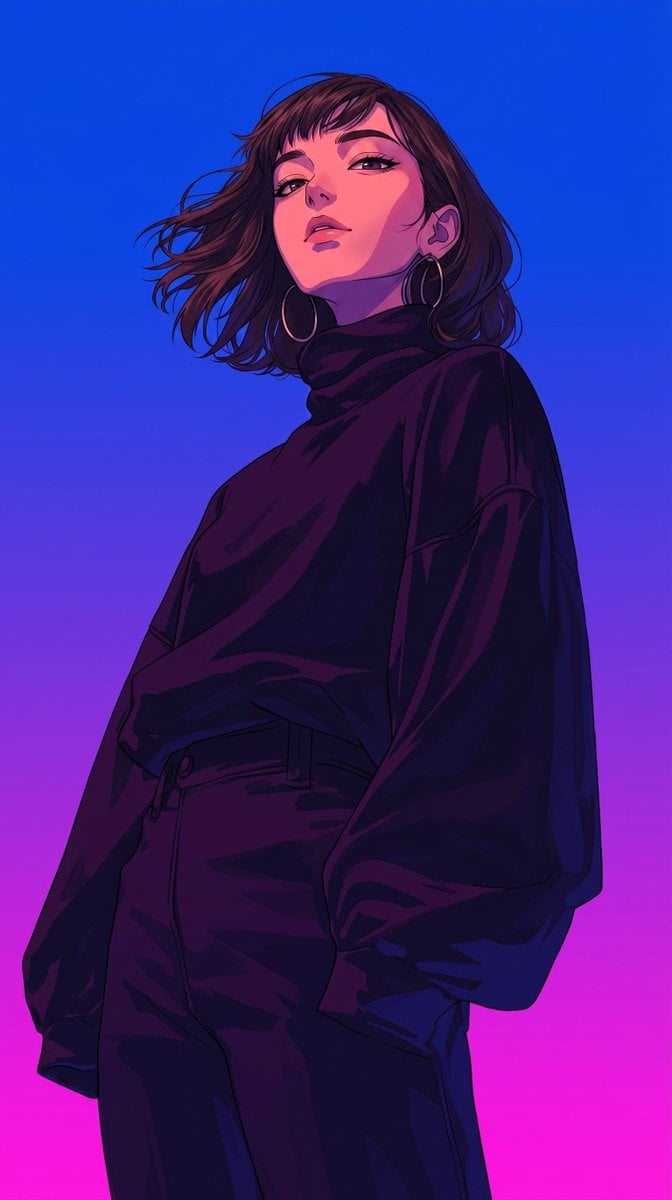
Retro-Modern Neon Anime Painting
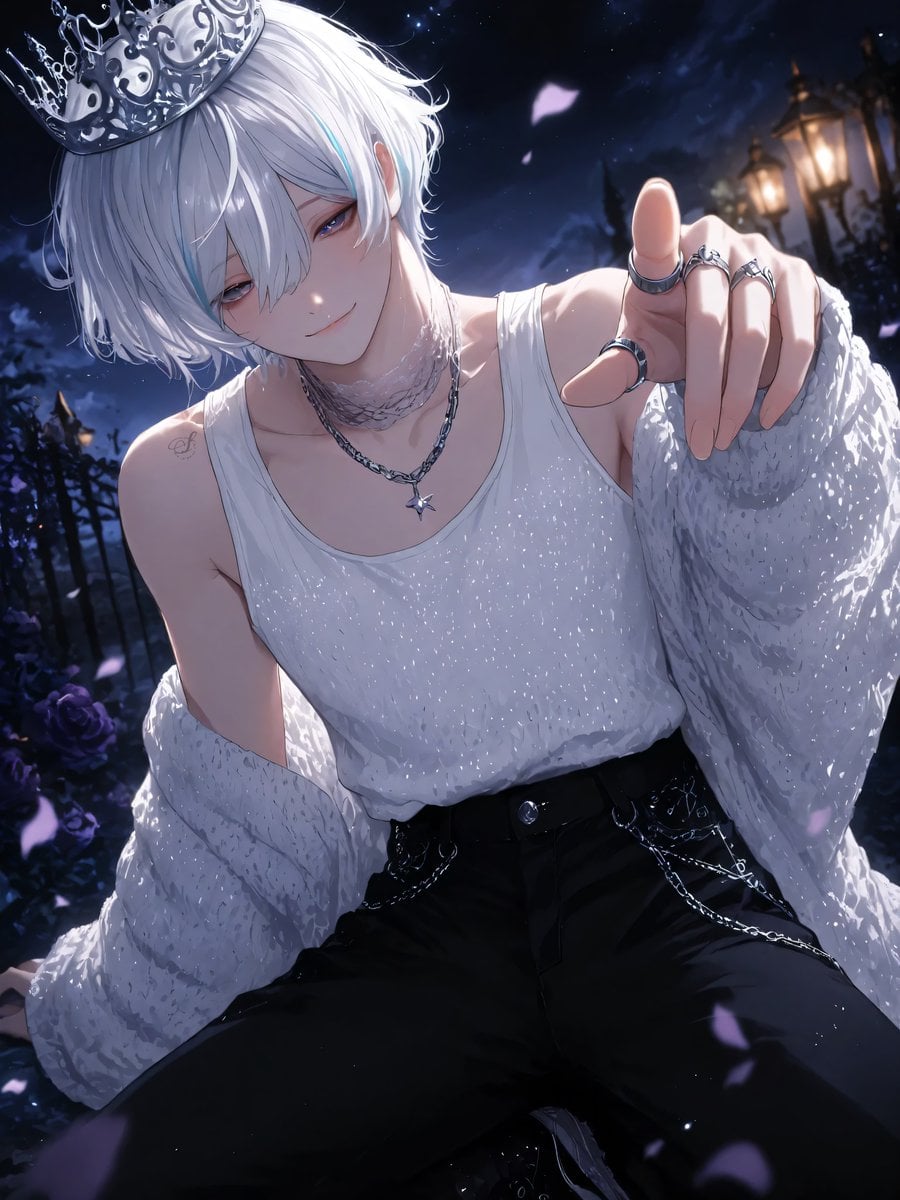
Moonlit Lace Prince Portrait
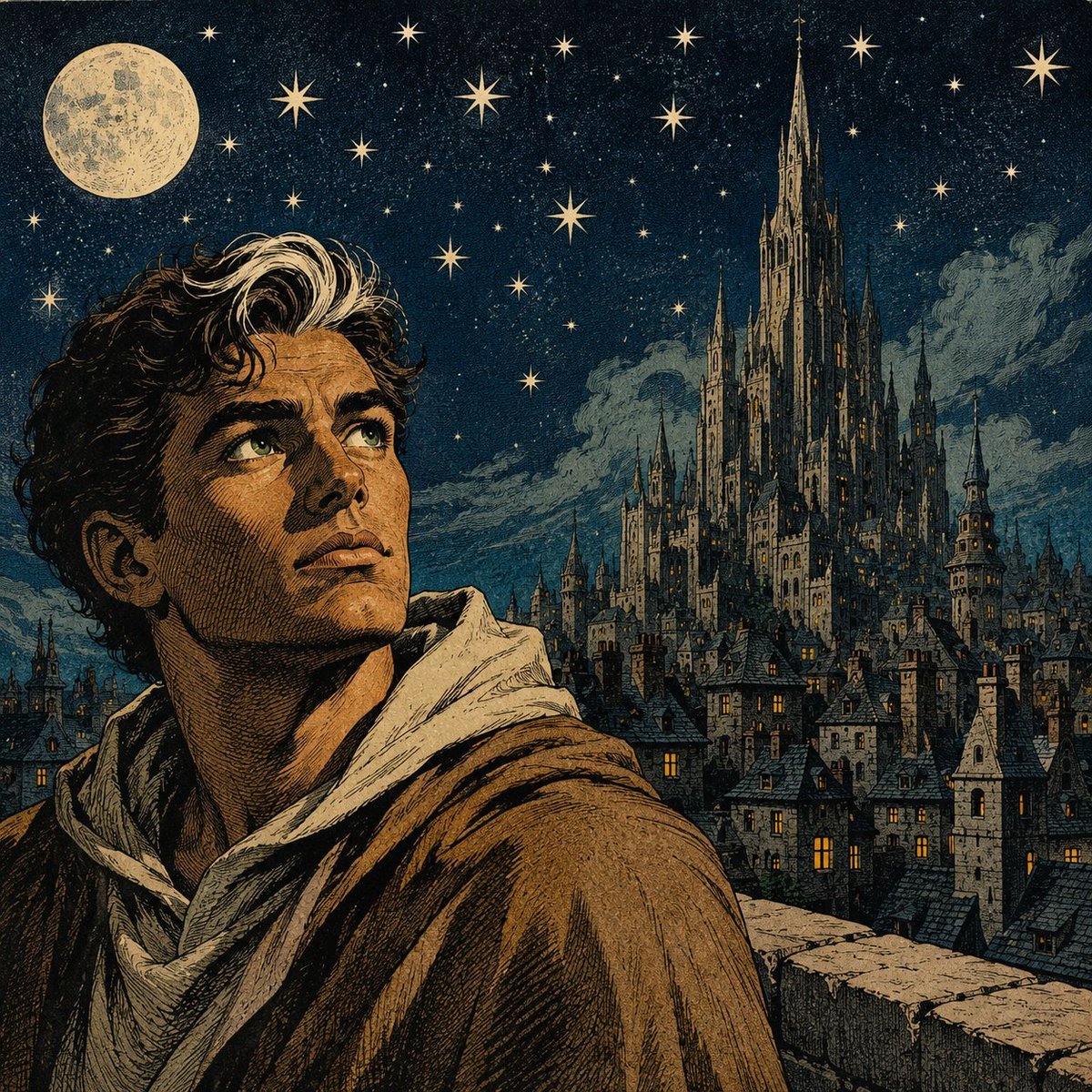
Moonlit Gothic Fantasy Traveler
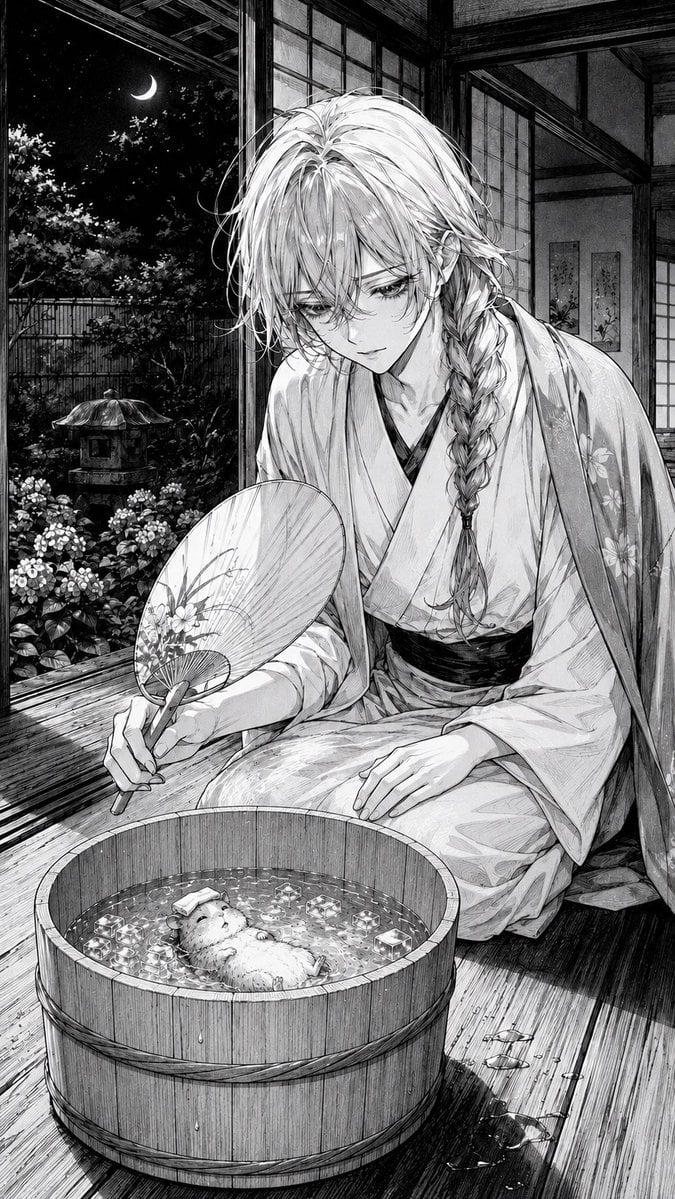
Moonlit Hamster Ice Bath Manga
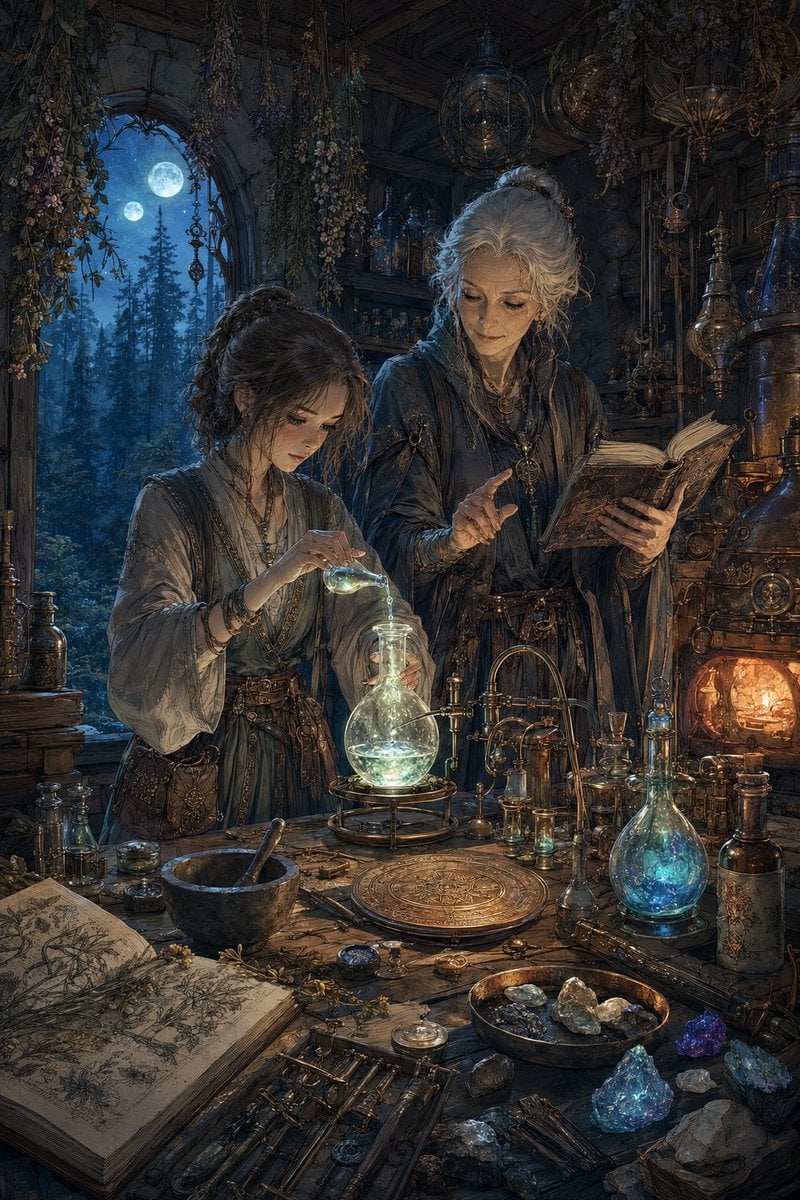
Moonlit Fantasy Alchemy Workshop
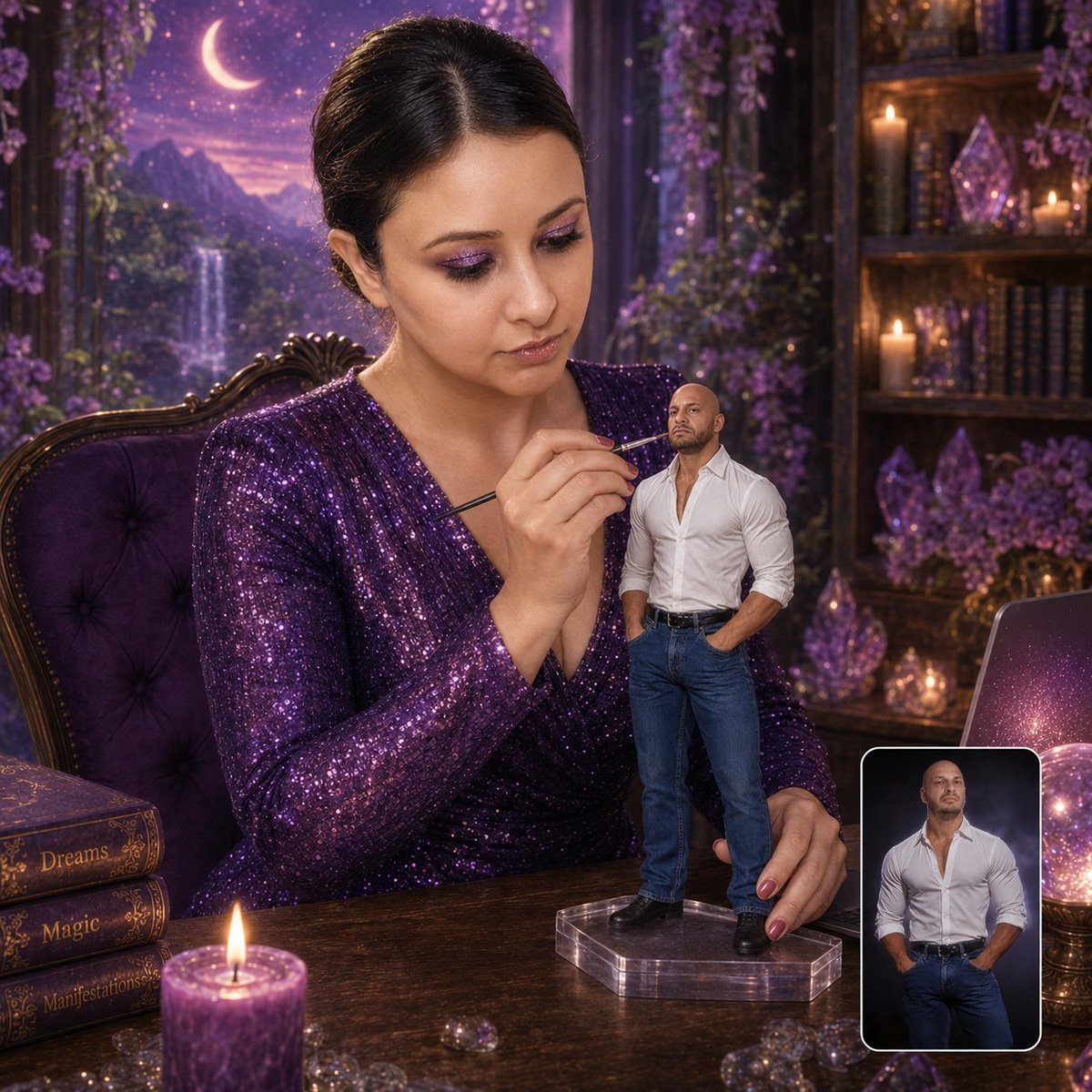
Miniature Figurine Painting Scene
Make it yours
Moonlit Twenty-Four Bridges Painting works as-is. These are the safest ways to change it without losing the look.
Change one field
Copy a single group, rewrite it, and generate again so you can see what that field is doing.
Keep the frame, change the subject
Hold the composition and light of Moonlit Twenty-Four Bridges Painting, then swap wardrobe, props or the person for a new take.
| If the result… | Why | Fix |
|---|---|---|
| The result drifts from the preview | Too many fields changed at once. | Reuse Moonlit Twenty-Four Bridges Painting as-is first, then change one group — subject, light, or setting. |
| The model over-stylizes the scene | The prose prompt leaves finish and camera underspecified. | Add one camera or lighting sentence and stay on GPT Image 2. |
More GPT Image 2 templates
Other prompts made for GPT Image 2.

Six VTuber Japanese Logo Sheet

Realistic Portrait of Woman and Deer

The Vista Modular Condo Poster

AI Model Routing Comparison Infographic

2.5D Anime Art Board

Isometric Productivity Desk Scene

New York Double Exposure Poster

Japanese Tatami Lifestyle Magazine Cover

NESCAFÉ Coffee Map Poster

Brutalist Cogito Chinese Typography Poster
More image prompts
Fresh picks from across the catalog.
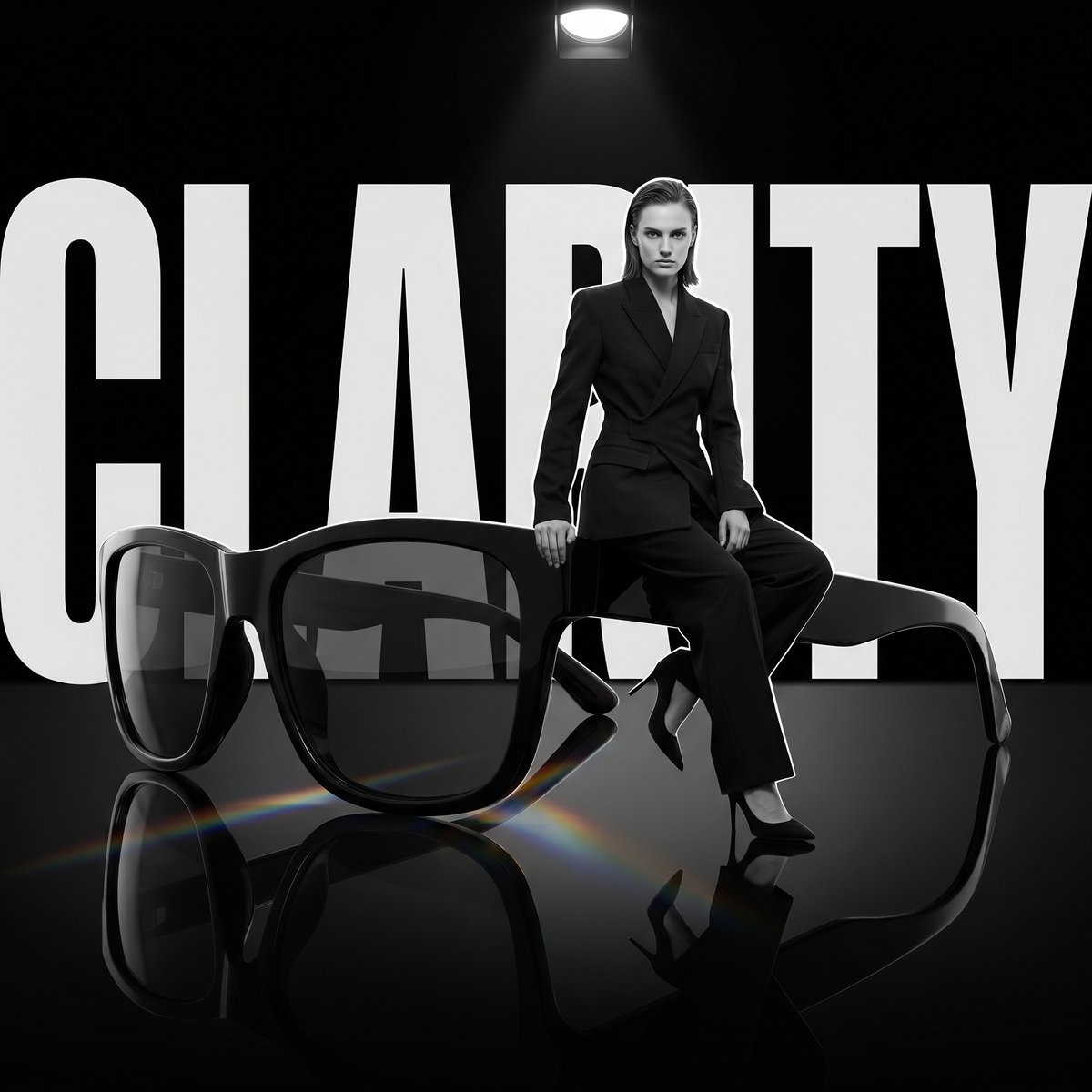
Luxury Dark Editorial Product Shot
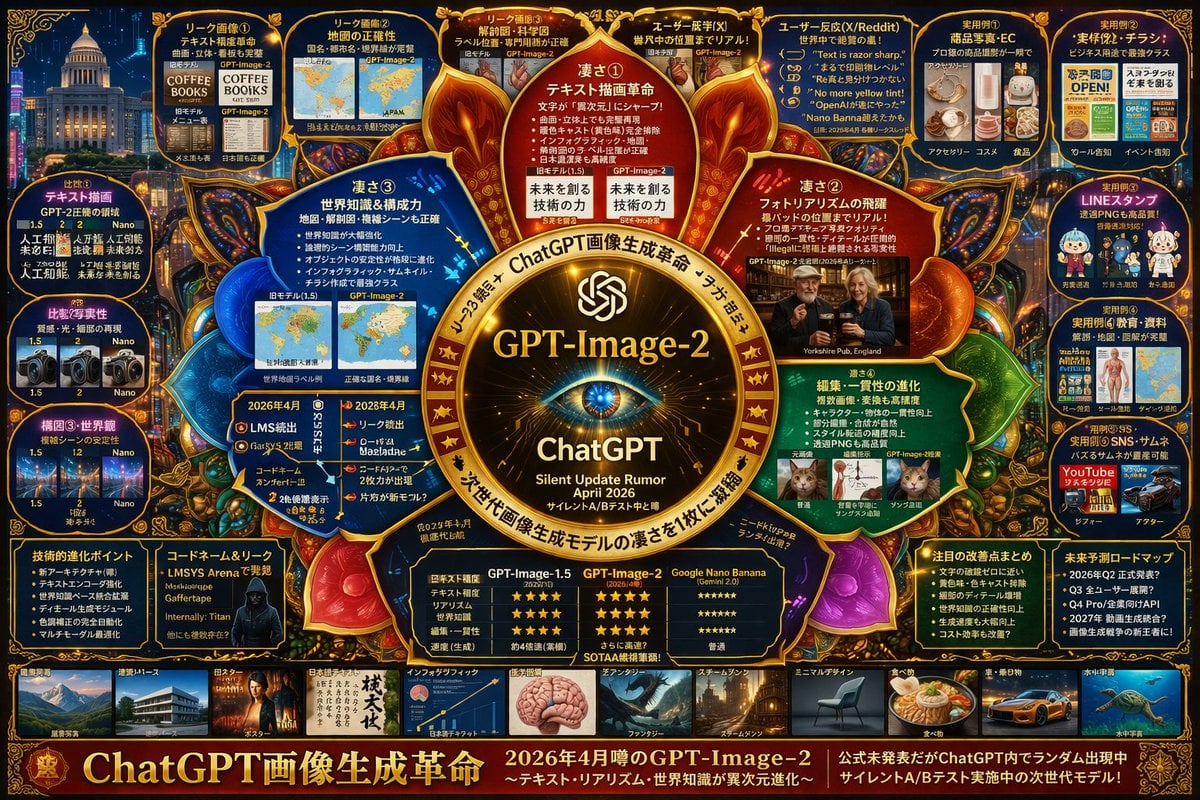
Complex AI Model Infographic Board
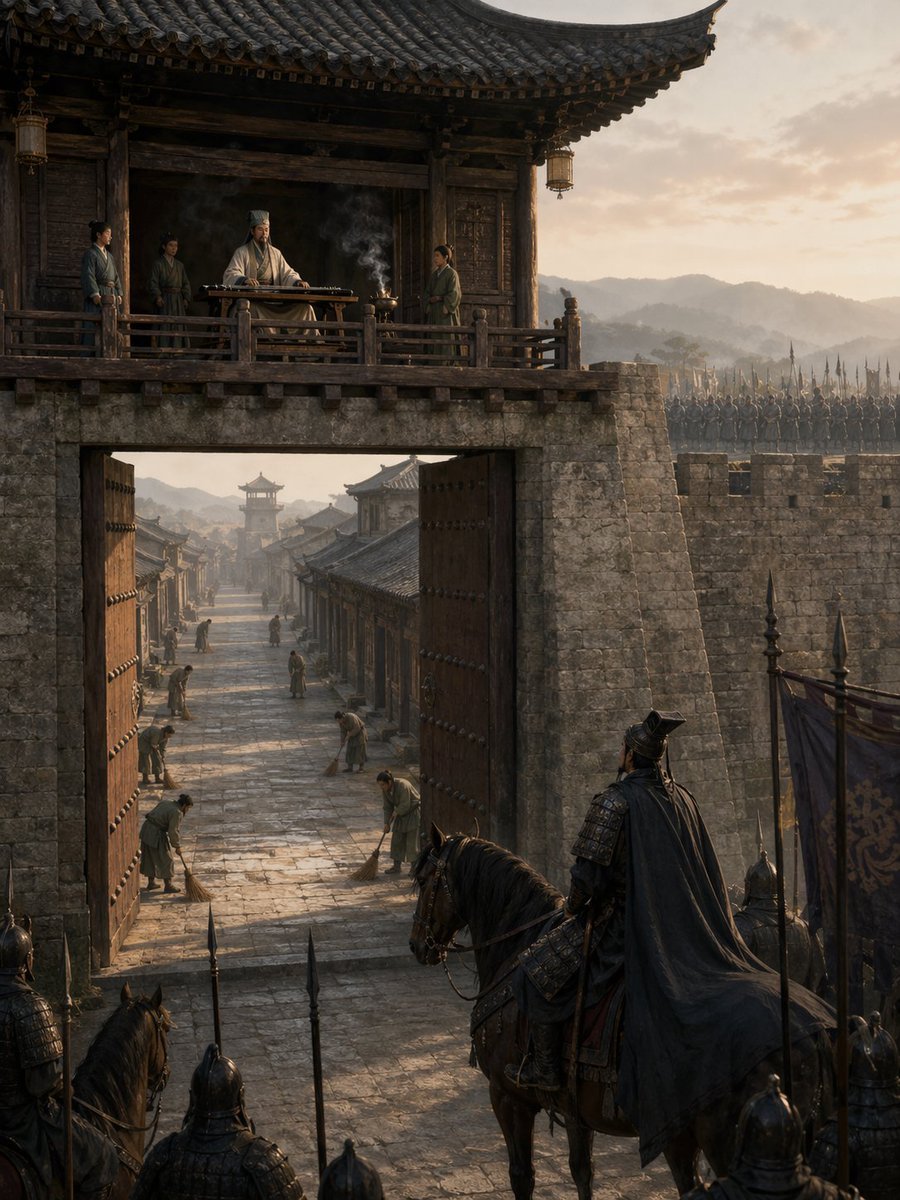
Empty Fort Strategy at the City Gate
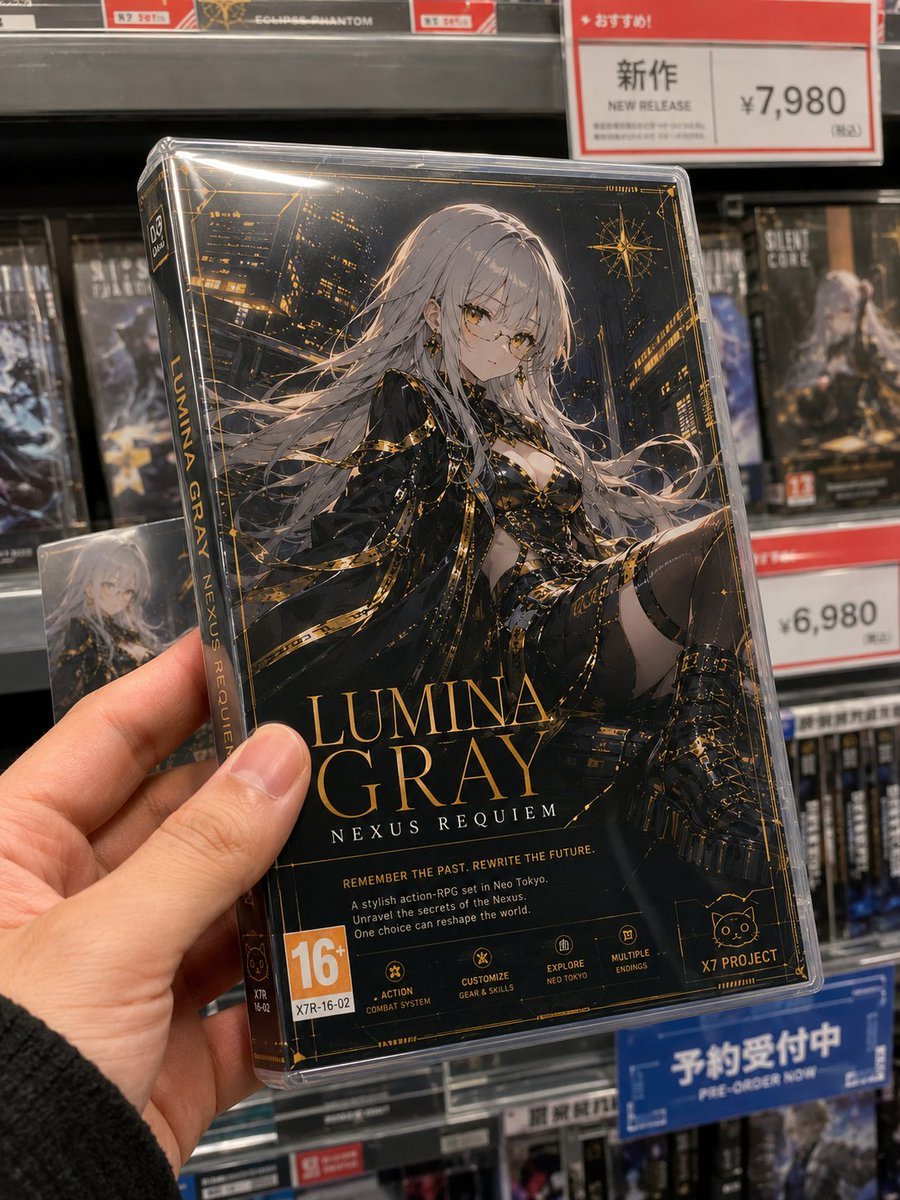
Fictional Game Case in Store
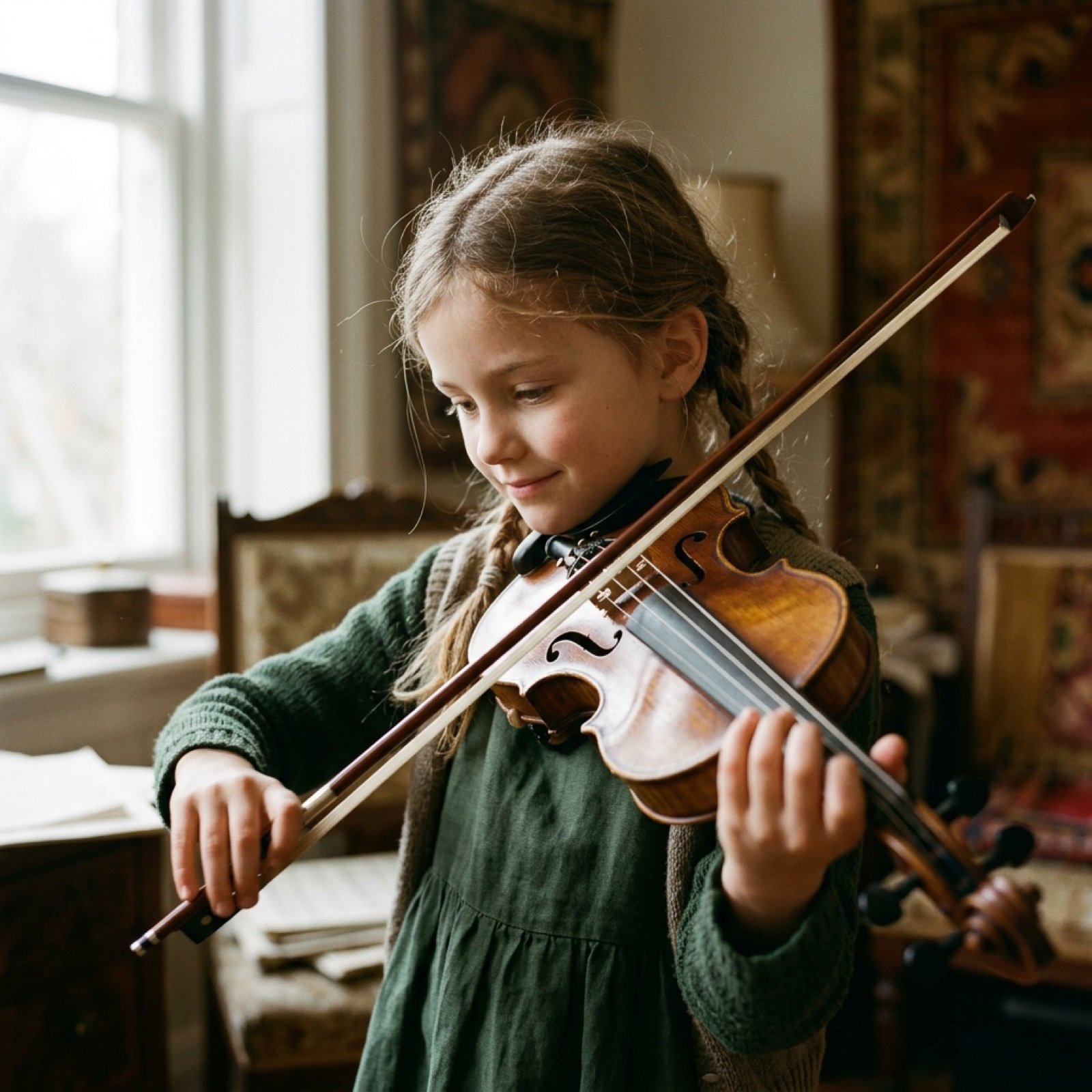
Cinematic Video Prompt for Violinist Girl
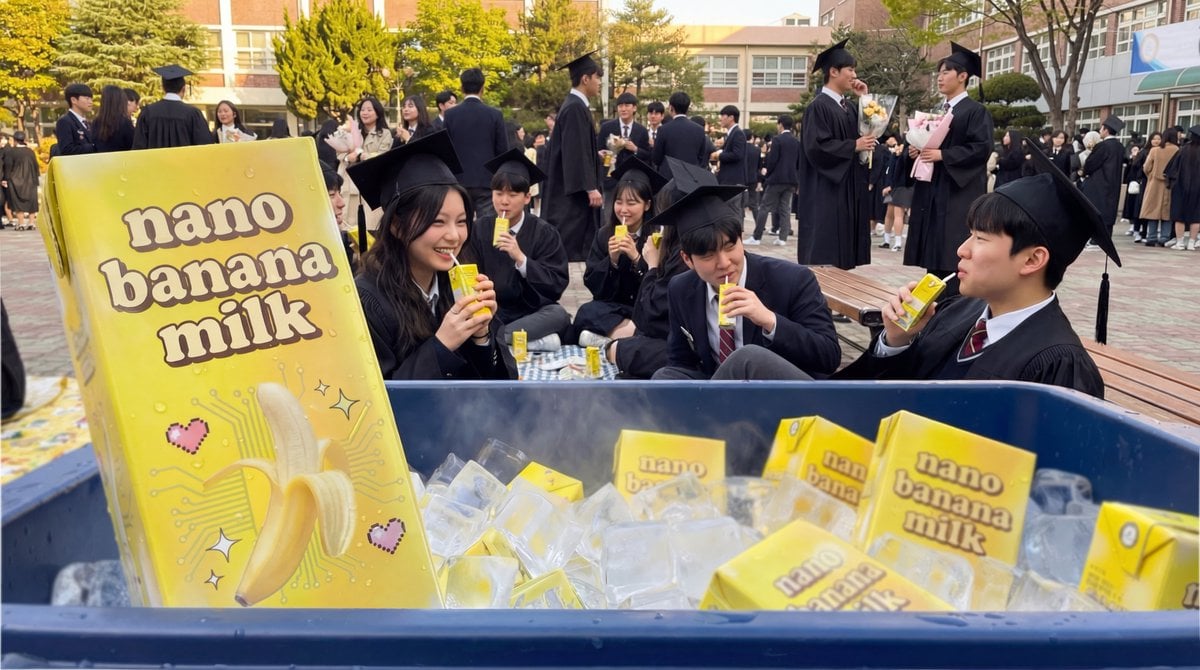
Product Photography of Nano Banana Milk Cooler
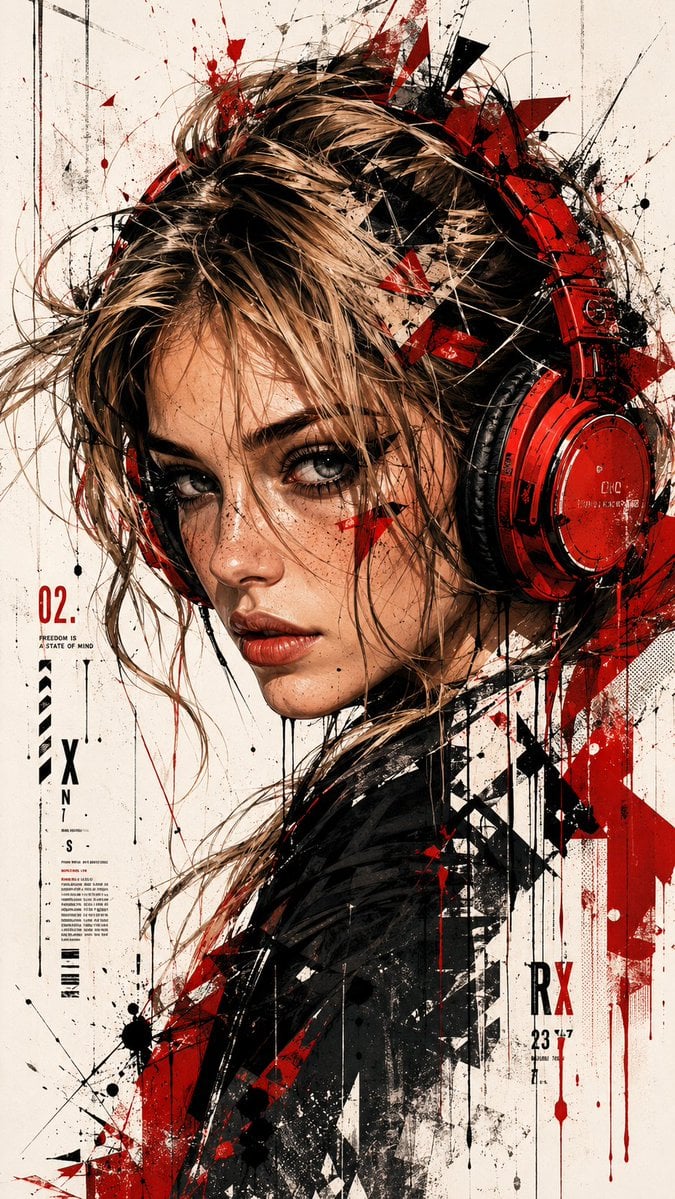
Trash Polka Urban Digital Painting
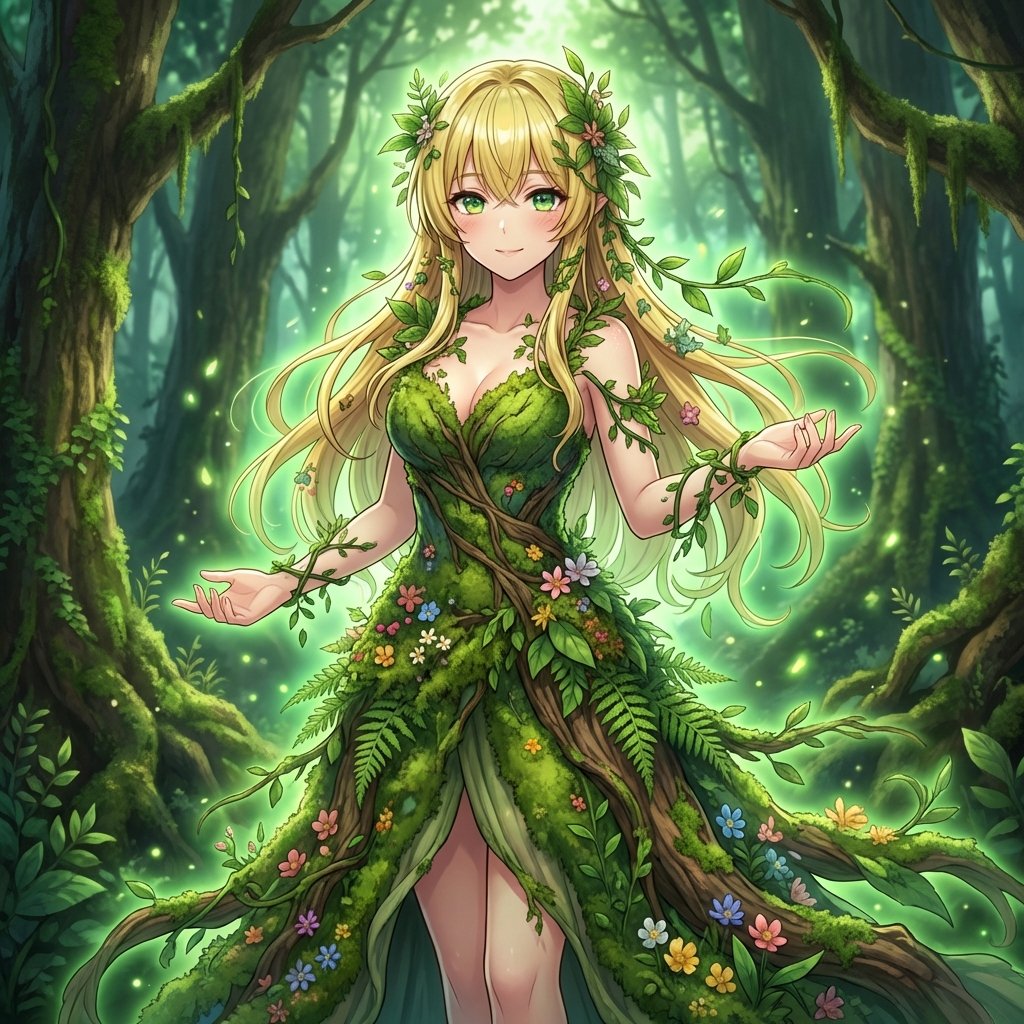
AI Transformation to Dryad
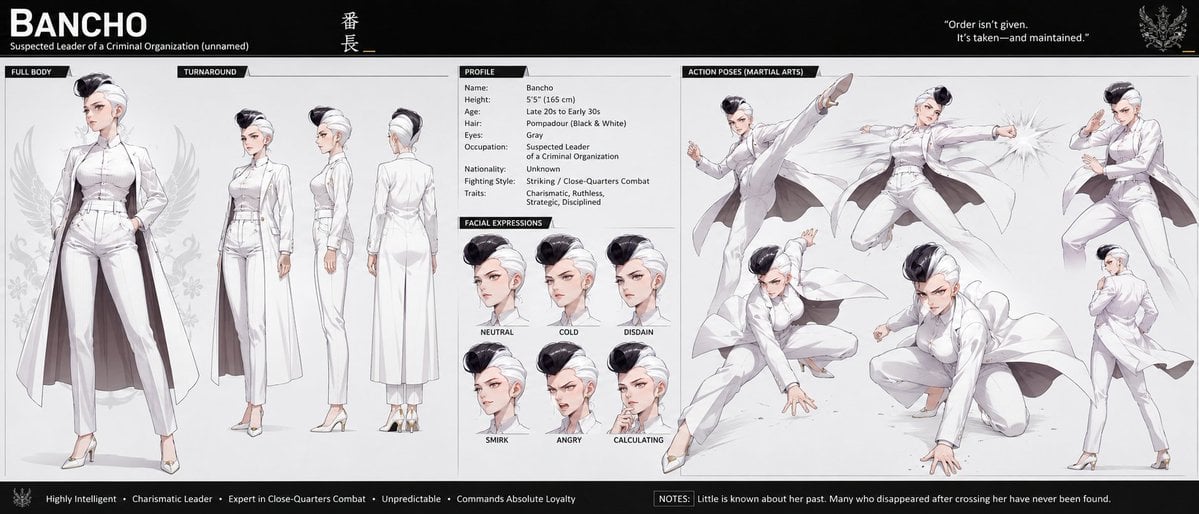
Bancho Anime Character Dossier
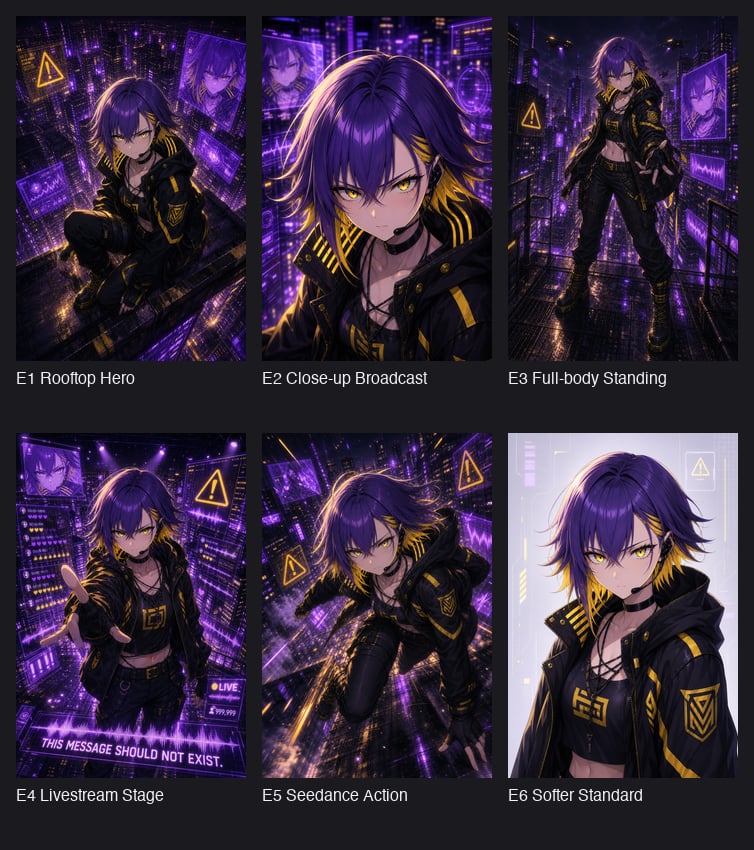
Cyberpunk Anime Hero Contact Sheet
Browse template categories
Moonlit Twenty-Four Bridges Painting questions
How do I use the Moonlit Twenty-Four Bridges Painting template?
Add your photo if the template asks for one, edit the prompt if you like — the template's model and format are already selected — and press Generate. Your version opens in PicX Studio.
Can I customize the Moonlit Twenty-Four Bridges Painting template?
Yes. You can change the subject, setting, lighting, mood, format, and available model controls before creating your image.
Is the Moonlit Twenty-Four Bridges Painting template free?
Opening and editing this template is free. Generating uses credits, shown on the Generate button when you are signed in.
Which AI model should I use?
Start with GPT Image 2, which is the model associated with this template. You can compare another compatible model for a different finish.
Looking for something else? Browse all templates.

Your photo, any look
Thousands of ready templates for every top image and video model, from one credit balance.