How do I use the Valentine's Day Disco Glamour template?
Choose the primary action to open PicX Studio with the available template settings. Review the model and format, personalize the creative direction, and generate when ready.
A structural prompt for a high-fashion Valentine's themed photoshoot with mirrored surfaces and metallic heart props. Change the subject, setting, or lighting one variable at a time.
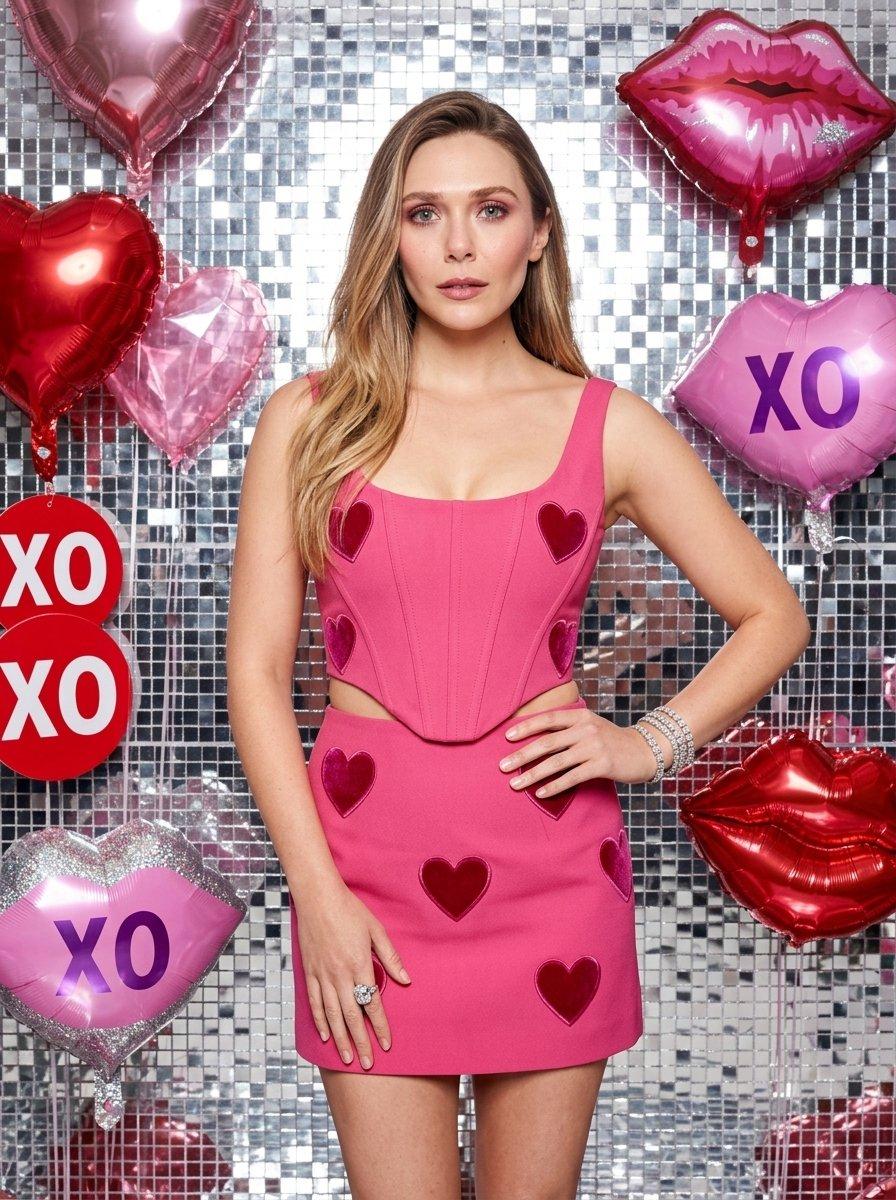
{ "image_metadata": { "theme": "Valentine's Day Glamour / Love Aesthetic", "aspect_ratio": "3:4", "shot_type": "Medium-long shot, eye-level angle" }, "subject_details": { "use_reference_image": true, "override": false, "physique": "Slender, fit, toned midriff" }, "attire_and_styling": { "outfit": { "type": "Two-piece matching set", "top": "{argument name="top" default="Bright rose-pink crop top, scoop neckline, corset-style stitching, dark pink velvet heart appliques"}", "bottom": "{argument name="skirt" default="Matching high-waisted mini skirt with dark pink velvet heart appliques"}", "color_profile": "Hot pink / Magenta base with crimson heart details" }, "jewelry": [ "Stack of silver diamond-encrusted tennis bracelets on right wrist", "Large silver statement ring with a clear gemstone on left hand" ] }, "environment_details": { "background": { "texture": "{argument name="wall texture" default="Silver mosaic mirrored tile wall, shimmering disco-ball effect"}", "lighting": "Bright, direct studio lighting, high-key, sharp specular highlights on tiles and skin" }, "floating_props": [ { "object": "Heart balloons", "details": "Large 3D metallic red foil hearts, faceted translucent pink crystal hearts" }, { "object": "Lip decorations", "details": "Oversized pink lips, silver glitter finish, purple XO text, red metallic foil accents" }, { "object": "Text elements", "details": "Red XO circular sign on the left" } ] }, "technical_parameters": { "color_palette": [ "Vibrant Pink", "Silver Chrome", "Crimson Red", "Platinum White" ], "quality_tags": [ "Photorealistic", "8k resolution", "highly detailed skin pores", "sharp focus", "commercial fashion photography style", "soft bokeh on background depth" ] } }
Choose the primary action to open PicX Studio with the available template settings. Review the model and format, personalize the creative direction, and generate when ready.
Yes. You can change the subject, setting, lighting, mood, format, and available model controls before creating your image.
This template is free to open and customize. Generation usage is shown in PicX Studio before you create.
Start with GPT Image 2, which is the model associated with this template. You can compare another compatible model for a different finish.
© 2026 PicX Studio. All rights reserved.

Follow a topic to a crawlable collection of related PicX Studio templates.
43,474 public templates available. Verified via the PicX Studio public templates API; refreshed hourly.

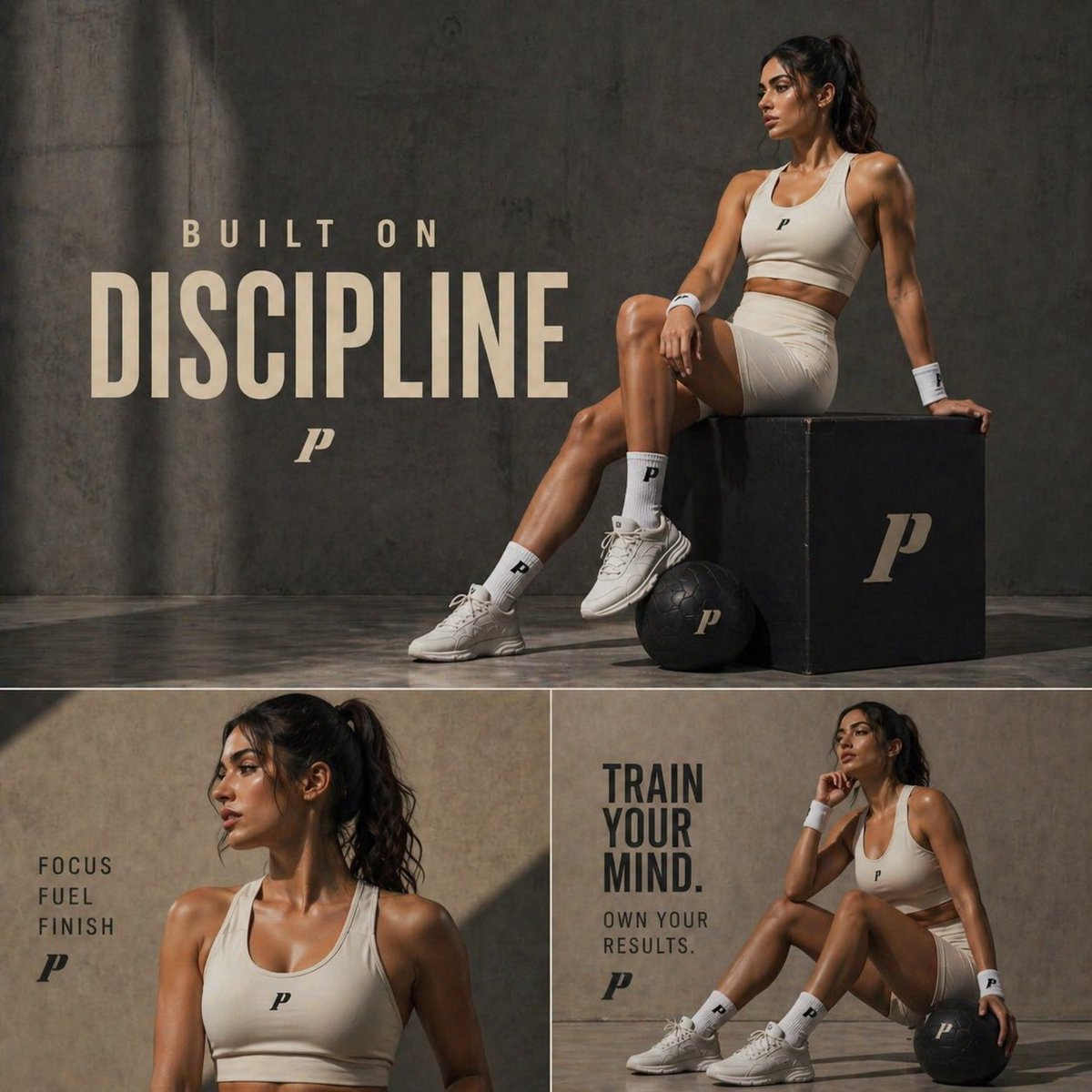
![Professional Valentine s Day advertisement for in 4 5 aspect ratio — Create a professional Valentine’s Day advertisement for [BRAND] in 4:5 aspect ratio. The ba](https://images.meigen.ai/tweets/2022269227286102243/0.jpg)
















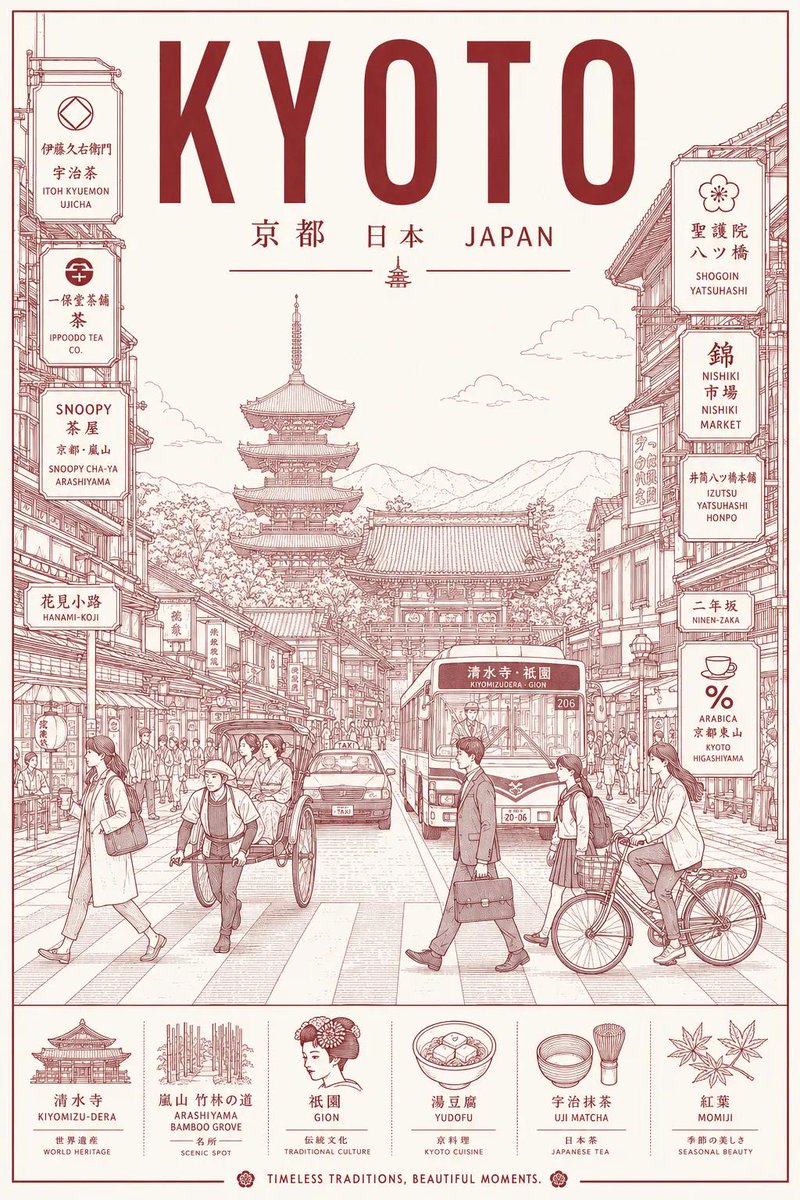
![Minimalist Flat Vector Travel Poster — Premium minimalist flat-vector travel poster for {argument name="city name" default="[CITY_NAME]"}, 3:4 vertical format.](https://cms-assets.youmind.com/media/1787917359711_3ug846_HQX205cbMAA6F6S-300x400.jpg)



















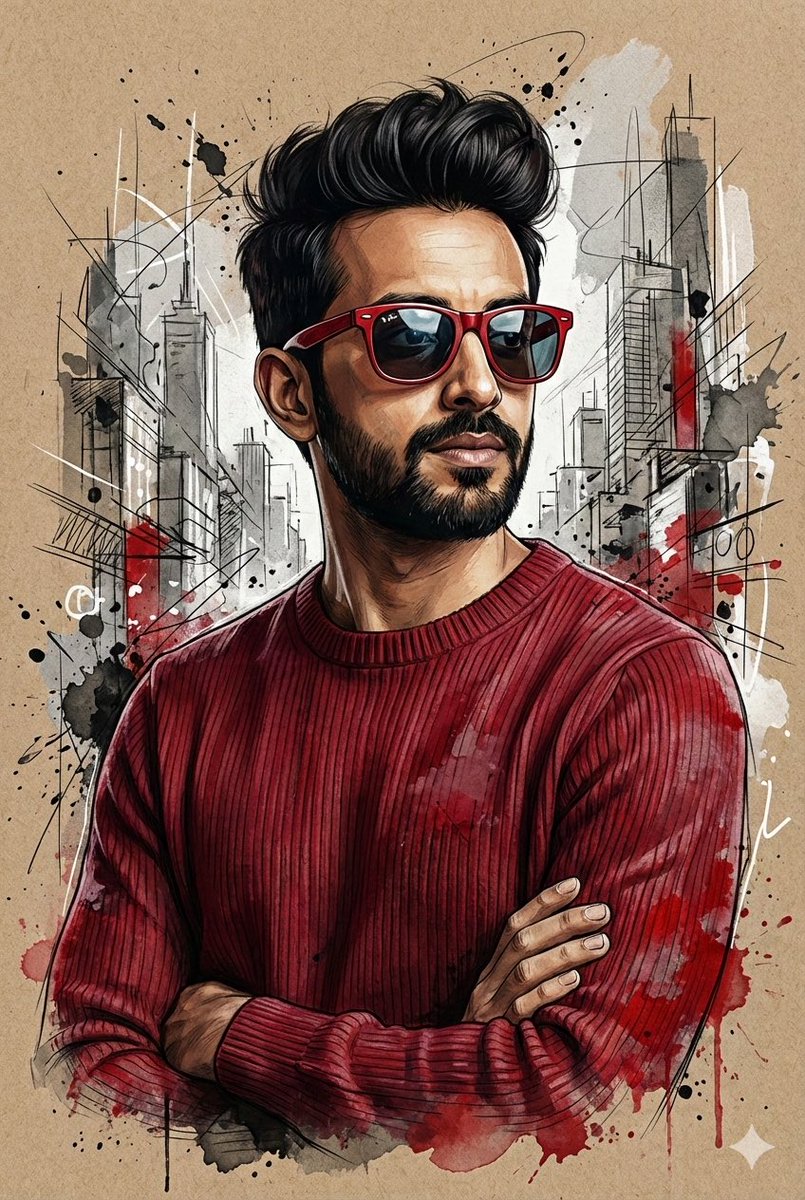


![Professional Logo VI Design Manual — 我的网名是[{argument name="网名" default="ShyNloc"}],严格遵循我的大小写写法。
其中N字母要特别设计,风格[{argument name="风格" default="折纸风格"}]。
颜色搭配:[{argum](https://cms-assets.youmind.com/media/1777884774252_pohvt7_HHZ6BaNbcAA7nnr.jpg)




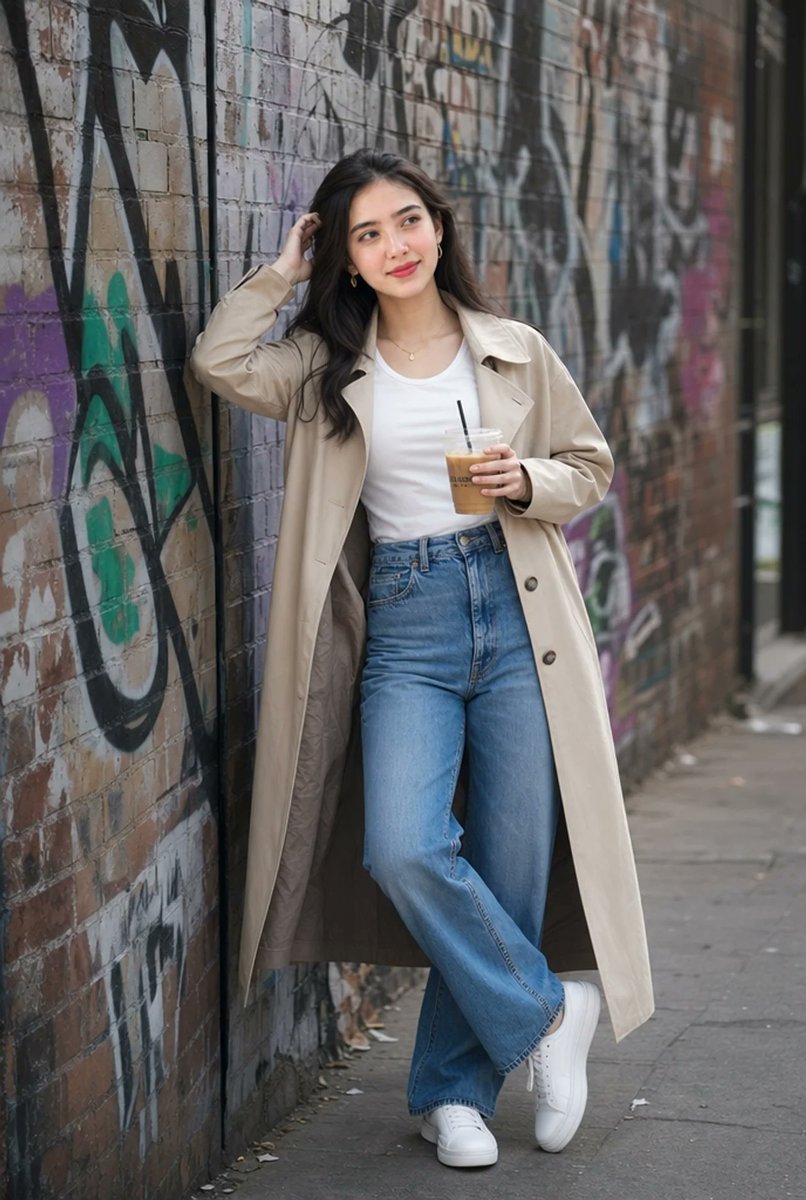
![86-hyper-realistic-ai-selfie-prompt-generat — Raw iPhone [model] photo, [shot type] of [character details: age, ethnicity, specific features], [hair with imperf](/_next/image?url=https%3A%2F%2Fcdn.picxstudio.com%2Fuploads%2Fpost86_img0_c444d40d-a07d-4013-8b75-e692799481c0.jpg&w=828&q=100)