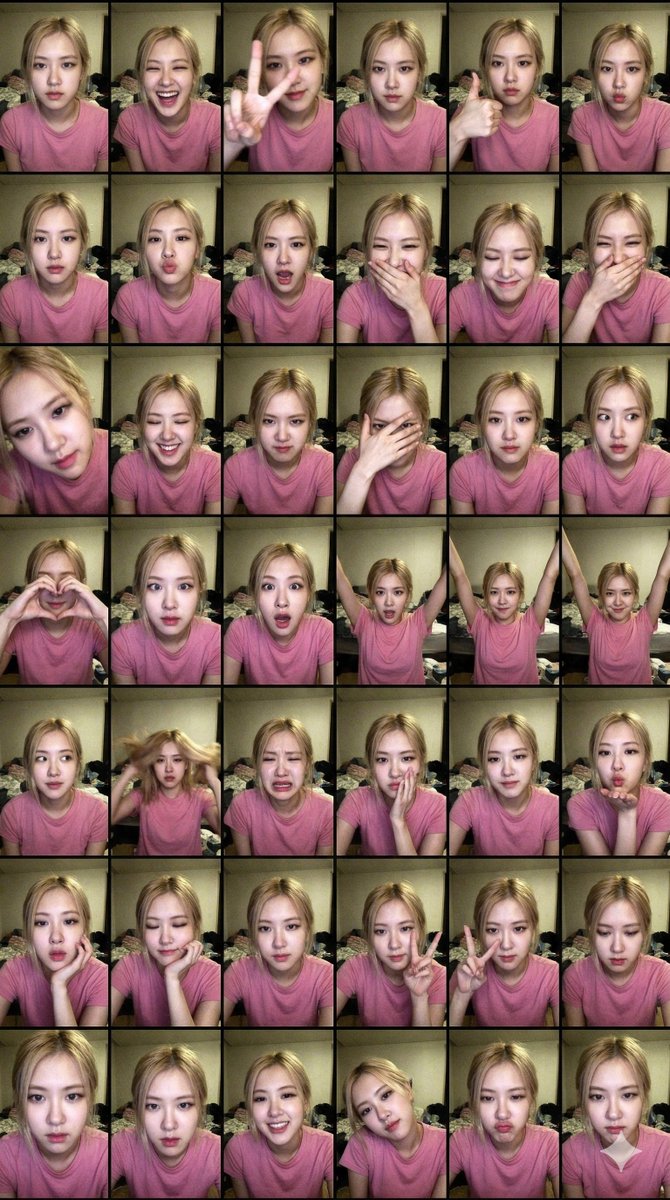
Extreme Lo-Fi Webcam Contact Sheet (Rosé Blackpink)
{
"generation_request": {
"meta_data": {
"tool": "NanoBanana Pro",
"task_type": "extreme_lofi_webcam_solo_contact_sheet_6x8",
"language": "en",
"priority": "highest",
"version": "v2.1_WEB_CAM_2008_SOLO_FLASH_48PANEL"
},
"input": {
"mode": "image_to_image",
"reference_image_usage": "very_high",
"preserve_identity": true,
"preserve_facial_features": true,
"notes": "Create a chaotic early-2000s webcam SOLO contact sheet (6 rows x 8 columns = 48 panels). Same Rosé (K-pop idol) identity across all frames. No friends. Candid, playful, messy bedroom vibe. Harsh direct webcam flash. No text, no logos, no watermark."
},
"output_settings": {
"aspect_ratio": "9:16",
"orientation": "portrait",
"resolution_target": "ultra_high_res",
"num_images": 1,
"layout": {
"type": "grid",
"rows": 6,
"cols": 8,
"gutter": "very_thin",
"outer_border": "none",
"panel_consistency": "medium"
},
"sharpness": "soft_digicam",
"grain": "heavy_digital_noise",
"render_style": "raw_webcam_realism"
},
"scene": {
"environment": "messy bedroom at night, dim tungsten ambient light in background, bed or wall behind, subtle clutter, no readable text",
"lighting": {
"style": "cheap direct webcam flash",
"key_light": "small harsh flash from camera",
"highlights": "slightly blown highlights on forehead and cheeks",
"shadows": "hard shadow behind subject",
"avoid": "studio softness, cinematic lighting"
},
"camera": {
"lens": "24-28mm wide webcam equivalent",
"distance": "very close selfie framing",
"angle": "slightly high, sometimes tilted",
"imperfections": "minor motion blur on hands, uneven exposure allowed"
}
},
"subject": {
"type": "{argument name="subject" default="Rosé (Blackpink member)"}",
"identity_lock": "strict",
"wardrobe": "casual pink t-shirt or pink tank top, no logos",
"hair": "slightly messy blonde hair, natural candid look",
"makeup": "minimal, soft rosy tint",
"anatomy_rules": "realistic hands and face proportions, monolid eye shape, slim build"
},
"panel_variation_rules": {
"energy": "playful, chaotic, expressive",
"rule": "every panel must be different",
"framing": "mix extreme close-up, mid-frame, slightly cropped edges"
},
"pose_bank": [
"neutral stare",
"big laugh",
"peace sign close to lens",
"thumbs up",
"fake model serious face",
"duck face",
"mock scream",
"hand over mouth laugh",
"leaning very close to lens",
"eyes closed laughing",
"mock angry glare",
"half face hidden by hand",
"heart hands gesture",
"silly cross-eyes",
"overdramatic shocked face",
"arms raised celebration",
"soft calm smile",
"looking off camera",
"hair flip mid-motion",
"mock crying exaggerated",
"whisper pose",
"blowing kiss",
"resting chin on hand",
"peace sign both hands",
"looking down shyly",
"serious stare close to camera",
"smiling with teeth",
"head tilted pla"
}
}


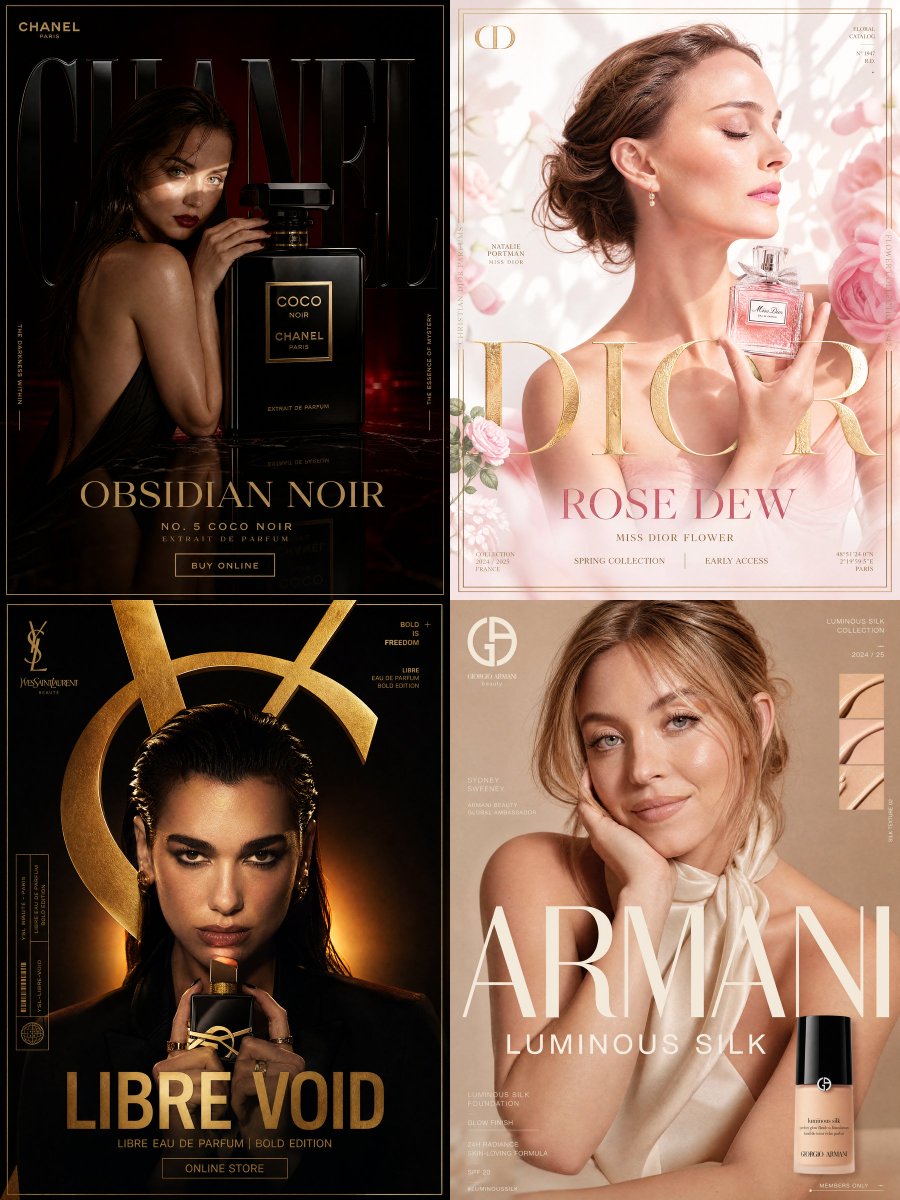





![Professional Valentine s Day advertisement for in 4 5 aspect ratio — Create a professional Valentine’s Day advertisement for [BRAND] in 4:5 aspect ratio. The ba](https://images.meigen.ai/tweets/2022269227286102243/0.jpg)







![Naive doodle-style subject illustration — A doodle-style {argument name="subject" default="[subject]"}, naive lines, humorous shape exaggeration](https://pbs.twimg.com/media/G6Wl2YxbsAARB2b.jpg)