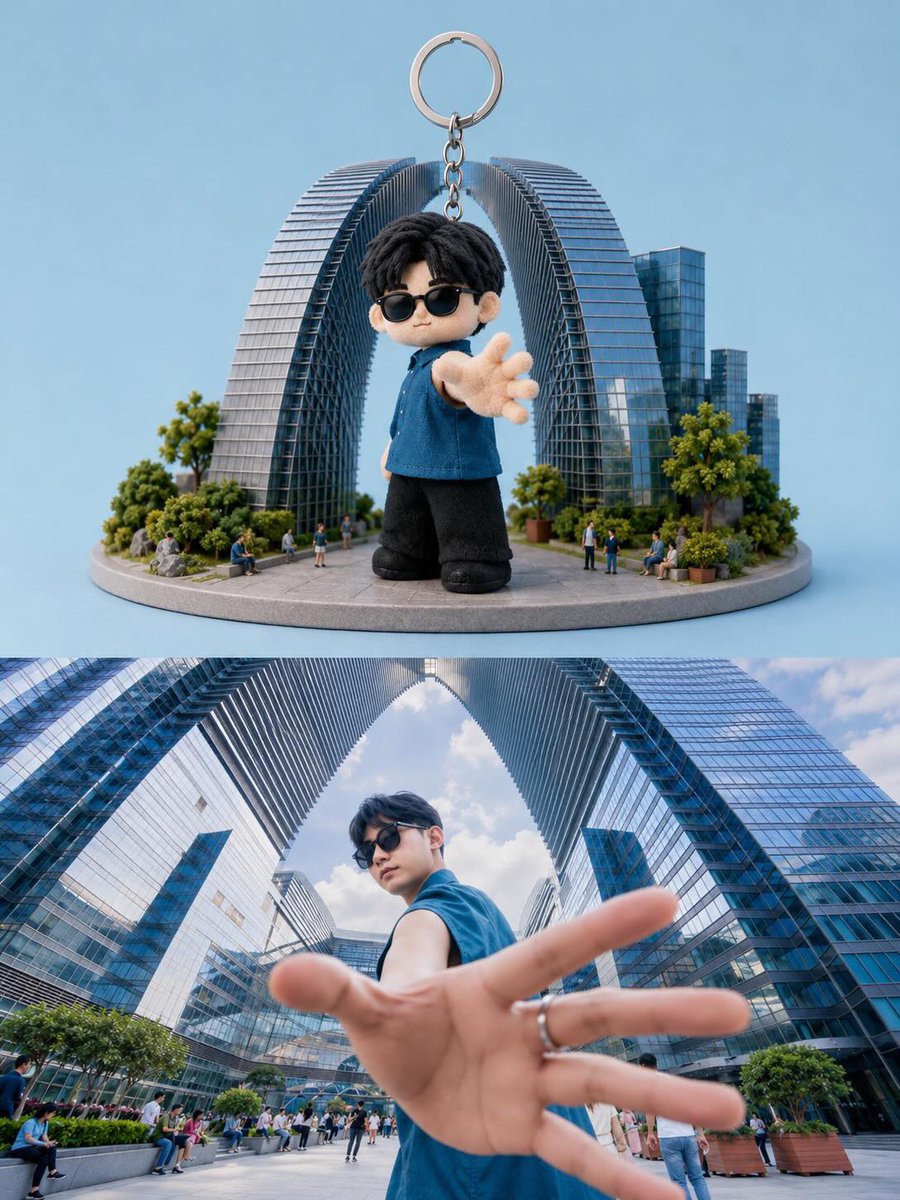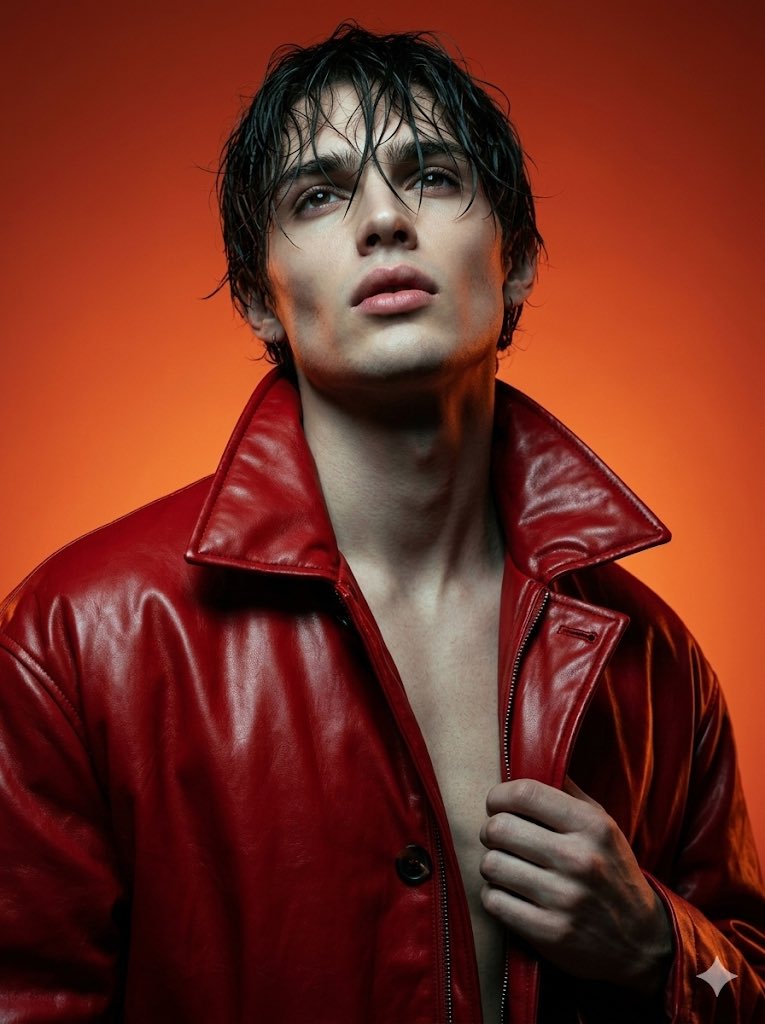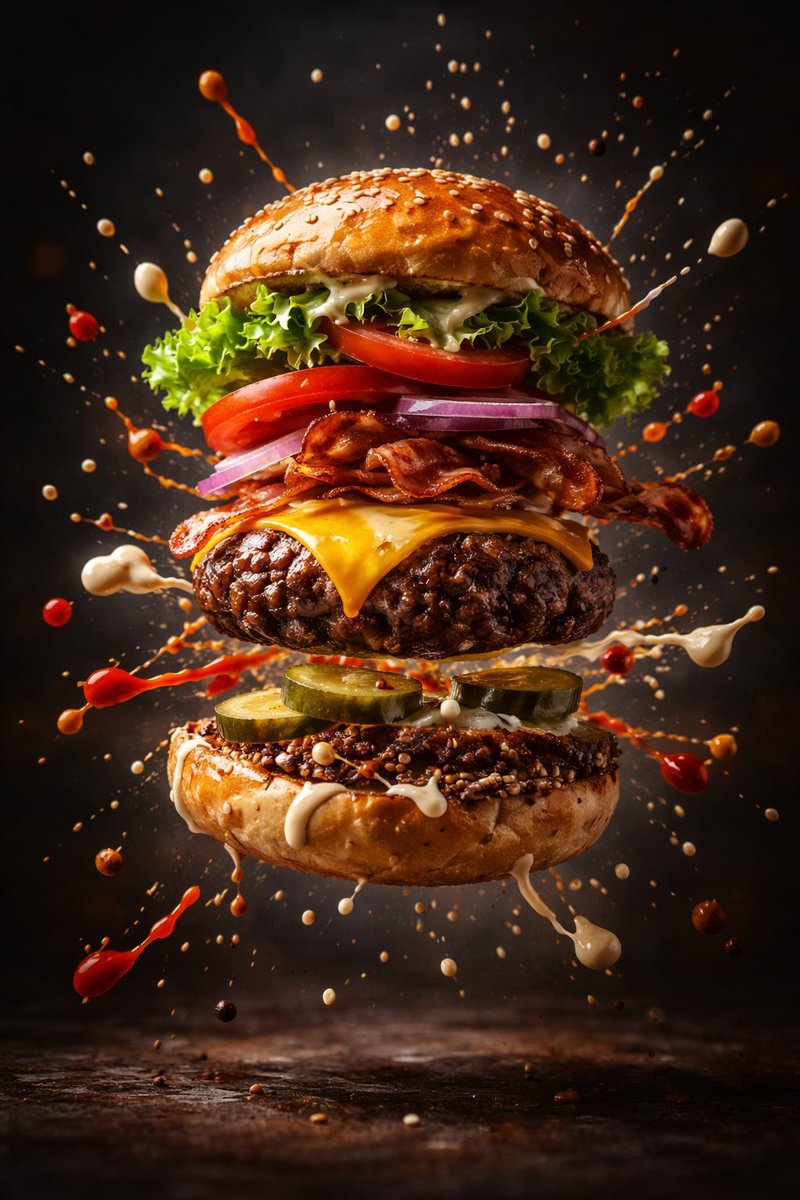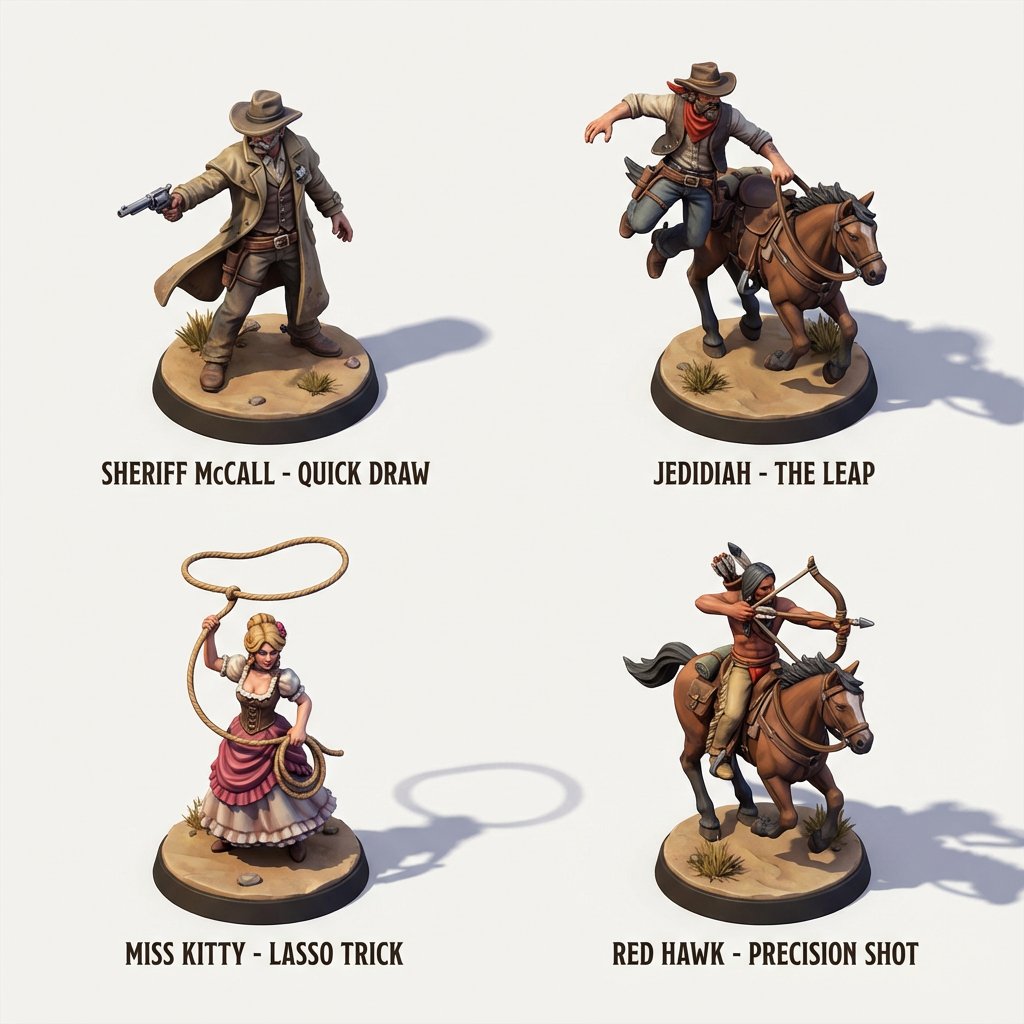
How do I use the Premium fashion campaign prompt template?
Choose the primary action to open PicX Studio with the available template settings. Review the model and format, personalize the creative direction, and generate when ready.
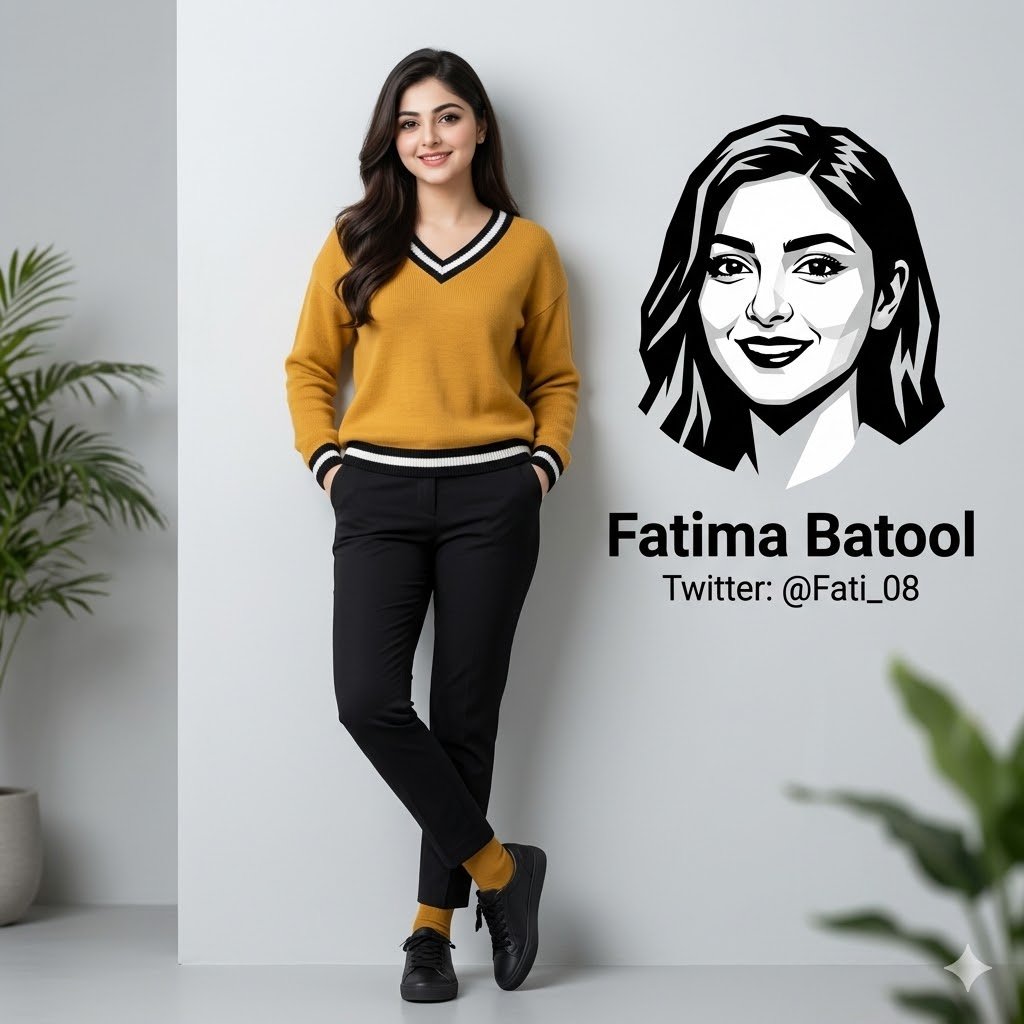
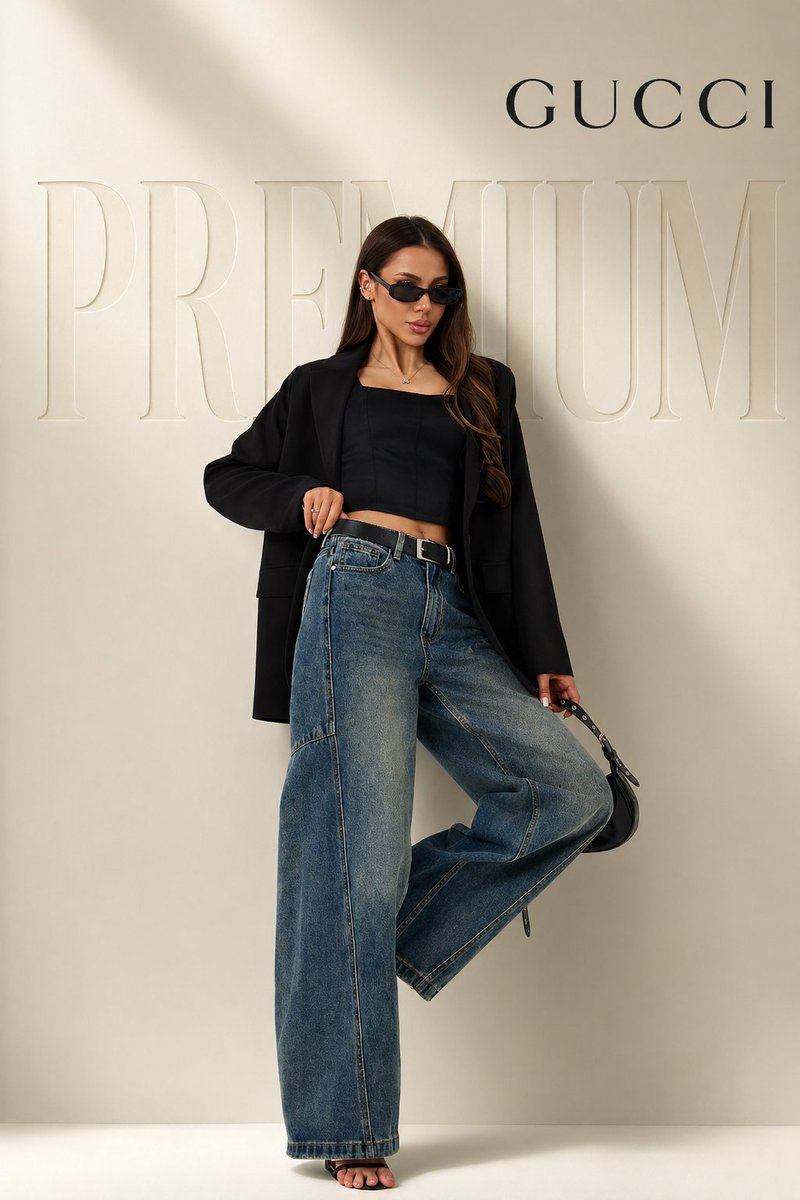
Generates a clean, high-end fashion shot with specific clothing items and 3D text in the background. (free to use) — Free AI image template on PicX Studio.
full body {argument name="subject" default="female model"} in confident fashion pose (one leg slightly raised, relaxed luxury stance), wearing oversized black blazer, fitted black crop top, high-waisted baggy blue denim jeans, black heels, slim sunglasses, holding a small black handbag, clean long hair, sharp facial features minimal luxury studio background, soft beige gradient wall, smooth shadows, editorial lighting, high-end fashion campaign style large embossed “{argument name="background text" default="PREMIUM"}” text in background, subtle 3D depth, tone-on-tone color blending with wall, elegant and soft keep “BAGGY” text bold and minimal near bottom, modern premium sans-serif font add “{argument name="logo" default="GUCCI"}” logo top right corner, clean spacing, luxury typography ultra realistic, sharp focus, premium color grading, soft highlights, depth of field, magazine-quality, clean composition, no clutter
Use Premium fashion campaign prompt to plan an AI image around gpt-image-2 generation, themes such as en and gpt-image-2. Match the preview's composition first, then personalize the subject, setting, and mood for your own project.
Use the primary action to load the template settings in PicX Studio.
Adjust the subject and creative details for your destination.
Create the image, compare the result with the preview, and refine one variable at a time.
A continuous mix — similar concepts first, woven with same-model prompts and fresh picks from the catalog.
Choose the primary action to open PicX Studio with the available template settings. Review the model and format, personalize the creative direction, and generate when ready.
Yes. You can change the subject, setting, lighting, mood, format, and available model controls before creating your image.
This template is free to open and customize. Generation usage is shown in PicX Studio before you create.
Start with gpt-image-2, which is the model associated with this template. You can compare another compatible model for a different finish.
Follow a topic to a crawlable collection of related PicX Studio templates.
39,157 public templates available. Verified via the PicX Studio public templates API; refreshed hourly.
A continuous mix — similar concepts first, woven with same-model prompts and fresh picks from the catalog.