
Futuristic Corporate 3-Panel Manga Page
Generates a 3-panel anime-style comic page featuring a futuristic corporate lobby and a businesswoman interacting with an AI earpiece.
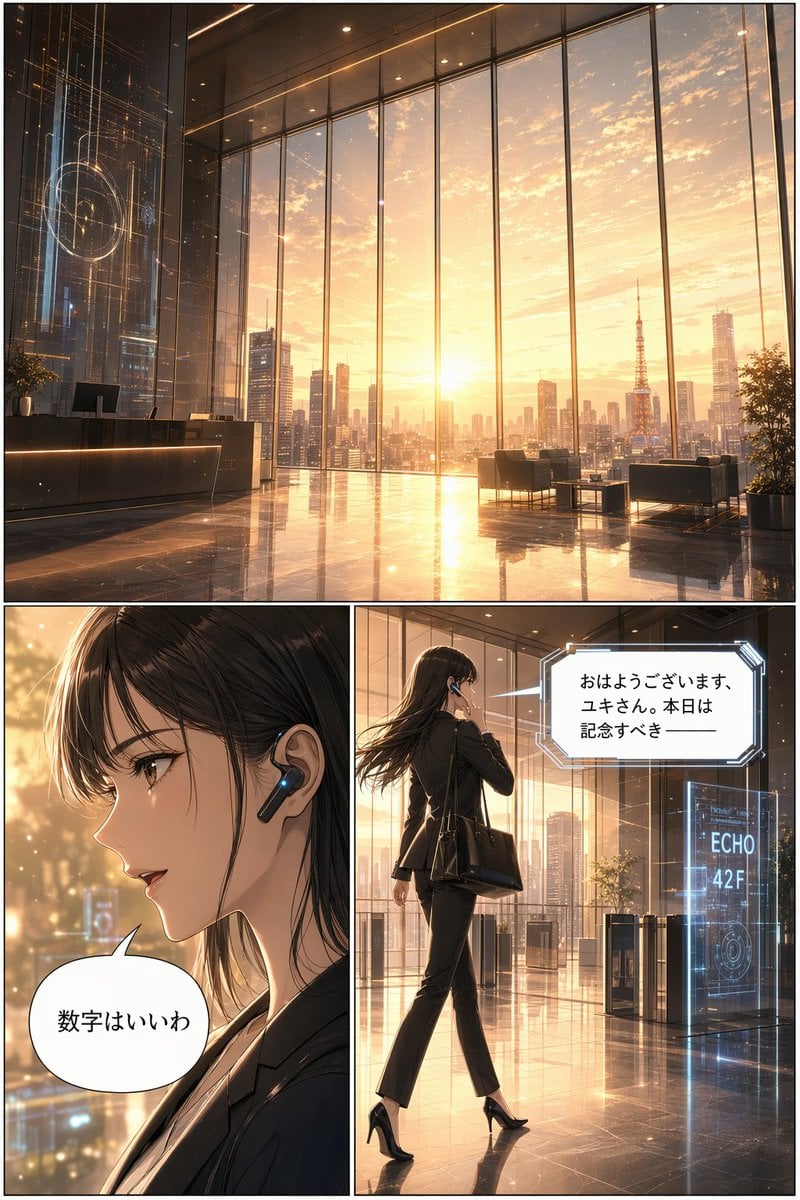
- Prompt included
- Model and format preset
- Free template
The prompt behind this image
Copy the exact prompt behind Futuristic Corporate 3-Panel Manga Page, or open it in the studio and make it yours.
- Type
- 3-panel manga page
- Style
- anime, highly detailed, cinematic lighting, futuristic corporate
- Layout › Structure
- 1 wide top panel, 2 square bottom panels
- Panels › 0 › Position
- top
- Panels › 0 › Shot
- wide landscape
- Panels › 0 › Scene
- Futuristic corporate lobby with floor-to-ceiling windows
- Panels › 0 › Lighting
- {argument name="time of day" default="sunrise"}
- Panels › 0 › Background
- City skyline featuring {argument name="landmark" default="Tokyo Tower"}
- Panels › 0 › Details
- Holographic displays, polished reflective floor, reception desk, lounge chairs
- Panels › 1 › Position
- bottom left
- Panels › 1 › Shot
- close-up profile
- Panels › 1 › Character
- Young woman, dark hair, black business suit
- Panels › 1 › Accessories
- Futuristic black earpiece with glowing blue light
- Panels › 1 › Speech Bubble › Style
- standard rounded
- Panels › 1 › Speech Bubble › Text
- {argument name="character dialogue" default="数字はいいわ"}
- Panels › 2 › Position
- bottom right
- Panels › 2 › Shot
- full body, walking away, touching earpiece
- Panels › 2 › Character
- Same woman, black suit, black heels, carrying a black tote bag
- Panels › 2 › Environment
- Approaching security gates
- Panels › 2 › Holographic Sign
- {argument name="floor sign" default="ECHO 42F"}
- Panels › 2 › Speech Bubble › Style
- futuristic angular
- Panels › 2 › Speech Bubble › Text
- {argument name="AI dialogue" default="おはようございます、ユキさん。本日は記念すべき ──"}
Raw JSON
{
  "type": "3-panel manga page",
  "style": "anime, highly detailed, cinematic lighting, futuristic corporate",
  "layout": {
    "structure": "1 wide top panel, 2 square bottom panels"
  },
  "panels": [
    {
      "position": "top",
      "shot": "wide landscape",
      "scene": "Futuristic corporate lobby with floor-to-ceiling windows",
      "lighting": "{argument name=\"time of day\" default=\"sunrise\"}",
      "background": "City skyline featuring {argument name=\"landmark\" default=\"Tokyo Tower\"}",
      "details": "Holographic displays, polished reflective floor, reception desk, lounge chairs"
    },
    {
      "position": "bottom left",
      "shot": "close-up profile",
      "character": "Young woman, dark hair, black business suit",
      "accessories": "Futuristic black earpiece with glowing blue light",
      "speech_bubble": {
        "style": "standard rounded",
        "text": "{argument name=\"character dialogue\" default=\"数字はいいわ\"}"
      }
    },
    {
      "position": "bottom right",
      "shot": "full body, walking away, touching earpiece",
      "character": "Same woman, black suit, black heels, carrying a black tote bag",
      "environment": "Approaching security gates",
      "holographic_sign": "{argument name=\"floor sign\" default=\"ECHO 42F\"}",
      "speech_bubble": {
        "style": "futuristic angular",
        "text": "{argument name=\"AI dialogue\" default=\"おはようございます、ユキさん。本日は記念すべき ──\"}"
      }
    }
  ]
}How to use Futuristic Corporate 3-Panel Manga Page in 3 steps
- 1Upload ImagePNG, JPG or paste
Add your photo
Upload the photo the template builds on. The prompt, model and format are already set.
- 2…a portrait of your subject in softgolden-hour light, 85mm…
Personalize
Edit the subject and creative details for your destination.
- 3Generate
Generate
Press Generate — your image is created in PicX Studio, so you can compare it with the original and refine one variable at a time.
More like this
Templates with the same subject, style or setup. Open one to see its prompt.

Quiet Hamster Manga Page

Late-Night Hamster Manga Page

Surreal Noir Hamster Manga Page

Shojo Horror Manga Corridor Page

Cute AI Manga Lesson Comic Page

Hamster Summons Sol Manga Page

Lazy Day Chibi Manga Page

Overwhelmed Coding Manga Page

Seven-Panel Cyberpunk Manga Alley

Fantasy Wagashi Manga Cooking Page

Sunny Seaside Anime Manga Page

Futuristic Chrome Helmet Fashion Portrait
Make it yours
Futuristic Corporate 3-Panel Manga Page works as-is. These are the safest ways to change it without losing the look.
Swap the setting
Keep the rest of the prompt and replace the location block. The current setting is “City skyline featuring {argument name="landmark" default="Tokyo Tower"}”.
Swap the light
One lighting change is enough to compare takes. Current light: “{argument name="time of day" default="sunrise"}”.
Change one field
Copy a single group, rewrite it, and generate again so you can see what that field is doing.
| If the result… | Why | Fix |
|---|---|---|
| The result drifts from the preview | Too many fields changed at once. | Reuse Futuristic Corporate 3-Panel Manga Page as-is first, then change one group — subject, light, or setting. |
| GPT Image 2 ignores part of the JSON | Some models flatten or skip nested keys. | Keep the same values and paste them as a short paragraph instead. |
More GPT Image 2 templates
Other prompts made for GPT Image 2.

Six VTuber Japanese Logo Sheet

Realistic Portrait of Woman and Deer

The Vista Modular Condo Poster

AI Model Routing Comparison Infographic

2.5D Anime Art Board

Isometric Productivity Desk Scene

New York Double Exposure Poster

Four-Panel AI Landscape Comparison

Japanese Tatami Lifestyle Magazine Cover

NESCAFÉ Coffee Map Poster
More image prompts
Fresh picks from across the catalog.

Ornate Yuna Fantasy Portrait
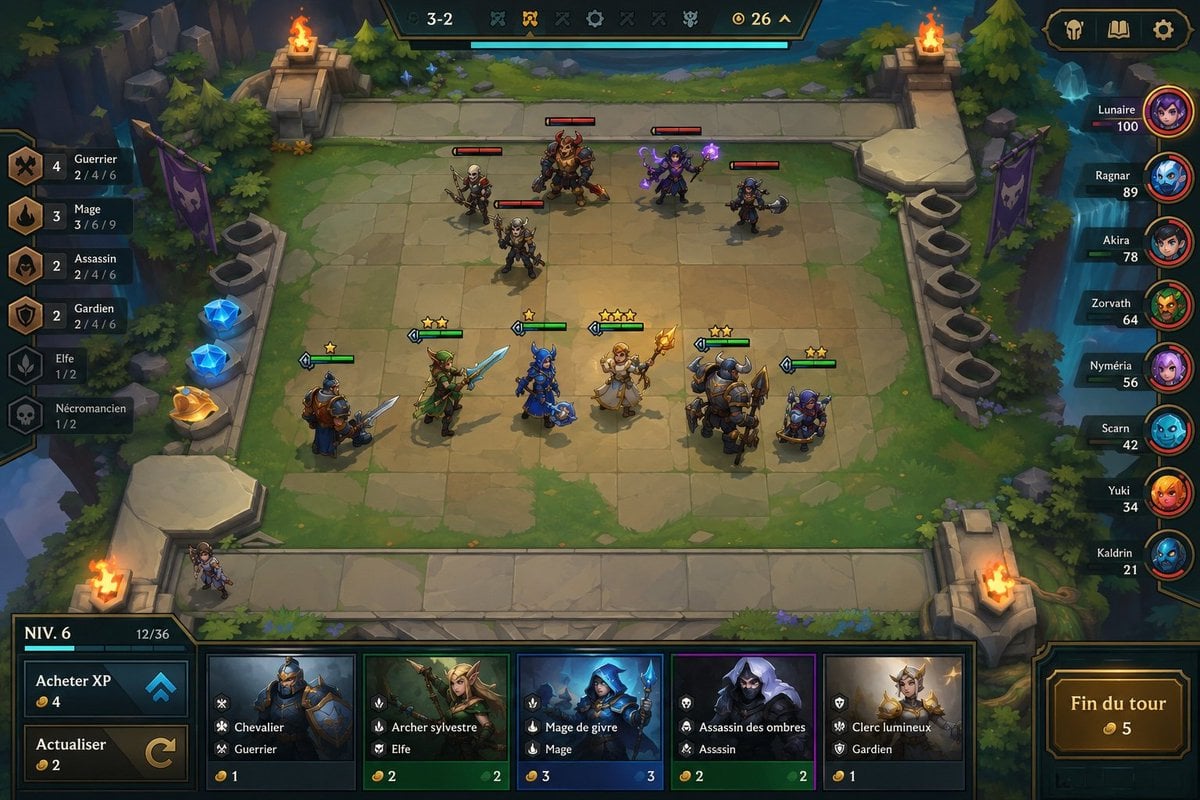
Fantasy Auto-Battler Gameplay UI
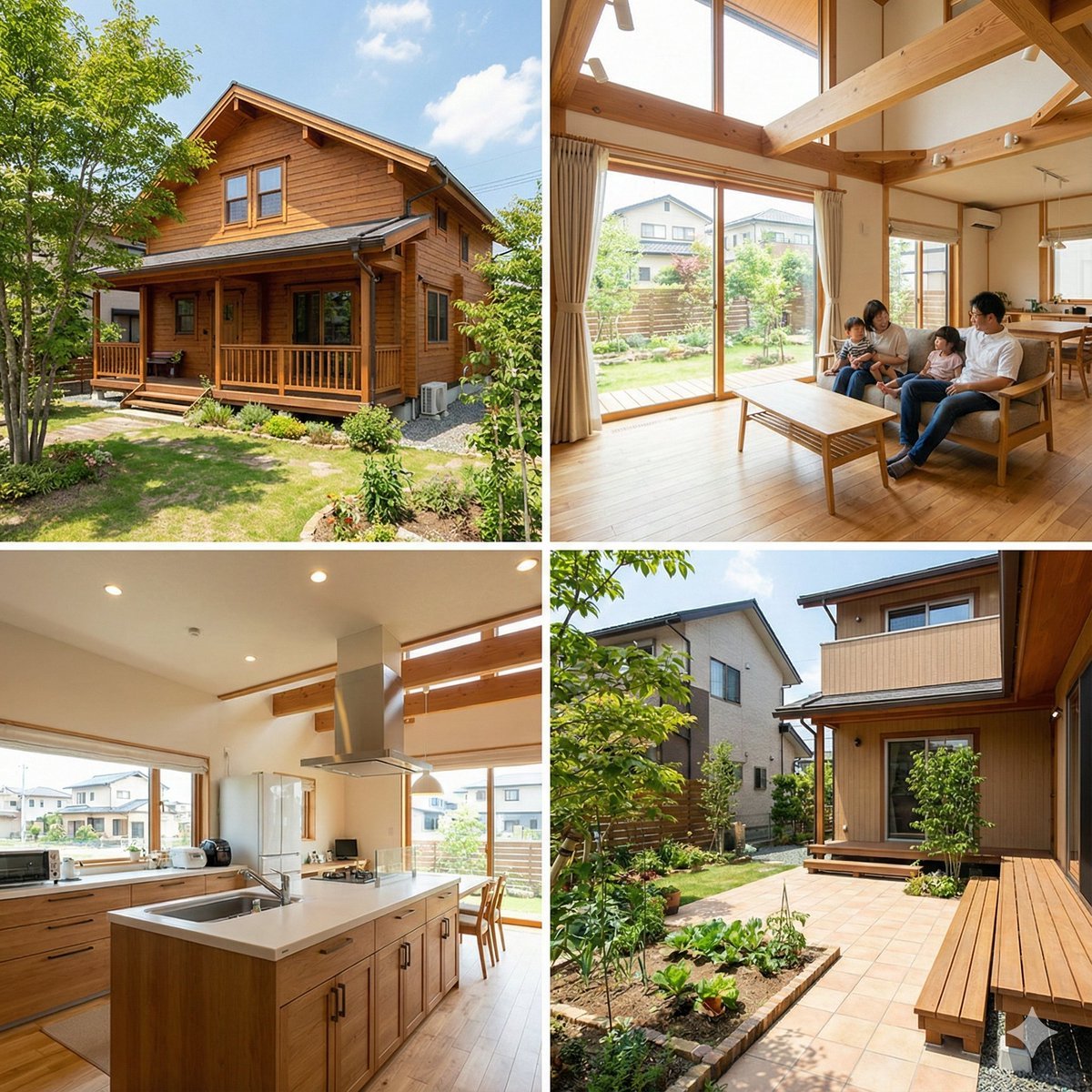
Generating Real Estate Flyers with Nano Banana Pro

Luxury Skincare Product Advertisement
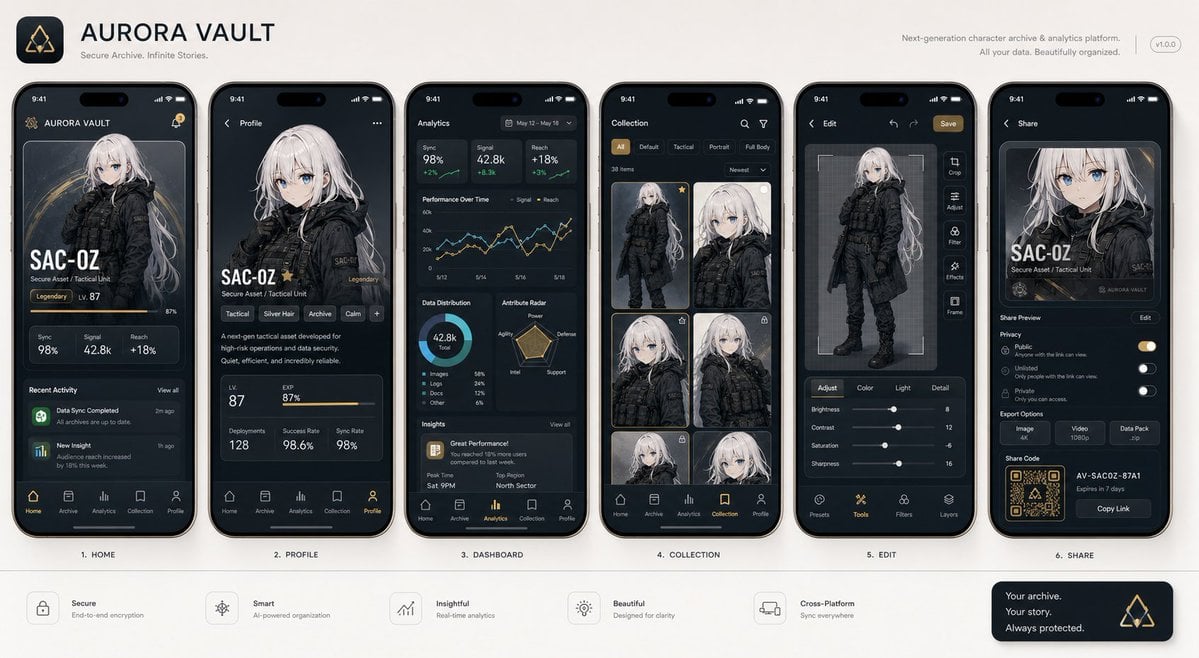
Next-Gen Mobile App UI Showcase

Hyper-Realistic Skin Texture Prompt for Nano Banana Pro (Detailed Version)

untitled

Red Vinyl Soundtrack Ad
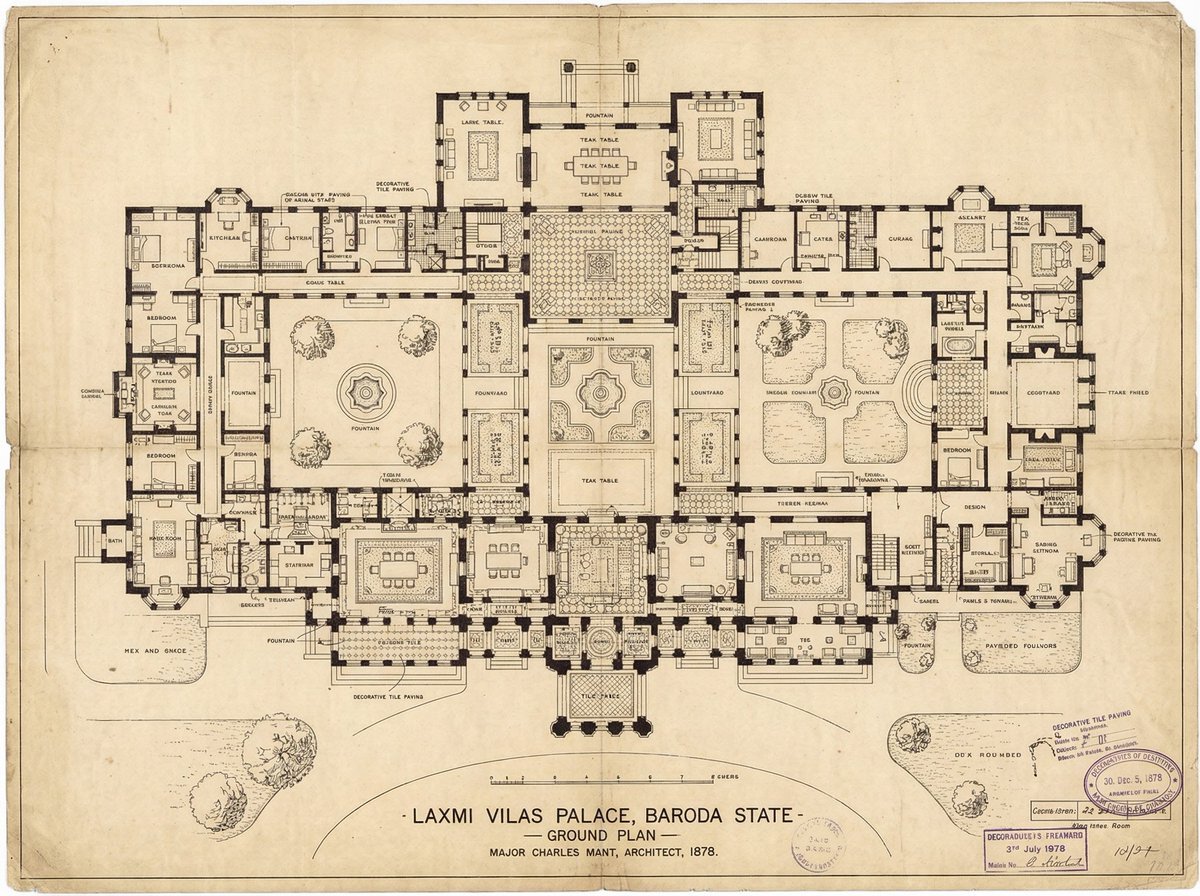
Generate detailed construction plan of Laxmi Vilas Palace from image
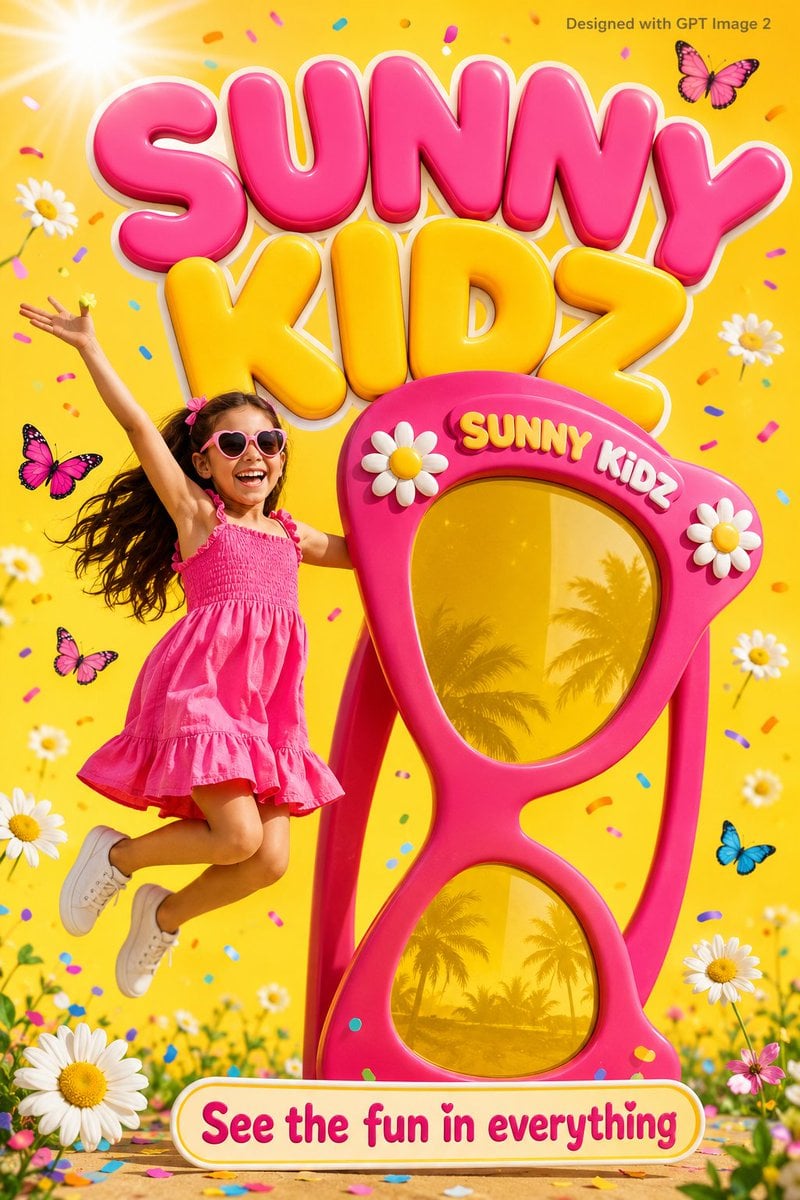
Colorful Kids Advertising Poster
Browse template categories
Futuristic Corporate 3-Panel Manga Page questions
How do I use the Futuristic Corporate 3-Panel Manga Page template?
Add your photo if the template asks for one, edit the prompt if you like — the template's model and format are already selected — and press Generate. Your version opens in PicX Studio.
Can I customize the Futuristic Corporate 3-Panel Manga Page template?
Yes. You can change the subject, setting, lighting, mood, format, and available model controls before creating your image.
Is the Futuristic Corporate 3-Panel Manga Page template free?
Opening and editing this template is free. Generating uses credits, shown on the Generate button when you are signed in.
Which AI model should I use?
Start with GPT Image 2, which is the model associated with this template. You can compare another compatible model for a different finish.
Looking for something else? Browse all templates.

Your photo, any look
Thousands of ready templates for every top image and video model, from one credit balance.