
Milano to Cannes Storyboard Sheet
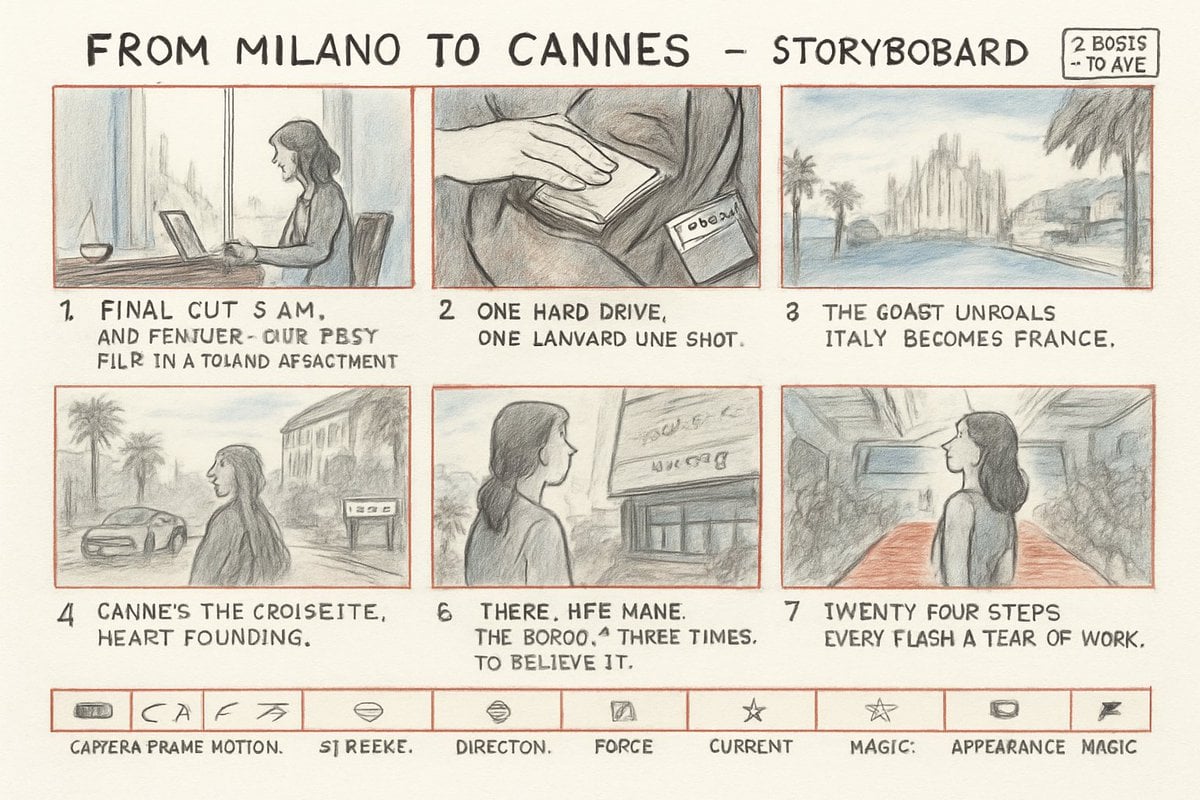
A rough hand-drawn six-panel cinematic storyboard sheet for a travel-to-film-festival narrative with captions and production icons.
- Prompt included
- Model and format preset
- Free template
The prompt behind this image
Copy the exact prompt behind Milano to Cannes Storyboard Sheet, or open it in the studio and make it yours.
Goal: Create a hand-drawn cinematic storyboard sheet about a woman traveling from Milan to Cannes with a hard drive, drawn like a rough pencil-and-colored-pencil production board. Canvas: Landscape 16:9 off-white paper background, slightly textured, scanned sketchbook look. Use thin red-orange borders for all storyboard frames and the bottom icon strip. The drawing style is loose graphite pencil with soft pale blue, gray, tan, and muted red washes; imperfect perspective, visible sketch lines, handwritten lettering, and intentionally misspelled storyboard notes. Header: Across the top in large uneven black hand-lettering, write “FROM MILANO TO CANNES - STORYBOBARD”. In the top-right corner add a small rounded rectangle label with the handwritten text “2 BOSIS → TO AVE”. Layout: Use exactly 6 main storyboard panels arranged in 2 rows of 3 panels. Each panel has a thin red-orange rectangular border and a short handwritten caption beneath it. Number the panels visibly as 1, 2, 3, 4, 6, and 7, preserving the skipped numbering. Use a recurring young woman protagonist, {argument name="character name" default="an unnamed woman"}, with shoulder-length dark hair and a simple sleeveless or short-sleeved top; her face may be softly blurred or minimally detailed. Panel details and captions: 1. Interior desk scene: the woman sits side-on at a table with an open laptop, a small bowl or cup, and a soft city view through tall windows. Caption: “FINAL CUT S AM, AND FEMJUER- OUR PBSY FILR IN A TOLAND AFSAGMENT”. 2. Close-up of a hand resting on a bag or jacket, beside a small labeled hard drive or tag. Caption: “ONE HARD DRIVE, ONE LANVARD UNE SHOT.” 3. Coastal road arrival scene with palm trees, a blue road or sea, and distant Cannes-like buildings. Caption: “THE GOAST UNROALS ITALY BECOMES FRANCE,”. 4. Street on the Croisette: the woman seen from behind near palm trees, a car, a pale building façade, and a small roadside sign. Caption: “CANNE’S THE CROISEITE, HEART FOUNDING.” 6. The woman viewed from behind looking up at a cinema or festival building sign with scribbled lettering. Caption: “THERE. HFE MANE. THE BOROO.^ THREE TIMES. TO BELIEVE IT.” 7. Red carpet hallway or grand interior: the woman stands in profile looking upward, surrounded by sketchy crowds on both sides and a red carpet leading forward. Caption: “TWENTY FOUR STEPS EVERY FLASH A TEAR OF WORK.” Bottom strip: Add one long horizontal red-orange bordered strip divided into exactly 10 small rectangular cells, each containing a tiny rough icon and a handwritten label beneath. From left to right: 1) small capsule/drive icon labeled “CAPYERA PRAME MOTION.”, 2) curved arrow and letters labeled “SI REEKE.”, 3) fast arrow mark with no separate large caption beyond the strip alignment, 4) diamond/eye shape labeled “DIRECTON.”, 5) small lips/oval icon with no extra caption, 6) tilted square labeled “FORCE”, 7) star labeled “CURRENT”, 8) outlined star labeled “MAGIC:”, 9) rounded rectangle labeled “APPEARANCE”, 10) small flag/lightning mark labeled “MAGIC”. Visual constraints: Keep all text hand-drawn, uneven, and slightly nonsensical as if drafted quickly in a storyboard notebook. Maintain muted handmade texture, no photorealism, no clean digital UI, no watermark, and do not add extra storyboard panels beyond the 6 main panels and 10 bottom icon cells.
How to use Milano to Cannes Storyboard Sheet in 3 steps
- 1Upload ImagePNG, JPG or paste
Add your photo
Upload the photo the template builds on. The prompt, model and format are already set.
- 2…a portrait of your subject in softgolden-hour light, 85mm…
Personalize
Edit the subject and creative details for your destination.
- 3Generate
Generate
Press Generate — your image is created in PicX Studio, so you can compare it with the original and refine one variable at a time.
More like this
Templates with the same subject, style or setup. Open one to see its prompt.

Headphones Lifestyle Nine Panel Grid

Dancer Character - Four View Reference Sheet

Movement Sheet - Dance Reference (Seedance 2.0)
Seedance - Storyboard to Movie
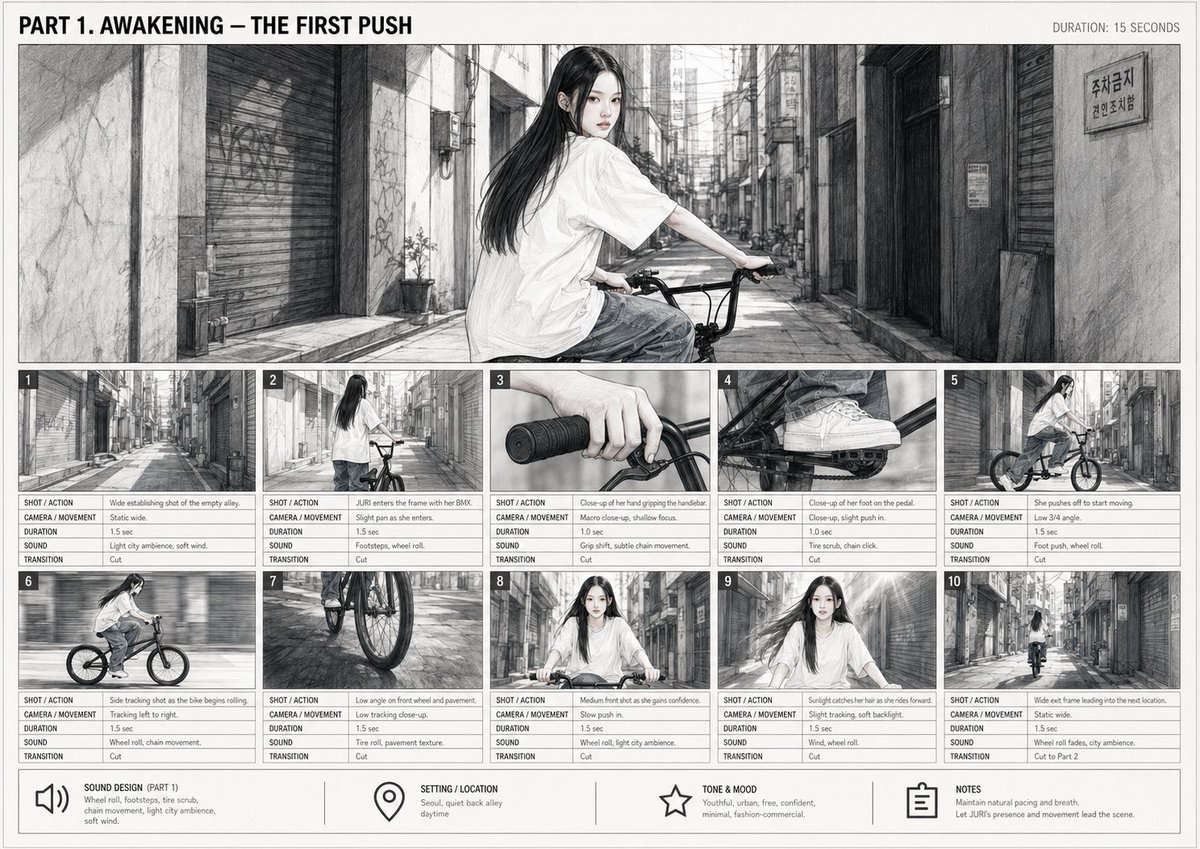
Cinematic BMX Storyboard Sheet
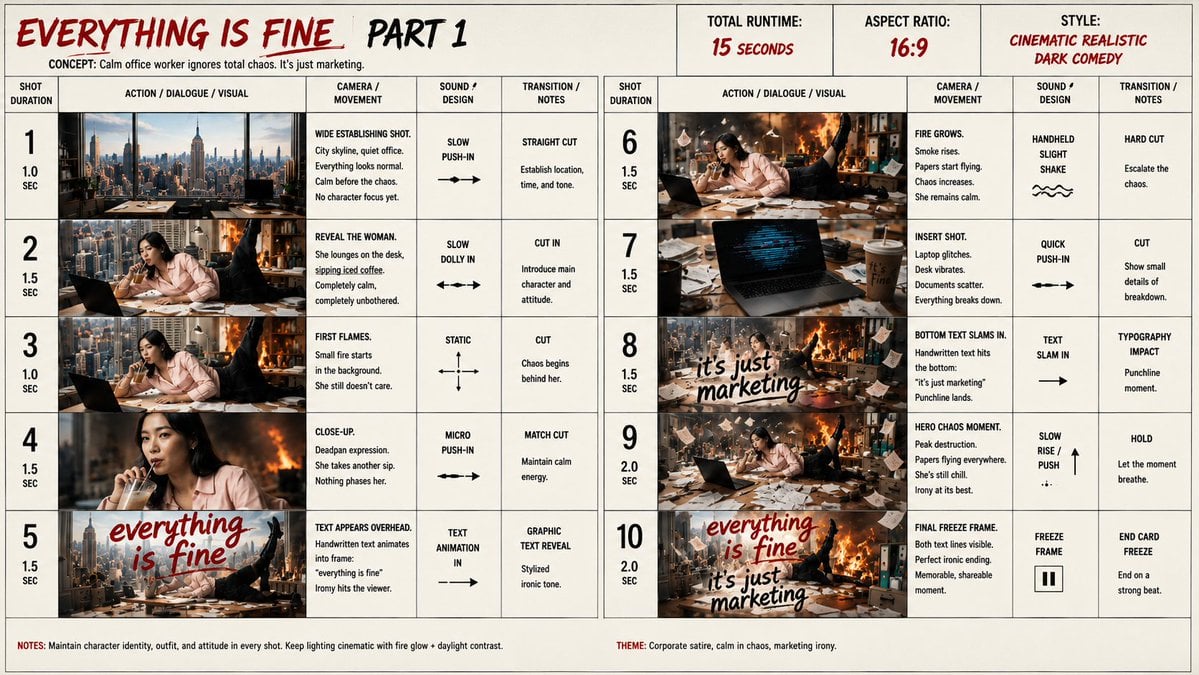
Everything Is Fine Storyboard Sheet

Pencil Sketch Coffee Storyboard
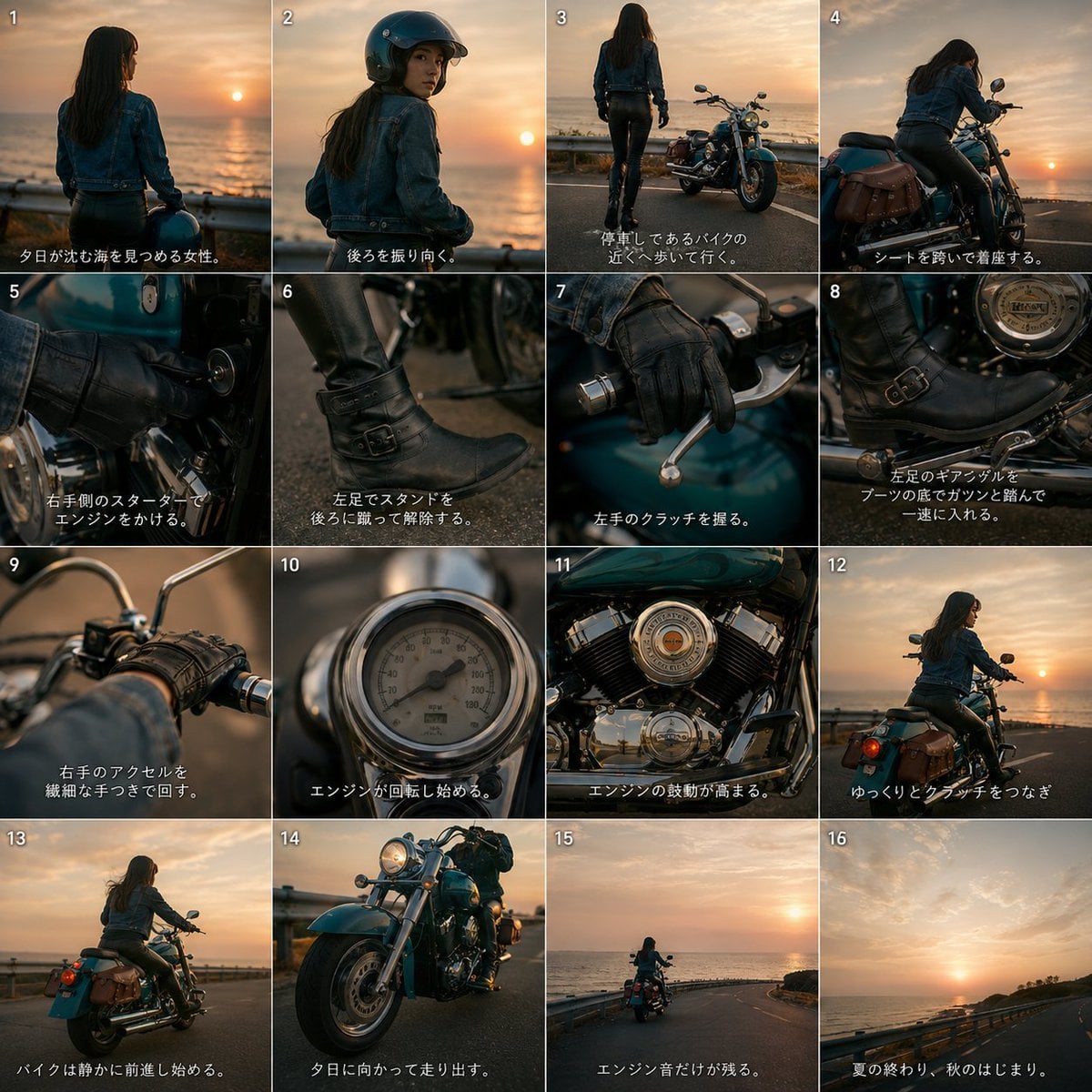
Cinematic Motorcycle Storyboard
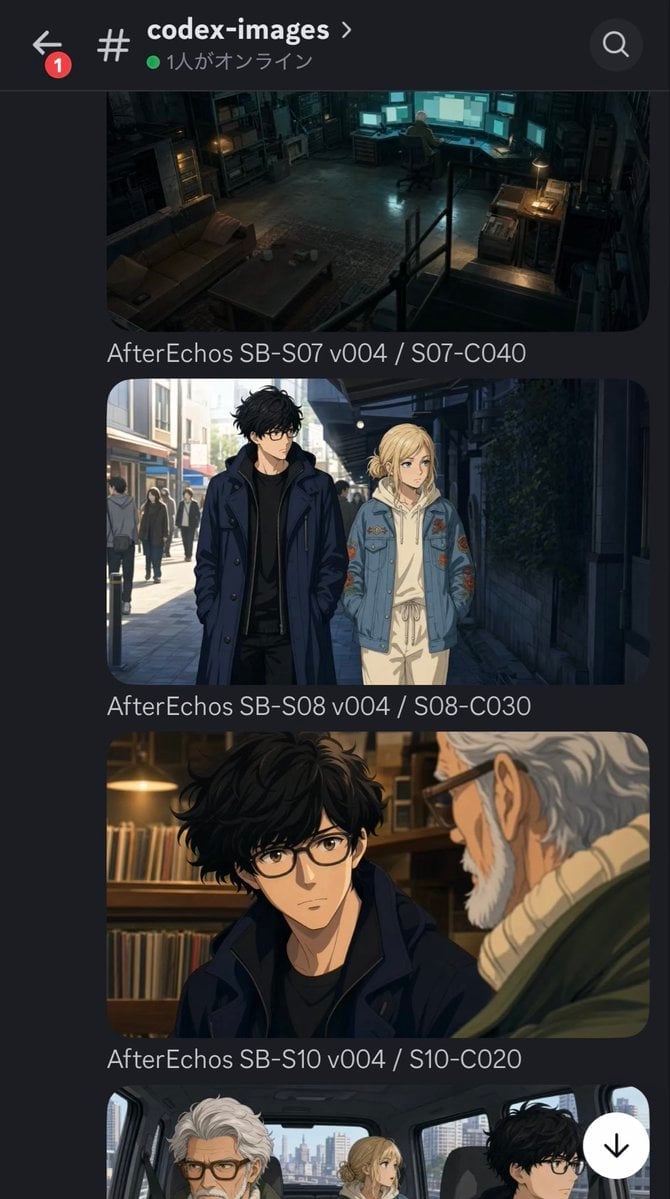
Discord Anime Storyboard Feed
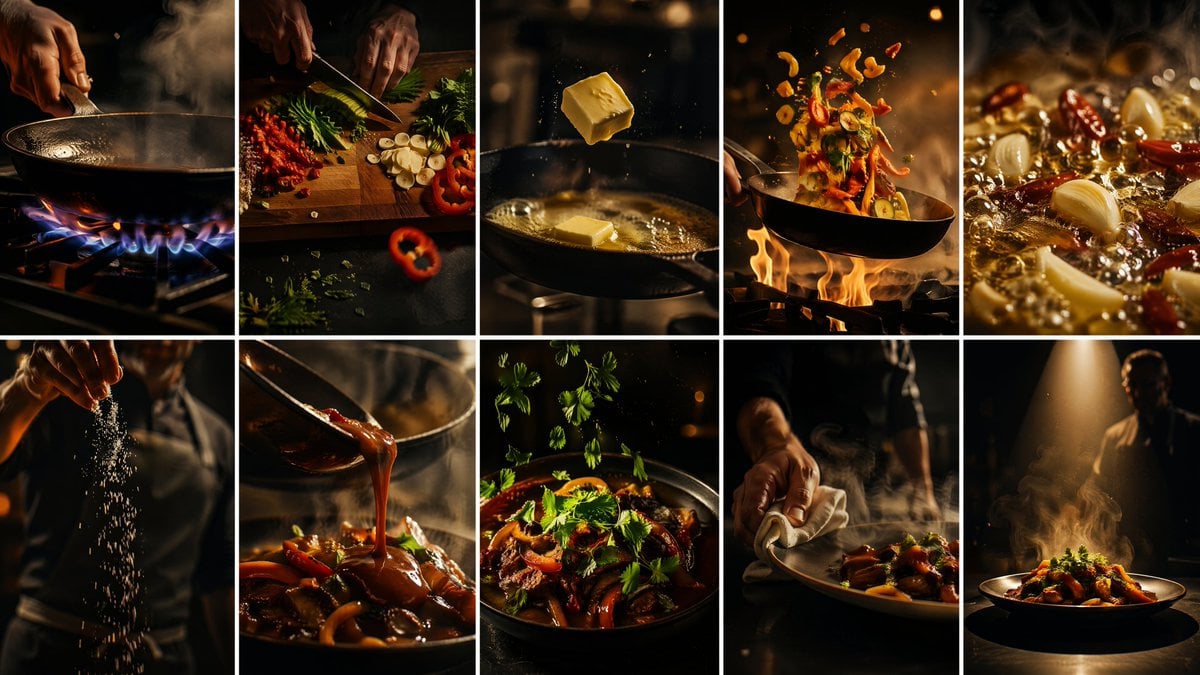
Cinematic Flame Chef Storyboard
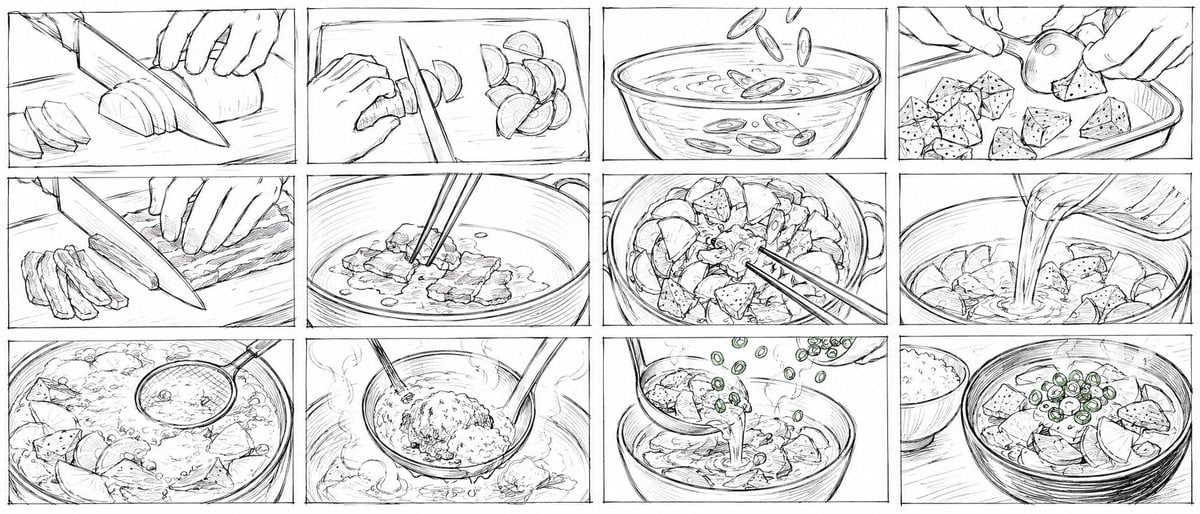
Rough Tonjiru Cooking Storyboard
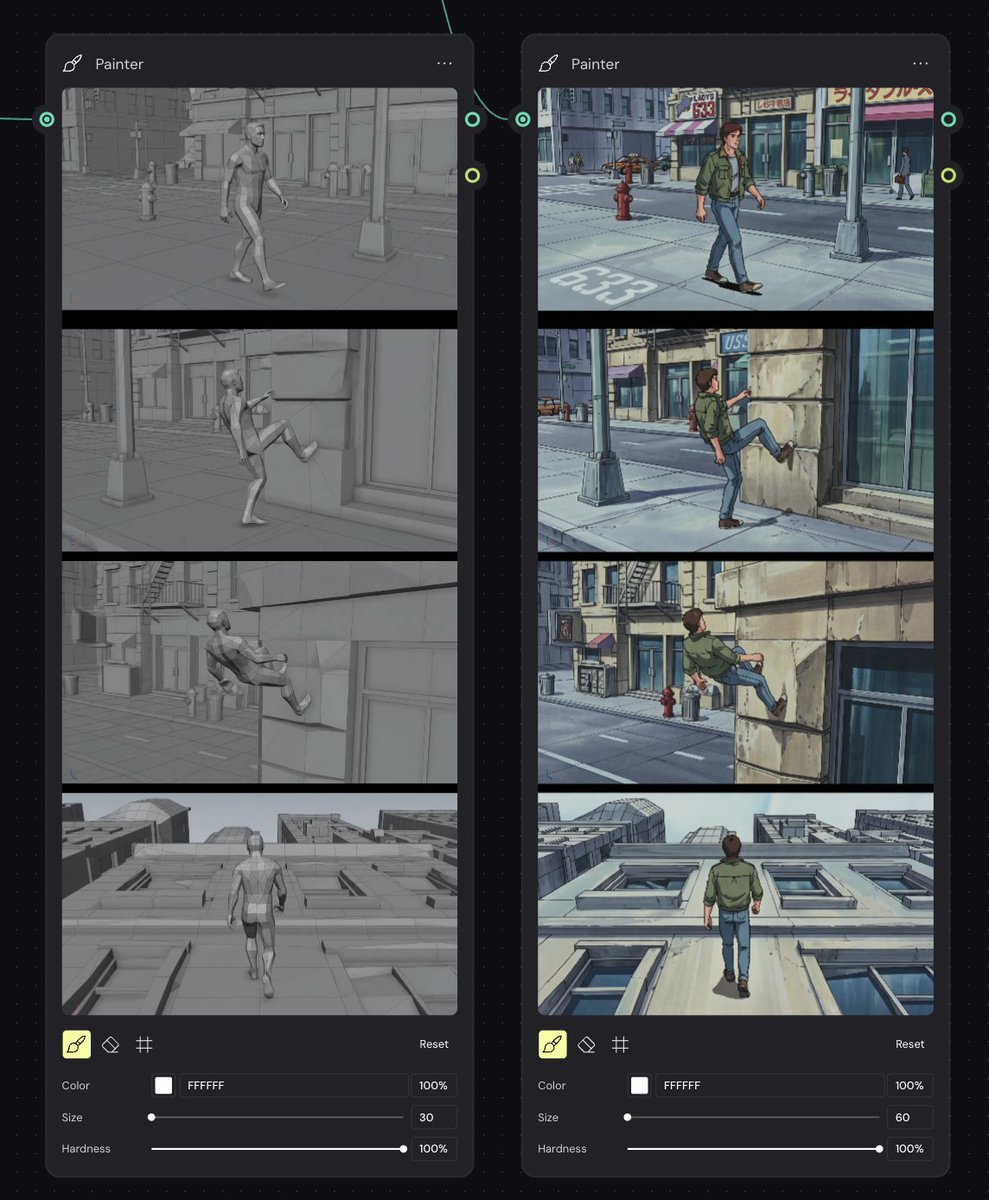
Storyboard Re-Render Workflow UI
Make it yours
Milano to Cannes Storyboard Sheet works as-is. These are the safest ways to change it without losing the look.
Change one field
Copy a single group, rewrite it, and generate again so you can see what that field is doing.
Keep the frame, change the subject
Hold the composition and light of Milano to Cannes Storyboard Sheet, then swap wardrobe, props or the person for a new take.
| If the result… | Why | Fix |
|---|---|---|
| The result drifts from the preview | Too many fields changed at once. | Reuse Milano to Cannes Storyboard Sheet as-is first, then change one group — subject, light, or setting. |
| The model over-stylizes the scene | The prose prompt leaves finish and camera underspecified. | Add one camera or lighting sentence and stay on GPT Image 2. |
More GPT Image 2 templates
Other prompts made for GPT Image 2.

Six VTuber Japanese Logo Sheet

Realistic Portrait of Woman and Deer

The Vista Modular Condo Poster

AI Model Routing Comparison Infographic

2.5D Anime Art Board

Isometric Productivity Desk Scene

New York Double Exposure Poster

Four-Panel AI Landscape Comparison

Japanese Tatami Lifestyle Magazine Cover

NESCAFÉ Coffee Map Poster
More image prompts
Fresh picks from across the catalog.
Isolated Tree on Checkerboard
Immersive Music Player UI Poster

Gpt2 Social Media Post Anime Friends Eating Soba
Pixar-Style American Passerby Prompt
Soft Watercolor Illustration Style Art Prompt for Gemini Nano Banana Pro 2.0
Outdoor Sportswear Advertising Grid
Ultra Wide Low-Angle Portrait — Sairah (Nano Banana)
Ukiyo-e Portrait Transformation
Elegant African Woman Studio Portrait Prompt
Cinematic Ramen Shop Commercial Poster
Browse template categories
Milano to Cannes Storyboard Sheet questions
How do I use the Milano to Cannes Storyboard Sheet template?
Add your photo if the template asks for one, edit the prompt if you like — the template's model and format are already selected — and press Generate. Your version opens in PicX Studio.
Can I customize the Milano to Cannes Storyboard Sheet template?
Yes. You can change the subject, setting, lighting, mood, format, and available model controls before creating your image.
Is the Milano to Cannes Storyboard Sheet template free?
Opening and editing this template is free. Generating uses credits, shown on the Generate button when you are signed in.
Which AI model should I use?
Start with GPT Image 2, which is the model associated with this template. You can compare another compatible model for a different finish.
Looking for something else? Browse all templates.

Your photo, any look
Thousands of ready templates for every top image and video model, from one credit balance.