
Vintage Red Propaganda Fight Poster
This prompt generates a stylized retro poster with two women in a dramatic fight pose and bold diagonal typography, ideal for fake pulp covers, satirical posters, or punk-inspired graphic art.
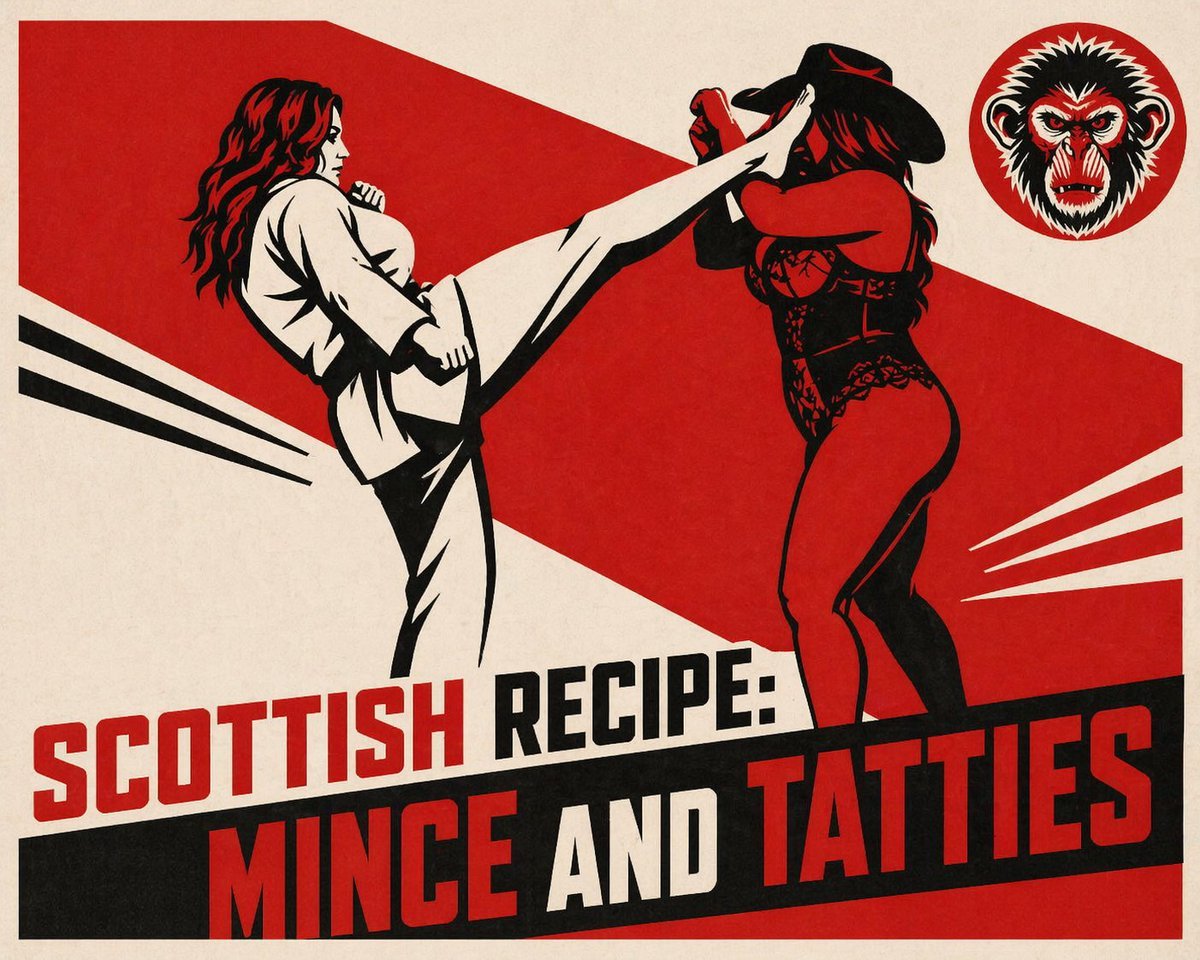
- Prompt included
- Model and format preset
- Free template
The prompt behind this image
Copy the exact prompt behind Vintage Red Propaganda Fight Poster, or open it in the studio and make it yours.
A bold vintage propaganda-style poster with a limited red, black, and cream palette, printed on slightly textured aged paper. The composition shows 2 women in a dramatic action scene across the center: on the left, a woman with long wavy red hair in a white martial arts gi performs a very high side kick; on the right, a curvy woman in a black cowboy hat and a black lace bodysuit recoils and raises her arms defensively as the kick strikes her face. Use heavy black shadows, sharp angular shapes, screenprint-like ink coverage, and a graphic mid-century pulp poster aesthetic. Behind them, place a large diagonal red geometric banner spanning from upper left to lower right, plus 2 black speed lines on the left and 3 white speed lines on the right to emphasize motion. In the upper right corner, include a circular emblem with a stylized black-and-white screaming monkey or ape face inside a red disk. At the bottom, add oversized condensed block typography in an aggressive poster layout: the first line reads {argument name="headline text" default="SCOTTISH RECIPE:"} in red and black, and the second line reads {argument name="main title" default="MINCE AND TATTIES"} in very large red, white, and black letters over a black diagonal banner. Keep the overall look satirical, confrontational, retro, and highly graphic, like a fake exploitation movie poster or anarchic punk zine cover.
How to use Vintage Red Propaganda Fight Poster in 3 steps
- 1Upload ImagePNG, JPG or paste
Add your photo
Upload the photo the template builds on. The prompt, model and format are already set.
- 2…a portrait of your subject in softgolden-hour light, 85mm…
Personalize
Edit the subject and creative details for your destination.
- 3Generate
Generate
Press Generate — your image is created in PicX Studio, so you can compare it with the original and refine one variable at a time.
More like this
Templates with the same subject, style or setup. Open one to see its prompt.

Japan Travel Brochure Poster
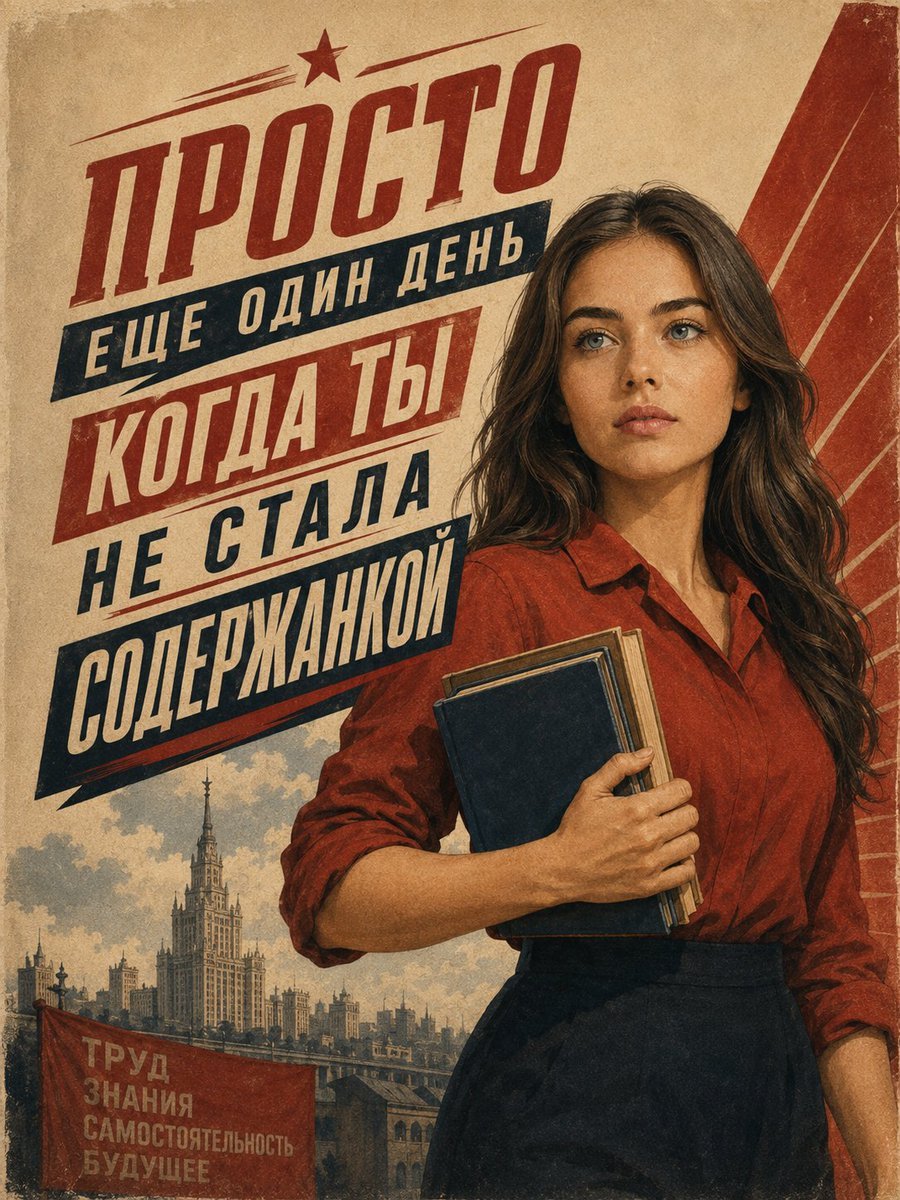
Vintage Soviet Student Propaganda Poster
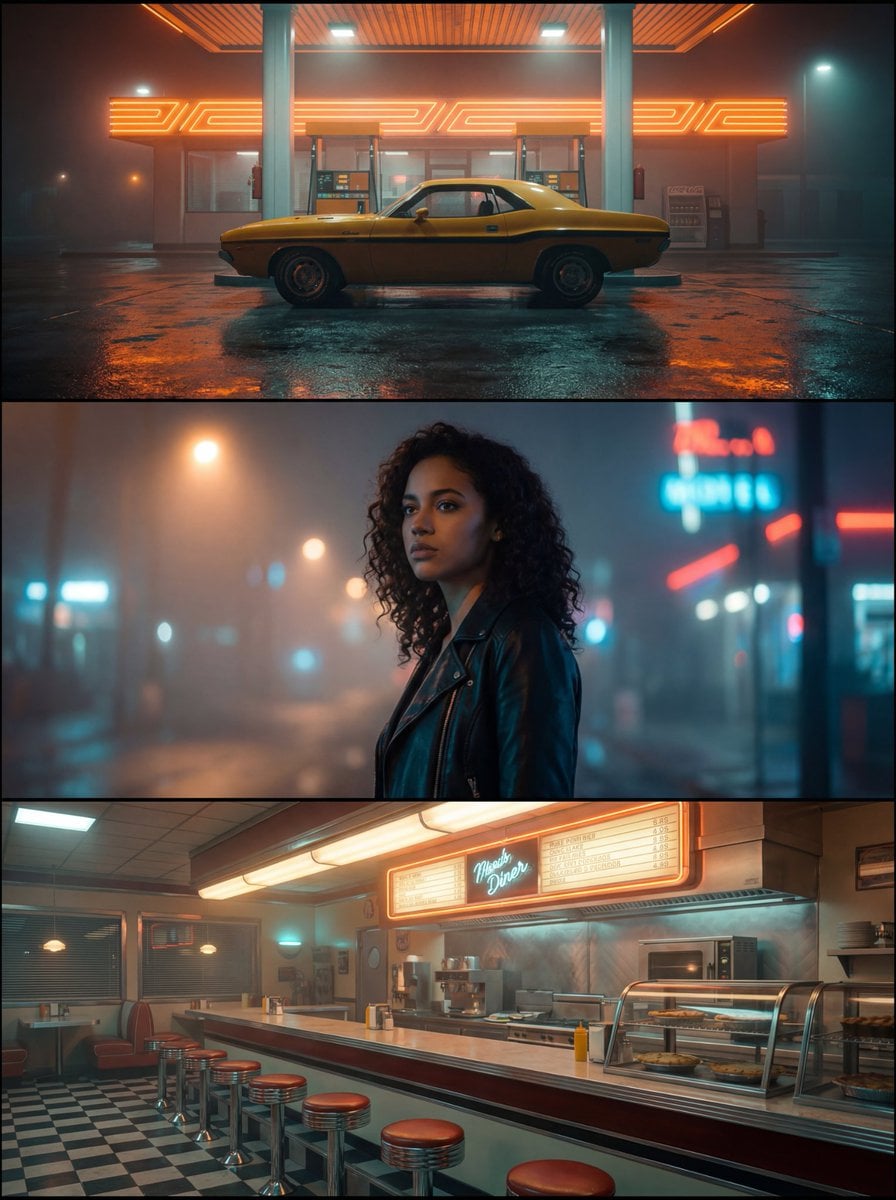
Rotary Phone Red Desk

Premium Vintage Travel Poster Landscape

Vintage Chinese SpaceX Propaganda Poster

Sunday Afternoon, 1988

Two Tickets, One Night

If We Met in 1985

Found Photograph: Us, 1970

One Dance Before Midnight

Before We said Goodbye

Our Song was on a Cassette
Make it yours
Vintage Red Propaganda Fight Poster works as-is. These are the safest ways to change it without losing the look.
Change one field
Copy a single group, rewrite it, and generate again so you can see what that field is doing.
Keep the frame, change the subject
Hold the composition and light of Vintage Red Propaganda Fight Poster, then swap wardrobe, props or the person for a new take.
| If the result… | Why | Fix |
|---|---|---|
| The result drifts from the preview | Too many fields changed at once. | Reuse Vintage Red Propaganda Fight Poster as-is first, then change one group — subject, light, or setting. |
| The model over-stylizes the scene | The prose prompt leaves finish and camera underspecified. | Add one camera or lighting sentence and stay on GPT Image 2. |
More GPT Image 2 templates
Other prompts made for GPT Image 2.

Six VTuber Japanese Logo Sheet

Realistic Portrait of Woman and Deer

The Vista Modular Condo Poster

AI Model Routing Comparison Infographic

2.5D Anime Art Board

Isometric Productivity Desk Scene

New York Double Exposure Poster

Four-Panel AI Landscape Comparison

Japanese Tatami Lifestyle Magazine Cover

NESCAFÉ Coffee Map Poster
More image prompts
Fresh picks from across the catalog.
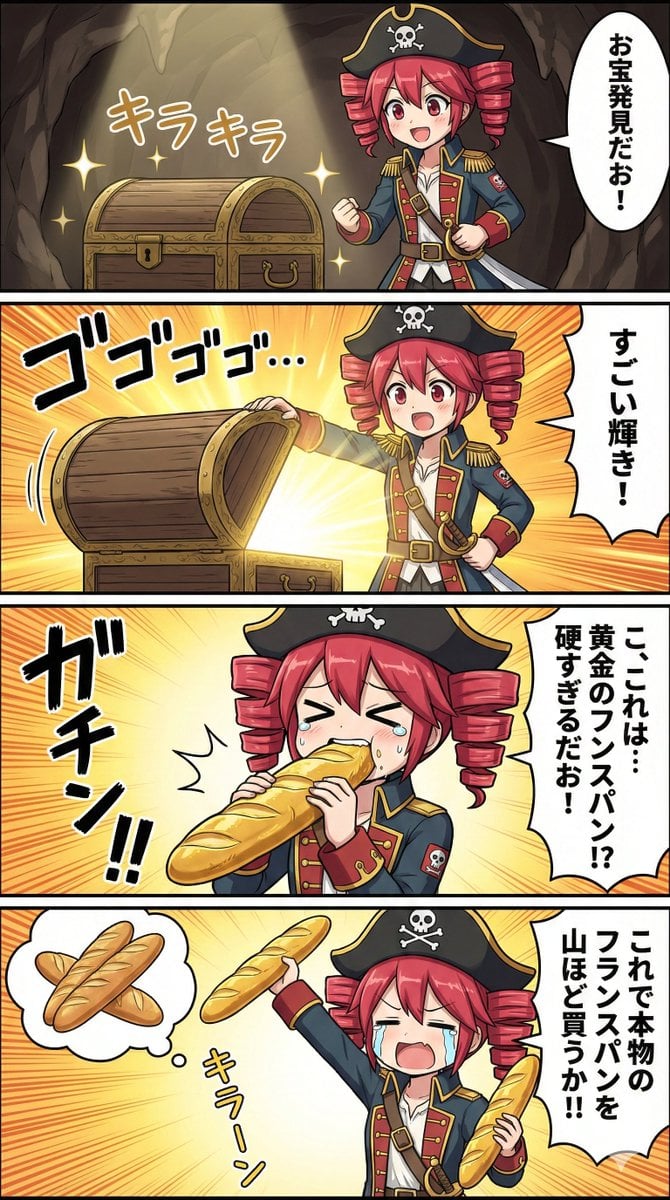
Nano Banana Pro Prompt for Teto Kasane in Pirate Attire
Ultra-Cinematic Arcane Sword Close-up
Light Blue Tracksuit Fashion Portrait
Living Manuscript Book Hero Grid
Modern Gothic High-Fashion Portrait
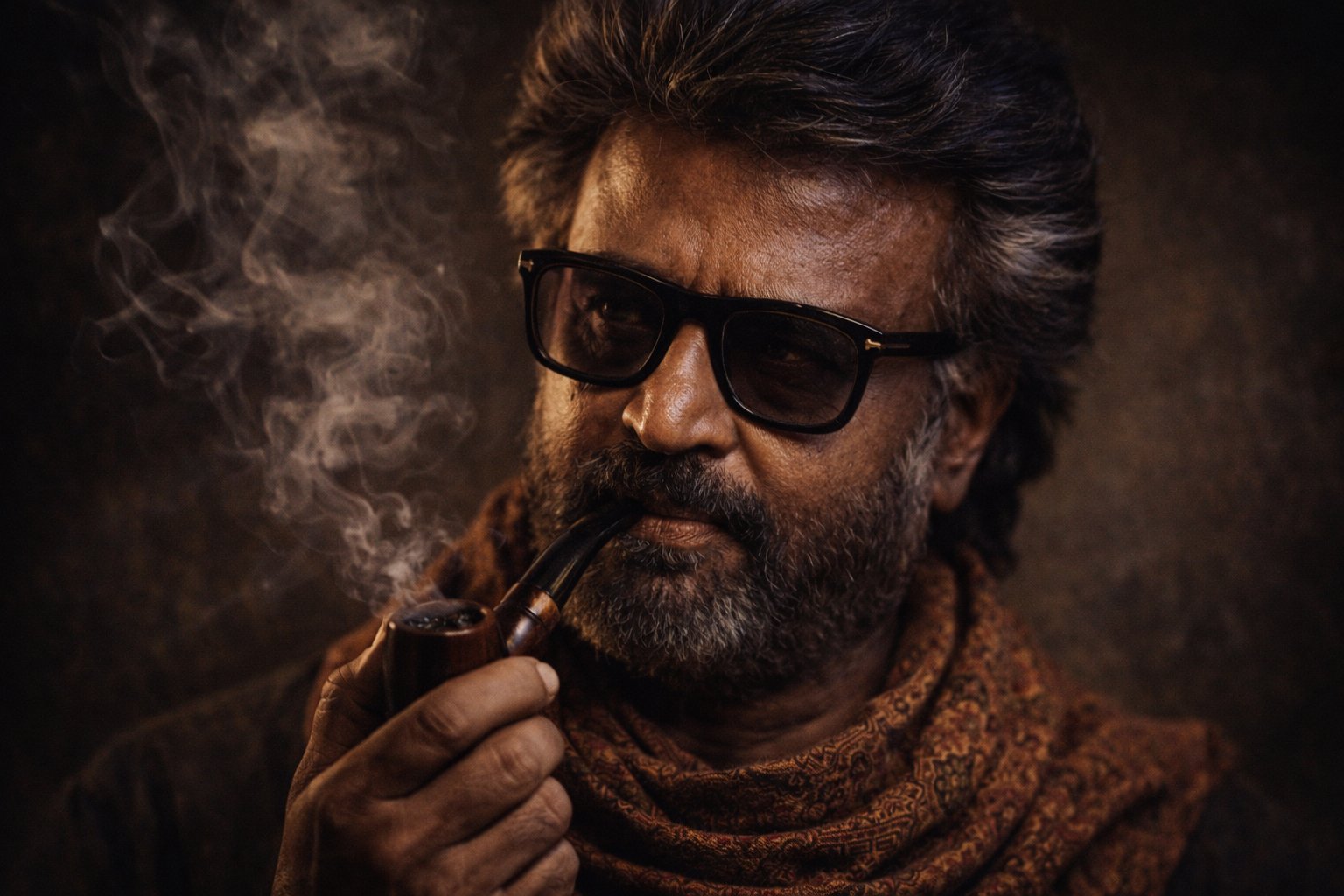
Cinematic Portrait Transformation
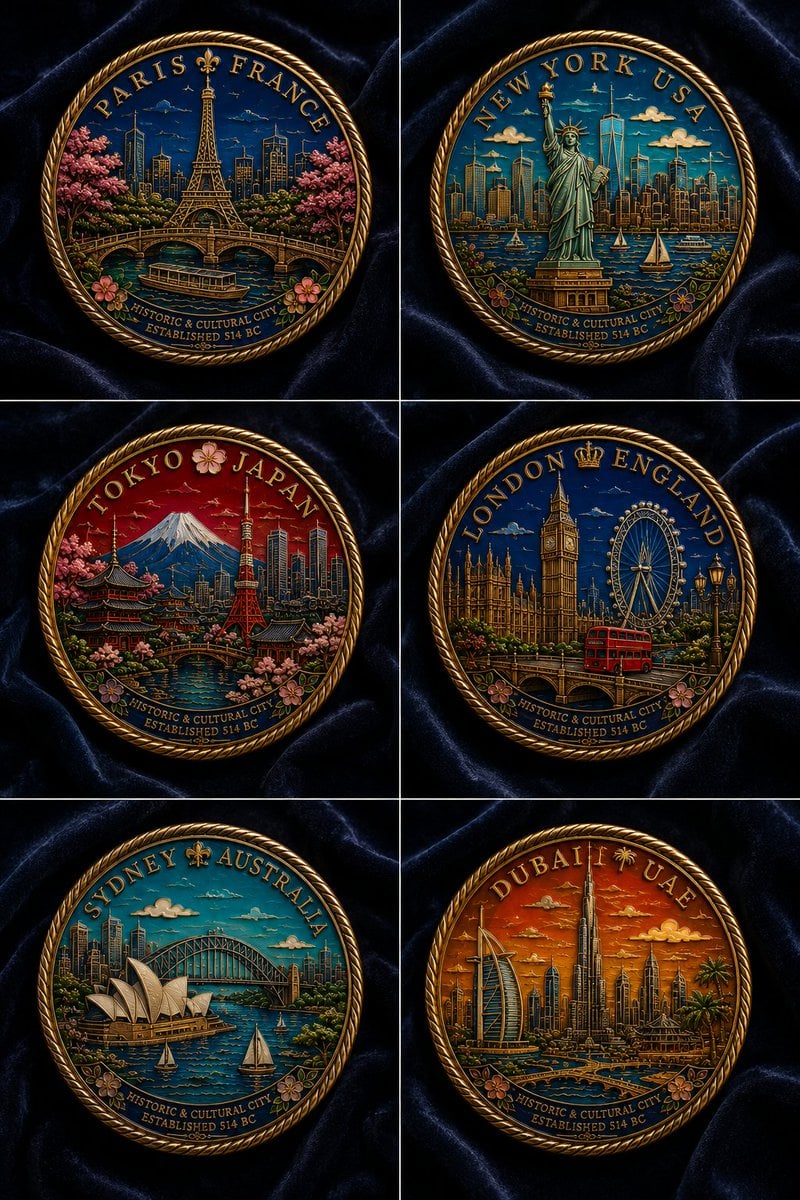
Six Cloisonné City Medals
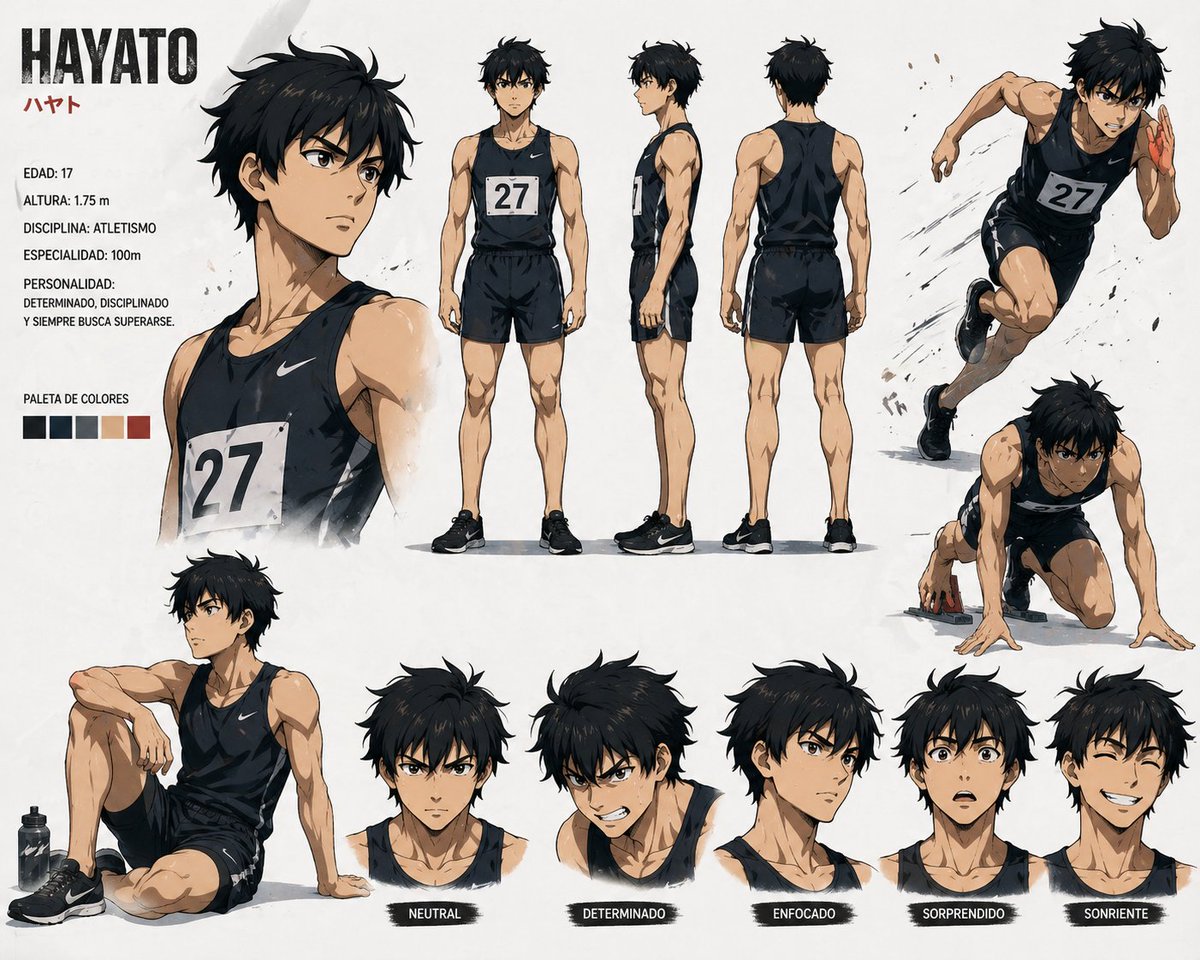
Anime Sprinter Character Sheet
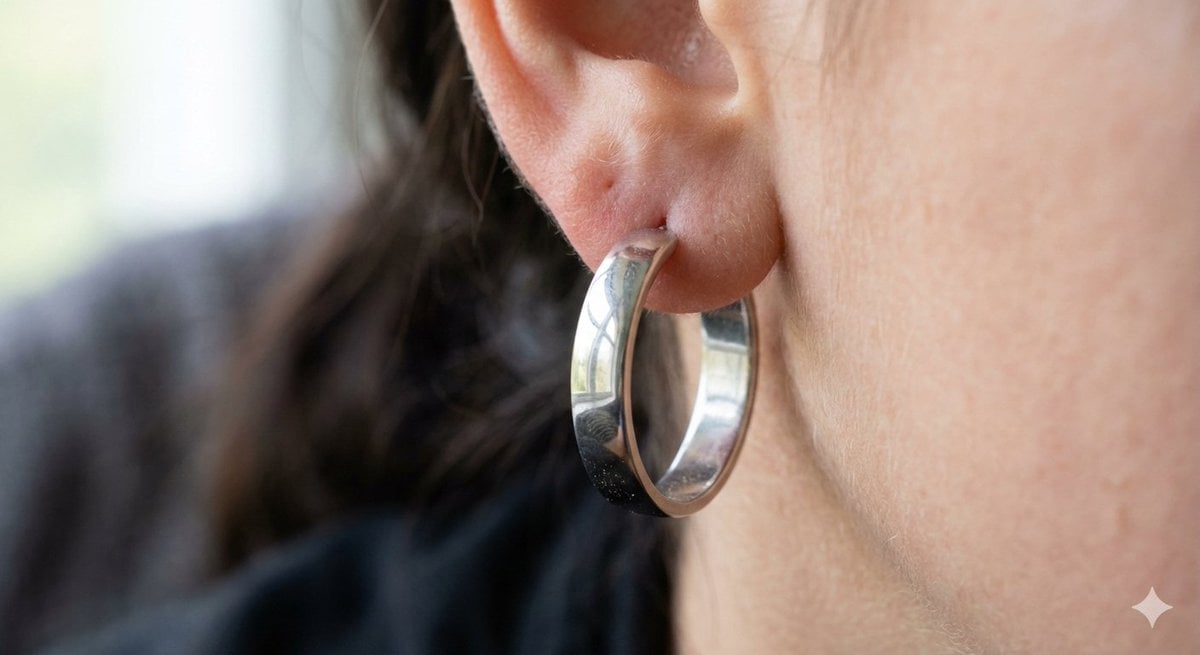
Realistic Macro Photograph of an Ear with Earring
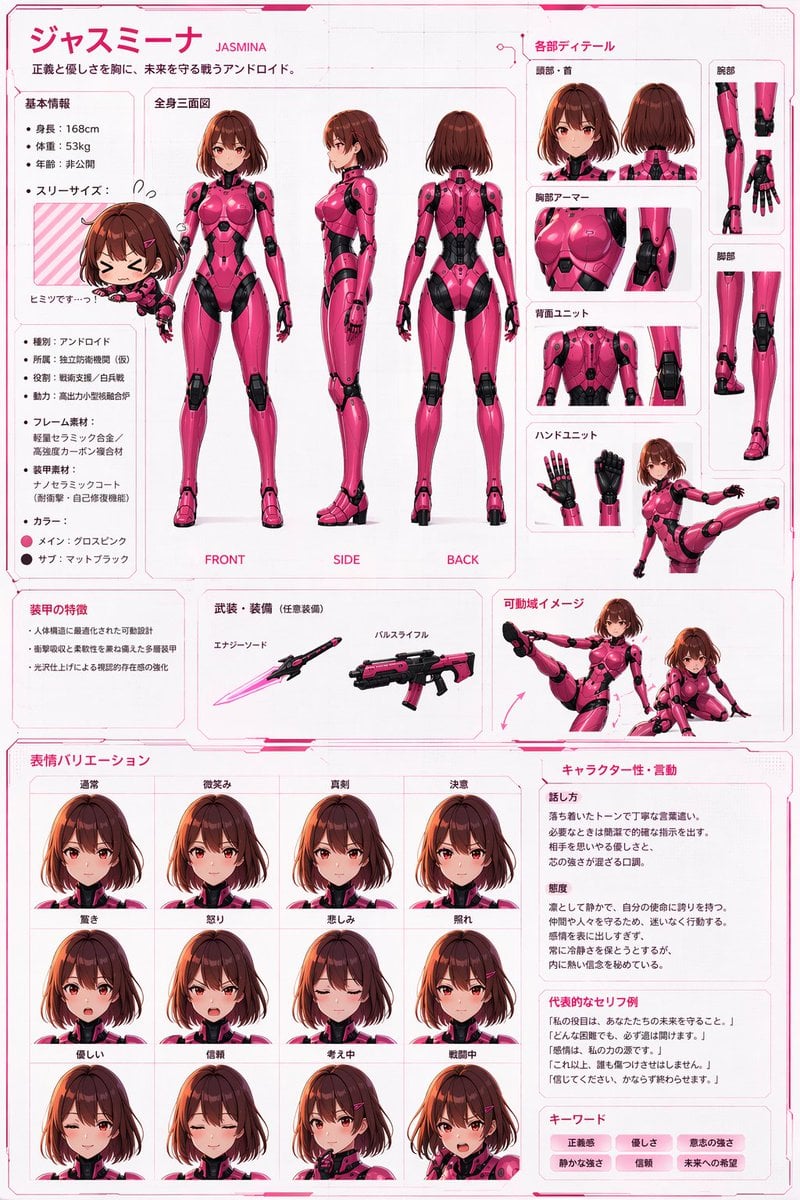
Robot Girl Reference Sheet
Browse template categories
Vintage Red Propaganda Fight Poster questions
How do I use the Vintage Red Propaganda Fight Poster template?
Add your photo if the template asks for one, edit the prompt if you like — the template's model and format are already selected — and press Generate. Your version opens in PicX Studio.
Can I customize the Vintage Red Propaganda Fight Poster template?
Yes. You can change the subject, setting, lighting, mood, format, and available model controls before creating your image.
Is the Vintage Red Propaganda Fight Poster template free?
Opening and editing this template is free. Generating uses credits, shown on the Generate button when you are signed in.
Which AI model should I use?
Start with GPT Image 2, which is the model associated with this template. You can compare another compatible model for a different finish.
Looking for something else? Browse all templates.

Your photo, any look
Thousands of ready templates for every top image and video model, from one credit balance.