How do I use the Two-Page School Manga Scene template?
Edit the prompt in the box under the preview — the template's model and format are already selected — and press Generate. Your version appears right on this page.
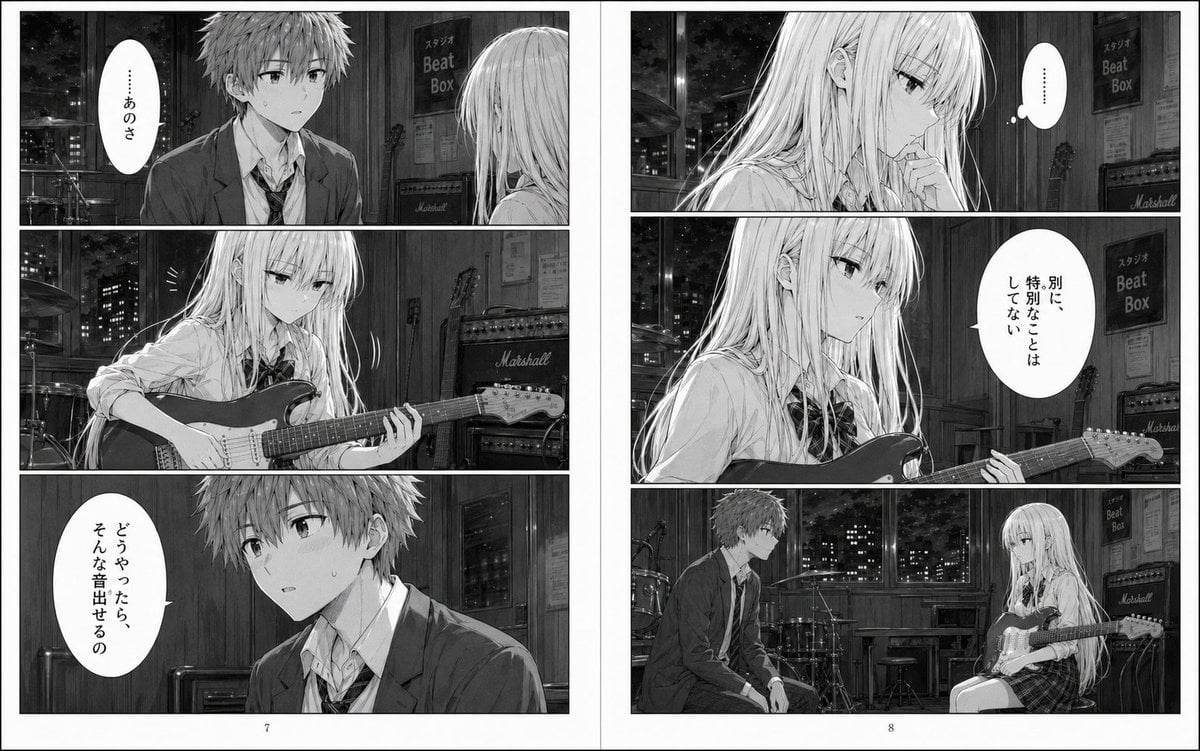
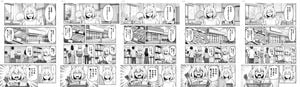
A grayscale two-page manga spread showing a distracted schoolboy in a classroom, used for generating dramatic AI manga scenes with Japanese dialogue and page layouts.

This template uses your photo — add one with the + button.
{"type":"black-and-white manga page spread","style":{"medium":"grayscale screentone manga","genre":"school slice-of-life drama","rendering":"clean line art, soft window light, detailed classroom backgrounds, subtle emotional atmosphere","reading":"right-to-left Japanese manga"},"format":{"page_count":2,"layout":"facing pages","page_numbers":[1,2]},"characters":{"count":2,"primary":{"role":"male high school student","appearance":"messy short hair, school blazer, white shirt, loosened necktie, slim build, tired and distracted expression"},"secondary":{"role":"female classmate in background","appearance":"long straight hair, school uniform with ribbon bow, seated behind him"}},"setting":{"location":"Japanese high school classroom","time":"daytime","details":["large classroom windows","rows of desks and chairs","trees and low buildings visible outside","bulletin board and classroom wall fixtures"]},"layout":{"left_page":{"panel_count":3,"panels":[{"position":"top","description":"medium shot of the boy sitting alone at his desk by the window, leaning his cheek on one hand and staring outside in thought","text":["……あの音 頭から離れない"]},{"position":"middle","description":"close-up of one hand on the wooden desktop, fingers lightly tapping","sound_effects":["トン トン"]},{"position":"bottom","description":"close-up reaction panel of the boy turning slightly with a small breath puff, abstract soft bokeh background, face partially obscured by a blurred censorship block"}]} ,"right_page":{"panel_count":5,"panels":[{"position":"top wide","description":"the boy is suddenly slammed or jolted forward against the desk with impact lines as a female classmate speaks from behind him; both faces partially obscured by blurred censorship blocks","text":["で、どうだったよ 昨日のライブ"],"sound_effects":["ドンッ"]},{"position":"upper-middle","description":"close-up of the boy's uneasy side profile with a sweat drop, classroom window behind him","text":["……普通"]},{"position":"middle narrow","description":"frontal classroom shot of the boy replying flatly, face obscured by a blurred censorship block","text":["知ってる"]},{"position":"bottom","description":"close-up of the boy looking troubled and withdrawn, face partially obscured by a blurred censorship block, small spiral frustration symbol beside him"},{"position":"background continuity","description":"same classroom environment maintained across panels with desks, windows, and soft daylight"}]}},"text":{"language":"Japanese","dialogue_count":4,"sound_effect_count":2},"mood":"a boy haunted by a sound he cannot forget, interrupted by casual conversation about yesterday's live show, creating a quiet but tense emotional beat","special_notes":["include visible blurred rectangular censorship blocks over 4 faces total as shown","keep monochrome manga page composition with gutters and printed page numbers","preserve Japanese speech bubbles and vertical narration box"]}
Edit the prompt in the box under the preview — the template's model and format are already selected — and press Generate. Your version appears right on this page.
Yes. You can change the subject, setting, lighting, mood, format, and available model controls before creating your image.
Opening and editing this template is free. Generating uses credits, shown on the Generate button when you are signed in.
Start with GPT Image 2, which is the model associated with this template. You can compare another compatible model for a different finish.
Follow a topic to a crawlable collection of related PicX Studio templates.