
Two-Panel Fantasy Damage Numbers Manga
Creates a Japanese fantasy manga-style comparison comic showing small damage numbers versus huge damage numbers for game combat commentary.
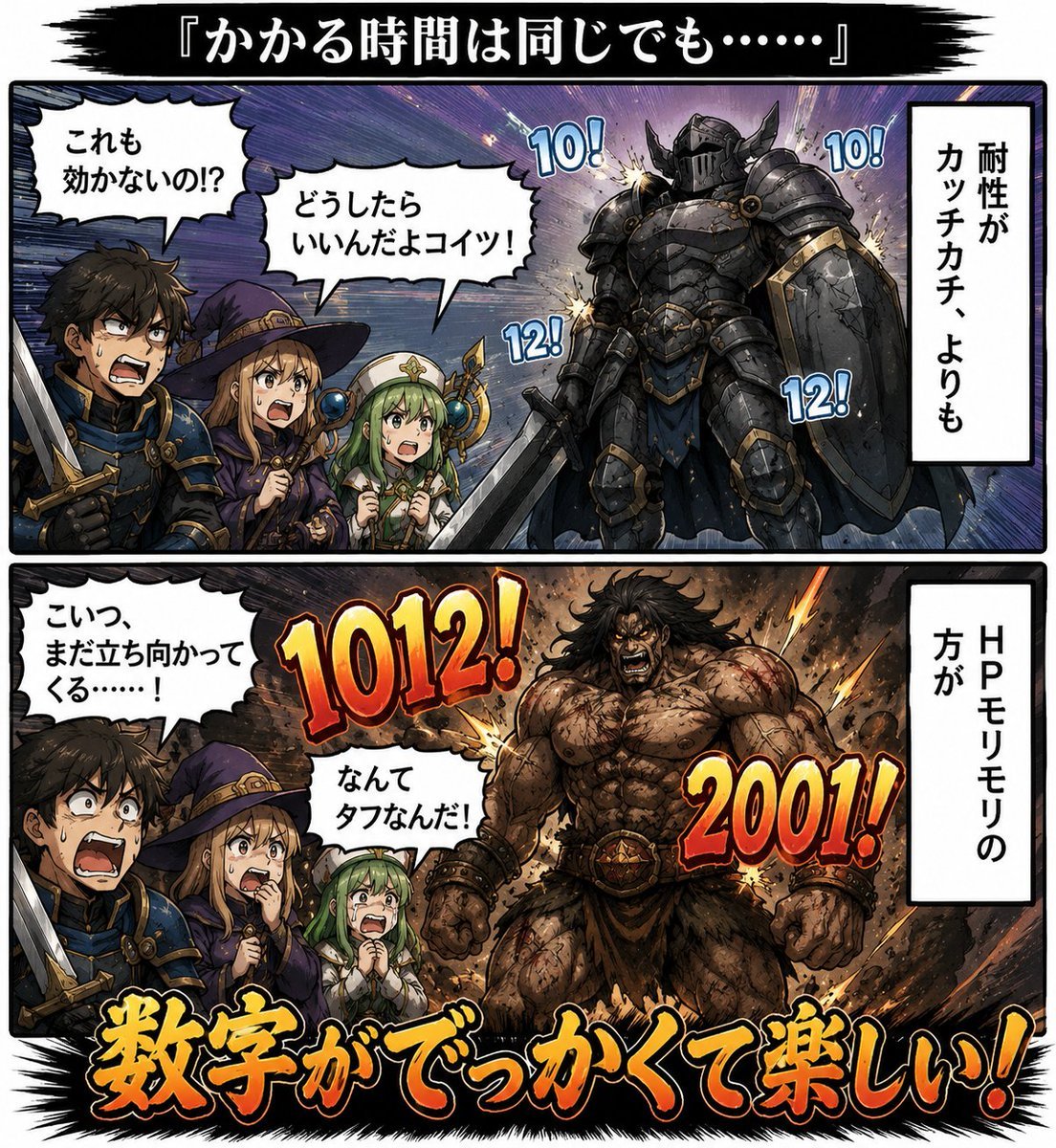
- Prompt included
- Model and format preset
- Premium template
The prompt behind this image
Copy the exact prompt behind Two-Panel Fantasy Damage Numbers Manga, or open it in the studio and make it yours.
Goal: Create a dramatic two-panel Japanese fantasy manga comparison comic about how large damage numbers make combat feel more satisfying, even when the time required is the same. Canvas: Square 1:1 image, full-color manga illustration with thick black comic borders, dynamic speed lines, explosive impact effects, and a black brushstroke title banner at the top. Overall style should be detailed dark-fantasy shonen manga with bold outlined lettering. Layout: Use exactly 2 wide horizontal comic panels stacked vertically. Add a black brushstroke header above both panels containing the title text {argument name="title text" default="『かかる時間は同じでも……』"}. Each panel has the same party of 3 heroes on the left and 1 enemy on the right, with a vertical white narration box on the far right. Characters: The hero party appears in both panels and contains exactly 3 visible characters: 1 young male swordsman in blue armor holding a sword, 1 young female witch in a purple robe and pointed hat, and 1 small green-haired healer or cleric holding a staff. Their faces may be partially obscured or softly blurred, but their poses and outfits remain readable. Top panel enemy: 1 enormous black armored knight/golem with a shield and heavy plate armor, standing on the right. Bottom panel enemy: 1 enormous bare-chested muscular barbarian/giant with rough skin, leather/fur waist gear, and clenched fists, standing on the right. Top panel text and effects: Include exactly 2 white speech bubbles from the heroes: 「これも効かないの!?」 and 「どうしたらいいんだよコイツ!」. Include exactly 1 vertical narration box on the right reading 「耐性がカッチカチ、よりも」. Add exactly 4 small blue damage numbers around the armored enemy: 「10!」, 「10!」, 「12!」, and 「12!」. Bottom panel text and effects: Include exactly 2 white speech bubbles from the heroes: 「こいつ、まだ立ち向かってくる……!」 and 「なんてタフなんだ!」. Include exactly 1 vertical narration box on the right reading 「HPモリモリの方が」. Add exactly 2 huge fiery red-orange damage numbers: 「1012!」 near the center-left and 「2001!」 near the right. At the bottom, spanning across the lower panel, place a large energetic slogan in thick yellow-orange Japanese brush lettering with black outline: {argument name="bottom slogan" default="数字がでっかくて楽しい!"}. Visual style: High contrast, gritty fantasy lighting, dramatic explosions behind enemies, manga hatching, saturated impact colors, thick white speech bubbles with black outlines, bold 3D comic typography for numbers. Make the top panel feel frustrating and low-impact with small blue numbers; make the bottom panel feel exciting and powerful with huge warm-colored numbers. Constraints: Use exactly 2 panels, exactly 4 total main characters per panel, exactly 4 small damage numbers in the top panel, exactly 2 large damage numbers in the bottom panel, exactly 4 total speech bubbles, exactly 2 vertical narration boxes, and 1 large bottom slogan. Keep all visible Japanese text legible and avoid adding extra text or watermarks.
How to use Two-Panel Fantasy Damage Numbers Manga in 3 steps
- 1Upload ImagePNG, JPG or paste
Add your photo
Upload the photo the template builds on. The prompt, model and format are already set.
- 2…a portrait of your subject in softgolden-hour light, 85mm…
Personalize
Edit the subject and creative details for your destination.
- 3Generate
Generate
Press Generate — your image is created in PicX Studio, so you can compare it with the original and refine one variable at a time.
More like this
Templates with the same subject, style or setup. Open one to see its prompt.
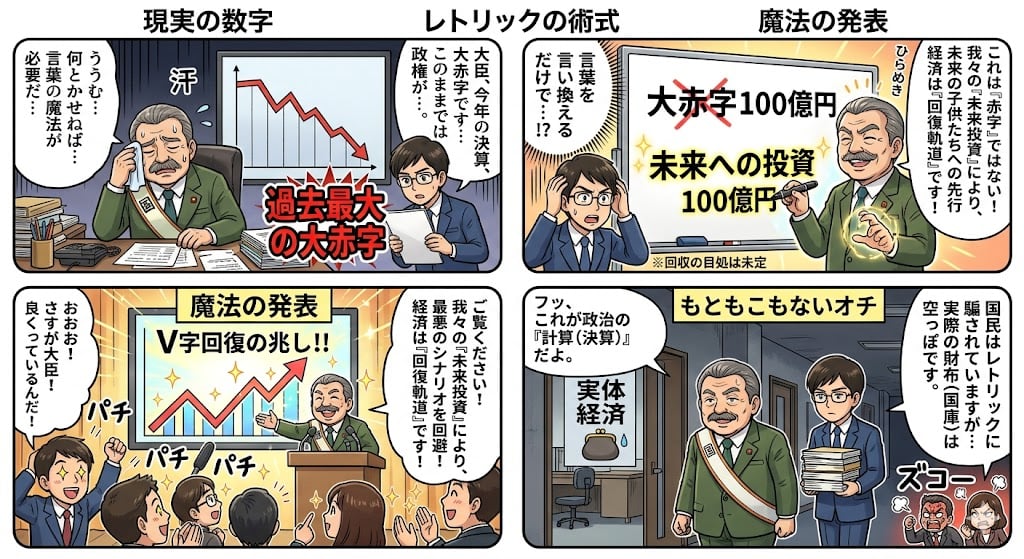
Four-Panel Manga: The Magic of Numbers
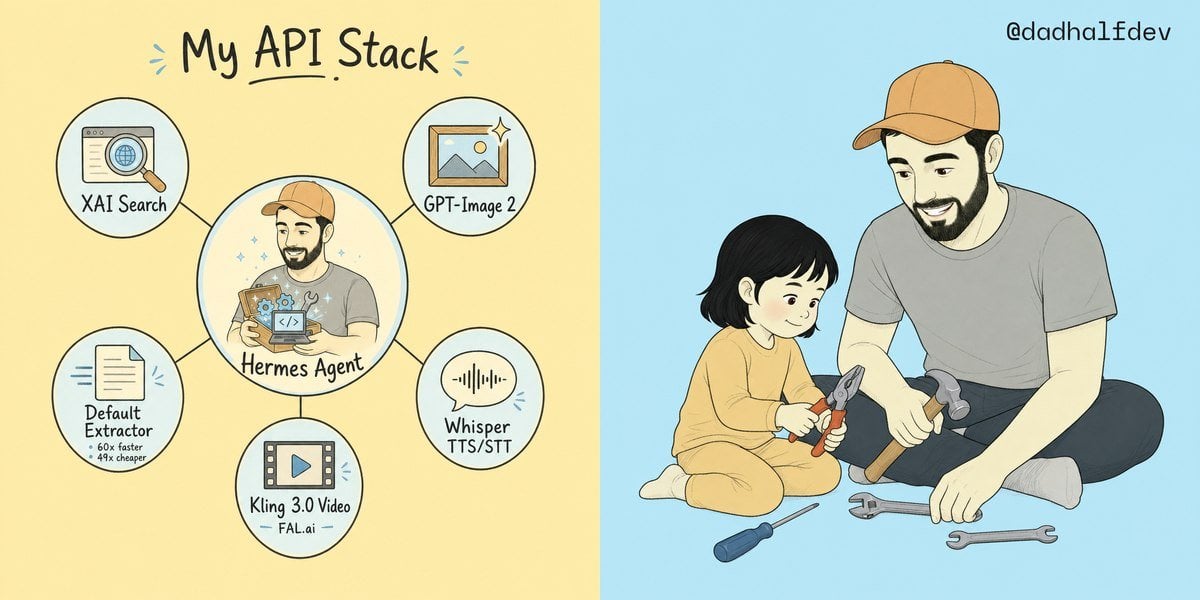
My API Stack Two-Panel Illustration

Seven-Panel Cyberpunk Manga Alley

Anime Fantasy Celestial Movie Poster
Anime Fantasy Celestial Movie Poster

Pixar 6-Panel Streethero Expression Grid

Minecraft Fantasy Kingdom Voxel Landscape

Unfinished Sketch Comes Alive Portrait

Open Travel Journal Overhead Still Life

Tiny Woman Miniature Fantasy Macro Scene
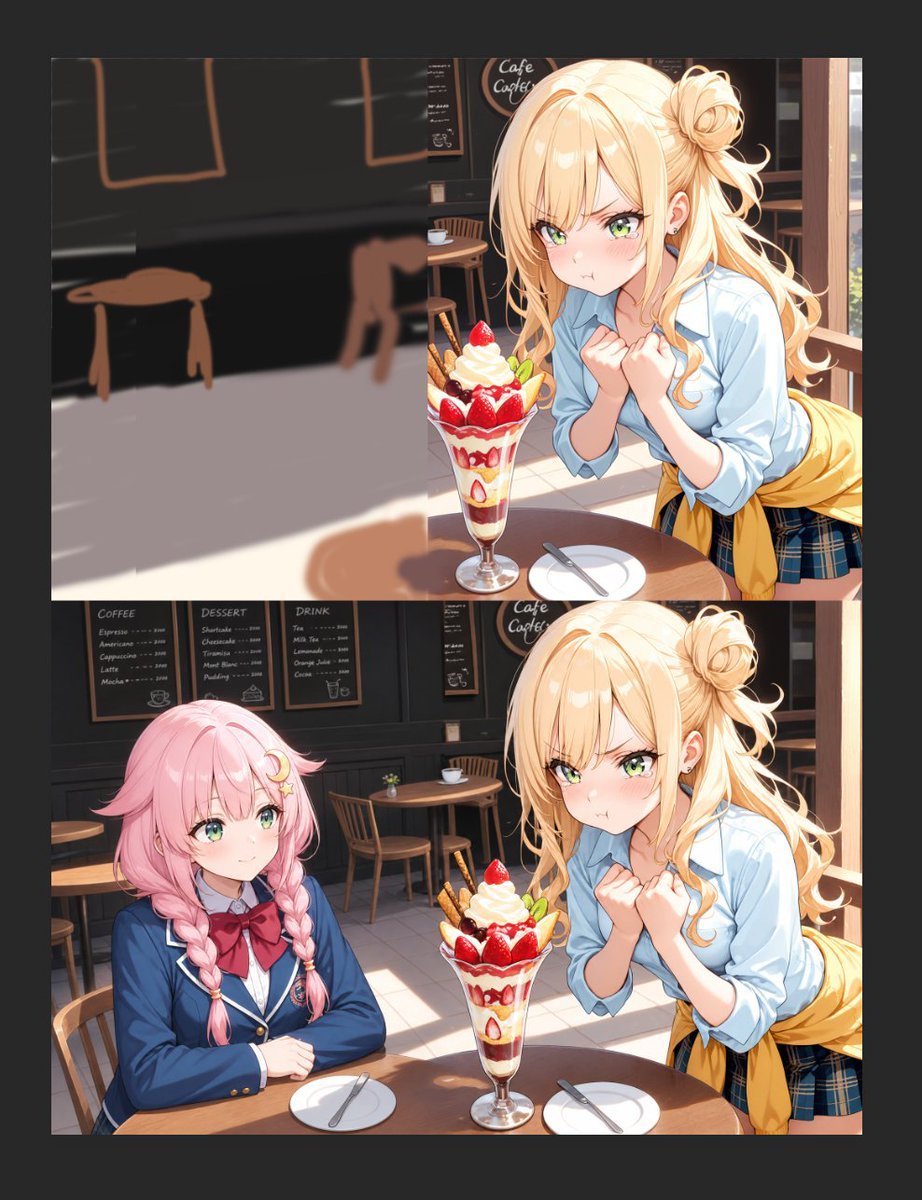
Anime Cafe Two-Panel Comparison
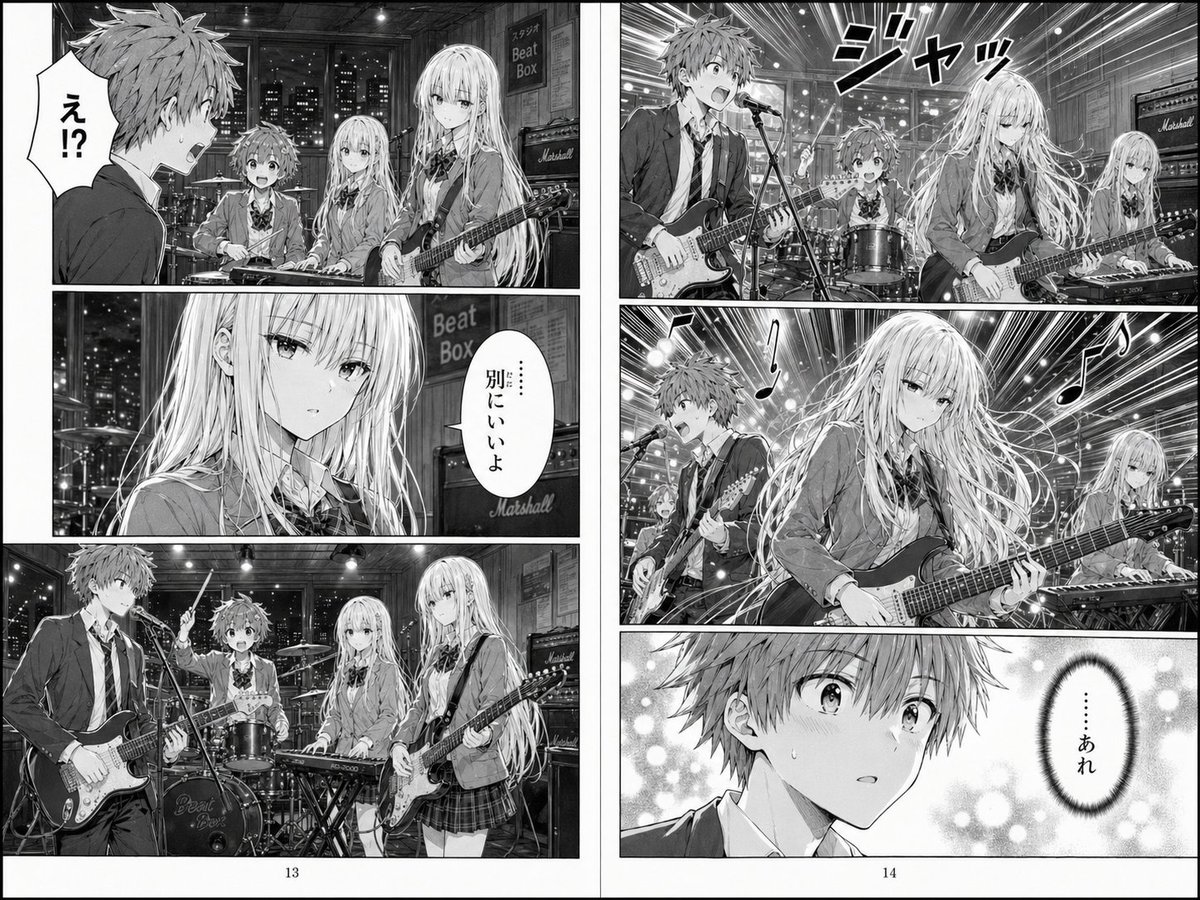
Two-Page School Band Manga Spread
Make it yours
Two-Panel Fantasy Damage Numbers Manga works as-is. These are the safest ways to change it without losing the look.
Change one field
Copy a single group, rewrite it, and generate again so you can see what that field is doing.
Keep the frame, change the subject
Hold the composition and light of Two-Panel Fantasy Damage Numbers Manga, then swap wardrobe, props or the person for a new take.
| If the result… | Why | Fix |
|---|---|---|
| The result drifts from the preview | Too many fields changed at once. | Reuse Two-Panel Fantasy Damage Numbers Manga as-is first, then change one group — subject, light, or setting. |
| The model over-stylizes the scene | The prose prompt leaves finish and camera underspecified. | Add one camera or lighting sentence and stay on GPT Image 2. |
More GPT Image 2 templates
Other prompts made for GPT Image 2.

Six VTuber Japanese Logo Sheet

Realistic Portrait of Woman and Deer

The Vista Modular Condo Poster

AI Model Routing Comparison Infographic

2.5D Anime Art Board

Isometric Productivity Desk Scene

New York Double Exposure Poster

Four-Panel AI Landscape Comparison

Japanese Tatami Lifestyle Magazine Cover

NESCAFÉ Coffee Map Poster
More image prompts
Fresh picks from across the catalog.
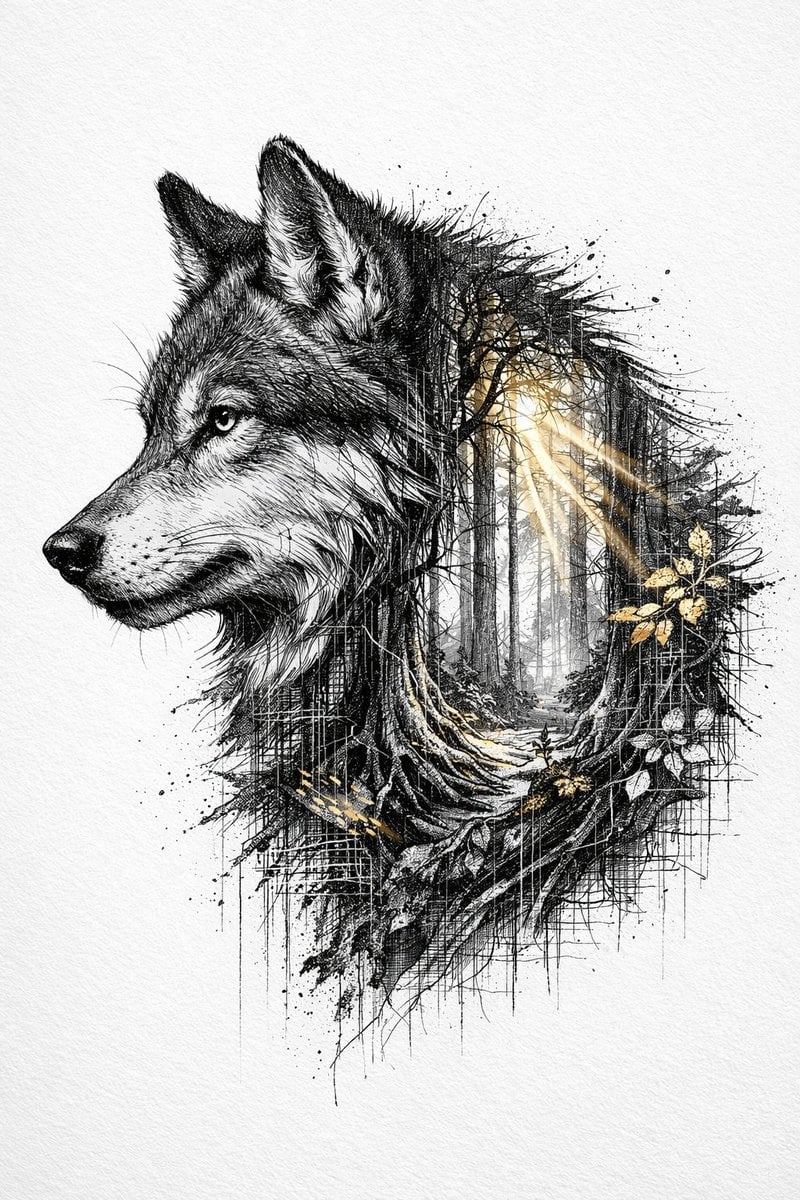
Cinematic Ink-Style Double-Exposure Wolf Portrait

Cinematic Portrait of Man Driving Vintage Convertible
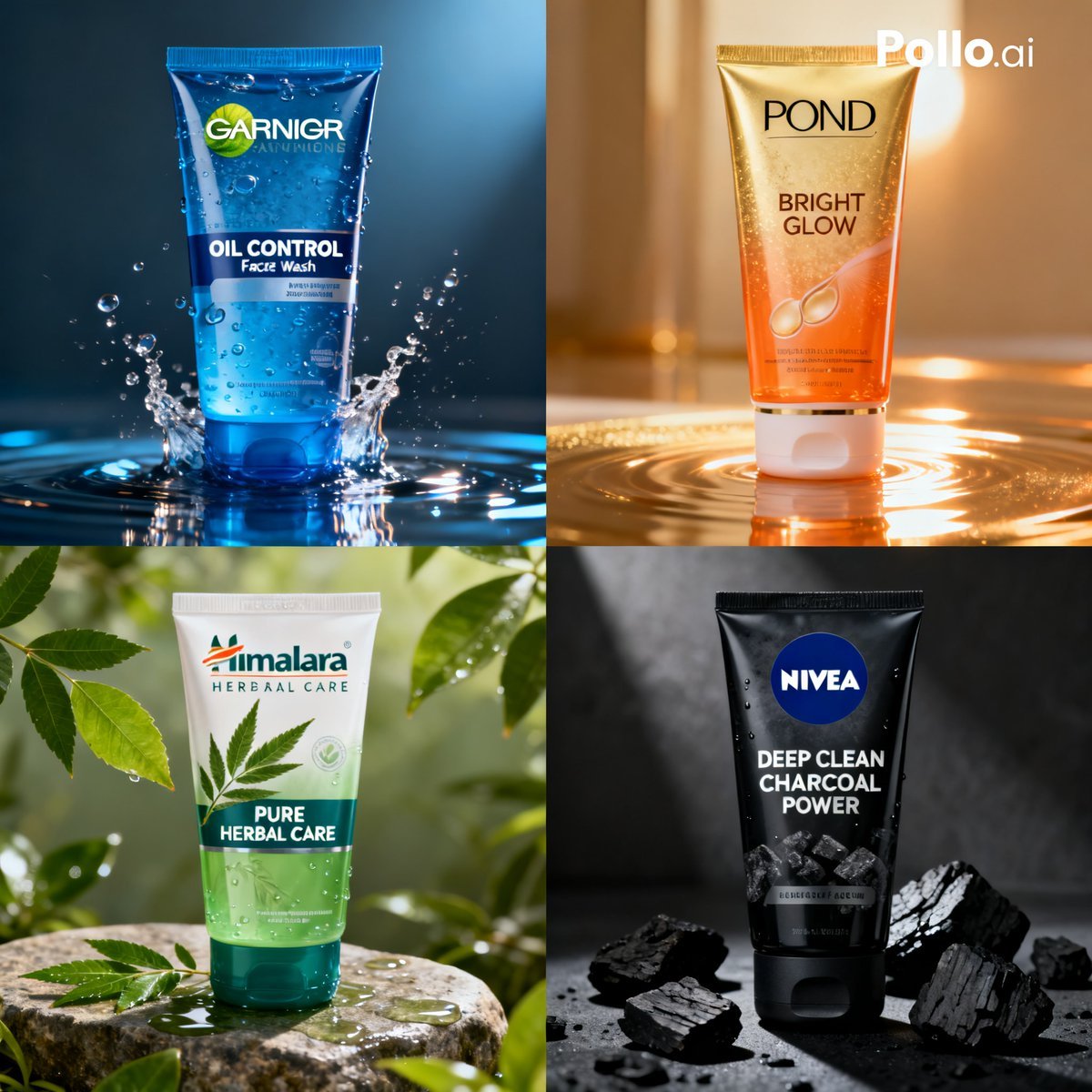
Panel Face Wash Ad Grid
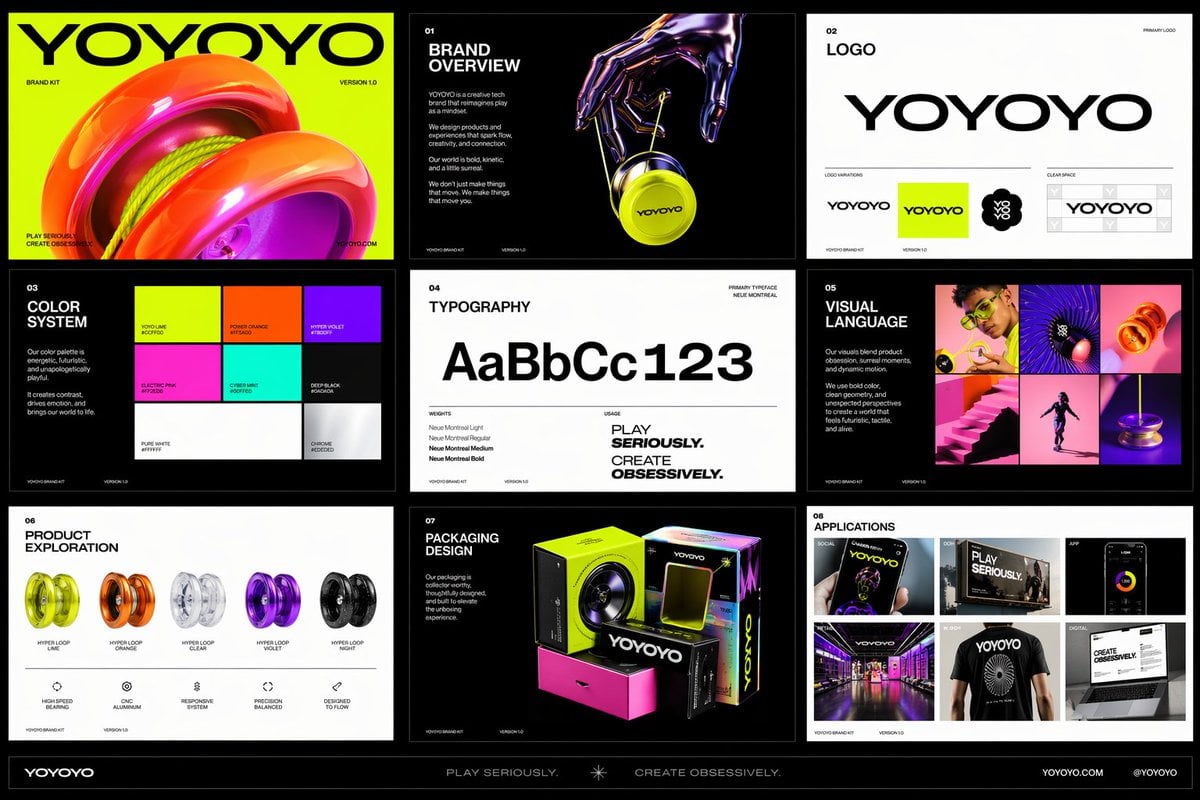
Futuristic Toy Brand Identity Kit
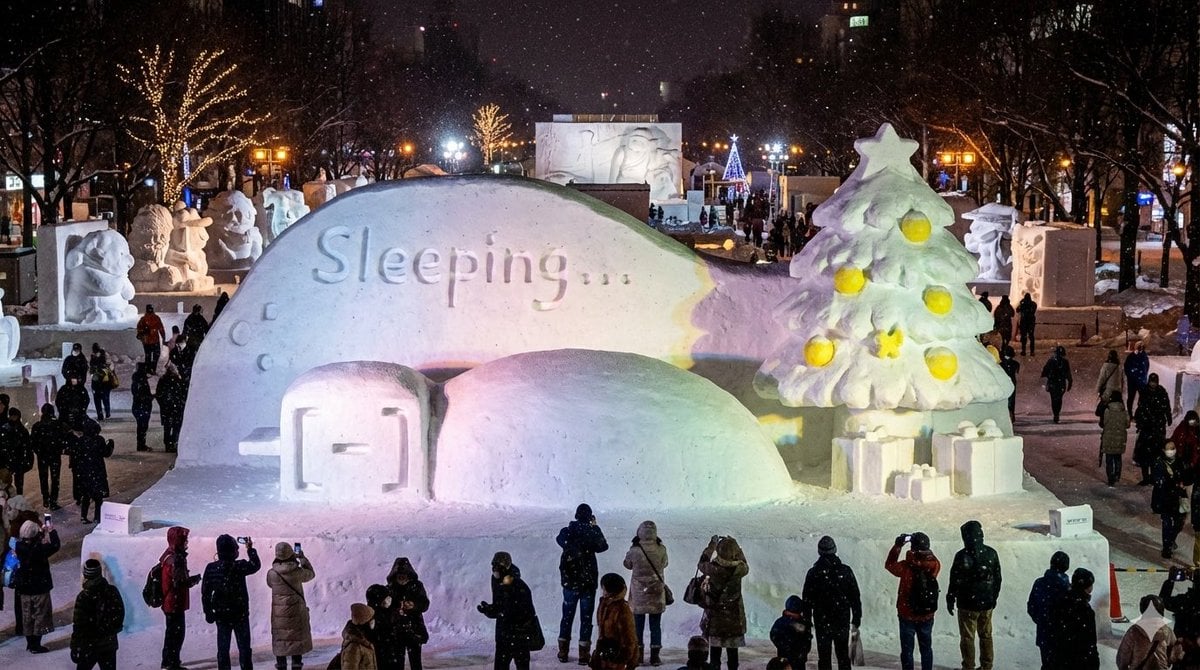
Snow Statue of Not Wanting to Leave the Futon
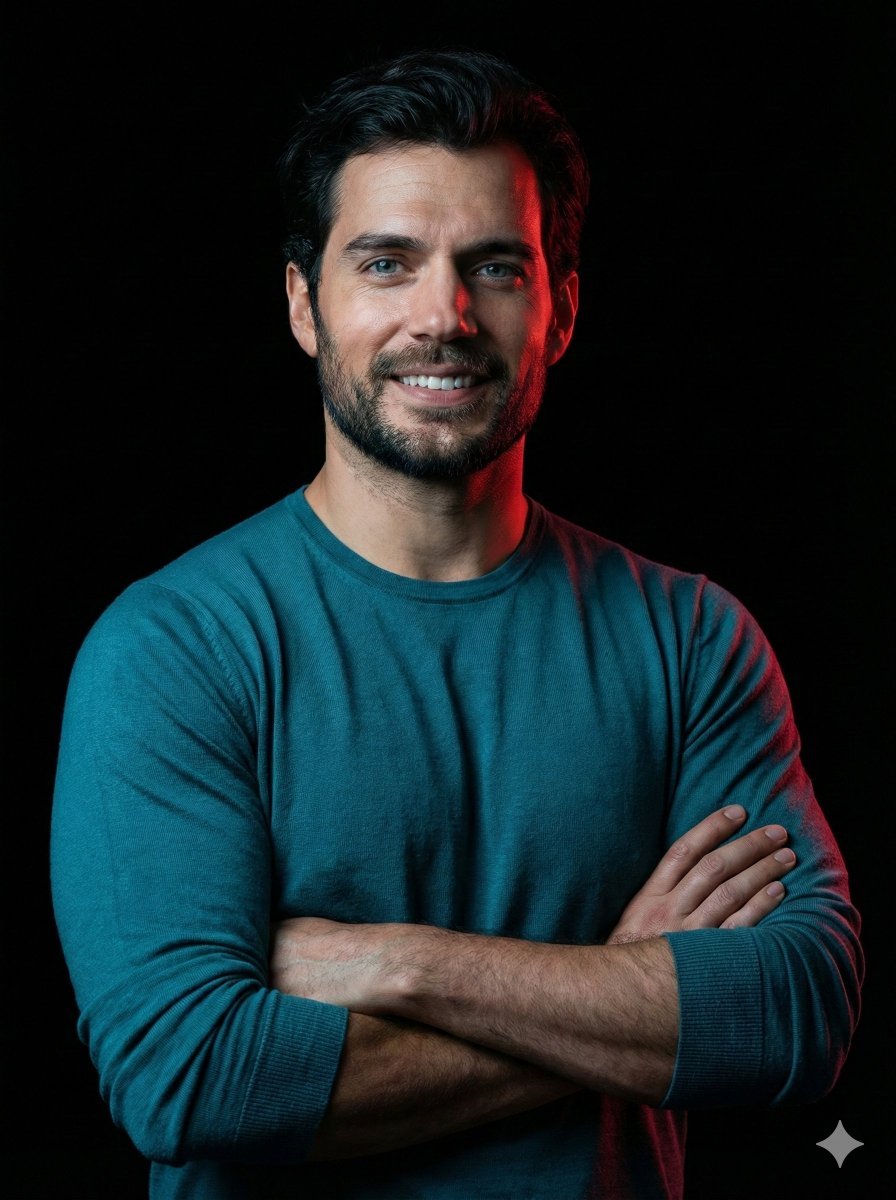
Cinematic studio portrait with exact facial match
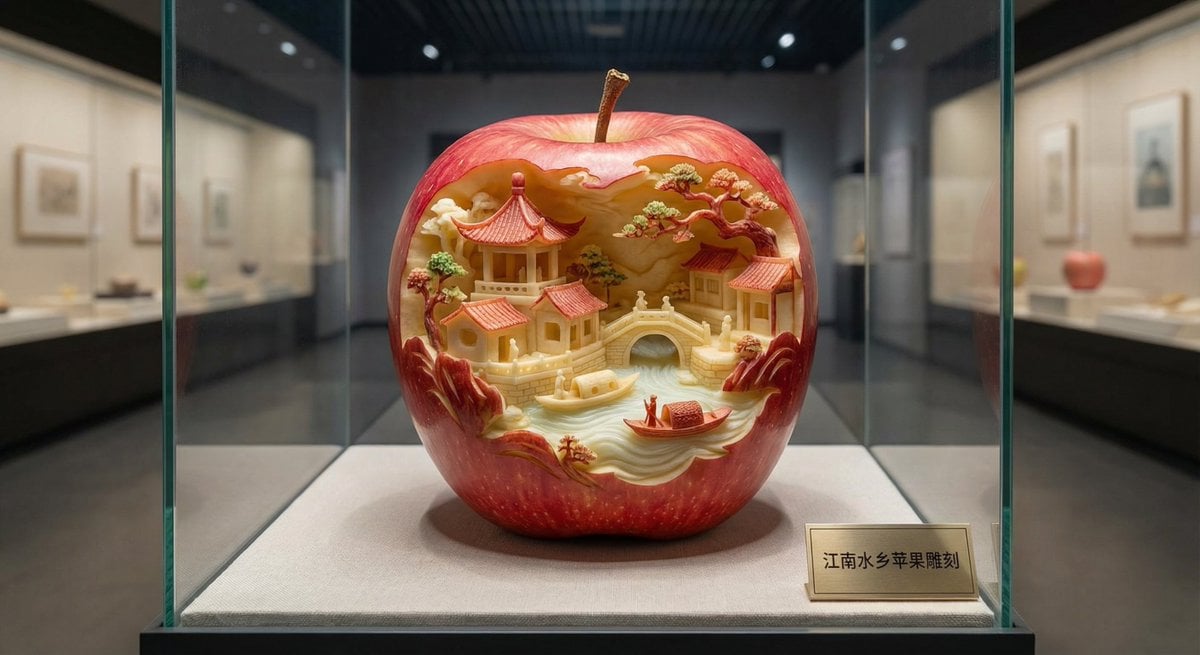
Apple Carving Art Prompt

Windows 11 desktop with Chrome and MrBeast on YouTube
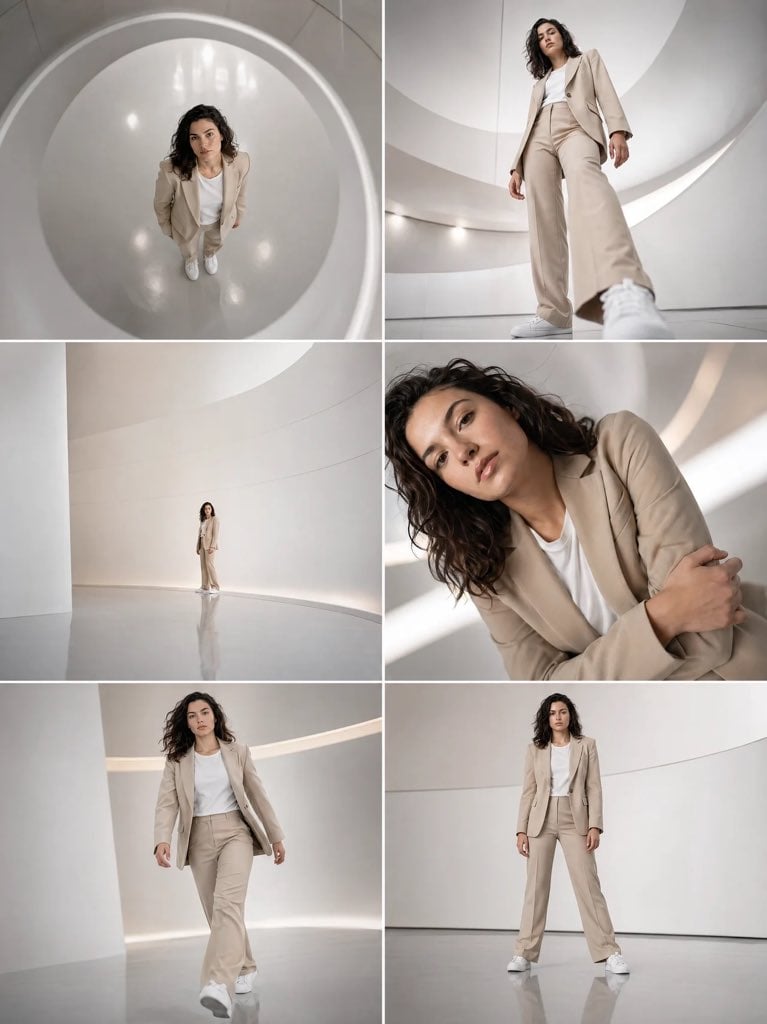
Futuristic Beige Suit Editorial Collage

Fashion Editorial with 3D Cartoon Characters
Browse template categories
Two-Panel Fantasy Damage Numbers Manga questions
How do I use the Two-Panel Fantasy Damage Numbers Manga template?
Add your photo if the template asks for one, edit the prompt if you like — the template's model and format are already selected — and press Generate. Your version opens in PicX Studio.
Can I customize the Two-Panel Fantasy Damage Numbers Manga template?
Yes. You can change the subject, setting, lighting, mood, format, and available model controls before creating your image.
Is the Two-Panel Fantasy Damage Numbers Manga template free?
Opening and editing this template is free. Generating uses credits, shown on the Generate button when you are signed in.
Which AI model should I use?
Start with GPT Image 2, which is the model associated with this template. You can compare another compatible model for a different finish.
Looking for something else? Browse all templates.

Your photo, any look
Thousands of ready templates for every top image and video model, from one credit balance.