
Japanese Reading Lesson Infographic
Transforms handwritten Japanese teaching notes into a structured infographic for sharing lesson-design concepts with educators.
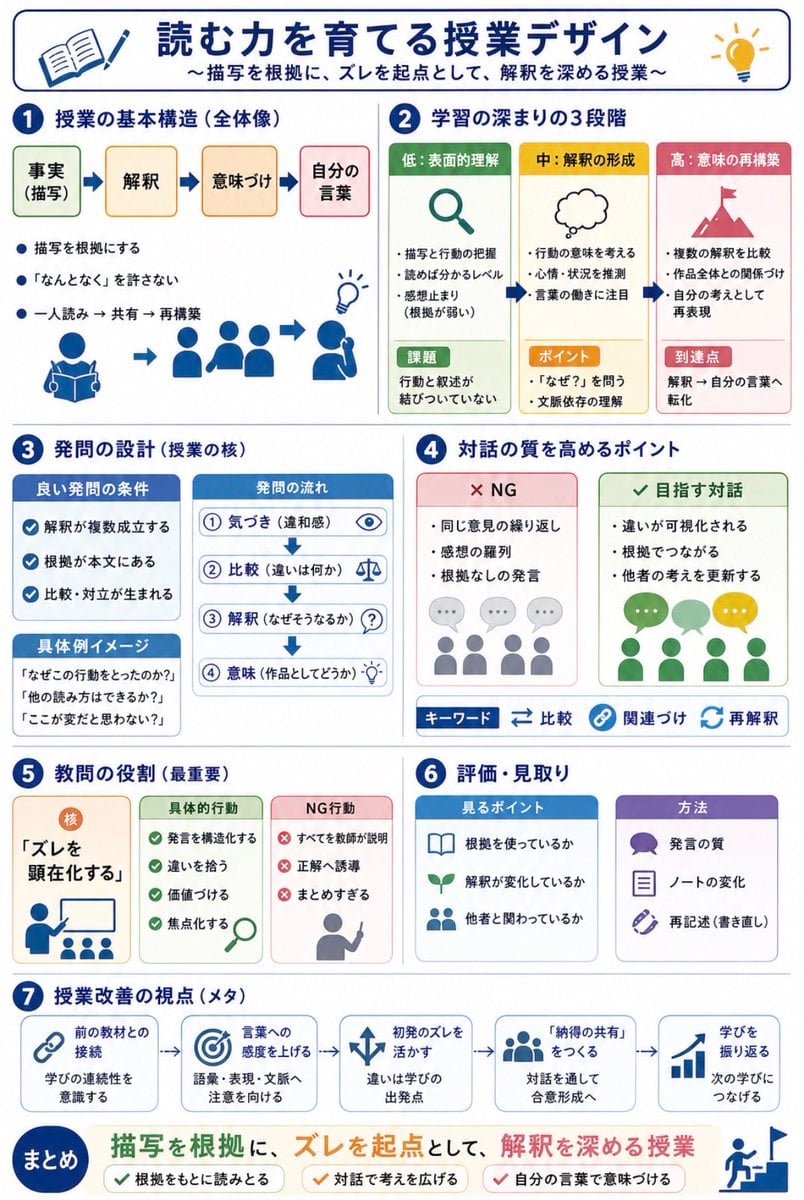
- Prompt included
- Model and format preset
- Free template
The prompt behind this image
Copy the exact prompt behind Japanese Reading Lesson Infographic, or open it in the studio and make it yours.
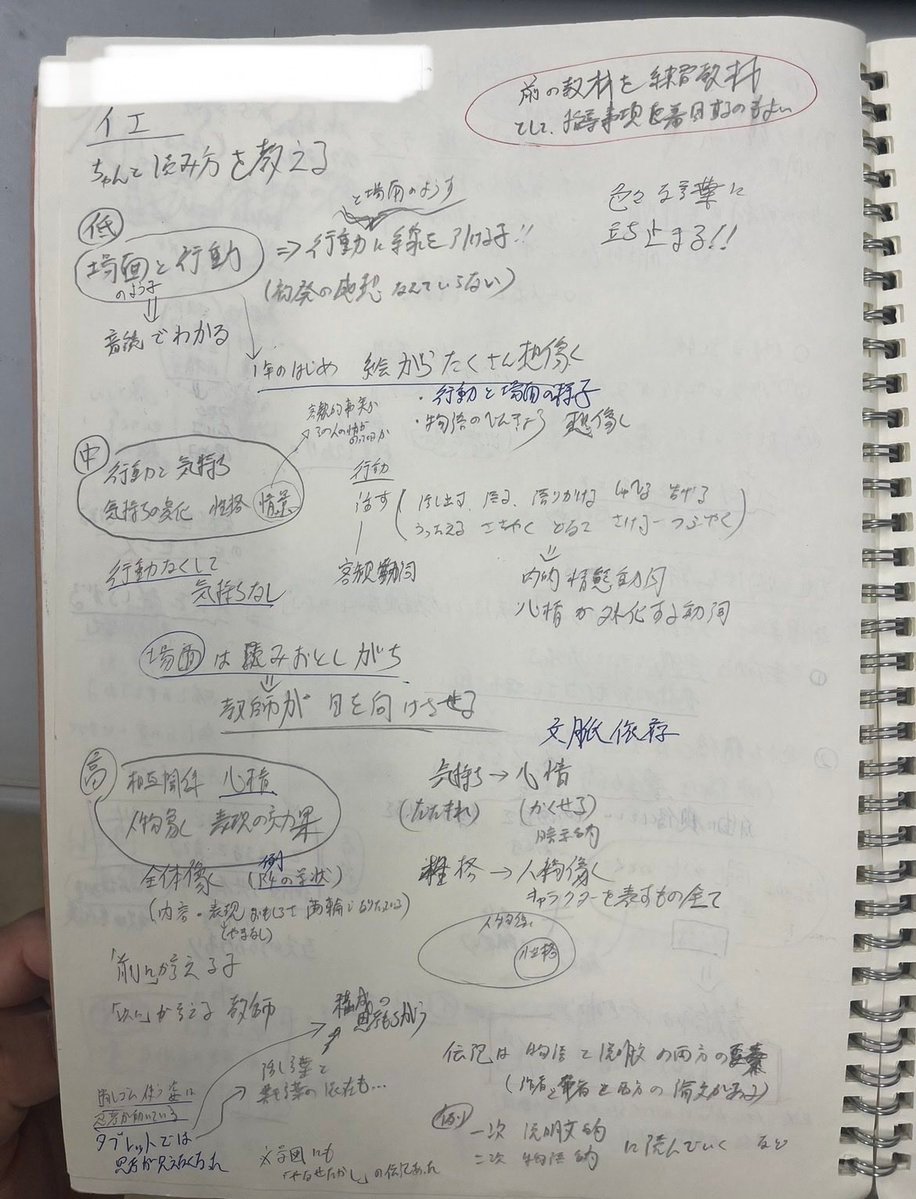
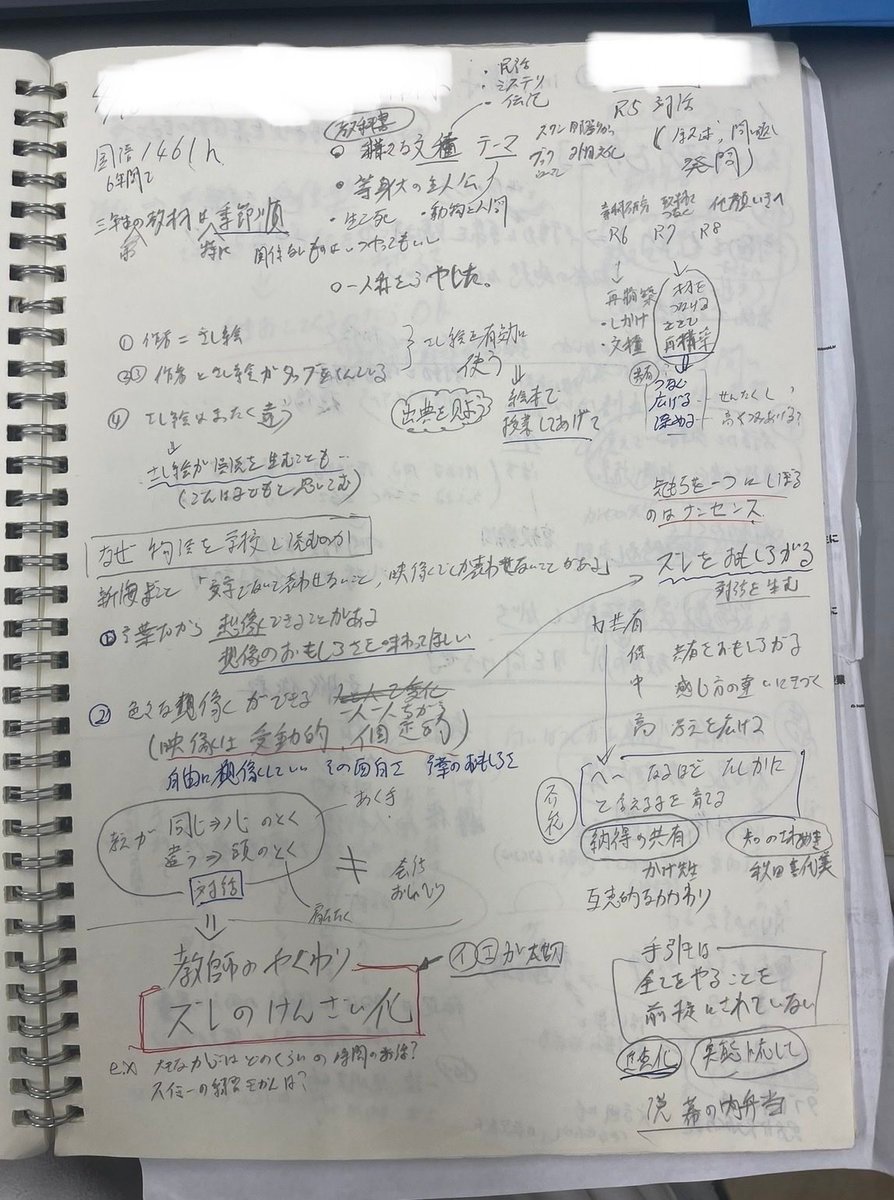
Using REFERENCE_0 and REFERENCE_1 as messy handwritten study-note sources, convert the content into a clean vertical Japanese educational infographic for quick sharing with teachers. Preserve the core topic about designing reading lessons for narrative texts, but organize it visually instead of reproducing the notebook pages. Create a polished white-background layout with navy section headers, rounded cards, simple flat icons, arrows, checkmarks, and color-coded boxes. Add the main title {argument name="headline text" default="読む力を育てる授業デザイン"} and subtitle {argument name="subtitle text" default="〜描写を根拠に、ズレを起点として、解釈を深める授業〜"}. Structure the infographic into exactly 7 numbered sections plus a final summary band: 1) lesson basic structure with four steps labeled 事実(描写)→ 解釈 → 意味づけ → 自分の言葉, 2) three stages of learning depth labeled 低:表面的理解, 中:解釈の形成, 高:意味の再構築, 3) question design with good-question conditions, question flow, and concrete example prompts, 4) points for improving dialogue quality with two comparison cards labeled NG and 目指す対話 plus keyword chips 比較, 関連づけ, 再解釈, 5) the teacher’s most important role centered on making “ズレ” visible with cards for concrete actions and NG actions, 6) assessment and observation with two cards labeled 見るポイント and 方法, and 7) meta viewpoints for lesson improvement shown as five connected cards: 前の教材との接続, 言葉への感度を上げる, 初発のズレを活かす, 「納得の共有」をつくる, 学びを振り返る. End with a prominent summary statement {argument name="summary statement" default="描写を根拠に、ズレを起点として、解釈を深める授業"} and three check items: 根拠をもとに読みとる, 対話で考えを広げる, 自分の言葉で意味づける. Make the result look like a professionally designed Japanese teaching handout, not a photo of notes.
Reference images included
Japanese Reading Lesson Infographic needs input media to work. They load alongside the prompt when you open it in the studio.
How to use Japanese Reading Lesson Infographic in 3 steps
- 1Upload ImagePNG, JPG or paste
Add your photo
Upload the photo the template builds on. The prompt, model and format are already set.
- 2…a portrait of your subject in softgolden-hour light, 85mm…
Personalize
Edit the subject and creative details for your destination.
- 3Generate
Generate
Press Generate — your image is created in PicX Studio, so you can compare it with the original and refine one variable at a time.
More like this
Templates with the same subject, style or setup. Open one to see its prompt.

Gpt2 Infographic Edu Visual Japanese Sci Fi Suit Up Process Board

Minecraft Japanese Research Lab Exploration

Japan Travel Brochure Poster
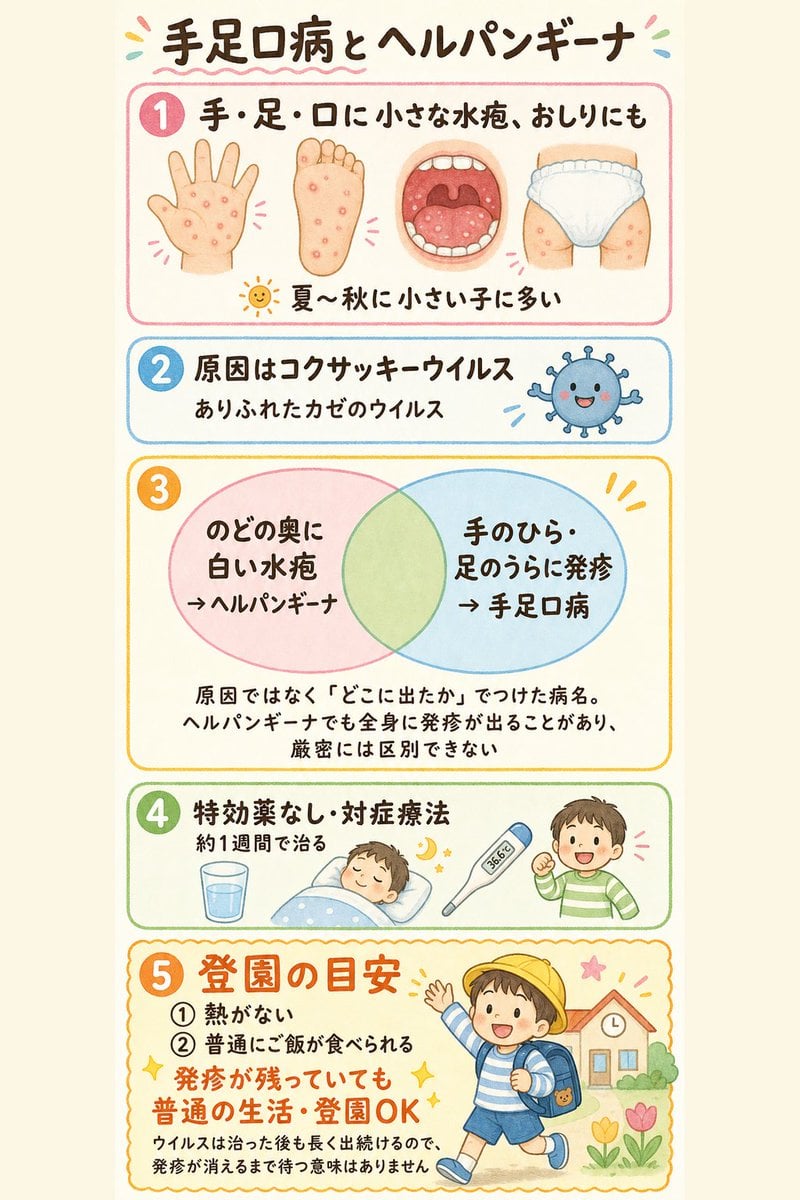
Japanese Pediatric Disease Infographic
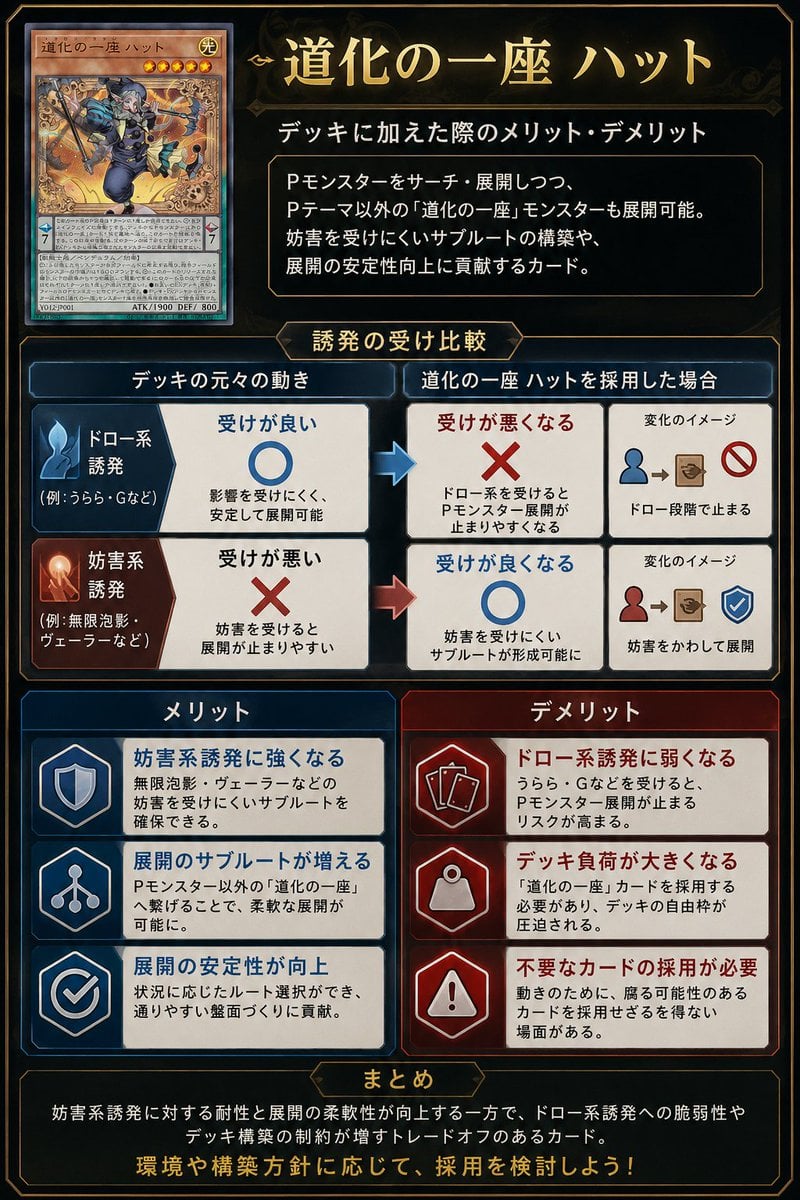
Japanese TCG Strategy Infographic
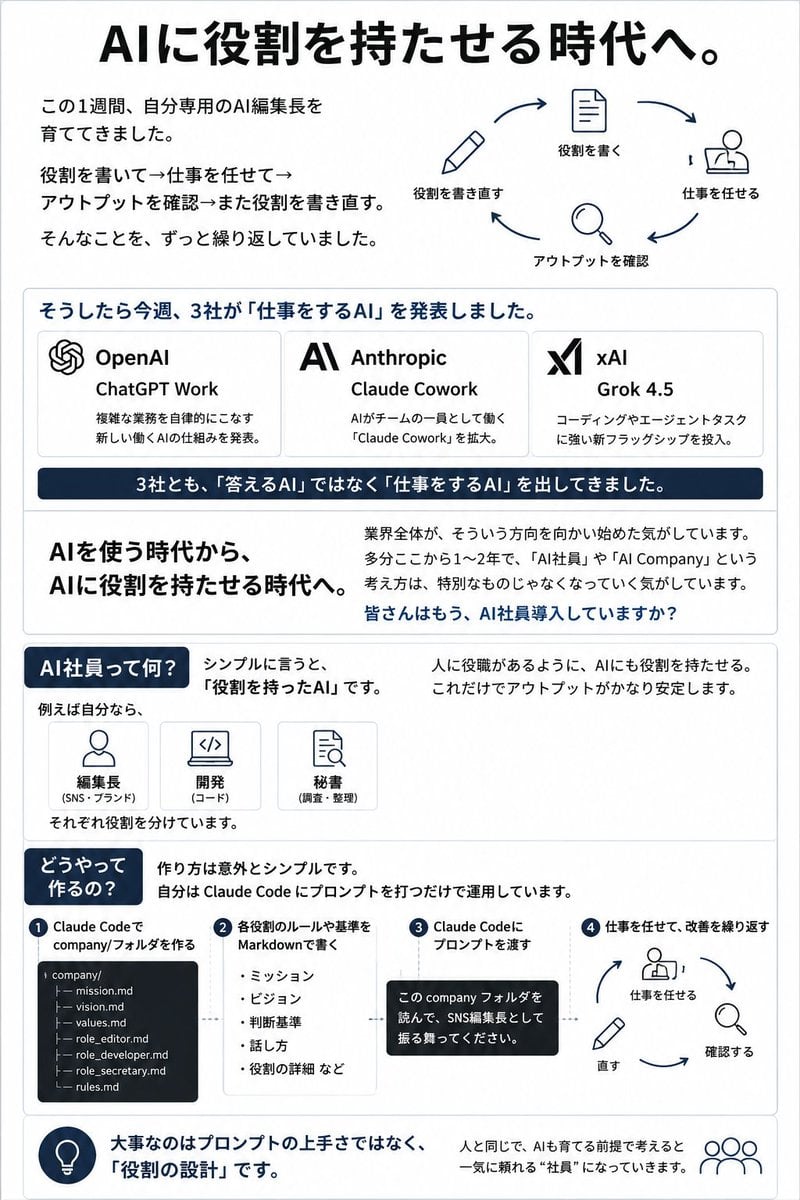
Japanese AI Employee Infographic
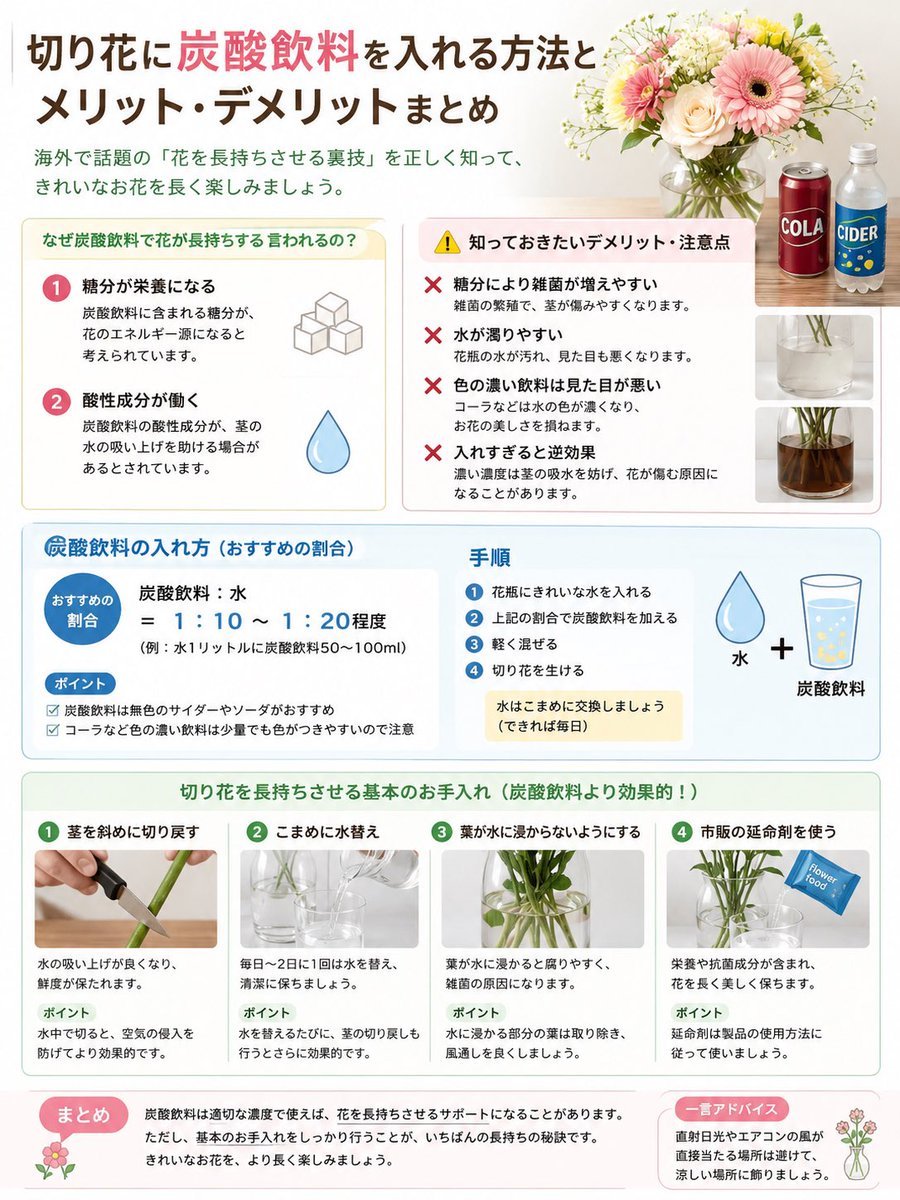
Japanese Cut Flower Soda Care Infographic

Japanese Architectural Concrete Studio Fashion Campaign

Japanese Minimalist Concrete Studio Fashion Editorial

Blue Backdrop Luxury Fashion Portrait Campaign

Isometric Process Educational Diorama

Isometric Vehicle Teardown Infographic Template
Make it yours
Japanese Reading Lesson Infographic works as-is. These are the safest ways to change it without losing the look.
Change one field
Copy a single group, rewrite it, and generate again so you can see what that field is doing.
Keep the frame, change the subject
Hold the composition and light of Japanese Reading Lesson Infographic, then swap wardrobe, props or the person for a new take.
| If the result… | Why | Fix |
|---|---|---|
| The result drifts from the preview | Too many fields changed at once. | Reuse Japanese Reading Lesson Infographic as-is first, then change one group — subject, light, or setting. |
| The model over-stylizes the scene | The prose prompt leaves finish and camera underspecified. | Add one camera or lighting sentence and stay on GPT Image 2. |
More GPT Image 2 templates
Other prompts made for GPT Image 2.

Six VTuber Japanese Logo Sheet

Realistic Portrait of Woman and Deer

The Vista Modular Condo Poster

AI Model Routing Comparison Infographic

2.5D Anime Art Board

Isometric Productivity Desk Scene

New York Double Exposure Poster

Four-Panel AI Landscape Comparison

Japanese Tatami Lifestyle Magazine Cover

NESCAFÉ Coffee Map Poster
More image prompts
Fresh picks from across the catalog.

Structured Prompt for Hyperrealistic Caricature Portrait
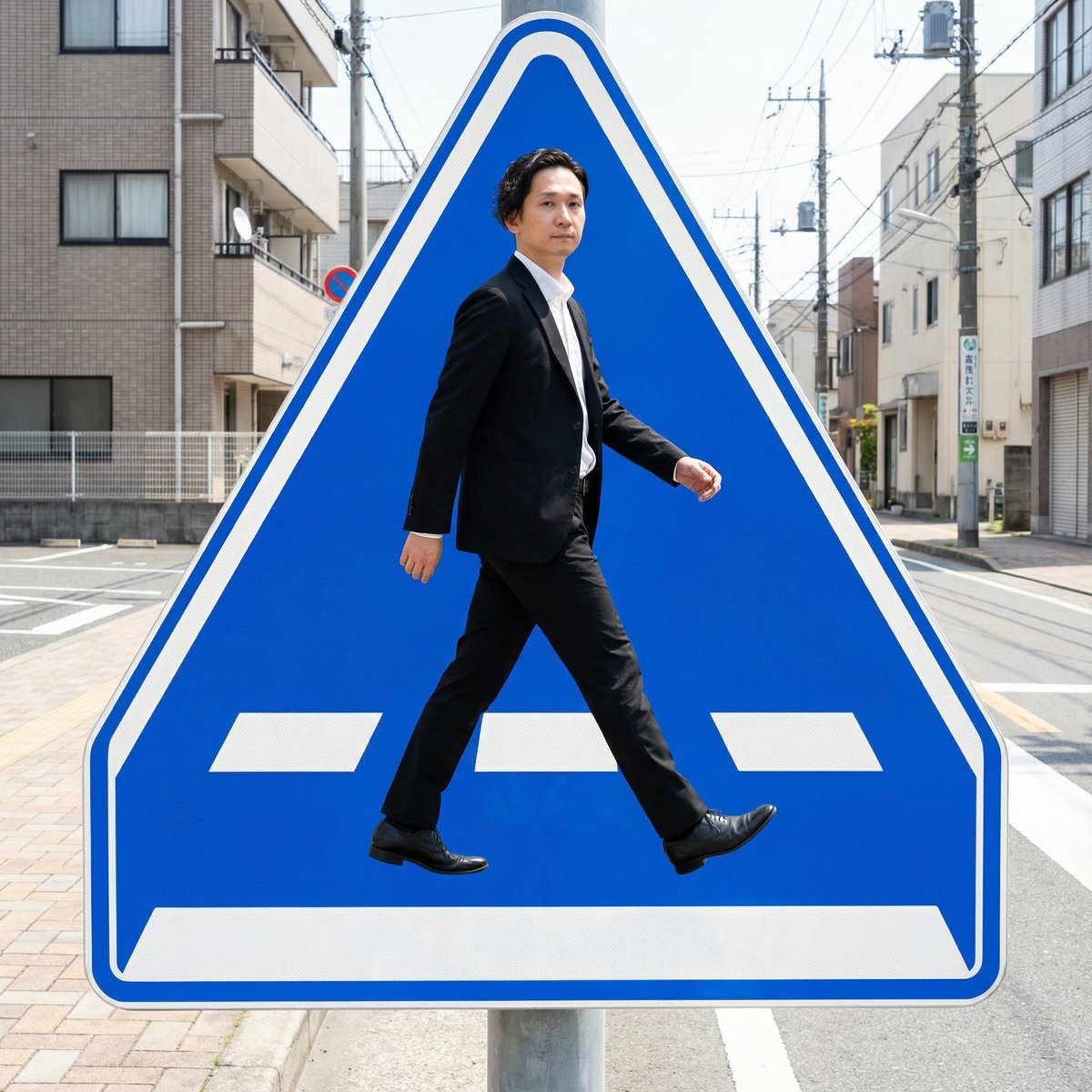
Pedestrian Markings as Personal Silhouette
Exploded View Product Render Prompt
Cinematic Food & Beverage Collab Poster

Nano Banana 2 Gourmet Ice Cream Commerci
Live Streaming App UI Mockup

Giant Woman Filmmaker with Miniature Model

Premium Minimalist Product Photography U
Giant Product Art Installation Prompt for Nano Banana Pro

Anime Girl Meadow Reading
Browse template categories
Japanese Reading Lesson Infographic questions
How do I use the Japanese Reading Lesson Infographic template?
Add your photo if the template asks for one, edit the prompt if you like — the template's model and format are already selected — and press Generate. Your version opens in PicX Studio.
Can I customize the Japanese Reading Lesson Infographic template?
Yes. You can change the subject, setting, lighting, mood, format, and available model controls before creating your image.
Is the Japanese Reading Lesson Infographic template free?
Opening and editing this template is free. Generating uses credits, shown on the Generate button when you are signed in.
Which AI model should I use?
Start with GPT Image 2, which is the model associated with this template. You can compare another compatible model for a different finish.
Looking for something else? Browse all templates.

Your photo, any look
Thousands of ready templates for every top image and video model, from one credit balance.