How do I use the Game Splash Screen Illustration template?
Edit the prompt in the box under the preview — the template's model and format are already selected — and press Generate. Your version appears right on this page.
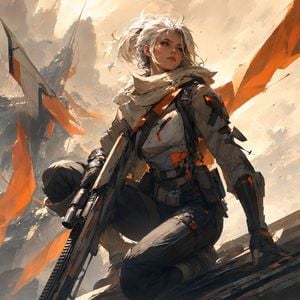
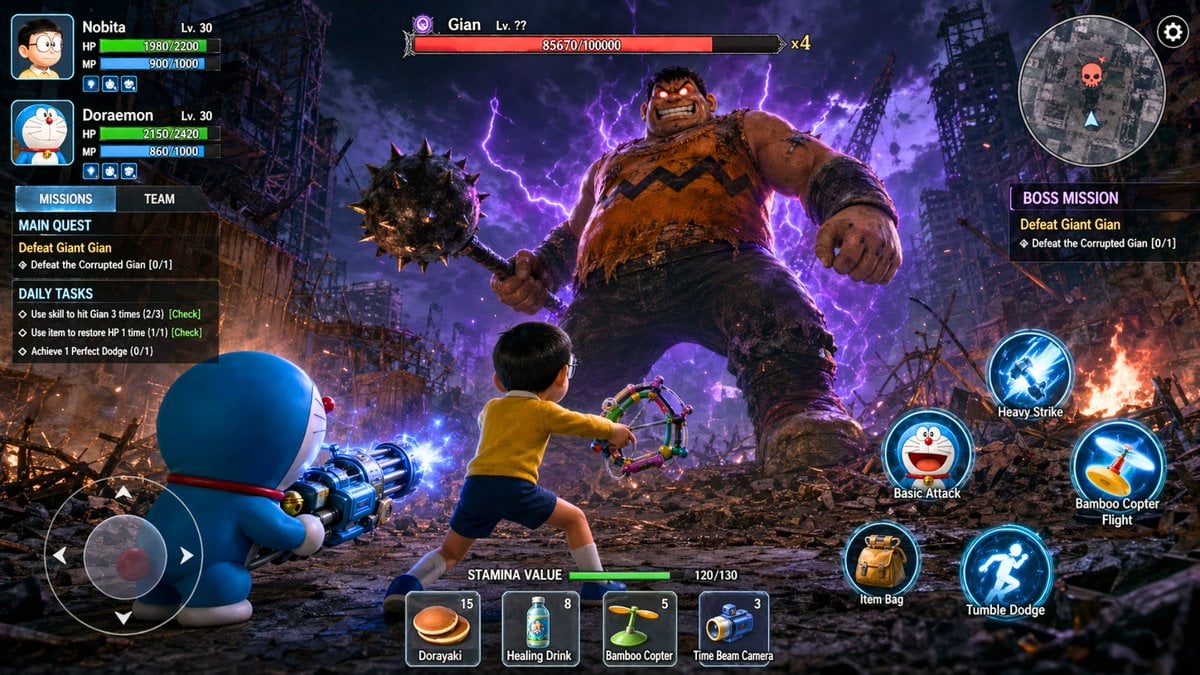
A prompt for generating a dynamic game splash screen featuring a character and a pet sprinting through a neon-lit city, styled like popular MOBA game art.

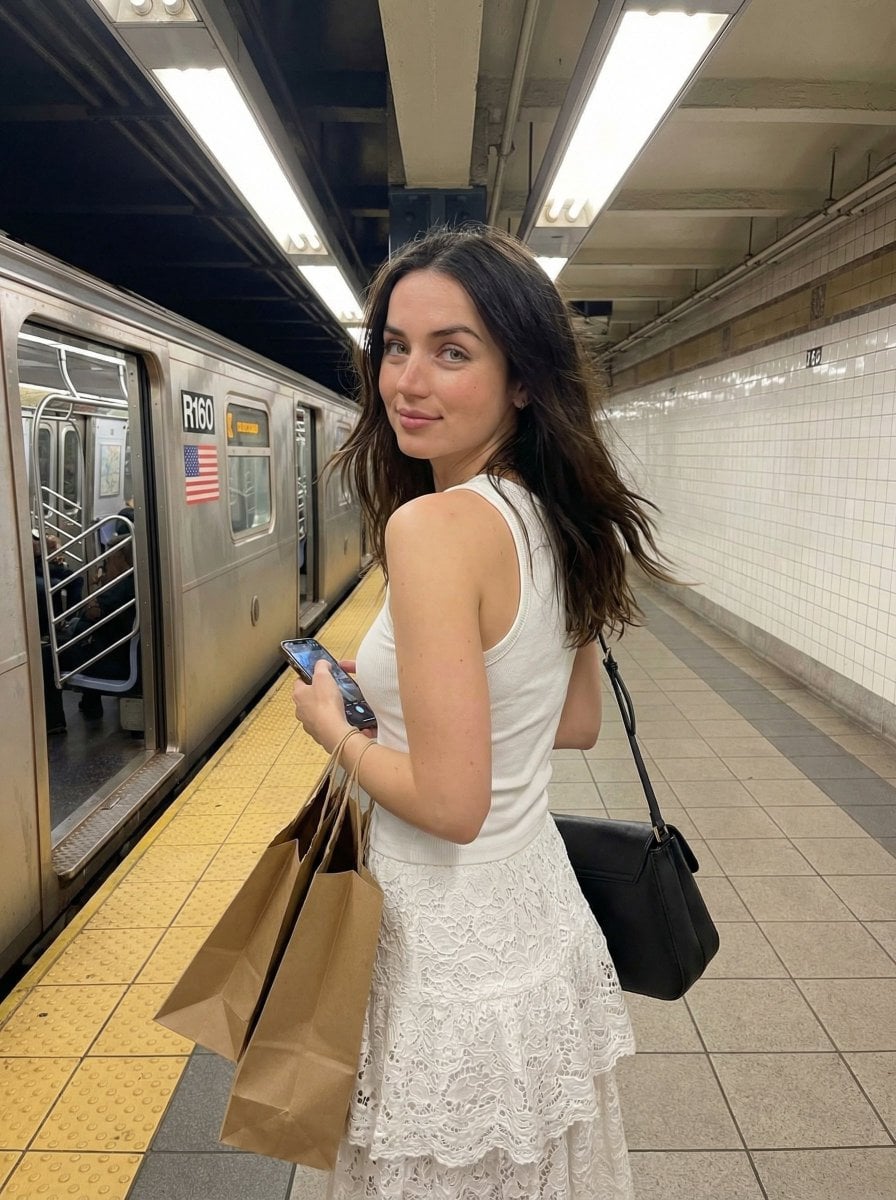
This template uses your photo — add one with the + button.
Create an illustration game splash screen featuring the {argument name="character" default="character attached"} sprinting on the rooftop of a building in the {argument name="setting" default="district"}, in the background we can see the whole city with bright signage and billboards. Refer to the background image generated above. The {argument name="pet" default="little wolf pet"} run along her. Dynamic camera angle. Similar vibe with splash screen in honor of kings or league of legends. Cinematic. Clean shading similar to the character image attached.
Create an illustration game splash screen featuring the {argument name="character" default="character attached"} sprinting on the rooftop of a building in the {argument name="setting" default="district"}, in the background we can see the whole city with bright signage and billboards. Refer to the background image generated above. The {argument name="pet" default="little wolf pet"} run along her. Dynamic camera angle. Similar vibe with splash screen in honor of kings or league of legends. Cinematic. Clean shading similar to the character image attached.
Edit the prompt in the box under the preview — the template's model and format are already selected — and press Generate. Your version appears right on this page.
Yes. You can change the subject, setting, lighting, mood, format, and available model controls before creating your image.
Opening and editing this template is free. Generating uses credits, shown on the Generate button when you are signed in.
Start with GPT Image 2, which is the model associated with this template. You can compare another compatible model for a different finish.
Follow a topic to a crawlable collection of related PicX Studio templates.