
Noir Detective Comic Portrait
Generates a dramatic black-and-white noir comic scene for transforming a portrait into a hard-boiled detective illustration.
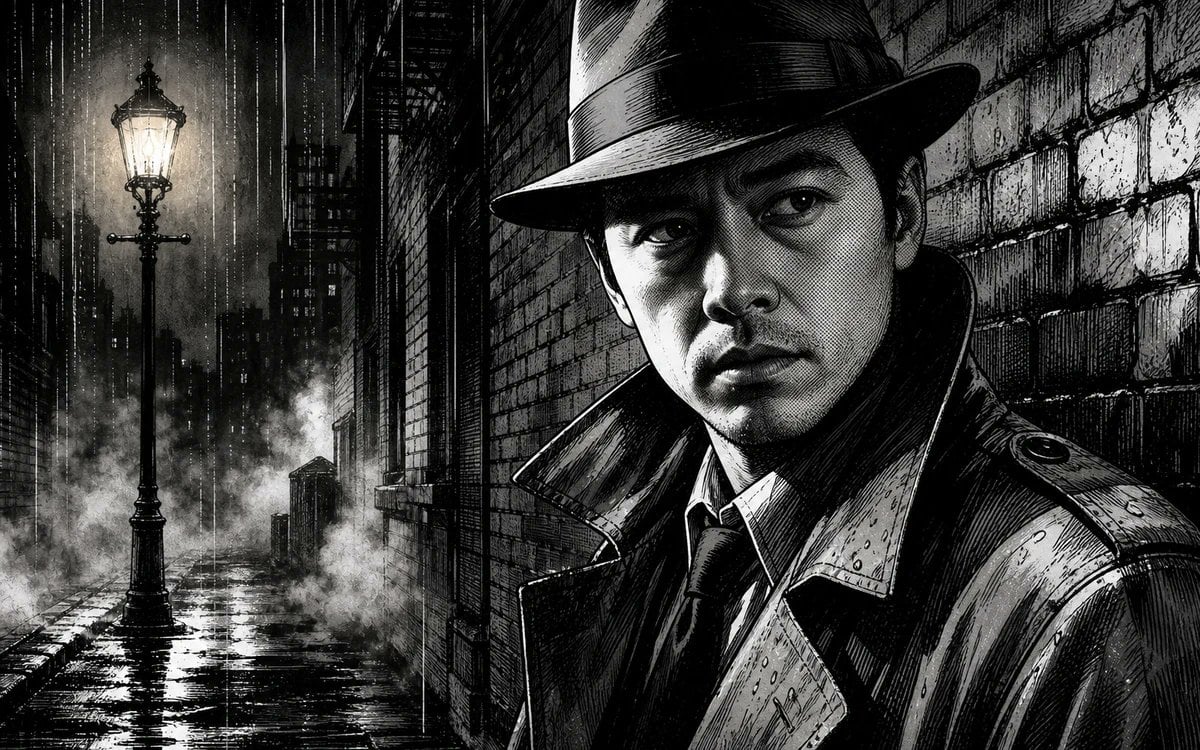
- Prompt included
- Model and format preset
- Free template
The prompt behind this image
Copy the exact prompt behind Noir Detective Comic Portrait, or open it in the studio and make it yours.
Create a black-and-white noir comic illustration in a gritty manga/graphic-novel style: a rain-soaked 1930s detective alley at night, with exactly one trench-coated detective in the right foreground, exactly one glowing vintage streetlamp in the left foreground, and a dark city canyon of tall buildings fading into fog behind them. The detective wears a wide-brim fedora, high-collared wet trench coat, dress shirt, and dark tie; his body is cropped from chest upward and turned slightly toward camera, occupying the right half of the frame. Replace the face area with a smooth, featureless dark gray rectangular placeholder centered under the hat brim, as if reserved for {argument name="character face" default="a recognizable selfie face"}. Use {argument name="comic style" default="hard-boiled noir manga ink"} with dense cross-hatching, heavy black shadows, sharp white highlights, scratchy pen texture, and high contrast. The setting is {argument name="setting" default="a narrow brick alley in a rainy old city"}; wet cobblestones reflect the streetlamp, white mist rises near the ground, rain falls in vertical streaks, and brick walls with rough mortar texture frame the scene. Lighting should be dramatic: the streetlamp creates a glowing halo on the left while the detective remains mostly in shadow, with rim light catching raindrops on the coat and hat. Use a cinematic wide landscape composition, monochrome only, no color, no captions, no speech bubbles, no watermark.
How to use Noir Detective Comic Portrait in 3 steps
- 1Upload ImagePNG, JPG or paste
Add your photo
Upload the photo the template builds on. The prompt, model and format are already set.
- 2…a portrait of your subject in softgolden-hour light, 85mm…
Personalize
Edit the subject and creative details for your destination.
- 3Generate
Generate
Press Generate — your image is created in PicX Studio, so you can compare it with the original and refine one variable at a time.
More like this
Templates with the same subject, style or setup. Open one to see its prompt.

Spider-Man Noir Detective Rain Alley
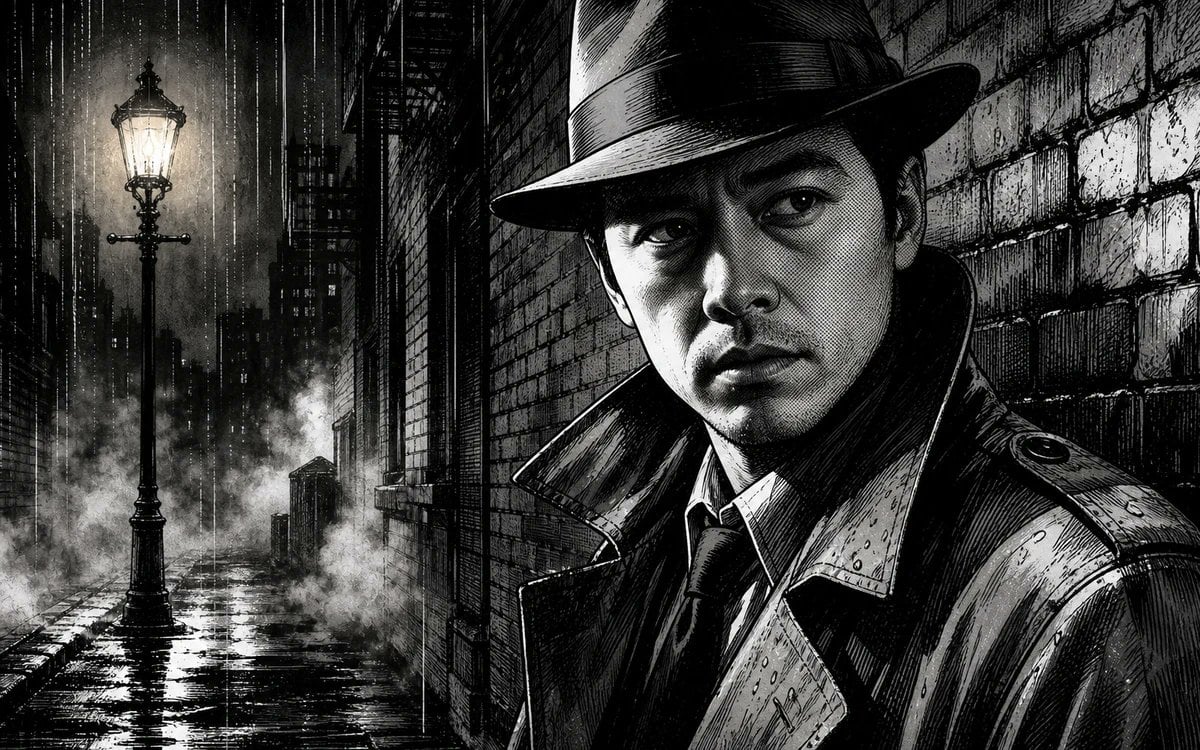
Noir Detective Rainy Alley Portrait

Found Photograph: Us, 1970

80s Couple Studio Portrait

80s Bollywood Star

80s Golden Hour Cinema

Me in 1985

1985 Studio Portrait

Noir Punk Street Portrait

Hyper-Realistic Minecraft POV Portrait
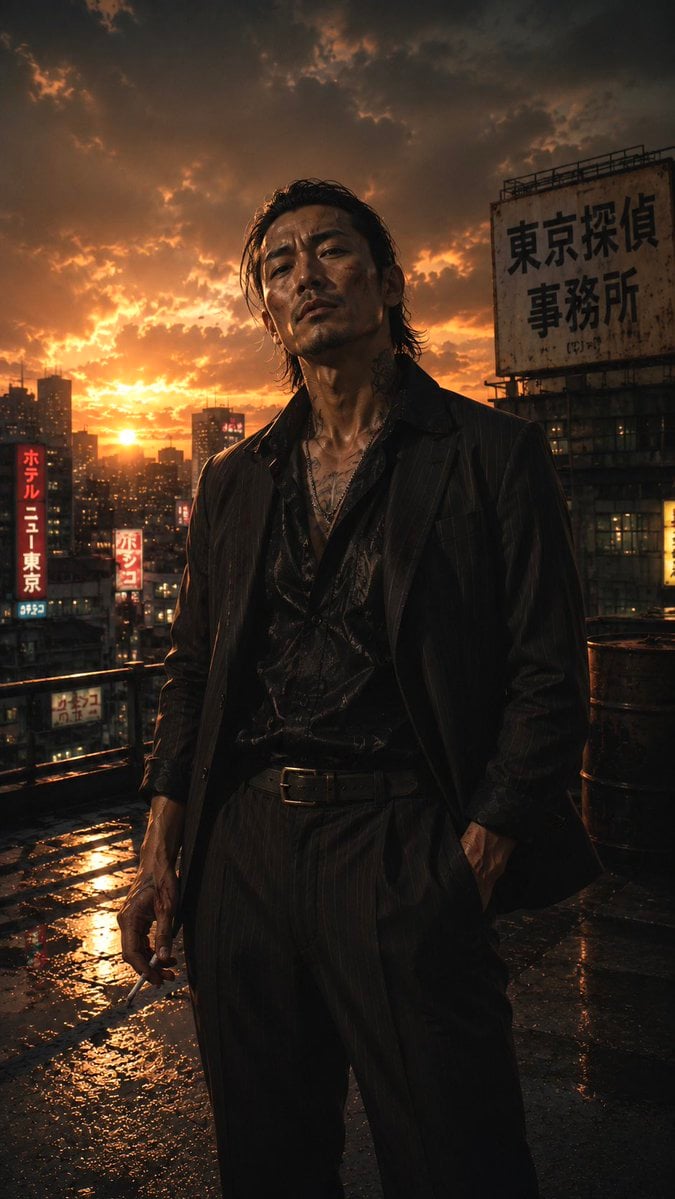
Tokyo Noir Detective Rooftop

Rooftop Fisheye — Cat-Ear Balaclava at Golden Hour
Make it yours
Noir Detective Comic Portrait works as-is. These are the safest ways to change it without losing the look.
Change one field
Copy a single group, rewrite it, and generate again so you can see what that field is doing.
Keep the frame, change the subject
Hold the composition and light of Noir Detective Comic Portrait, then swap wardrobe, props or the person for a new take.
| If the result… | Why | Fix |
|---|---|---|
| The result drifts from the preview | Too many fields changed at once. | Reuse Noir Detective Comic Portrait as-is first, then change one group — subject, light, or setting. |
| The model over-stylizes the scene | The prose prompt leaves finish and camera underspecified. | Add one camera or lighting sentence and stay on GPT Image 2. |
More GPT Image 2 templates
Other prompts made for GPT Image 2.

Six VTuber Japanese Logo Sheet

Realistic Portrait of Woman and Deer

The Vista Modular Condo Poster

AI Model Routing Comparison Infographic

2.5D Anime Art Board

Isometric Productivity Desk Scene

New York Double Exposure Poster

Four-Panel AI Landscape Comparison

Japanese Tatami Lifestyle Magazine Cover

NESCAFÉ Coffee Map Poster
More image prompts
Fresh picks from across the catalog.
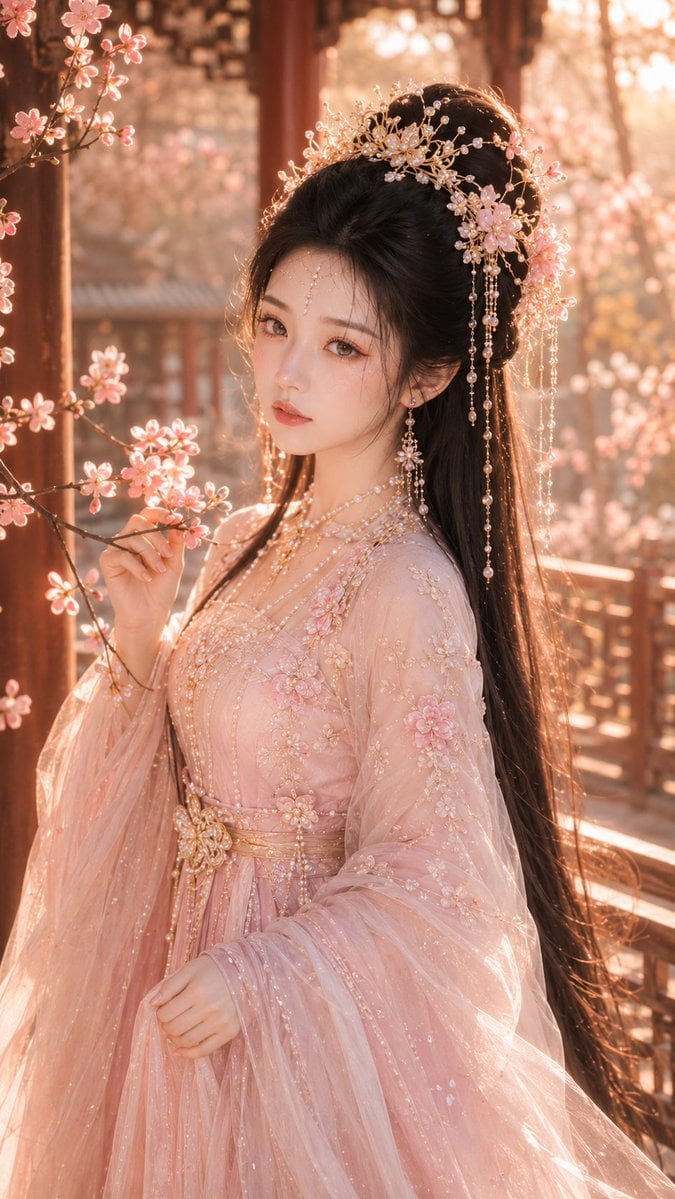
Tang Dynasty Fantasy Female Portrait
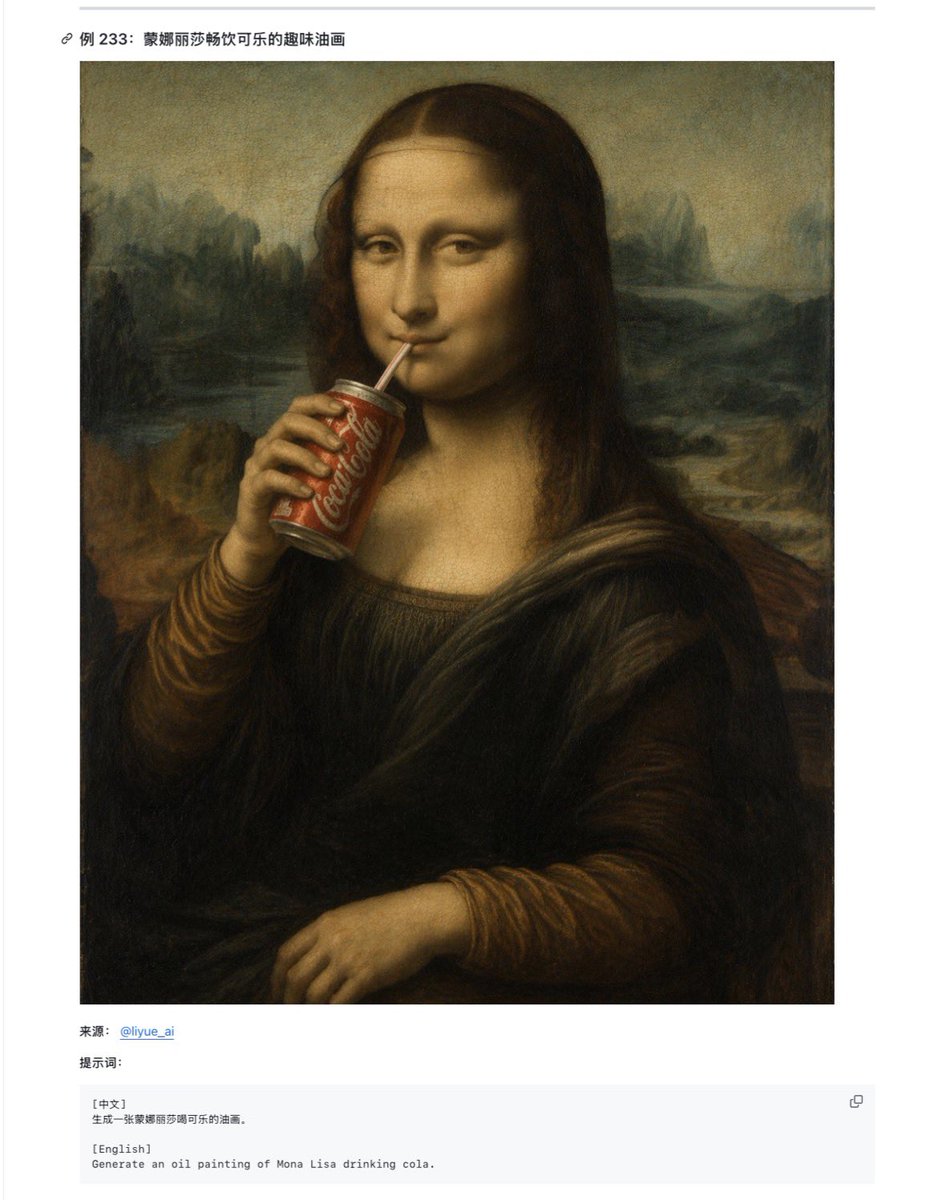
Mona Lisa Coca-Cola Web Example
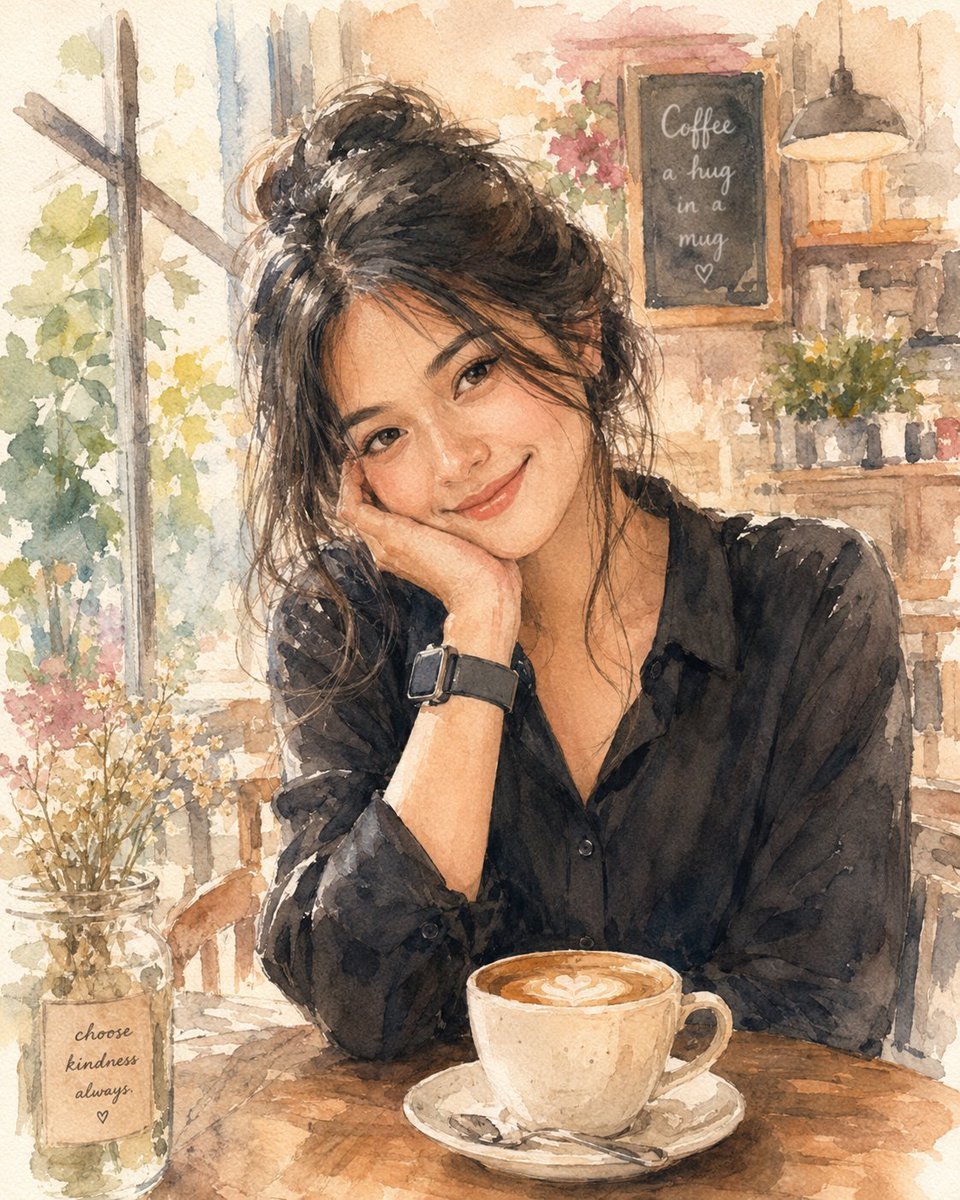
Soft Watercolor Café Illustration
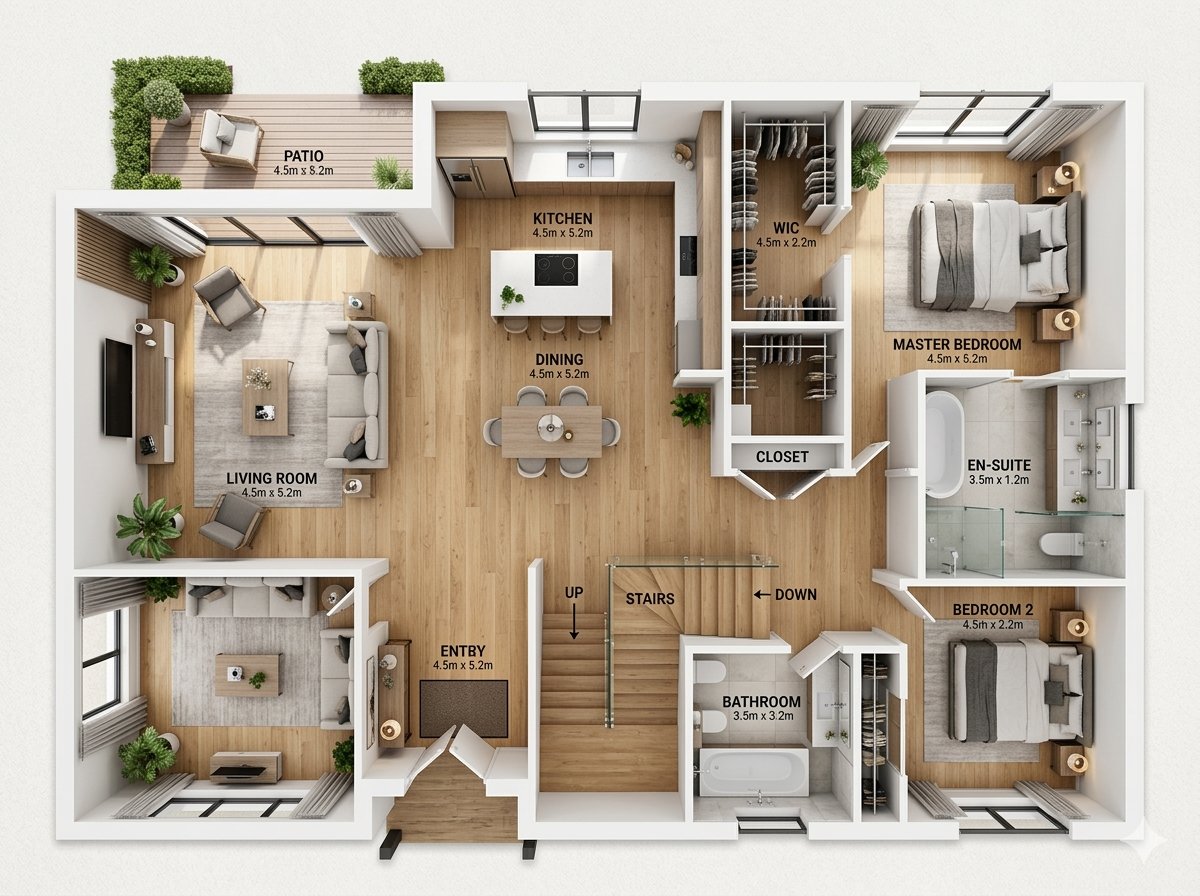
Modern Home Interior Architectural Blueprint Prompt
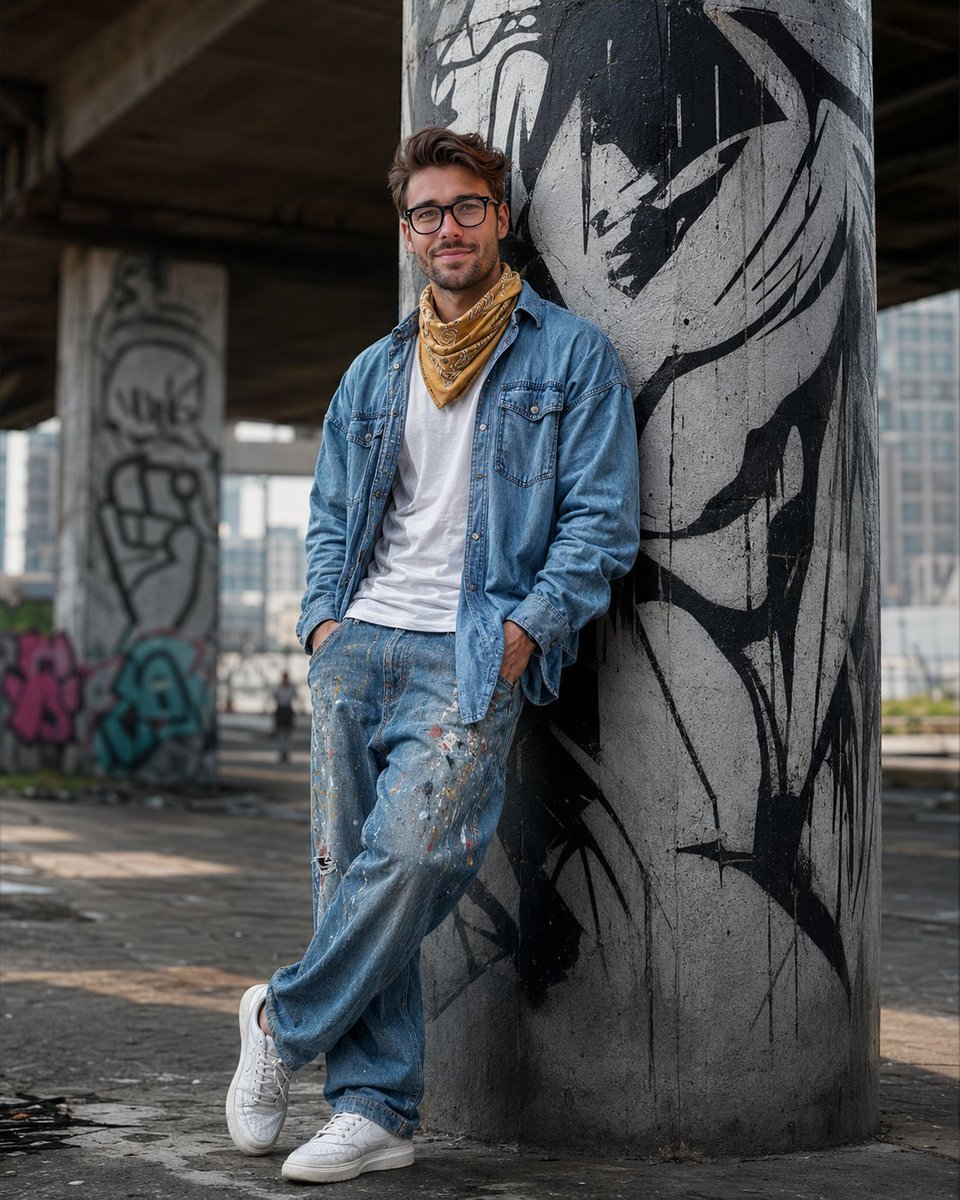
South Asian Streetwear Portrait
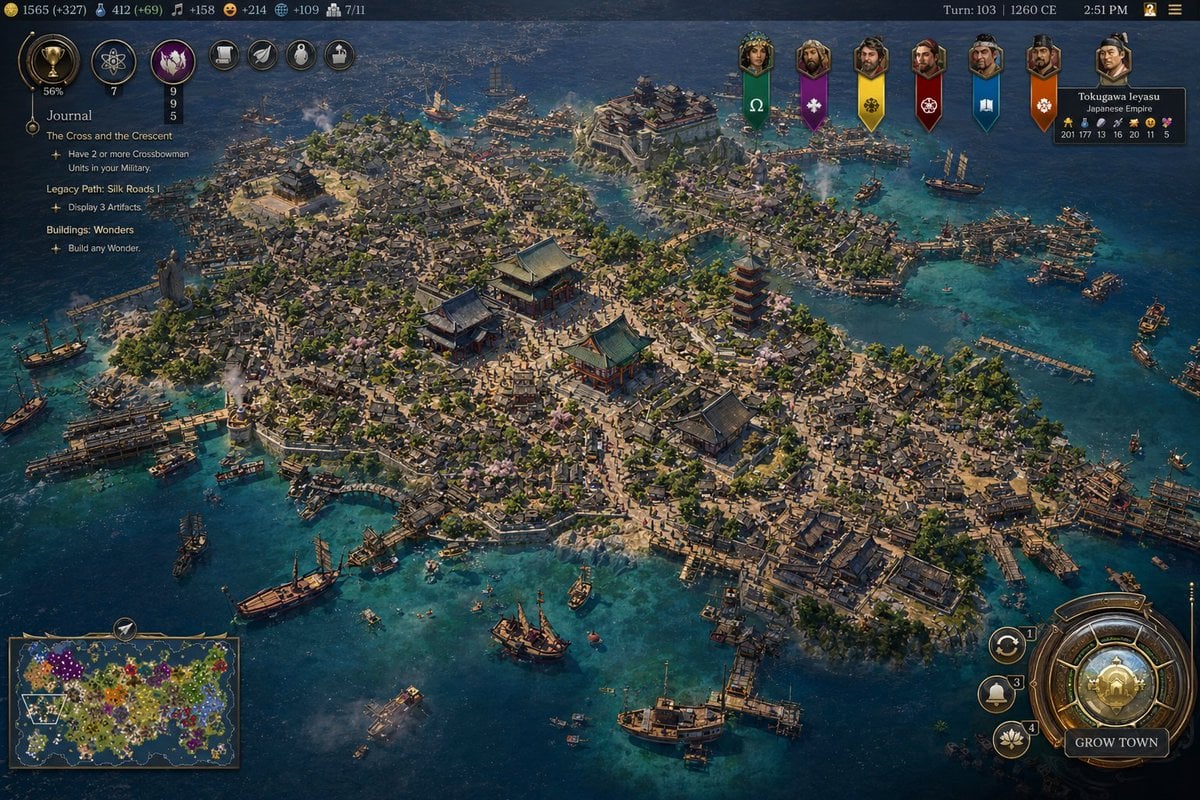
Civilization-Style Japanese Island City
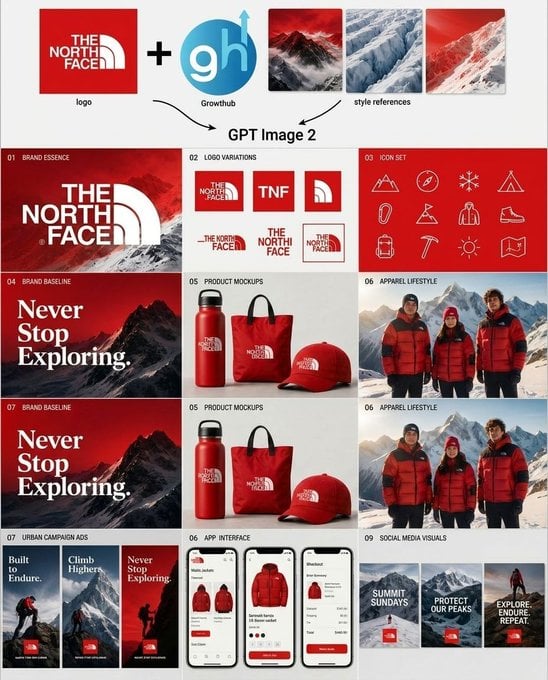
Outdoor Brand Kit Concept Board
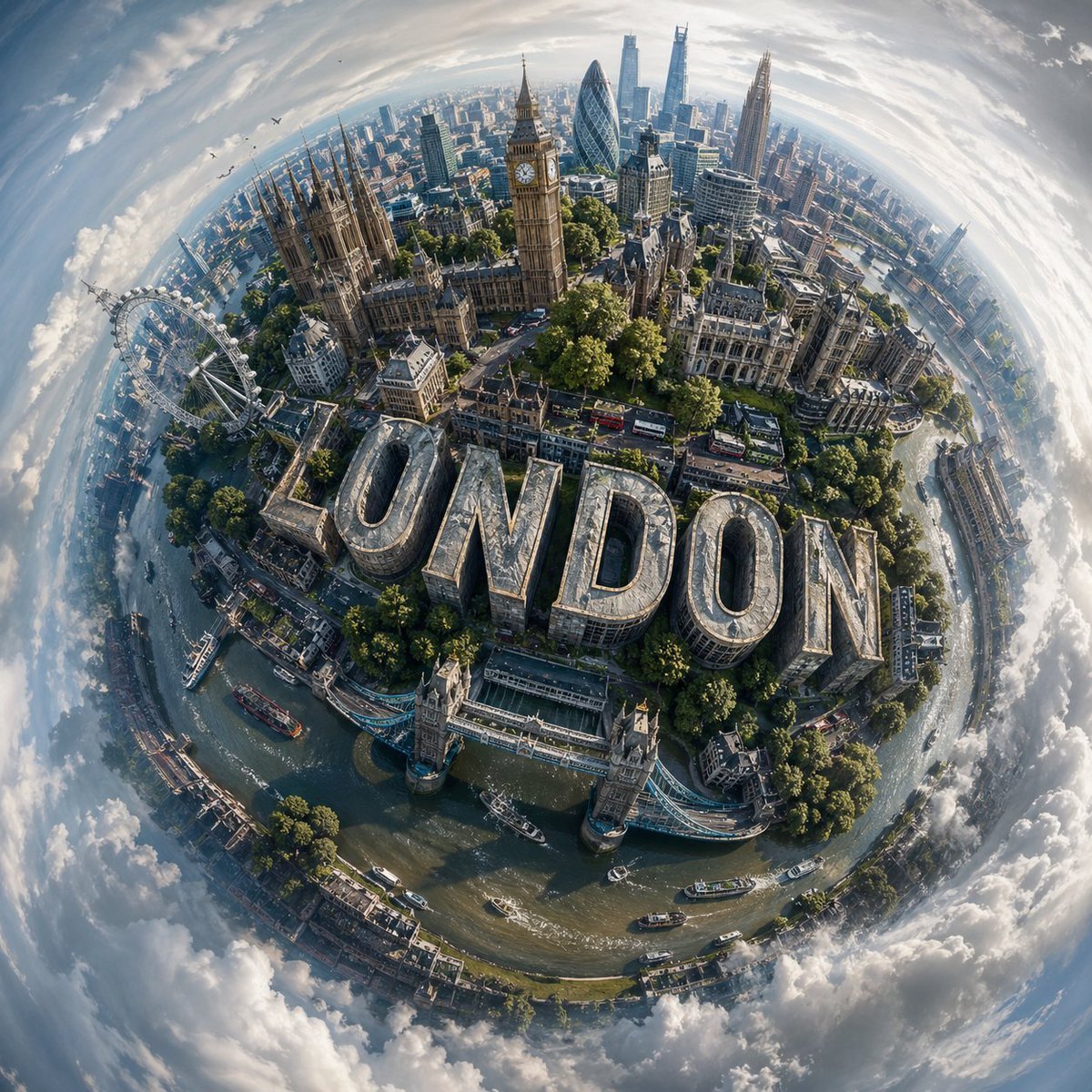
Spherical Miniature World Cityscape
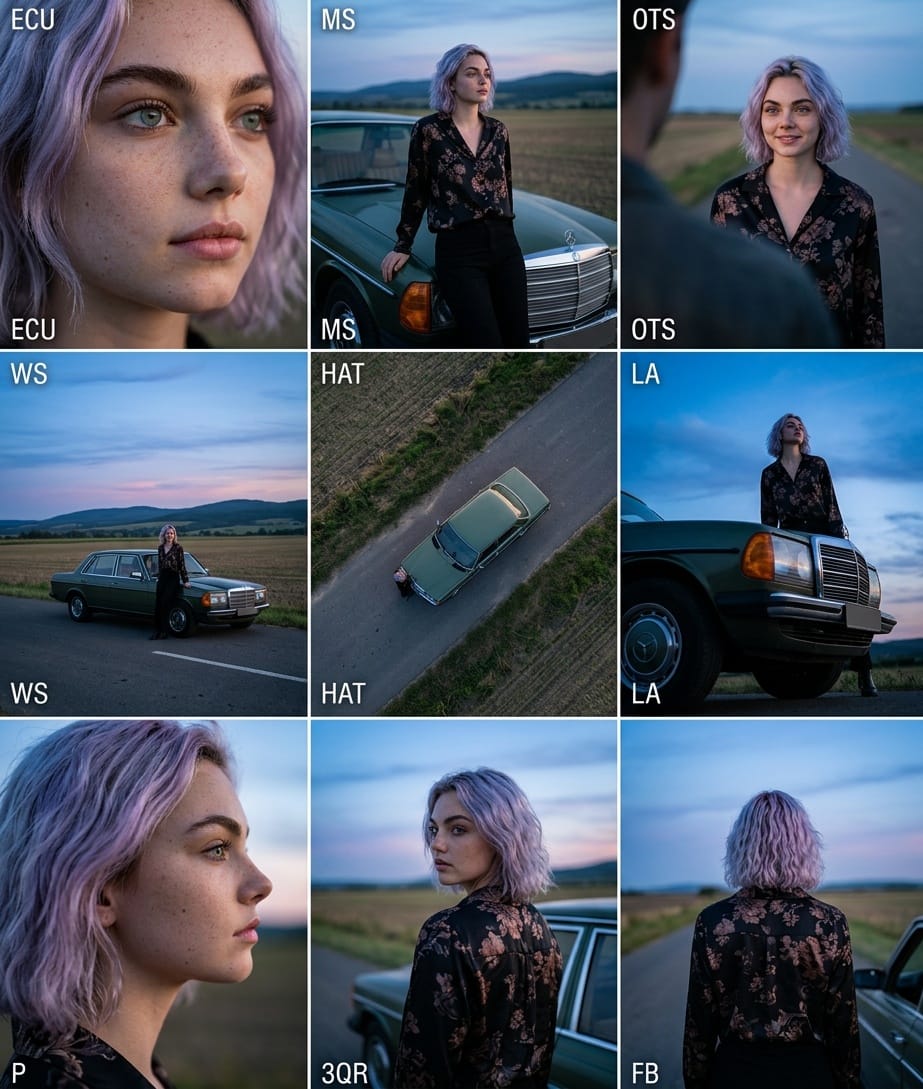
Cinematic 3x3 Grid Camera Angle Prompt
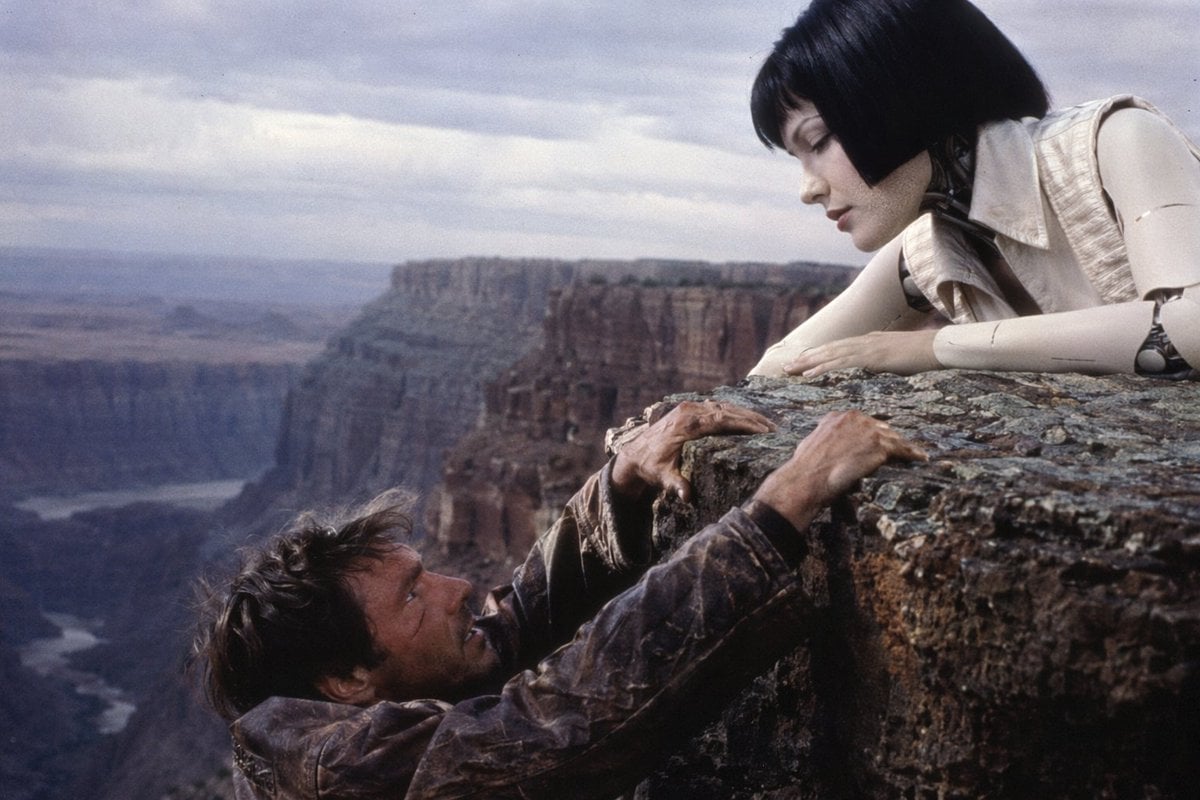
90s Sci-Fi Cliffhanger Movie Still
Browse template categories
Noir Detective Comic Portrait questions
How do I use the Noir Detective Comic Portrait template?
Add your photo if the template asks for one, edit the prompt if you like — the template's model and format are already selected — and press Generate. Your version opens in PicX Studio.
Can I customize the Noir Detective Comic Portrait template?
Yes. You can change the subject, setting, lighting, mood, format, and available model controls before creating your image.
Is the Noir Detective Comic Portrait template free?
Opening and editing this template is free. Generating uses credits, shown on the Generate button when you are signed in.
Which AI model should I use?
Start with GPT Image 2, which is the model associated with this template. You can compare another compatible model for a different finish.
Looking for something else? Browse all templates.

Your photo, any look
Thousands of ready templates for every top image and video model, from one credit balance.