How do I use the Indigo Dragon Swordswoman template?
Edit the prompt in the box under the preview — the template's model and format are already selected — and press Generate. Your version appears right on this page.
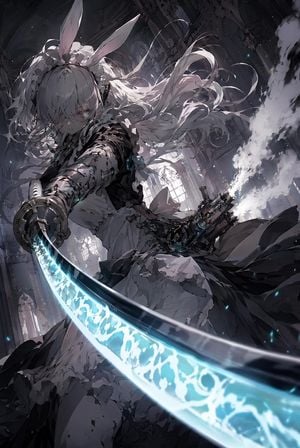
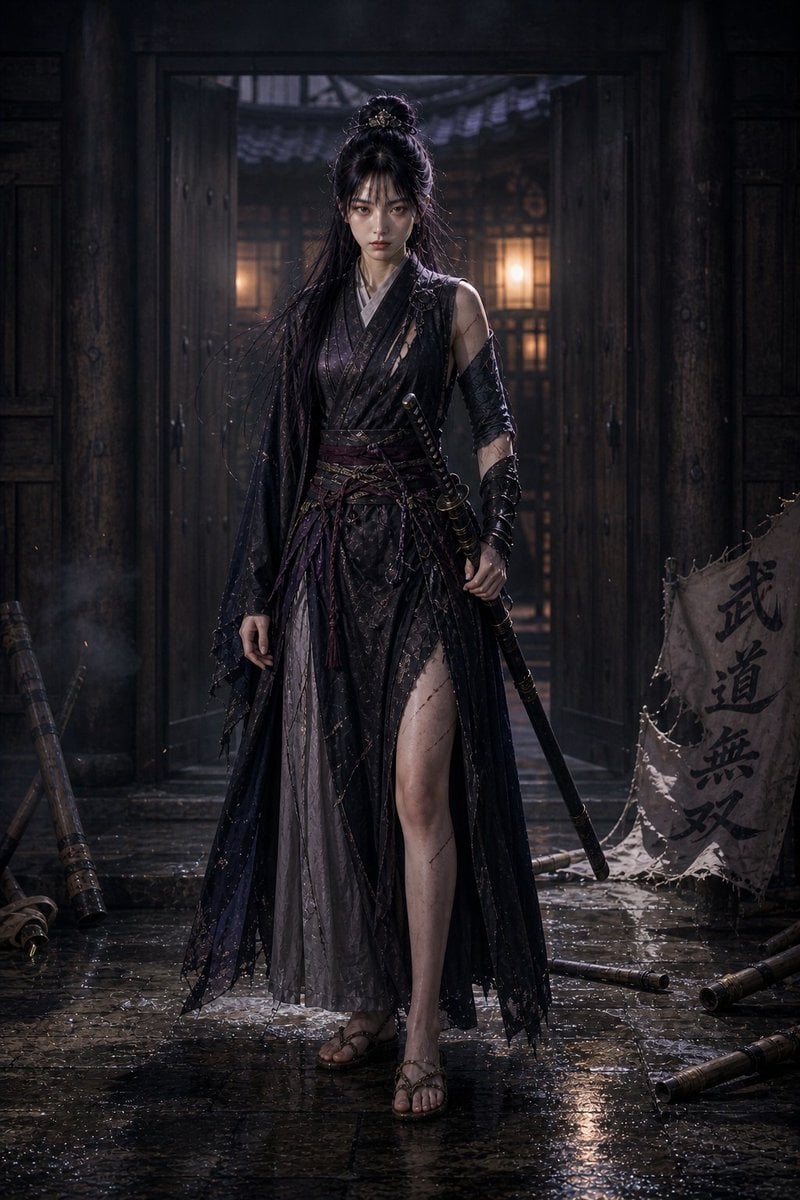
A cinematic dark-fantasy anime illustration prompt for creating an ornate armored swordswoman with a biomechanical dragon in a glowing ruined cathedral garden.

This template uses your photo — add one with the + button.
Create a vertical 9:16 epic dark-fantasy anime illustration of {argument name="character name" default="a lone magical swordswoman"} standing on broken stone ruins inside an overgrown luminous cathedral garden. The composition contains exactly 2 main subjects: 1 young female warrior in the lower right foreground and 1 enormous mechanical dragon coiling around her from the left foreground into the upper background. She wears a layered gothic navy-black battle dress with a short skirt, flowing cape panels, ornate black-and-gold armor on her shoulders, arms, hands, thighs, knees, and tall boots, with long twin-tail {argument name="hair color" default="deep indigo"} hair whipping dramatically in the air; her face is covered by a soft square blur or featureless censored glow. She holds exactly 1 oversized translucent crystal greatsword angled from her hand down toward the bottom-left corner, glowing {argument name="sword color" default="violet purple"} with star-like facets and internal light. The dragon should be vast, serpentine, and biomechanical, made of dark blue-black armor plates, gears, filigree, cables, clawed forms, and warm orange molten light glowing through seams; its head looms beside the warrior, protective and menacing, with spiked crystalline horns and intricate mechanical details. Surround them with dense violet and white flowers, twisting vines, golden cathedral pillars, shattered arches, floating petals, sparks, and backlit dust, all illuminated by radiant warm sunlight pouring through the ruins. Use an extremely detailed Japanese fantasy concept-art style, ornate linework, maximalist decorative mechanical filigree, high contrast between deep ultramarine shadows and glowing gold highlights, cinematic rim lighting, dynamic low-angle perspective, sharp focus, painterly texture, no visible text, no watermark.
Create a vertical 9:16 epic dark-fantasy anime illustration of {argument name="character name" default="a lone magical swordswoman"} standing on broken stone ruins inside an overgrown luminous cathedral garden. The composition contains exactly 2 main subjects: 1 young female warrior in the lower right foreground and 1 enormous mechanical dragon coiling around her from the left foreground into the upper background. She wears a layered gothic navy-black battle dress with a short skirt, flowing cape panels, ornate black-and-gold armor on her shoulders, arms, hands, thighs, knees, and tall boots, with long twin-tail {argument name="hair color" default="deep indigo"} hair whipping dramatically in the air; her face is covered by a soft square blur or featureless censored glow. She holds exactly 1 oversized translucent crystal greatsword angled from her hand down toward the bottom-left corner, glowing {argument name="sword color" default="violet purple"} with star-like facets and internal light. The dragon should be vast, serpentine, and biomechanical, made of dark blue-black armor plates, gears, filigree, cables, clawed forms, and warm orange molten light glowing through seams; its head looms beside the warrior, protective and menacing, with spiked crystalline horns and intricate mechanical details. Surround them with dense violet and white flowers, twisting vines, golden cathedral pillars, shattered arches, floating petals, sparks, and backlit dust, all illuminated by radiant warm sunlight pouring through the ruins. Use an extremely detailed Japanese fantasy concept-art style, ornate linework, maximalist decorative mechanical filigree, high contrast between deep ultramarine shadows and glowing gold highlights, cinematic rim lighting, dynamic low-angle perspective, sharp focus, painterly texture, no visible text, no watermark.
Edit the prompt in the box under the preview — the template's model and format are already selected — and press Generate. Your version appears right on this page.
Yes. You can change the subject, setting, lighting, mood, format, and available model controls before creating your image.
Opening and editing this template is free. Generating uses credits, shown on the Generate button when you are signed in.
Start with GPT Image 2, which is the model associated with this template. You can compare another compatible model for a different finish.
Follow a topic to a crawlable collection of related PicX Studio templates.