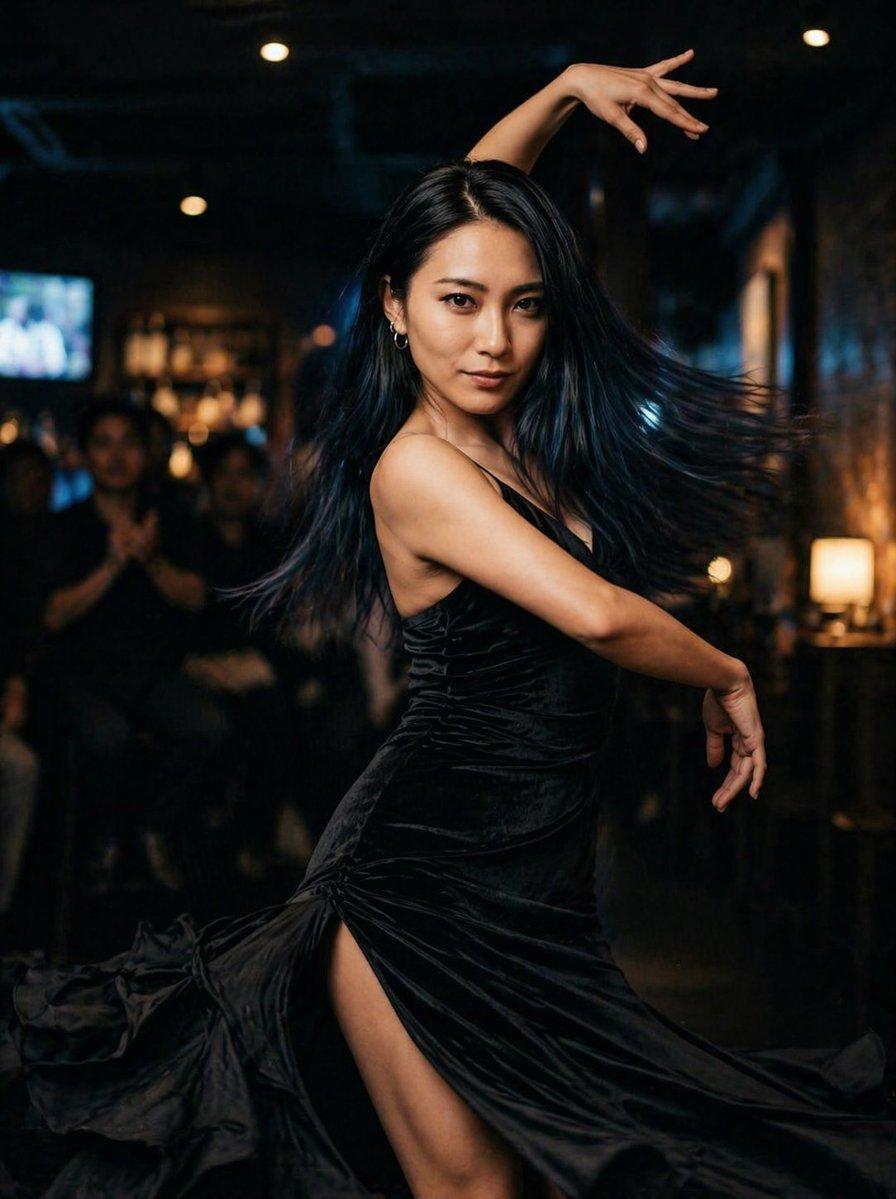
How do I use the Woman Dancing in Black Dress template?
Choose the primary action to open PicX Studio with the available template settings. Review the model and format, personalize the creative direction, and generate when ready.
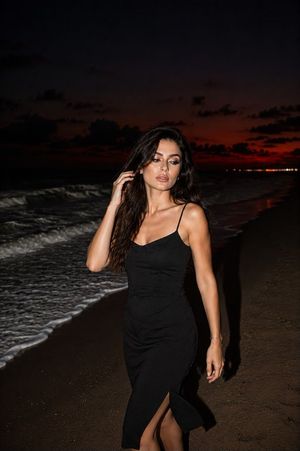
This prompt generates a cinematic photorealistic nightlife portrait of a woman in a flowing black dress dancing elegantly in a dim lounge, ideal for fashion, performance, or social media visuals. (free to use) — Free AI image template on PicX Studio.
A dramatic full-body photo of a woman dancing powerfully in a dark upscale lounge or bar, wearing a sleek black evening dress with a high slit and flowing velvet-like fabric that whips outward with her movement. She has long straight {argument name="hair color" default="black"} hair flying to one side, a slim athletic figure, and small hoop earrings. Capture her in a confident, stylish dance pose with one arm raised gracefully above her head and the other curved downward, torso turned in profile, emphasizing elegance and motion. The setting is dim and cinematic with warm amber practical lights, soft bokeh, and a blurred audience in the background, including a few seated onlookers and a glowing television screen off to the left. The mood is cool, sensual, and high-end, with strong contrast, shallow depth of field, realistic skin, subtle motion in the dress hem, and fashion-editorial lighting. Photorealistic, dynamic nightlife photography, vertical composition.
Use Woman Dancing in Black Dress to plan an AI image around gpt-image-2 generation, themes such as en and gpt-image-2. Match the preview's composition first, then personalize the subject, setting, and mood for your own project.
Use the primary action to load the template settings in PicX Studio.
Adjust the subject and creative details for your destination.
Create the image, compare the result with the preview, and refine one variable at a time.
A continuous mix — similar concepts first, woven with same-model prompts and fresh picks from the catalog.
Choose the primary action to open PicX Studio with the available template settings. Review the model and format, personalize the creative direction, and generate when ready.
Yes. You can change the subject, setting, lighting, mood, format, and available model controls before creating your image.
This template is free to open and customize. Generation usage is shown in PicX Studio before you create.
Start with gpt-image-2, which is the model associated with this template. You can compare another compatible model for a different finish.
A continuous mix — similar concepts first, woven with same-model prompts and fresh picks from the catalog.
Follow a topic to a crawlable collection of related PicX Studio templates.
36,410 public templates available. Verified via the PicX Studio public templates API; refreshed hourly.