How do I use the AI Era YouTube Thumbnail template?
Choose the primary action to open PicX Studio with the available template settings. Review the model and format, personalize the creative direction, and generate when ready.
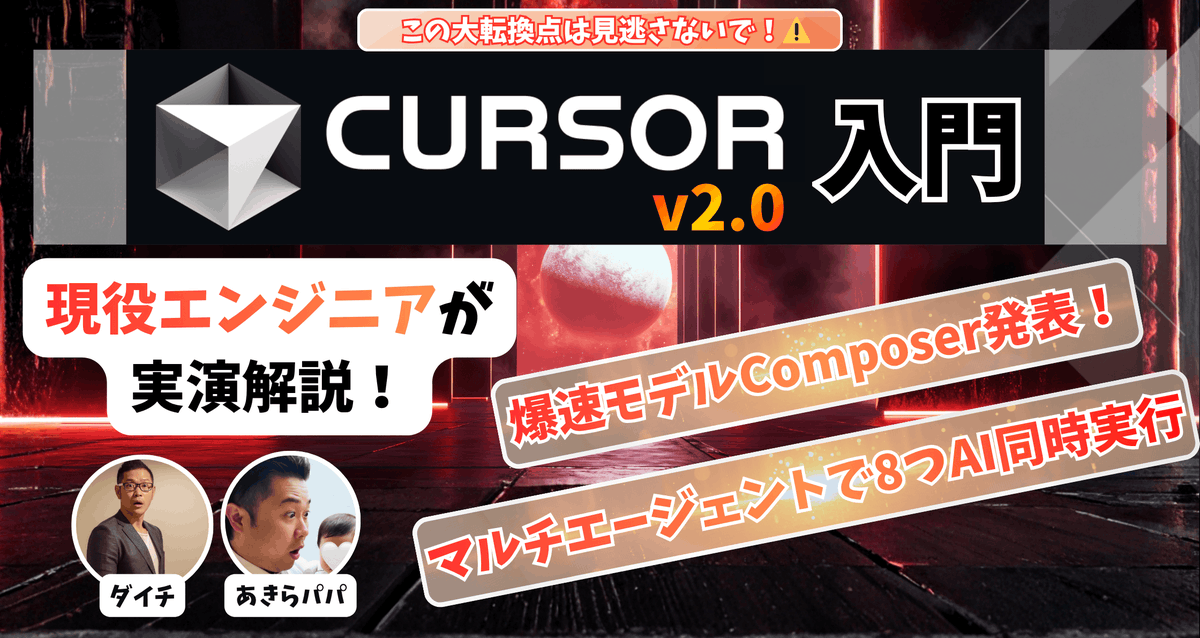
A bold split-screen tech YouTube thumbnail featuring two presenters, glowing AI graphics, and oversized headline text for business or engineering content. Change the subject, setting, or lighting one variable at a time.

A high-impact YouTube thumbnail about {argument name="topic text" default="HARNESS ENGINEERING"} in the AI age, 16:9 format, split-screen composition with 2 male presenters shown from the chest up, one on the left and one on the right, both facing forward in office or studio settings. The left presenter has dark hair, wears glasses and a white-and-blue striped shirt, seated in a desk chair with shelves and books blurred in the background. The right presenter has short dark hair, wears glasses and a light blue striped button-up shirt, speaking into a large black microphone, with a softly lit tech-themed background. A glowing electric-blue diagonal slash divides the two halves. In the center, overlay a futuristic circular AI icon with the letters “AI” inside a microchip-like interface, glowing neon blue. Add subtle HUD graphics on the right side: 3 upward chevrons near the top right, 1 gear icon at mid-right, and a faint grid of dots. Across the lower half, place 2 stacked headline lines in huge bold condensed uppercase text with heavy black outline, white outer stroke, and bright blue neon glow: top line smaller, white text reading {argument name="top headline" default="IMPORTANT IN THE AI ERA"}; bottom line much larger, yellow-to-gold gradient text reading {argument name="main headline" default="HARNESS ENGINEERING"}. Use dramatic contrast, cool blue color grading, glossy thumbnail polish, strong rim lighting, mild background blur, and an energetic tech-business aesthetic designed for maximum click-through rate.
Choose the primary action to open PicX Studio with the available template settings. Review the model and format, personalize the creative direction, and generate when ready.
Yes. You can change the subject, setting, lighting, mood, format, and available model controls before creating your image.
This template is free to open and customize. Generation usage is shown in PicX Studio before you create.
Start with GPT Image 2, which is the model associated with this template. You can compare another compatible model for a different finish.
© 2026 PicX Studio. All rights reserved.

Follow a topic to a crawlable collection of related PicX Studio templates.
43,474 public templates available. Verified via the PicX Studio public templates API; refreshed hourly.














![Minimalist Flat Vector Travel Poster — Premium minimalist flat-vector travel poster for {argument name="city name" default="[CITY_NAME]"}, 3:4 vertical format.](https://cms-assets.youmind.com/media/1787917359711_3ug846_HQX205cbMAA6F6S-300x400.jpg)