
Flashy X Monetization YouTube Thumbnail
This prompt generates a bold Japanese marketing-style thumbnail for videos about monetizing X quickly, ideal for social media growth or online income content.

- Prompt included
- Model and format preset
- Free template
The prompt behind this image
Copy the exact prompt behind Flashy X Monetization YouTube Thumbnail, or open it in the studio and make it yours.
Create a high-impact Japanese YouTube thumbnail in a flashy internet-marketing style, 16:9 landscape, with an explosive black-and-gold background filled with sparkles, lens flares, glowing particles, and dramatic light streaks. The composition is dense and energetic, with giant layered typography dominating the left and center, and an anime-style male character on the right. At the very top, place a curved red ribbon banner with gold trim and bold white-and-yellow Japanese text reading {argument name="headline text" default="実績者が教える"}. Below it, make the main headline extremely large, glossy, and three-dimensional with heavy black outlines and gold glow: a huge metallic gold "10", followed by bold white "日で", then a giant neon green glowing "X", then stacked white text "収益化", and at the bottom the largest gold text "達成". Behind the headline, add a bright green upward-trending bar graph with an arrow pointing to the upper right to symbolize growth. On the left side, include 3 social-and-money elements: a tilted black smartphone displaying the white X logo, a green chat bubble with a white heart, and a smaller green chat bubble with a white user silhouette. At the lower left, add 2 stacks of shiny gold coins and 1 gold coin with a yen symbol. On the right side, show 1 anime-style young man from about thigh-up, with messy dark brown hair accented by vivid green streaks, fair skin, and a confident pose with crossed arms, wearing a black jacket with green inner clothing; his face area is obscured by a simple rectangular blur block. Near his lower right side, place 1 gold award seal with laurel decoration and a small crown, containing the Japanese text "成功者続出", and attach a red ribbon across the bottom of the seal with the text "再現性あり". Along the bottom, place 3 glowing green rectangular feature boxes with gold borders and black interiors. The first box contains 1 beginner mark icon and the text "X初心者でも 簡単収益化". The second box contains 1 clock icon and the text "1日1時間の 作業でOK". The third box contains 1 calendar icon with a green check and the text "最短10日で 収益化条件達成". Use oversized bold Japanese fonts, metallic gold gradients, white text with thick black stroke, vivid neon green highlights, extreme contrast, and a polished click-through-rate optimized thumbnail aesthetic.
How to use Flashy X Monetization YouTube Thumbnail in 3 steps
- 1Upload ImagePNG, JPG or paste
Add your photo
Upload the photo the template builds on. The prompt, model and format are already set.
- 2…a portrait of your subject in softgolden-hour light, 85mm…
Personalize
Edit the subject and creative details for your destination.
- 3Generate
Generate
Press Generate — your image is created in PicX Studio, so you can compare it with the original and refine one variable at a time.
More like this
Templates with the same subject, style or setup. Open one to see its prompt.
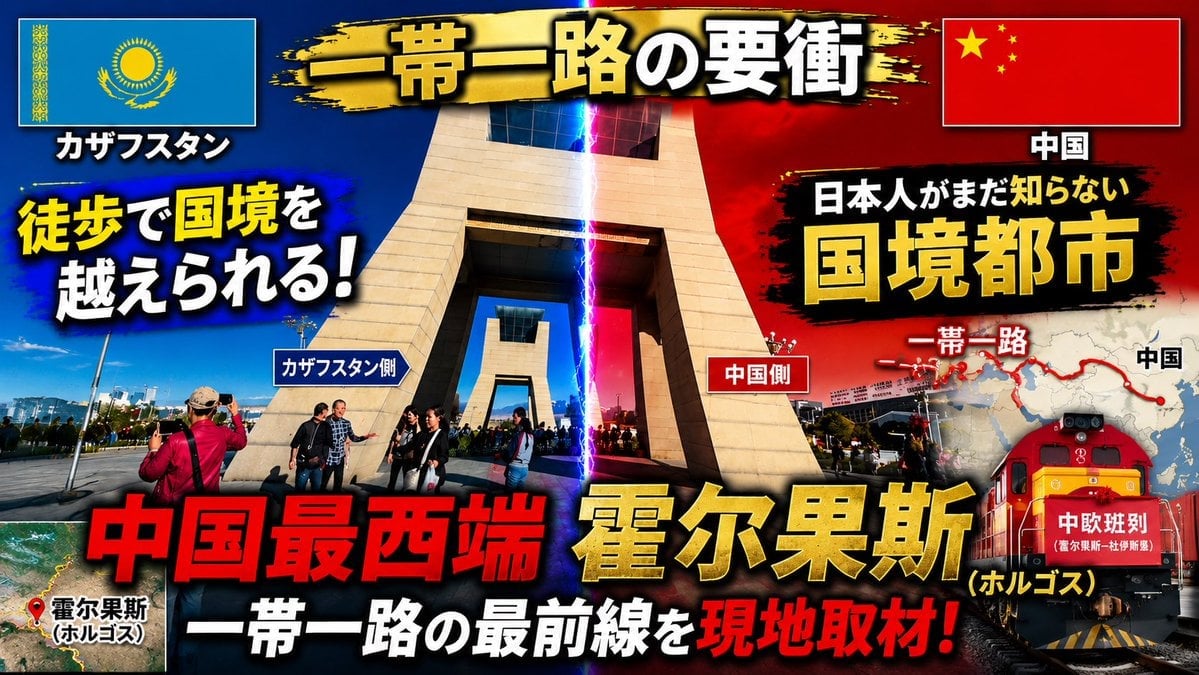
Dramatic Border City YouTube Thumbnail

Explosive Japanese X Monetization Thumbnail

Japanese X Monetization Thumbnail

Flashy Gold AI Income Thumbnail
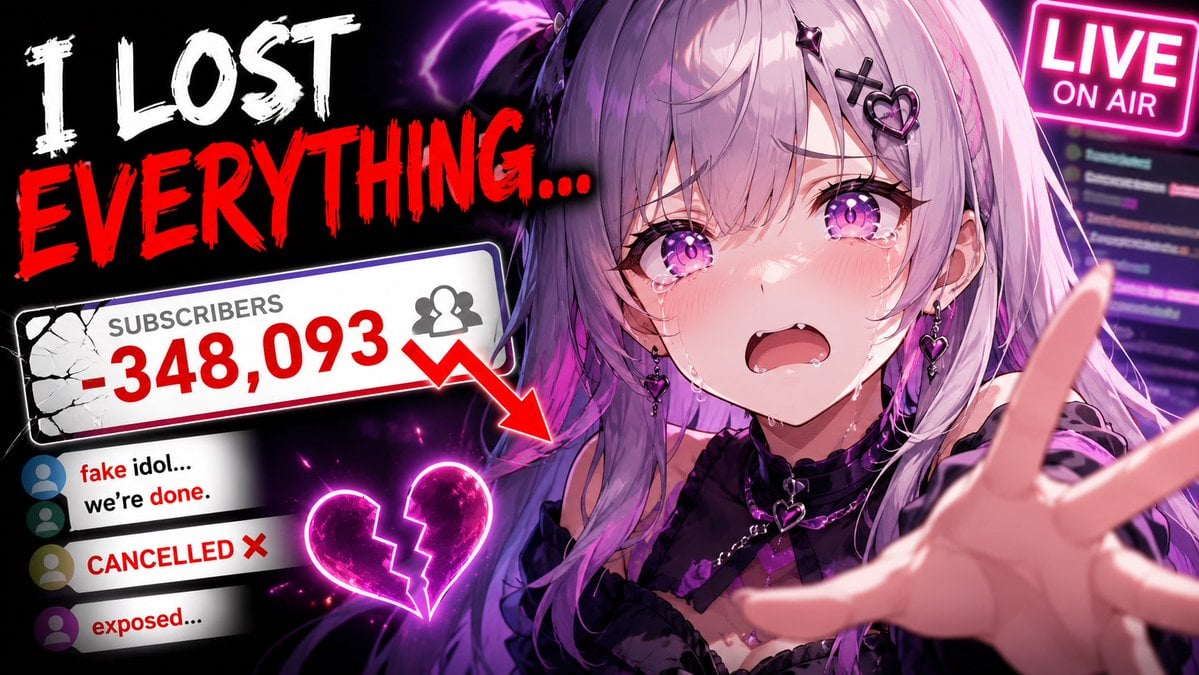
Viral YouTube Thumbnail Template

Flashy VTuber Debut Stream Thumbnail

Neon AI Side Hustle YouTube Thumbnail

ASMR YouTuber Thumbnail

Flashy Japanese AI Thumbnail
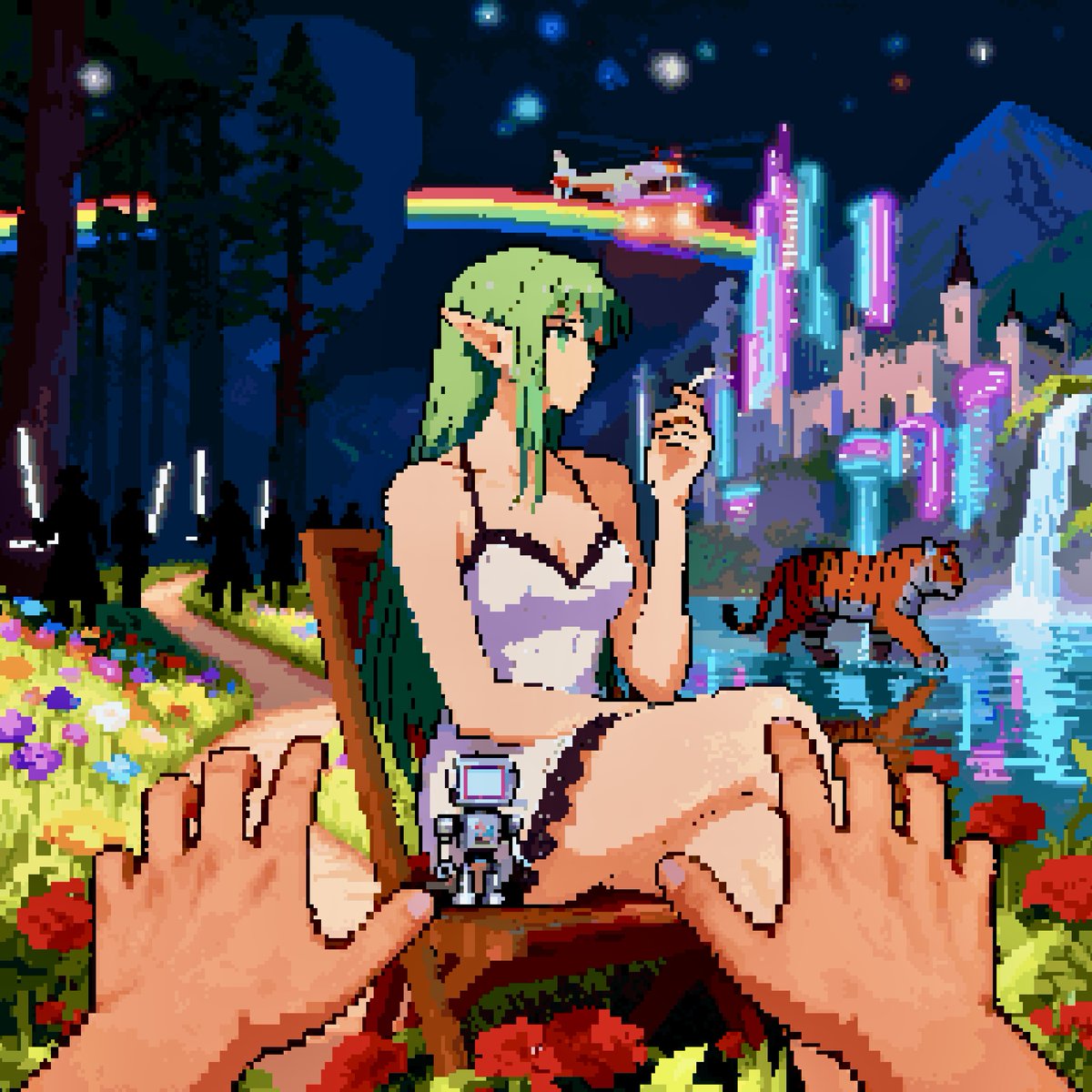
Convert image into YouTube thumbnail with OMW text

YouTube thumbnail design brief for a masked interview video
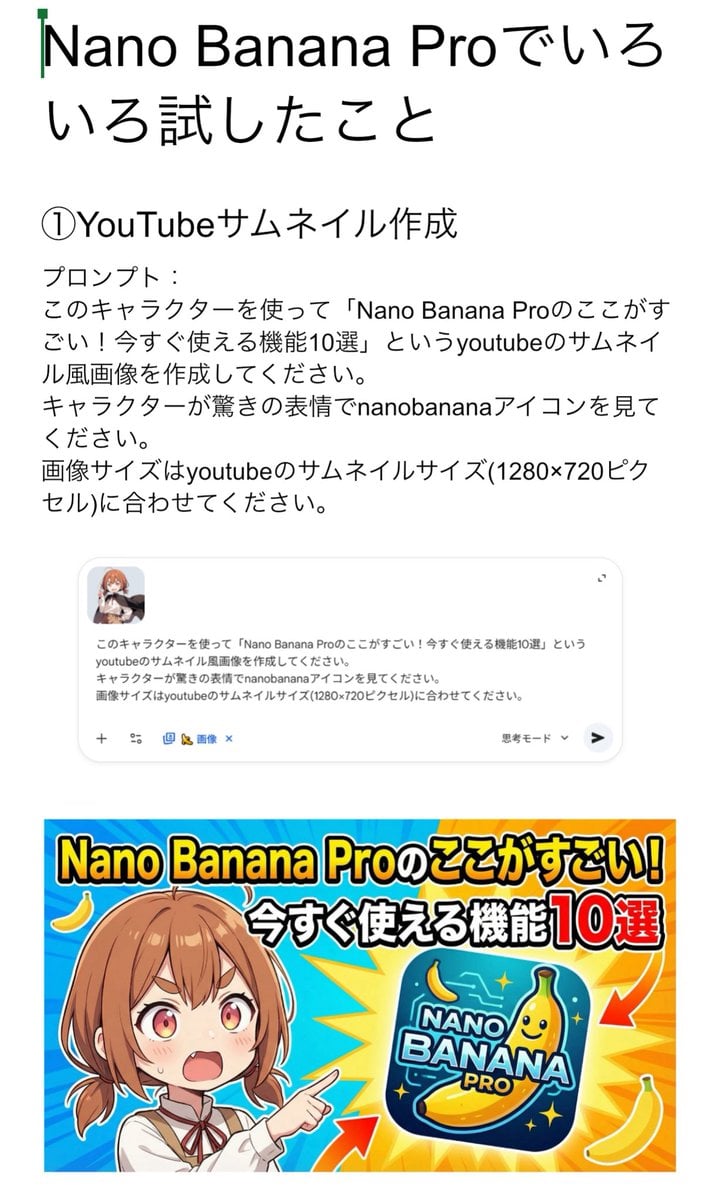
YouTube thumbnail for Nano Banana Pro features
Make it yours
Flashy X Monetization YouTube Thumbnail works as-is. These are the safest ways to change it without losing the look.
Change one field
Copy a single group, rewrite it, and generate again so you can see what that field is doing.
Keep the frame, change the subject
Hold the composition and light of Flashy X Monetization YouTube Thumbnail, then swap wardrobe, props or the person for a new take.
| If the result… | Why | Fix |
|---|---|---|
| The result drifts from the preview | Too many fields changed at once. | Reuse Flashy X Monetization YouTube Thumbnail as-is first, then change one group — subject, light, or setting. |
| The model over-stylizes the scene | The prose prompt leaves finish and camera underspecified. | Add one camera or lighting sentence and stay on GPT Image 2. |
More GPT Image 2 templates
Other prompts made for GPT Image 2.

Six VTuber Japanese Logo Sheet

Realistic Portrait of Woman and Deer

The Vista Modular Condo Poster

AI Model Routing Comparison Infographic

2.5D Anime Art Board

Isometric Productivity Desk Scene

New York Double Exposure Poster

Four-Panel AI Landscape Comparison

Japanese Tatami Lifestyle Magazine Cover

NESCAFÉ Coffee Map Poster
More image prompts
Fresh picks from across the catalog.
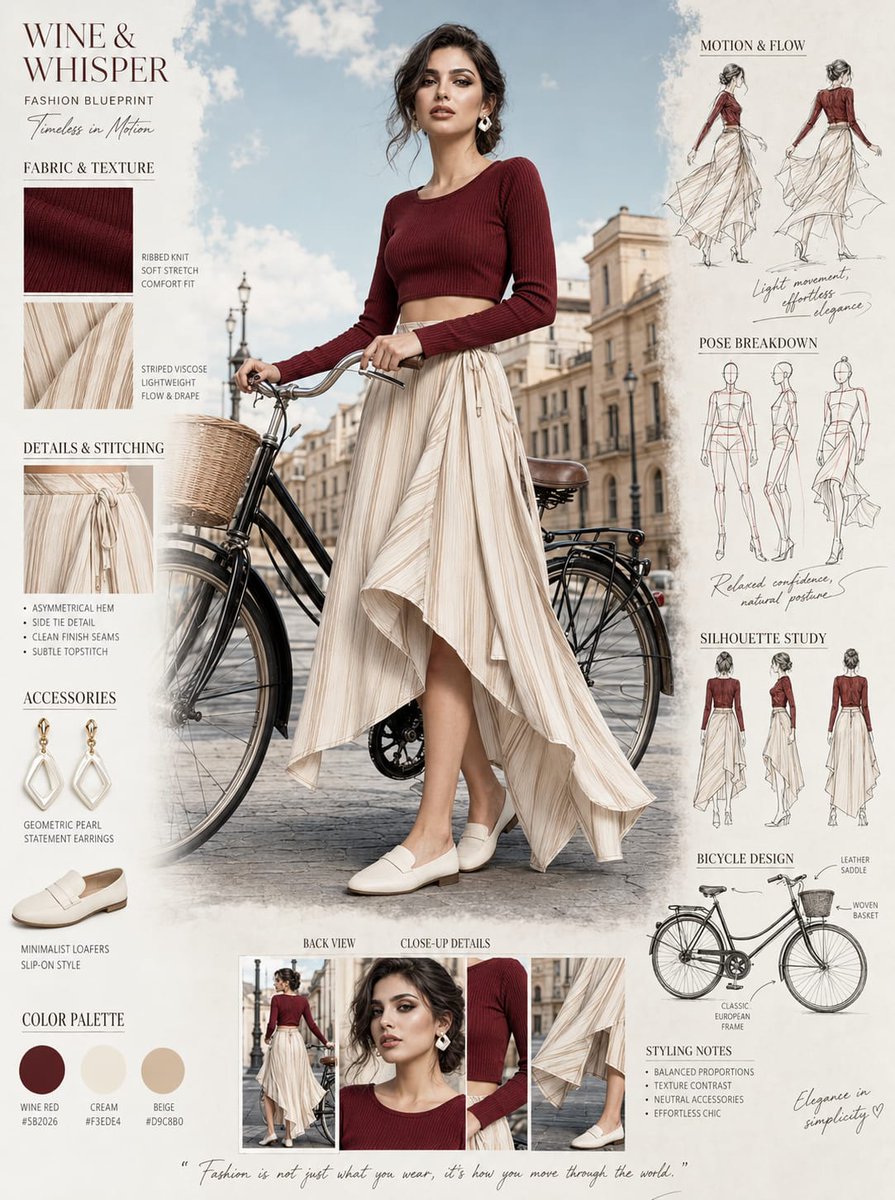
Fashion Blueprint Concept Sheet

Split-Screen Chibi Selfie Scrapbook
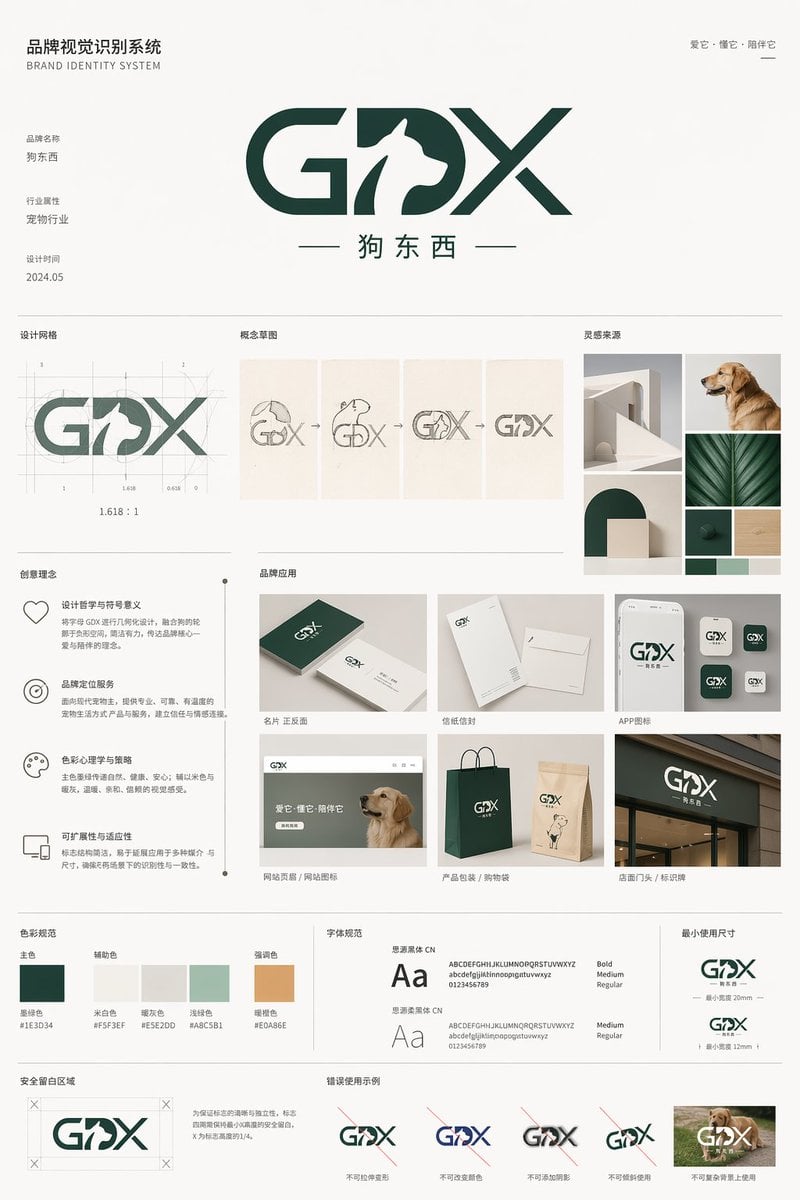
Pet Brand Identity System Board
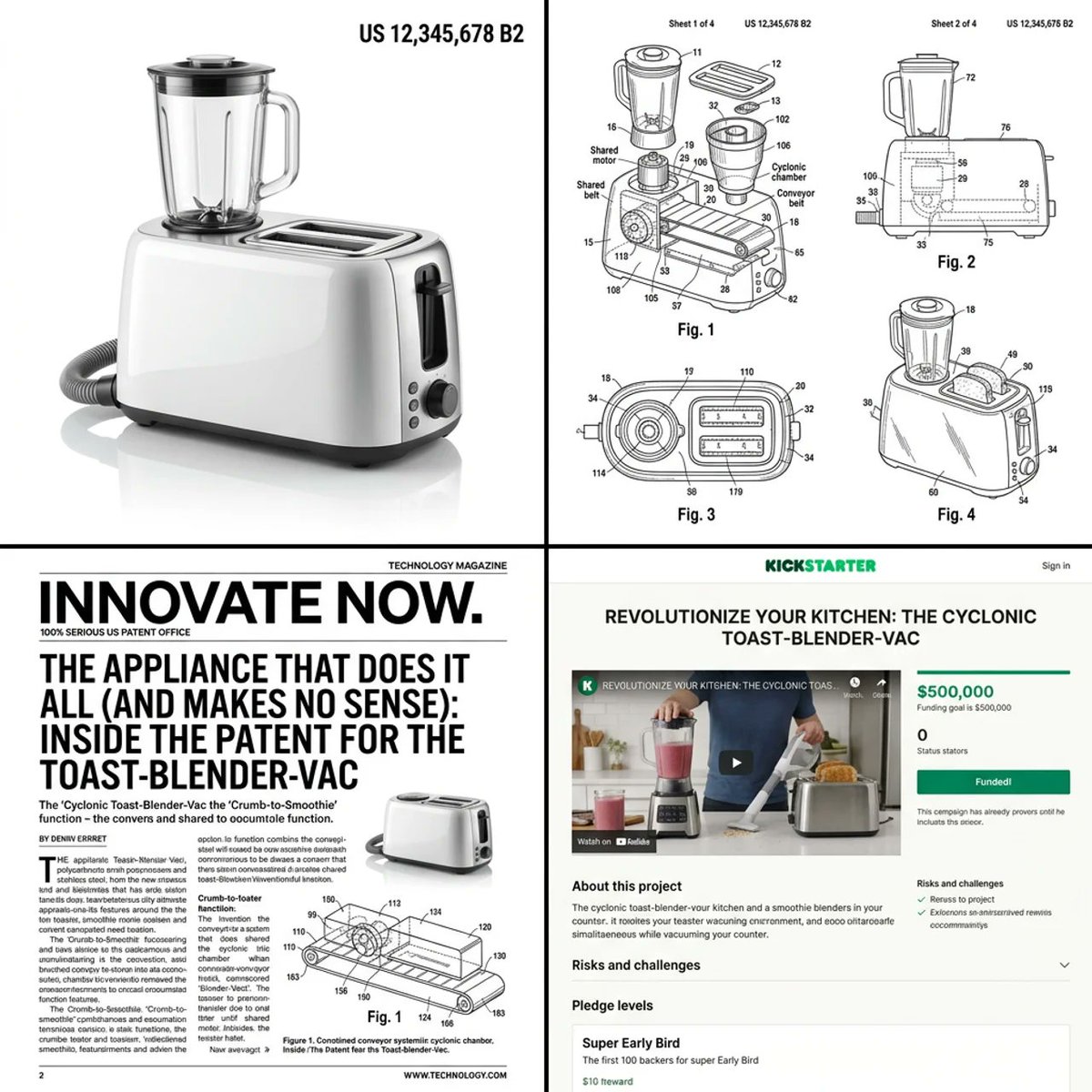
Multi-step prompt for generating absurd patent documents and product renders

Cozy Late-Night Korean Bedroom
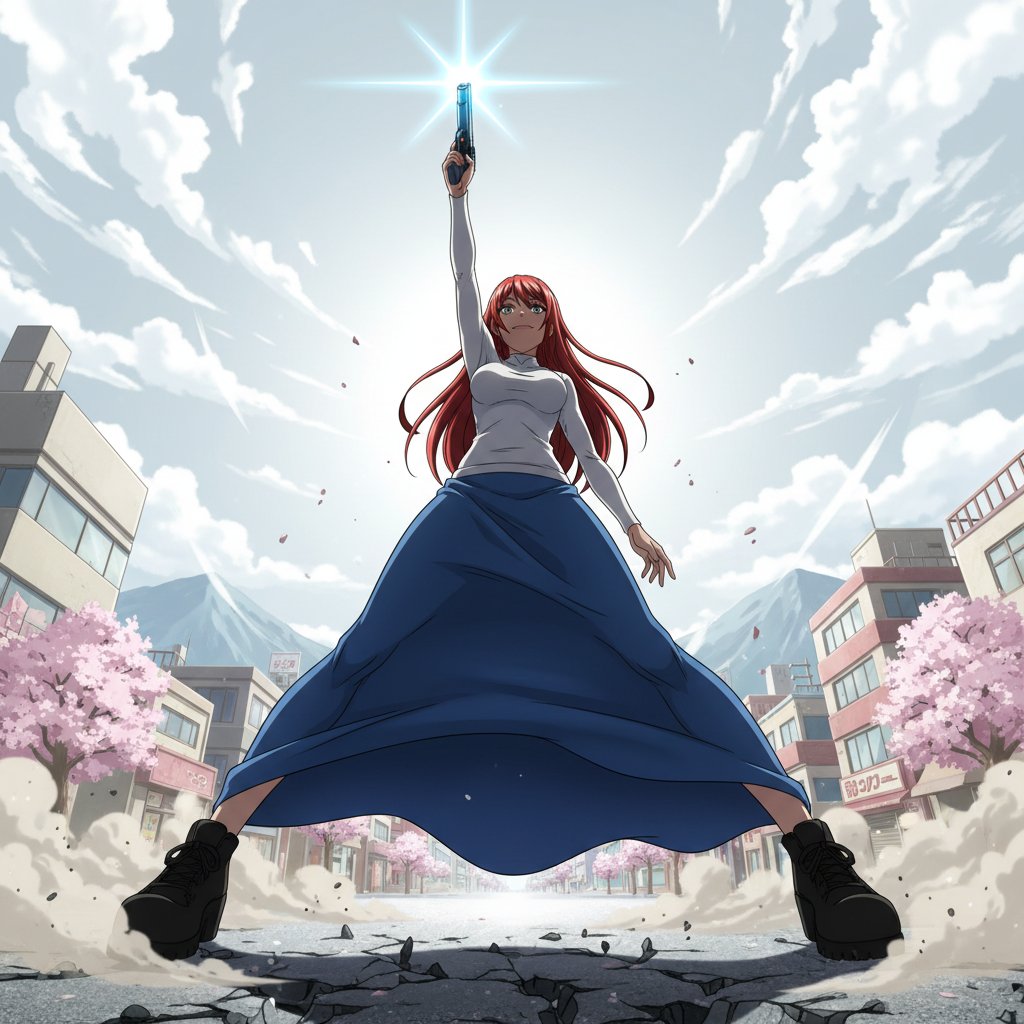
Nano Banana Prompt for Heroic Low-Angle Pose with Beam Weapon

Luxury Hotel Hallway Reference Image Prompt
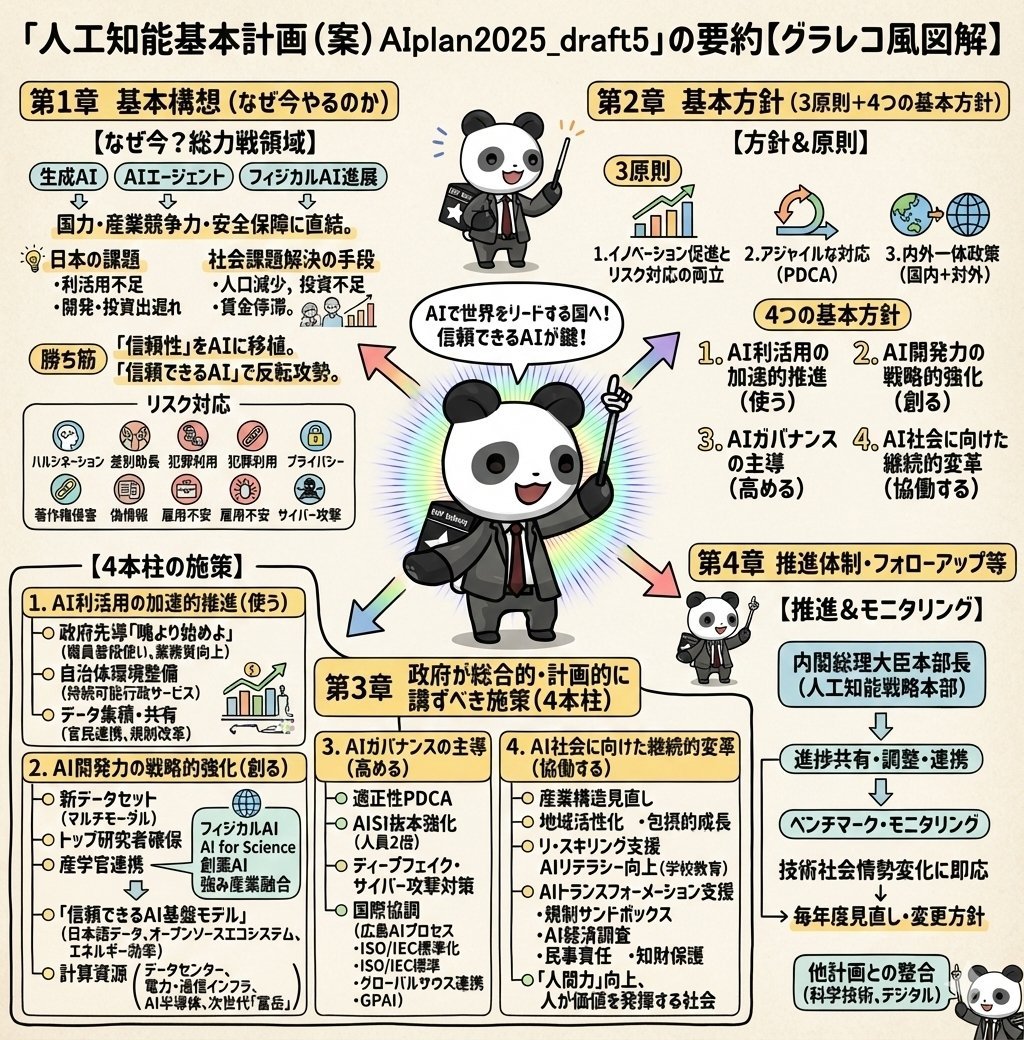
Detailed Japanese Graphic Recording Summary
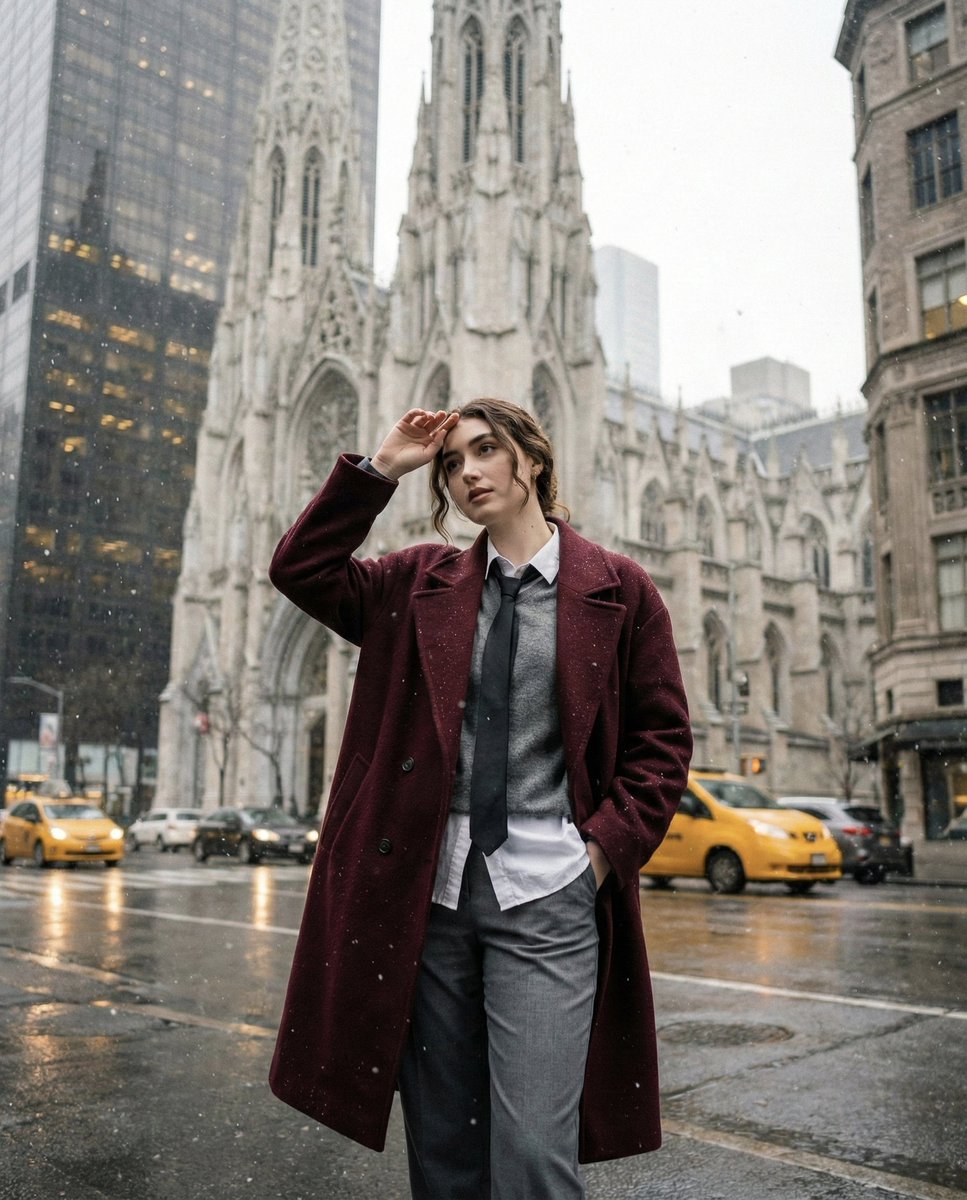
Candid Winter City Portrait during Snowfall
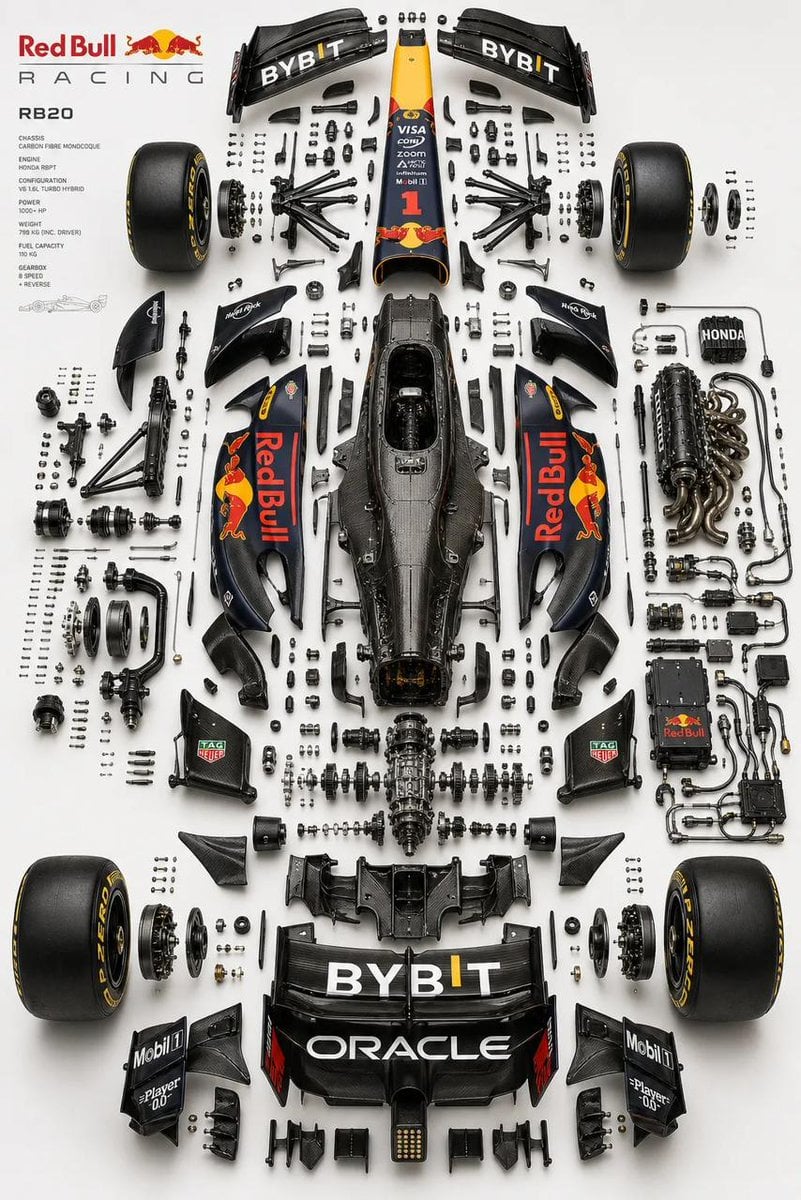
Luxury Automotive Exploded Diagram
Browse template categories
Flashy X Monetization YouTube Thumbnail questions
How do I use the Flashy X Monetization YouTube Thumbnail template?
Add your photo if the template asks for one, edit the prompt if you like — the template's model and format are already selected — and press Generate. Your version opens in PicX Studio.
Can I customize the Flashy X Monetization YouTube Thumbnail template?
Yes. You can change the subject, setting, lighting, mood, format, and available model controls before creating your image.
Is the Flashy X Monetization YouTube Thumbnail template free?
Opening and editing this template is free. Generating uses credits, shown on the Generate button when you are signed in.
Which AI model should I use?
Start with GPT Image 2, which is the model associated with this template. You can compare another compatible model for a different finish.
Looking for something else? Browse all templates.

Your photo, any look
Thousands of ready templates for every top image and video model, from one credit balance.