
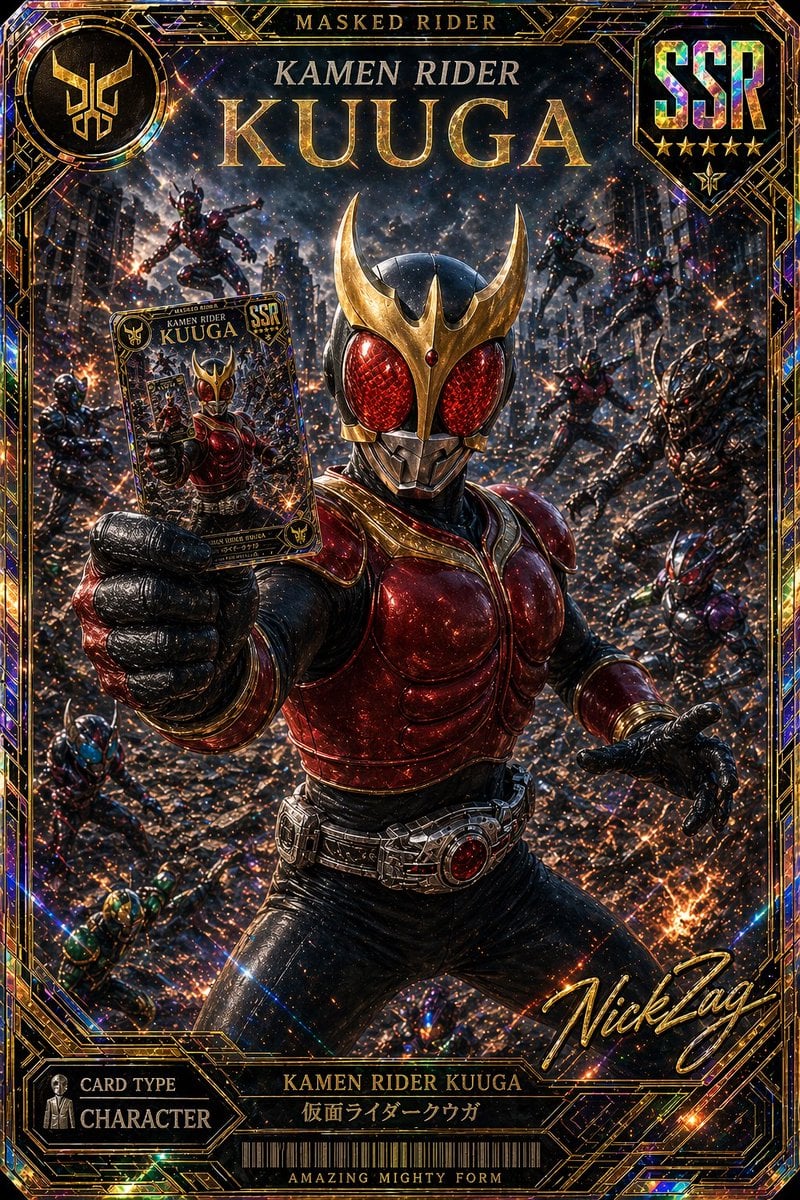
SSR Kamen Rider Kuuga Card
This prompt generates a premium holographic-style SSR trading card illustration of Kamen Rider Kuuga, ideal for collectible card art, fan posters, and tokusatsu-inspired promotional visuals.
- Prompt included
- Model and format preset
- Free template
The prompt behind this image
Copy the exact prompt behind SSR Kamen Rider Kuuga Card, or open it in the studio and make it yours.
A premium ultra-detailed collectible trading card illustration of {argument name="hero name" default="Kamen Rider Kuuga"} in {argument name="form name" default="Amazing Mighty Form"}, designed like a high-rarity SSR card. The composition is a dramatic front-facing action portrait with the armored hero centered and dominating the frame from thighs up, wearing glossy black and deep metallic crimson armor, a gold horned crest on the helmet, large faceted red compound eyes, and a detailed transformation belt with a red core. The hero extends one gloved hand toward the viewer holding a smaller card featuring his own image, creating a recursive card-within-card effect, while the other hand is open in a battle-ready pose. The background is a ruined city street at night filled with sparks, embers, debris, smoke, and multiple enemy monsters leaping and attacking from all sides; exactly 8 background figures are visible: 3 airborne enemies in the upper background, 3 standing or lunging enemies on the right side, and 2 smaller enemies near the lower left and bottom edge. Use intense cinematic lighting, glittering particle effects, holographic foil texture, gold filigree linework, and a luxurious black-and-gold art deco frame. Include ornate card UI text and badges integrated into the border: top center title "MASKED RIDER" above large metallic serif text "KAMEN RIDER KUUGA", a circular emblem in the top left, an iridescent shield badge in the top right with "SSR" and 5 gold stars beneath it, a bottom left label panel reading "CARD TYPE" and "CHARACTER", a bottom center nameplate reading "KAMEN RIDER KUUGA" with Japanese text "仮面ライダークウガ", a barcode below, and the subtitle "AMAZING MIGHTY FORM" at the very bottom. Add a large gold cursive artist-style signature at the lower right reading {argument name="signature text" default="NickZag"}. Overall style: hyper-detailed tokusatsu character art, explosive poster energy, premium trading card game rarity, shimmering holographic highlights, crisp focus on the central hero, epic collectible showcase.
How to use SSR Kamen Rider Kuuga Card in 3 steps
- 1Upload ImagePNG, JPG or paste
Add your photo
Upload the photo the template builds on. The prompt, model and format are already set.
- 2…a portrait of your subject in softgolden-hour light, 85mm…
Personalize
Edit the subject and creative details for your destination.
- 3Generate
Generate
Press Generate — your image is created in PicX Studio, so you can compare it with the original and refine one variable at a time.
More like this
Templates with the same subject, style or setup. Open one to see its prompt.
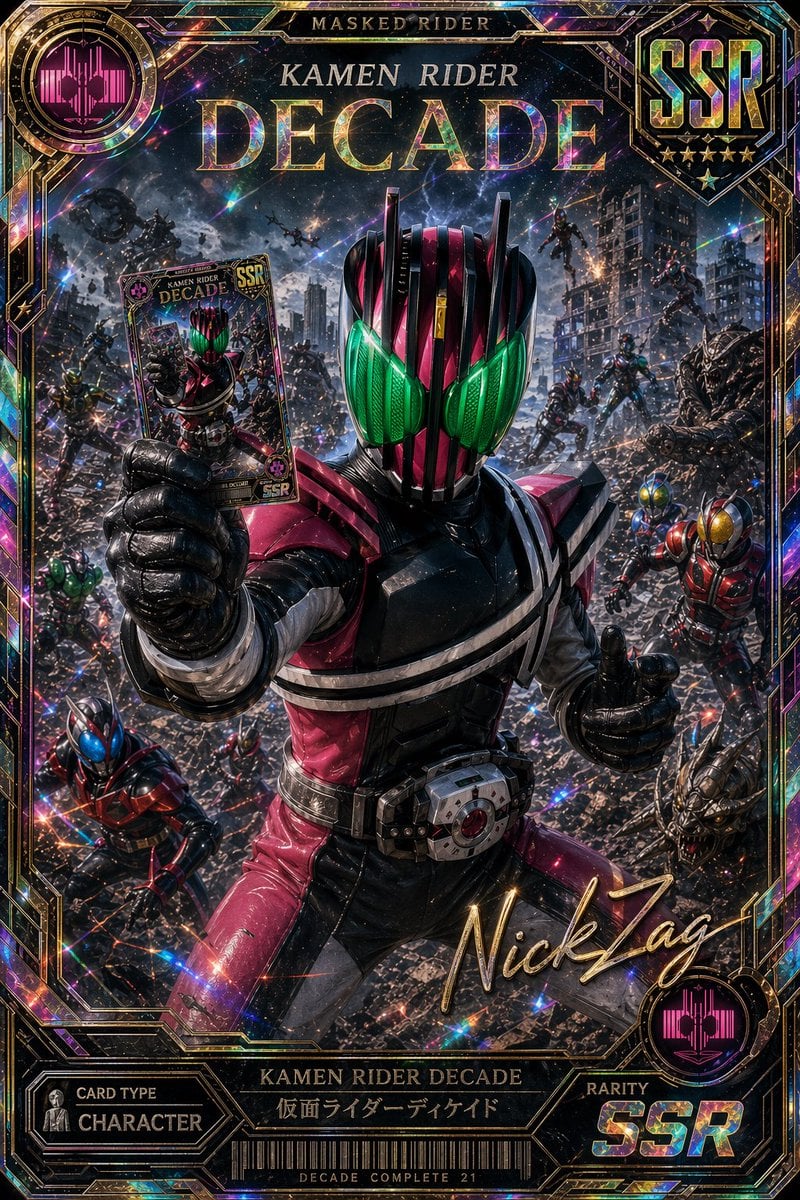
Holographic Kamen Rider Decade SSR Card
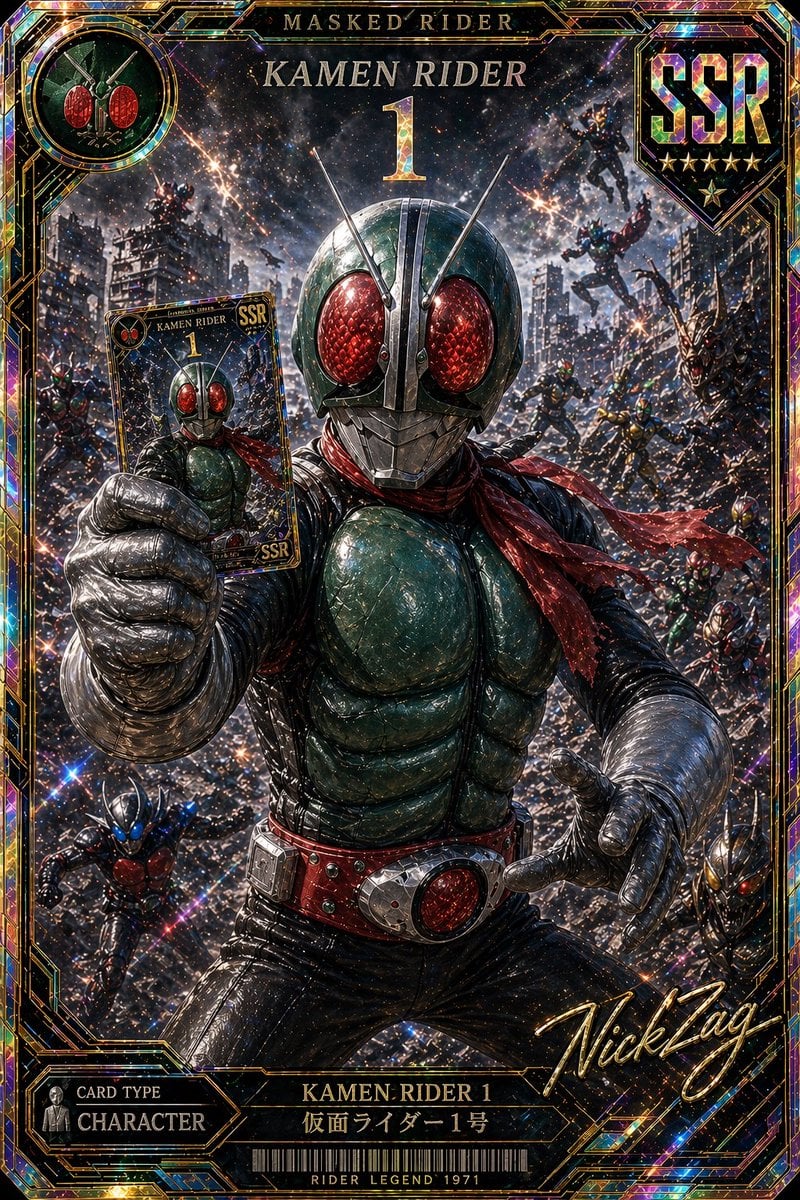
Holographic Kamen Rider SSR Card
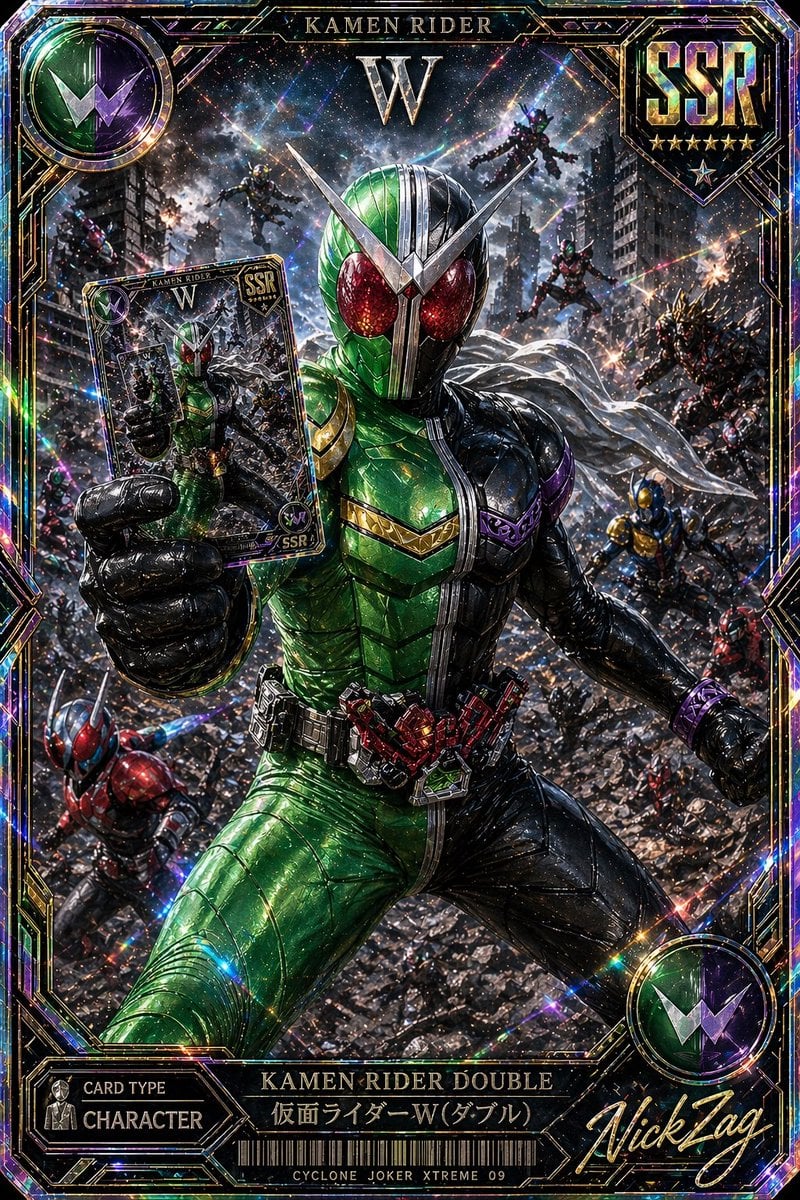
SSR Kamen Rider Double Card
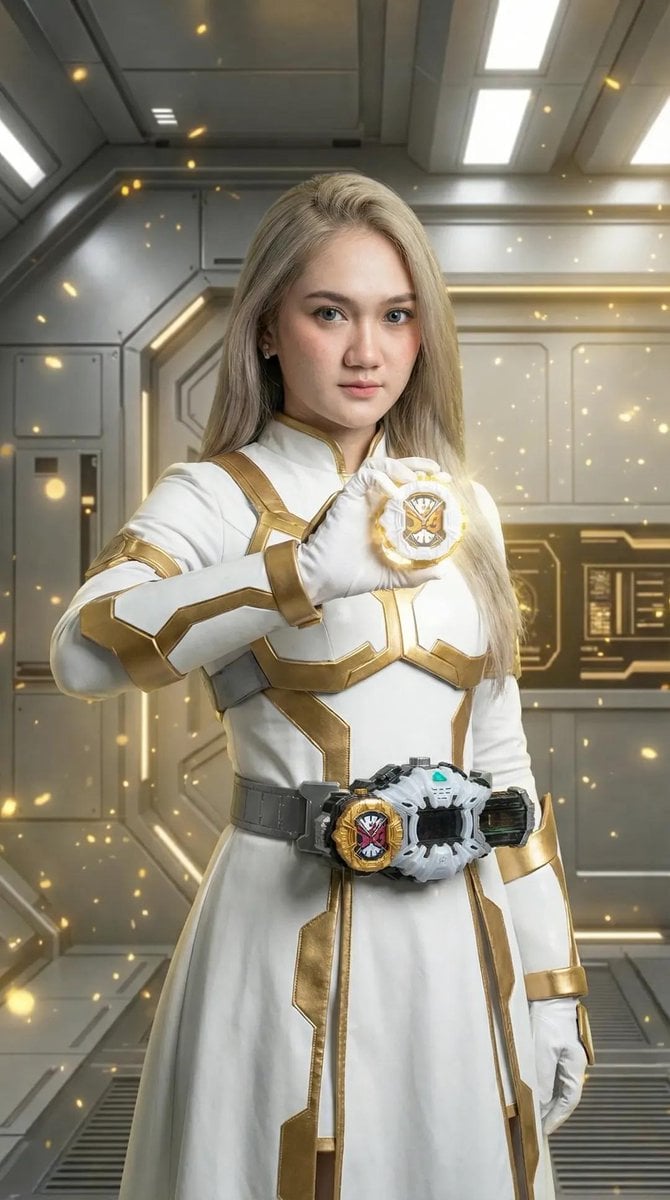
Kamen Rider Armor Transformation Sequence Prompt
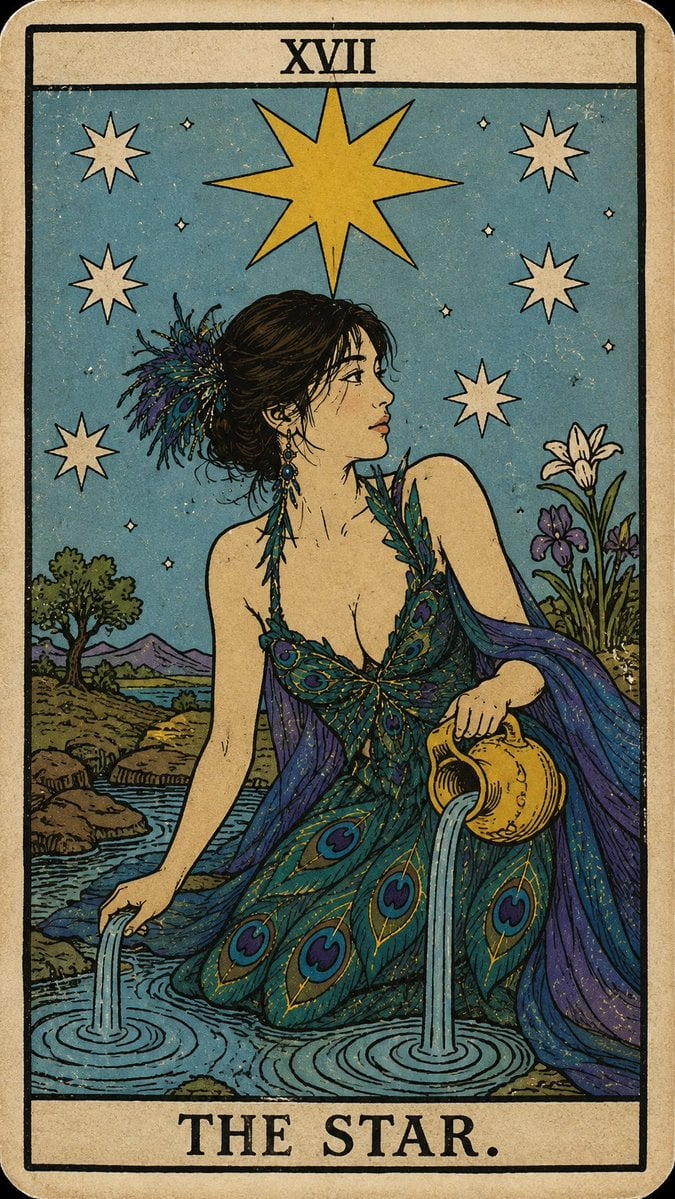
Personalized Rider-Waite Tarot Card
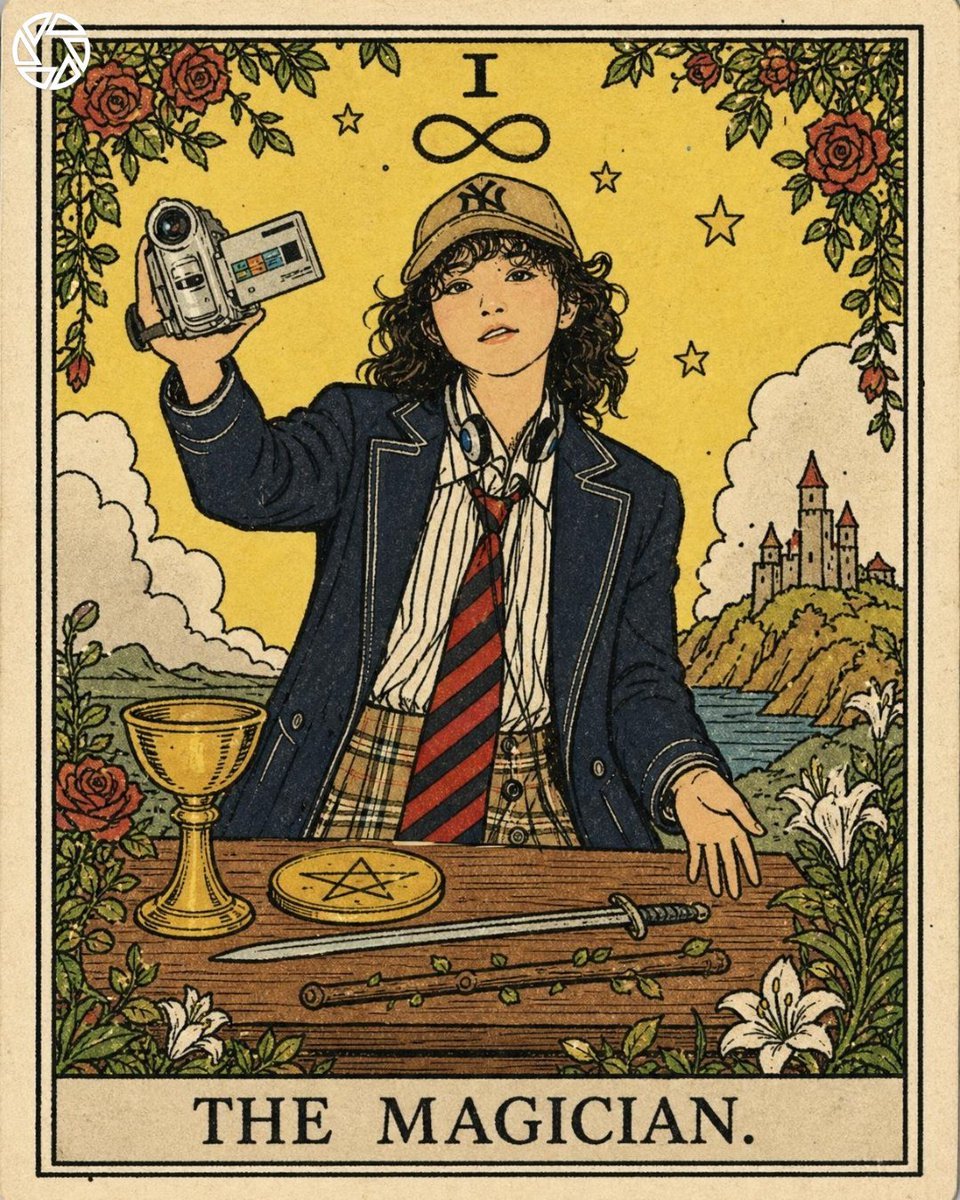
Rider-Waite Style Tarot Card
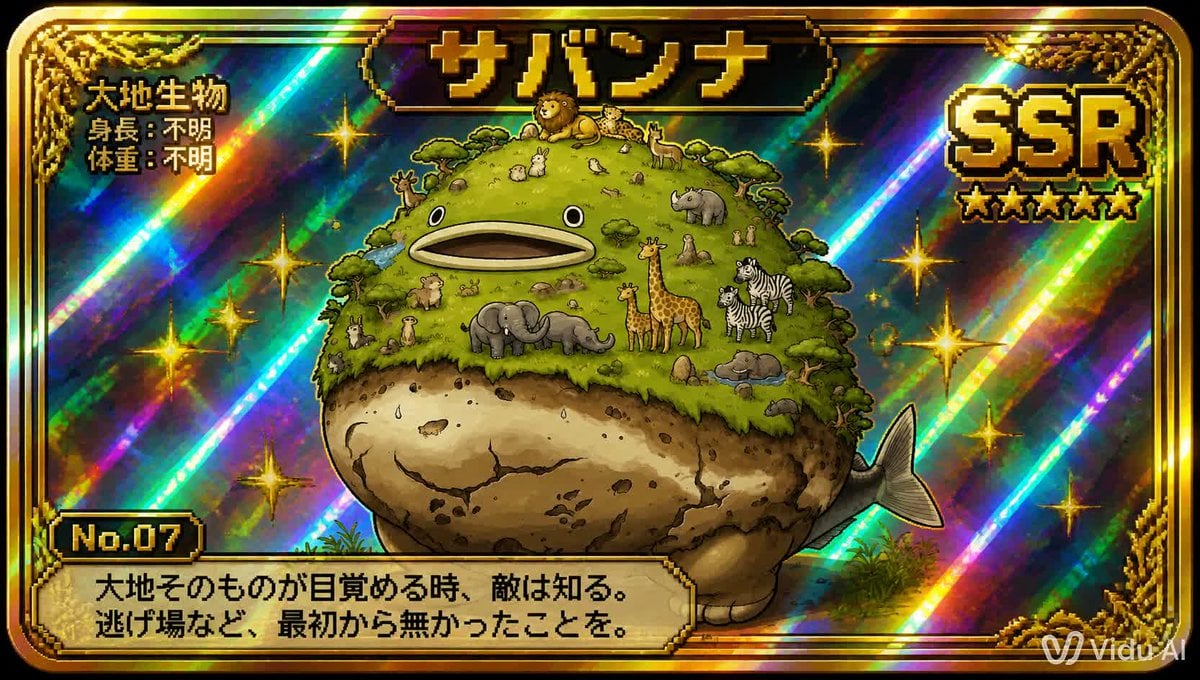
SSR Savanna Creature Card
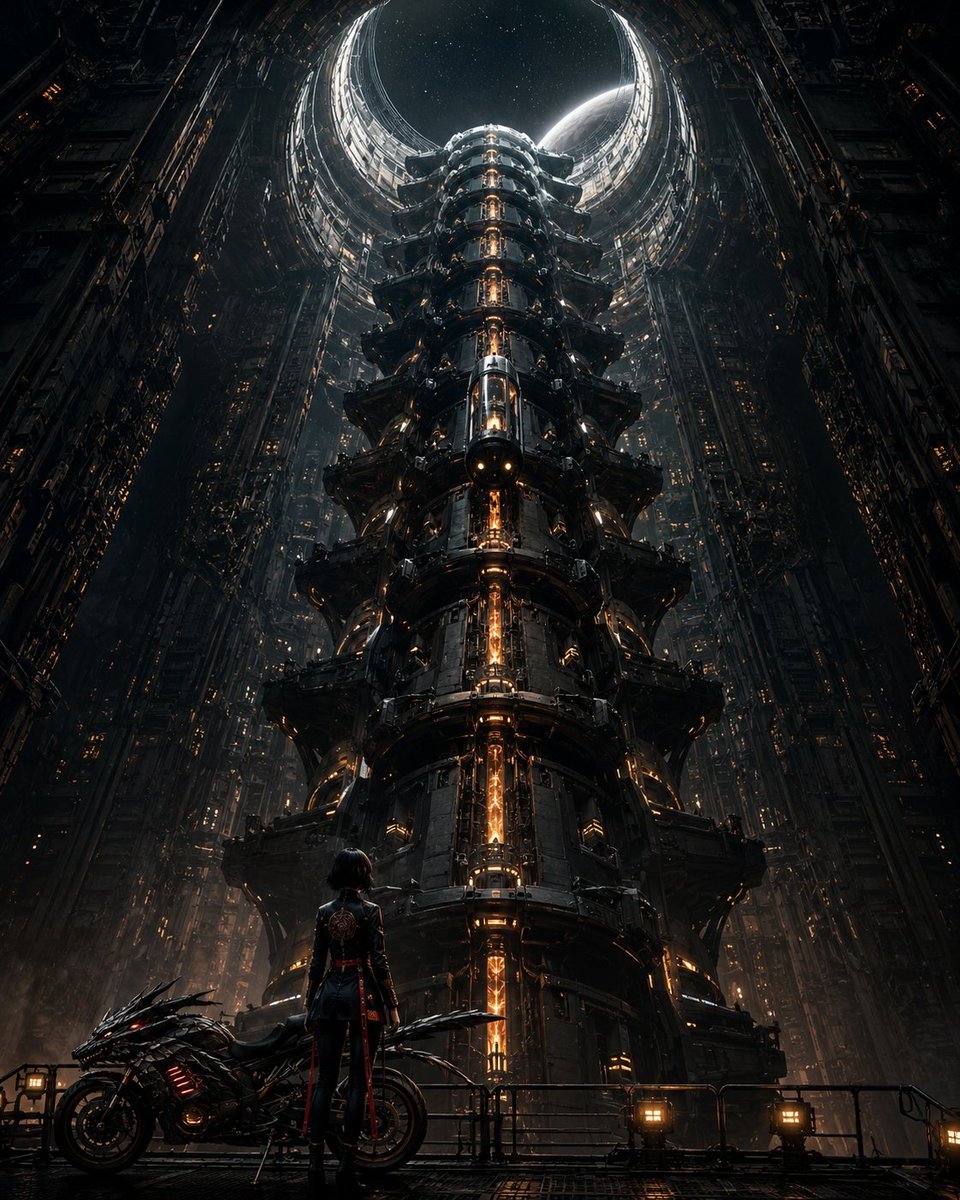
Cyberpunk Megastructure Rider
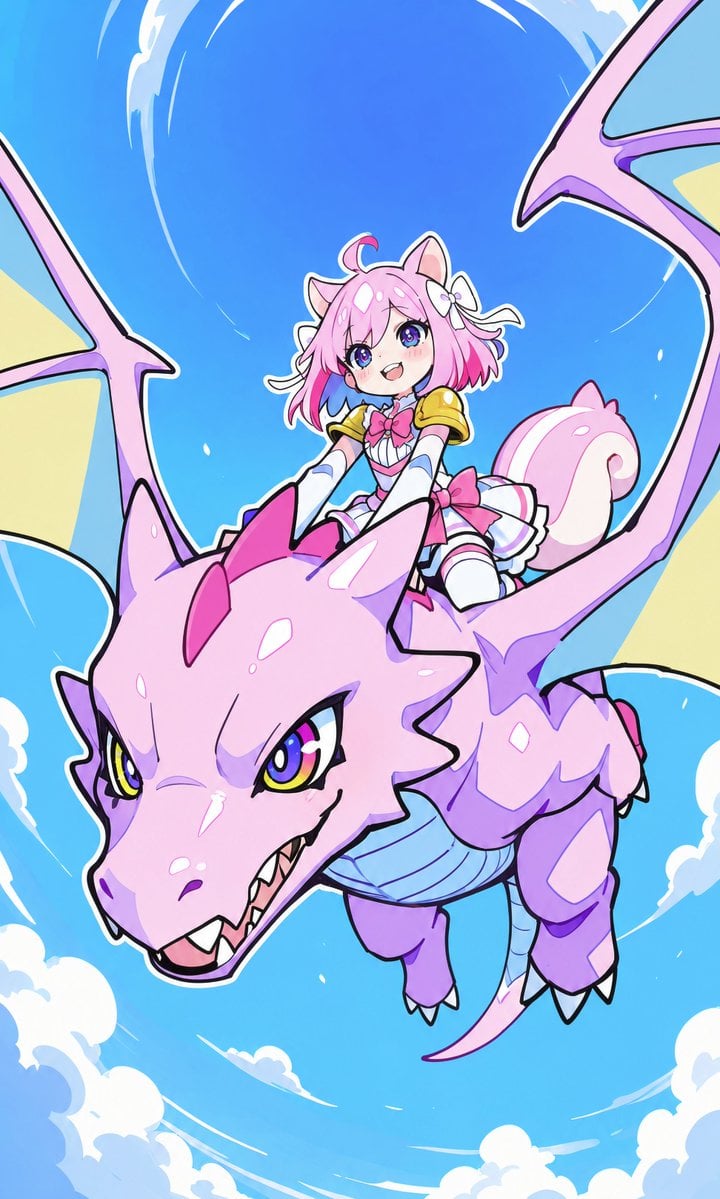
Squirrel Girl Dragon Rider
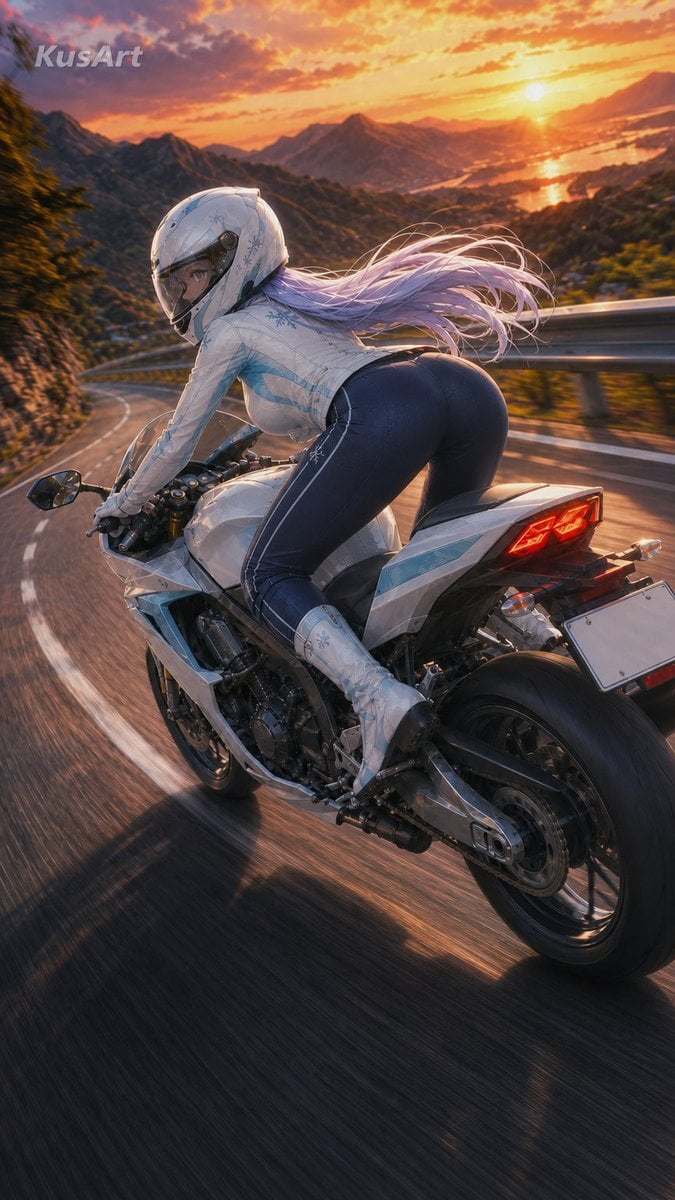
Sunset Mountain Sportbike Rider
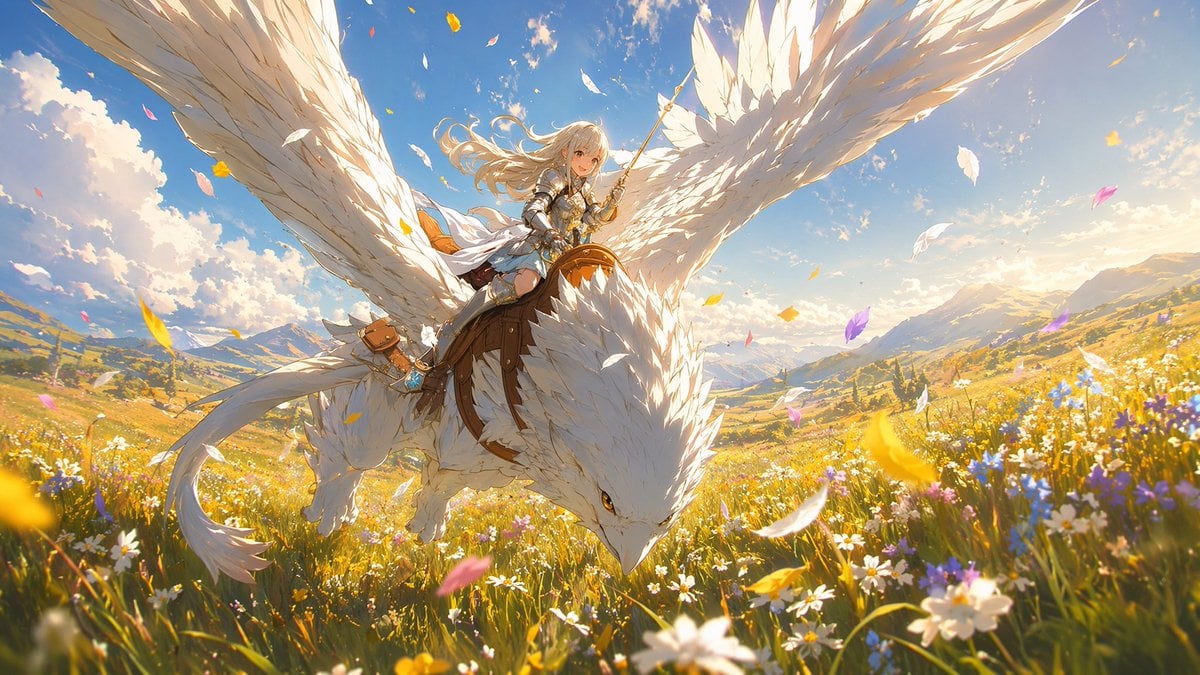
White-Haired Griffin Rider Meadow Flight
Cyberpunk Vespa Rider in Hong Kong
Make it yours
SSR Kamen Rider Kuuga Card works as-is. These are the safest ways to change it without losing the look.
Change one field
Copy a single group, rewrite it, and generate again so you can see what that field is doing.
Keep the frame, change the subject
Hold the composition and light of SSR Kamen Rider Kuuga Card, then swap wardrobe, props or the person for a new take.
| If the result… | Why | Fix |
|---|---|---|
| The result drifts from the preview | Too many fields changed at once. | Reuse SSR Kamen Rider Kuuga Card as-is first, then change one group — subject, light, or setting. |
| The model over-stylizes the scene | The prose prompt leaves finish and camera underspecified. | Add one camera or lighting sentence and stay on GPT Image 2. |
More GPT Image 2 templates
Other prompts made for GPT Image 2.

Six VTuber Japanese Logo Sheet

Realistic Portrait of Woman and Deer

The Vista Modular Condo Poster

AI Model Routing Comparison Infographic

2.5D Anime Art Board

Isometric Productivity Desk Scene

New York Double Exposure Poster

Four-Panel AI Landscape Comparison

Japanese Tatami Lifestyle Magazine Cover

NESCAFÉ Coffee Map Poster
More image prompts
Fresh picks from across the catalog.
Nano Banana Prompt for Minimalist Branded Bag Concept
Golden Fairy Night Portrait
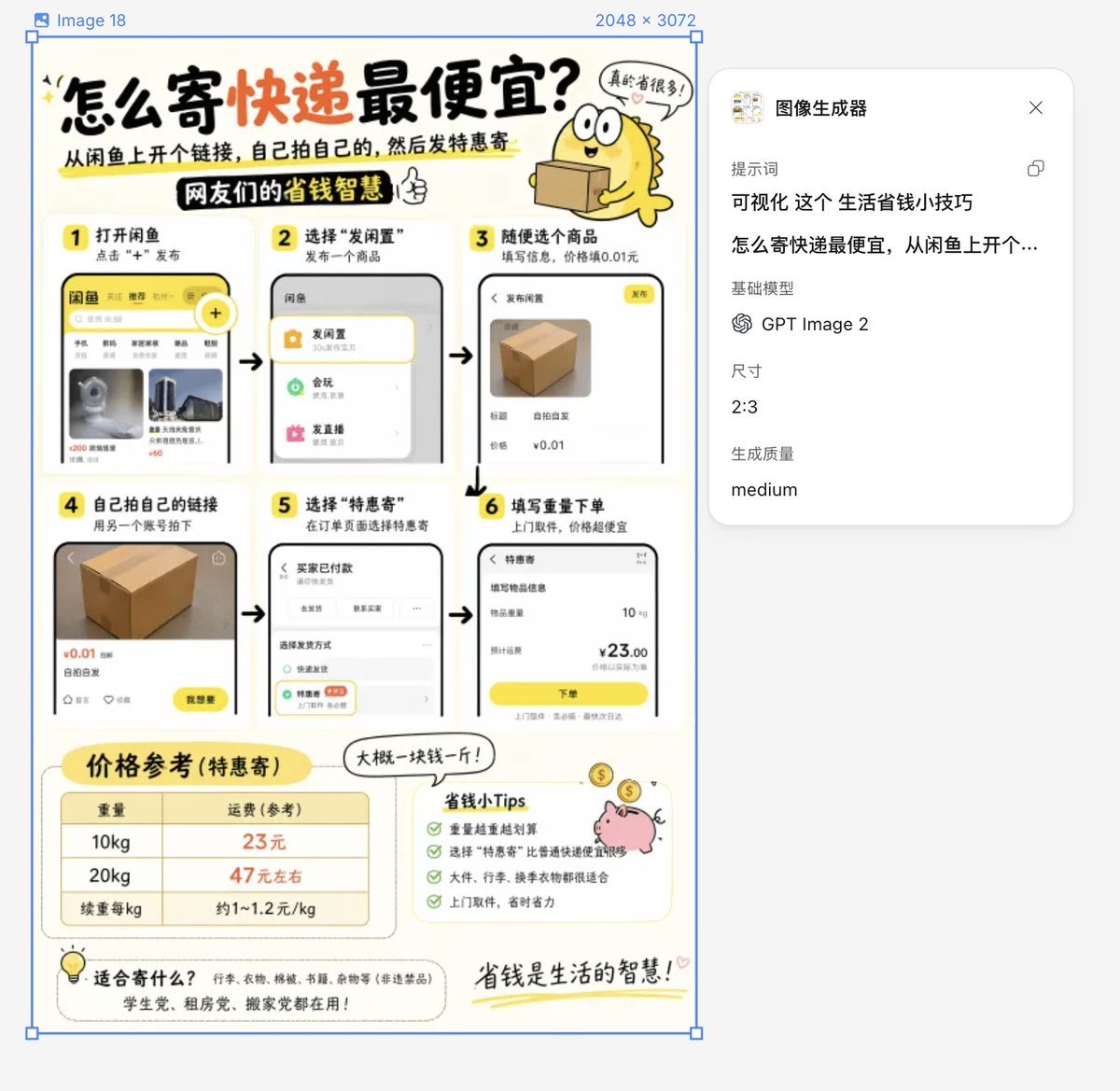
Life Hack Visualization

Cinematic Hamster Deadlift Video Prompt
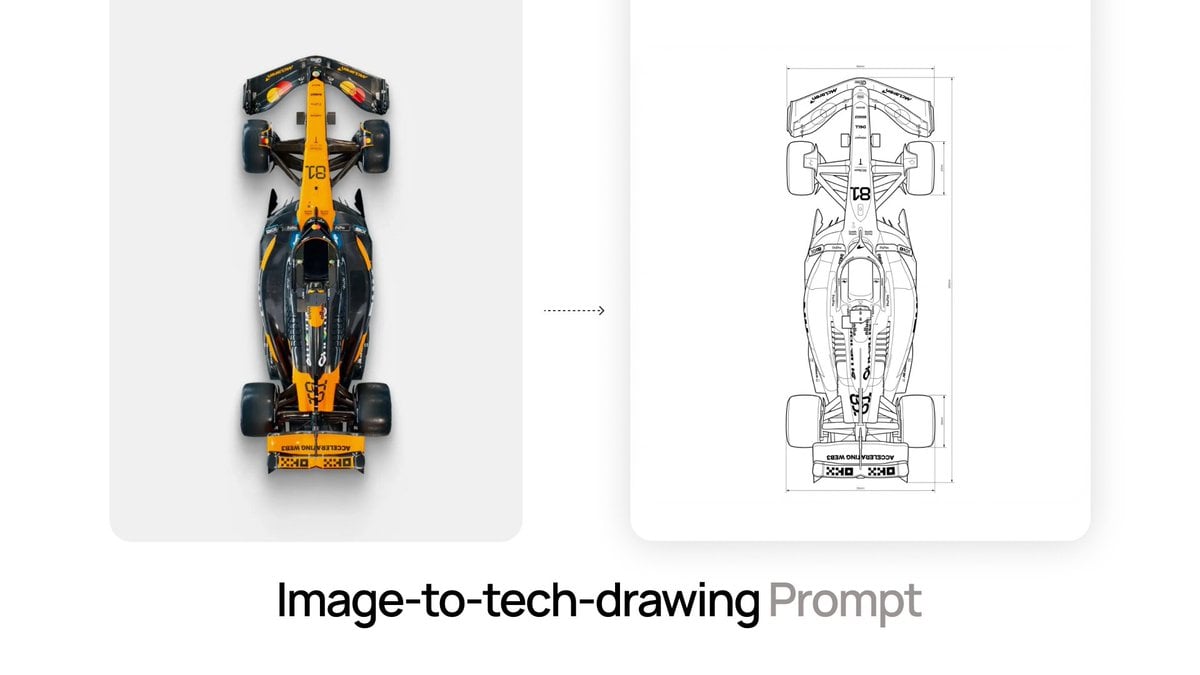
Nano Banana Prompt for Image-to-Tech-Drawing
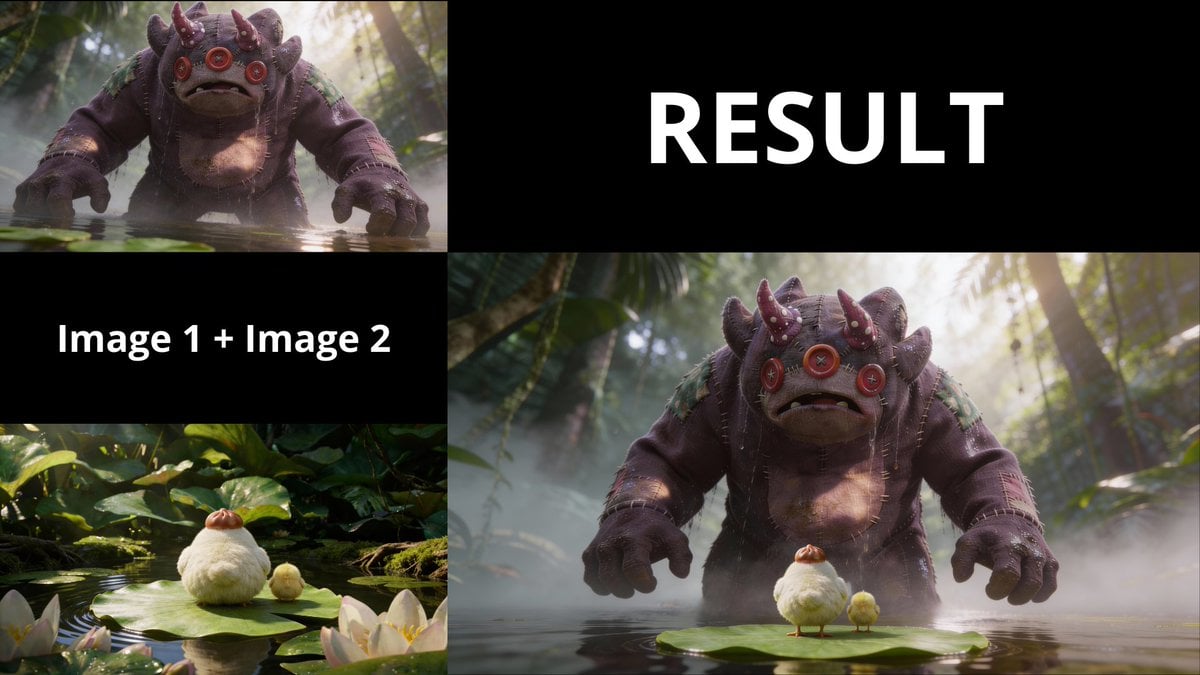
3D Animated Scene of Chicks and a Monster on Lily Pads
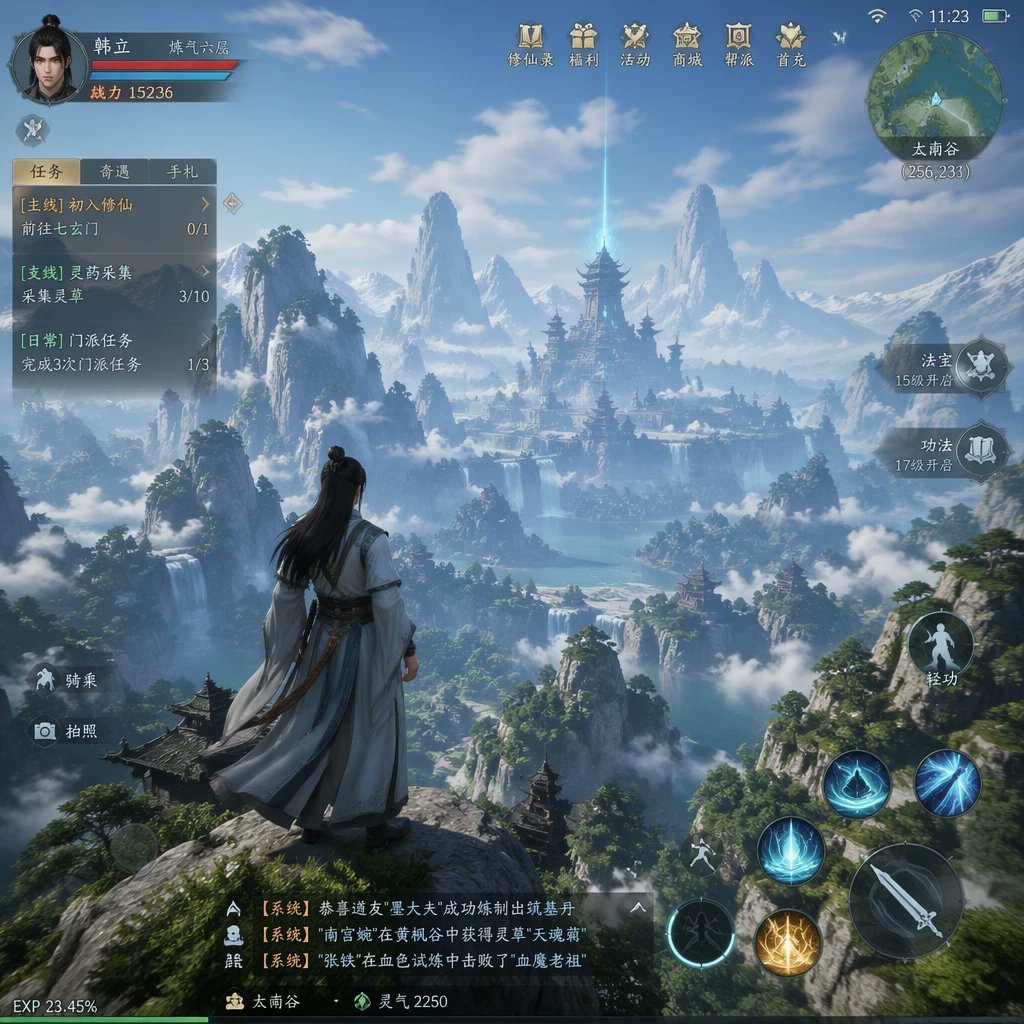
MMO Game World Screenshot
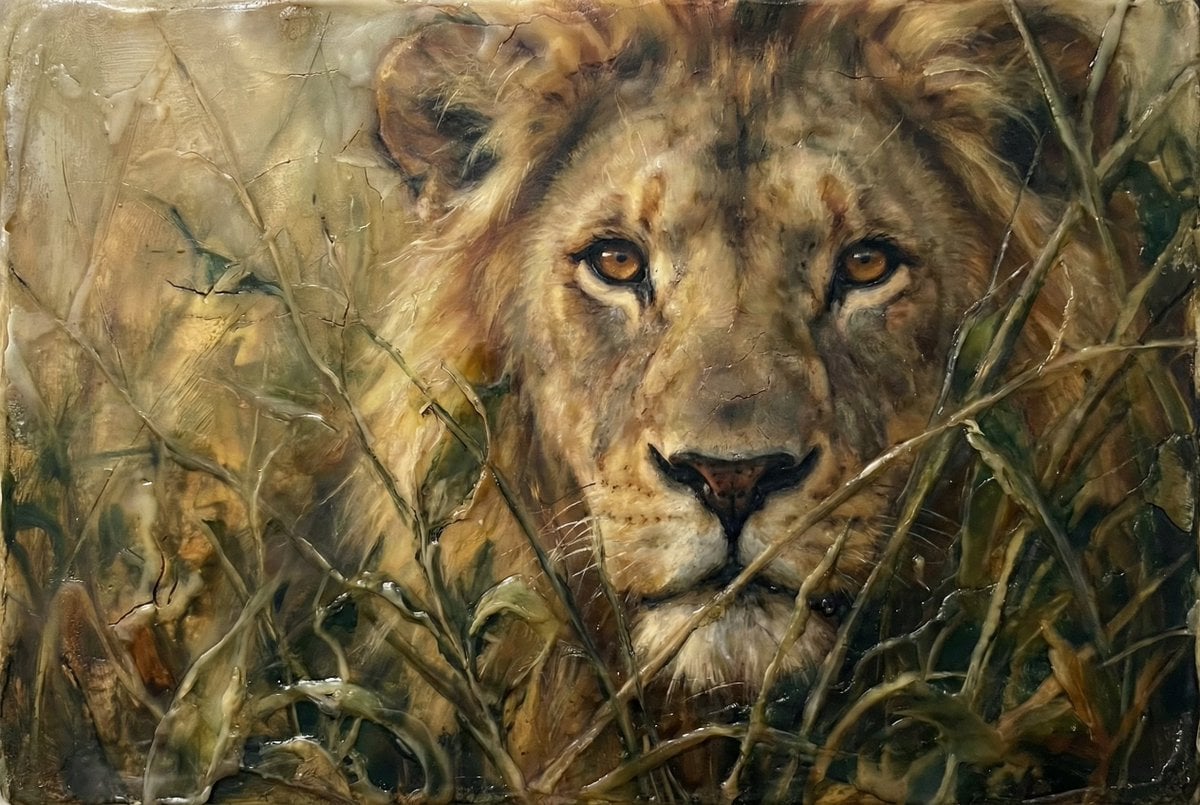
Heavily Detailed Oil Painting of a Lion in a Thicket

AirPods Style Tech Ad Poster

Futuristic Sportswear Fashion Poster
Browse template categories
SSR Kamen Rider Kuuga Card questions
How do I use the SSR Kamen Rider Kuuga Card template?
Add your photo if the template asks for one, edit the prompt if you like — the template's model and format are already selected — and press Generate. Your version opens in PicX Studio.
Can I customize the SSR Kamen Rider Kuuga Card template?
Yes. You can change the subject, setting, lighting, mood, format, and available model controls before creating your image.
Is the SSR Kamen Rider Kuuga Card template free?
Opening and editing this template is free. Generating uses credits, shown on the Generate button when you are signed in.
Which AI model should I use?
Start with GPT Image 2, which is the model associated with this template. You can compare another compatible model for a different finish.
Looking for something else? Browse all templates.

Your photo, any look
Thousands of ready templates for every top image and video model, from one credit balance.