
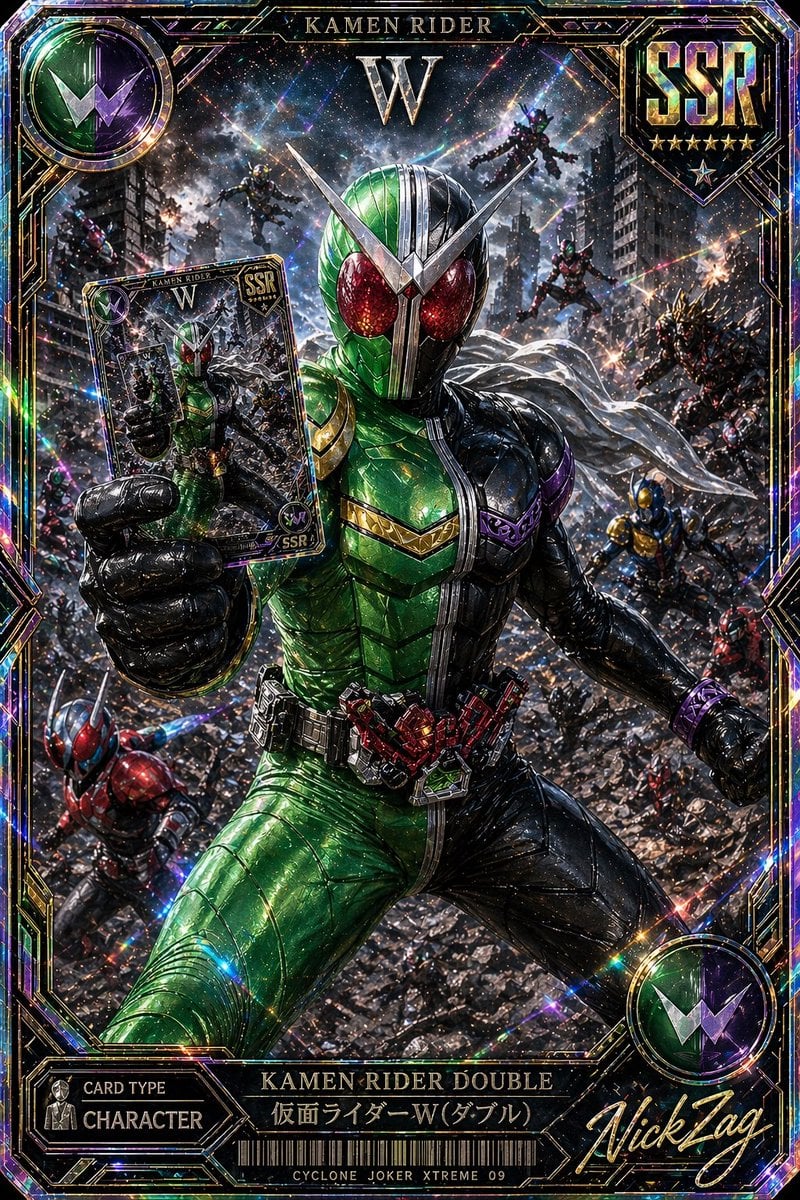
SSR Kamen Rider Double Card
A glittering ultra-rare tokusatsu trading card image featuring Kamen Rider Double in a cinematic battle scene, ideal for collectible card art or premium game card designs.
- Prompt included
- Model and format preset
- Free template
The prompt behind this image
Copy the exact prompt behind SSR Kamen Rider Double Card, or open it in the studio and make it yours.
A hyper-detailed premium Japanese trading card illustration in the style of an ultra-rare tokusatsu collectible, vertical composition with an ornate holographic foil border and explosive cinematic action. Center the armored hero {argument name="character name" default="Kamen Rider Double"} in a dramatic low-angle full-body pose, lunging forward through a ruined city battlefield while thrusting a trading card toward the viewer in his left hand. His suit is sharply split down the middle: vivid metallic green on the left half and glossy black on the right half, with large glittering red compound eyes, a silver V-shaped crest, segmented insect-like armor plating, a white scarf flowing behind him, and a highly detailed transformation belt with red mechanical components. The card he holds should show a smaller image of the same hero and match the premium collectible design. Surround him with exactly 8 background riders or enemies in dynamic combat positions across the destroyed urban warzone: 2 flying figures near the upper background, 3 mid-ground combatants on the right side, 1 blue-and-gold figure on the lower right, 1 red-and-blue rider on the lower left, and 1 additional partially visible fighter near the left edge. Fill the environment with shattered rubble, damaged skyscrapers, sparks, smoke, debris, and streaks of energy, creating a chaotic apocalyptic battle scene. Use intense prismatic holographic effects, rainbow diffraction, glitter, lens flares, starbursts, and reflective foil textures across the entire image. Frame the artwork like an SSR rarity game card with visible text elements: top center title "KAMEN RIDER", a large "W" beneath it, a top-right shield emblem reading {argument name="rarity label" default="SSR"} with 6 stars below, a top-left circular green-and-purple W insignia, a bottom-left panel reading "CARD TYPE" and "CHARACTER", a bottom center nameplate reading "KAMEN RIDER DOUBLE" and "仮面ライダーW(ダブル)", a barcode beneath, small bottom text "CYCLONE JOKER XTREME 09", and a large gold script signature at bottom right reading {argument name="signature text" default="NickTag"}. Make the whole card look like a luxurious, foil-stamped, ultra-rare, officially licensed tokusatsu collector card with razor-sharp detail, rich metallic highlights, dense particles, and maximal dramatic contrast.
How to use SSR Kamen Rider Double Card in 3 steps
- 1Upload ImagePNG, JPG or paste
Add your photo
Upload the photo the template builds on. The prompt, model and format are already set.
- 2…a portrait of your subject in softgolden-hour light, 85mm…
Personalize
Edit the subject and creative details for your destination.
- 3Generate
Generate
Press Generate — your image is created in PicX Studio, so you can compare it with the original and refine one variable at a time.
More like this
Templates with the same subject, style or setup. Open one to see its prompt.
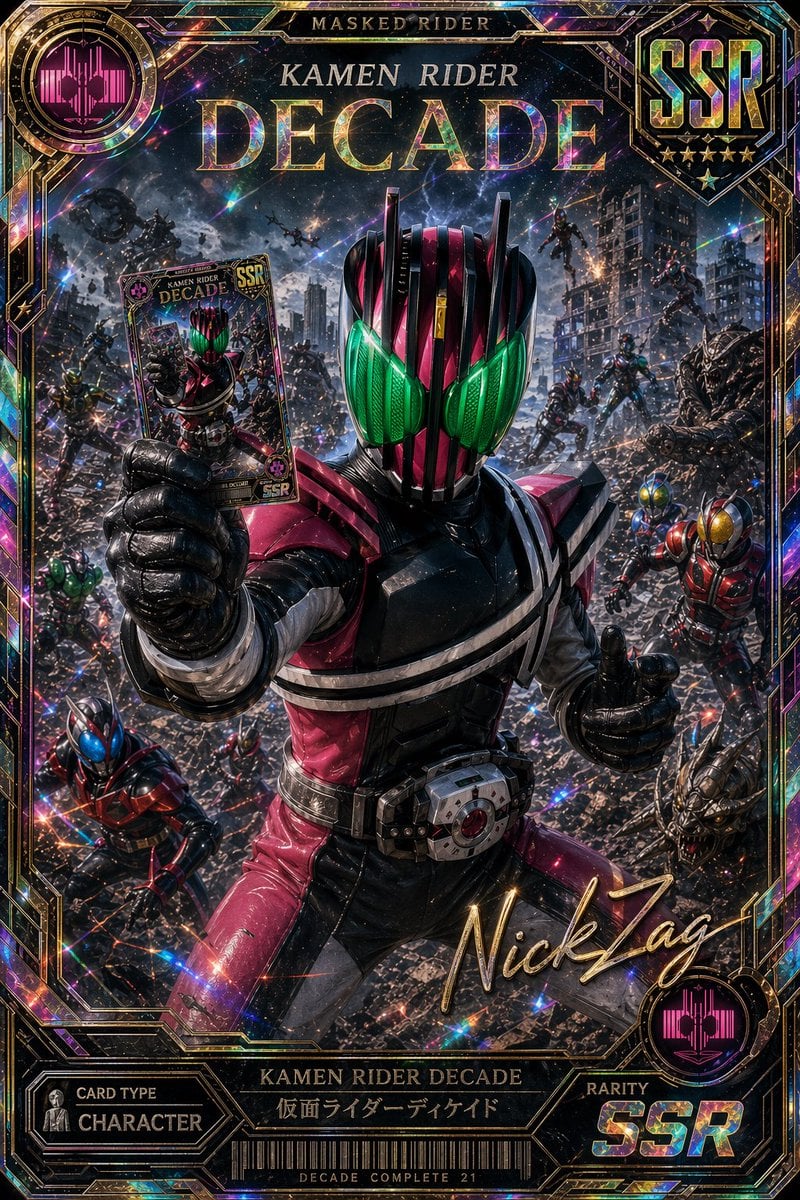
Holographic Kamen Rider Decade SSR Card
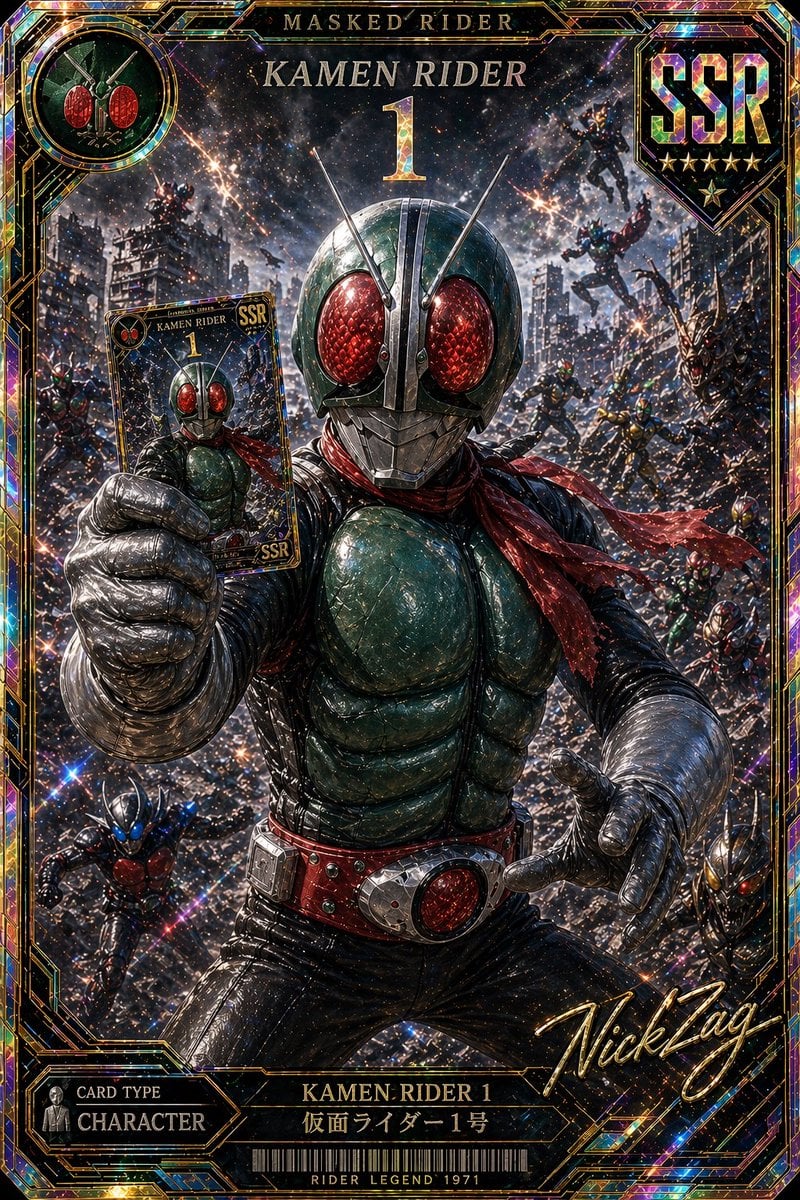
Holographic Kamen Rider SSR Card
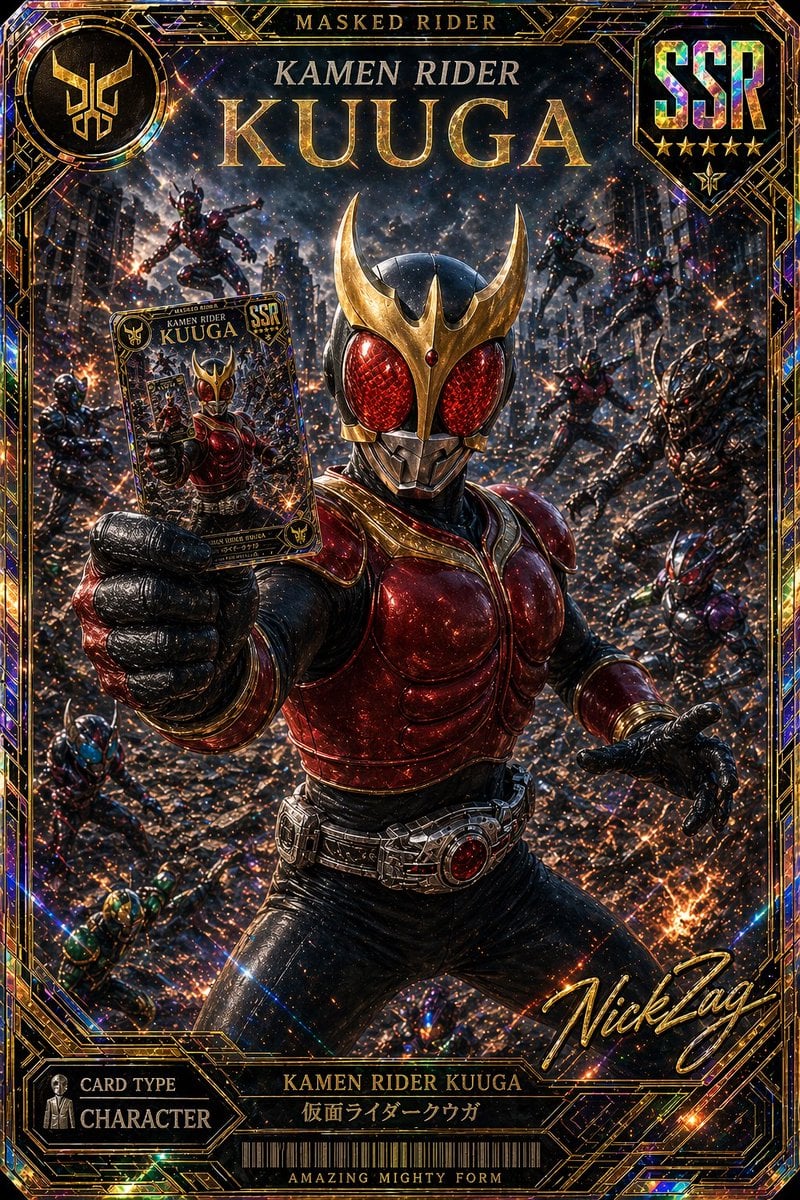
SSR Kamen Rider Kuuga Card
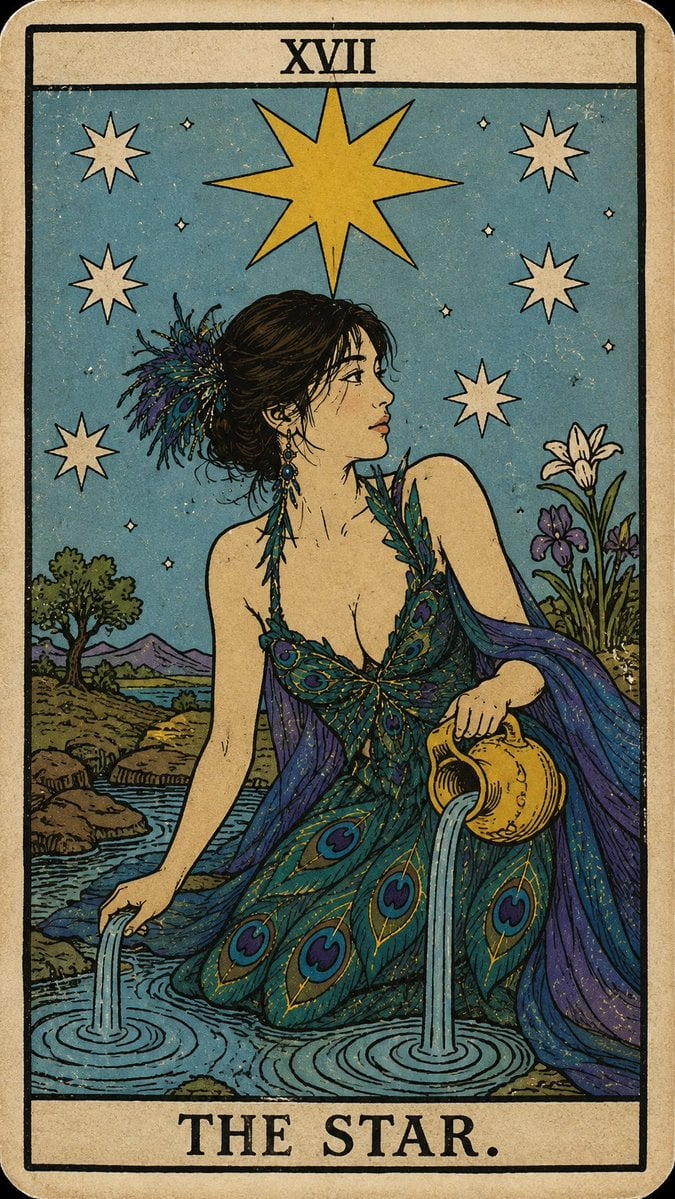
Personalized Rider-Waite Tarot Card
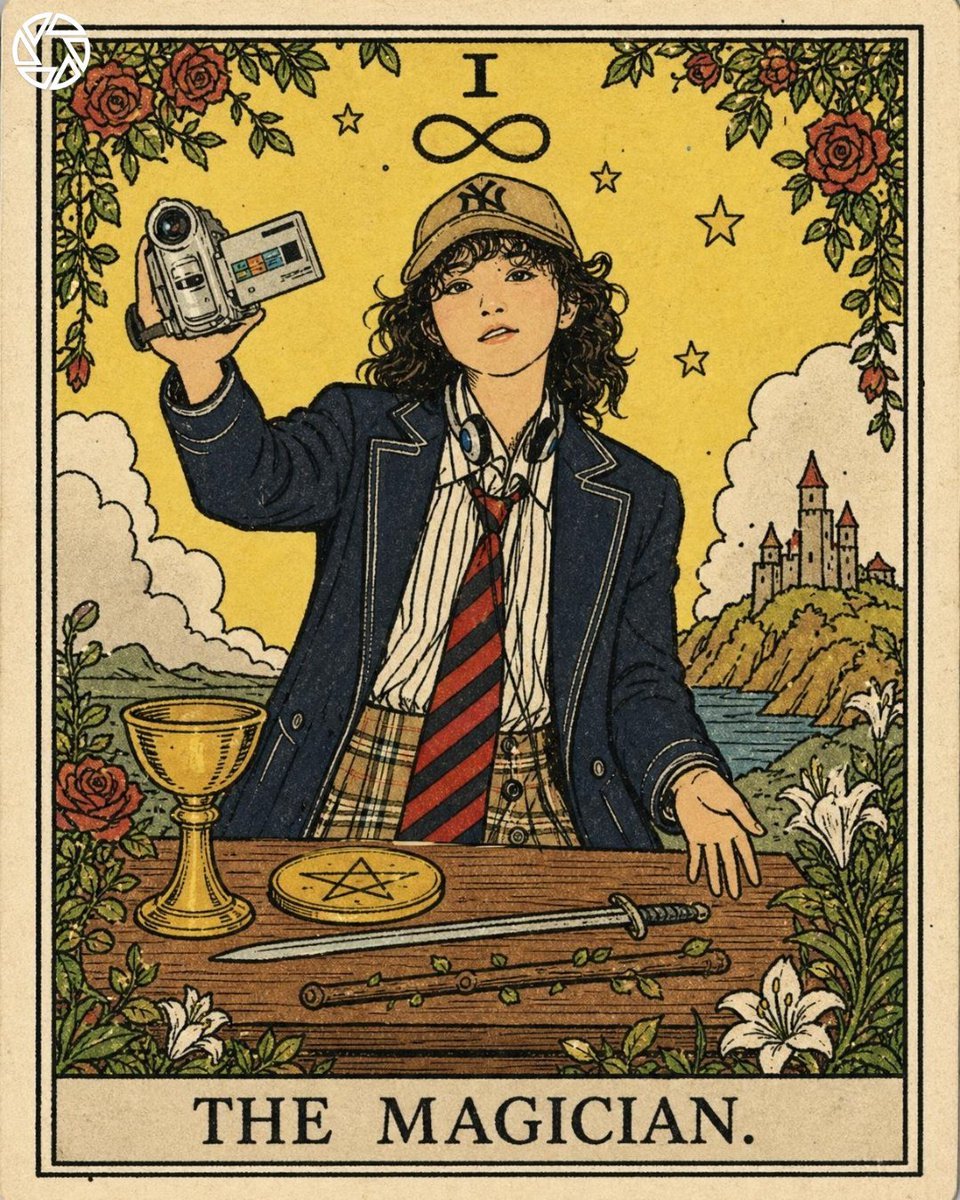
Rider-Waite Style Tarot Card
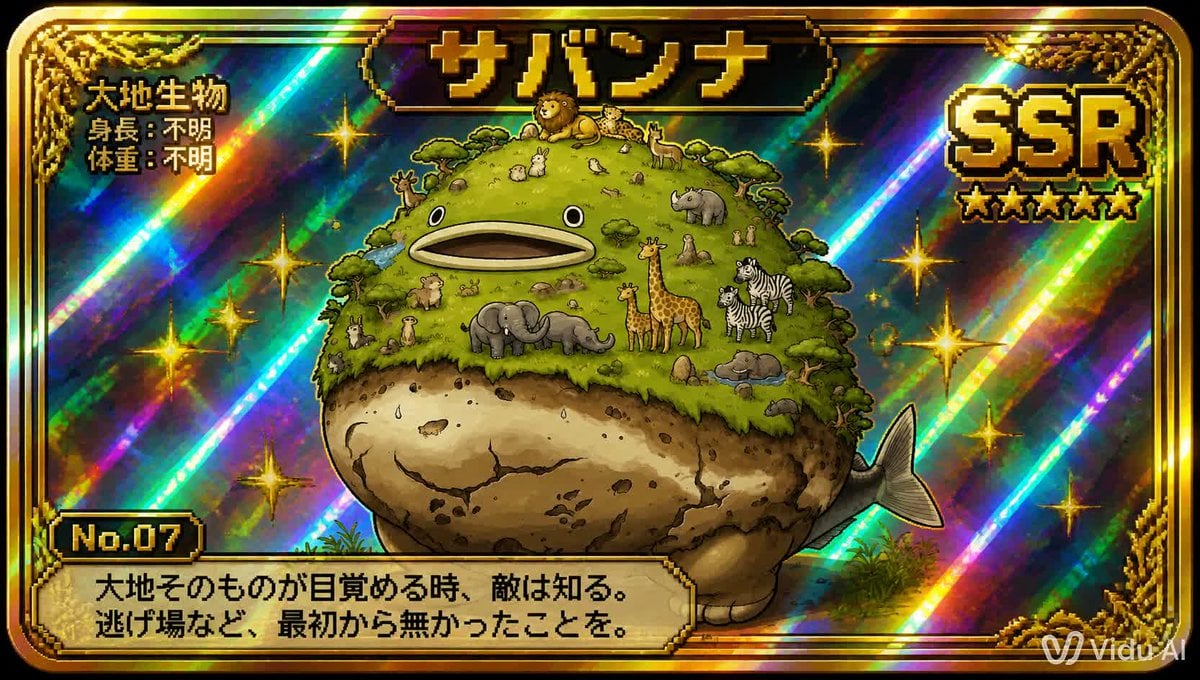
SSR Savanna Creature Card
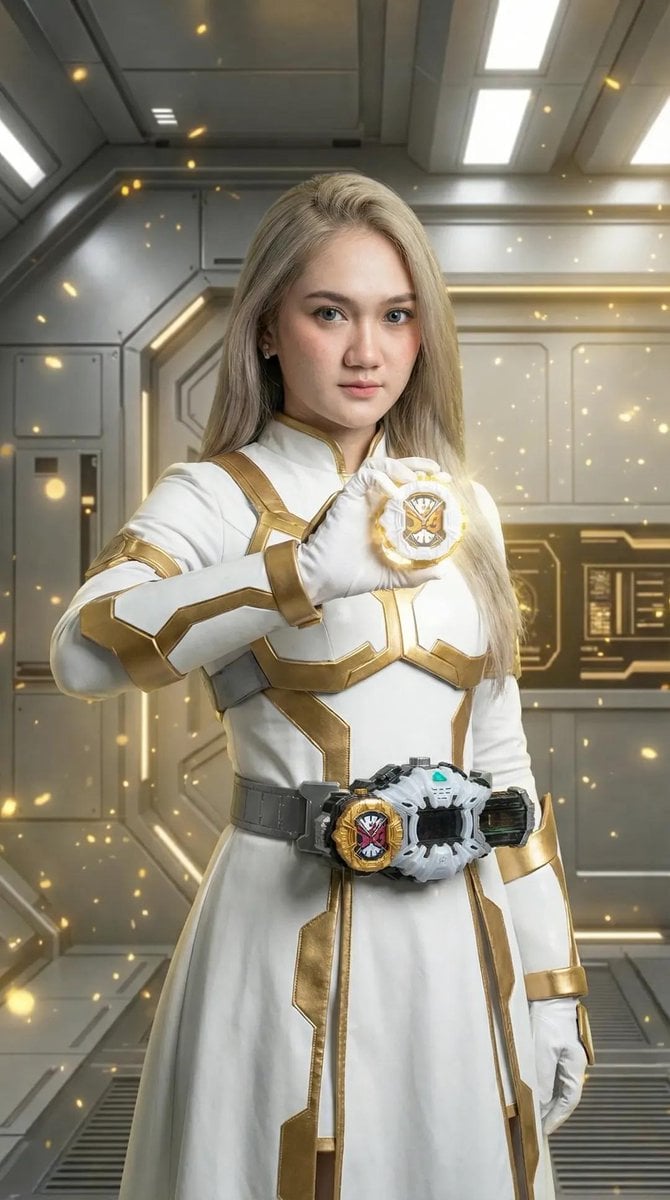
Kamen Rider Armor Transformation Sequence Prompt
Cyberpunk Megastructure Rider
Squirrel Girl Dragon Rider
Sunset Mountain Sportbike Rider

Teal Japanese Handwritten Lyric Card

Reiwa Slang Reaction Gacha Card
Make it yours
SSR Kamen Rider Double Card works as-is. These are the safest ways to change it without losing the look.
Change one field
Copy a single group, rewrite it, and generate again so you can see what that field is doing.
Keep the frame, change the subject
Hold the composition and light of SSR Kamen Rider Double Card, then swap wardrobe, props or the person for a new take.
| If the result… | Why | Fix |
|---|---|---|
| The result drifts from the preview | Too many fields changed at once. | Reuse SSR Kamen Rider Double Card as-is first, then change one group — subject, light, or setting. |
| The model over-stylizes the scene | The prose prompt leaves finish and camera underspecified. | Add one camera or lighting sentence and stay on GPT Image 2. |
More GPT Image 2 templates
Other prompts made for GPT Image 2.

Six VTuber Japanese Logo Sheet

Realistic Portrait of Woman and Deer

The Vista Modular Condo Poster

AI Model Routing Comparison Infographic

2.5D Anime Art Board

Isometric Productivity Desk Scene

Four-Panel AI Landscape Comparison

Japanese Tatami Lifestyle Magazine Cover

NESCAFÉ Coffee Map Poster

Brutalist Cogito Chinese Typography Poster
More image prompts
Fresh picks from across the catalog.
Hyperrealistic Black-and-White Portrait with Selective Color

Retro-Modern Fashion Editorial Advertisement

8K Ultra-Realistic Luxury Product Flat-Lay
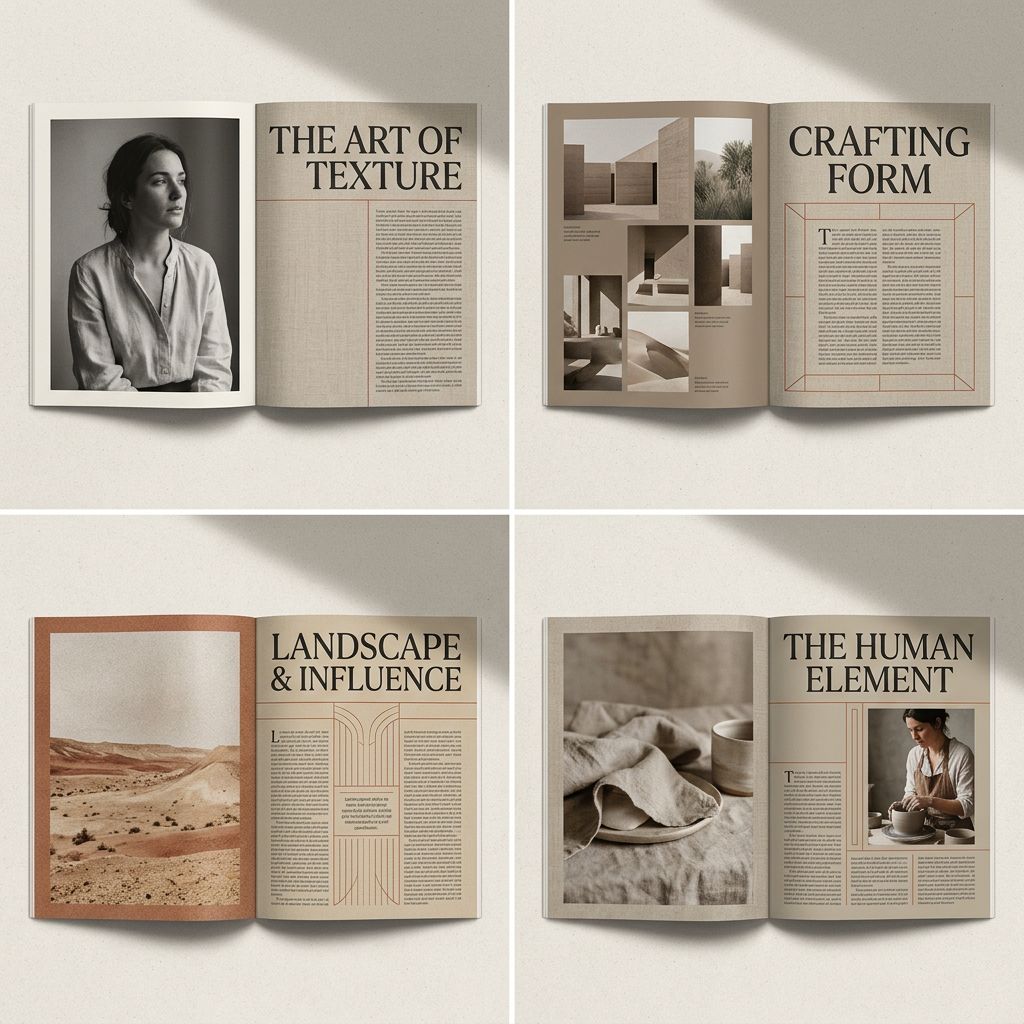
Editorial Magazine Spread Concept Prompt
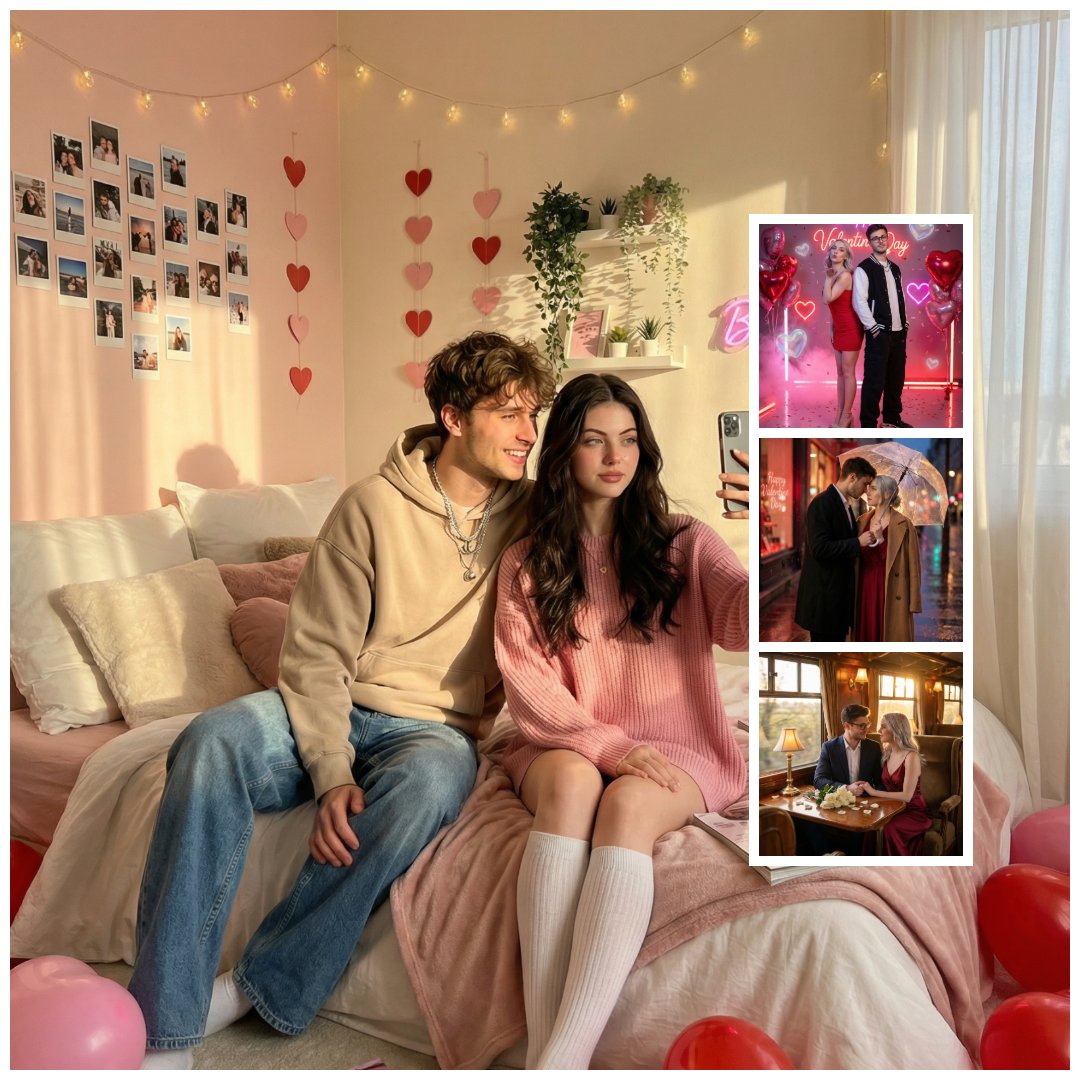
Gen Z Valentine's Day Bedroom Scene Prompt
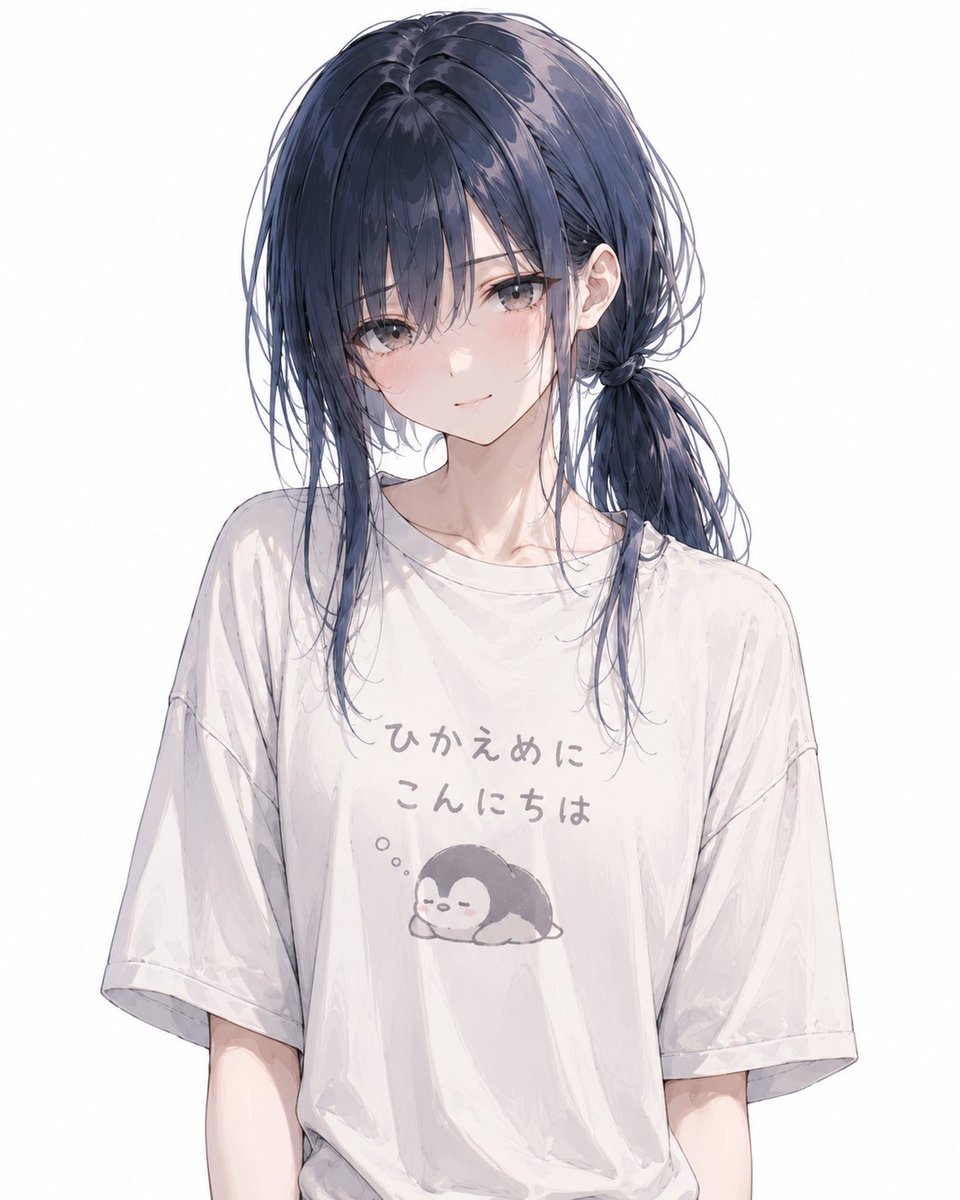
Anime Character Custom T-Shirt Design
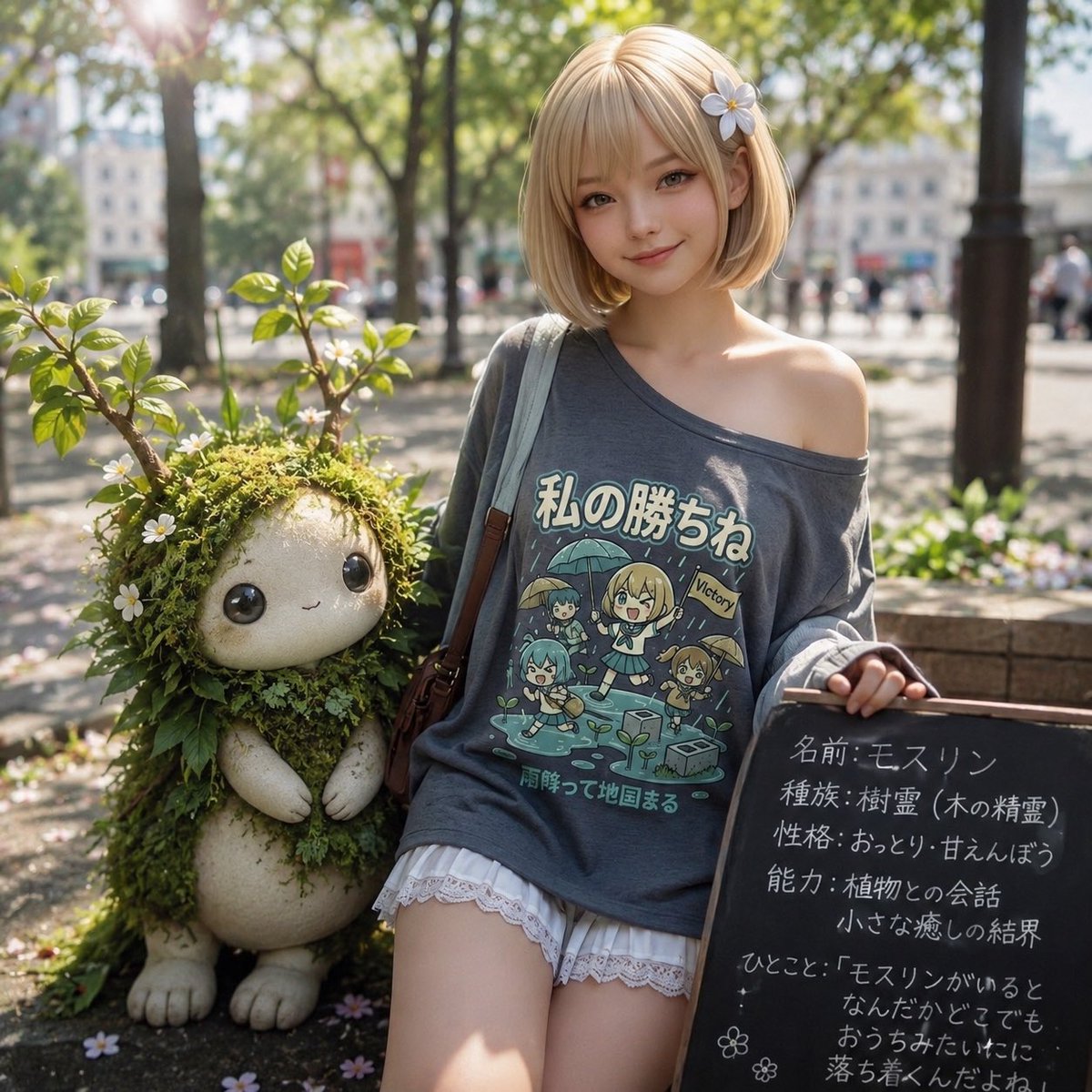
Plant Familiar Park Portrait
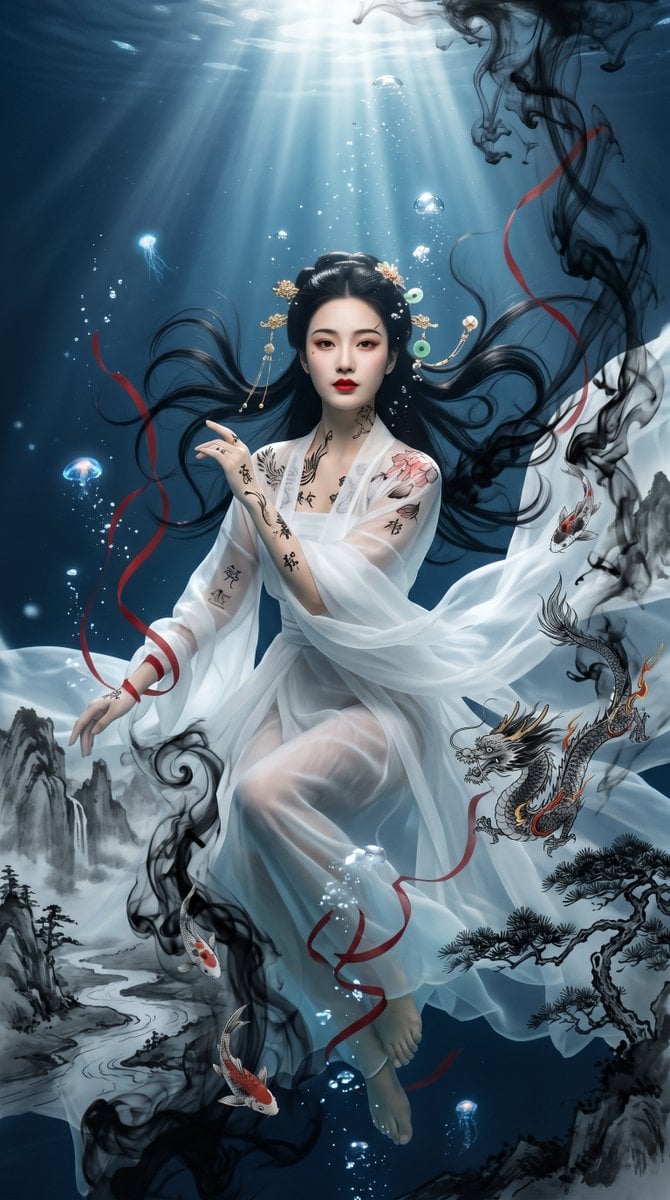
Underwater Chinese Ink Dreamscape Portrait
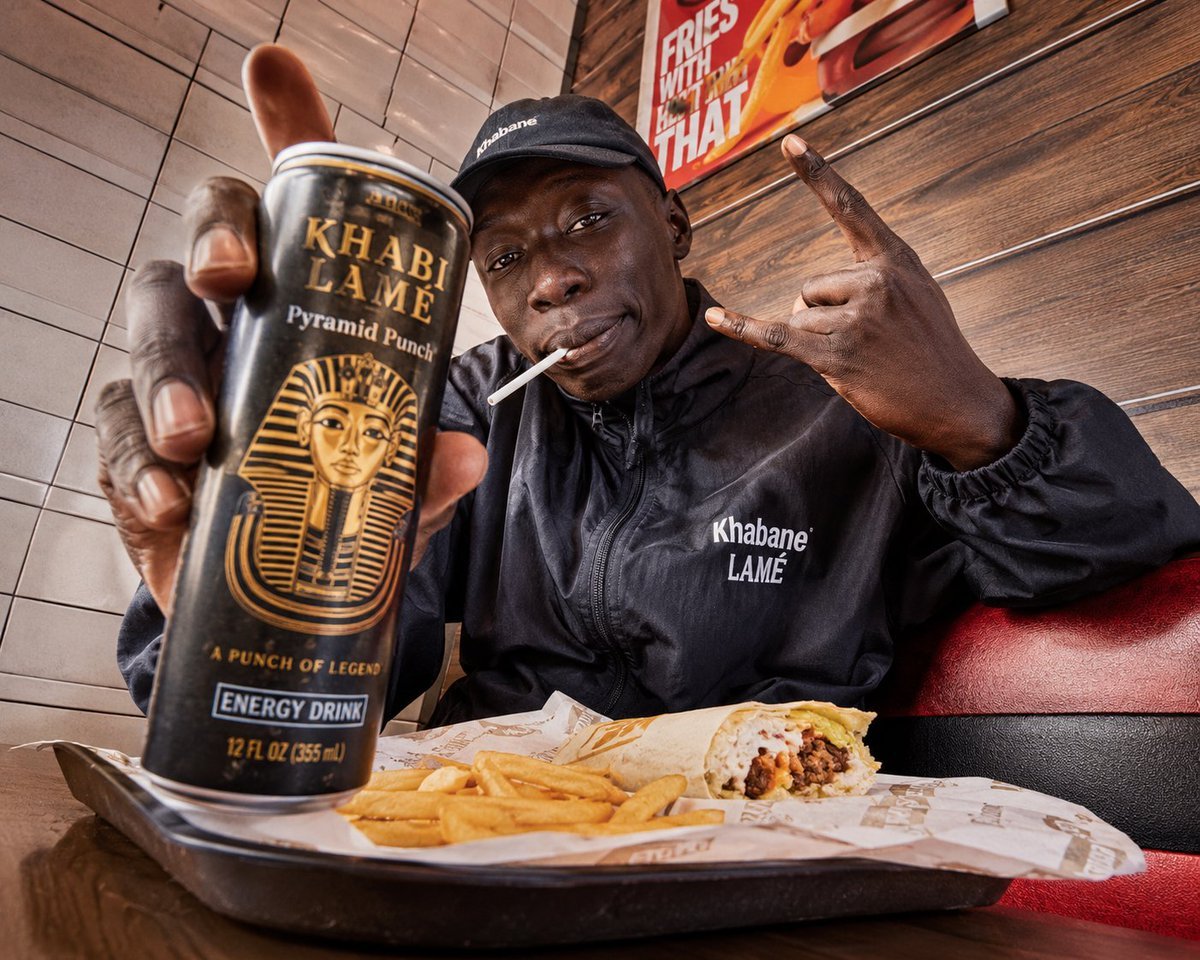
Egyptian Style Editorial Diner Shot
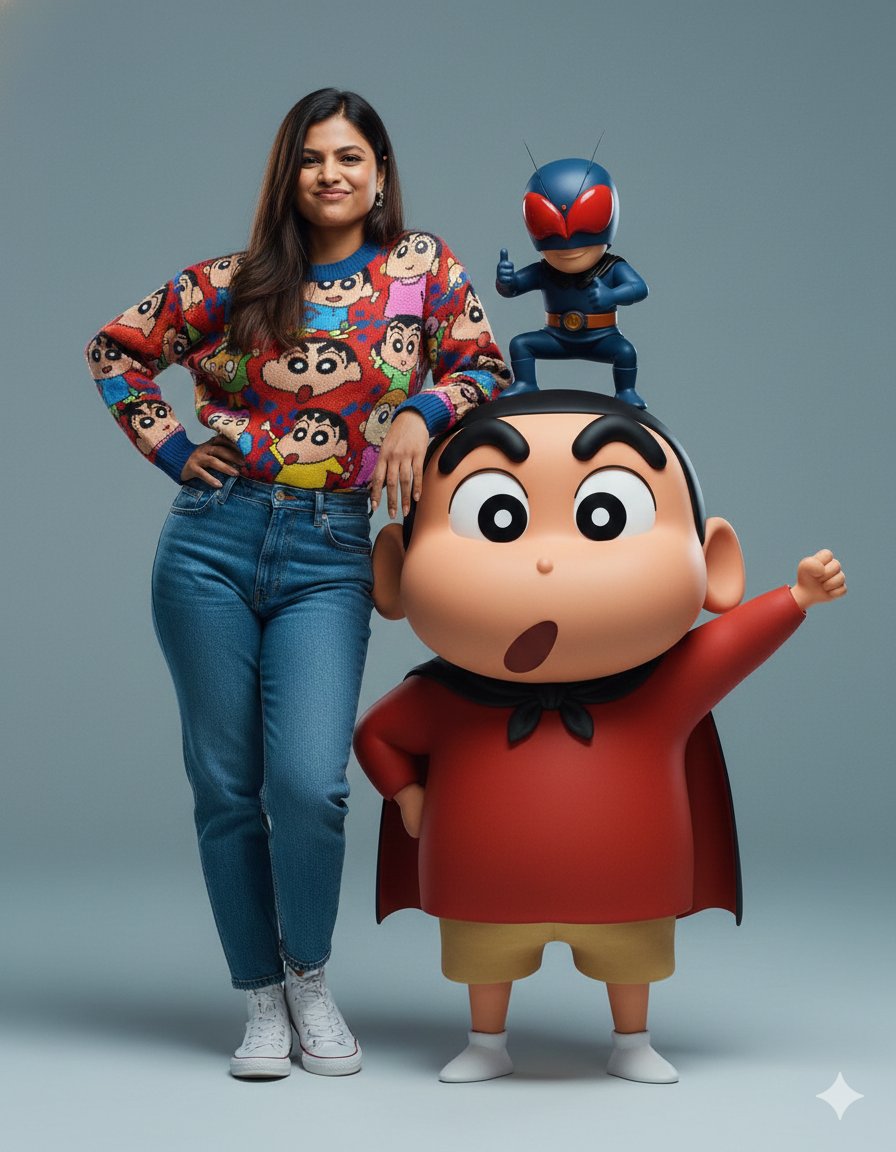
Hyper-realistic Portrait with Family Guy 3D Characters
Browse template categories
SSR Kamen Rider Double Card questions
How do I use the SSR Kamen Rider Double Card template?
Add your photo if the template asks for one, edit the prompt if you like — the template's model and format are already selected — and press Generate. Your version opens in PicX Studio.
Can I customize the SSR Kamen Rider Double Card template?
Yes. You can change the subject, setting, lighting, mood, format, and available model controls before creating your image.
Is the SSR Kamen Rider Double Card template free?
Opening and editing this template is free. Generating uses credits, shown on the Generate button when you are signed in.
Which AI model should I use?
Start with GPT Image 2, which is the model associated with this template. You can compare another compatible model for a different finish.
Looking for something else? Browse all templates.

Your photo, any look
Thousands of ready templates for every top image and video model, from one credit balance.