
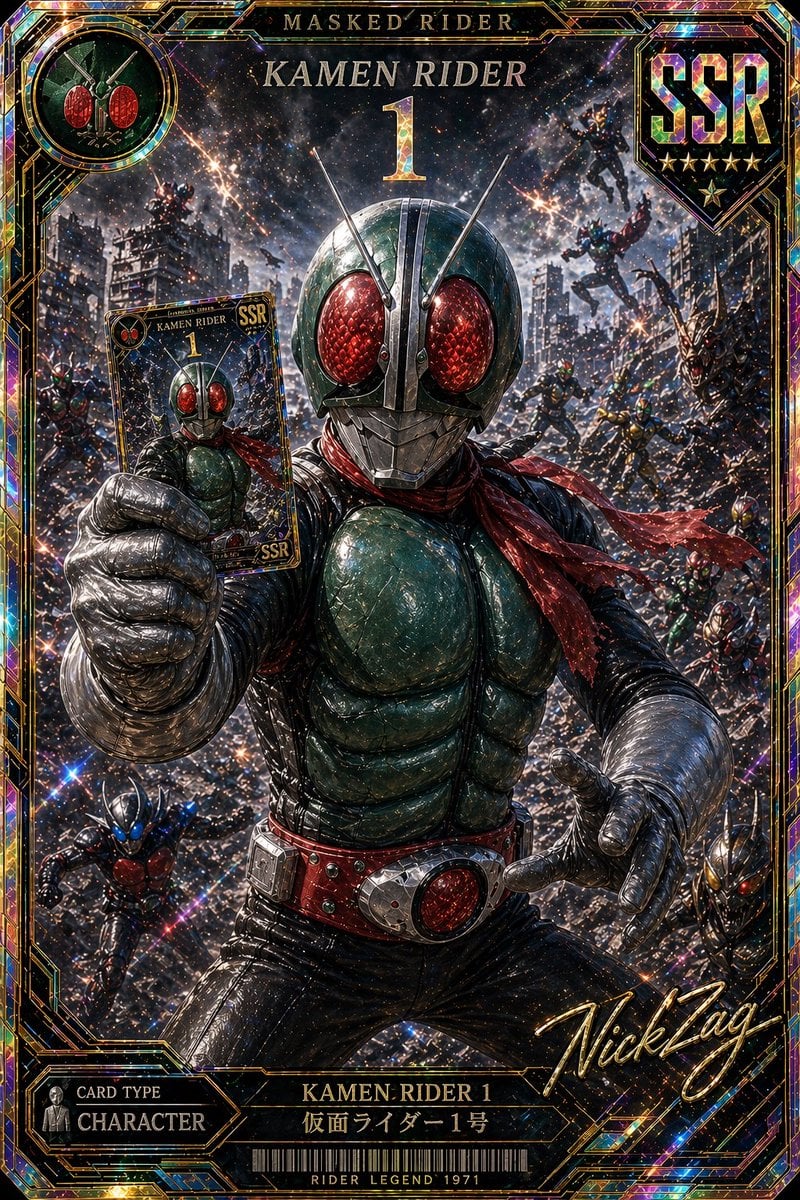
Holographic Kamen Rider SSR Card
This prompt generates a highly detailed ultra-rare tokusatsu trading card illustration, ideal for collectible card art, fan posters, and premium character showcase imagery.
- Prompt included
- Model and format preset
- Free template
The prompt behind this image
Copy the exact prompt behind Holographic Kamen Rider SSR Card, or open it in the studio and make it yours.
A hyper-detailed premium holographic trading card illustration of {argument name="hero name" default="Kamen Rider 1"}, designed like an ultra-rare tokusatsu collectible card with a vertical full-frame ornate border. The central figure is a classic masked hero in a dynamic forward-reaching pose, filling most of the composition from thighs up, with one gloved hand thrust toward the viewer and the other hand holding a smaller version of the same card. He wears a dark green armored chest, black suit, silver segmented gloves and forearms, a red scarf streaming dramatically to the right, a red belt with a large circular red buckle, and a metallic insect-like helmet with 2 long silver antennae and 2 oversized faceted crimson compound eyes. Behind him is a chaotic apocalyptic city battle scene at night with ruined buildings, smoke, sparks, streaking explosions, and a star-filled cosmic sky. Include exactly 10 smaller rider figures in the background and corners: 2 flying in the upper right sky, 1 climbing or leaping on the mid-left ruins, 3 mid-background combat figures across the center-right, 2 small figures in the lower right, 1 blue-accented figure in the lower left, and 1 partially visible figure near the far left edge. The art style is gritty, painterly, metallic, and cinematic, with dense glitter particles, rainbow foil reflections, gold filigree linework, and prism-like holographic highlights across the entire image. The card frame should be lavish black, gold, and iridescent foil with collectible-game styling. At the top center place the text "MASKED RIDER" above large serif text "{argument name="title text" default="KAMEN RIDER"}" and a huge gold number "{argument name="card number" default="1"}". In the top left place a circular emblem showing the masked rider face. In the top right place a large badge reading "{argument name="rarity" default="SSR"}" with 5 gold stars beneath it. In the bottom left place a panel reading "CARD TYPE" and "CHARACTER". At the bottom center place the text "KAMEN RIDER 1" with "仮面ライダー1号" below it, and a barcode-like strip with the text "RIDER LEGEND 1971". In the bottom right add a large gold cursive autograph reading "{argument name="signature" default="NickZag"}". Make the whole card feel like an ultra-premium chase card, dramatic perspective, extreme detail, sharp contrast, glowing embers, shattered-city energy, and luxurious holographic foil texture.
How to use Holographic Kamen Rider SSR Card in 3 steps
- 1Upload ImagePNG, JPG or paste
Add your photo
Upload the photo the template builds on. The prompt, model and format are already set.
- 2…a portrait of your subject in softgolden-hour light, 85mm…
Personalize
Edit the subject and creative details for your destination.
- 3Generate
Generate
Press Generate — your image is created in PicX Studio, so you can compare it with the original and refine one variable at a time.
More like this
Templates with the same subject, style or setup. Open one to see its prompt.
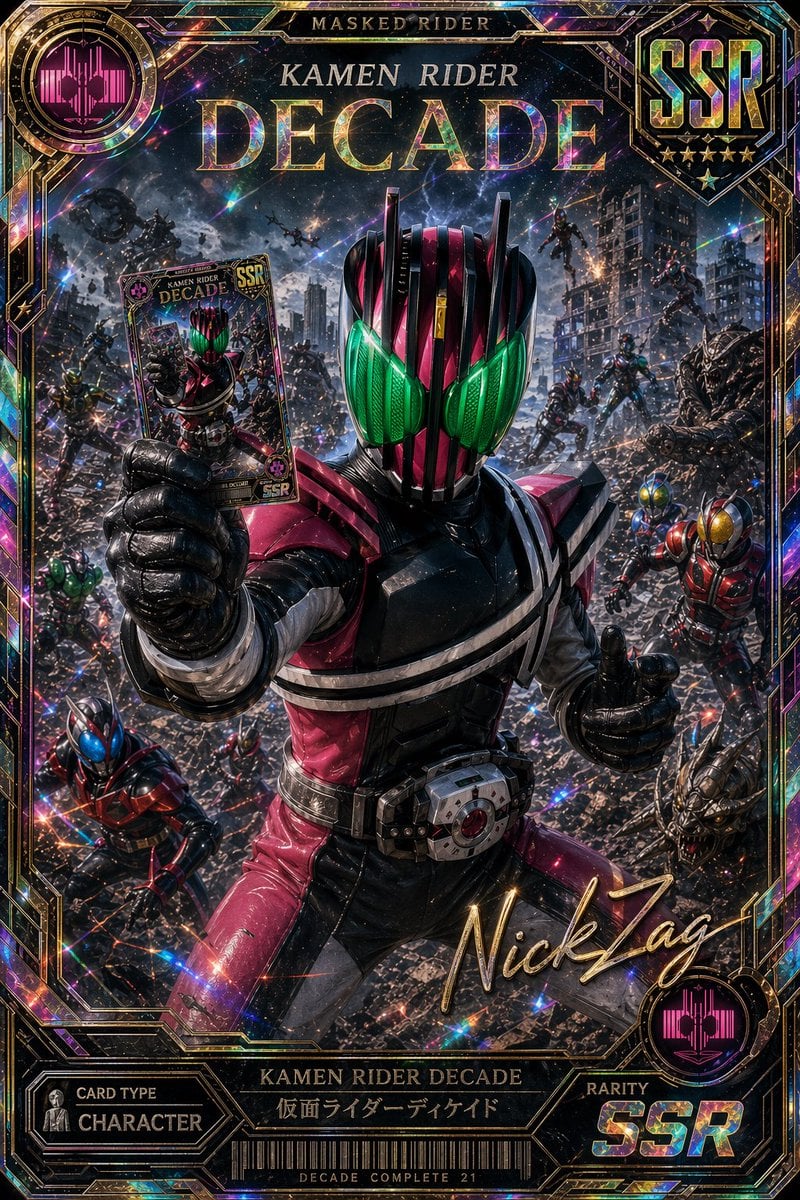
Holographic Kamen Rider Decade SSR Card
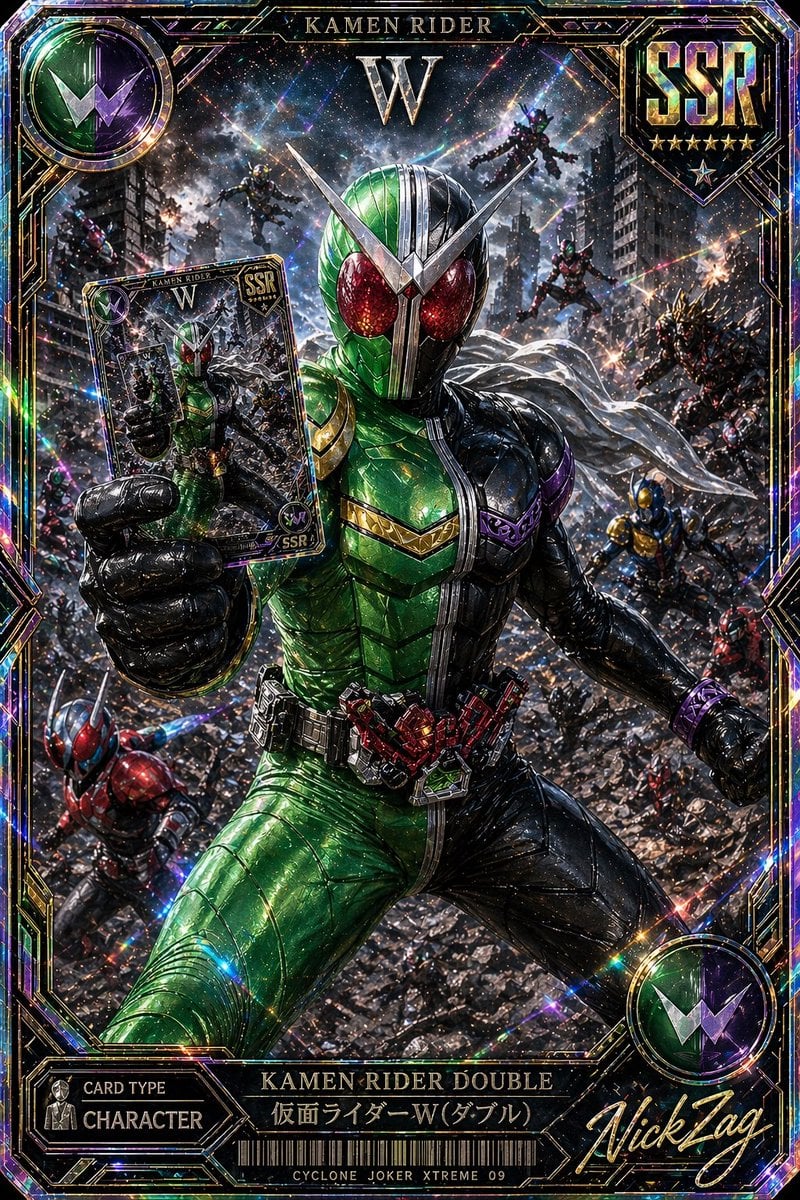
SSR Kamen Rider Double Card
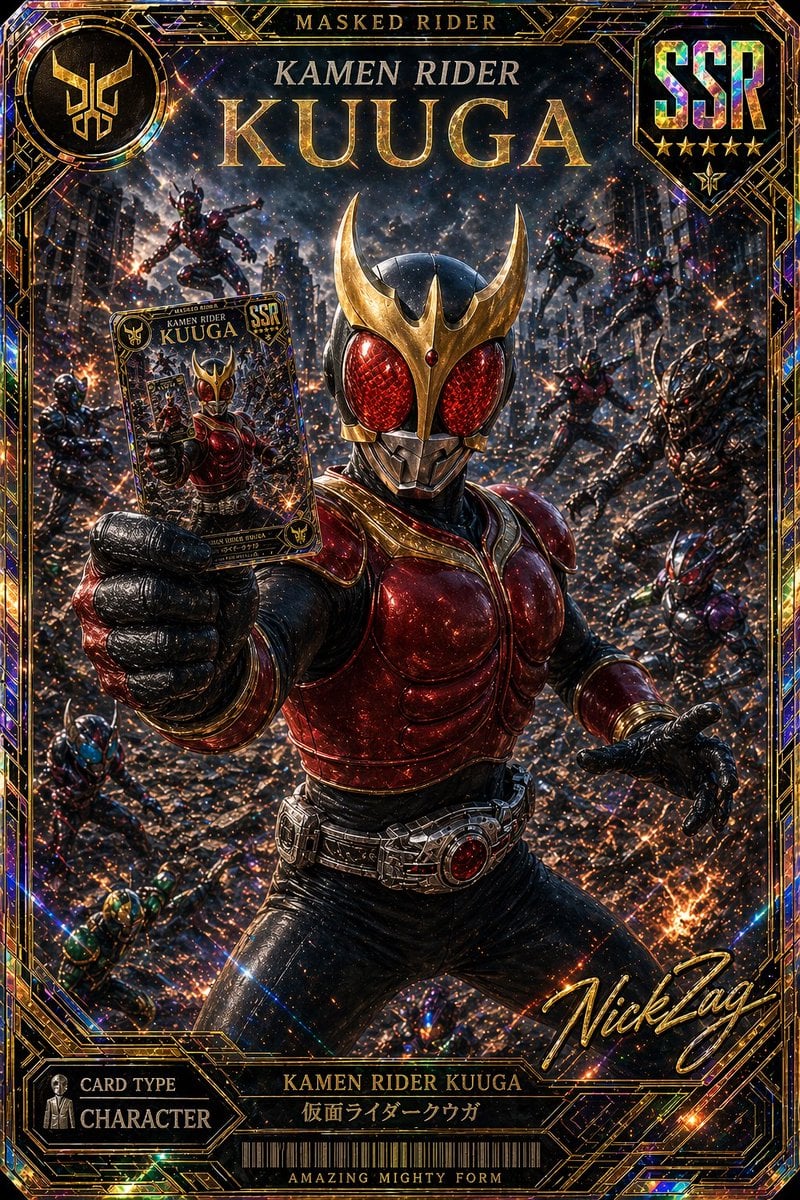
SSR Kamen Rider Kuuga Card
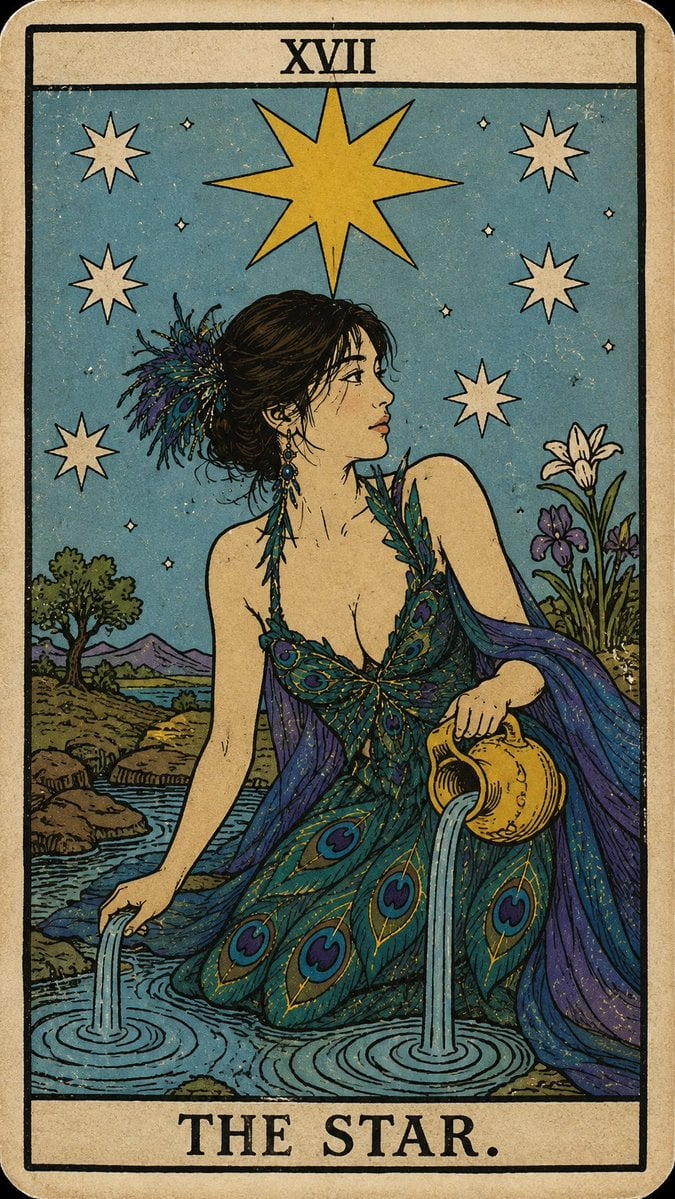
Personalized Rider-Waite Tarot Card

Korean Idol Partial Shadow Editorial Portrait

Cinematic Sci-Fi Interface Side Profile

Neon Violet Streetwear Fashion Portrait
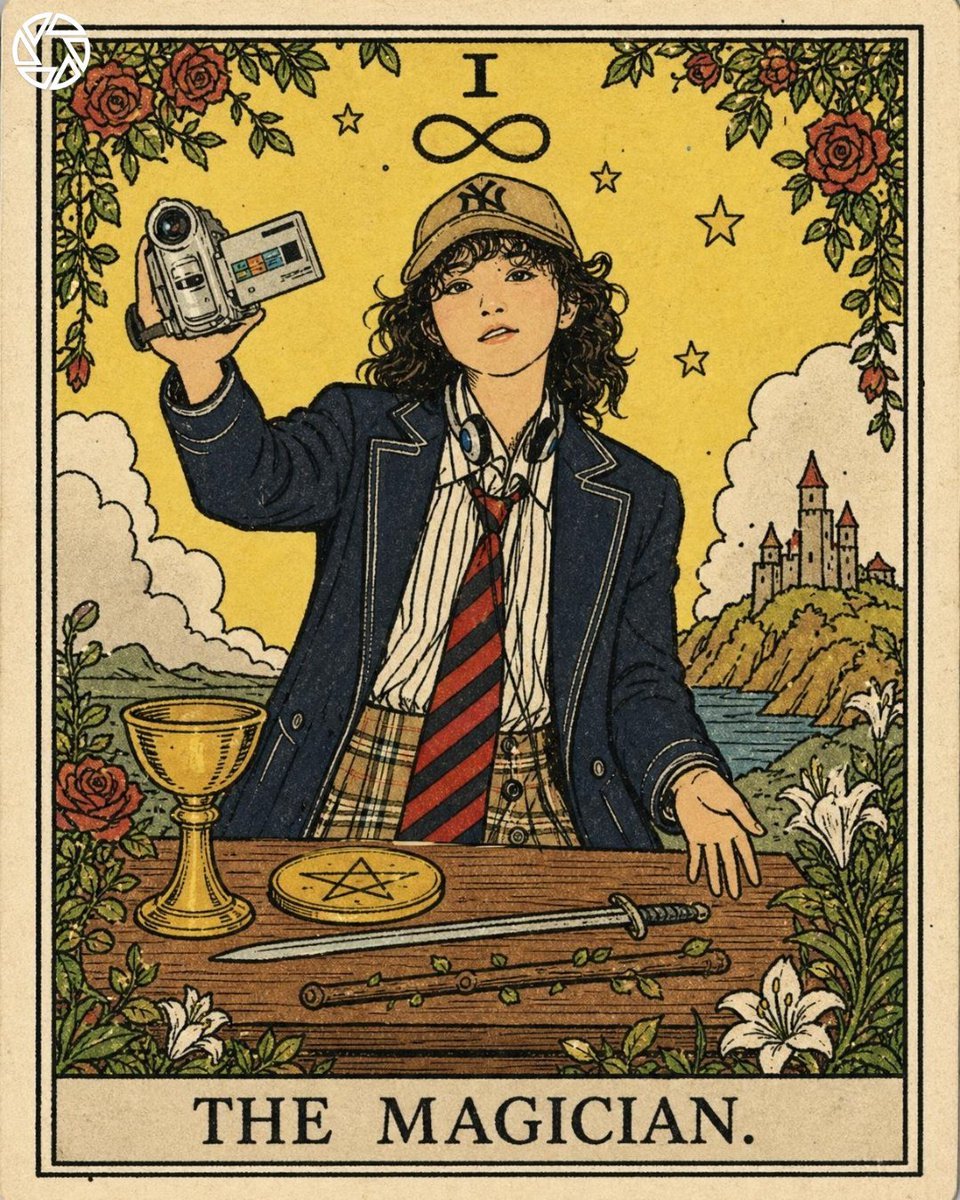
Rider-Waite Style Tarot Card
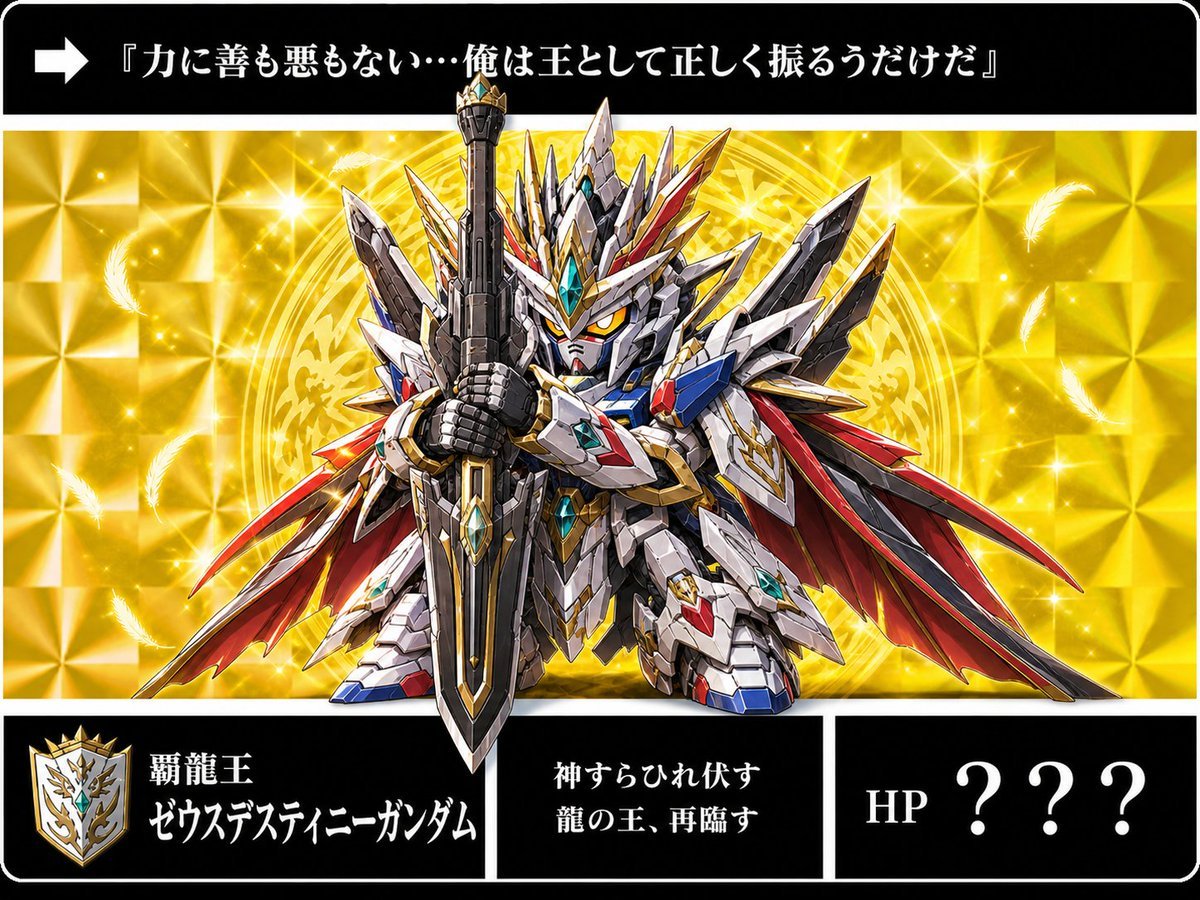
Holographic Dragon King Gundam Card
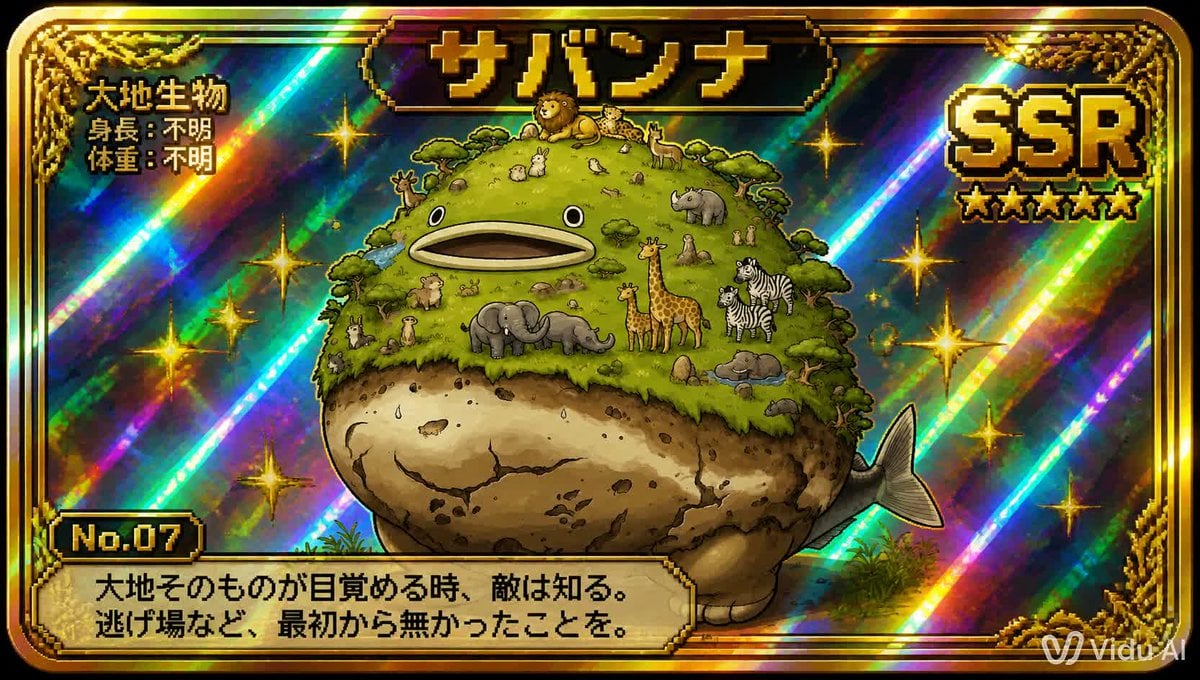
SSR Savanna Creature Card
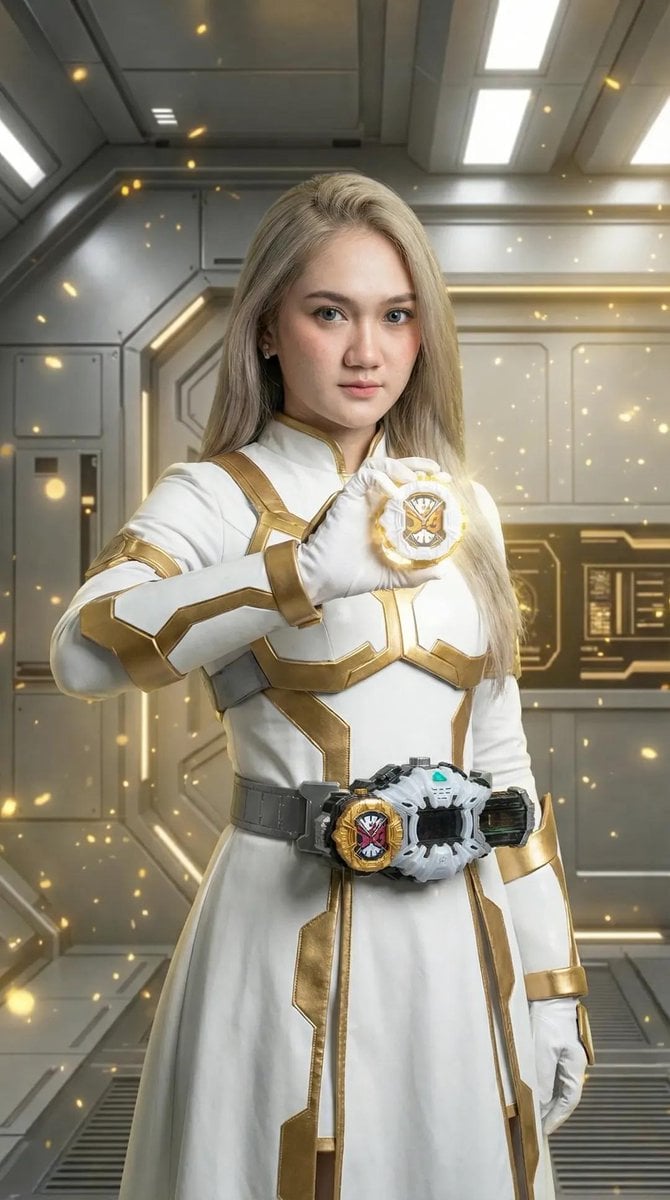
Kamen Rider Armor Transformation Sequence Prompt
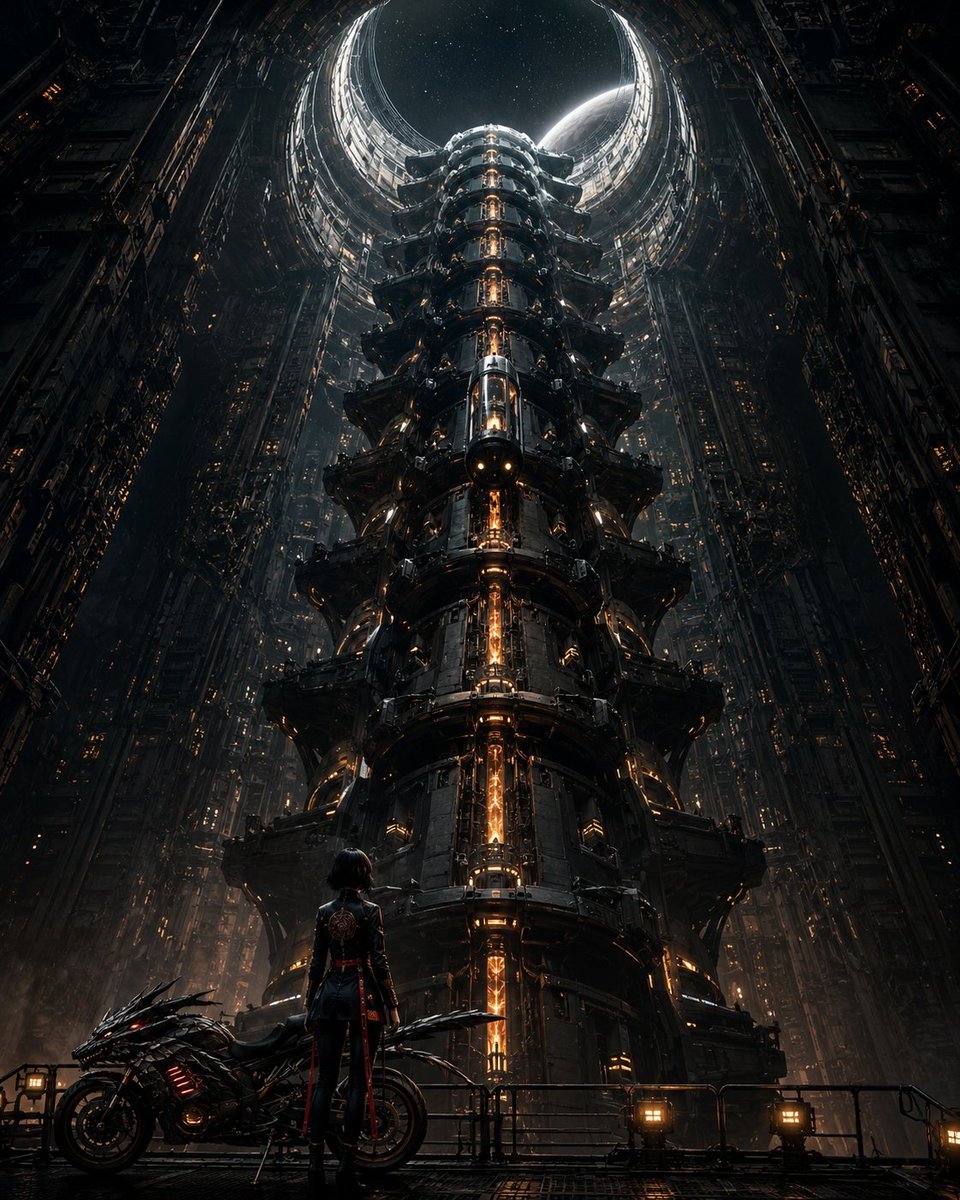
Cyberpunk Megastructure Rider
Make it yours
Holographic Kamen Rider SSR Card works as-is. These are the safest ways to change it without losing the look.
Change one field
Copy a single group, rewrite it, and generate again so you can see what that field is doing.
Keep the frame, change the subject
Hold the composition and light of Holographic Kamen Rider SSR Card, then swap wardrobe, props or the person for a new take.
| If the result… | Why | Fix |
|---|---|---|
| The result drifts from the preview | Too many fields changed at once. | Reuse Holographic Kamen Rider SSR Card as-is first, then change one group — subject, light, or setting. |
| The model over-stylizes the scene | The prose prompt leaves finish and camera underspecified. | Add one camera or lighting sentence and stay on GPT Image 2. |
More GPT Image 2 templates
Other prompts made for GPT Image 2.

Six VTuber Japanese Logo Sheet

Realistic Portrait of Woman and Deer

The Vista Modular Condo Poster

AI Model Routing Comparison Infographic

2.5D Anime Art Board

Isometric Productivity Desk Scene

New York Double Exposure Poster

Four-Panel AI Landscape Comparison

Japanese Tatami Lifestyle Magazine Cover

NESCAFÉ Coffee Map Poster
More image prompts
Fresh picks from across the catalog.

Gpt2 Infographic Edu Visual Biomimetic Skyray Aircraft Poster

Mixed-Media Streetwear Poster
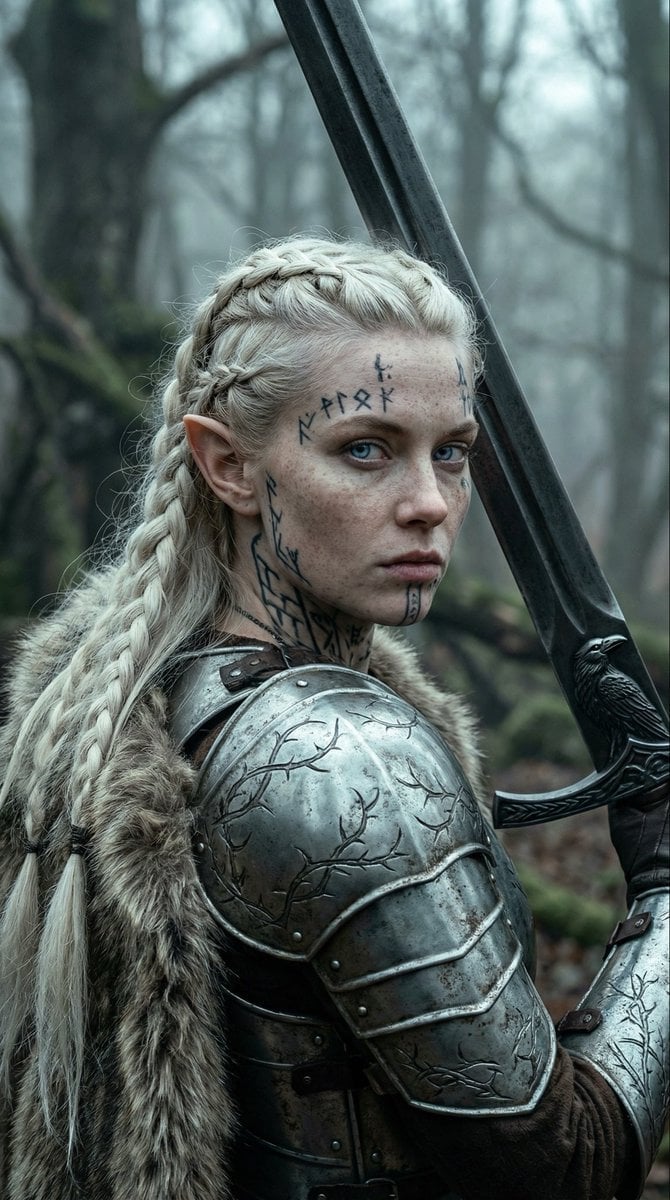
Fierce Elven Warrior Princess Cinematic Portrait (Duplicate)
Sakura Moon Anime MV Still
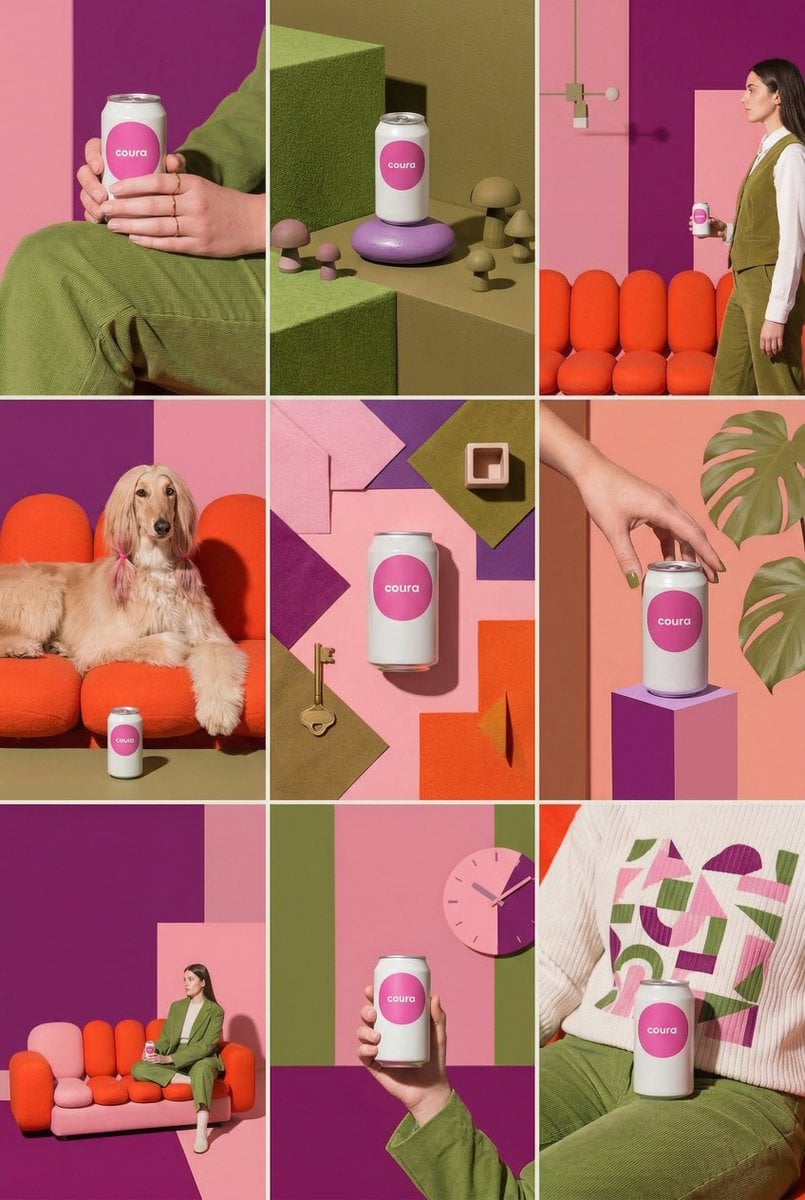
Instagram Feed Generation Prompt (Aesthetic Cohesion Test)
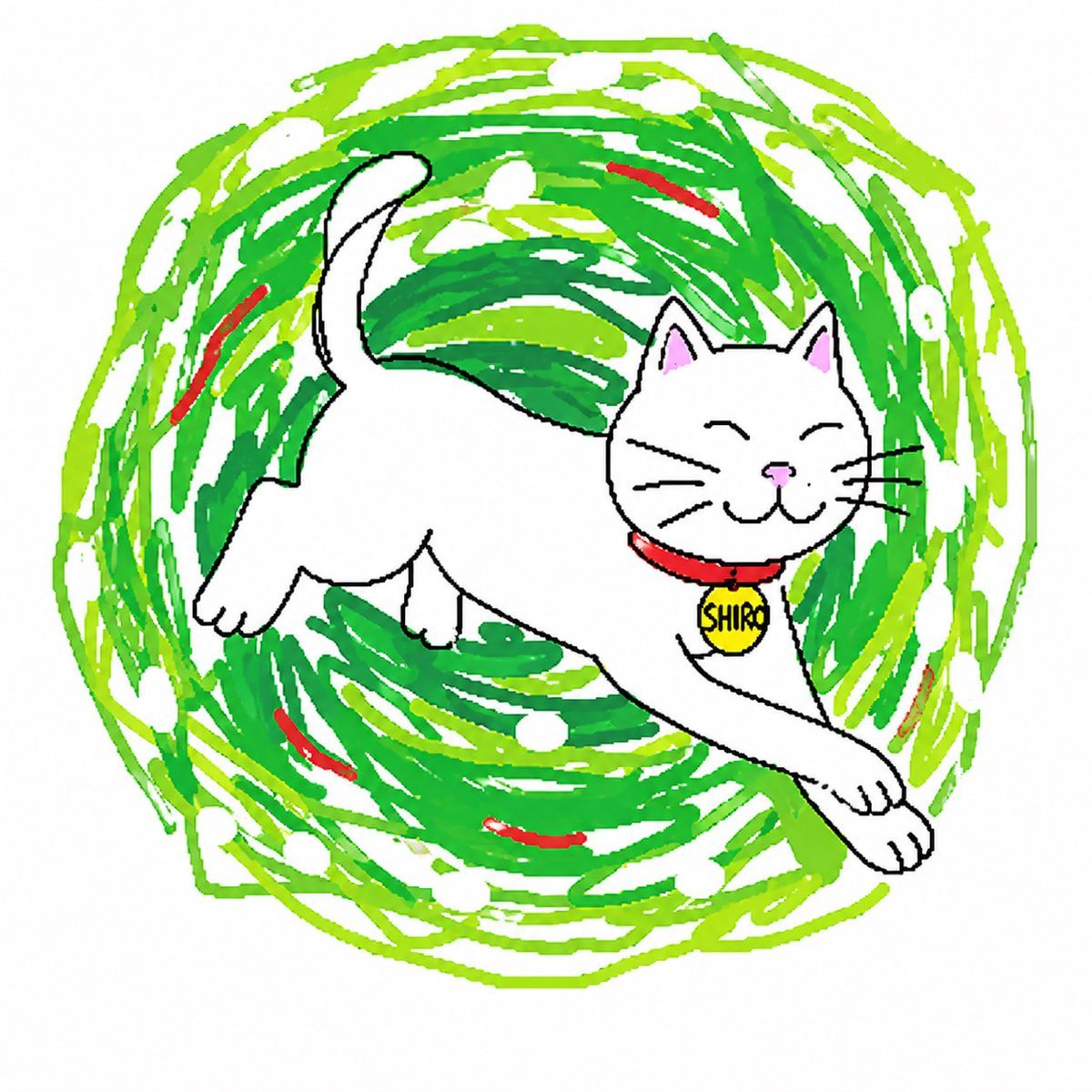
Clumsy Scribble Cat Doodle
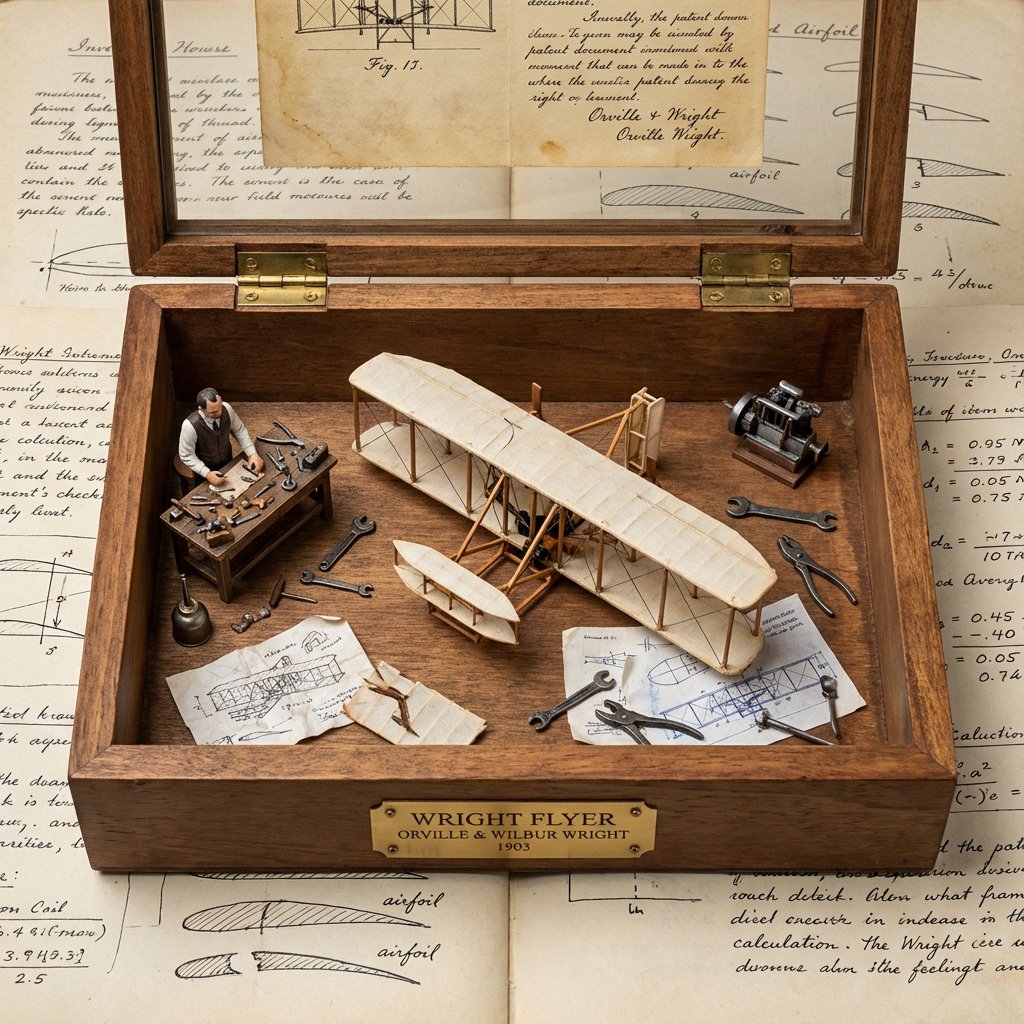
Invention Prototype Display Box Prompt

Pregnant Selfie with Unimpressed Partner
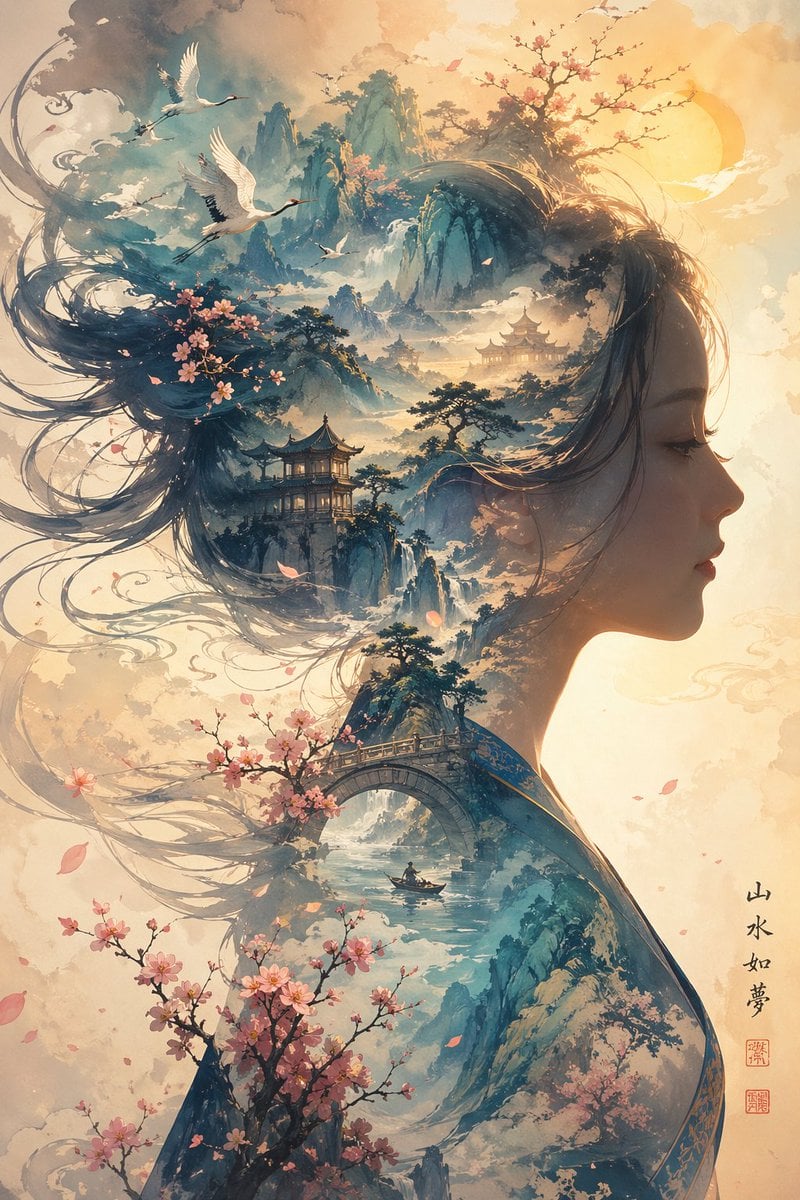
Dreamlike Shanshui Woman Silhouette
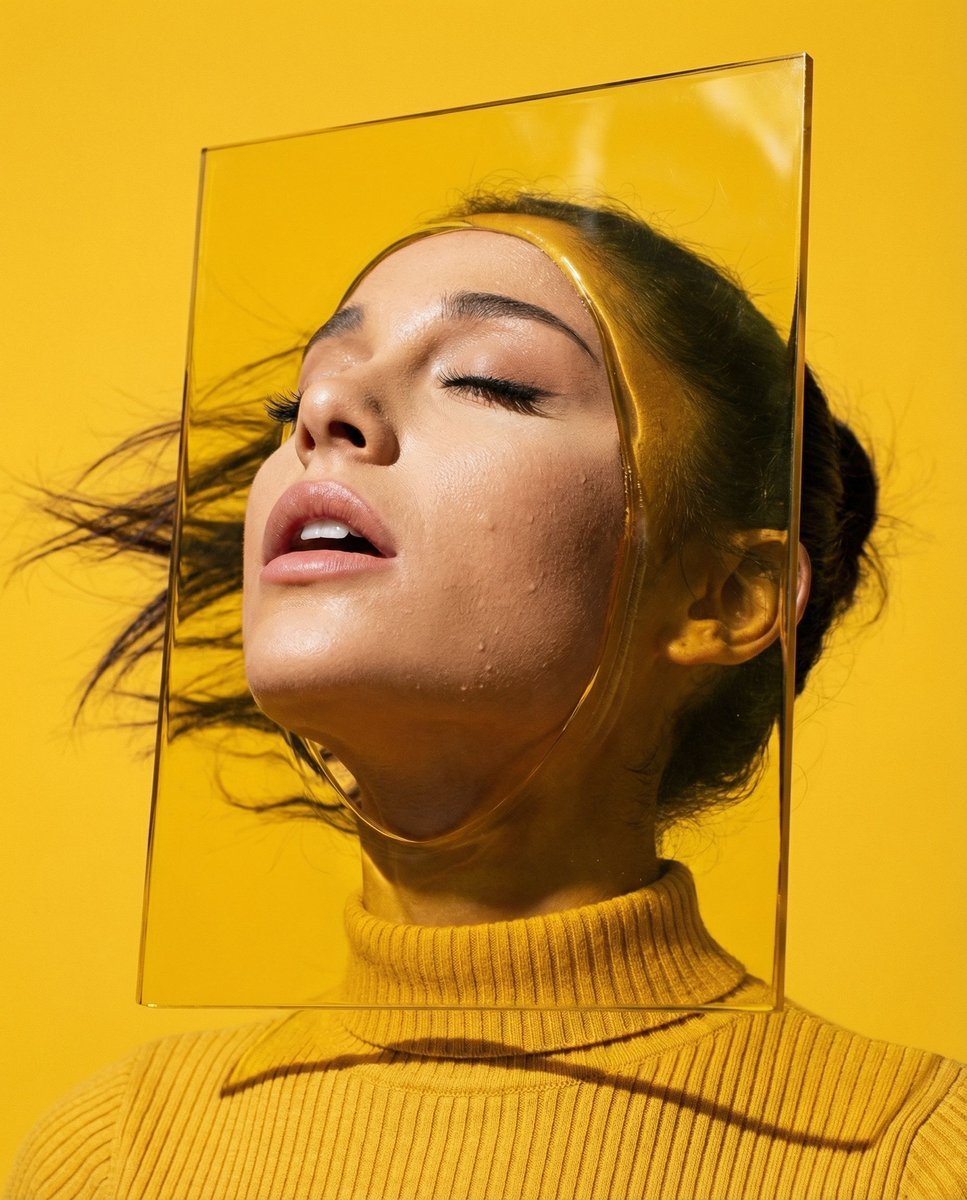
Editorial Surrealism Portrait (Amber Trance)
Browse template categories
Holographic Kamen Rider SSR Card questions
How do I use the Holographic Kamen Rider SSR Card template?
Add your photo if the template asks for one, edit the prompt if you like — the template's model and format are already selected — and press Generate. Your version opens in PicX Studio.
Can I customize the Holographic Kamen Rider SSR Card template?
Yes. You can change the subject, setting, lighting, mood, format, and available model controls before creating your image.
Is the Holographic Kamen Rider SSR Card template free?
Opening and editing this template is free. Generating uses credits, shown on the Generate button when you are signed in.
Which AI model should I use?
Start with GPT Image 2, which is the model associated with this template. You can compare another compatible model for a different finish.
Looking for something else? Browse all templates.

Your photo, any look
Thousands of ready templates for every top image and video model, from one credit balance.