
Dynamic Anime Rooftop Action Scene
Transforms a school-uniform character reference into a cinematic sunset rooftop anime action scene with dramatic perspective and motion.
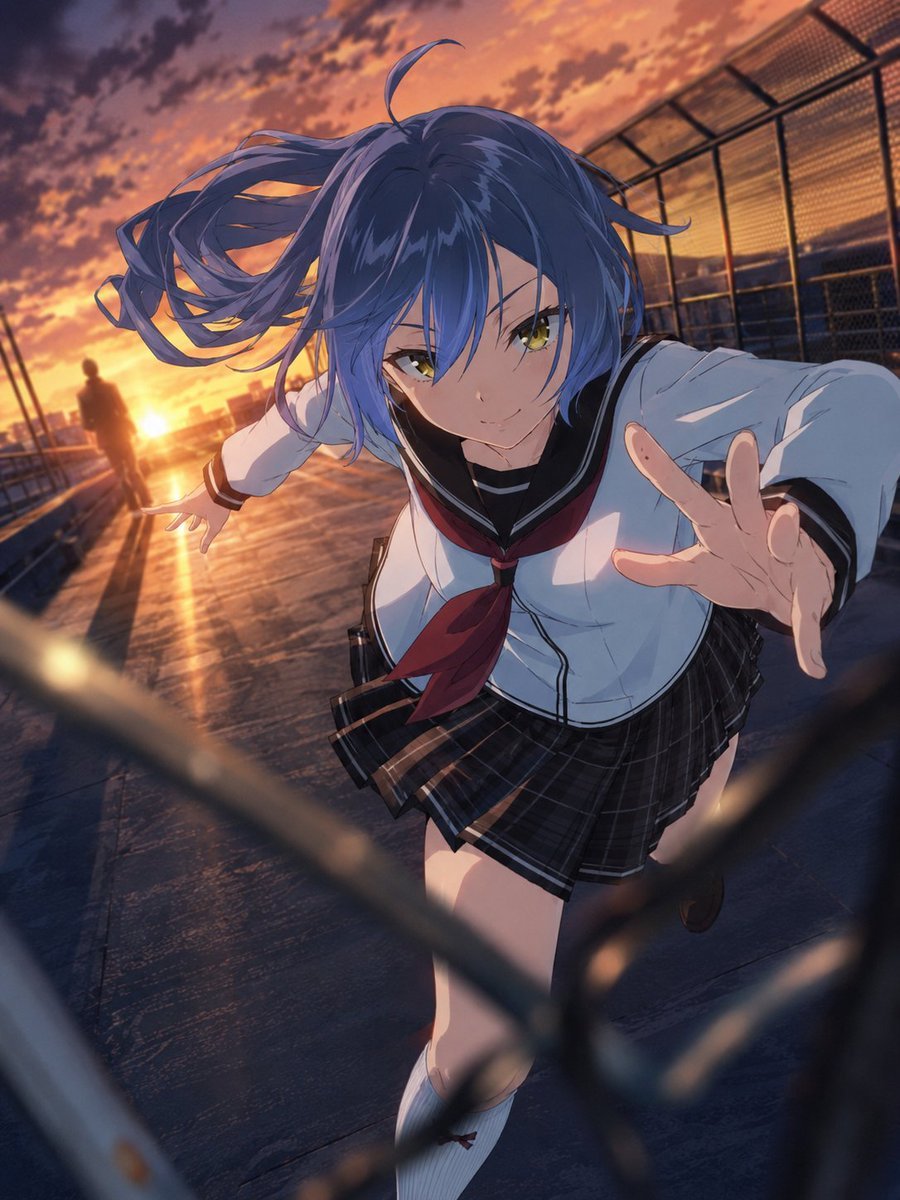
- Prompt included
- Model and format preset
- Free template
The prompt behind this image
Copy the exact prompt behind Dynamic Anime Rooftop Action Scene, or open it in the studio and make it yours.
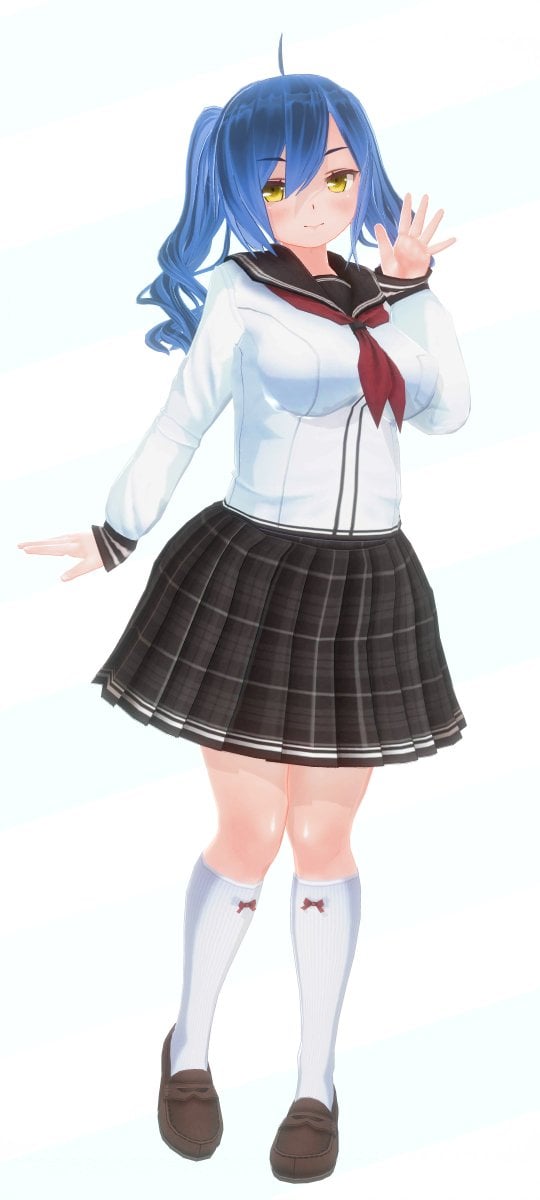
Using REFERENCE_0 as the character base, transform the standing full-body portrait into a dramatic anime action scene. Keep the same school-uniform design, blue twin-tail hairstyle, socks, shoes, and overall character identity, but reconstruct the face clearly in polished 2D anime style with sharp eyes and a confident expression. Change the pose and composition: make the character sprint or lunge toward the viewer, one hand reaching forward close to the camera and the other arm extended back, with hair and skirt blown by motion. Use an intense low/wide-angle perspective with strong foreshortening and dynamic motion. Add a new setting: a school rooftop or fenced walkway at sunset, with warm orange sky, dramatic clouds, reflective ground, and chain-link fencing. Include exactly 1 distant human silhouette near the glowing sunset in the background. Add blurred fence bars in the extreme foreground to create depth and a cinematic chase/battle-scene feeling. Style: high-quality Japanese anime key visual, cinematic lighting, warm sunset rim light, dramatic shadows, detailed hair strands, expressive face, energetic composition, no text, no watermark.
Reference images included
Dynamic Anime Rooftop Action Scene needs input media to work. They load alongside the prompt when you open it in the studio.
How to use Dynamic Anime Rooftop Action Scene in 3 steps
- 1Upload ImagePNG, JPG or paste
Add your photo
Upload the photo the template builds on. The prompt, model and format are already set.
- 2…a portrait of your subject in softgolden-hour light, 85mm…
Personalize
Edit the subject and creative details for your destination.
- 3Generate
Generate
Press Generate — your image is created in PicX Studio, so you can compare it with the original and refine one variable at a time.
More like this
Templates with the same subject, style or setup. Open one to see its prompt.
Seedance - Anime Fighting Game Finisher

Cel 2D Rooftop Concert

If We Met in 1985
Dynamic Anime Hero Figure Render

Rooftop Fisheye — Cat-Ear Balaclava at Golden Hour
Anime Action Girl in Kimono

Cel 2D Finale Fireworks

Cel 2D Garden Maze
Cel 2D Bicycle Coast

Cel 2D Castle Gate

Cel 2D Kitchen Chaos
Cel 2D Carnival Ride
Make it yours
Dynamic Anime Rooftop Action Scene works as-is. These are the safest ways to change it without losing the look.
Change one field
Copy a single group, rewrite it, and generate again so you can see what that field is doing.
Keep the frame, change the subject
Hold the composition and light of Dynamic Anime Rooftop Action Scene, then swap wardrobe, props or the person for a new take.
| If the result… | Why | Fix |
|---|---|---|
| The result drifts from the preview | Too many fields changed at once. | Reuse Dynamic Anime Rooftop Action Scene as-is first, then change one group — subject, light, or setting. |
| The model over-stylizes the scene | The prose prompt leaves finish and camera underspecified. | Add one camera or lighting sentence and stay on GPT Image 2. |
More GPT Image 2 templates
Other prompts made for GPT Image 2.

Six VTuber Japanese Logo Sheet

Realistic Portrait of Woman and Deer

The Vista Modular Condo Poster

AI Model Routing Comparison Infographic

2.5D Anime Art Board

Isometric Productivity Desk Scene

New York Double Exposure Poster

Four-Panel AI Landscape Comparison

Japanese Tatami Lifestyle Magazine Cover

NESCAFÉ Coffee Map Poster
More image prompts
Fresh picks from across the catalog.
Realistic Comic Market Circle Illustration
Mobile AI Chat Screenshot with Transformer Poster
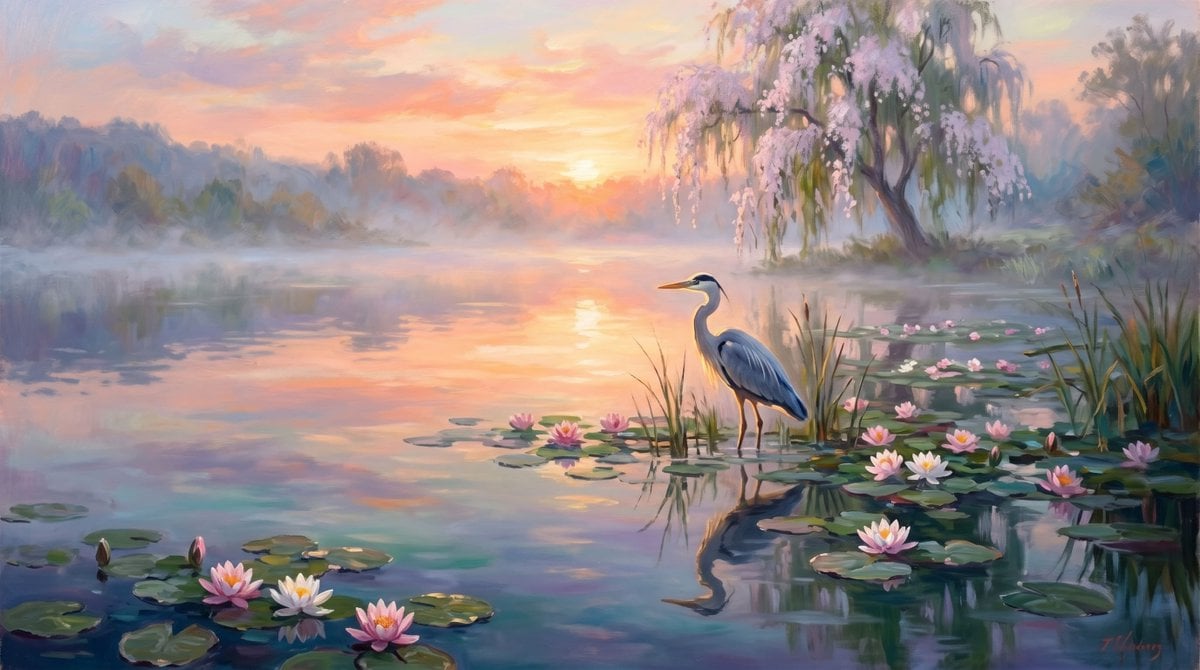
Misty Heron Lily Pond
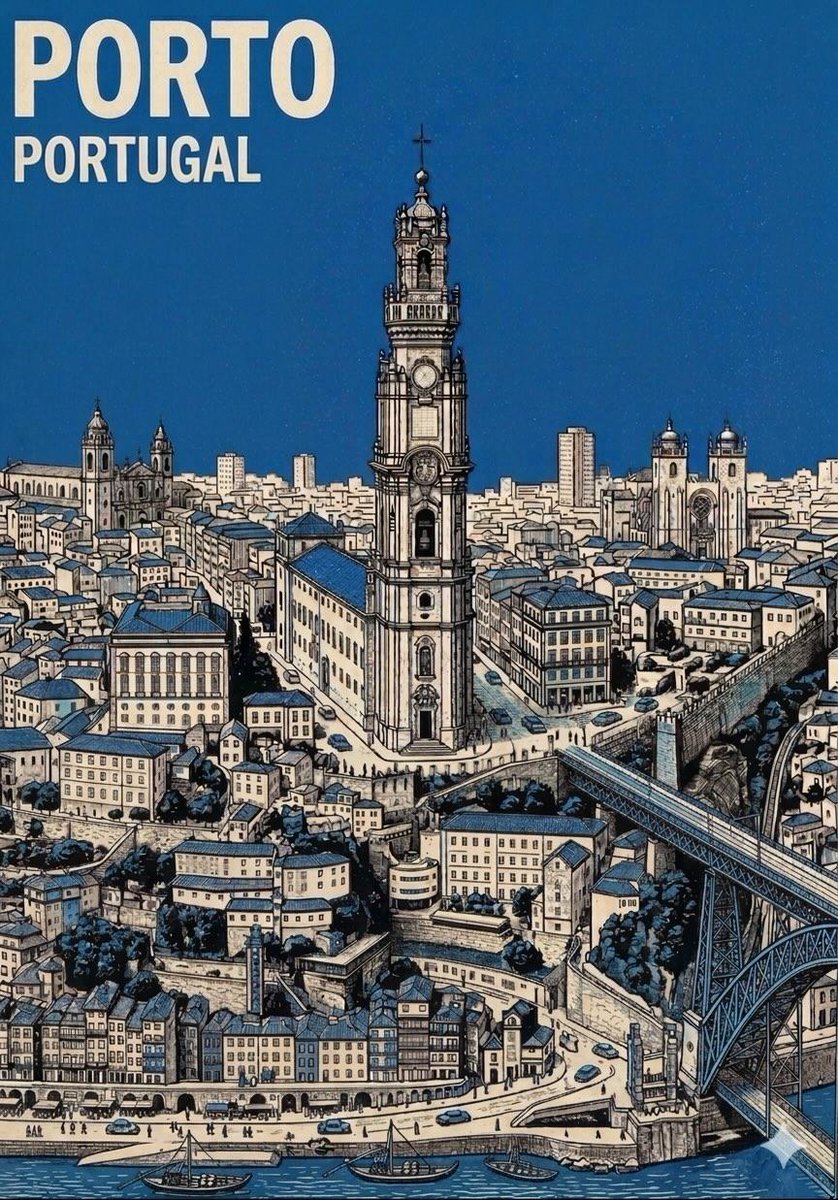
Mid-Century Travel Poster
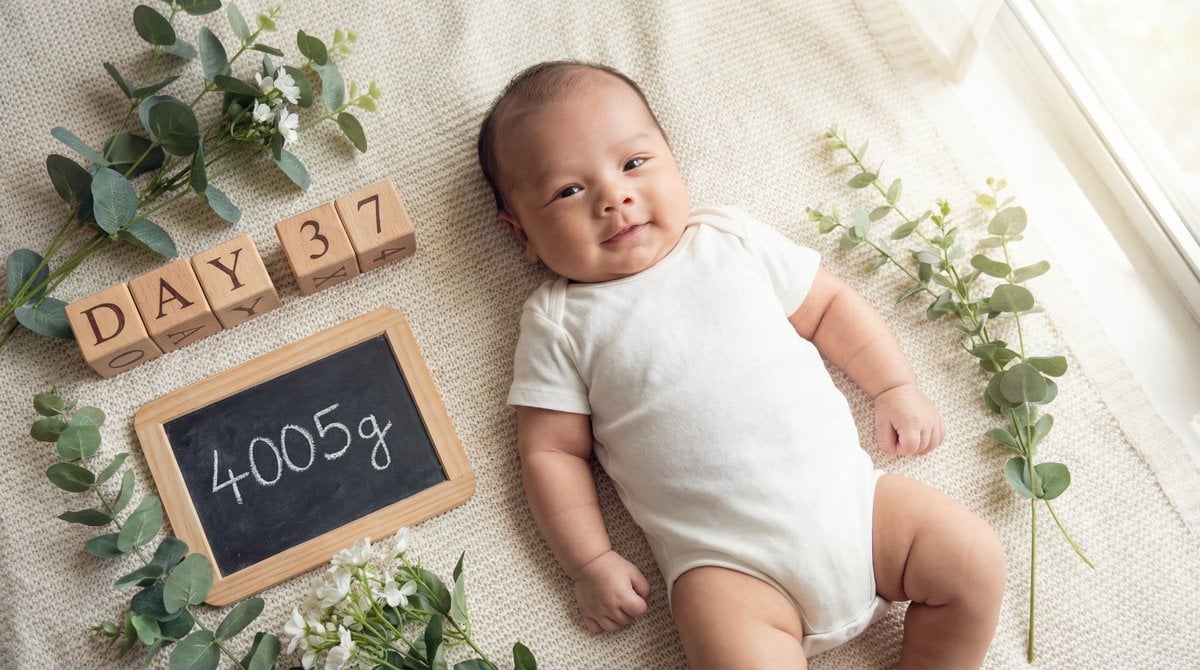
Nano Banana Pro Anniversary Baby Photographer Prompt

GPT Images 2.0 Chameleon Poster
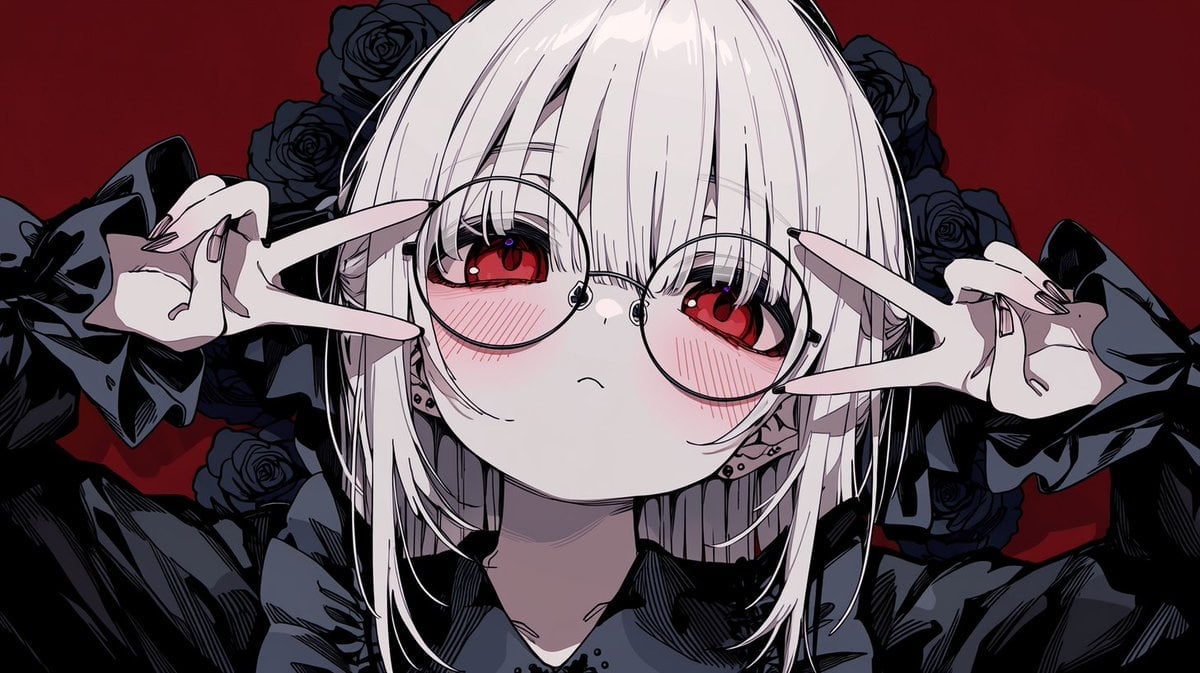
Gothic Anime Girl with Black Roses
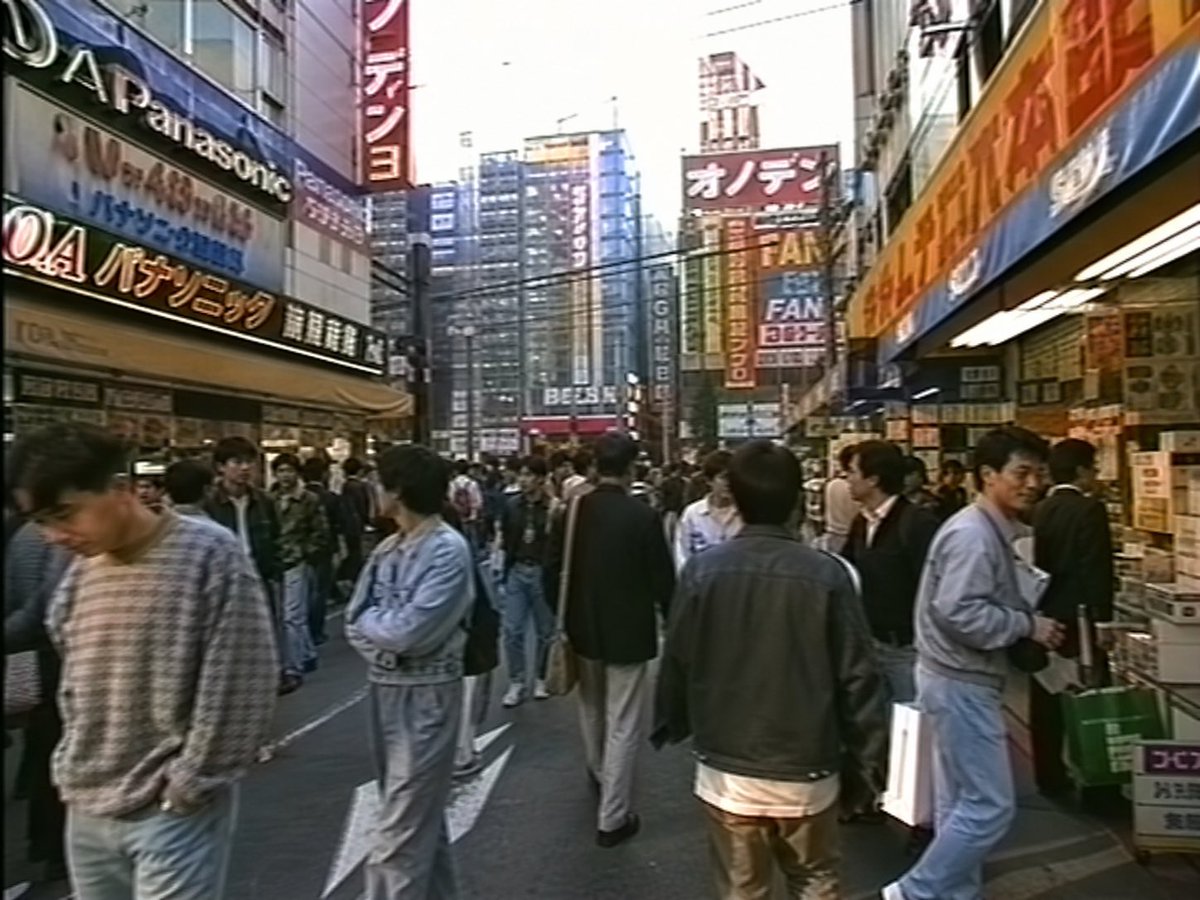
1990s Akihabara Street Photo

Attempting to Recreate a BeautyPlus Prompt
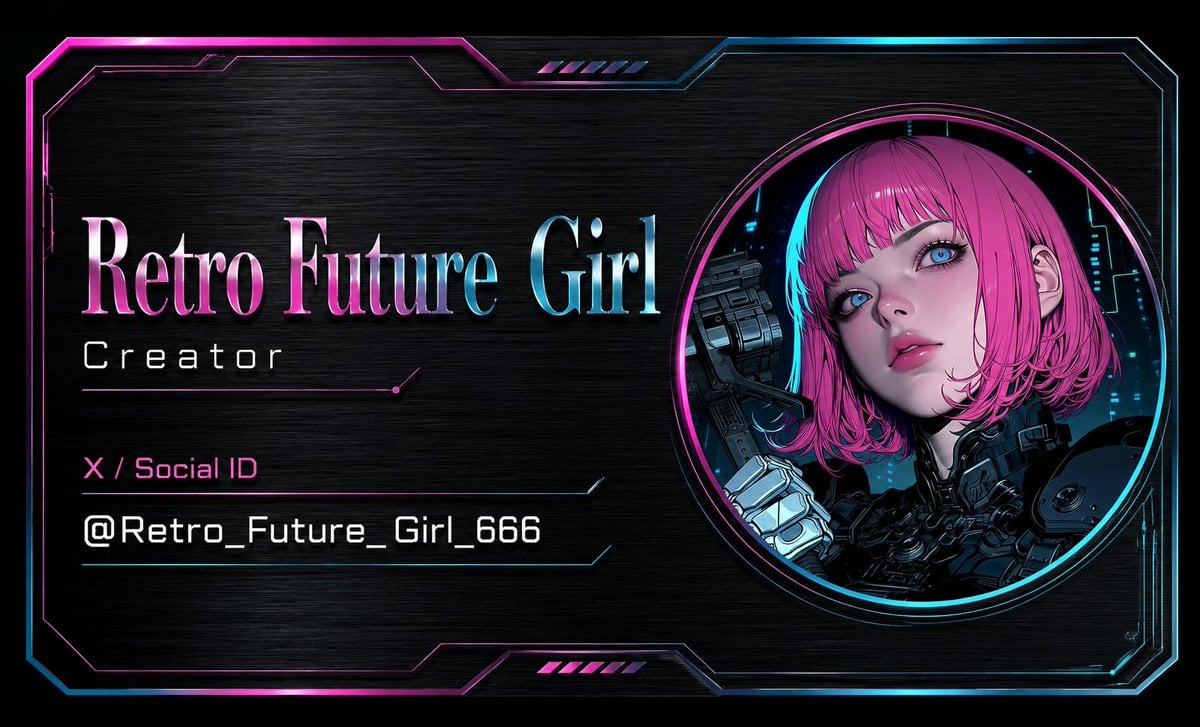
Cyberpunk AI Creator Card
Browse template categories
Dynamic Anime Rooftop Action Scene questions
How do I use the Dynamic Anime Rooftop Action Scene template?
Add your photo if the template asks for one, edit the prompt if you like — the template's model and format are already selected — and press Generate. Your version opens in PicX Studio.
Can I customize the Dynamic Anime Rooftop Action Scene template?
Yes. You can change the subject, setting, lighting, mood, format, and available model controls before creating your image.
Is the Dynamic Anime Rooftop Action Scene template free?
Opening and editing this template is free. Generating uses credits, shown on the Generate button when you are signed in.
Which AI model should I use?
Start with GPT Image 2, which is the model associated with this template. You can compare another compatible model for a different finish.
Looking for something else? Browse all templates.

Your photo, any look
Thousands of ready templates for every top image and video model, from one credit balance.