
Luxury Religion Concept Poster Grid
A premium four-panel infographic-style artwork visualizing major religions as floating monument islands, ideal for conceptual editorial art, social posts, or AI image model comparisons.
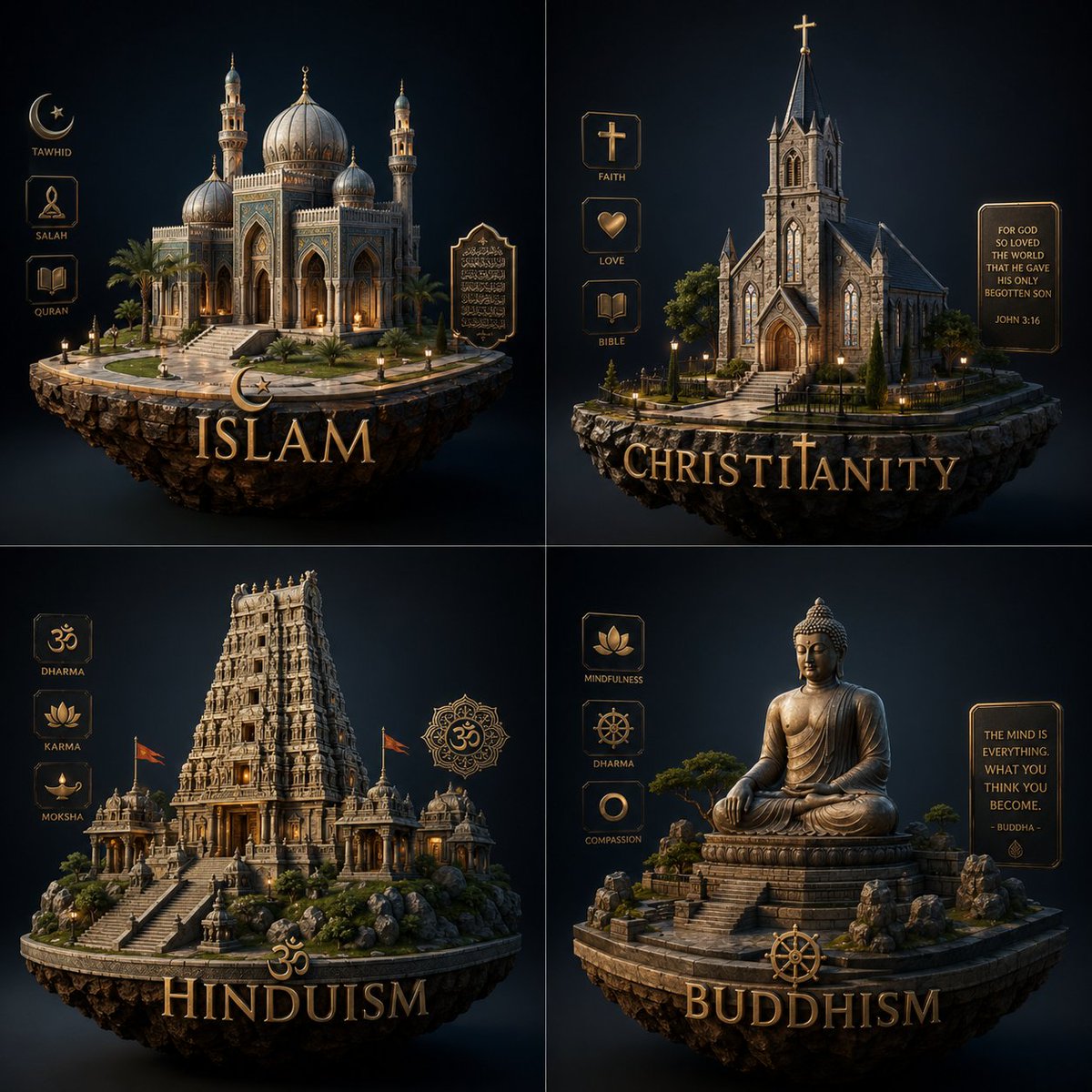
- Prompt included
- Model and format preset
- Free template
The prompt behind this image
Copy the exact prompt behind Luxury Religion Concept Poster Grid, or open it in the studio and make it yours.
Create a luxurious concept-entity infographic poster about the {argument name="theme" default="religion"}, arranged as a clean 2x2 grid on a deep navy-to-black cinematic background. Each quadrant contains one floating stone island rendered as a highly detailed miniature monument scene, lit with warm golden rim light and soft volumetric shadows, in an elegant dark fantasy editorial style with realistic materials, symmetrical composition, and refined gold typography. Top left: Islam, featuring a grand ornate mosque with a large central dome, smaller domes, two minarets, arched entry, palm trees, stone steps, and glowing windows, on a circular floating island; on the left side, exactly 3 vertical icon labels reading “TAWHID”, “SALAH”, and “QURAN”; on the right side, one decorative plaque with Arabic calligraphy; at the bottom, a crescent symbol above the large gold title “ISLAM”. Top right: Christianity, featuring a Gothic stone church with tall central steeple topped by a cross, pointed arch doorway, stained-glass style windows, small trees, and a fenced stone path on a floating island; on the left side, exactly 3 vertical icon labels reading “FAITH”, “LOVE”, and “BIBLE”; on the right side, one framed quote plaque reading “FOR GOD SO LOVED THE WORLD THAT HE GAVE HIS ONLY BEGOTTEN SON” and “JOHN 3:16”; at the bottom, a cross symbol integrated into the large gold title “CHRISTIANITY”. Bottom left: Hinduism, featuring an elaborate South Indian temple tower rising above a stepped stone complex with smaller shrines, flags, rocky landscaping, and warm interior glow on a floating island; on the left side, exactly 3 vertical icon labels reading “DHARMA”, “KARMA”, and “MOKSHA”; on the right side, one ornamental mandala-like emblem with the Om symbol; at the bottom, an Om symbol above the large gold title “HINDUISM”. Bottom right: Buddhism, featuring a monumental seated Buddha statue in meditation on a layered stone pedestal, surrounded by rocks, bonsai-like trees, and temple steps on a floating island; on the left side, exactly 3 vertical icon labels reading “MINDFULNESS”, “DHARMA”, and “COMPASSION”; on the right side, one framed quote plaque reading “THE MIND IS EVERYTHING. WHAT YOU THINK YOU BECOME. - BUDDHA -”; at the bottom, a Dharma wheel above the large gold title “BUDDHISM”. Keep all 4 sections visually consistent, with premium gold UI frames, engraved icon badges, polished serif lettering, dramatic studio lighting, high contrast, subtle glow, and immaculate centered presentation.
How to use Luxury Religion Concept Poster Grid in 3 steps
- 1Upload ImagePNG, JPG or paste
Add your photo
Upload the photo the template builds on. The prompt, model and format are already set.
- 2…a portrait of your subject in softgolden-hour light, 85mm…
Personalize
Edit the subject and creative details for your destination.
- 3Generate
Generate
Press Generate — your image is created in PicX Studio, so you can compare it with the original and refine one variable at a time.
More like this
Templates with the same subject, style or setup. Open one to see its prompt.

Luxury Sliced Wordmark Player Poster

Japan Travel Brochure Poster

Luxury ABKR Portrait Poster
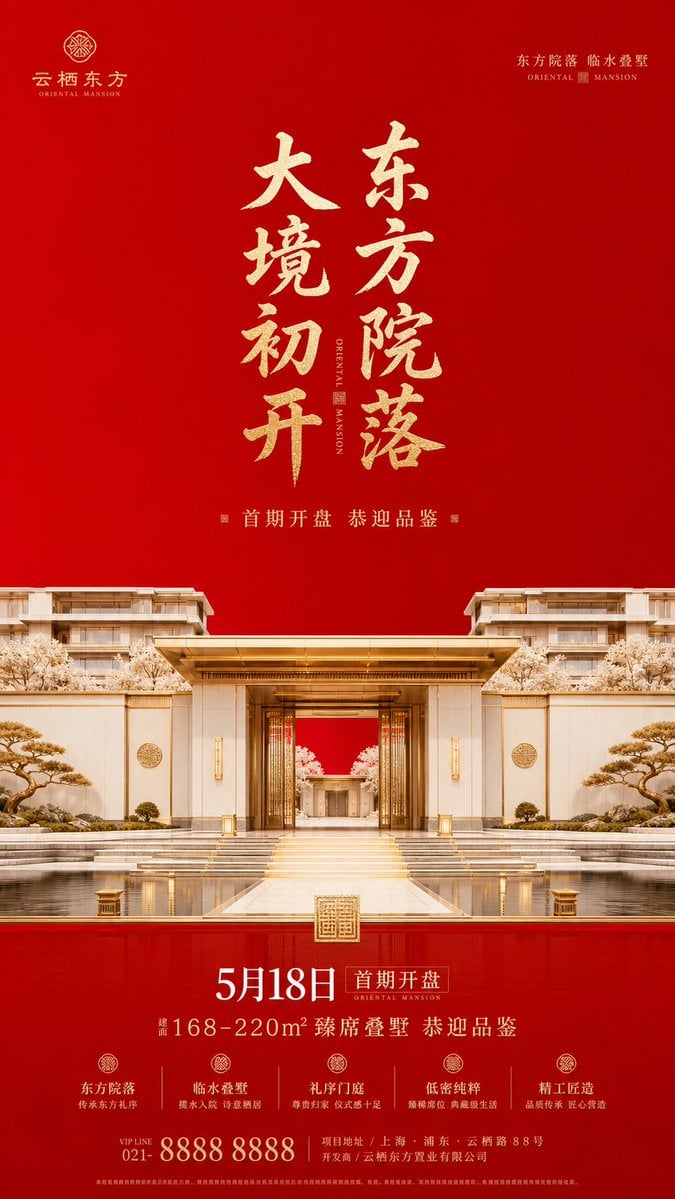
Luxury Oriental Mansion Opening Poster

Doctor Doom Luxury Armor Poster
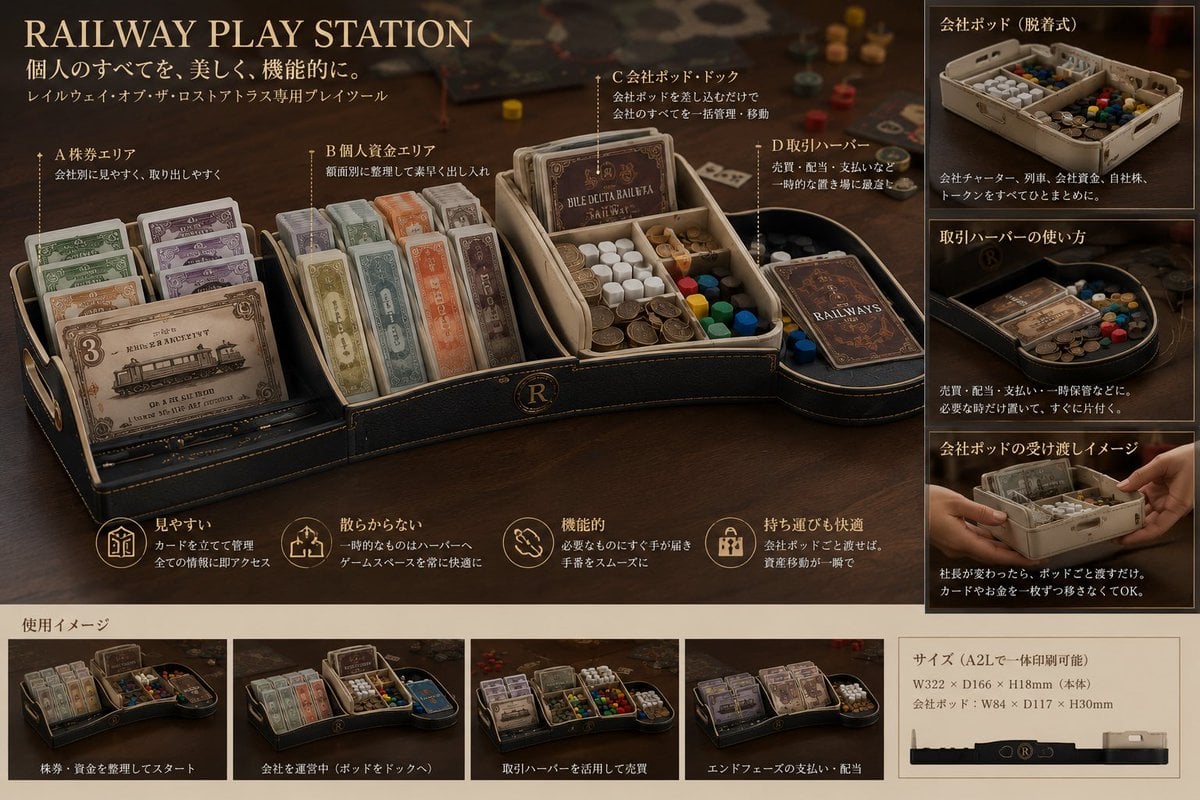
Luxury Railway Board Game Organizer Poster
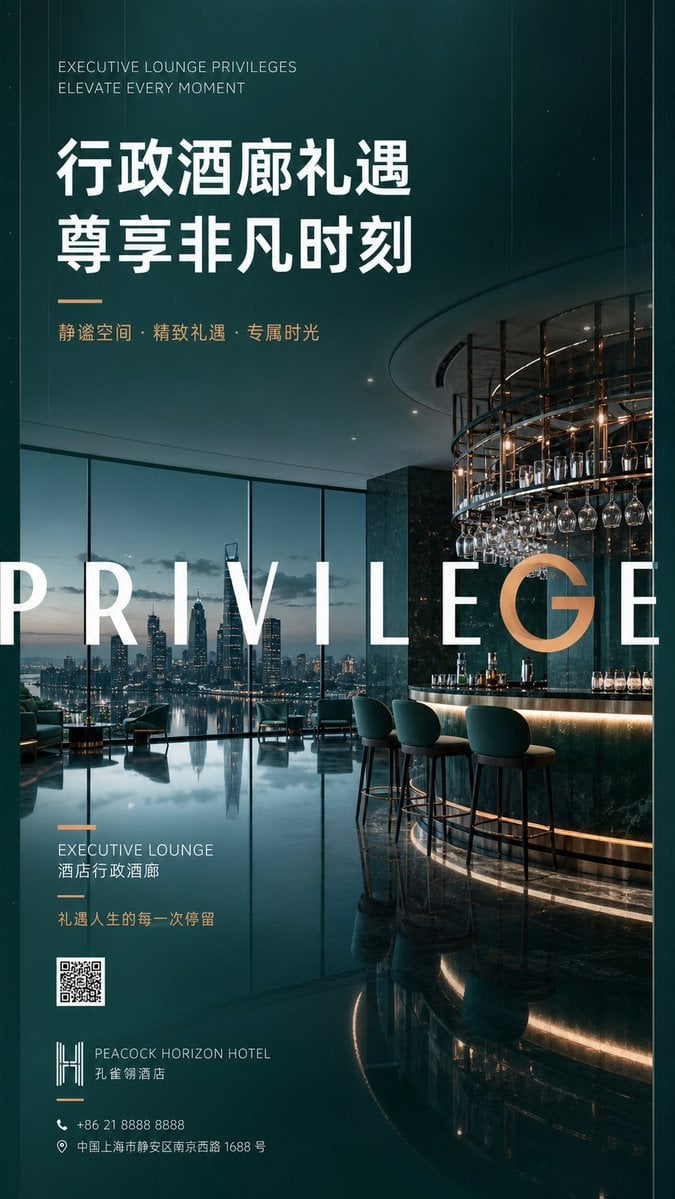
Luxury Executive Lounge Hotel Poster
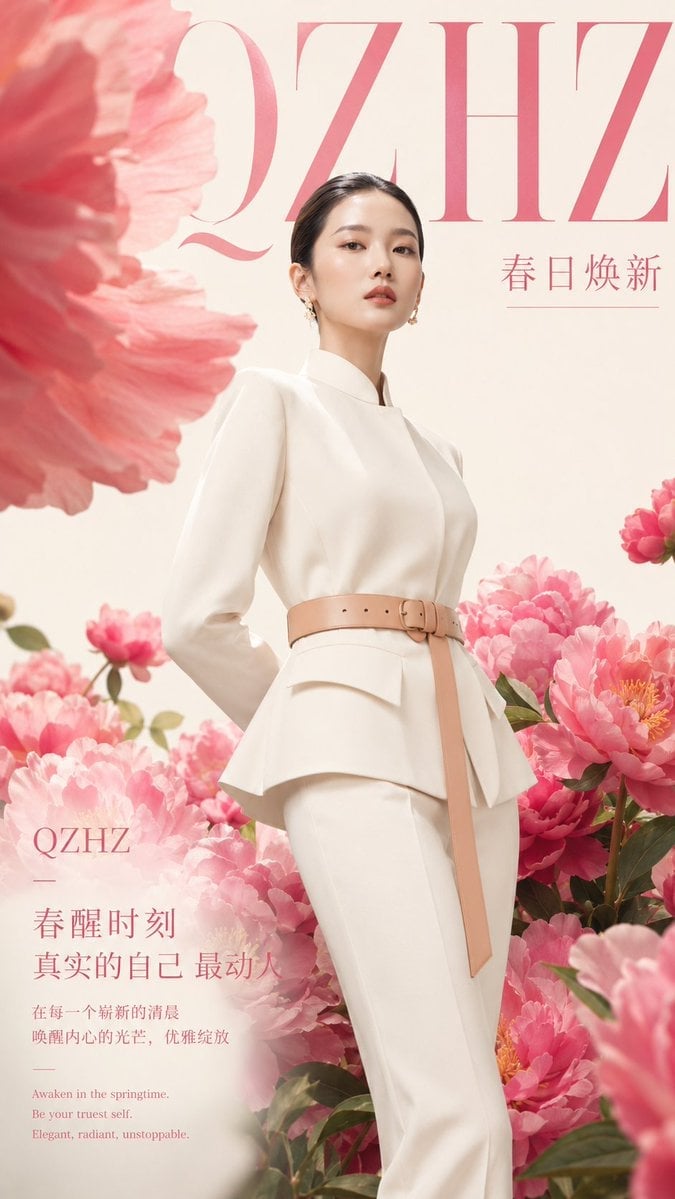
Luxury Spring Peony Fashion Poster
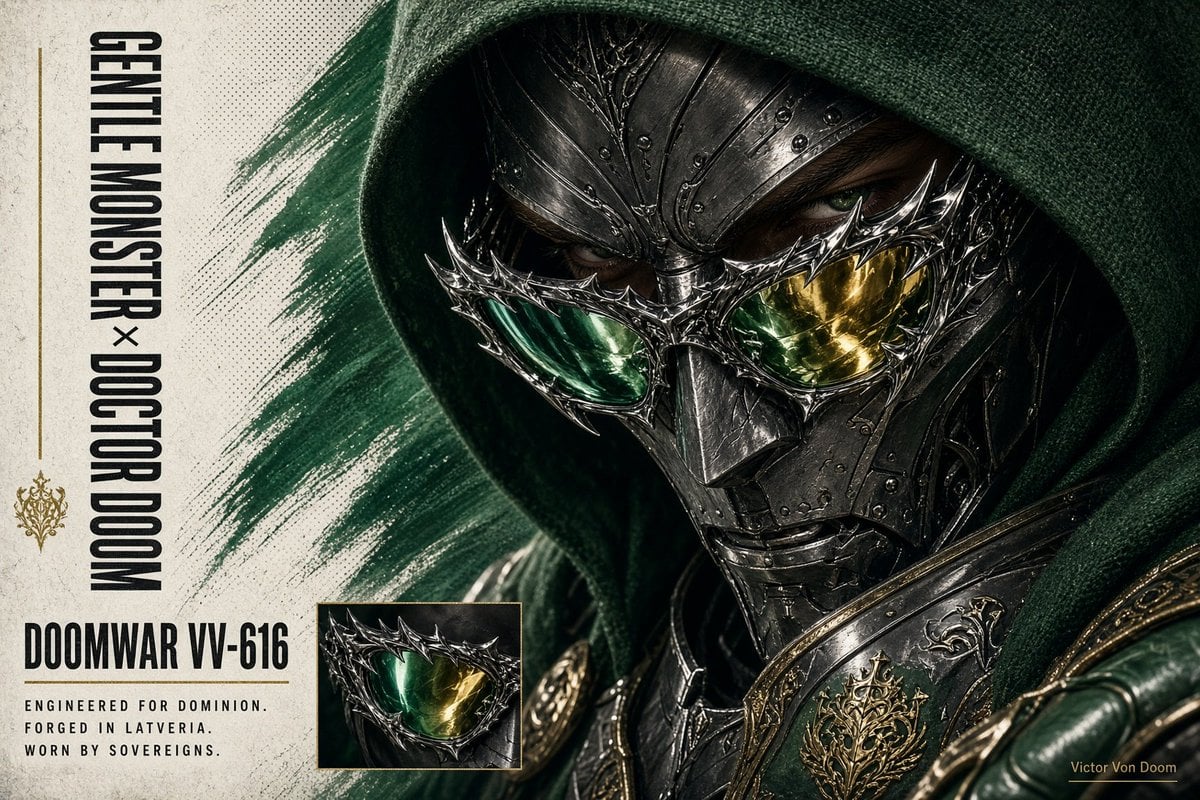
Doctor Doom Luxury Eyewear Poster
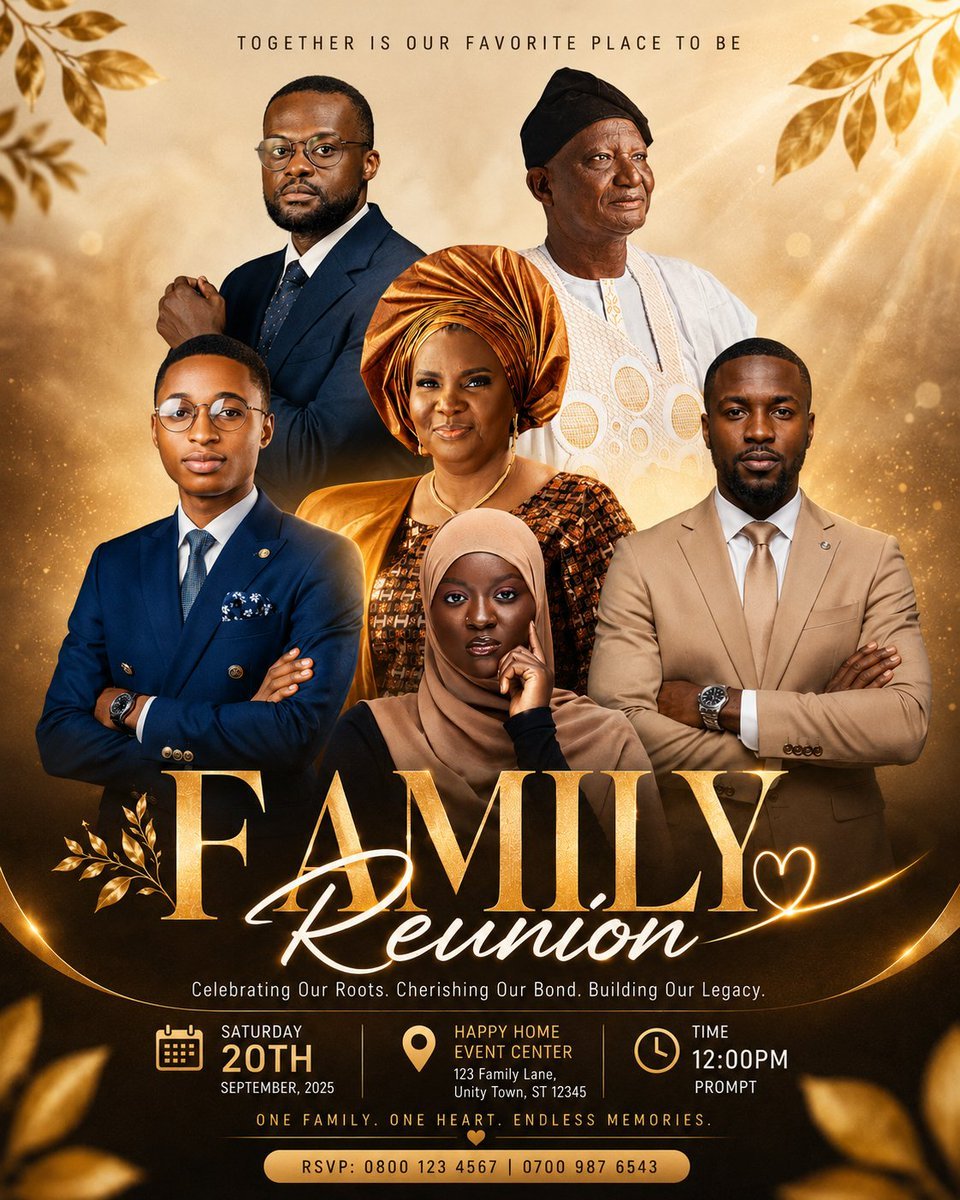
Luxury Family Reunion Poster
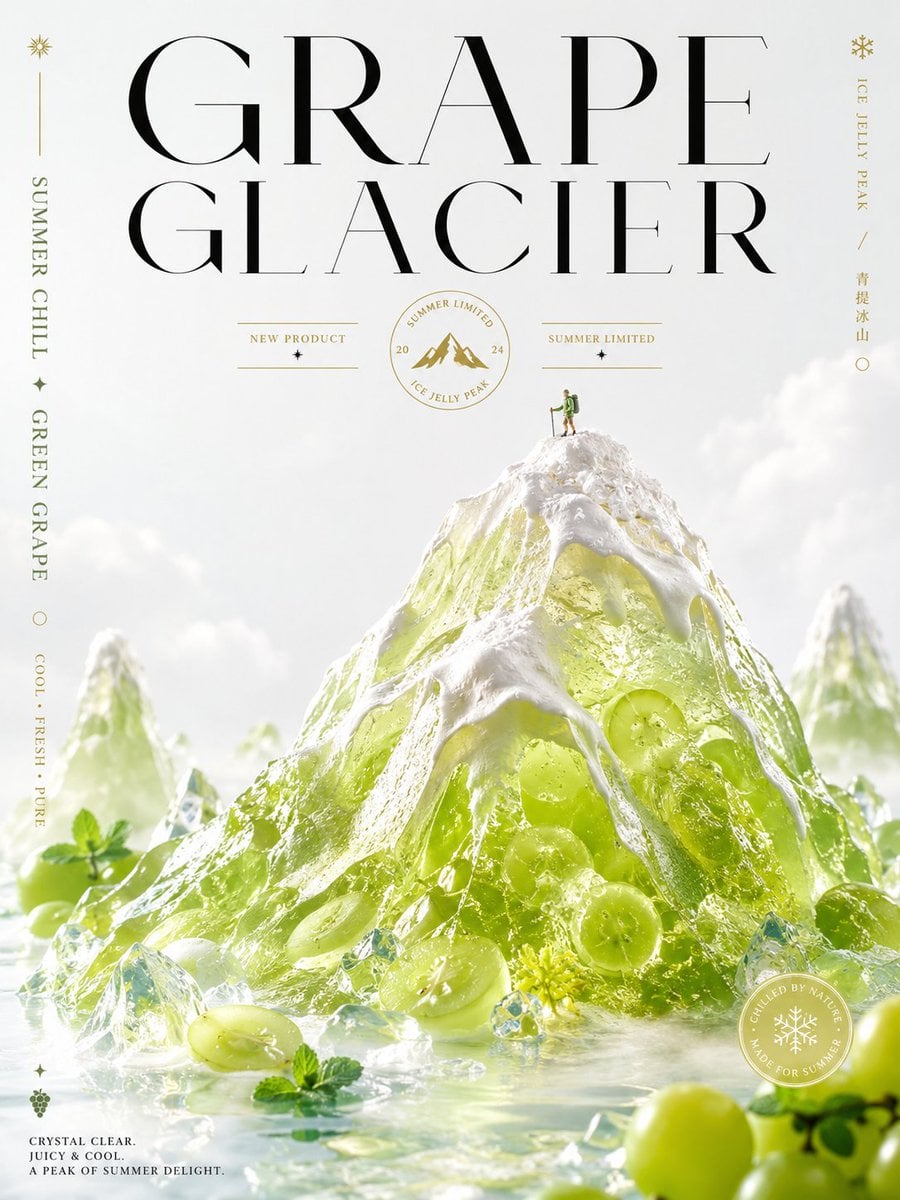
Luxury Grape Glacier Poster
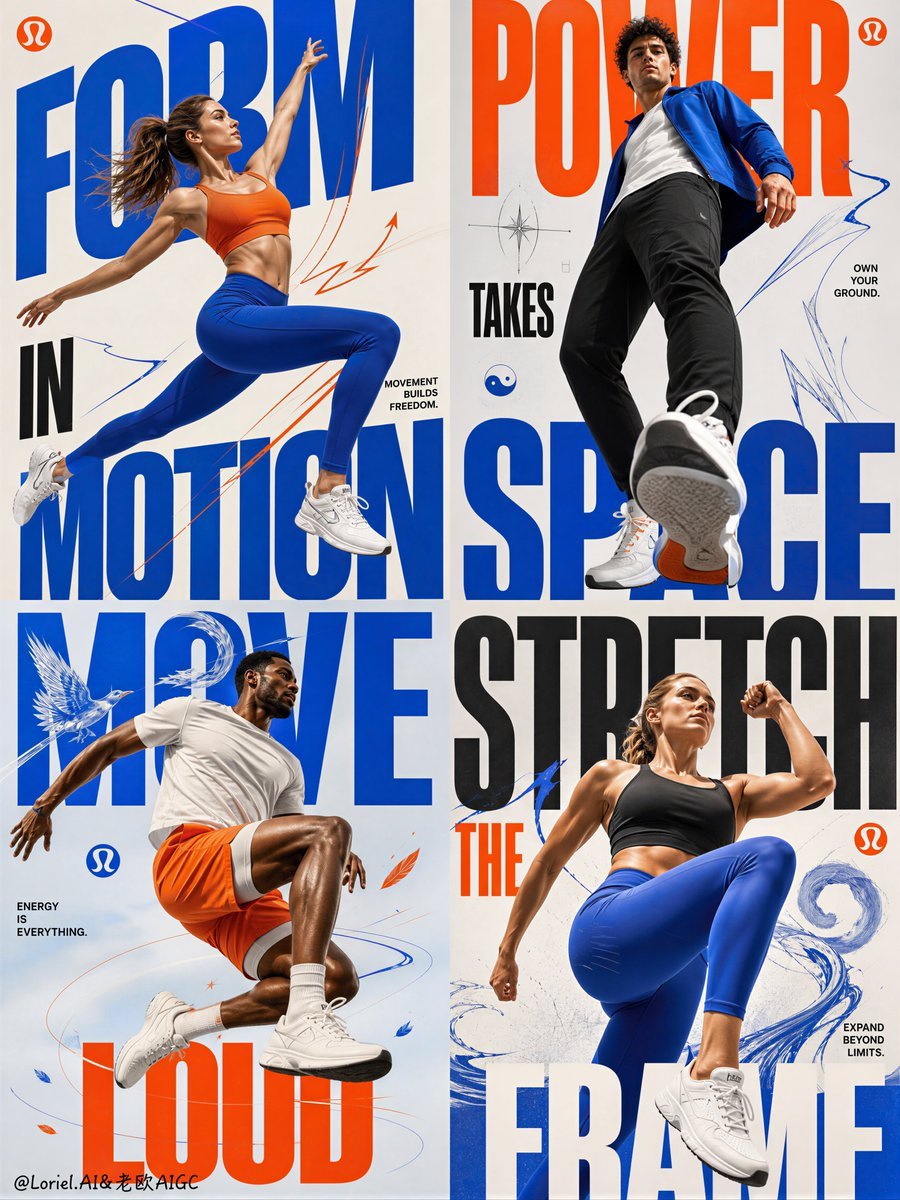
Fitness Apparel Grid Campaign Poster
Make it yours
Luxury Religion Concept Poster Grid works as-is. These are the safest ways to change it without losing the look.
Change one field
Copy a single group, rewrite it, and generate again so you can see what that field is doing.
Keep the frame, change the subject
Hold the composition and light of Luxury Religion Concept Poster Grid, then swap wardrobe, props or the person for a new take.
| If the result… | Why | Fix |
|---|---|---|
| The result drifts from the preview | Too many fields changed at once. | Reuse Luxury Religion Concept Poster Grid as-is first, then change one group — subject, light, or setting. |
| The model over-stylizes the scene | The prose prompt leaves finish and camera underspecified. | Add one camera or lighting sentence and stay on GPT Image 2. |
More GPT Image 2 templates
Other prompts made for GPT Image 2.

Six VTuber Japanese Logo Sheet

Realistic Portrait of Woman and Deer

The Vista Modular Condo Poster

AI Model Routing Comparison Infographic

2.5D Anime Art Board

Isometric Productivity Desk Scene

New York Double Exposure Poster

Four-Panel AI Landscape Comparison

Japanese Tatami Lifestyle Magazine Cover

NESCAFÉ Coffee Map Poster
More image prompts
Fresh picks from across the catalog.
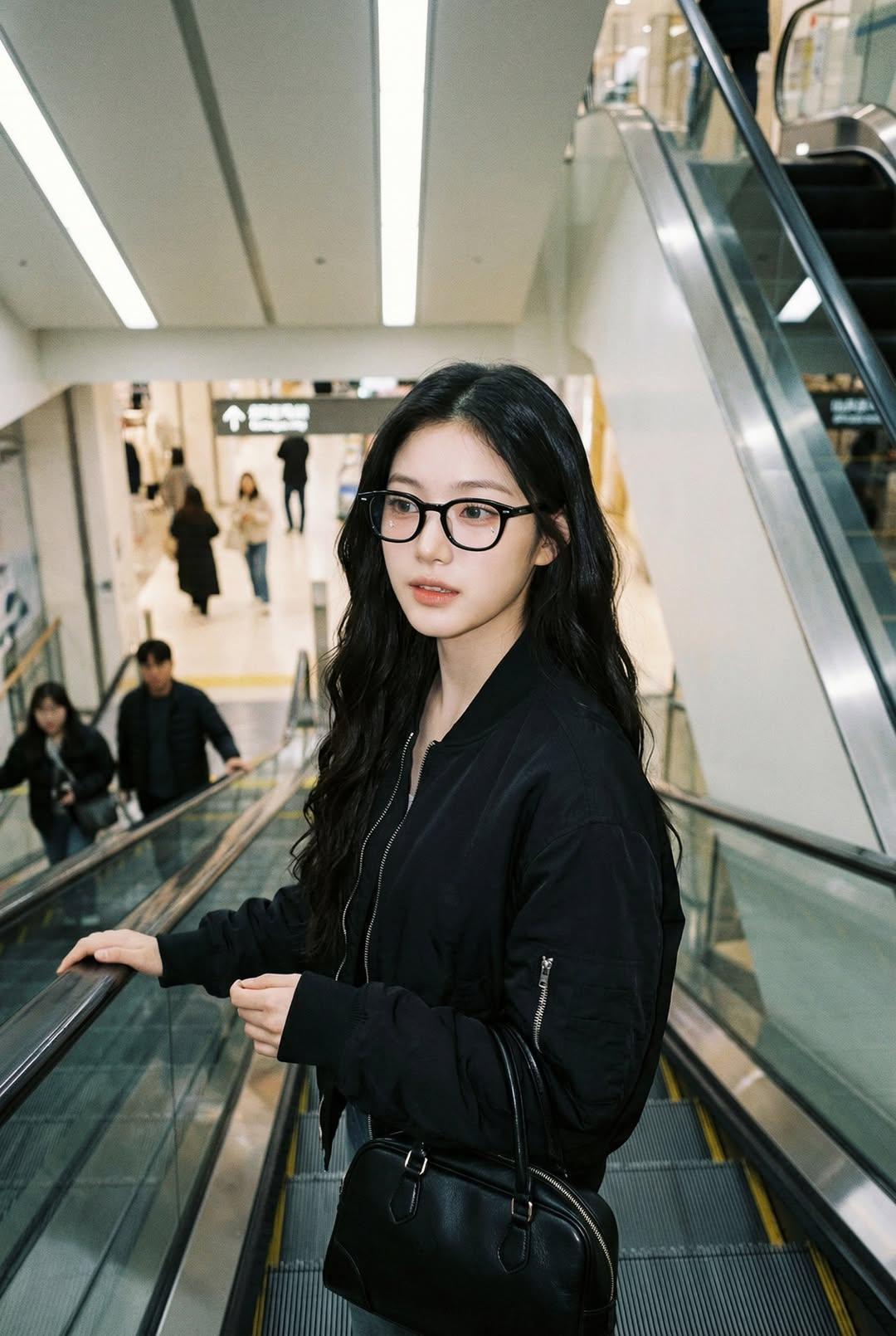
Nano Banana Pro — Escalator Candid Portrait
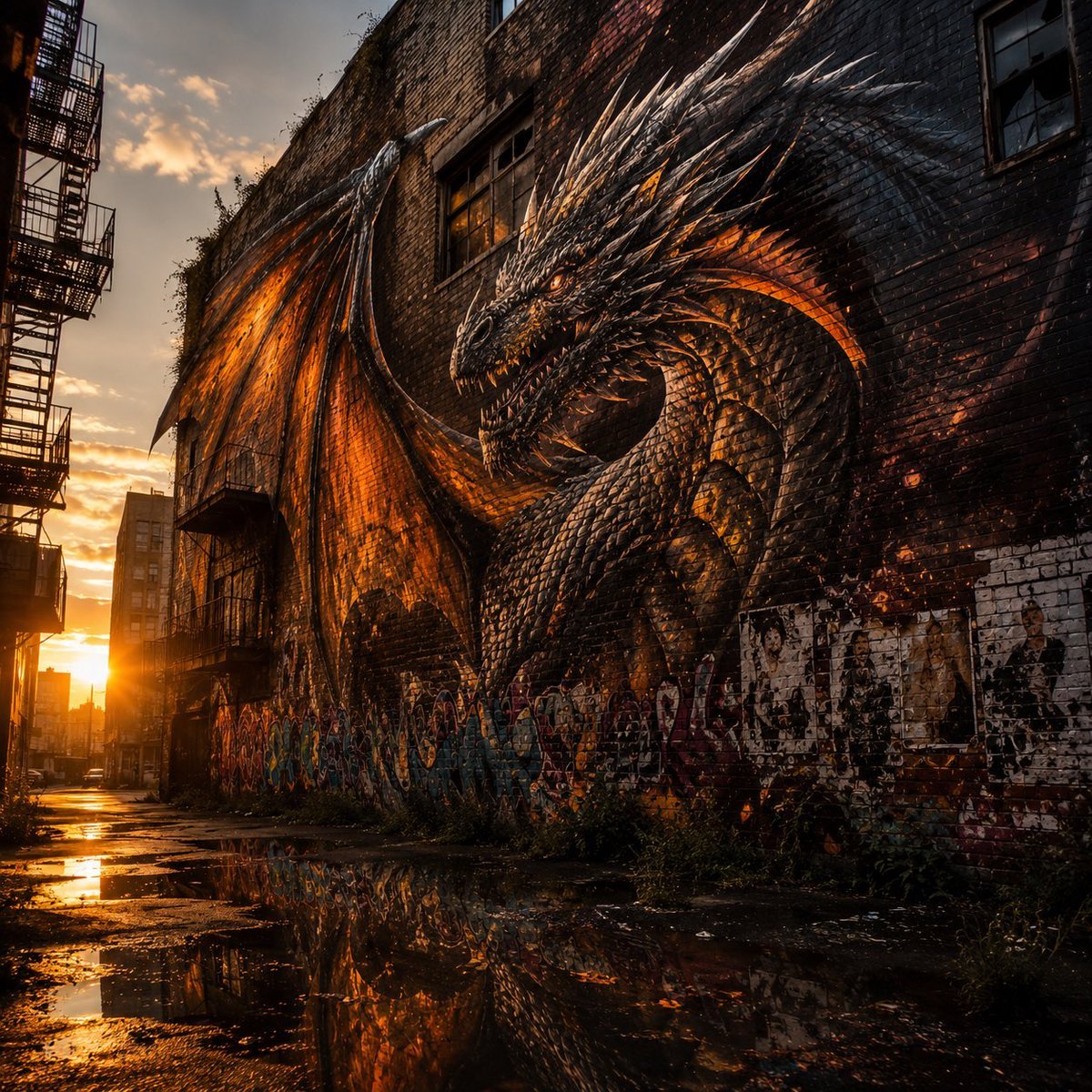
Living Dragon Mural in Sunset Alley

Cardboard Box DIY Toy Creation
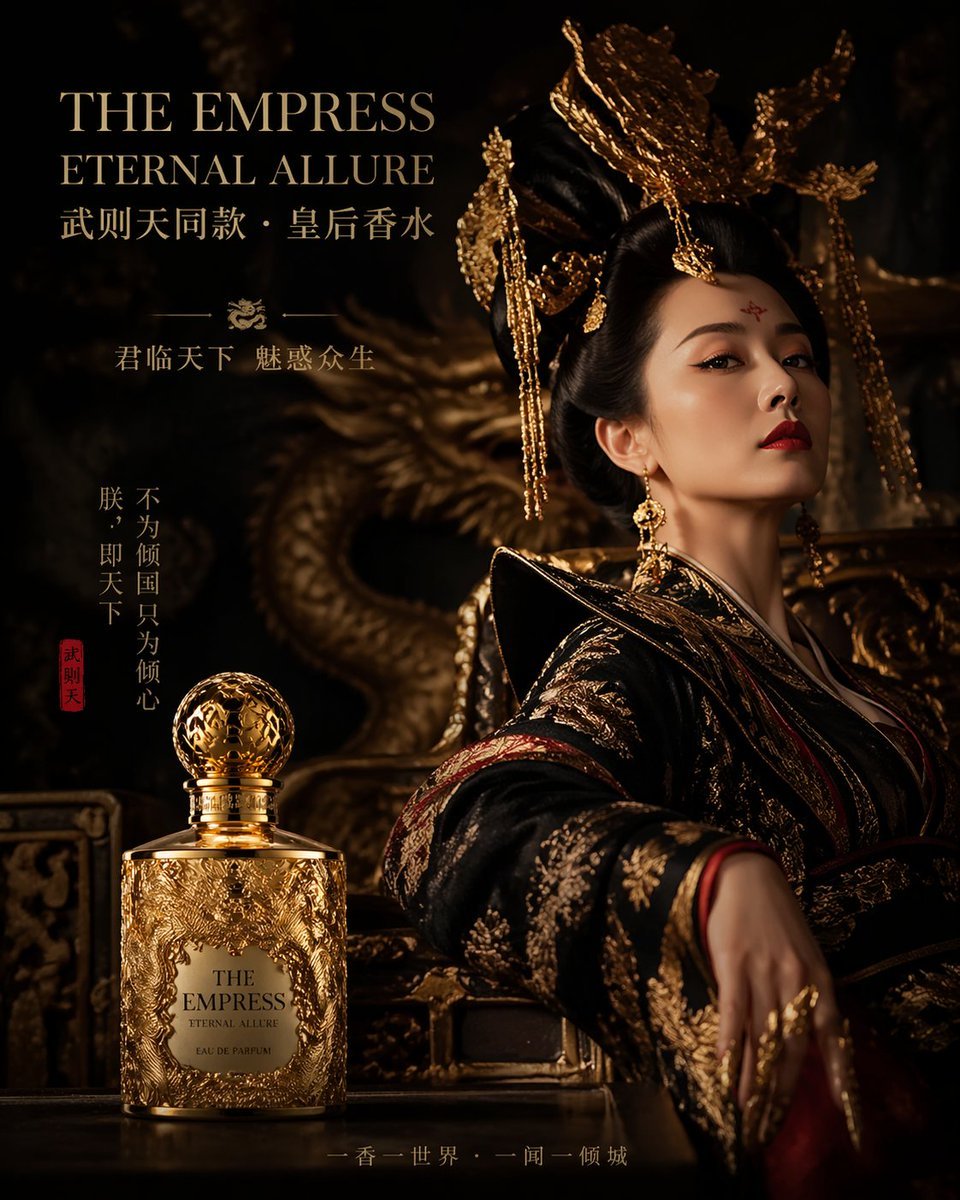
Royal Perfume Advertisement Prompt
iPhone Mirror Selfie with Old Money Corporate Elegance Vibe

Did Some Experimenting and Figured Out T
Playful Fashion Shoot with Giant Bugs Bunny
Mexico Fan Home Viewing Retouch
Golden Hour Candid Lifestyle Photo of South Asian Woman

Elevate Your Cocktail Visuals with This
Browse template categories
Luxury Religion Concept Poster Grid questions
How do I use the Luxury Religion Concept Poster Grid template?
Add your photo if the template asks for one, edit the prompt if you like — the template's model and format are already selected — and press Generate. Your version opens in PicX Studio.
Can I customize the Luxury Religion Concept Poster Grid template?
Yes. You can change the subject, setting, lighting, mood, format, and available model controls before creating your image.
Is the Luxury Religion Concept Poster Grid template free?
Opening and editing this template is free. Generating uses credits, shown on the Generate button when you are signed in.
Which AI model should I use?
Start with GPT Image 2, which is the model associated with this template. You can compare another compatible model for a different finish.
Looking for something else? Browse all templates.

Your photo, any look
Thousands of ready templates for every top image and video model, from one credit balance.