How do I use the Gothic Anime Figure Before Cathedral template?
Choose the primary action to open PicX Studio with the available template settings. Review the model and format, personalize the creative direction, and generate when ready.
This prompt generates a moody full-body dark fantasy character portrait, ideal for gothic anime key art, concept illustration, or dramatic cover imagery. Change the subject, setting, or lighting one variable at a time.
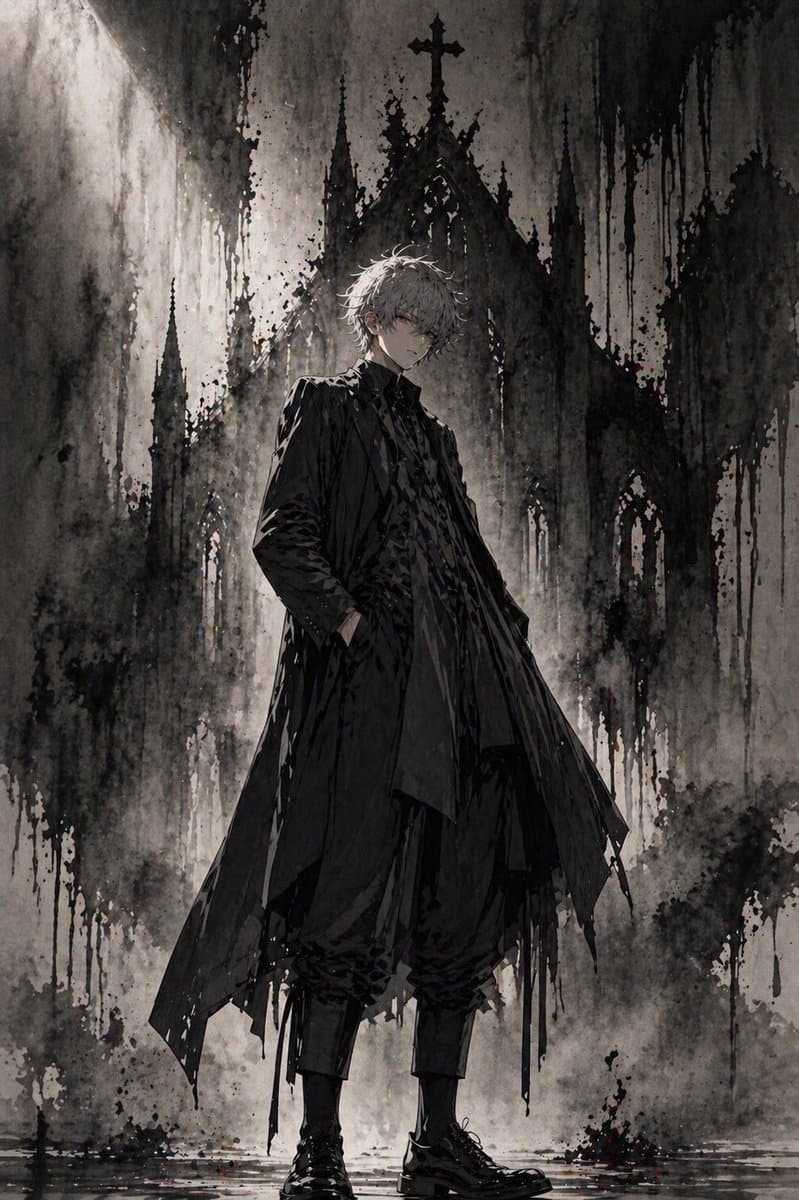
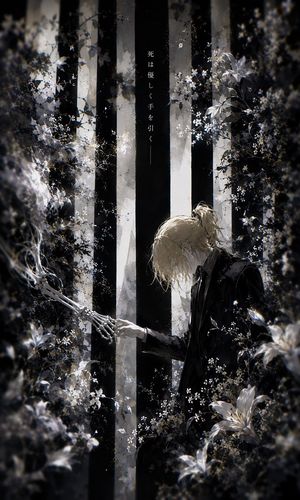
A full-body dark gothic anime illustration of a slender young man standing confidently in front of a towering ruined cathedral, centered in a vertical composition. He has messy, slightly wavy short hair in {argument name="hair color" default="silver white"}, pale skin, and an androgynous elegant presence. His expression is shadowed and understated, with the face partially obscured by dramatic lighting. He wears an all-black layered outfit: a long tattered overcoat with sharp asymmetrical panels, a high-collared inner jacket, a textured dark shirt, loose cropped trousers gathered at the calves, and polished black lace-up boots. One hand is in his coat pocket while the other arm hangs naturally, giving him a calm, aloof, aristocratic stance. Behind him rises a massive gothic church facade with 5 visible spires including a central cross-topped peak, rendered as if painted in black ink and watercolor washes. The environment is monochrome charcoal, ash gray, and black, with subtle muted brown undertones, heavy paint drips, splattered ink textures, foggy haze, and wet reflective ground at his feet. Use strong backlighting from the upper left to create a halo-like glow around the figure and silhouette the cathedral. The mood is bleak, solemn, mysterious, and cinematic, combining gothic fashion editorial, dark fantasy, and ink wash concept art. Highly detailed fabric folds, painterly brushwork, dramatic contrast, textured grunge background, elegant composition, no text, no extra characters.
Choose the primary action to open PicX Studio with the available template settings. Review the model and format, personalize the creative direction, and generate when ready.
Yes. You can change the subject, setting, lighting, mood, format, and available model controls before creating your image.
This template is free to open and customize. Generation usage is shown in PicX Studio before you create.
Start with GPT Image 2, which is the model associated with this template. You can compare another compatible model for a different finish.
© 2026 PicX Studio. All rights reserved.

Follow a topic to a crawlable collection of related PicX Studio templates.
43,474 public templates available. Verified via the PicX Studio public templates API; refreshed hourly.















![Minimalist Flat Vector Travel Poster — Premium minimalist flat-vector travel poster for {argument name="city name" default="[CITY_NAME]"}, 3:4 vertical format.](https://cms-assets.youmind.com/media/1787917359711_3ug846_HQX205cbMAA6F6S-300x400.jpg)