
Weekend Trip Packing Infographic
A warm editorial-style travel packing poster showing a flat-lay duffel bag scene with labeled checklist panels and step cards, ideal for lifestyle infographics, travel guides, and packing-themed social content.
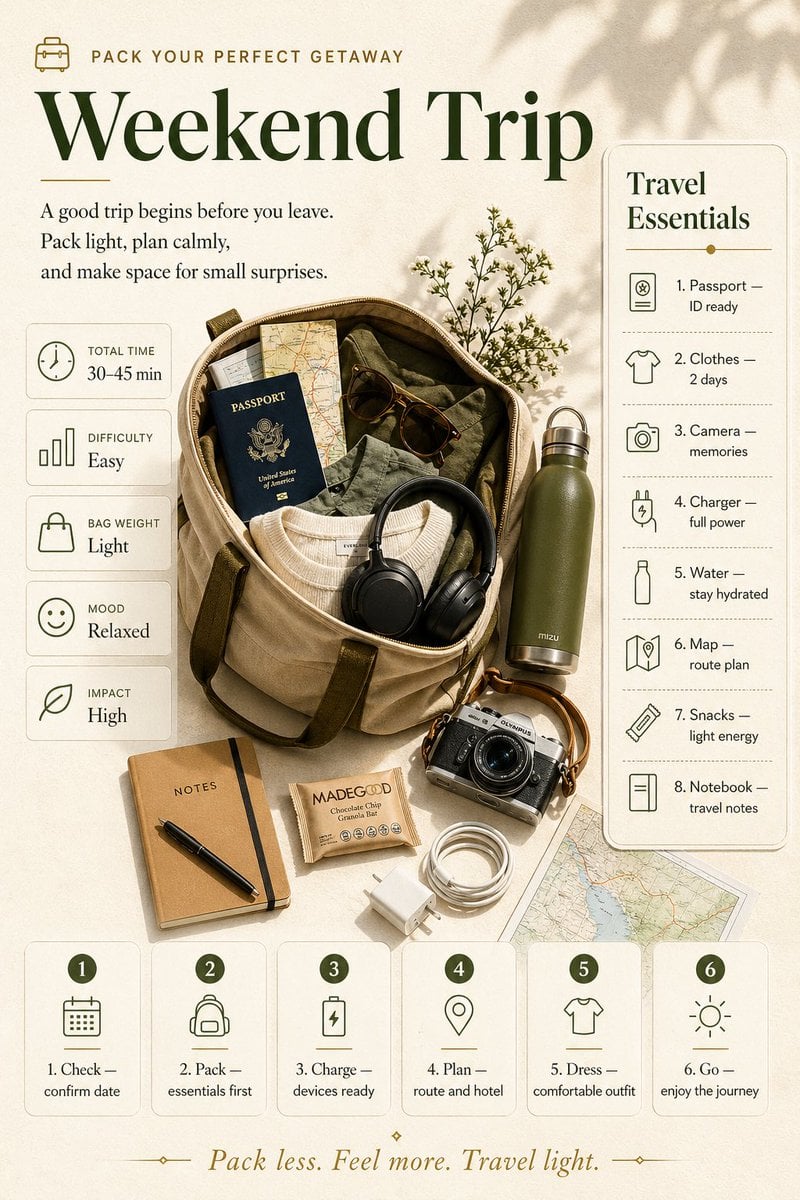
- Prompt included
- Model and format preset
- Free template
The prompt behind this image
Copy the exact prompt behind Weekend Trip Packing Infographic, or open it in the studio and make it yours.
- Type
- editorial travel packing infographic poster
- Style
- minimalist lifestyle flat-lay with warm natural sunlight, soft botanical shadows, premium magazine aesthetic, muted earth-tone palette, elegant serif headline paired with clean sans-serif body text, spacious cream background, refined line icons, subtle rounded cards and panels
- Canvas › Orientation
- portrait
- Canvas › Aspect Ratio
- 4:5
- Canvas › Background Color
- warm ivory textured paper
- Headline › Eyebrow › Icon
- small suitcase line icon
- Headline › Eyebrow › Text
- {argument name="eyebrow text" default="PACK YOUR PERFECT GETAWAY"}
- Headline › Title
- {argument name="headline text" default="Weekend Trip"}
- Headline › Subtitle
- {argument name="intro text" default="A good trip begins before you leave. Pack light, plan calmly, and make space for small surprises."}
- Centerpiece › Type
- open duffel bag flat lay
- Centerpiece › Position
- center-left
- Centerpiece › Bag › Material
- beige canvas
- Centerpiece › Bag › Trim
- olive straps
- Centerpiece › Bag › Opening
- wide open, viewed from above at a slight angle
- Centerpiece › Contents Count
- 6
- Centerpiece › Contents
- folded olive clothing, folded cream knit sweater, dark blue passport, paper road map partially visible, brown sunglasses, black over-ear headphones draped at the opening
- Centerpiece › Surrounding Items Count
- 8
- Centerpiece › Surrounding Items
- olive metal water bottle standing upright on the right, silver vintage camera near lower right, tan notebook labeled NOTES at lower left, black pen placed diagonally on the notebook, small wrapped snack bar beside notebook, coiled white charging cable, white wall charger block, large map sheet peeking from the lower right corner
- Centerpiece › Botanical Detail
- delicate sprig of tiny flowers tucked behind the bag near the upper right
- Layout › Sections › 0 › Title
- left stats column
- Layout › Sections › 0 › Position
- left side, stacked vertically
- Layout › Sections › 0 › Count
- 5
- Layout › Sections › 0 › Cards › 0 › Icon
- clock
- Layout › Sections › 0 › Cards › 0 › Label
- TOTAL TIME
Raw JSON
{"type":"editorial travel packing infographic poster","style":"minimalist lifestyle flat-lay with warm natural sunlight, soft botanical shadows, premium magazine aesthetic, muted earth-tone palette, elegant serif headline paired with clean sans-serif body text, spacious cream background, refined line icons, subtle rounded cards and panels","canvas":{"orientation":"portrait","aspect_ratio":"4:5","background_color":"warm ivory textured paper"},"headline":{"eyebrow":{"icon":"small suitcase line icon","text":"{argument name=\"eyebrow text\" default=\"PACK YOUR PERFECT GETAWAY\"}"},"title":"{argument name=\"headline text\" default=\"Weekend Trip\"}","subtitle":"{argument name=\"intro text\" default=\"A good trip begins before you leave. Pack light, plan calmly, and make space for small surprises.\"}"},"centerpiece":{"type":"open duffel bag flat lay","position":"center-left","bag":{"material":"beige canvas","trim":"olive straps","opening":"wide open, viewed from above at a slight angle"},"contents_count":6,"contents":["folded olive clothing","folded cream knit sweater","dark blue passport","paper road map partially visible","brown sunglasses","black over-ear headphones draped at the opening"],"surrounding_items_count":8,"surrounding_items":["olive metal water bottle standing upright on the right","silver vintage camera near lower right","tan notebook labeled NOTES at lower left","black pen placed diagonally on the notebook","small wrapped snack bar beside notebook","coiled white charging cable","white wall charger block","large map sheet peeking from the lower right corner"],"botanical_detail":"delicate sprig of tiny flowers tucked behind the bag near the upper right"},"layout":{"sections":[{"title":"left stats column","position":"left side, stacked vertically","count":5,"cards":[{"icon":"clock","label":"TOTAL TIME","value":"30–45 min"},{"icon":"bar chart","label":"DIFFICULTY","value":"Easy"},{"icon":"bag","label":"BAG WEIGHT","value":"Light"},{"icon":"smile face","label":"MOOD","value":"Relaxed"},{"icon":"leaf","label":"IMPACT","value":"High"}]},{"title":"right checklist panel","position":"right side tall rounded panel","count":8,"heading":"Travel Essentials","items":[{"number":1,"icon":"passport document","text":"Passport — ID ready"},{"number":2,"icon":"t-shirt","text":"Clothes — 2 days"},{"number":3,"icon":"camera","text":"Camera — memories"},{"number":4,"icon":"charger plug","text":"Charger — full power"},{"number":5,"icon":"water bottle","text":"Water — stay hydrated"},{"number":6,"icon":"folded map","text":"Map — route plan"},{"number":7,"icon":"snack bar","text":"Snacks — light energy"},{"number":8,"icon":"notebook","text":"Notebook — travel notes"}]},{"title":"bottom step cards","position":"bottom row across the page","count":6,"cards":[{"number":1,"icon":"calendar","text":"Check — confirm date"},{"number":2,"icon":"backpack","text":"Pack — essentials first"},{"number":3,"icon":"battery with lightning","text":"Charge — devices ready"},{"number":4,"icon":"location pin","text":"Plan — route and hotel"},{"number":5,"icon":"t-shirt","text":"Dress — comfortable outfit"},{"number":6,"icon":"sun","text":"Go — enjoy the journey"}]}],"footer_quote":"{argument name=\"footer quote\" default=\"Pack less. Feel more. Travel light.\"}"},"typography":{"headline_font":"high-contrast elegant serif","body_font":"clean readable serif or humanist sans-serif","headline_color":"deep forest green","text_color":"dark olive gray","accent_color":"muted gold"},"color_palette":{"count":6,"colors":["cream","beige","forest green","olive","tan","soft gold"]},"lighting":{"type":"soft daylight from upper left","effects":["gentle shadows from foliage","soft object shadows","calm premium lifestyle mood"]},"composition":{"balance":"editorial and symmetrical with slight organic asymmetry from objects","camera_angle":"top-down flat lay with minor perspective","detail_level":"high, crisp product styling, realistic textures"}}How to use Weekend Trip Packing Infographic in 3 steps
- 1Upload ImagePNG, JPG or paste
Add your photo
Upload the photo the template builds on. The prompt, model and format are already set.
- 2…a portrait of your subject in softgolden-hour light, 85mm…
Personalize
Edit the subject and creative details for your destination.
- 3Generate
Generate
Press Generate — your image is created in PicX Studio, so you can compare it with the original and refine one variable at a time.
More like this
Templates with the same subject, style or setup. Open one to see its prompt.

Japan Travel Brochure Poster
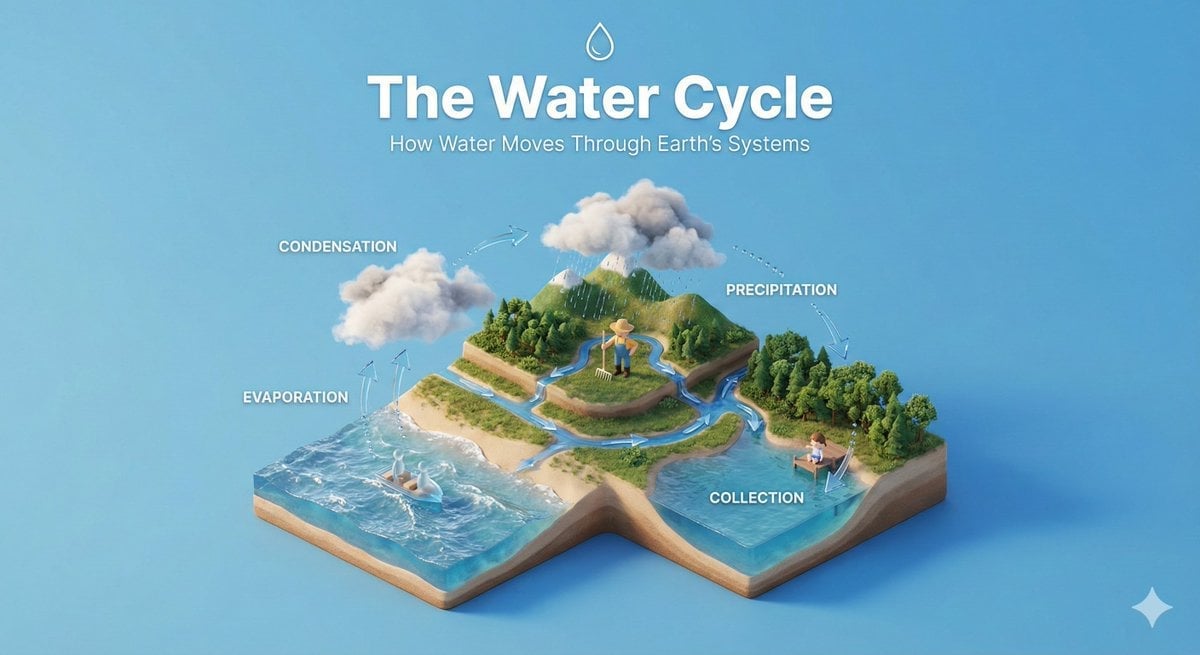
Isometric Process Educational Diorama
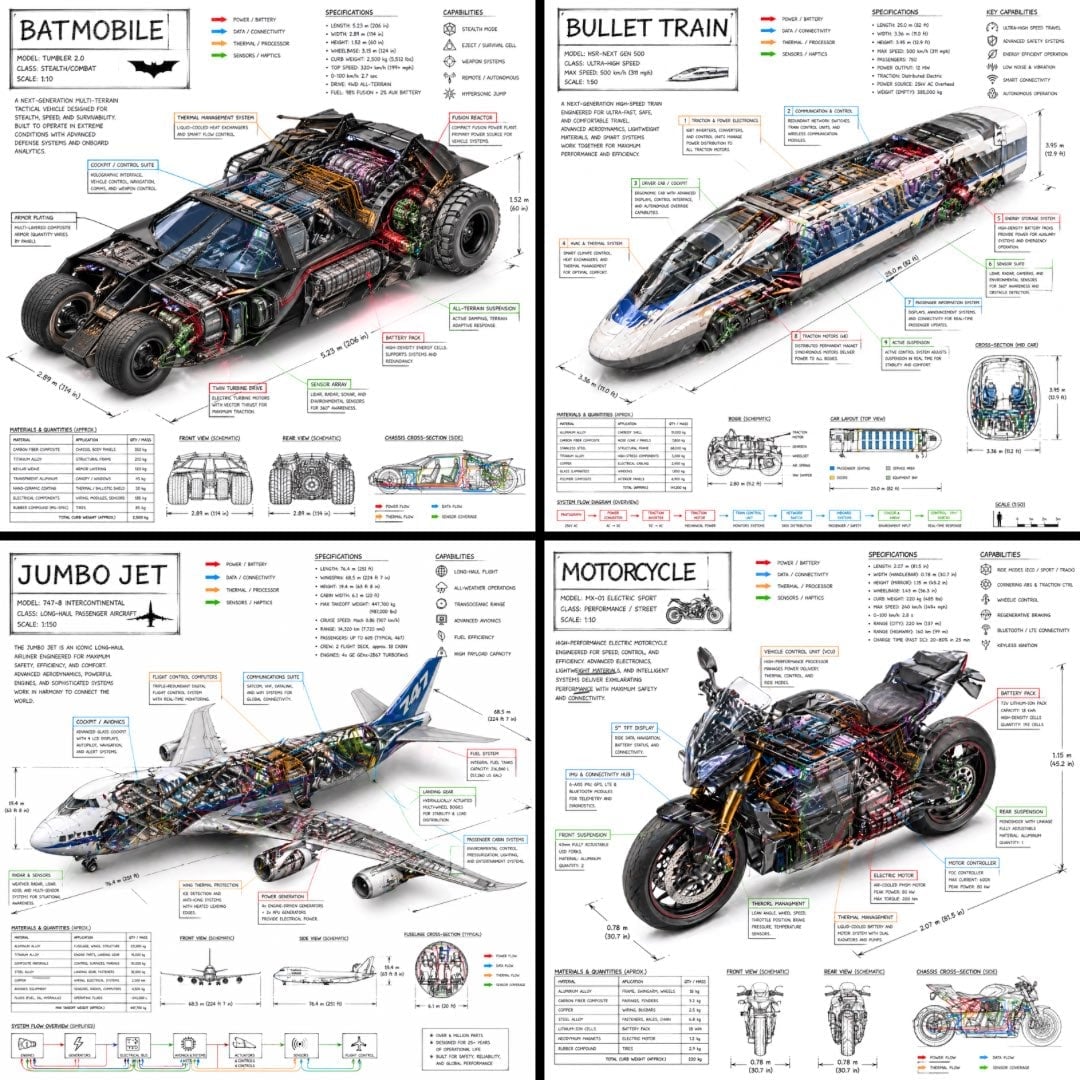
Isometric Vehicle Teardown Infographic Template
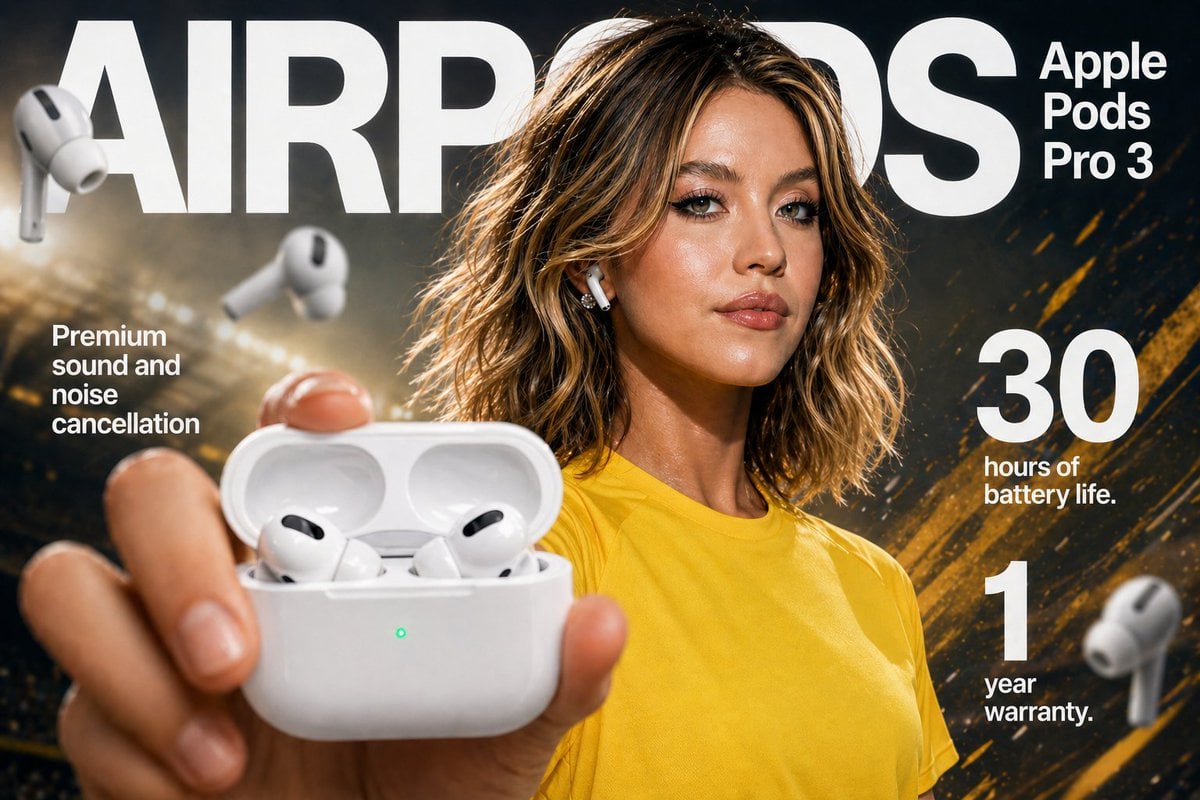
Gpt2 E Commerce Main Image Earbuds E Commerce Infographic
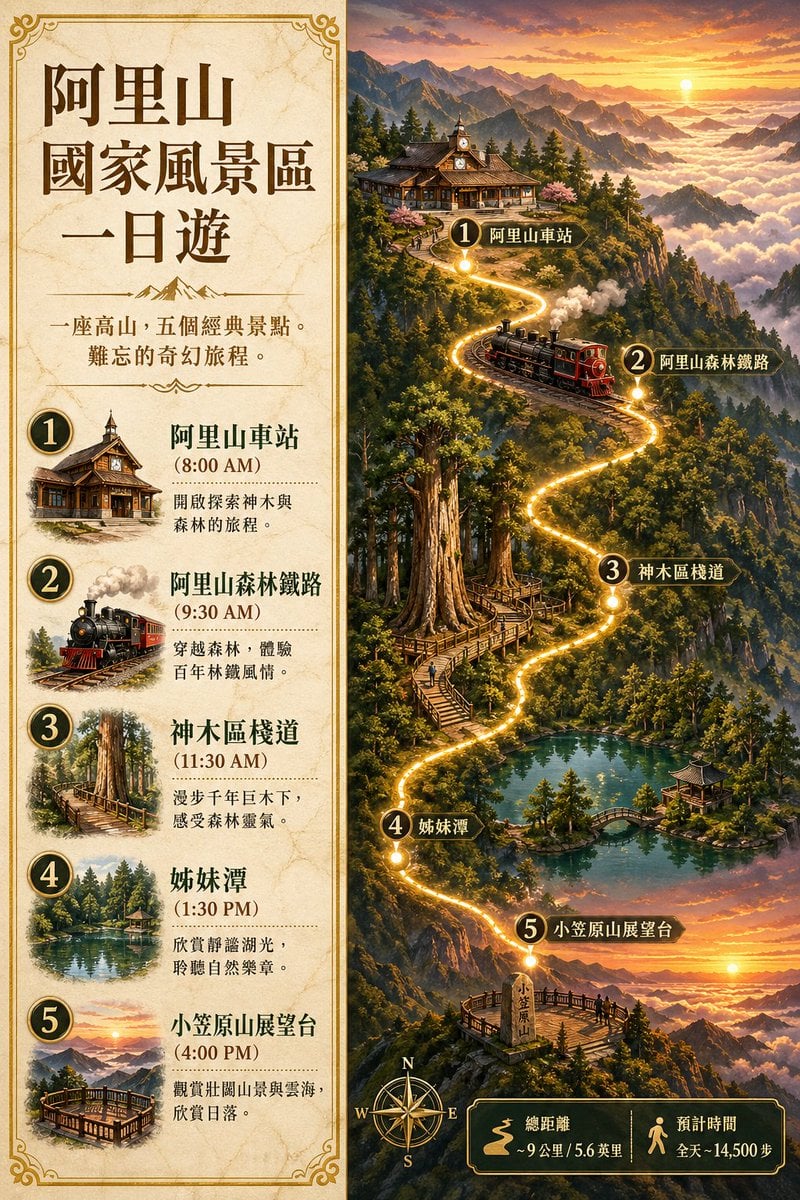
Gpt2 Infographic Edu Visual Alishan One Day Travel Poster

Gpt2 Infographic Edu Visual Ethnographic Plate for Tibetan Ceremonial Hat
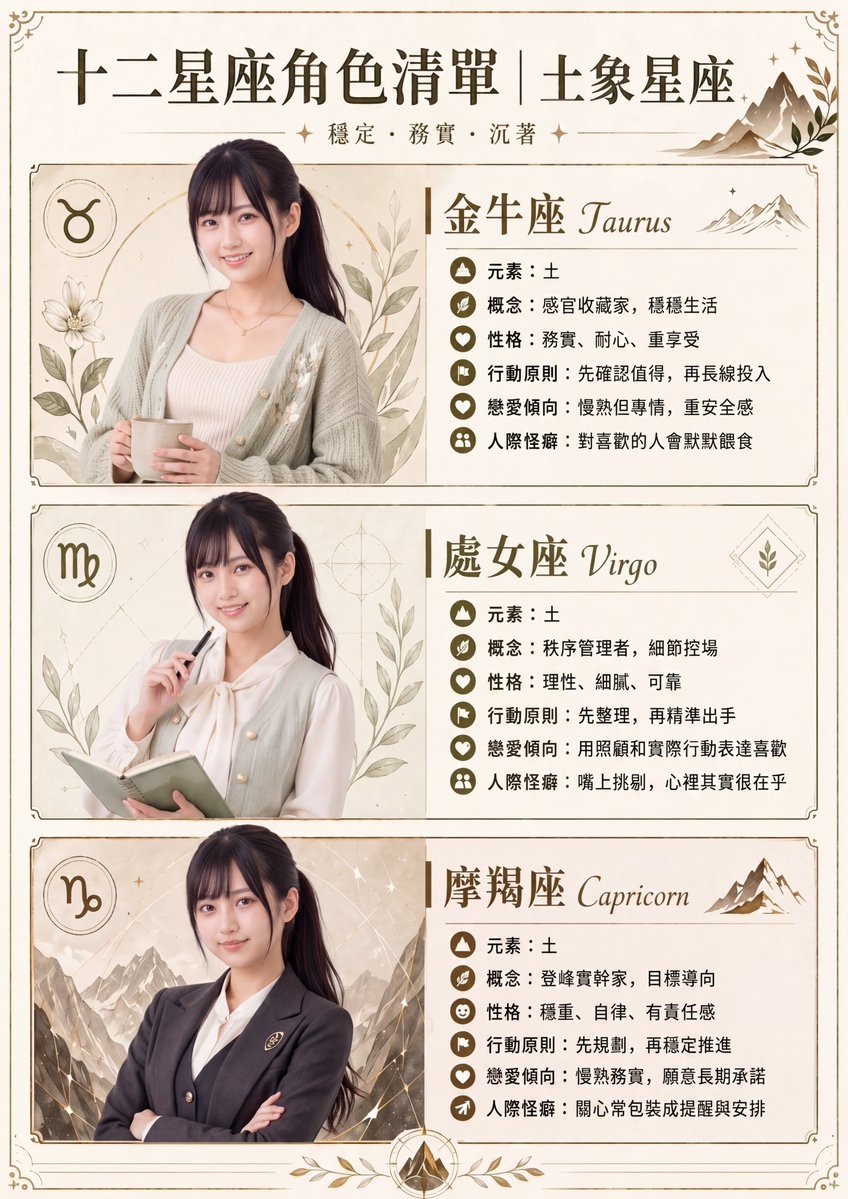
Gpt2 Infographic Edu Visual Earth Signs Zodiac Character Poster
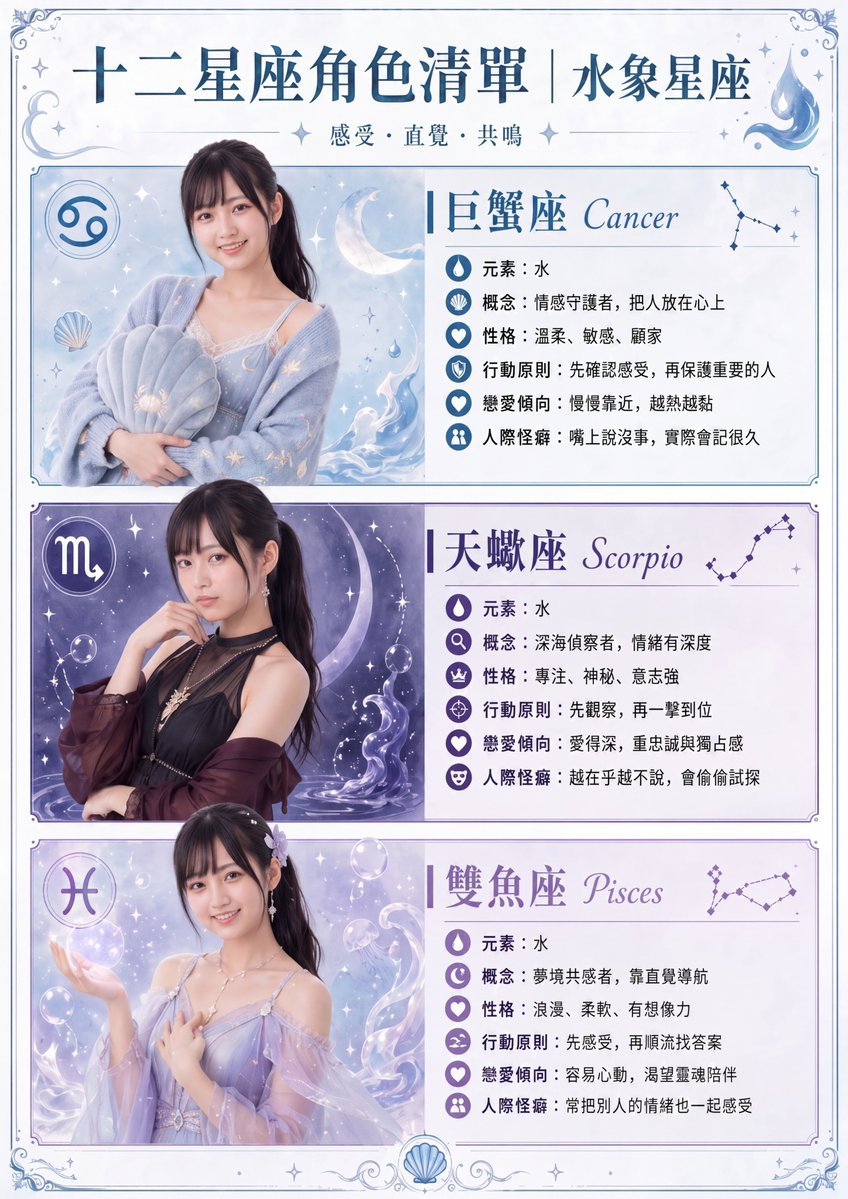
Gpt2 Infographic Edu Visual Water Signs Zodiac Character Poster
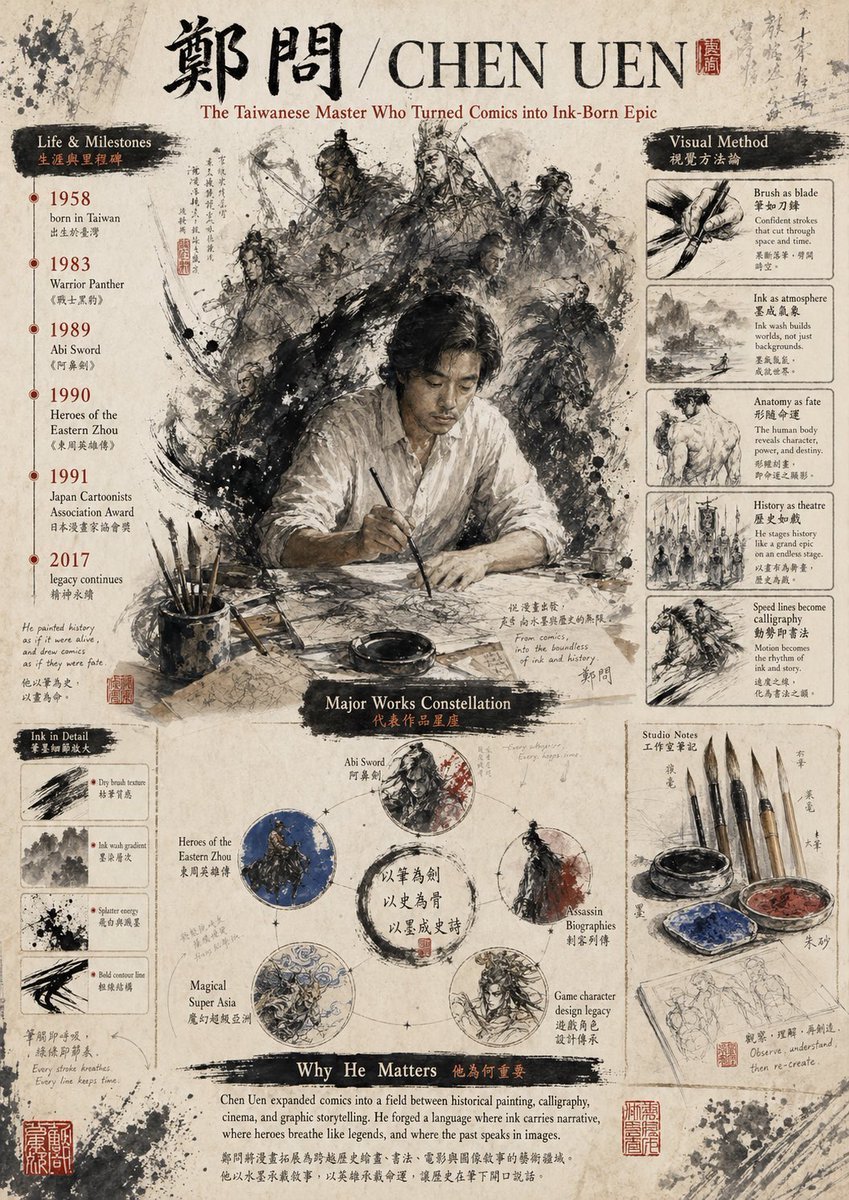
Gpt2 Infographic Edu Visual Ink Wash Tribute Poster for Chen Uen
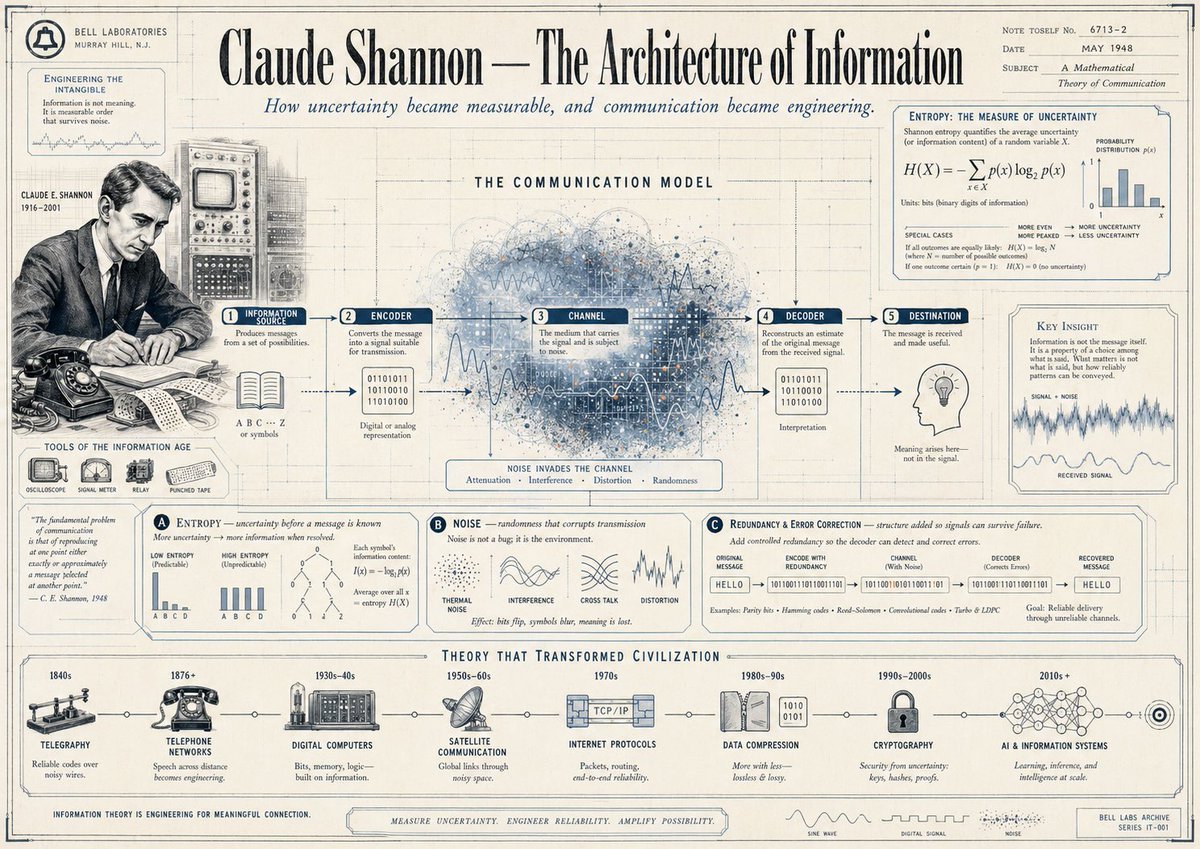
Gpt2 Infographic Edu Visual Vintage Claude Shannon Infographic Poster
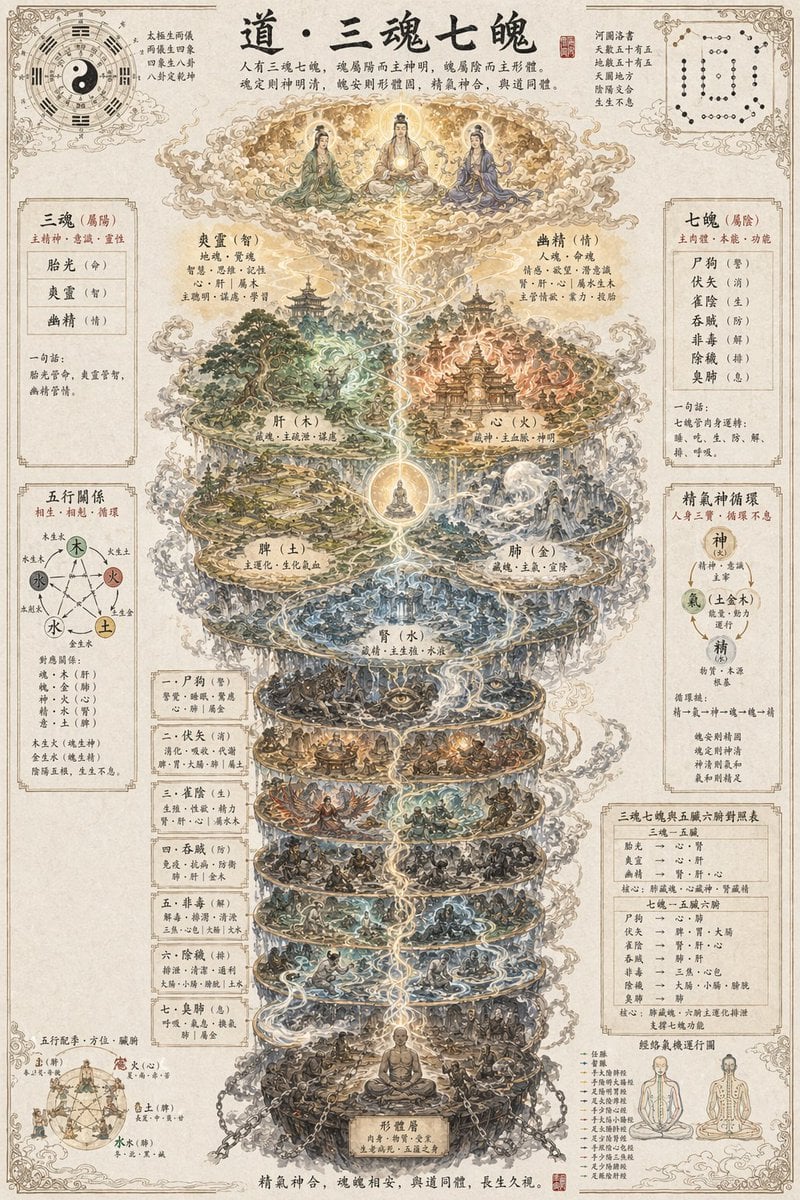
Gpt2 Infographic Edu Visual Taoist Three Souls Seven Po Poster
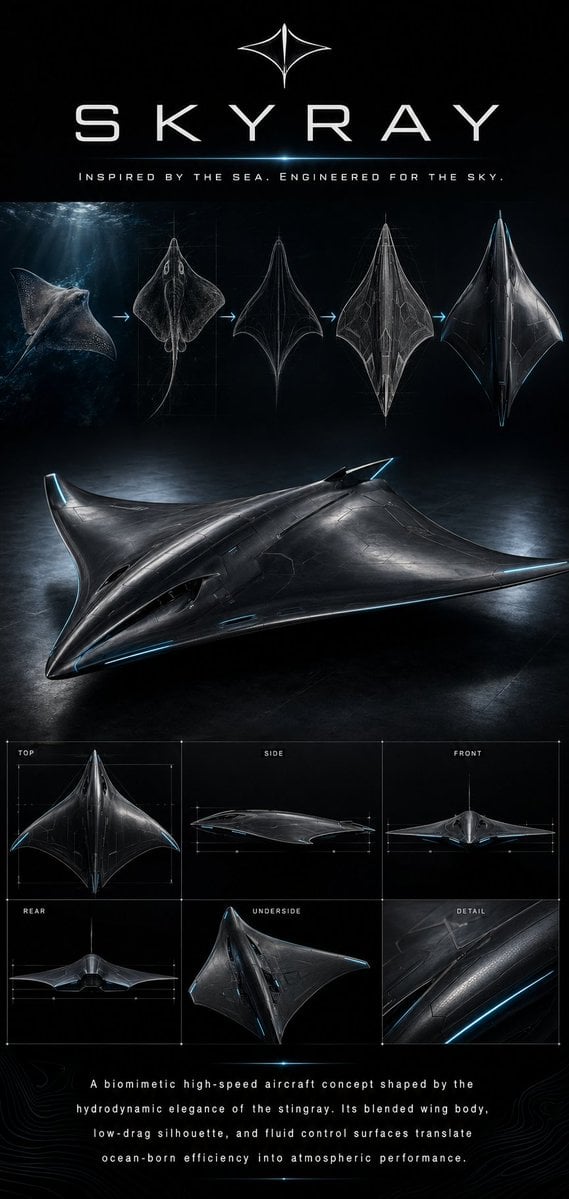
Gpt2 Infographic Edu Visual Biomimetic Skyray Aircraft Poster
Make it yours
Weekend Trip Packing Infographic works as-is. These are the safest ways to change it without losing the look.
Swap the setting
Keep the rest of the prompt and replace the location block. The current setting is “warm ivory textured paper”.
Swap the light
One lighting change is enough to compare takes. Current light: “soft daylight from upper left”.
Change one field
Copy a single group, rewrite it, and generate again so you can see what that field is doing.
| If the result… | Why | Fix |
|---|---|---|
| The result drifts from the preview | Too many fields changed at once. | Reuse Weekend Trip Packing Infographic as-is first, then change one group — subject, light, or setting. |
| GPT Image 2 ignores part of the JSON | Some models flatten or skip nested keys. | Keep the same values and paste them as a short paragraph instead. |
More GPT Image 2 templates
Other prompts made for GPT Image 2.

Six VTuber Japanese Logo Sheet

Realistic Portrait of Woman and Deer

The Vista Modular Condo Poster

AI Model Routing Comparison Infographic

2.5D Anime Art Board

Isometric Productivity Desk Scene

New York Double Exposure Poster

Four-Panel AI Landscape Comparison

Japanese Tatami Lifestyle Magazine Cover

NESCAFÉ Coffee Map Poster
More image prompts
Fresh picks from across the catalog.

Edgy Fashion Photography on a Billiards Table Prompt
Ultra-high-end Abstract Composition
Surreal cinematic street photography with scale contrast
School Commercial Kids Advertisement Poster
Rugged Cyberpunk Man HUD Portrait
X Ayzalnooor24521 Gemini Nano Banana Pro
Lifestyle Café Photography Portrait
Cinematic Portrait of Man Driving Vintage Convertible
High-Fashion Studio Pose Prompt (Absolute Identity Lock)
Duo Portrait with Detailed Pose and Outfit Specifications
Browse template categories
Weekend Trip Packing Infographic questions
How do I use the Weekend Trip Packing Infographic template?
Add your photo if the template asks for one, edit the prompt if you like — the template's model and format are already selected — and press Generate. Your version opens in PicX Studio.
Can I customize the Weekend Trip Packing Infographic template?
Yes. You can change the subject, setting, lighting, mood, format, and available model controls before creating your image.
Is the Weekend Trip Packing Infographic template free?
Opening and editing this template is free. Generating uses credits, shown on the Generate button when you are signed in.
Which AI model should I use?
Start with GPT Image 2, which is the model associated with this template. You can compare another compatible model for a different finish.
Looking for something else? Browse all templates.

Your photo, any look
Thousands of ready templates for every top image and video model, from one credit balance.