
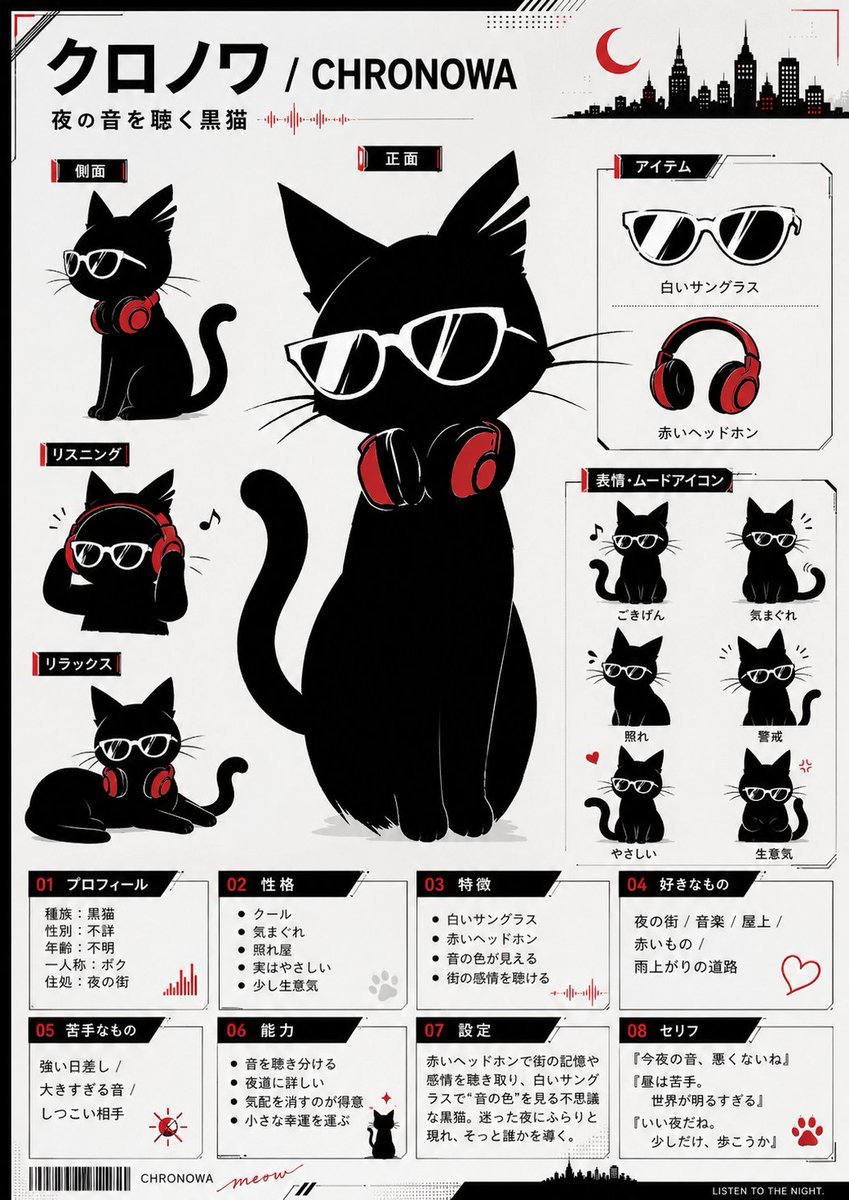
Chronowa Black Cat Character Sheet
A structured prompt for generating a Japanese-style mascot reference poster of a black cat with sunglasses and red headphones.
- Prompt included
- Model and format preset
- Free template
The prompt behind this image
Copy the exact prompt behind Chronowa Black Cat Character Sheet, or open it in the studio and make it yours.
Goal: Create a clean monochrome-and-red Japanese character reference sheet poster for a cute black cat mascot named {argument name="character name" default="Chronowa"}, a night-music themed black cat wearing white sunglasses and red headphones. Canvas: Vertical A4-style poster, white/off-white background, thin black border, subtle red corner marks, small halftone dots, diagonal tech lines, tiny skyline silhouettes, waveform accents, barcode at bottom left, and a black footer strip reading in English “LISTEN TO THE NIGHT.” Use a crisp vector/ink illustration style with limited palette: black, white, gray, and accent red. Main layout: Place a large central full-body front-view black cat as the hero subject, sitting upright with a curled tail, oversized pointed ears, long whiskers, white angular sunglasses with black lenses and reflective highlights, and red-and-black headphones resting around the neck. Add a bold top title in Japanese plus English using {argument name="main title text" default="クロノワ / CHRONOWA"}, with a smaller tagline beneath using {argument name="tagline text" default="夜の音を聴く黒猫"}. Add a red crescent moon and black city skyline silhouette in the upper right. Left character views: Include exactly 3 smaller cat pose panels stacked vertically on the left, each with a black label tab and red accent: 1) side view, cat sitting in profile wearing white sunglasses with headphones around neck; 2) listening pose, cat wearing red headphones over ears, paws touching headphones, small music note nearby; 3) relax pose, cat lying down with headphones around neck. Right item box: Include exactly 2 item illustrations inside a bordered box: 1) white sunglasses; 2) red headphones. Label them in Japanese using the same graphic style. Right mood icon box: Include exactly 6 small chibi mood icons in a 2-column by 3-row grid, all black cat icons with white sunglasses: 1) good mood with music note; 2) cool but moody; 3) shy/embarrassed; 4) alert with motion marks; 5) kind with small red heart; 6) slightly angry with red anger symbol. Bottom information cards: Create exactly 8 bordered info cards across the lower third, numbered 01 through 08 with black slanted header tabs and red number accents. The 8 cards are: 01 profile; 02 personality; 03 features; 04 favorite things; 05 dislikes; 06 abilities; 07 setting; 08 quotes. Use compact Japanese text inside the cards, with small decorative icons such as a waveform, paw print, sun warning symbol, small cat silhouette, and red paw mark. For the quote card, include three short Japanese quote lines using {argument name="quote text" default="『今夜の音、悪くないね』 / 『星は苦手。世界が明るすぎる』 / 『いい夜だね。少しだけ、歩こうか』"}. Text style: Use strong Japanese display typography, black labels with red side bars, small red waveform graphics, and clean technical annotation lines. Keep the poster readable but allow tiny Japanese text to feel like a designed reference sheet. Constraints: Use exactly one central hero cat, exactly 3 left pose panels, exactly 2 item illustrations, exactly 6 mood icons, and exactly 8 bottom info cards. No humans, no extra characters, no full-color background, no photorealism, no watermark.
How to use Chronowa Black Cat Character Sheet in 3 steps
- 1Upload ImagePNG, JPG or paste
Add your photo
Upload the photo the template builds on. The prompt, model and format are already set.
- 2…a portrait of your subject in softgolden-hour light, 85mm…
Personalize
Edit the subject and creative details for your destination.
- 3Generate
Generate
Press Generate — your image is created in PicX Studio, so you can compare it with the original and refine one variable at a time.
More like this
Templates with the same subject, style or setup. Open one to see its prompt.
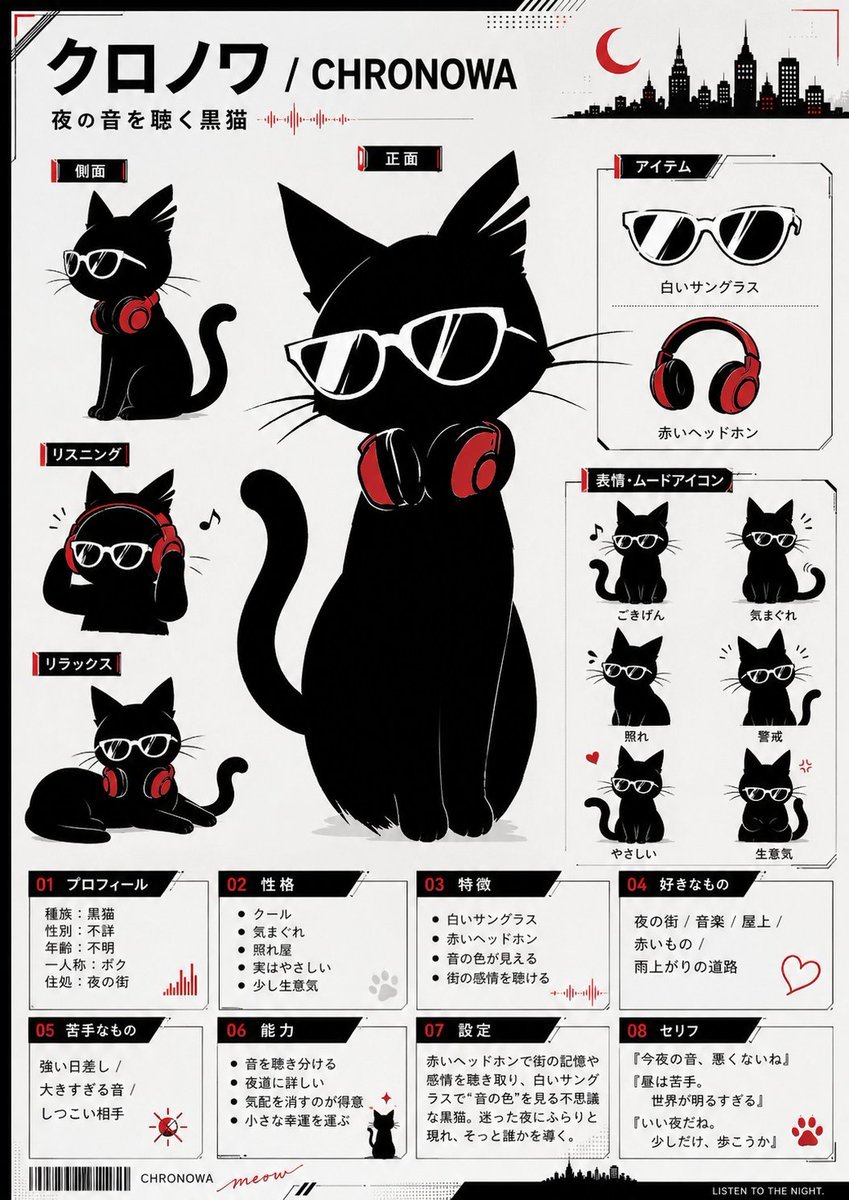
Chronowa Black Cat Character Sheet
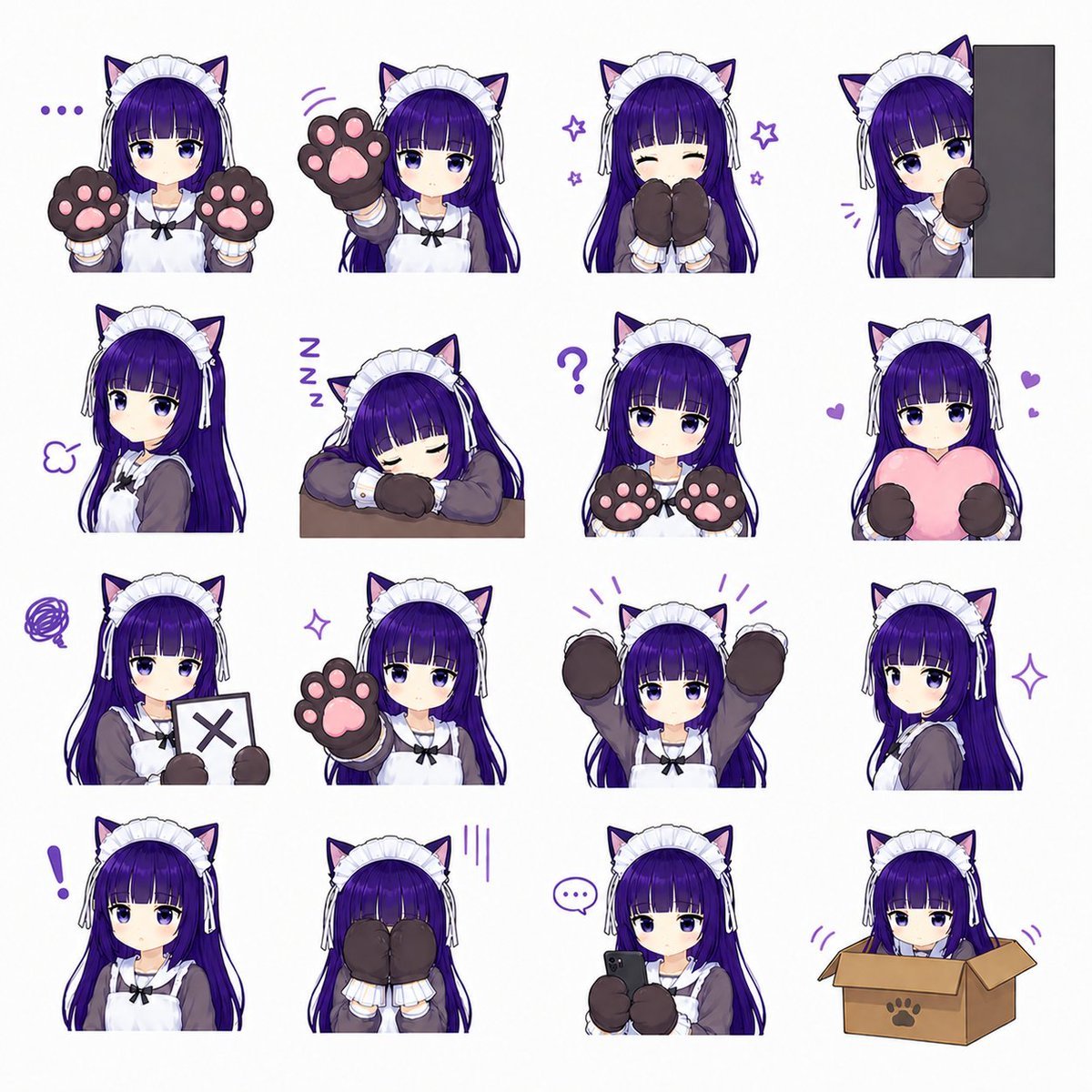
Cat-Eared Maid Emote Sticker Sheet
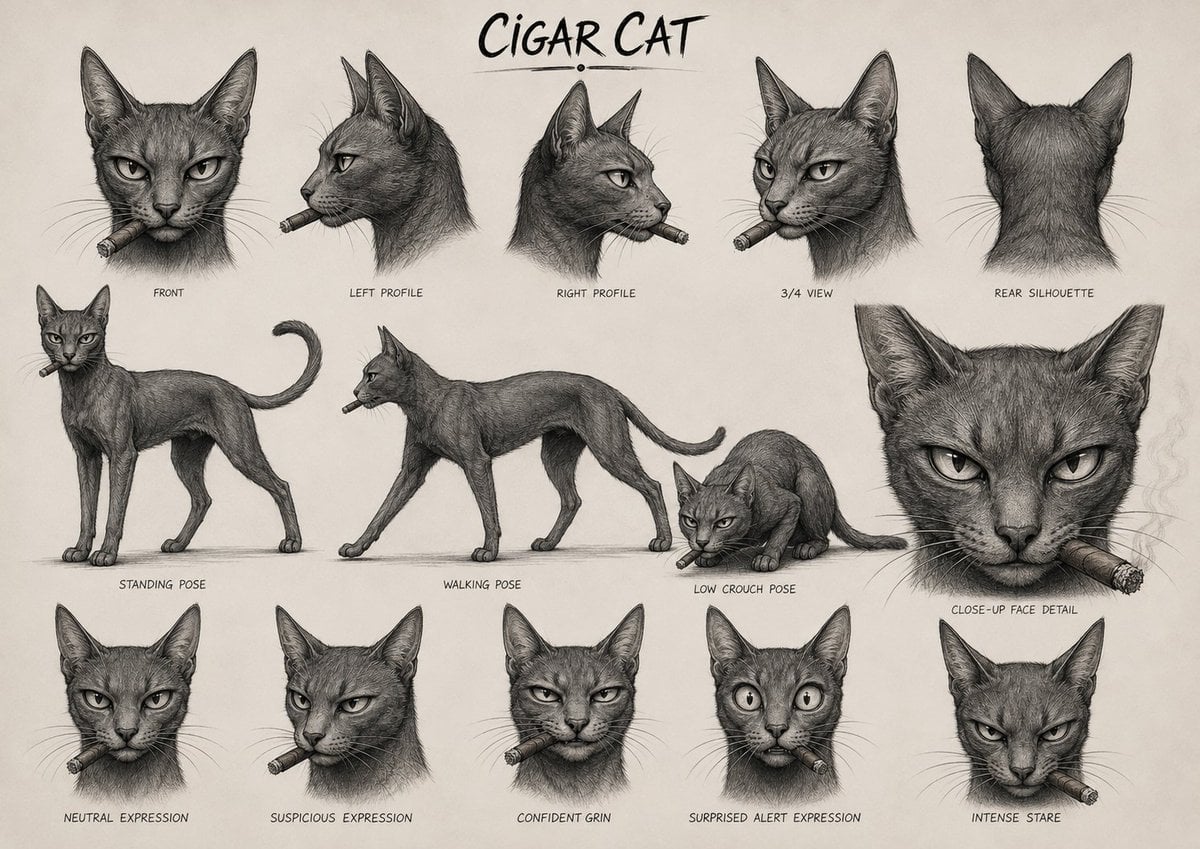
Cigar Cat Character Sheet
Cat Photobomb Selfie — 0.5x Wide Angle Café Chaos
Surreal Cat Astronaut — Humanoid Face Freefall
Dark Runway Luxury Fashion Magazine Cover
Black Liquid Cyberpunk Portrait Poster
Low Angle Floor Selfie With Upside Down Cat
Rainy Studio Artist with Black Cats
Chef Cat LINE Sticker Sheet
Dancer Character - Four View Reference Sheet
Woman in Mall with Chanel Bag - Heart Gesture
Make it yours
Chronowa Black Cat Character Sheet works as-is. These are the safest ways to change it without losing the look.
Change one field
Copy a single group, rewrite it, and generate again so you can see what that field is doing.
Keep the frame, change the subject
Hold the composition and light of Chronowa Black Cat Character Sheet, then swap wardrobe, props or the person for a new take.
| If the result… | Why | Fix |
|---|---|---|
| The result drifts from the preview | Too many fields changed at once. | Reuse Chronowa Black Cat Character Sheet as-is first, then change one group — subject, light, or setting. |
| The model over-stylizes the scene | The prose prompt leaves finish and camera underspecified. | Add one camera or lighting sentence and stay on GPT Image 2. |
More GPT Image 2 templates
Other prompts made for GPT Image 2.

Realistic Portrait of Woman and Deer

The Vista Modular Condo Poster

AI Model Routing Comparison Infographic

2.5D Anime Art Board

Isometric Productivity Desk Scene

New York Double Exposure Poster

Four-Panel AI Landscape Comparison

Japanese Tatami Lifestyle Magazine Cover

NESCAFÉ Coffee Map Poster

Brutalist Cogito Chinese Typography Poster
More image prompts
Fresh picks from across the catalog.
Ultra Realistic Fashion Editorial Portra
Cyberpunk Nova Rebellion Poster
Nano Monkey's Adventure Manga Generation
1990s Portrait Prompt for Gemini Nano Banana Pro
Indoor Bedroom Mirror Selfie Generation Prompt
Dynamic Motorcycle Rider Portrait on Yellow Background
High-Contrast Portrait with Direct Flash and Faux Fur
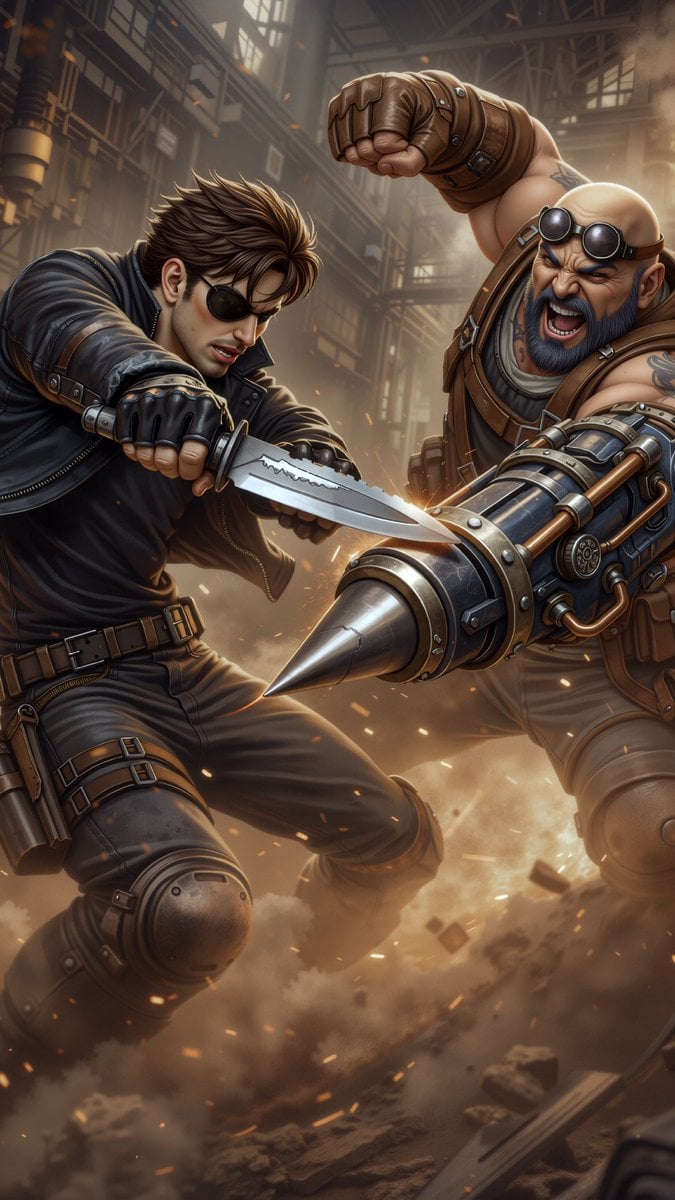
Combat Scene Generation Comparison

Quiet Wealth GQ Portrait
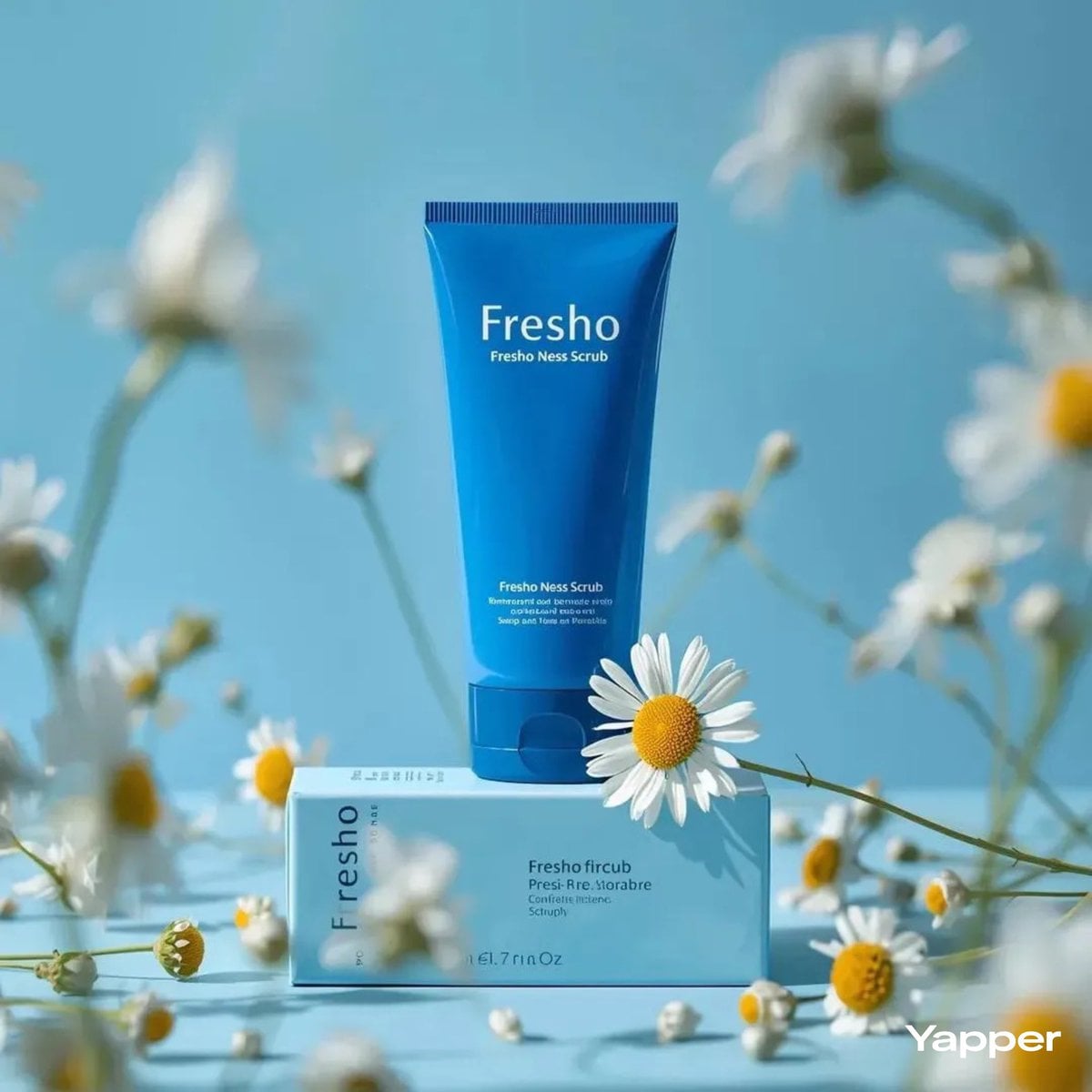
Cobalt Blue Skincare Product Photography
Browse template categories
Chronowa Black Cat Character Sheet questions
How do I use the Chronowa Black Cat Character Sheet template?
Add your photo if the template asks for one, edit the prompt if you like — the template's model and format are already selected — and press Generate. Your version opens in PicX Studio.
Can I customize the Chronowa Black Cat Character Sheet template?
Yes. You can change the subject, setting, lighting, mood, format, and available model controls before creating your image.
Is the Chronowa Black Cat Character Sheet template free?
Opening and editing this template is free. Generating uses credits, shown on the Generate button when you are signed in.
Which AI model should I use?
Start with GPT Image 2, which is the model associated with this template. You can compare another compatible model for a different finish.
Looking for something else? Browse all templates.

Your photo, any look
Thousands of ready templates for every top image and video model, from one credit balance.