
Cute Monster Ability Design Sheet
A wide character design presentation sheet showing a fluffy horned monster and six visual examples of its item-summoning head-opening mechanic, useful for concept art and character ability explanation.
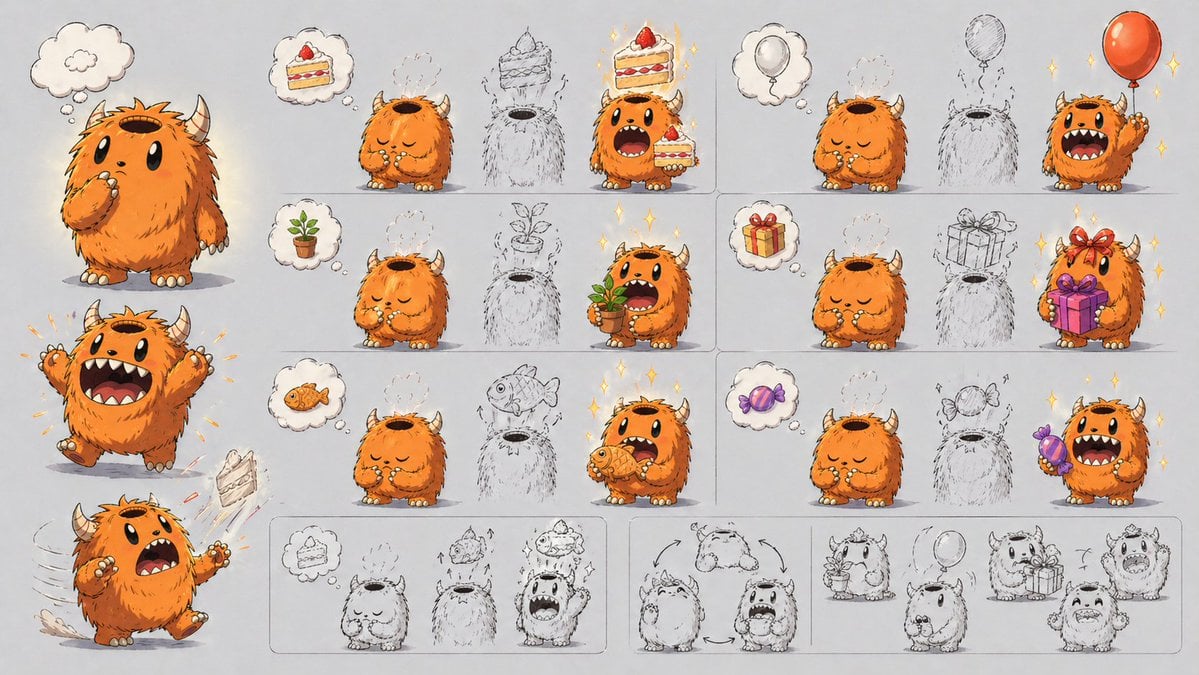
- Prompt included
- Model and format preset
- Free template
The prompt behind this image
Copy the exact prompt behind Cute Monster Ability Design Sheet, or open it in the studio and make it yours.
- Type
- character design mechanics sheet
- Style
- cute storybook concept art, polished digital illustration mixed with rough pencil ideation, clean light gray paper background, soft shadows, subtle sparkles on successful transformations
- Subject › Species
- small fluffy horned monster
- Subject › Name
- {argument name="character name" default="orange fluffy monster"}
- Subject › Appearance › Body
- round and squat, very fluffy fur, tiny arms and legs, cream claws and toenails
- Subject › Appearance › Fur Color
- {argument name="fur color" default="bright orange"}
- Subject › Appearance › Horns
- 2 short curved beige horns
- Subject › Appearance › Face
- large black oval eyes, wide mouth with small fangs, expressive eyebrows
- Subject › Appearance › Top Opening
- large hollow opening on top of head like a container or pot
- Subject › Core Mechanic
- items imagined in a thought bubble can appear out of the opening on the character's head, then the character grabs or presents the item
- Layout › Format
- wide horizontal character mechanic explainer sheet
- Layout › Sections › 0 › Title
- left character poses
- Layout › Sections › 0 › Position
- left column
- Layout › Sections › 0 › Count
- 3
- Layout › Sections › 0 › Labels
- thinking neutral standing pose, excited jump with both arms raised, surprised running pose with cake flying out
- Layout › Sections › 1 › Title
- top row examples
- Layout › Sections › 1 › Position
- upper right grid
- Layout › Sections › 1 › Count
- 2
- Layout › Sections › 1 › Labels
- cake to cake manifestation, balloon to balloon manifestation
- Layout › Sections › 2 › Title
- middle row examples
- Layout › Sections › 2 › Position
- center right grid
- Layout › Sections › 2 › Count
- 2
- Layout › Sections › 2 › Labels
- potted plant to potted plant manifestation, gift box to gift box manifestation
- Layout › Sections › 3 › Title
- bottom row examples
Raw JSON
{"type":"character design mechanics sheet","style":"cute storybook concept art, polished digital illustration mixed with rough pencil ideation, clean light gray paper background, soft shadows, subtle sparkles on successful transformations","subject":{"species":"small fluffy horned monster","name":"{argument name=\"character name\" default=\"orange fluffy monster\"}","appearance":{"body":"round and squat, very fluffy fur, tiny arms and legs, cream claws and toenails","fur_color":"{argument name=\"fur color\" default=\"bright orange\"}","horns":"2 short curved beige horns","face":"large black oval eyes, wide mouth with small fangs, expressive eyebrows","top_opening":"large hollow opening on top of head like a container or pot"},"core_mechanic":"items imagined in a thought bubble can appear out of the opening on the character's head, then the character grabs or presents the item"},"layout":{"format":"wide horizontal character mechanic explainer sheet","sections":[{"title":"left character poses","position":"left column","count":3,"labels":["thinking neutral standing pose","excited jump with both arms raised","surprised running pose with cake flying out"]},{"title":"top row examples","position":"upper right grid","count":2,"labels":["cake to cake manifestation","balloon to balloon manifestation"]},{"title":"middle row examples","position":"center right grid","count":2,"labels":["potted plant to potted plant manifestation","gift box to gift box manifestation"]},{"title":"bottom row examples","position":"lower right grid","count":2,"labels":["fish to fish manifestation","candy to candy manifestation"]},{"title":"bottom sketch sequence strip","position":"bottom band","count":4,"labels":["cake transformation sequence","turnaround rotation arrows","plant and balloon rough concepts","gift and excited expression rough concepts"]}],"grid_examples_total":6,"thought_bubbles_total":8,"manifested_object_types_total":6},"objects":{"manifested_items":[{"item":"slice of strawberry cake","count":2},{"item":"red balloon","count":2},{"item":"small potted sprout plant","count":2},{"item":"wrapped present box with ribbon","count":2},{"item":"orange fish","count":2},{"item":"purple wrapped candy","count":2}],"rough_outline_placeholders_in_grid":6},"composition":"large full-color character poses stacked on the left, six boxed example panels arranged in 3 rows by 2 columns on the right, and a long row of rough monochrome concept sketches along the bottom","rendering":{"linework":"inked outlines with visible sketch underdrawing in some areas","color":"warm orange character against neutral gray background with colorful props","mood":"playful, inventive, character design presentation for explaining an ability visually"}}How to use Cute Monster Ability Design Sheet in 3 steps
- 1Upload ImagePNG, JPG or paste
Add your photo
Upload the photo the template builds on. The prompt, model and format are already set.
- 2…a portrait of your subject in softgolden-hour light, 85mm…
Personalize
Edit the subject and creative details for your destination.
- 3Generate
Generate
Press Generate — your image is created in PicX Studio, so you can compare it with the original and refine one variable at a time.
More like this
Templates with the same subject, style or setup. Open one to see its prompt.
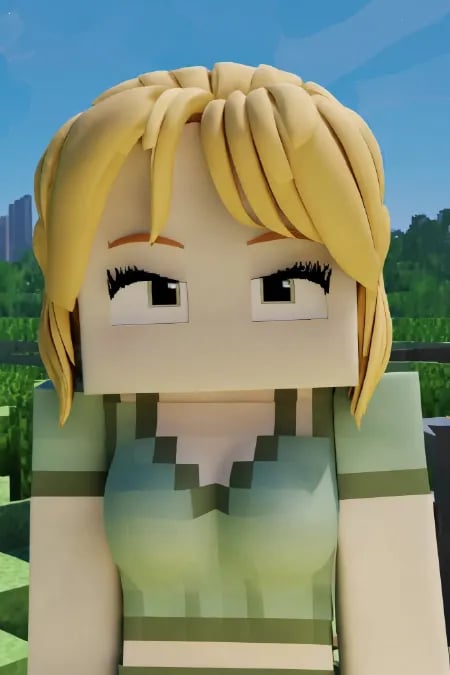
Minecraft Homage Illustrious Style
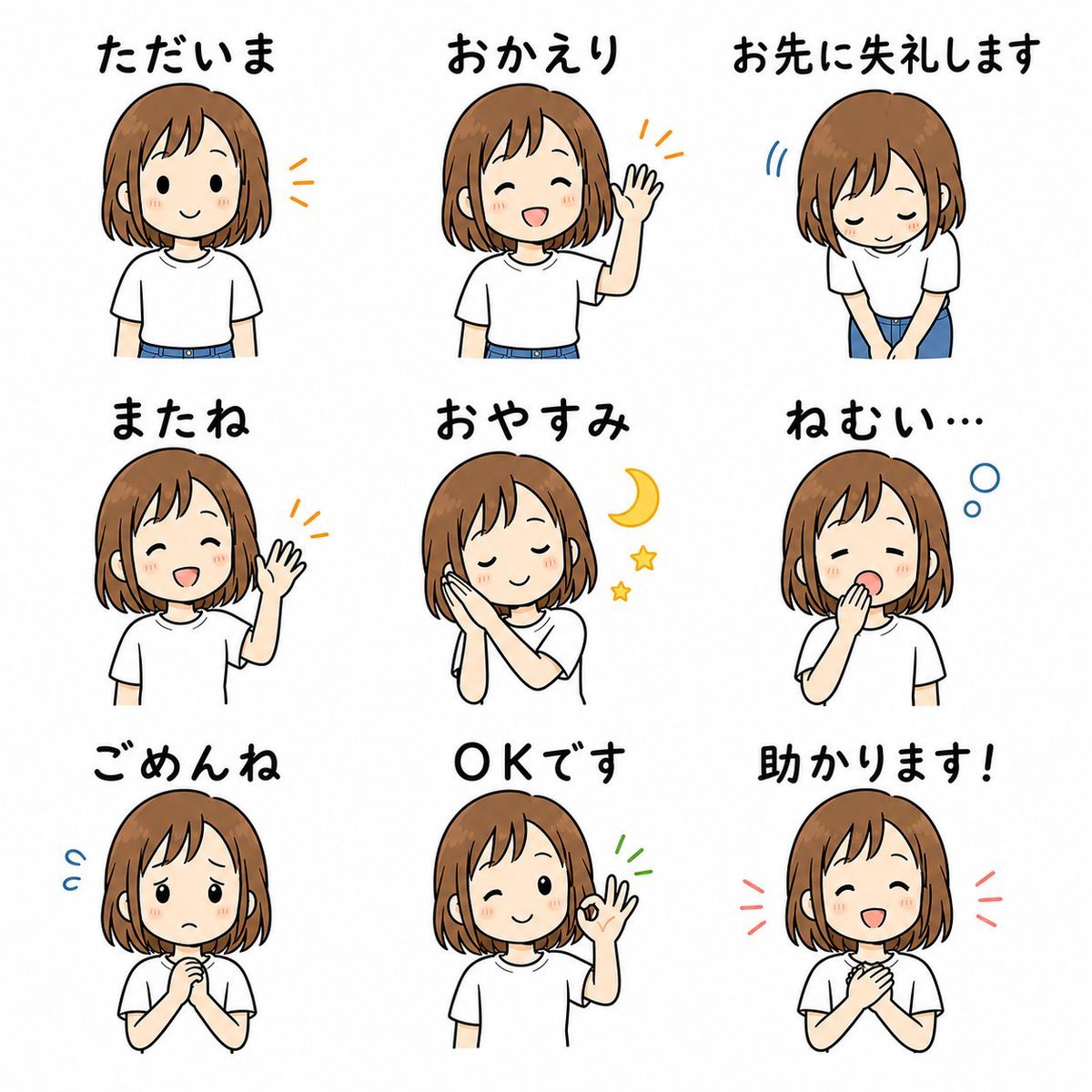
Cute Japanese LINE Sticker Sheet
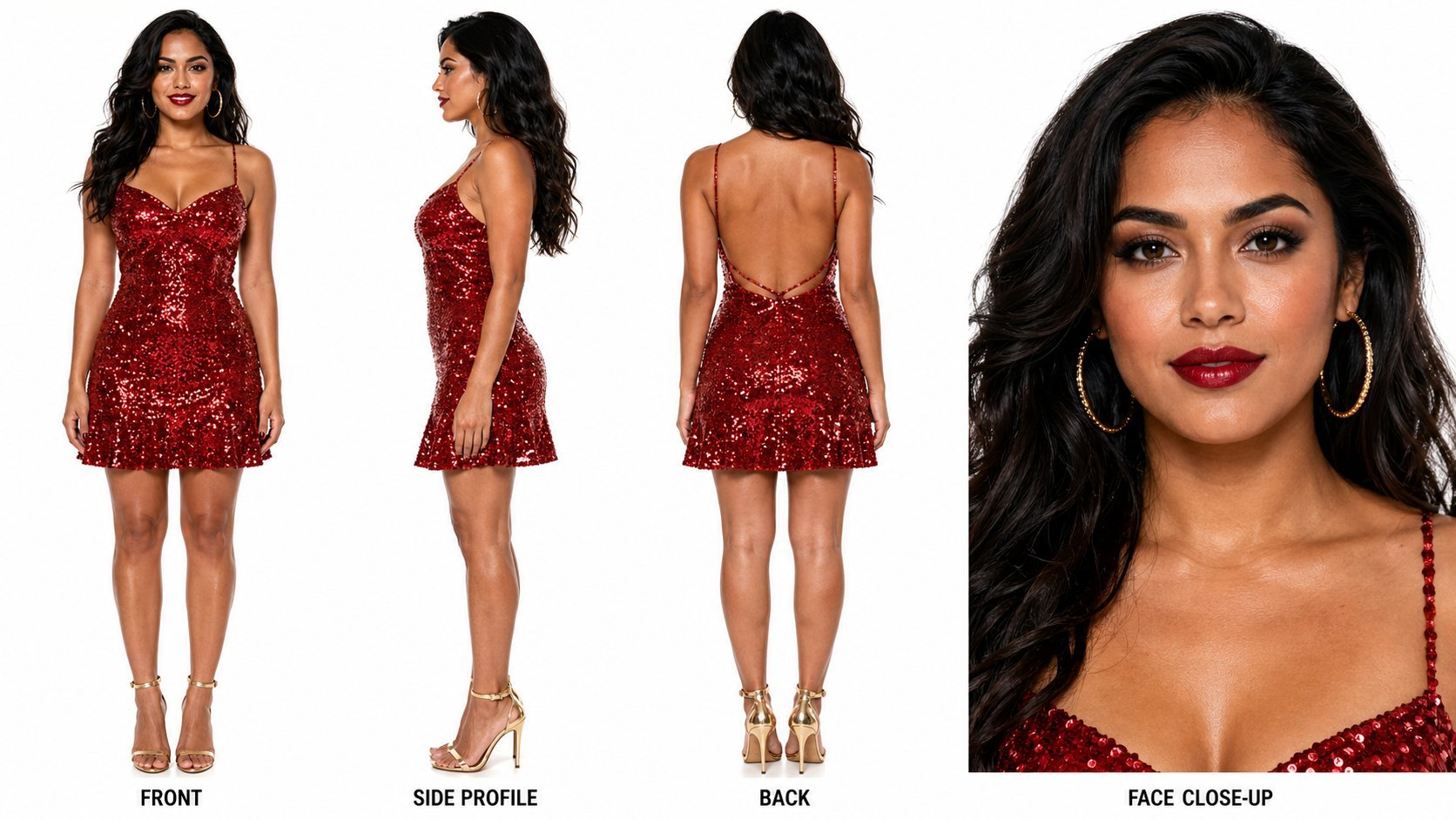
Dancer Character - Four View Reference Sheet
Movement Sheet - Dance Reference (Seedance 2.0)
Cute Sticker
Dark Sketch Mode Monster Doodle

Six VTuber Japanese Logo Sheet
Cinematic ultra-high-end product photography of an official Monster
Playful Little Monster Siblings
Retro Manga StackChan Concept Sheet
Anime Monster Hunter Quest Card
Halloween Nun Chibi Character Sheet
Make it yours
Cute Monster Ability Design Sheet works as-is. These are the safest ways to change it without losing the look.
Change one field
Copy a single group, rewrite it, and generate again so you can see what that field is doing.
Keep the frame, change the subject
Hold the composition and light of Cute Monster Ability Design Sheet, then swap wardrobe, props or the person for a new take.
| If the result… | Why | Fix |
|---|---|---|
| The result drifts from the preview | Too many fields changed at once. | Reuse Cute Monster Ability Design Sheet as-is first, then change one group — subject, light, or setting. |
| GPT Image 2 ignores part of the JSON | Some models flatten or skip nested keys. | Keep the same values and paste them as a short paragraph instead. |
More GPT Image 2 templates
Other prompts made for GPT Image 2.

Realistic Portrait of Woman and Deer

The Vista Modular Condo Poster

AI Model Routing Comparison Infographic

2.5D Anime Art Board

Isometric Productivity Desk Scene

New York Double Exposure Poster

Four-Panel AI Landscape Comparison

Japanese Tatami Lifestyle Magazine Cover

NESCAFÉ Coffee Map Poster

Brutalist Cogito Chinese Typography Poster
More image prompts
Fresh picks from across the catalog.

Black Outfit Portrait in Snowy Mountains
Gemini Nano Banana X Grok
Hyper-photorealistic cosmetic skincare jar product shot with watermelon and ice cubes
Private Terminal Lounge Elegance
Cyberpunk Techwear Street Shot
Japanese Shoe Laundry Bag Ad

Rainy Kamakura Hydrangea Garden

London Aerial Flight with Geese
Japanese Film Aesthetic Rooftop
Layered Papercraft Image Transformation
Browse template categories
Cute Monster Ability Design Sheet questions
How do I use the Cute Monster Ability Design Sheet template?
Add your photo if the template asks for one, edit the prompt if you like — the template's model and format are already selected — and press Generate. Your version opens in PicX Studio.
Can I customize the Cute Monster Ability Design Sheet template?
Yes. You can change the subject, setting, lighting, mood, format, and available model controls before creating your image.
Is the Cute Monster Ability Design Sheet template free?
Opening and editing this template is free. Generating uses credits, shown on the Generate button when you are signed in.
Which AI model should I use?
Start with GPT Image 2, which is the model associated with this template. You can compare another compatible model for a different finish.
Looking for something else? Browse all templates.

Your photo, any look
Thousands of ready templates for every top image and video model, from one credit balance.