
Cinematic Astronaut Cockpit Scene
Generates a gritty realistic sci-fi pilot seated in a dark spacecraft cockpit with control sticks, HUD screens, and a censored visor.
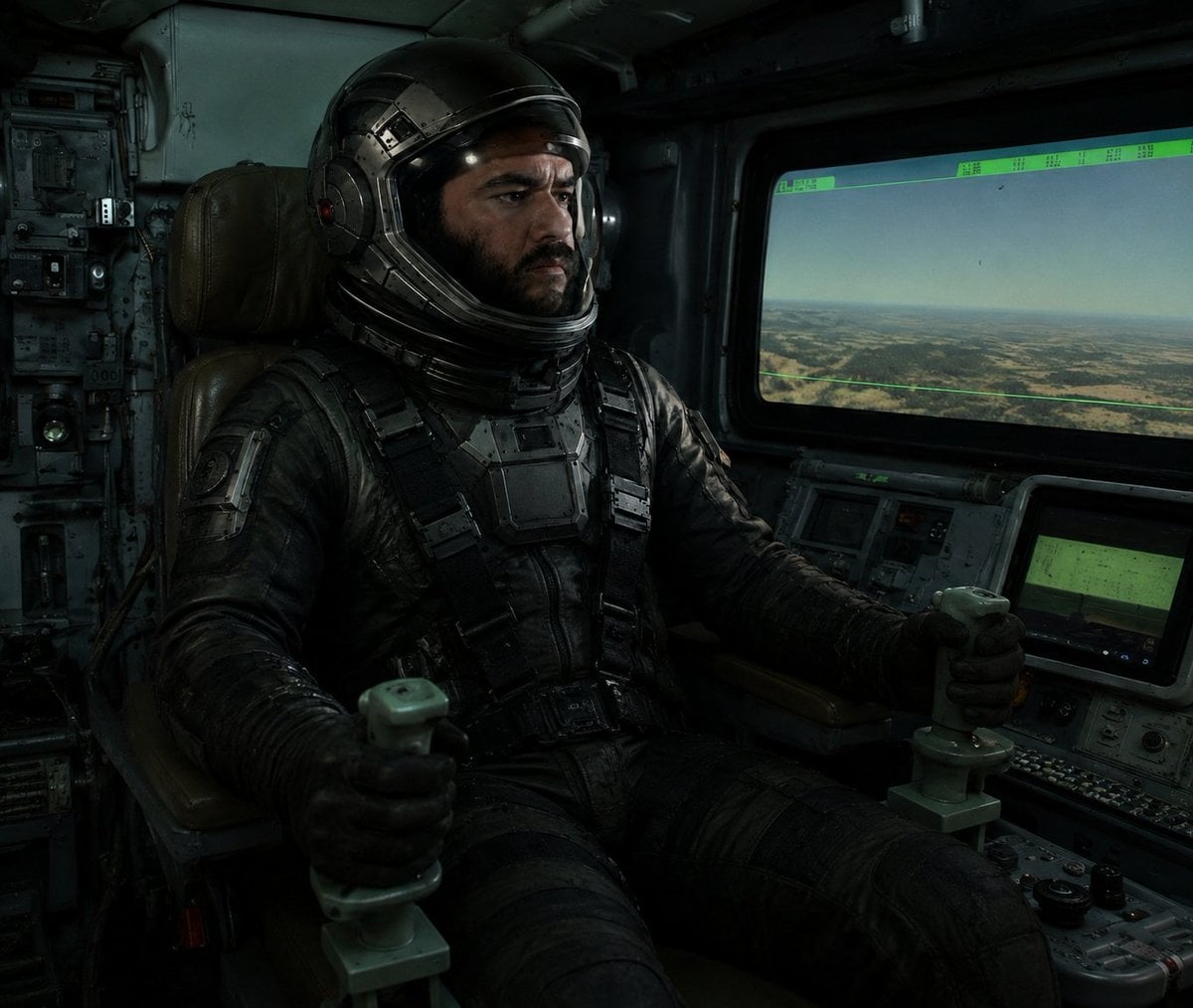
- Prompt included
- Model and format preset
- Free template
The prompt behind this image
Copy the exact prompt behind Cinematic Astronaut Cockpit Scene, or open it in the studio and make it yours.
Create a dark cinematic sci-fi cockpit scene in a gritty realistic style: a single astronaut pilot, {argument name="pilot type" default="armored astronaut pilot"}, sits centered-left in a worn brown leather command chair inside an old military spacecraft or aircraft cockpit, wearing a bulky black tactical pressure suit with straps, chest armor plates, gloves, and a glossy black helmet with metallic segmented details. The helmet visor area is deliberately obscured by one solid dark square censor block, covering the face and front visor. The pilot grips exactly two pale green joystick control handles, one in each hand, with both arms extended forward. Surround the pilot with dense analog control panels, switches, knobs, cables, worn metal walls, and dim green instrument displays. On the right side, include one large rectangular cockpit window showing a hazy aerial landscape of desert plains and low hills under a pale sky, with a thin green HUD overlay and small unreadable data markings along the top edge. Below the window, include two smaller console screens glowing muted green among buttons and dials. Use low-key moody lighting with greenish-blue shadows, dusty volumetric atmosphere, high contrast, realistic textures, scuffed metal, black leather, and a cinematic relit look. Composition should feel like a still from a dystopian space film, 4:3 aspect ratio, close-medium interior shot, no readable text, no extra characters, no logos, no watermark.
How to use Cinematic Astronaut Cockpit Scene in 3 steps
- 1Upload ImagePNG, JPG or paste
Add your photo
Upload the photo the template builds on. The prompt, model and format are already set.
- 2…a portrait of your subject in softgolden-hour light, 85mm…
Personalize
Edit the subject and creative details for your destination.
- 3Generate
Generate
Press Generate — your image is created in PicX Studio, so you can compare it with the original and refine one variable at a time.
More like this
Templates with the same subject, style or setup. Open one to see its prompt.

Surreal Cat Astronaut — Humanoid Face Freefall

Astronaut Zero-Gravity Coffee Splash
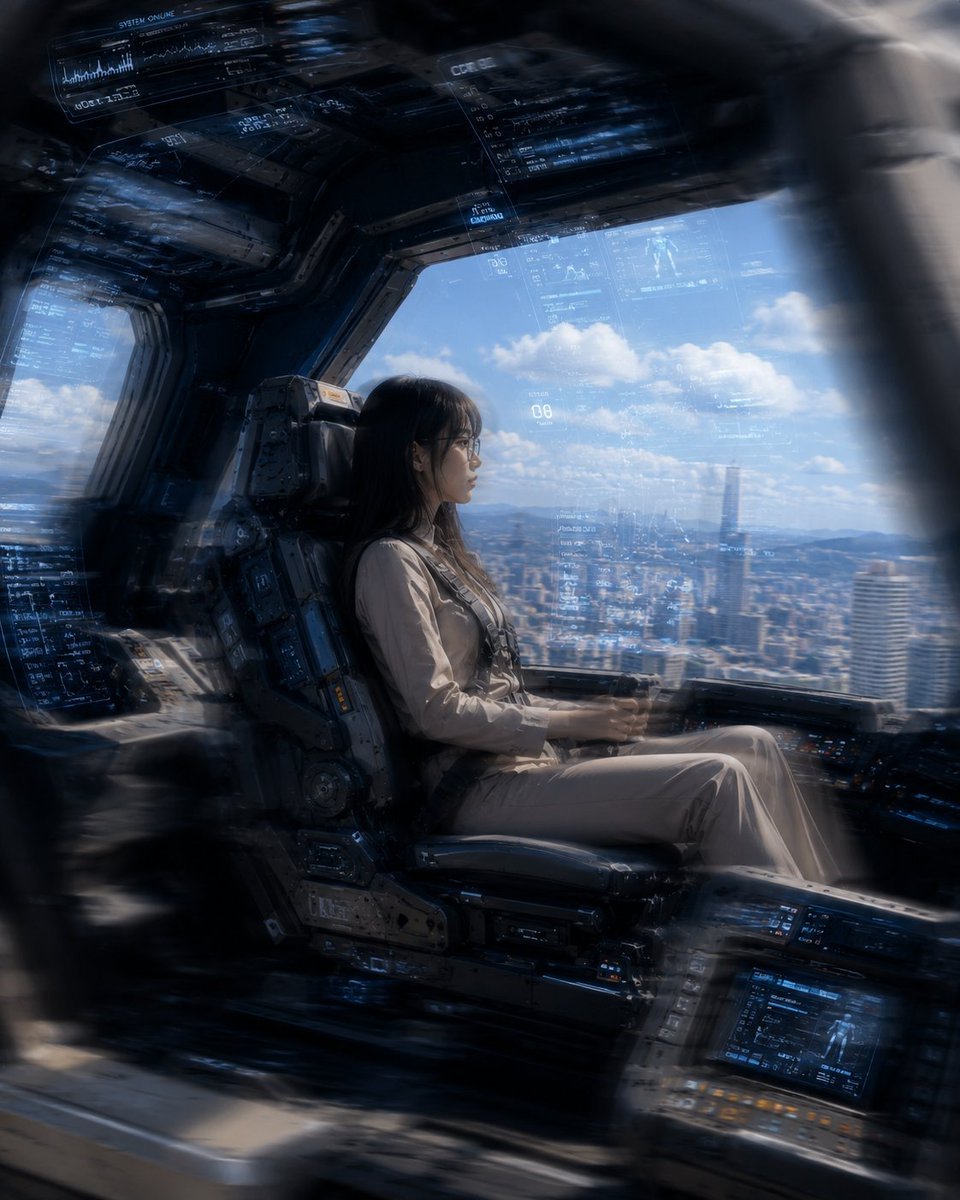
Mecha Cockpit Pilot Scene
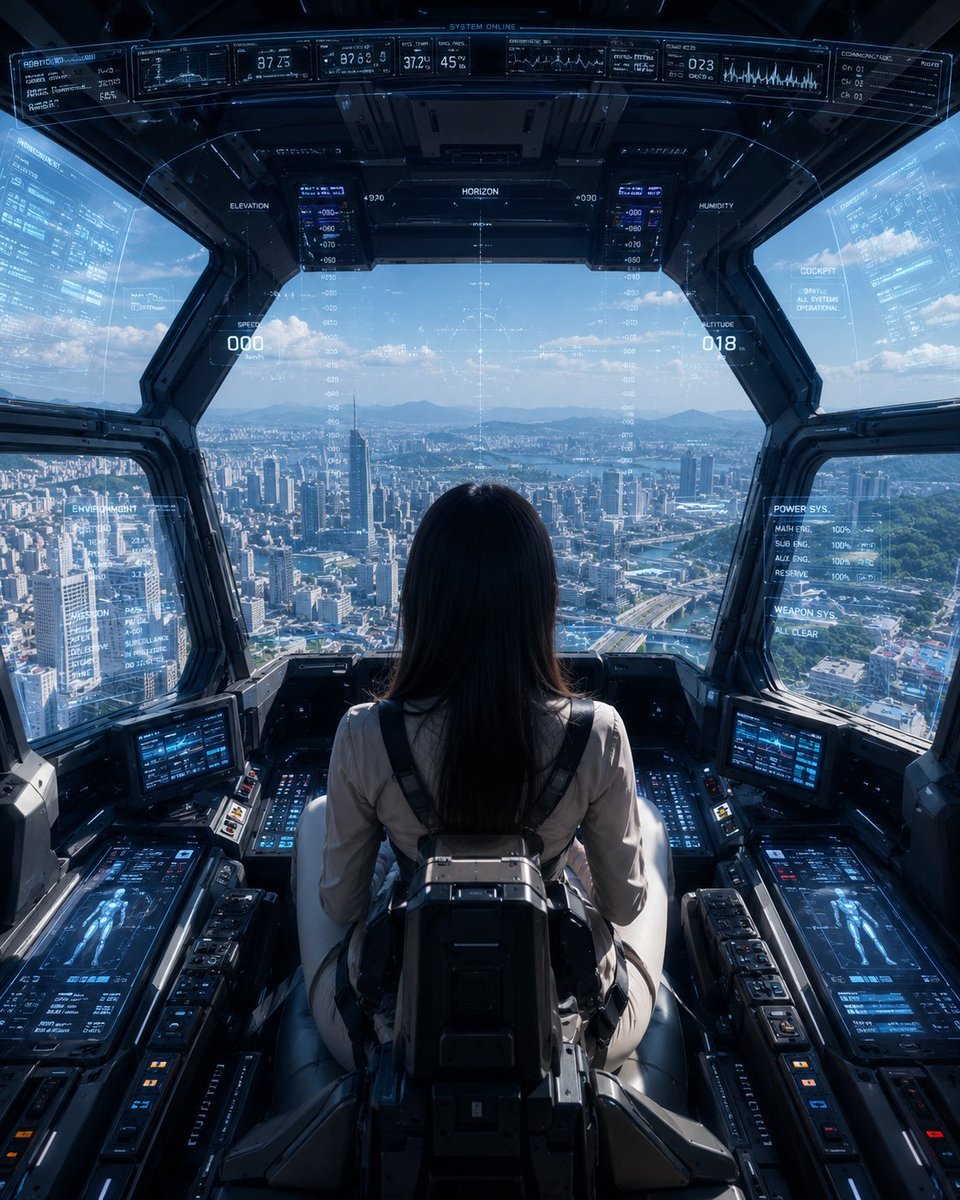
Mech Pilot Cockpit Over City
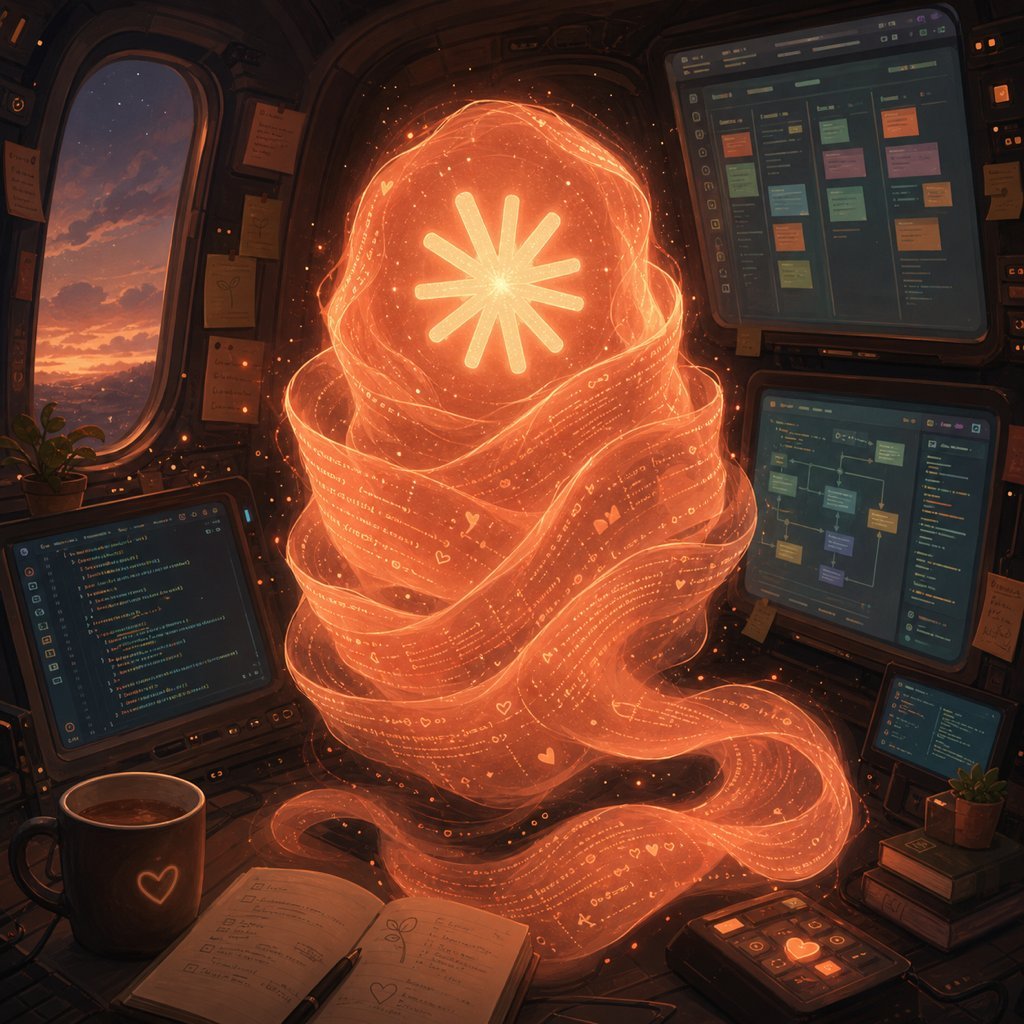
Holographic Code Fox in a Spaceship Cockpit
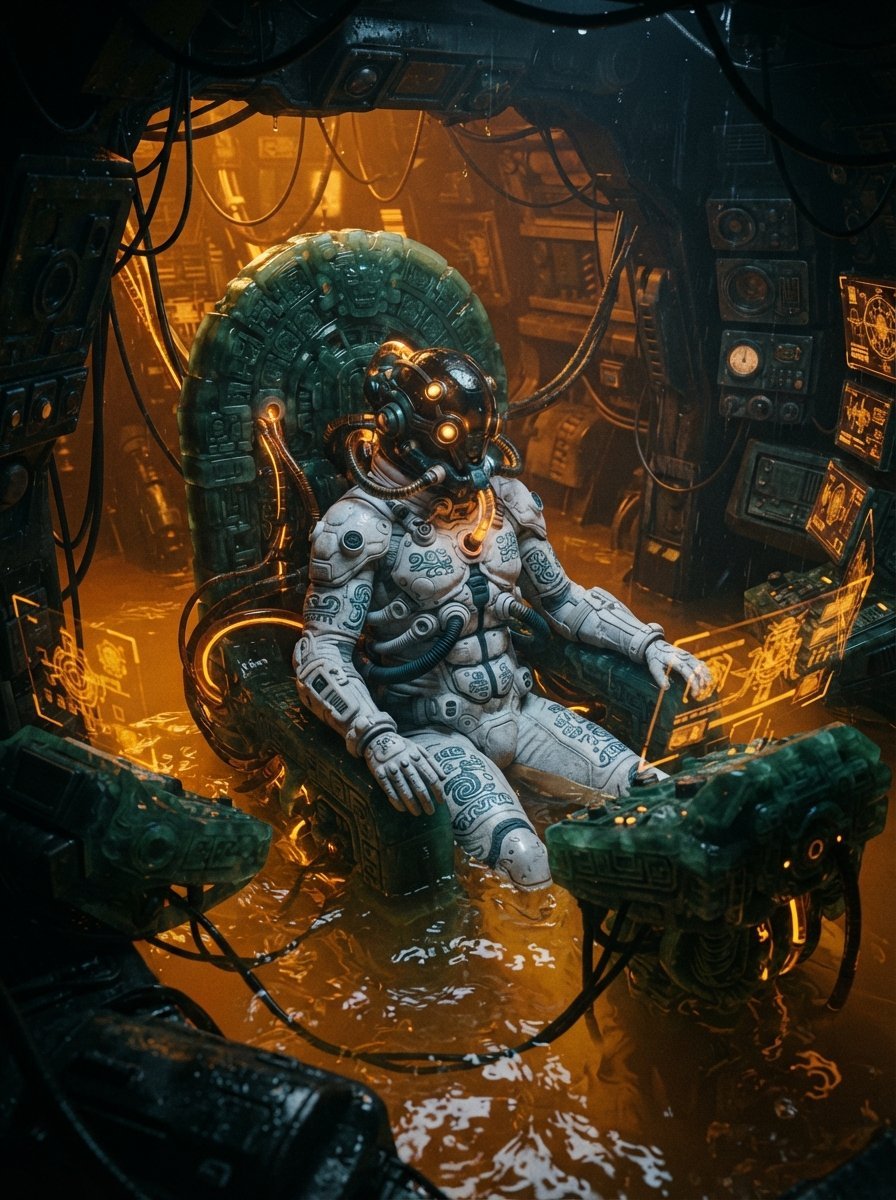
Mesoamerican Bio-Mechanical Cockpit
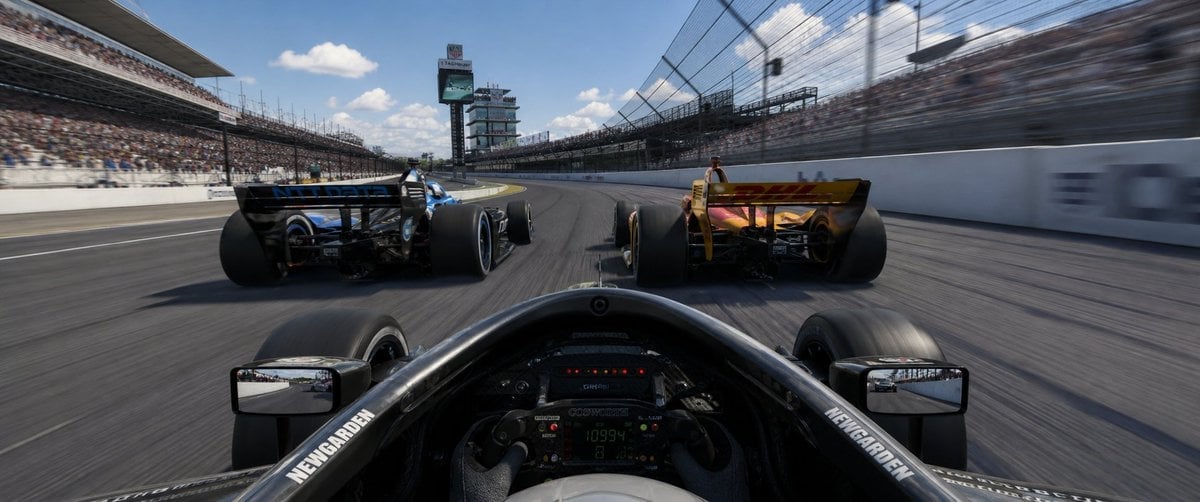
Ultrawide Indy Cockpit Racing View
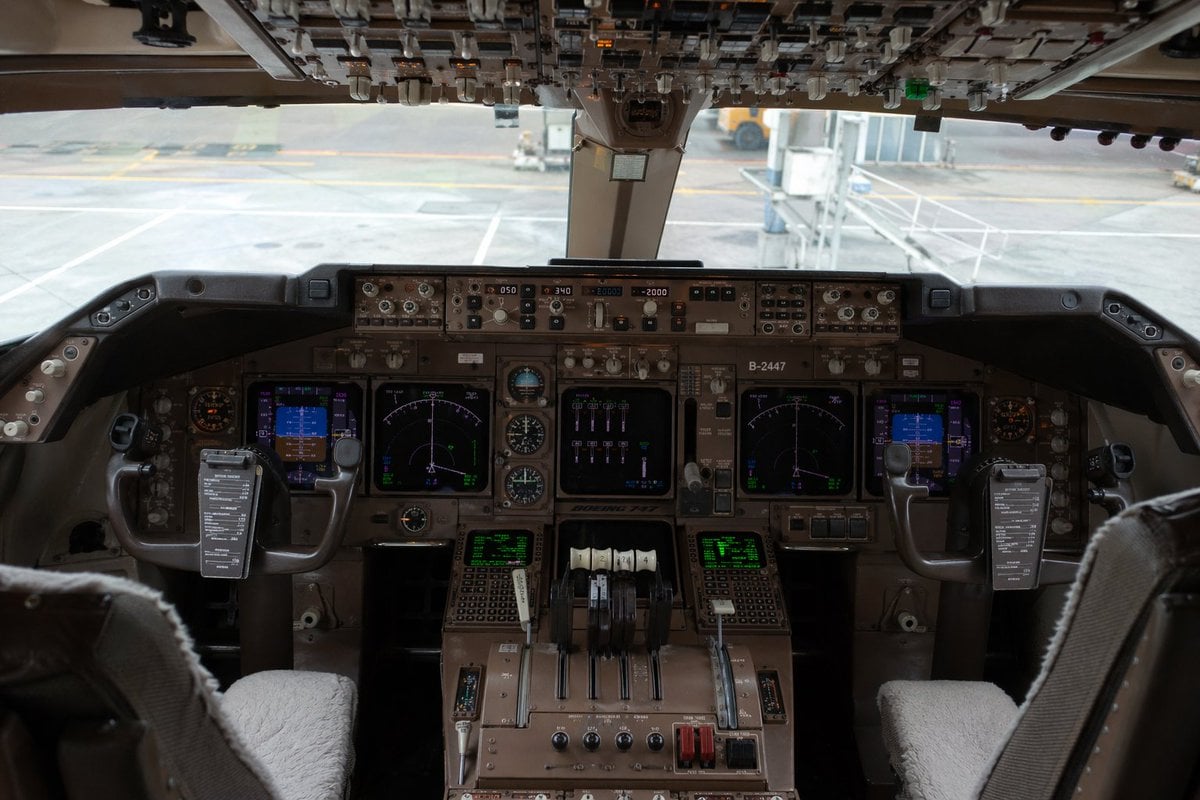
Photorealistic Boeing 747 Cockpit
Degree Panorama Cockpit Scene
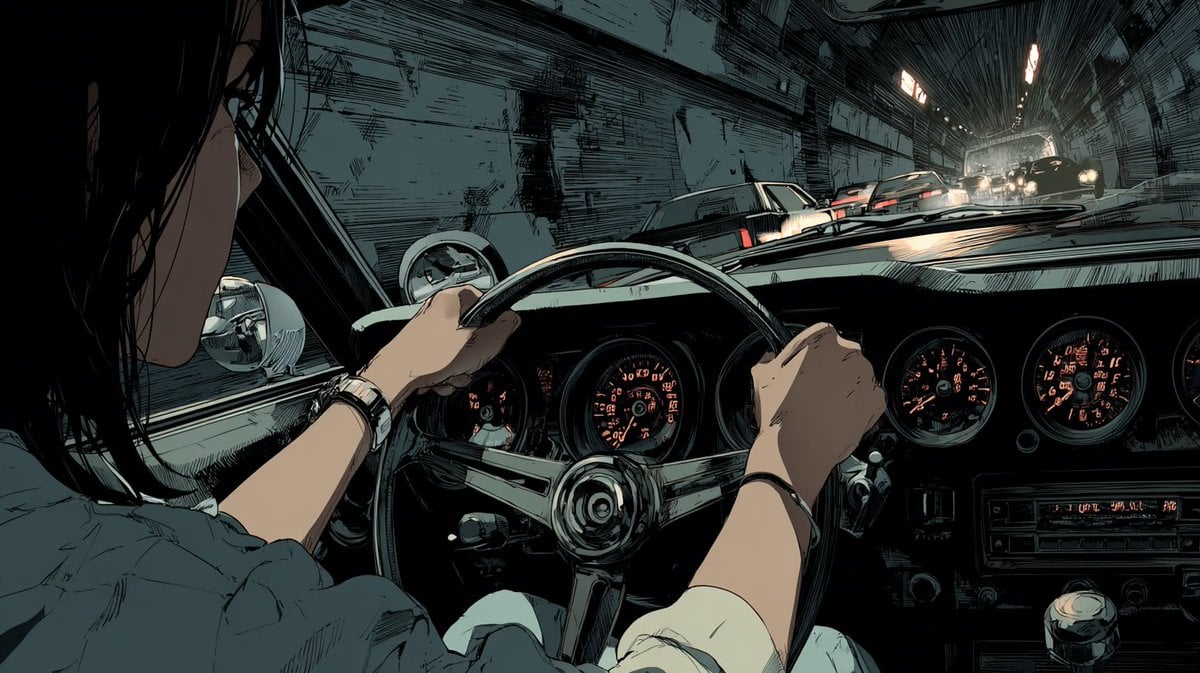
Anime Tunnel Driving Cockpit Scene
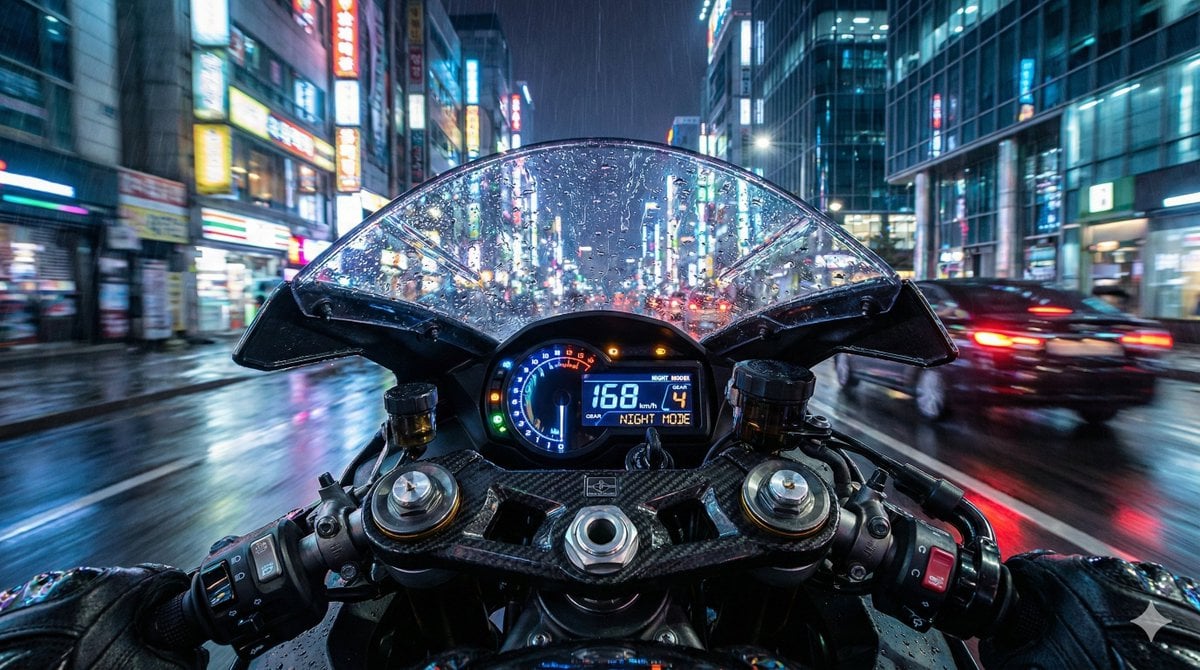
Hyper-Realistic Motorcycle Cockpit POV Prompt
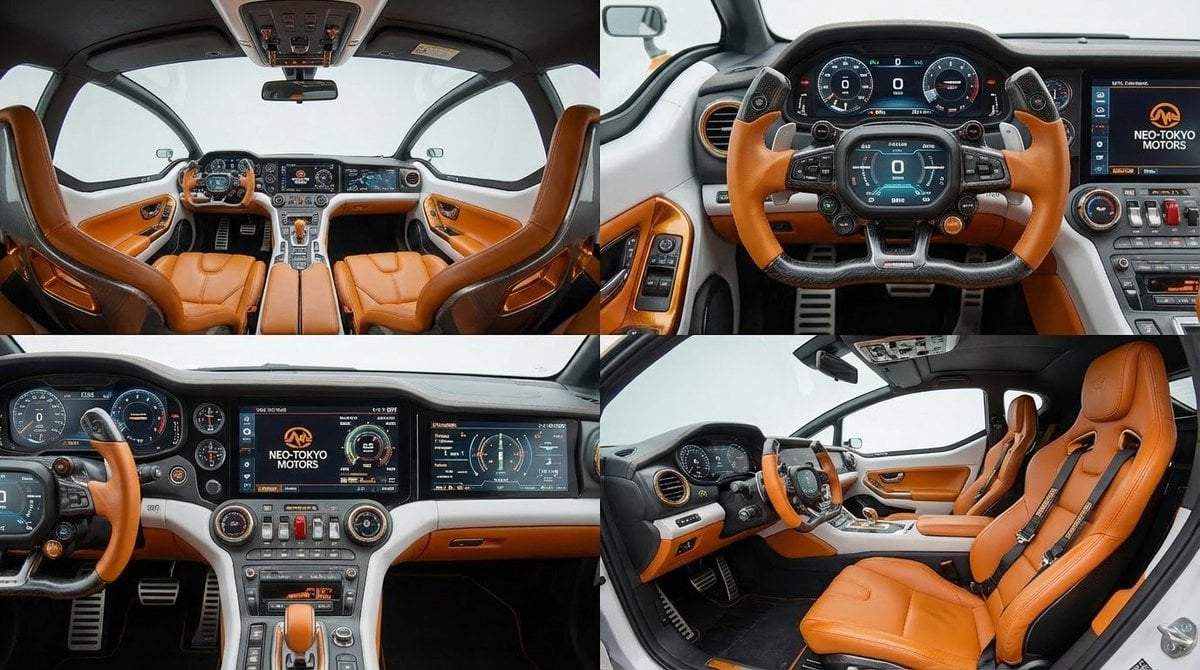
Cockpit Interior Grid View
Make it yours
Cinematic Astronaut Cockpit Scene works as-is. These are the safest ways to change it without losing the look.
Change one field
Copy a single group, rewrite it, and generate again so you can see what that field is doing.
Keep the frame, change the subject
Hold the composition and light of Cinematic Astronaut Cockpit Scene, then swap wardrobe, props or the person for a new take.
| If the result… | Why | Fix |
|---|---|---|
| The result drifts from the preview | Too many fields changed at once. | Reuse Cinematic Astronaut Cockpit Scene as-is first, then change one group — subject, light, or setting. |
| The model over-stylizes the scene | The prose prompt leaves finish and camera underspecified. | Add one camera or lighting sentence and stay on GPT Image 2. |
More GPT Image 2 templates
Other prompts made for GPT Image 2.

Six VTuber Japanese Logo Sheet

Realistic Portrait of Woman and Deer

The Vista Modular Condo Poster

AI Model Routing Comparison Infographic

2.5D Anime Art Board

Isometric Productivity Desk Scene

New York Double Exposure Poster

Four-Panel AI Landscape Comparison

Japanese Tatami Lifestyle Magazine Cover

NESCAFÉ Coffee Map Poster
More image prompts
Fresh picks from across the catalog.
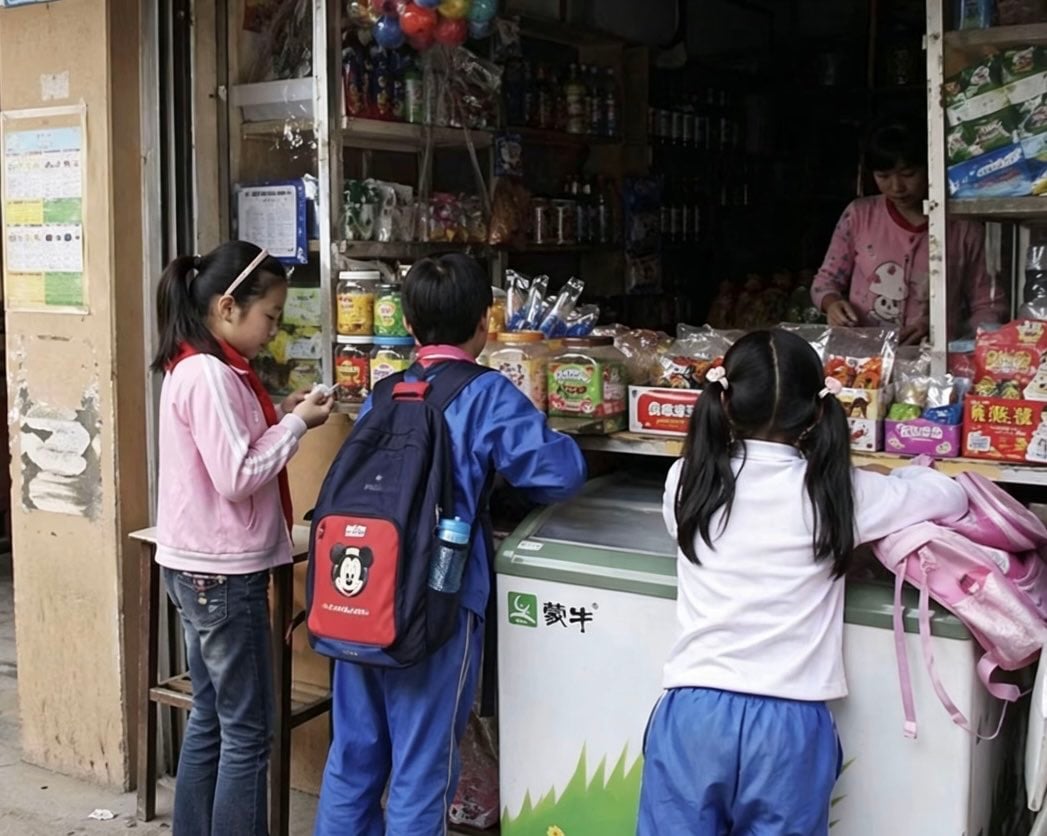
Chinese Schoolchildren at Corner Shop
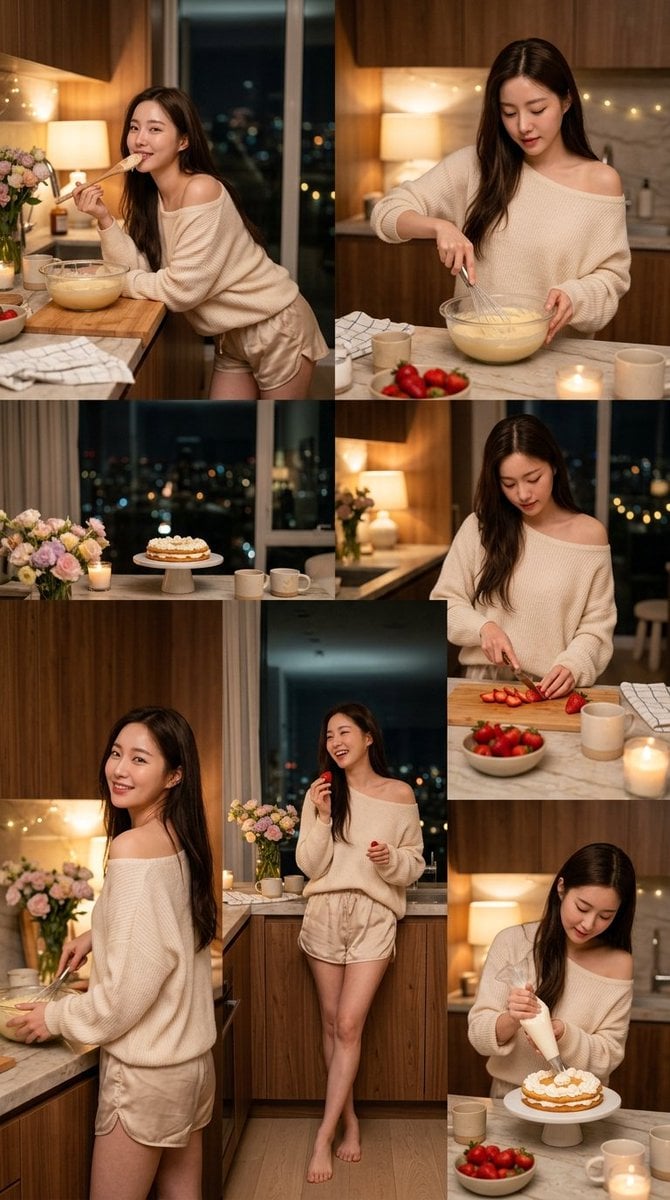
Korean Girl Kitchen Cooking Aesthetic
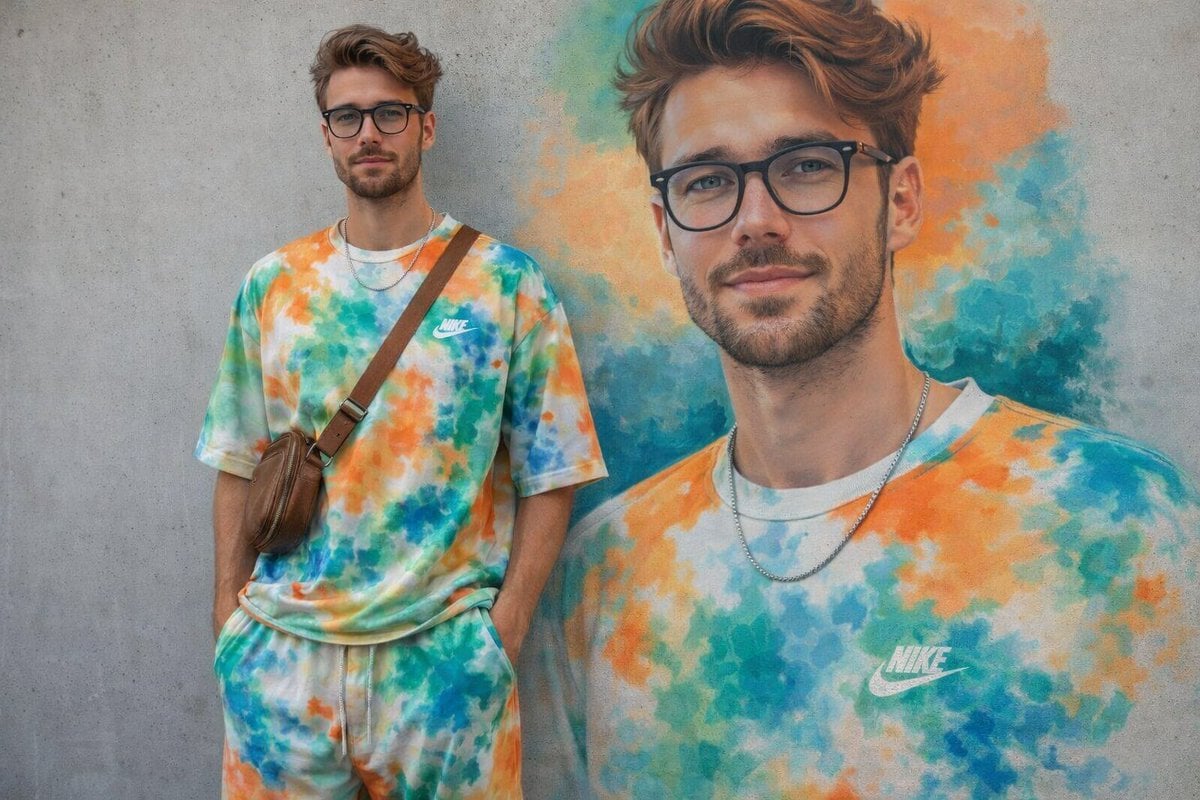
Minimal Mural Portrait
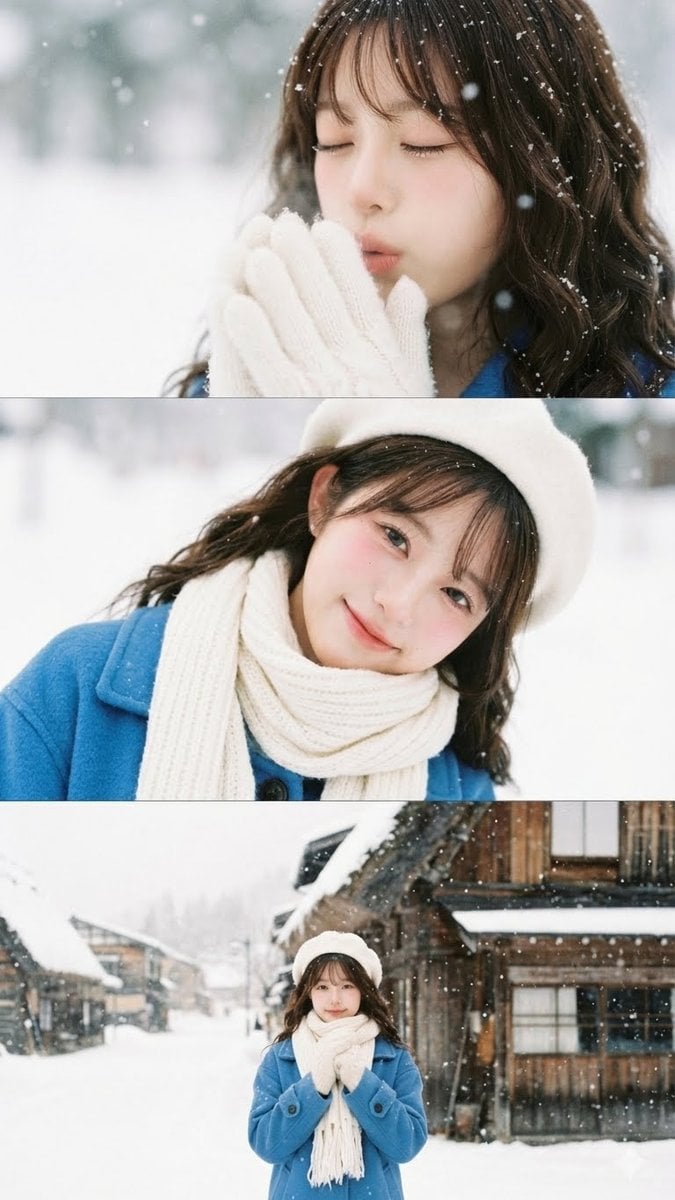
Vertical film strip collage of an Asian woman in a snowy Hokkaido setting
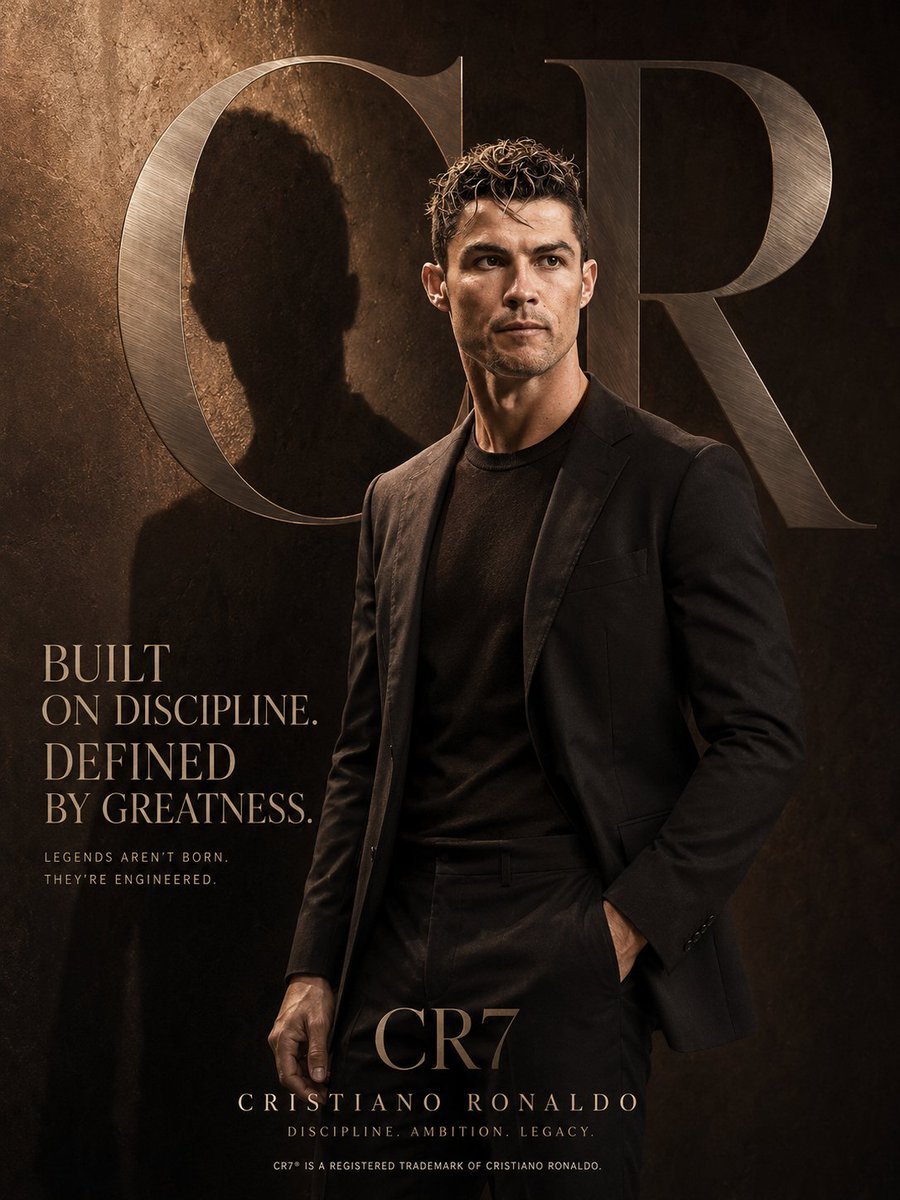
Luxury Editorial Fashion Poster Template
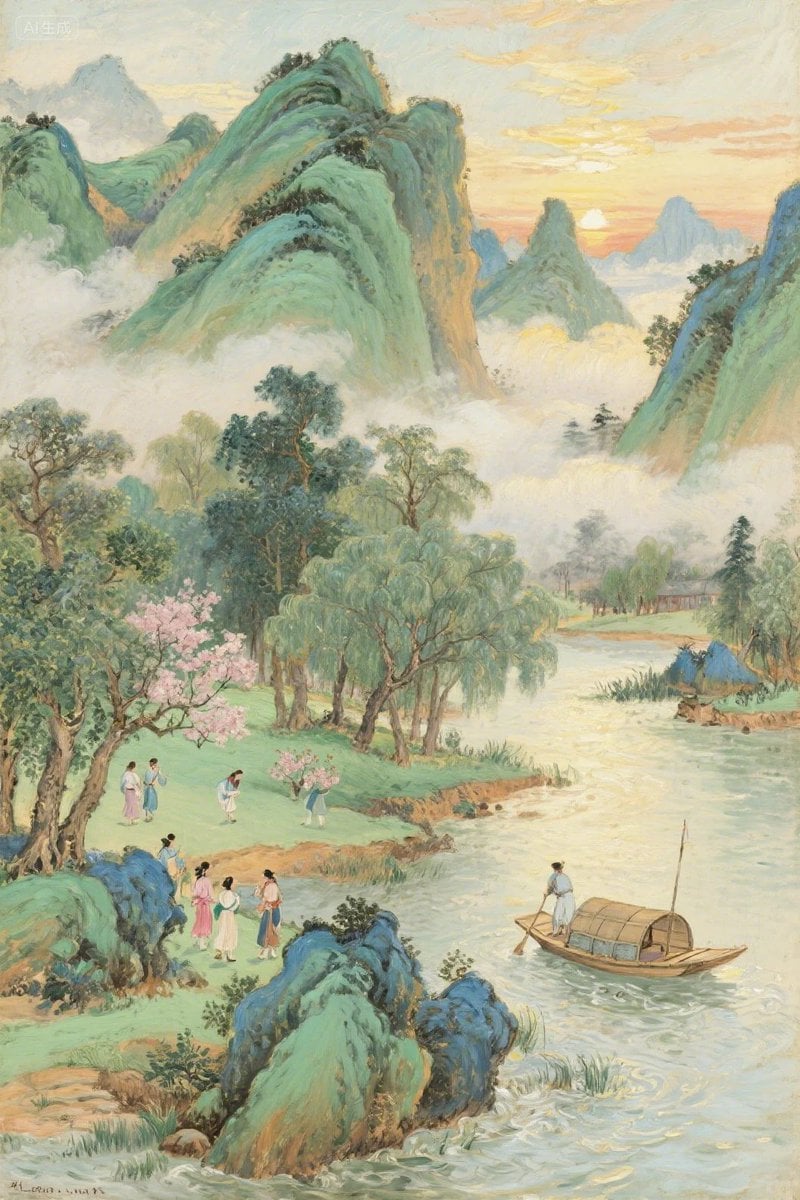
Misty Chinese Spring Riverscape
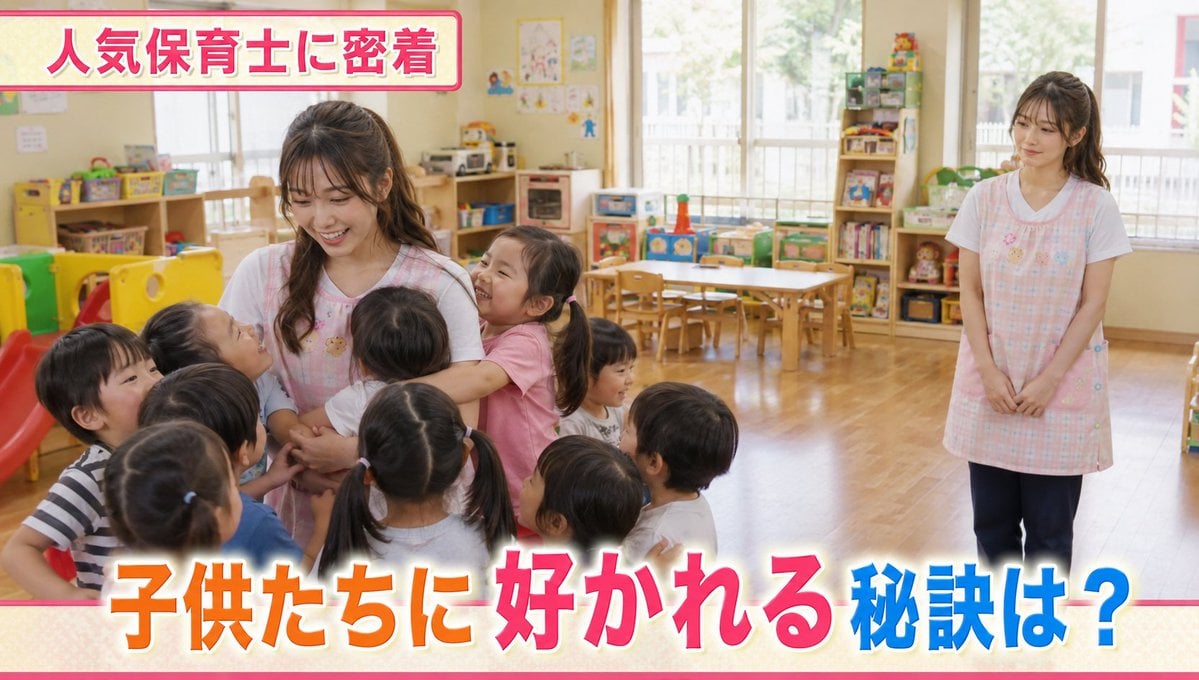
Contrast in Popularity Twin Teachers
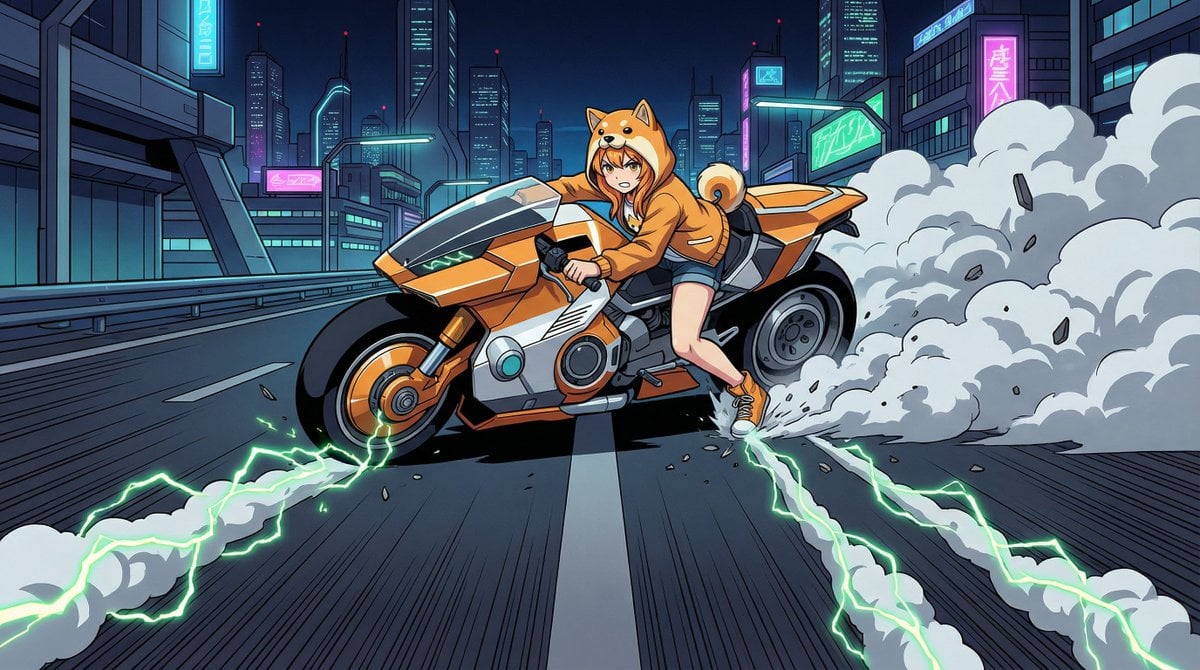
AKIRA 'Slide Brake Scene' Recreation Prompt
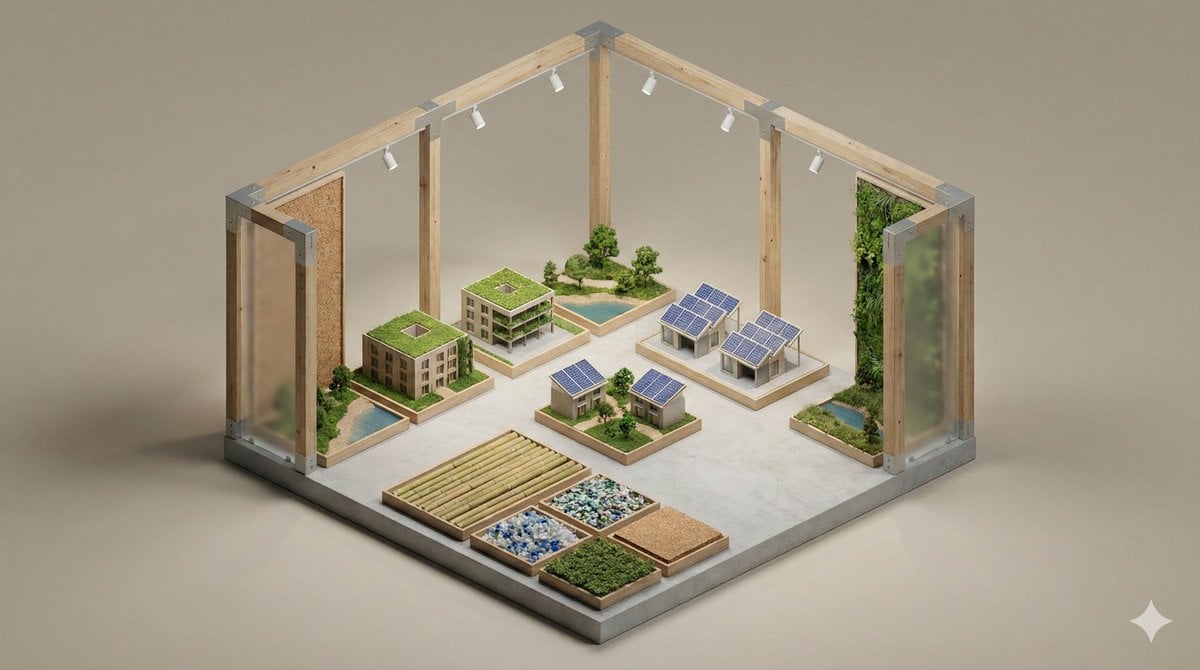
Minimalist 3D Isometric Exhibition Pod Diorama
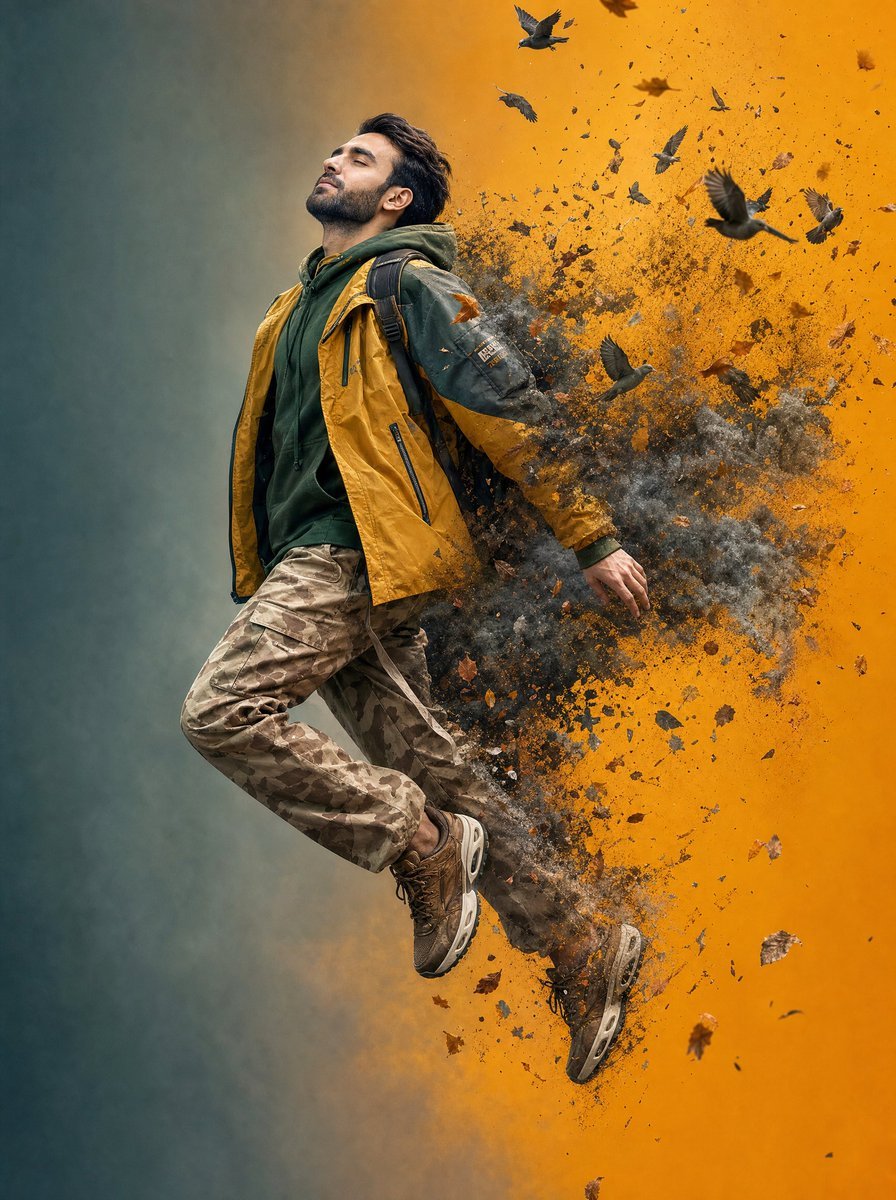
Surreal Floating Man Dissolving Into Ash
Browse template categories
Cinematic Astronaut Cockpit Scene questions
How do I use the Cinematic Astronaut Cockpit Scene template?
Add your photo if the template asks for one, edit the prompt if you like — the template's model and format are already selected — and press Generate. Your version opens in PicX Studio.
Can I customize the Cinematic Astronaut Cockpit Scene template?
Yes. You can change the subject, setting, lighting, mood, format, and available model controls before creating your image.
Is the Cinematic Astronaut Cockpit Scene template free?
Opening and editing this template is free. Generating uses credits, shown on the Generate button when you are signed in.
Which AI model should I use?
Start with GPT Image 2, which is the model associated with this template. You can compare another compatible model for a different finish.
Looking for something else? Browse all templates.

Your photo, any look
Thousands of ready templates for every top image and video model, from one credit balance.