
Vintage Onsen Member Card
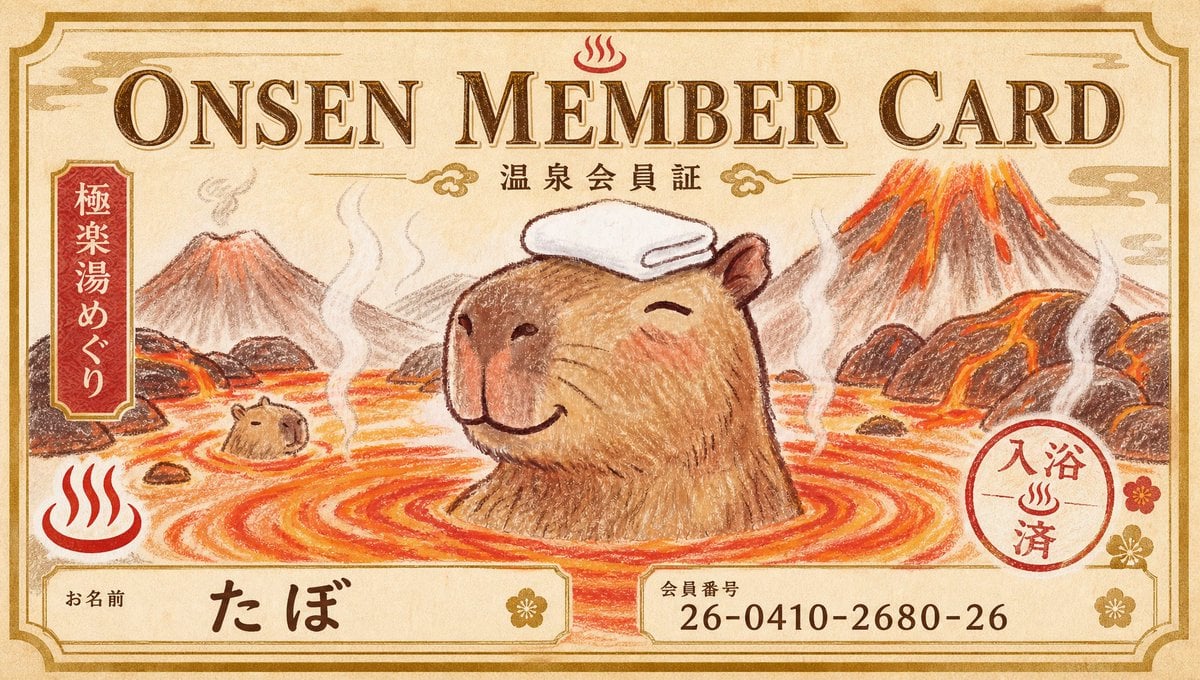
Generates a cute Japanese hot spring membership card profile illustration with a capybara soaking in a volcanic onsen.
- Prompt included
- Model and format preset
- Free template
The prompt behind this image
Copy the exact prompt behind Vintage Onsen Member Card, or open it in the studio and make it yours.
Goal: Create a whimsical Japanese hot spring membership card profile design for {argument name="character name" default="tabo"}, styled like a vintage printed certificate with cute animal illustration. Canvas: Horizontal membership card, wide 16:9 ratio, warm aged cream paper background with subtle grain, stains, and slightly worn edges. Use a double-line ornate gold border with clipped decorative corners and small Japanese cloud motifs in muted gold. Layout: Large top headline reads “ONSEN MEMBER CARD” in a Western vintage serif font, dark brown with gold shading and engraved texture. Centered above or between the words is a small red hot spring steam icon. Under the headline, add Japanese text “温泉会員証” with symmetrical gold flourishes on both sides. The main illustration fills the middle: a smiling capybara soaking in an orange-red hot spring, wearing a folded white towel on its head, cheeks slightly rosy, one eye happily closed. Behind it are rocky volcanic hot spring scenery, steam wisps, and two volcanoes: 1 smaller smoking volcano on the left and 1 larger erupting volcano on the right with orange lava. In the bath water, include 1 small capybara head in the left-middle background. The water is rendered as swirling orange and red crayon-like rings. Visible labeled elements: Include exactly 5 major text/mark areas: 1 large English title “ONSEN MEMBER CARD”; 1 Japanese subtitle “温泉会員証”; 1 vertical red plaque on the left with white Japanese text “極楽湯めぐり”; 1 circular red stamp on the lower right with Japanese text “入浴済” and a small steam icon; 1 bottom information strip divided into two boxed fields. In the bottom left field, show small label “お名前” and large handwritten Japanese name {argument name="display name" default="たぼ"}. In the bottom right field, show small label “会員番号” and membership number {argument name="membership number" default="26-0410-2680-26"}. Visual style: Hand-drawn colored-pencil and crayon texture, nostalgic Showa-era Japanese travel-ticket aesthetic, warm browns, reds, oranges, cream, and muted gold. Keep lines slightly imperfect and tactile, as if printed on thick washi paper. Add small decorative plum blossom icons in gold and red near the lower corners. Constraints: Keep the design readable as a single card, with no photorealism, no modern UI elements, no extra logos, and no additional text beyond the specified 5 text/mark areas.
How to use Vintage Onsen Member Card in 3 steps
- 1Upload ImagePNG, JPG or paste
Add your photo
Upload the photo the template builds on. The prompt, model and format are already set.
- 2…a portrait of your subject in softgolden-hour light, 85mm…
Personalize
Edit the subject and creative details for your destination.
- 3Generate
Generate
Press Generate — your image is created in PicX Studio, so you can compare it with the original and refine one variable at a time.
More like this
Templates with the same subject, style or setup. Open one to see its prompt.







Make it yours
Vintage Onsen Member Card works as-is. These are the safest ways to change it without losing the look.
Change one field
Copy a single group, rewrite it, and generate again so you can see what that field is doing.
Keep the frame, change the subject
Hold the composition and light of Vintage Onsen Member Card, then swap wardrobe, props or the person for a new take.
| If the result… | Why | Fix |
|---|---|---|
| The result drifts from the preview | Too many fields changed at once. | Reuse Vintage Onsen Member Card as-is first, then change one group — subject, light, or setting. |
| The model over-stylizes the scene | The prose prompt leaves finish and camera underspecified. | Add one camera or lighting sentence and stay on GPT Image 2. |
More GPT Image 2 templates
Other prompts made for GPT Image 2.

Six VTuber Japanese Logo Sheet

Realistic Portrait of Woman and Deer

The Vista Modular Condo Poster

AI Model Routing Comparison Infographic

2.5D Anime Art Board

Isometric Productivity Desk Scene

New York Double Exposure Poster

Four-Panel AI Landscape Comparison

Japanese Tatami Lifestyle Magazine Cover

NESCAFÉ Coffee Map Poster
More image prompts
Fresh picks from across the catalog.
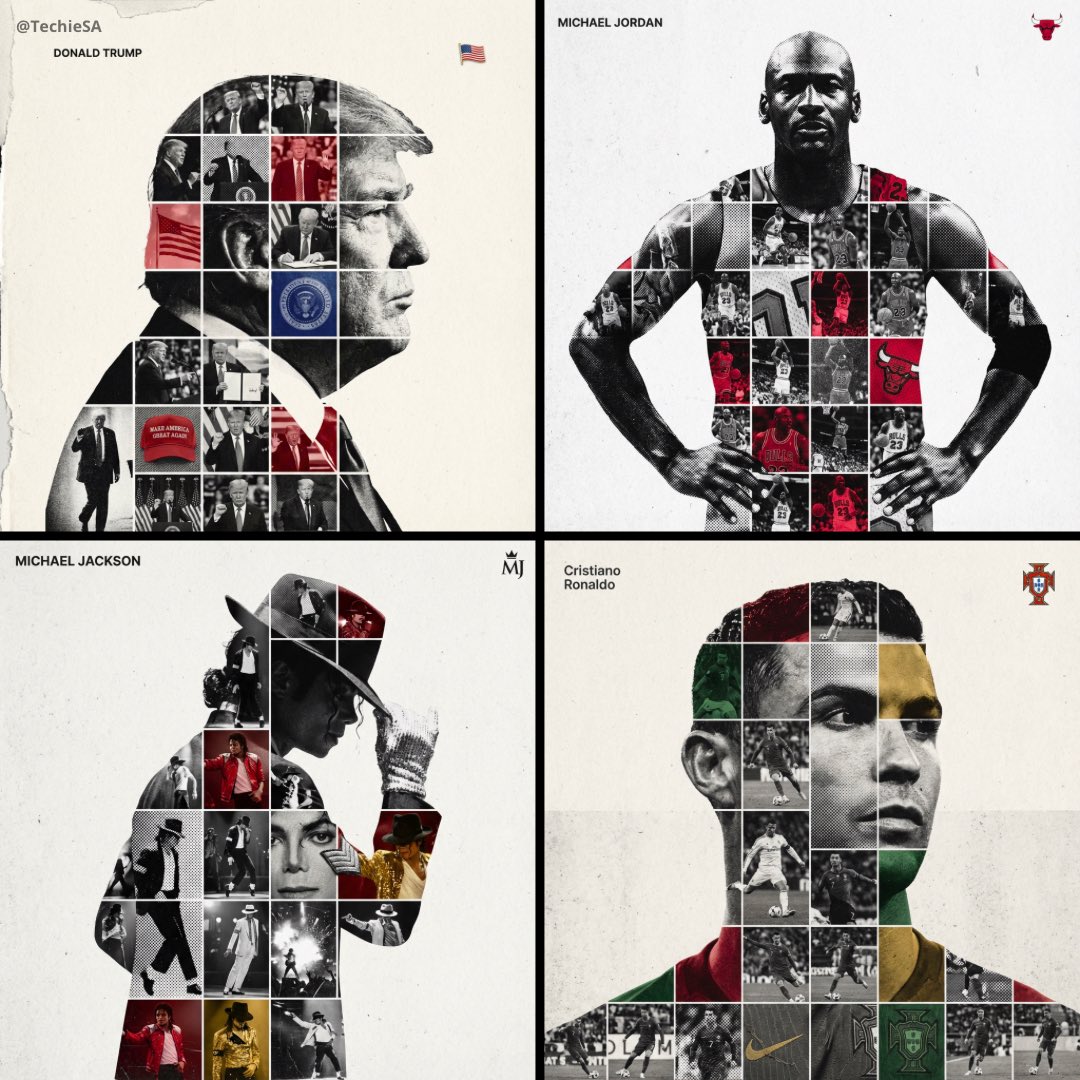
Mixed Media Sports Tribute

Modern Social Media Scene for Literary Characters
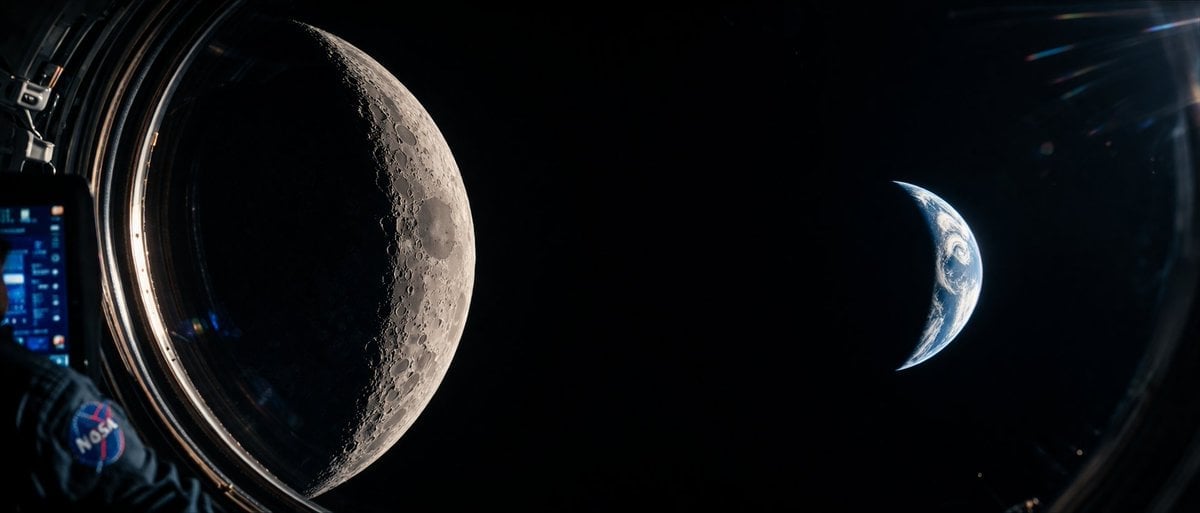
Cinematic Spacecraft View of Moon and Earth
Nano Banana Image Generation Prompt Schema (JSON Format)
Burgundy Gown Editorial on Black Chaise
Book Recommendation Engine to Automaton Prompt
Mecha Character Concept Showcase
Futuristic Beige Suit Editorial Collage
Gear 5 Chalkboard Classroom Mural

Pixel Art Games with Nano Banana Pro Are
Browse template categories
Vintage Onsen Member Card questions
How do I use the Vintage Onsen Member Card template?
Add your photo if the template asks for one, edit the prompt if you like — the template's model and format are already selected — and press Generate. Your version opens in PicX Studio.
Can I customize the Vintage Onsen Member Card template?
Yes. You can change the subject, setting, lighting, mood, format, and available model controls before creating your image.
Is the Vintage Onsen Member Card template free?
Opening and editing this template is free. Generating uses credits, shown on the Generate button when you are signed in.
Which AI model should I use?
Start with GPT Image 2, which is the model associated with this template. You can compare another compatible model for a different finish.
Looking for something else? Browse all templates.

Your photo, any look
Thousands of ready templates for every top image and video model, from one credit balance.