
Rebellious Streetwear Poster
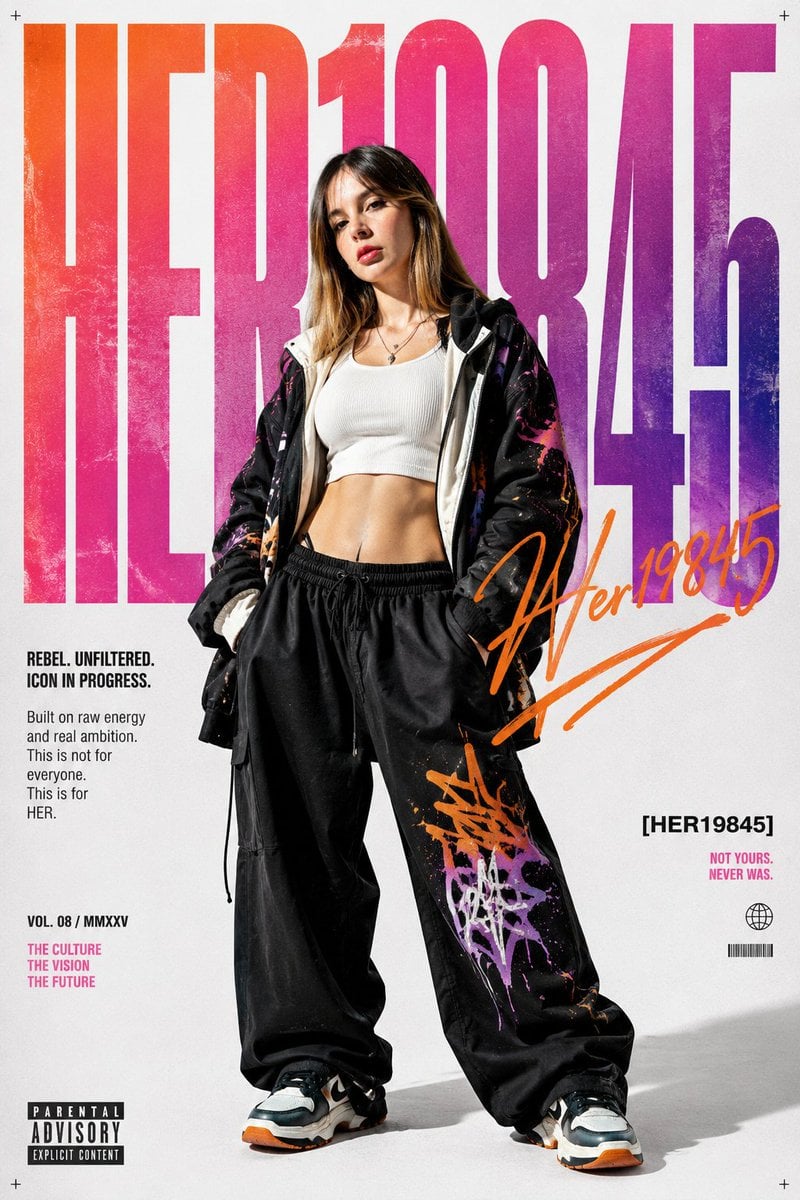
Generates a bold fashion magazine-style streetwear poster with a central model, giant gradient typography, graffiti accents, and editorial text blocks.
- Prompt included
- Model and format preset
- Free template
The prompt behind this image
Copy the exact prompt behind Rebellious Streetwear Poster, or open it in the studio and make it yours.
Goal: Create a vertical fashion-editorial magazine poster for a rebellious streetwear brand identity centered on {argument name="character name" default="HER19845"}. Canvas: Portrait poster, 2:3 aspect ratio, clean off-white studio background with subtle paper grain and tiny registration-cross marks in all four corners. Layout: Place one full-body female model in the center foreground, standing confidently with legs apart and hands in pockets. Behind her, fill almost the entire background with enormous condensed block typography reading {argument name="headline text" default="HER19845"}, cropped at the edges, using a gritty orange-to-pink-to-purple gradient with distressed texture. Add an energetic orange handwritten signature/scribble overlay across the right-middle area, partially crossing the model and the large number forms. Subject details: The model has long highlighted brown-blonde hair and a deliberately anonymized blurred face. She wears a white cropped ribbed tank top, layered necklaces, an oversized black zip hoodie with white lining and colorful paint-splatter graphics, very loose black drawstring streetwear pants with orange, pink, and purple graffiti marks, and chunky black-white-orange sneakers. Pose is relaxed, confident, rebellious, fashion campaign style. Visible text content: Include exactly 9 distinct text elements: 1) giant background headline: “HER19845”; 2) left bold tagline: “REBEL. UNFILTERED. ICON IN PROGRESS.”; 3) left paragraph: “Built on raw energy and real ambition. This is not for everyone. This is for HER.”; 4) lower-left issue line: “VOL. 08 / MMXXV”; 5) lower-left pink slogan stacked in three lines: “THE CULTURE / THE VISION / THE FUTURE”; 6) right bracketed label: “[HER19845]”; 7) small pink right slogan: “NOT YOURS. NEVER WAS.”; 8) bottom-left black-and-white label: “PARENTAL ADVISORY EXPLICIT CONTENT”; 9) orange handwritten mark reading {argument name="signature text" default="After19845"}. Also include two tiny graphic icons under the right slogan: a simple globe icon and a small barcode. Visual style: High-contrast studio fashion photography blended with bold graphic poster design, sharp full-body lighting, slight floor shadow, grunge print texture, contemporary youth-culture zine aesthetic, neon gradient typography, orange marker strokes, black/pink accent typography. Constraints: Keep the model centered over the huge background word, maintain legible poster text, use no extra words beyond the 9 listed text elements, preserve the blurred/anonymized face, and make the final result look like a premium rebellious streetwear magazine cover.
How to use Rebellious Streetwear Poster in 3 steps
- 1Upload ImagePNG, JPG or paste
Add your photo
Upload the photo the template builds on. The prompt, model and format are already set.
- 2…a portrait of your subject in softgolden-hour light, 85mm…
Personalize
Edit the subject and creative details for your destination.
- 3Generate
Generate
Press Generate — your image is created in PicX Studio, so you can compare it with the original and refine one variable at a time.
More like this
Templates with the same subject, style or setup. Open one to see its prompt.

Urban Fashion Editorial Collage Streetwear Poster
Ultra-Stylized High-Fashion Streetwear Poster
Urban Fashion Editorial Collage Poster
Selective Color Monochrome Football Poster
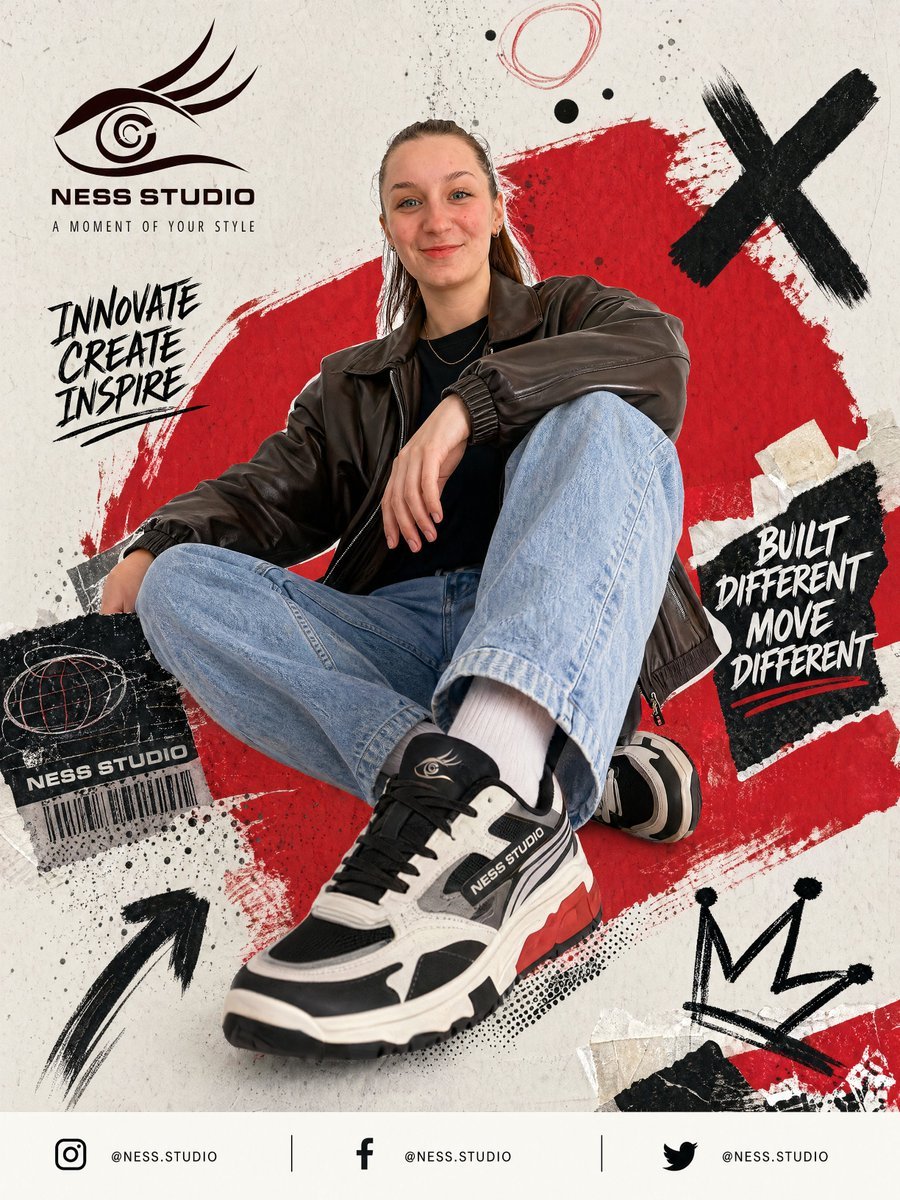
Gpt2 Product Marketing Streetwear Sneaker Poster Ad
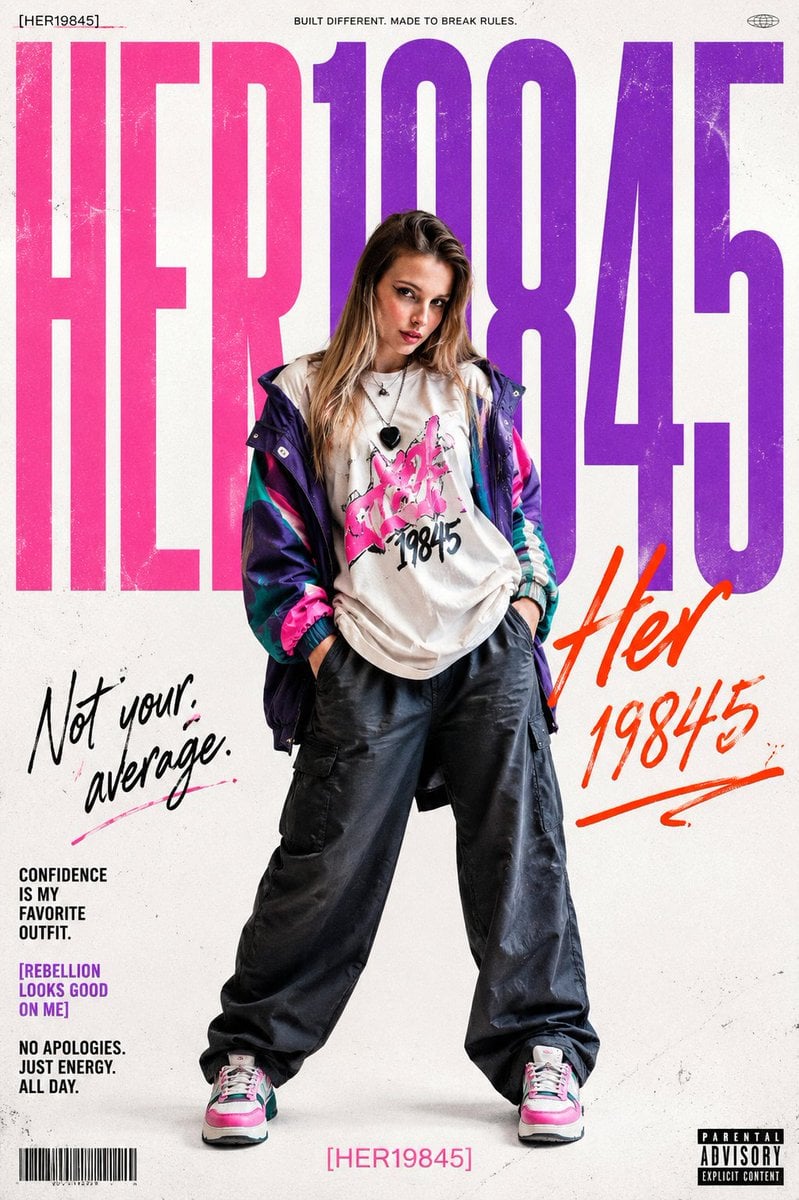
Rebellious Streetwear Magazine Poster
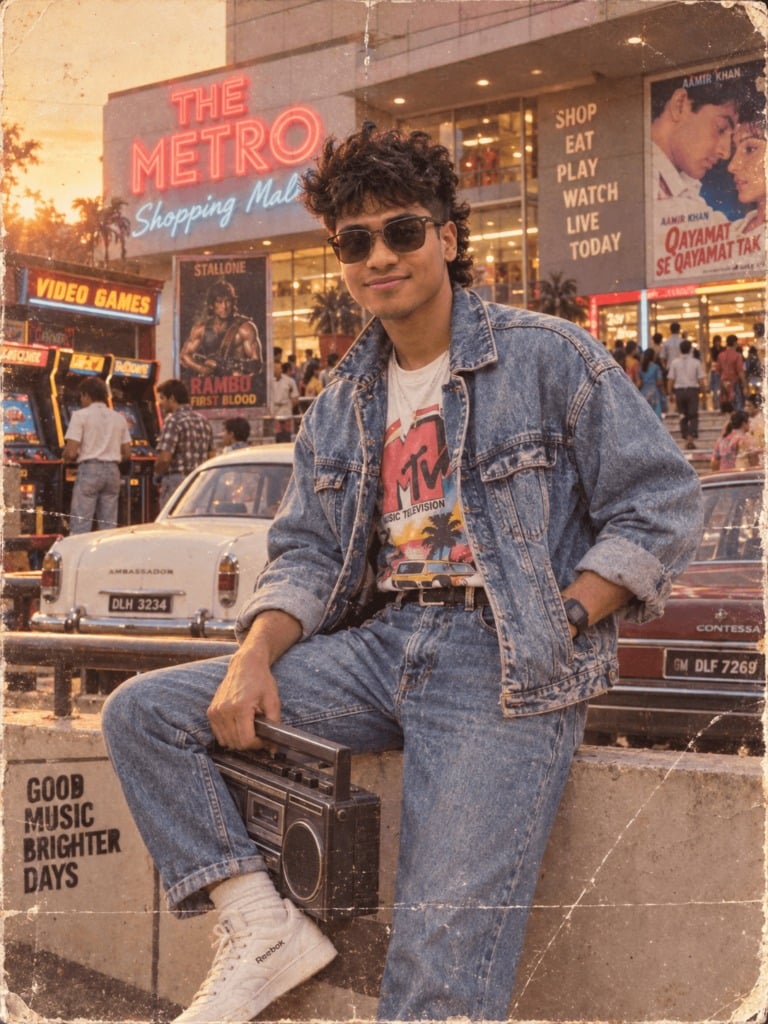
1988 Mall Style

Japan Travel Brochure Poster

Cartoon TV Show Poster Pack

Trendy Cafe Drink Promo Poster
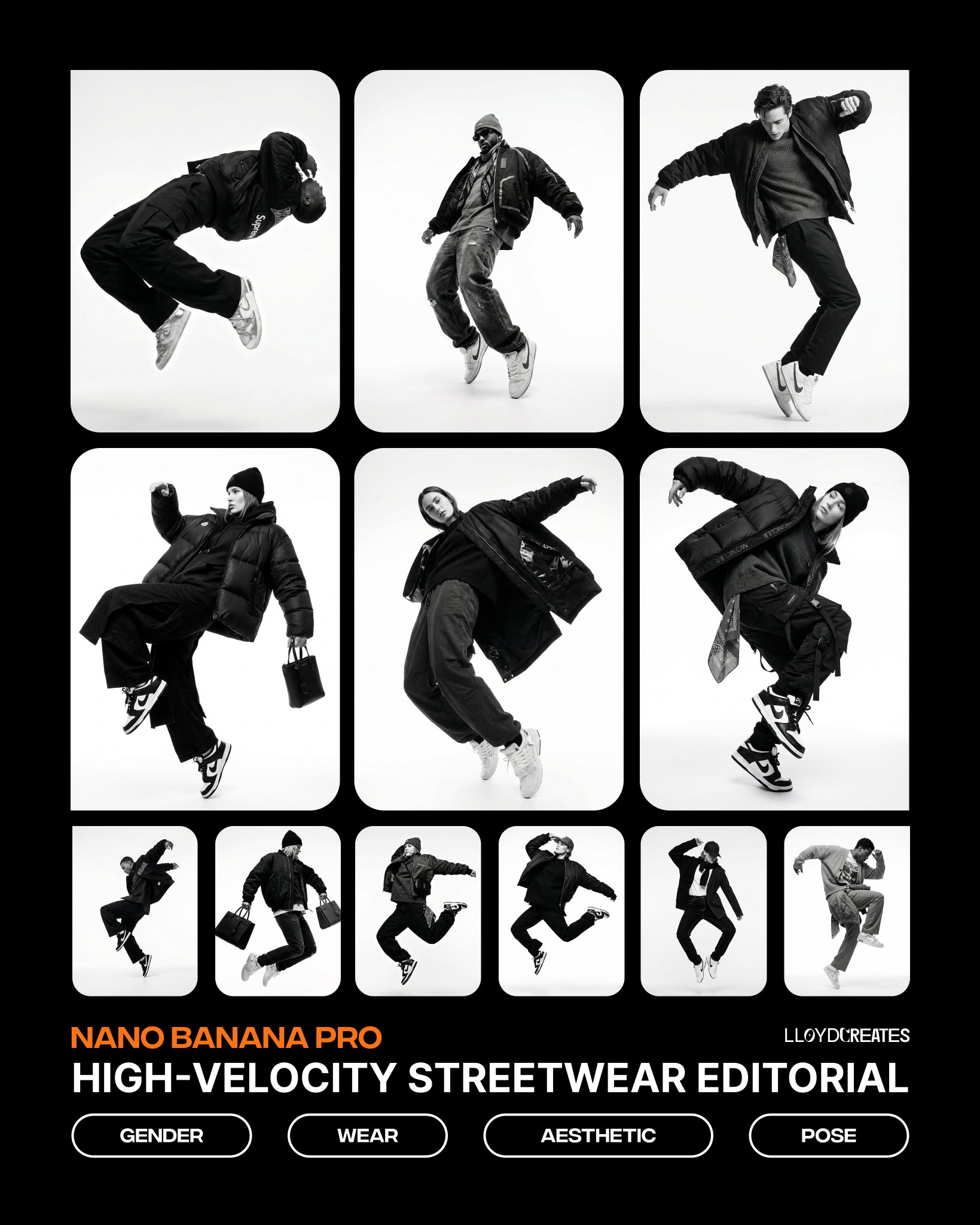
Monochrome Hypebeast Street Fashion Editorial Motion

Premium Fashion Editorial Cover Layout System
Make it yours
Rebellious Streetwear Poster works as-is. These are the safest ways to change it without losing the look.
Change one field
Copy a single group, rewrite it, and generate again so you can see what that field is doing.
Keep the frame, change the subject
Hold the composition and light of Rebellious Streetwear Poster, then swap wardrobe, props or the person for a new take.
| If the result… | Why | Fix |
|---|---|---|
| The result drifts from the preview | Too many fields changed at once. | Reuse Rebellious Streetwear Poster as-is first, then change one group — subject, light, or setting. |
| The model over-stylizes the scene | The prose prompt leaves finish and camera underspecified. | Add one camera or lighting sentence and stay on GPT Image 2. |
More GPT Image 2 templates
Other prompts made for GPT Image 2.

Six VTuber Japanese Logo Sheet

Realistic Portrait of Woman and Deer

The Vista Modular Condo Poster

AI Model Routing Comparison Infographic

2.5D Anime Art Board

Isometric Productivity Desk Scene

New York Double Exposure Poster

Four-Panel AI Landscape Comparison

Japanese Tatami Lifestyle Magazine Cover

NESCAFÉ Coffee Map Poster
More image prompts
Fresh picks from across the catalog.
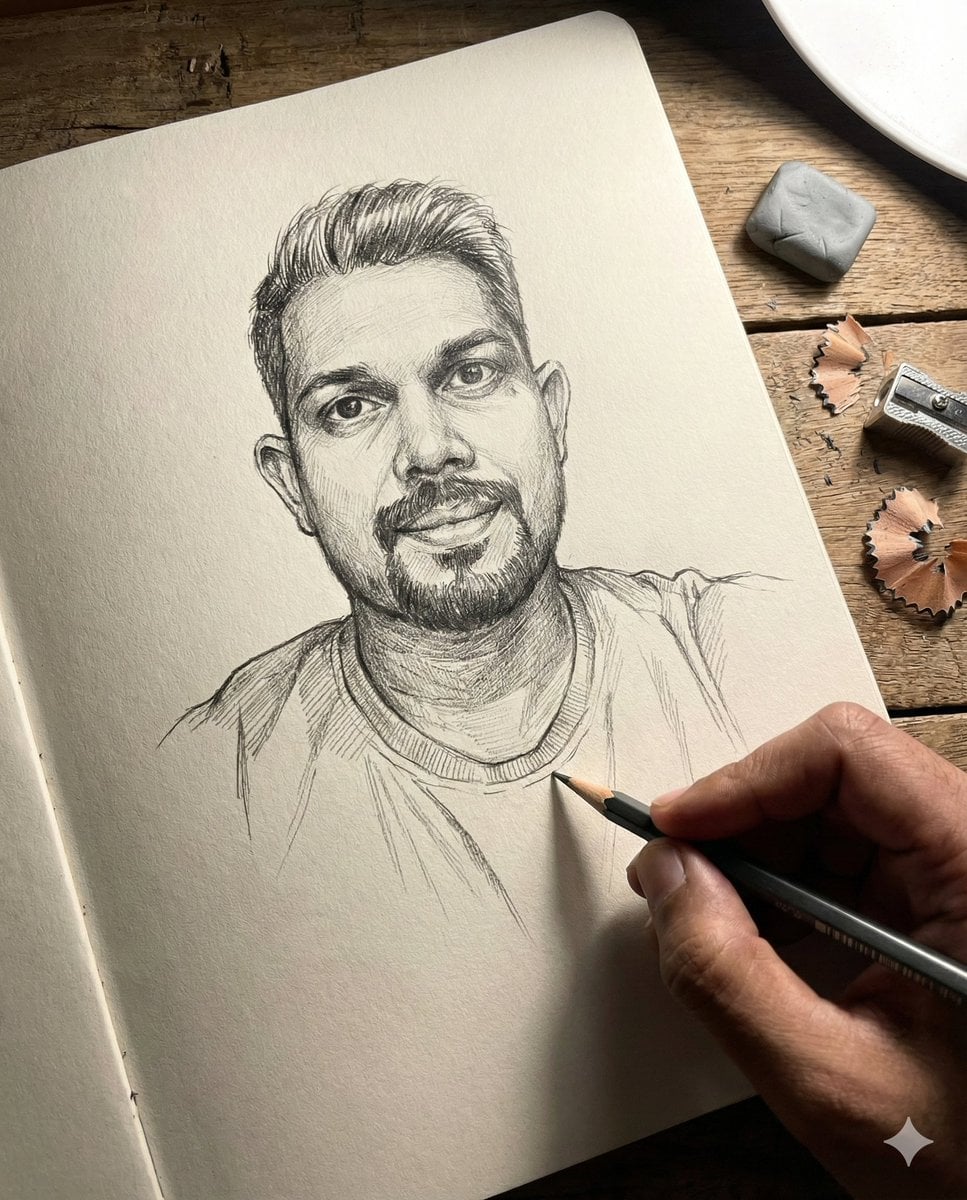
Anamorphic Graphite Sketch Illusion Prompt
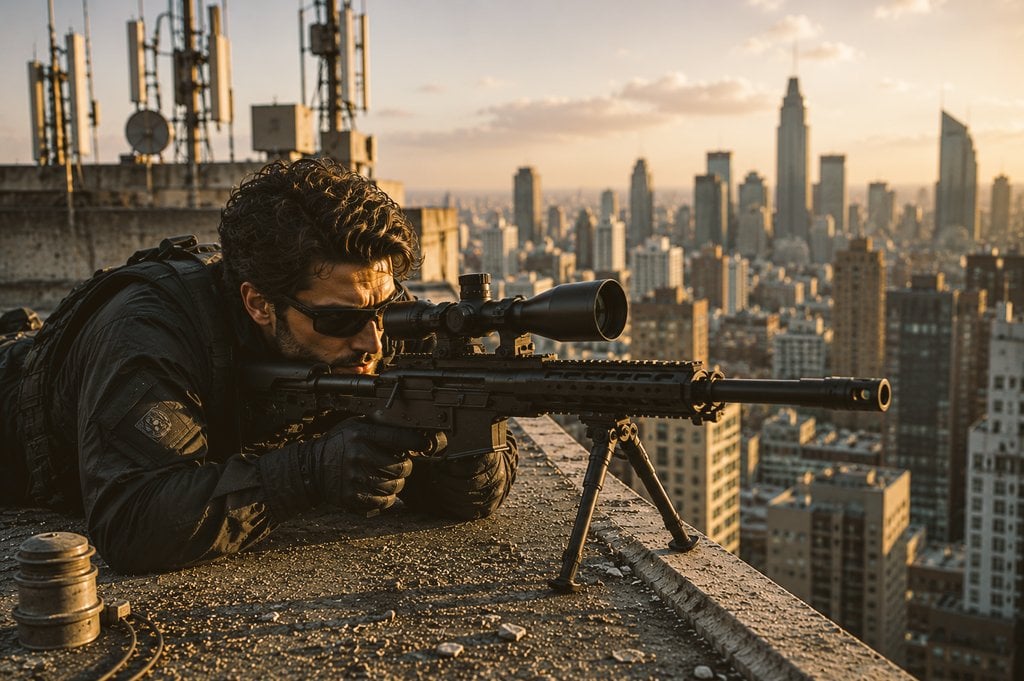
Tactical Sniper Urban Photography
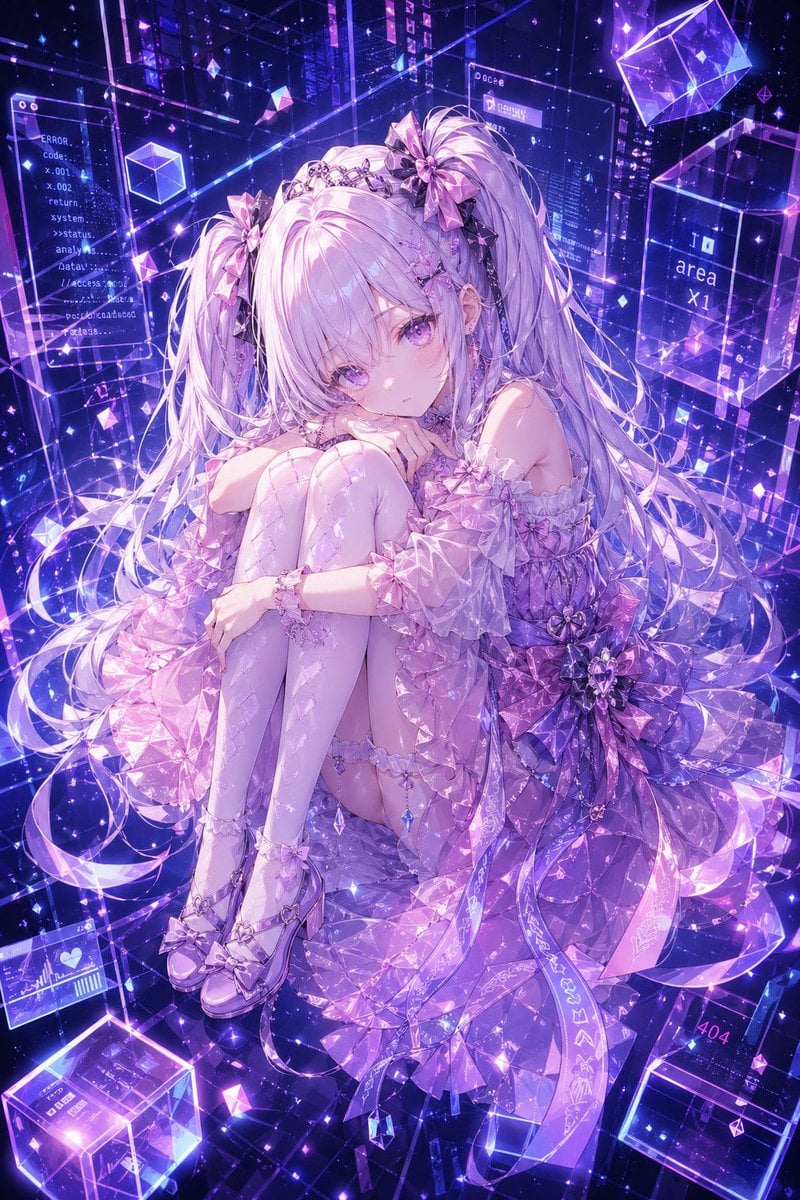
Gpt2 Profile Avatar Cyber Crystal Anime Girl Portrait

Four-Panel Manga Generation: The Day Our Bus Stops
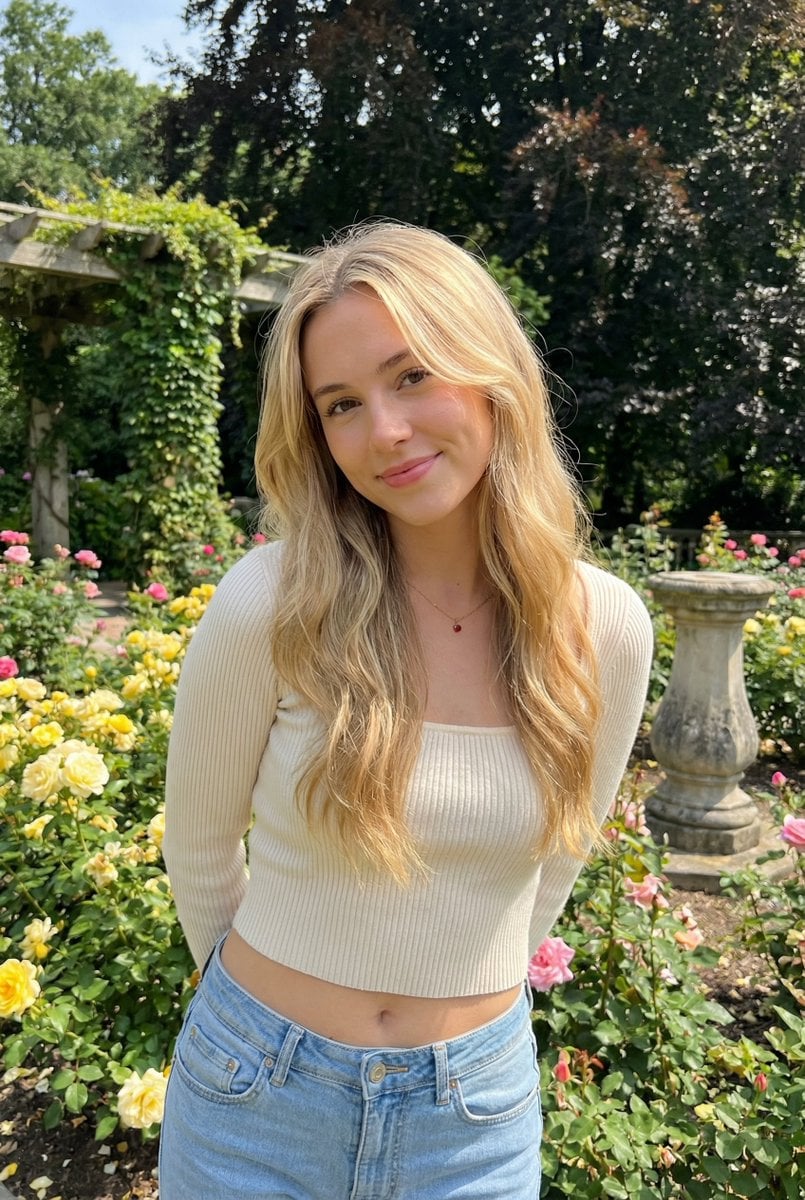
Sunlit Candid Portrait in a Rose Garden
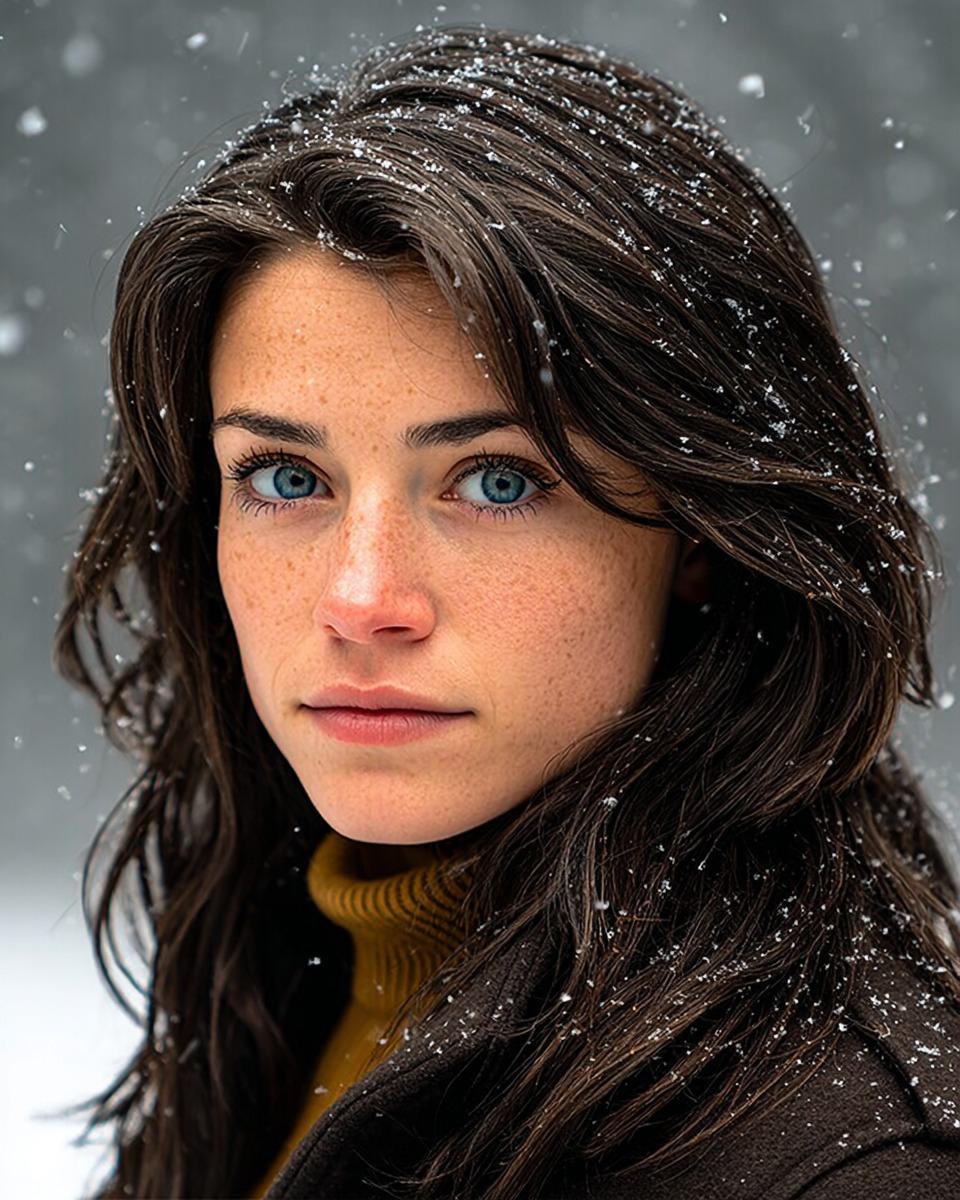
Cinematic Winter Portrait with Hyper-Detail
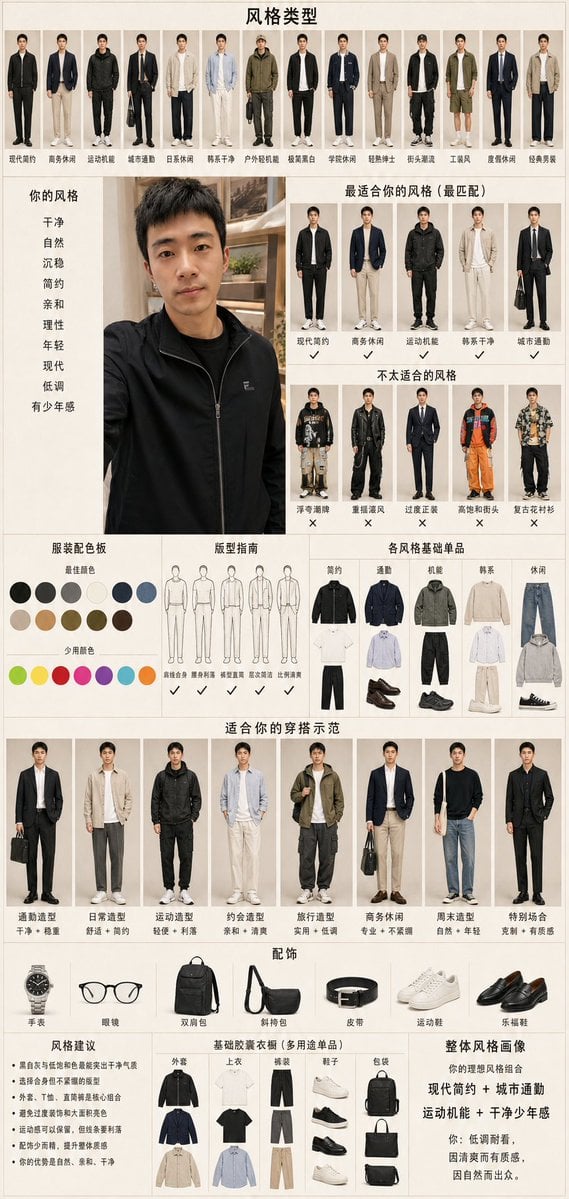
Men's Fashion Style Diagnosis Report
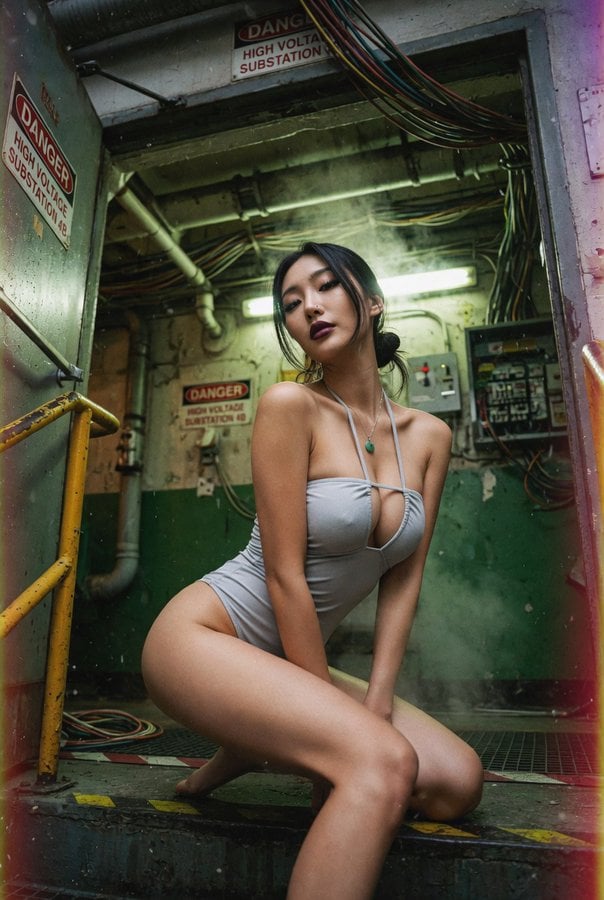
East Asian Woman Underground Film Aesthetic
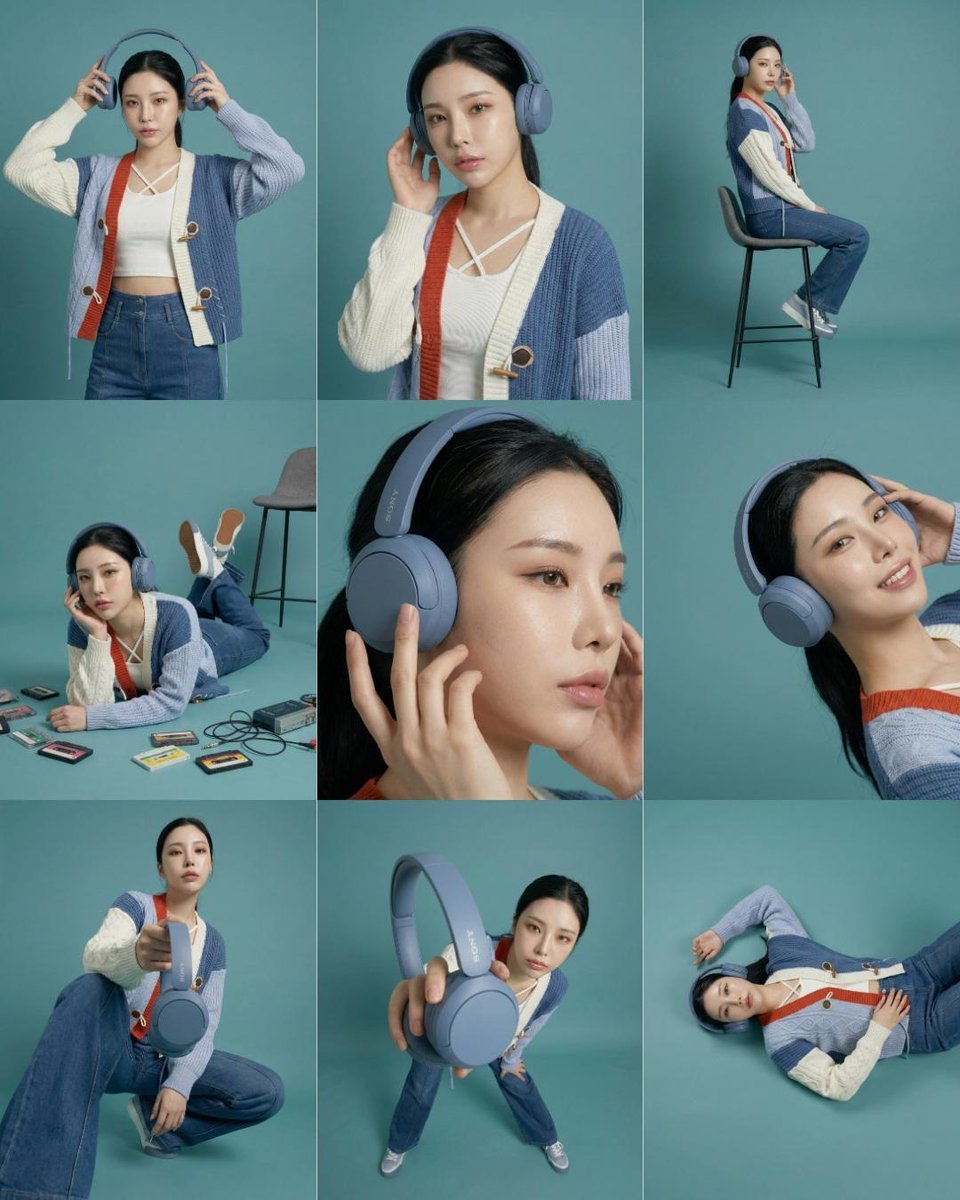
3x3 Storyboard Grid of a Young East Asian Woman
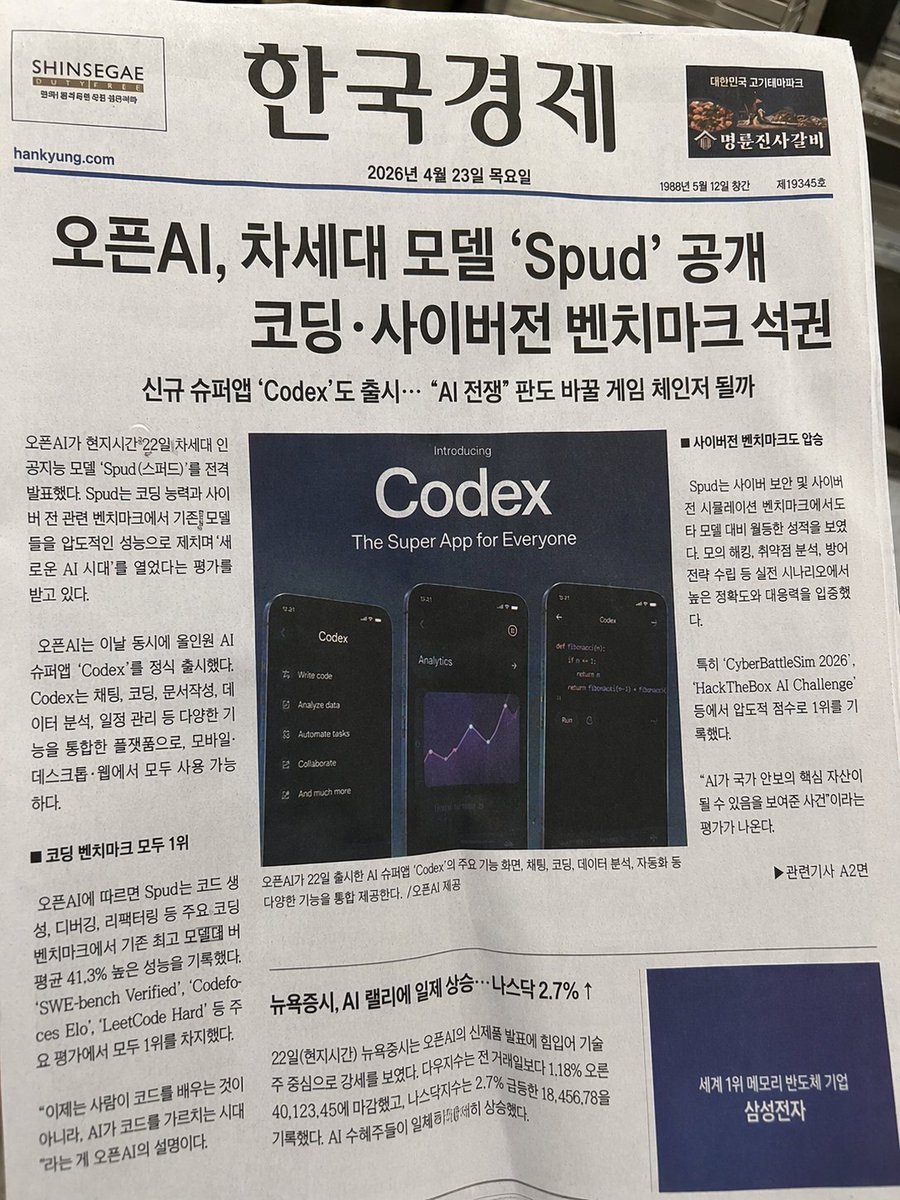
Photorealistic Korean Newspaper Front Page
Browse template categories
Rebellious Streetwear Poster questions
How do I use the Rebellious Streetwear Poster template?
Add your photo if the template asks for one, edit the prompt if you like — the template's model and format are already selected — and press Generate. Your version opens in PicX Studio.
Can I customize the Rebellious Streetwear Poster template?
Yes. You can change the subject, setting, lighting, mood, format, and available model controls before creating your image.
Is the Rebellious Streetwear Poster template free?
Opening and editing this template is free. Generating uses credits, shown on the Generate button when you are signed in.
Which AI model should I use?
Start with GPT Image 2, which is the model associated with this template. You can compare another compatible model for a different finish.
Looking for something else? Browse all templates.

Your photo, any look
Thousands of ready templates for every top image and video model, from one credit balance.