
Bold Gold Fashion Magazine Cover
Creates a luxury editorial magazine cover with a censored central model, oversized serif typography, and golden satin styling.
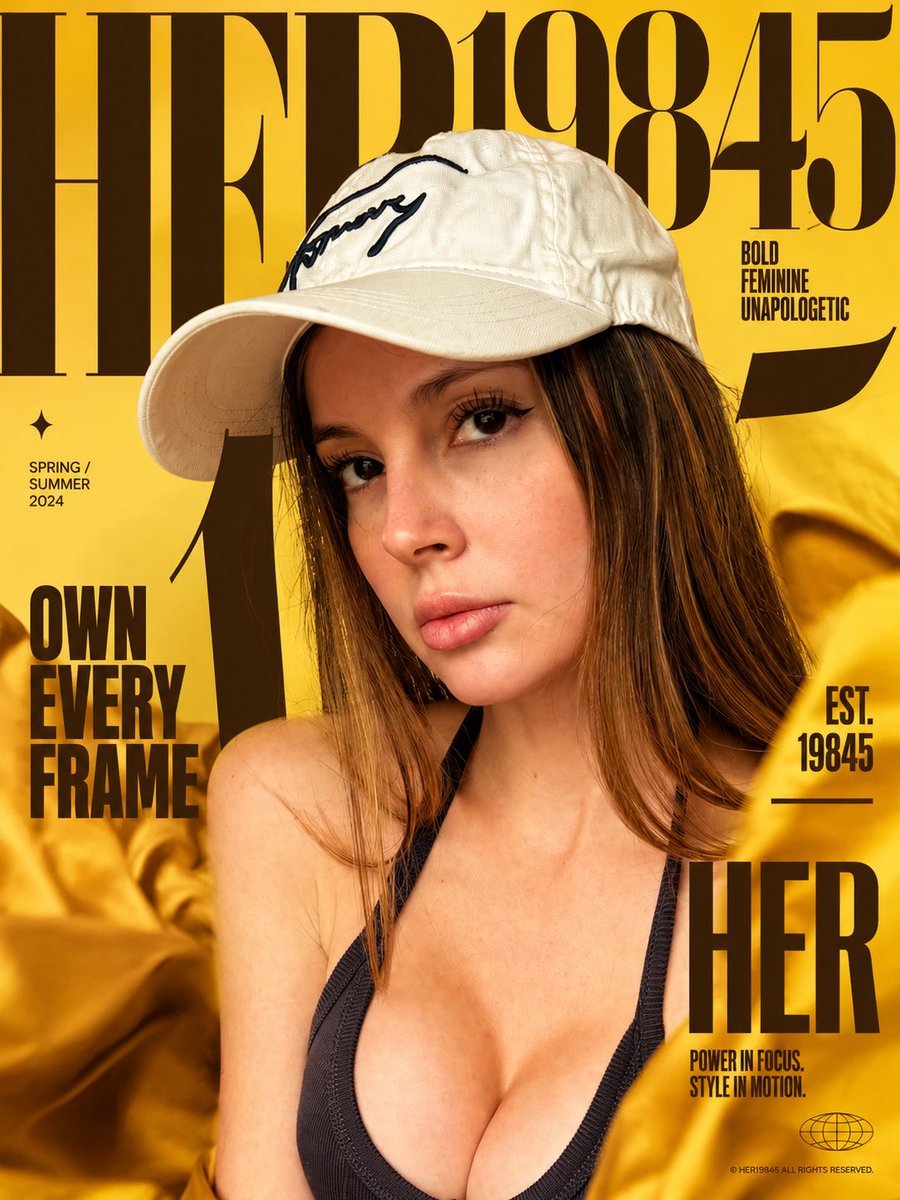
- Prompt included
- Model and format preset
- Free template
The prompt behind this image
Copy the exact prompt behind Bold Gold Fashion Magazine Cover, or open it in the studio and make it yours.
Goal: Create a bold fashion magazine cover featuring {argument name="model description" default="a young woman with long light-brown hair wearing a white baseball cap and a black ribbed halter top"}, posed from the chest up against a glossy golden satin fabric background. The model is centered, cropped close, with a large opaque square censor block covering the entire face area from forehead to chin; the square should be a warm beige-brown tone matching the cover palette. Canvas: Vertical portrait magazine cover, 3:4 aspect ratio, high-resolution editorial print design. Use a saturated golden-yellow background with dark chocolate-brown typography. The overall look should be luxurious, sporty, feminine, and unapologetically graphic. Layout: Oversized condensed serif masthead text fills the top and continues behind the model, reading {argument name="masthead text" default="HER19845"}. The letters are extremely tall, tightly spaced, and partially obscured by the cap and hair. Place additional huge cropped numeral-like typography behind the model on the left-center. Keep the model in the center foreground, with the cap brim extending left. Use strong magazine-cover layering: background fabric, huge masthead, model, censor square, then smaller cover lines. Visible text elements: Include exactly 8 distinct text/graphic label groups: 1) giant top masthead “HER19845”; 2) small left label “SPRING / SUMMER 2024”; 3) large stacked left cover line {argument name="left cover line" default="OWN EVERY FRAME"}; 4) small right tagline “BOLD FEMININE UNAPOLOGETIC”; 5) right-side label “EST. 19845” with a horizontal rule below it; 6) large lower-right title {argument name="main cover word" default="HER"}; 7) small lower-right caption “POWER IN FOCUS. STYLE IN MOTION.”; 8) tiny footer copyright “© HER19845 ALL RIGHTS RESERVED.” plus a small globe icon nearby. Subject details: The white baseball cap should look softly wrinkled with dark navy cursive embroidery on the front. Hair falls around both sides of the censor square. The black halter top has visible ribbed texture and a deep neckline. Skin is warmly lit with editorial studio lighting. Visual style: High-fashion magazine cover, sharp commercial photography mixed with bold graphic design, heavy contrast, warm gold palette, glossy satin folds, dramatic typography, clean print finish, no border. Constraints: Keep all text in dark brown or near-black. Do not add extra headlines beyond the 8 listed groups. Keep the censor square perfectly rectangular, centered over the face, and opaque. Make the composition look like a finished luxury sports-fashion magazine cover, not a poster mockup.
How to use Bold Gold Fashion Magazine Cover in 3 steps
- 1Upload ImagePNG, JPG or paste
Add your photo
Upload the photo the template builds on. The prompt, model and format are already set.
- 2…a portrait of your subject in softgolden-hour light, 85mm…
Personalize
Edit the subject and creative details for your destination.
- 3Generate
Generate
Press Generate — your image is created in PicX Studio, so you can compare it with the original and refine one variable at a time.
More like this
Templates with the same subject, style or setup. Open one to see its prompt.
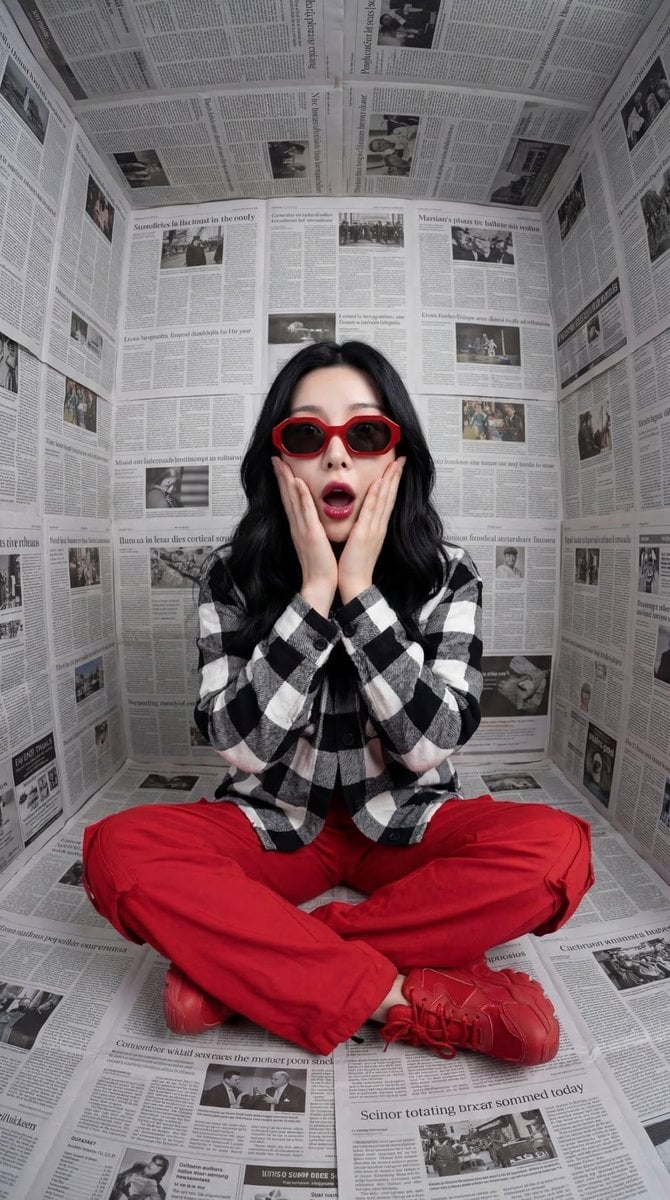
Bold Red Contrast Fashion Editorial Newspaper Room
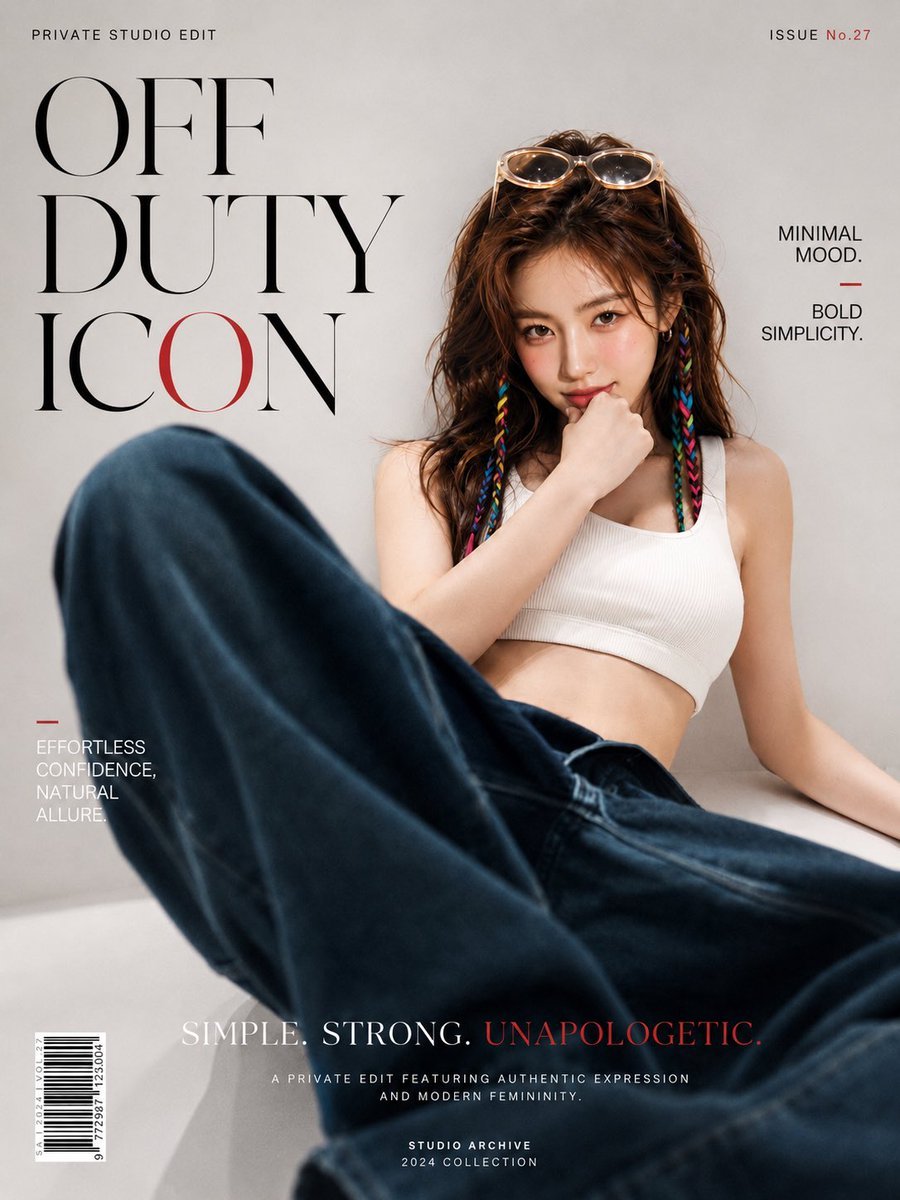
Off Duty Fashion Magazine Cover
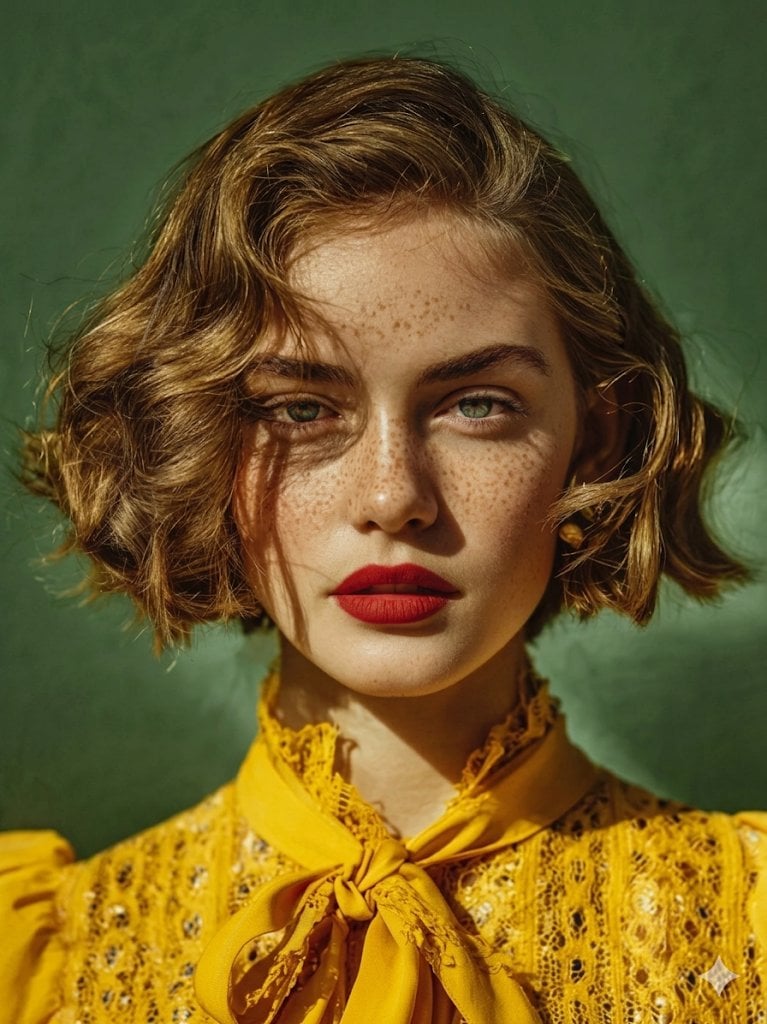
High-Fashion Magazine Cover Portrait
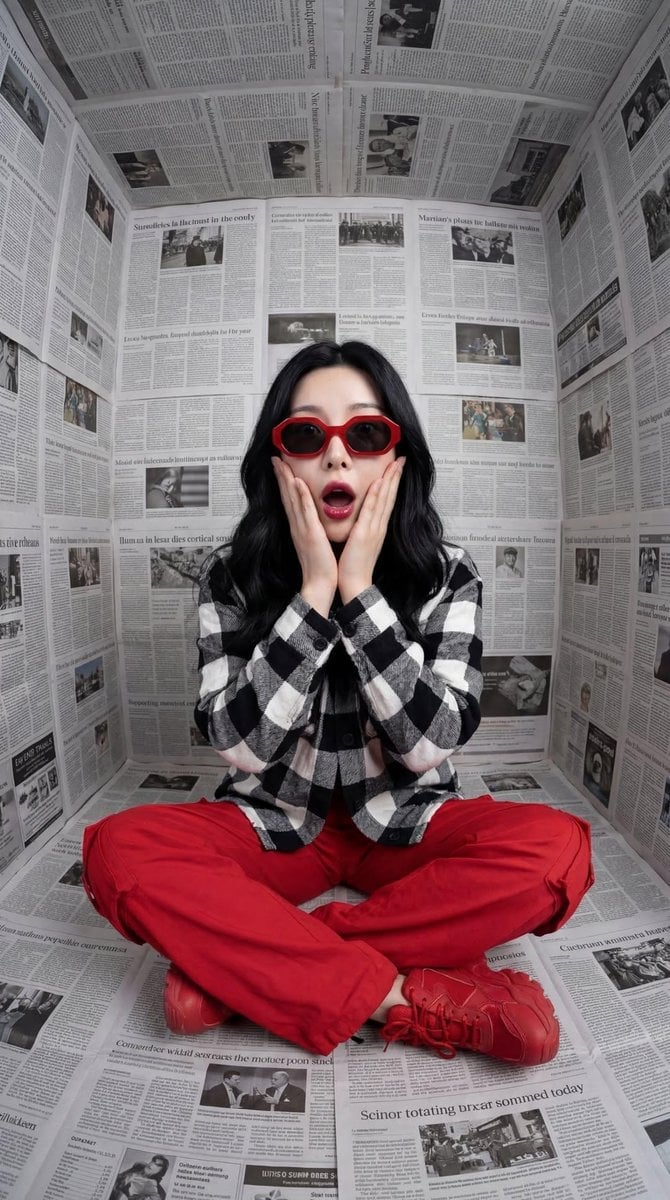
Stylized Fashion Portrait Bold Color Contrast Editorial
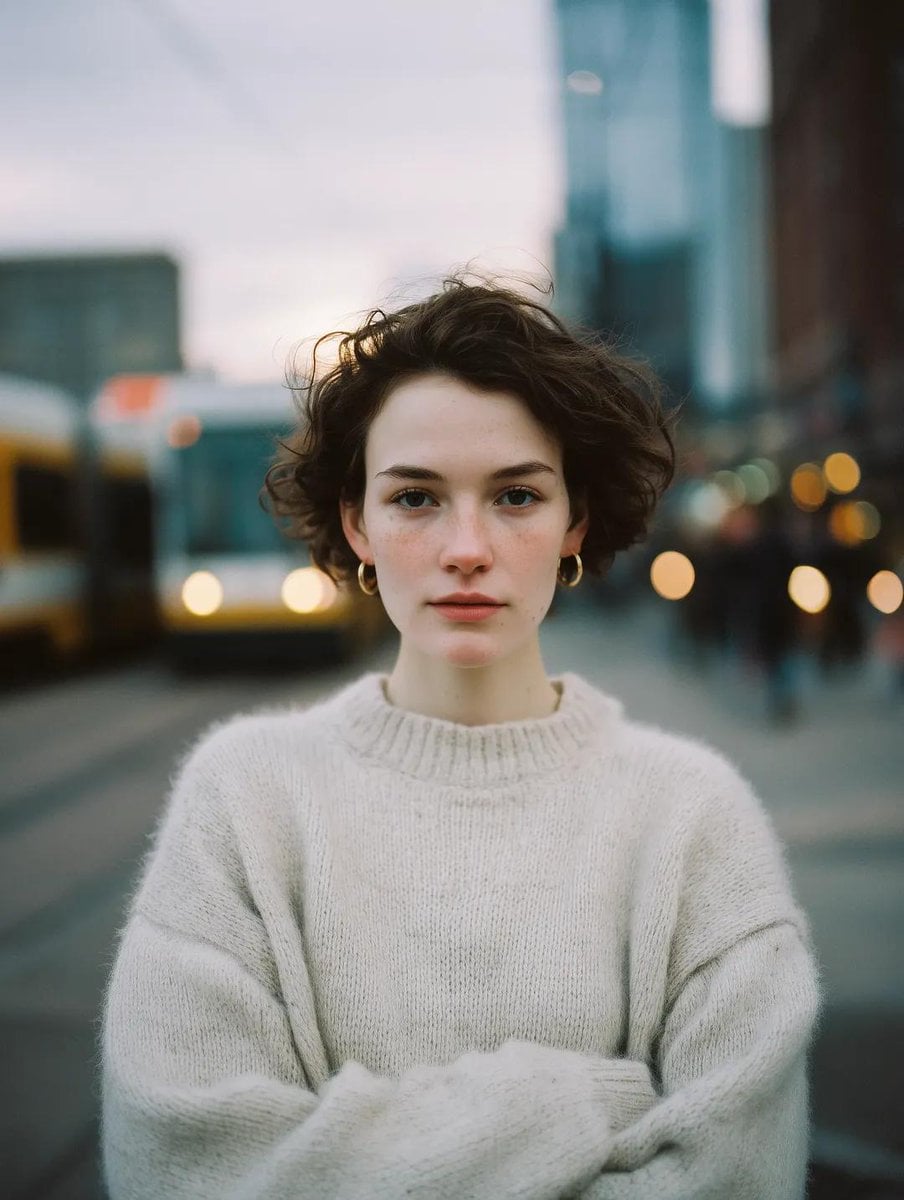
Blue Hour Editorial Fashion Portrait
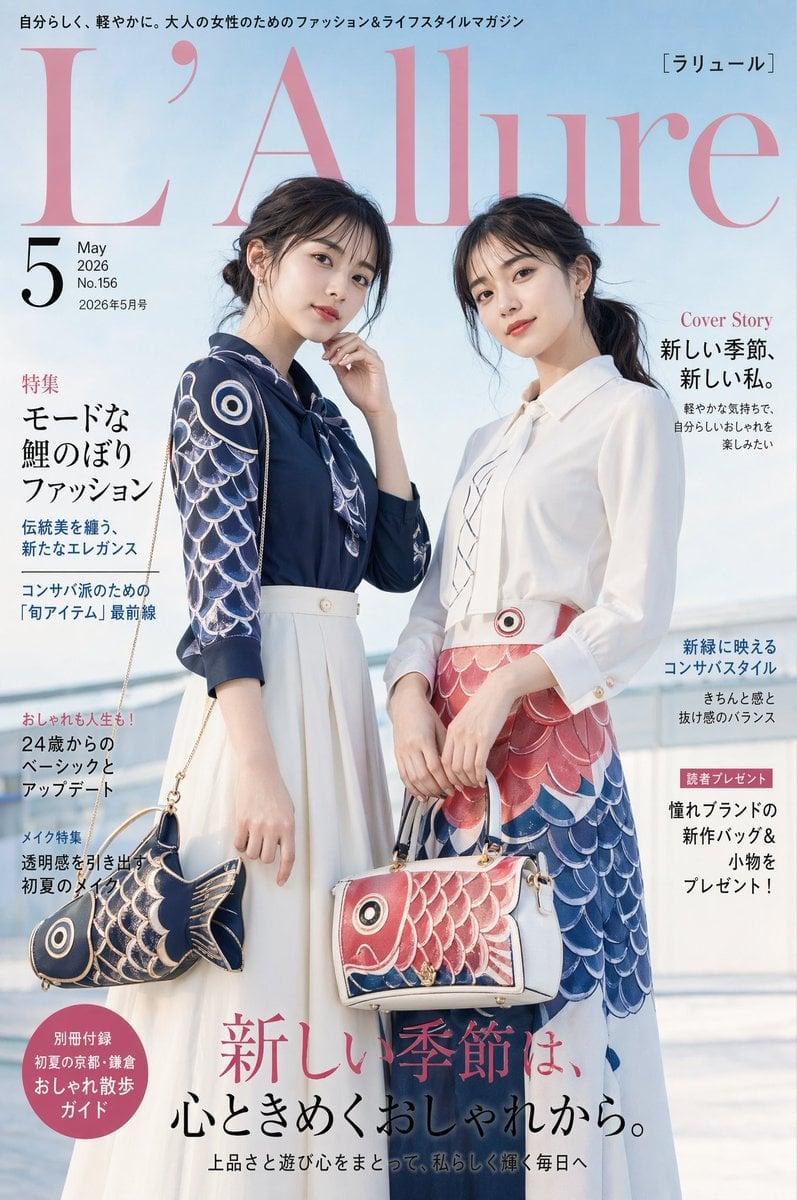
Japanese Koinobori Fashion Magazine Cover
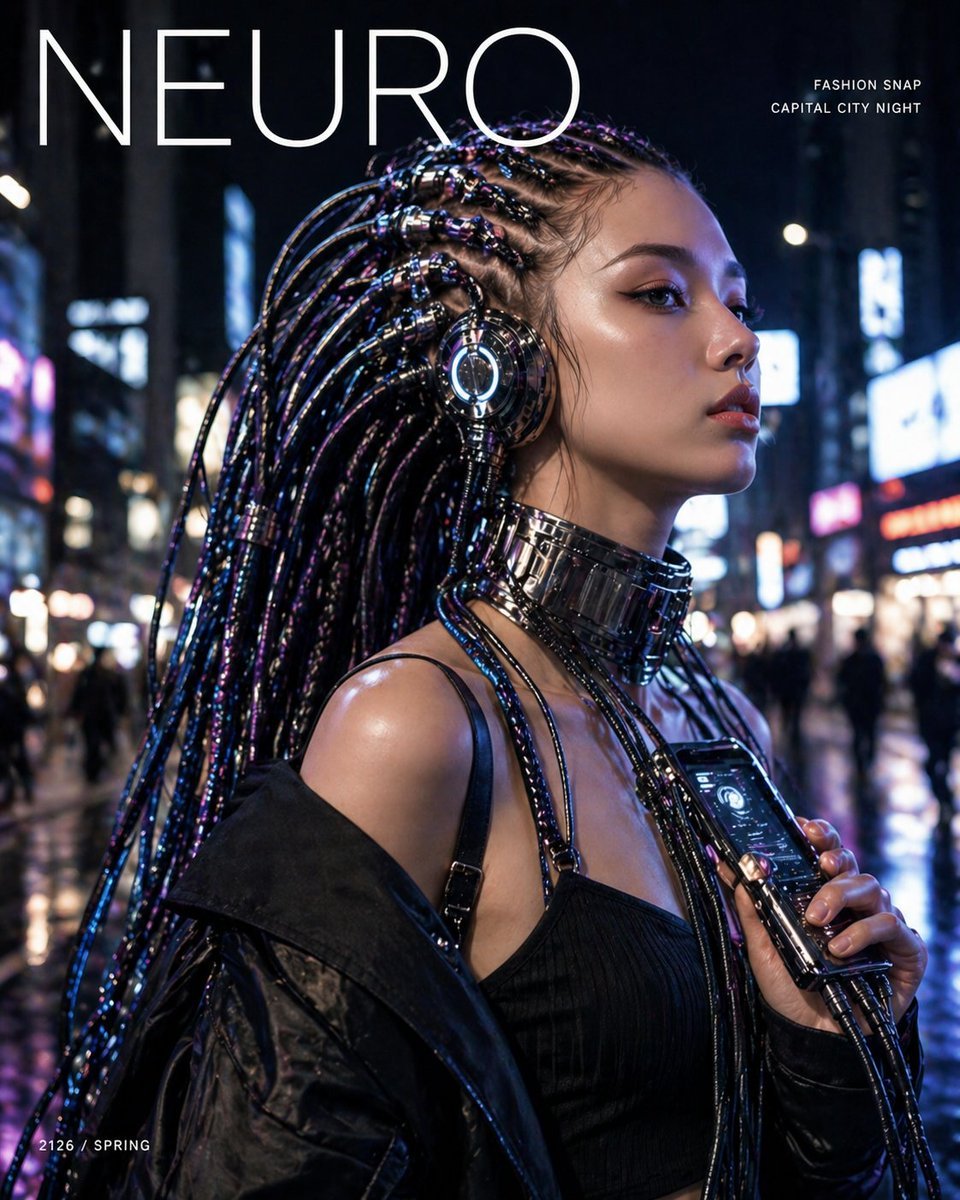
Cyberpunk Fashion Magazine Cover
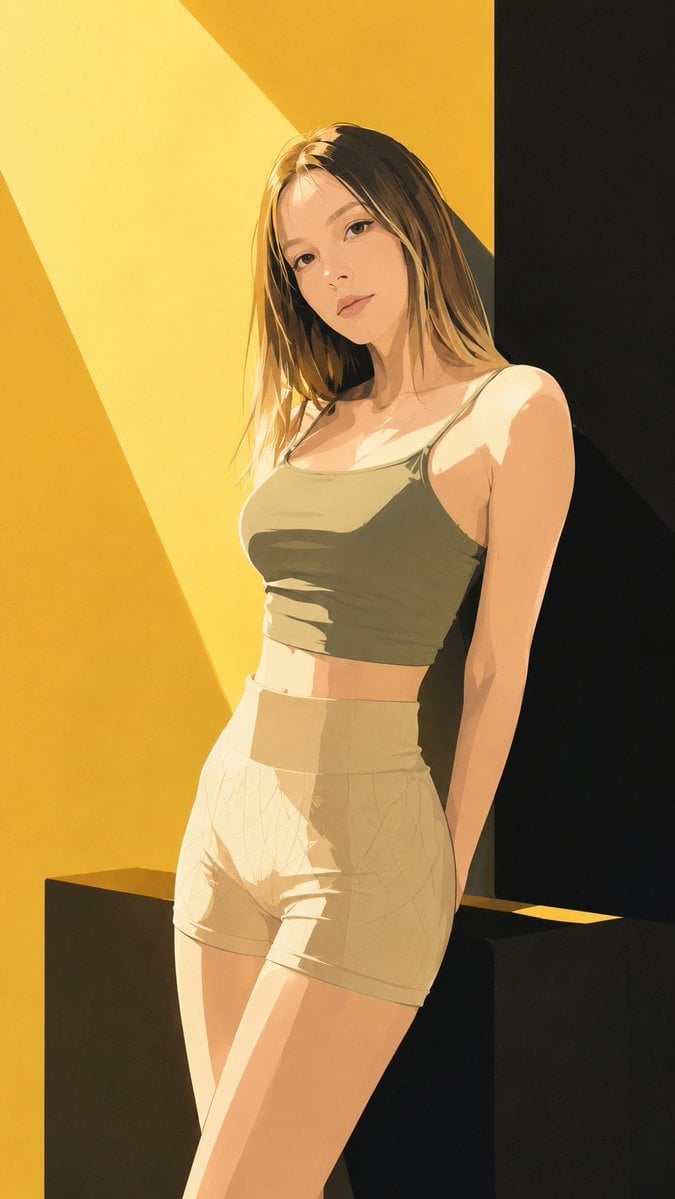
Japanese Fashion Magazine Anime Cover
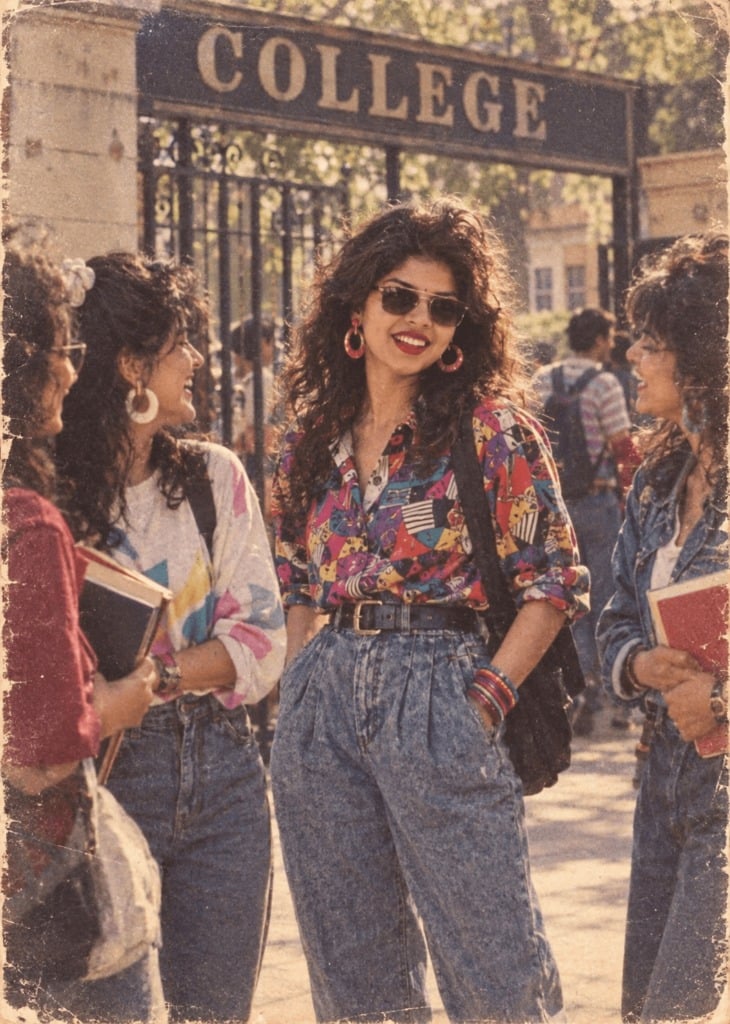
80s College Gate
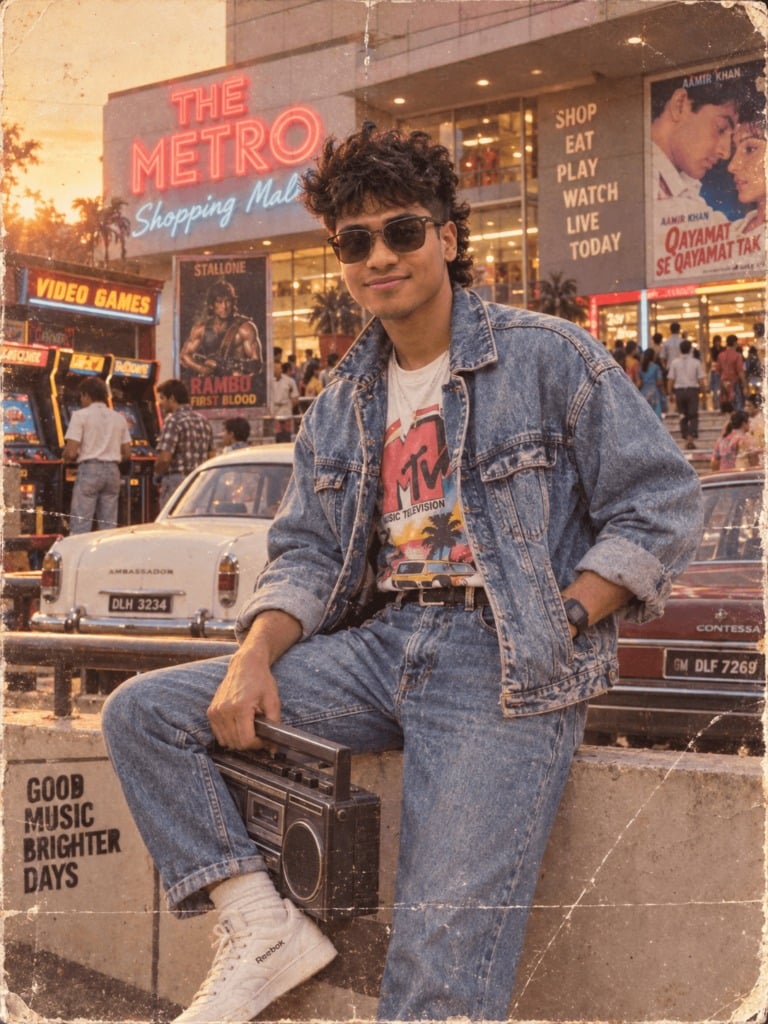
1988 Mall Style
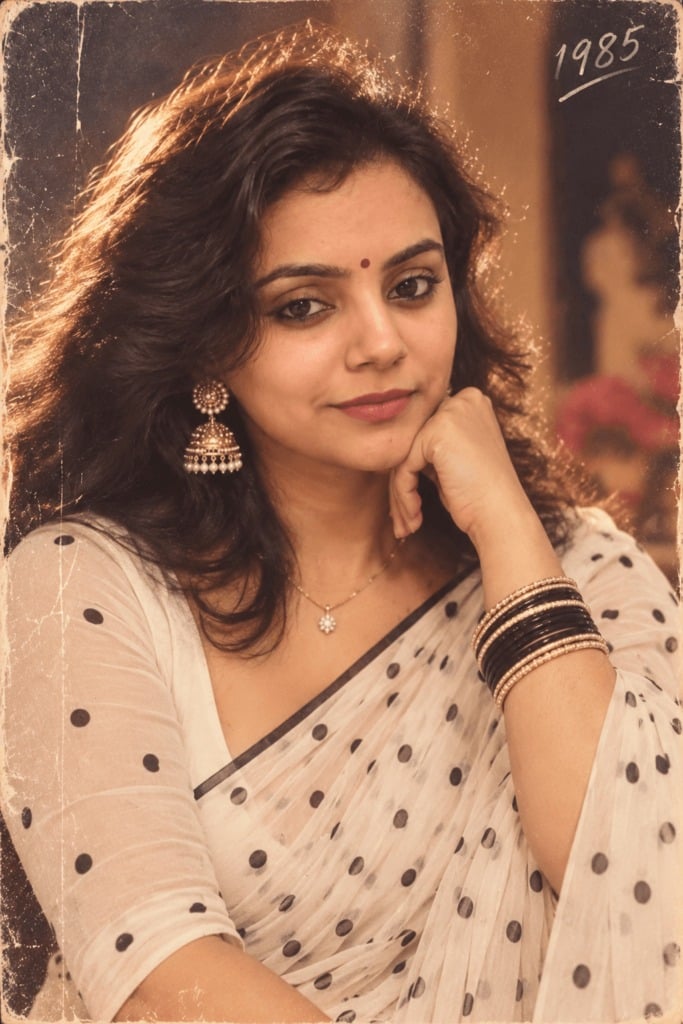
80s Polka Dot Saree
Quiet Newspaper Fashion Cover
Make it yours
Bold Gold Fashion Magazine Cover works as-is. These are the safest ways to change it without losing the look.
Change one field
Copy a single group, rewrite it, and generate again so you can see what that field is doing.
Keep the frame, change the subject
Hold the composition and light of Bold Gold Fashion Magazine Cover, then swap wardrobe, props or the person for a new take.
| If the result… | Why | Fix |
|---|---|---|
| The result drifts from the preview | Too many fields changed at once. | Reuse Bold Gold Fashion Magazine Cover as-is first, then change one group — subject, light, or setting. |
| The model over-stylizes the scene | The prose prompt leaves finish and camera underspecified. | Add one camera or lighting sentence and stay on GPT Image 2. |
More GPT Image 2 templates
Other prompts made for GPT Image 2.

Six VTuber Japanese Logo Sheet

Realistic Portrait of Woman and Deer

The Vista Modular Condo Poster

AI Model Routing Comparison Infographic

2.5D Anime Art Board

Isometric Productivity Desk Scene

New York Double Exposure Poster

Four-Panel AI Landscape Comparison

NESCAFÉ Coffee Map Poster

Brutalist Cogito Chinese Typography Poster
More image prompts
Fresh picks from across the catalog.
Fisheye portrait with money in a white studio
Asymmetric Grid Editorial Portrait with Detail Shots
Cinematic Chiaroscuro Film Portrait
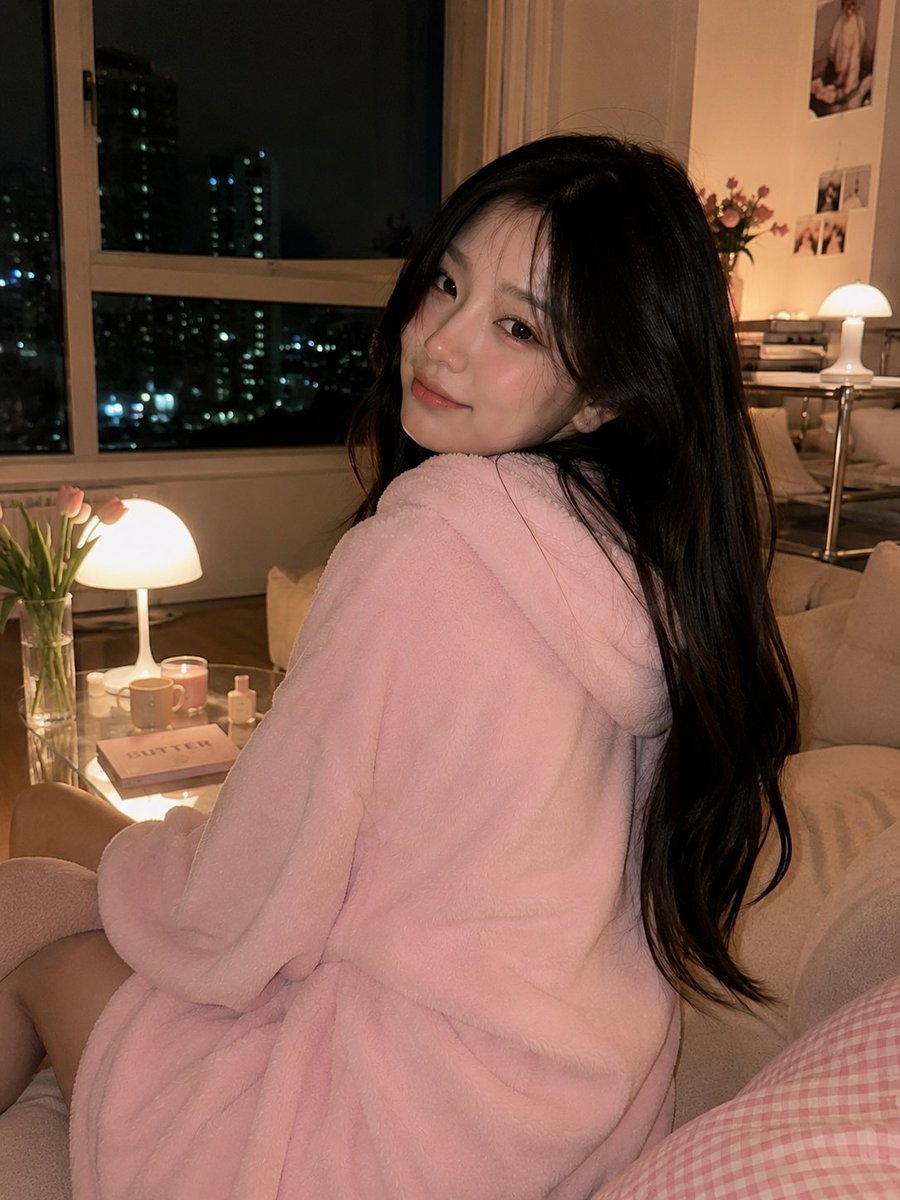
Cozy Korean Living Room Portrait
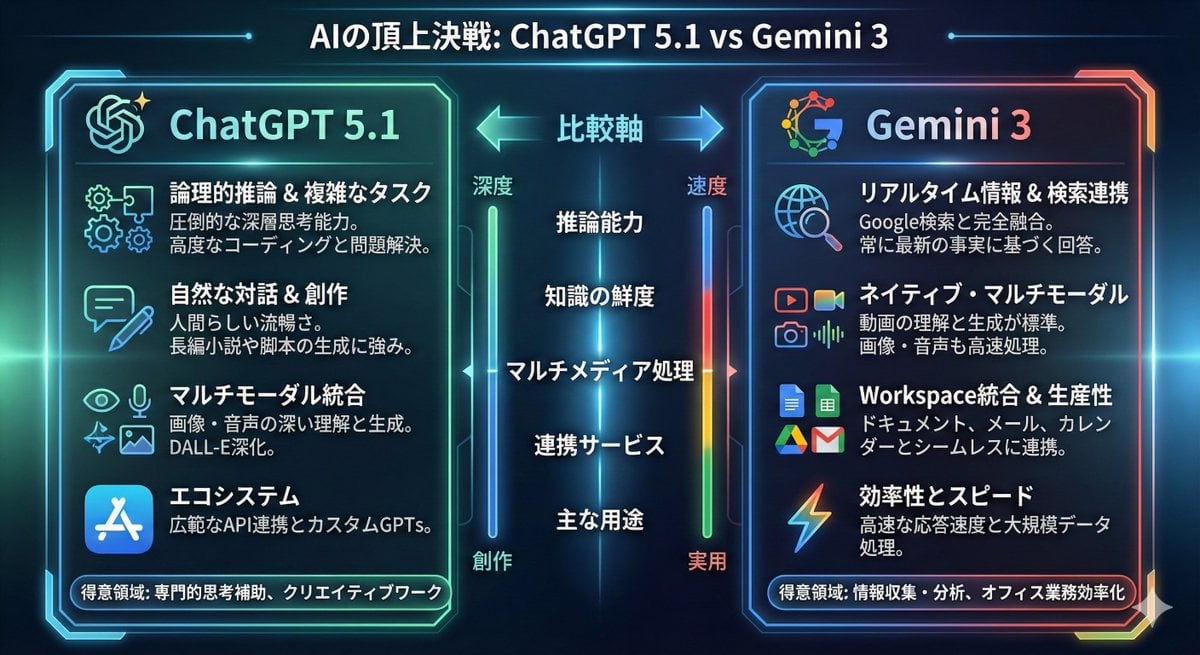
Infographic comparing ChatGPT 5.1 and Gemini 3
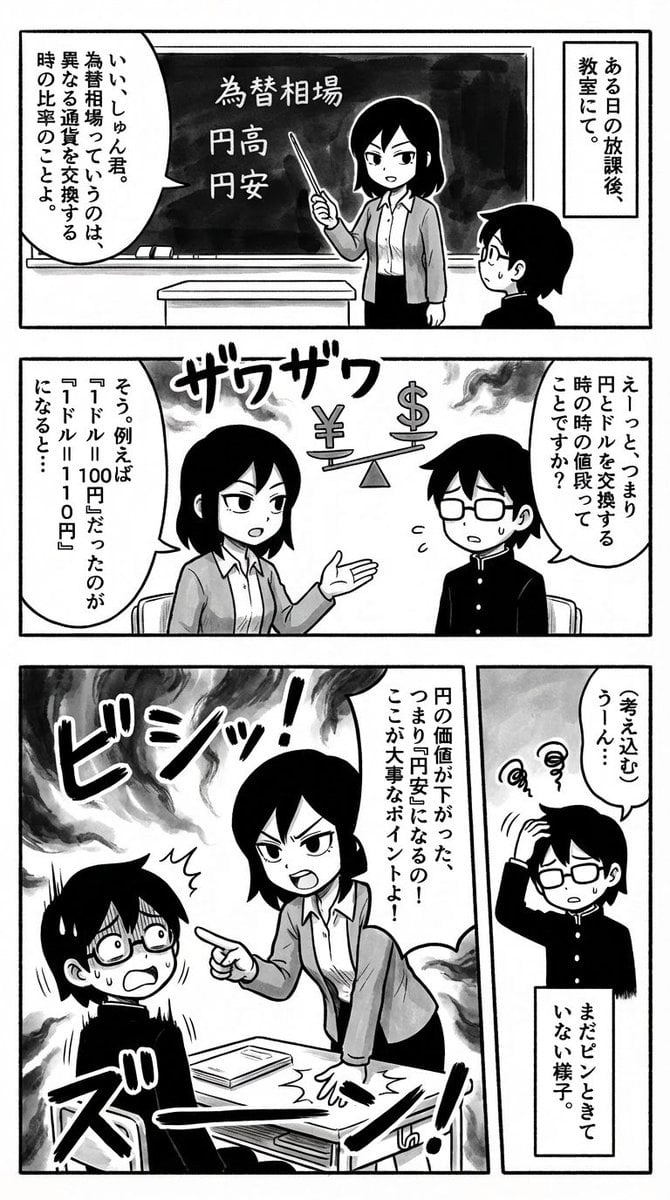
Simple Comic Generation Prompt
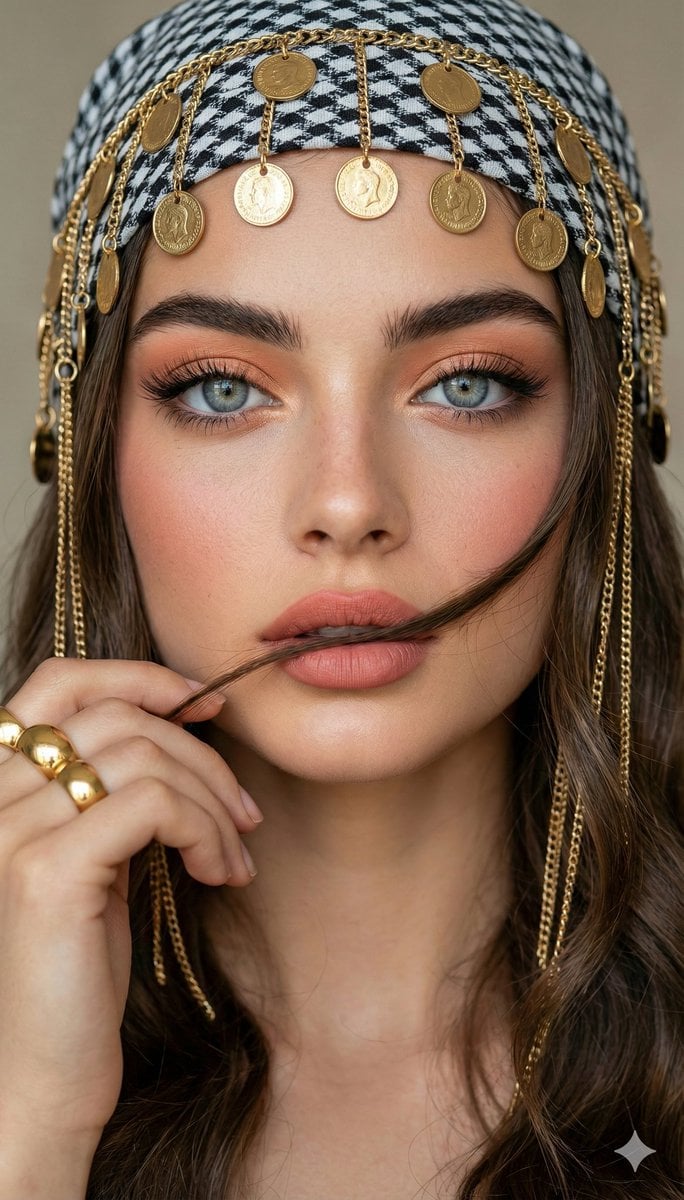
Close-up Portrait with Headscarf and Jewelry Prompt (Image Reference)
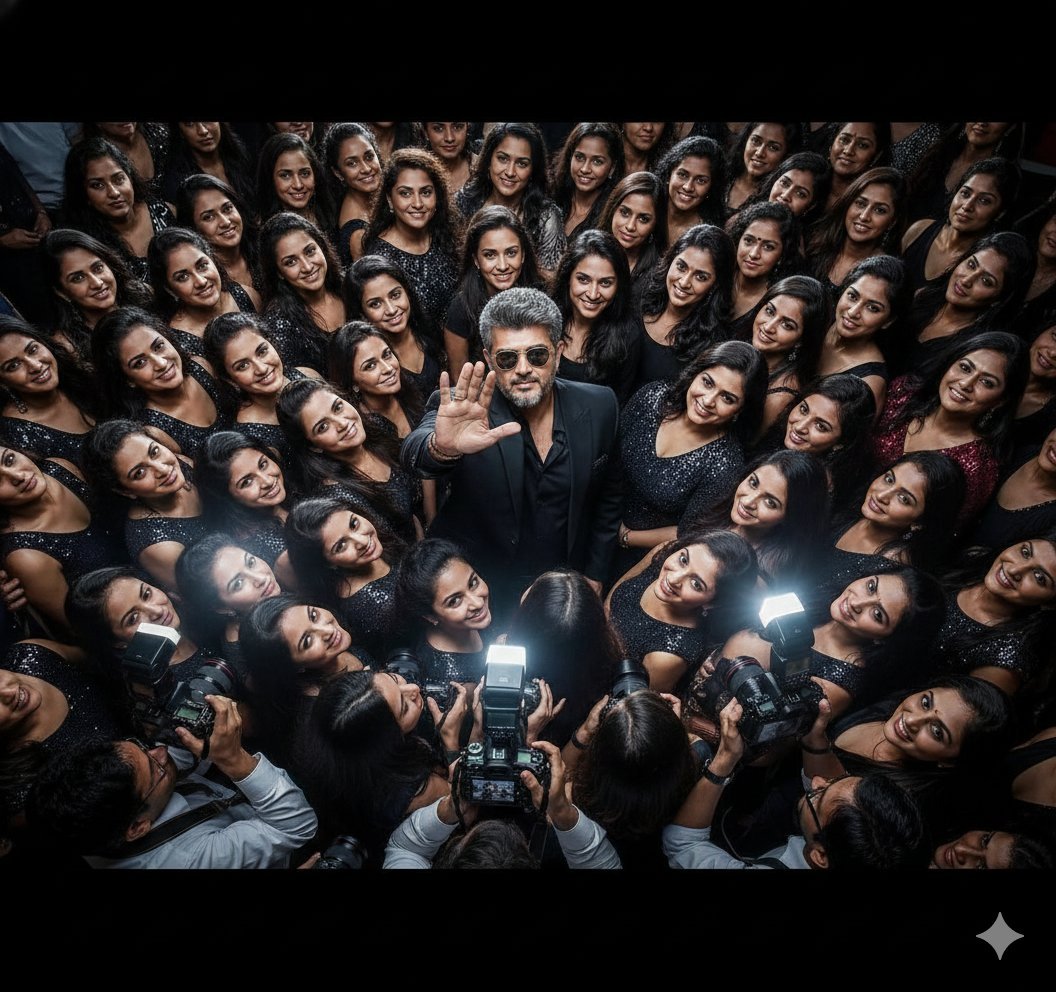
Paparazzi Flash Crowd Scene Prompt (Identity Preservation)
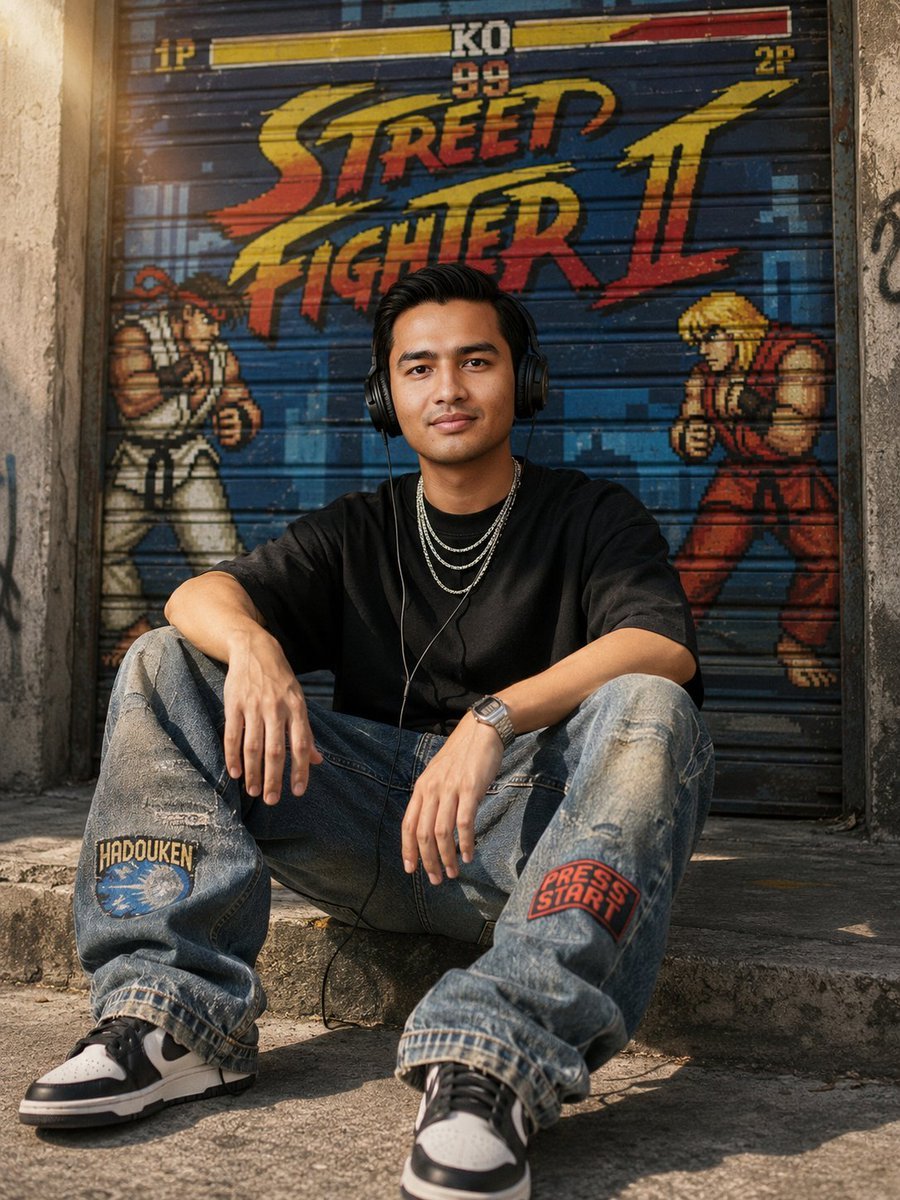
Urban Streetwear Sidewalk Portrait
Anatomy Correction Prompt for Nano Banana 2
Browse template categories
Bold Gold Fashion Magazine Cover questions
How do I use the Bold Gold Fashion Magazine Cover template?
Add your photo if the template asks for one, edit the prompt if you like — the template's model and format are already selected — and press Generate. Your version opens in PicX Studio.
Can I customize the Bold Gold Fashion Magazine Cover template?
Yes. You can change the subject, setting, lighting, mood, format, and available model controls before creating your image.
Is the Bold Gold Fashion Magazine Cover template free?
Opening and editing this template is free. Generating uses credits, shown on the Generate button when you are signed in.
Which AI model should I use?
Start with GPT Image 2, which is the model associated with this template. You can compare another compatible model for a different finish.
Looking for something else? Browse all templates.

Your photo, any look
Thousands of ready templates for every top image and video model, from one credit balance.