
Dreamy Watercolor Boy Illustration
A detailed prompt for a whimsical watercolor illustration of a cute boy in a European setting with magical autumn lighting.
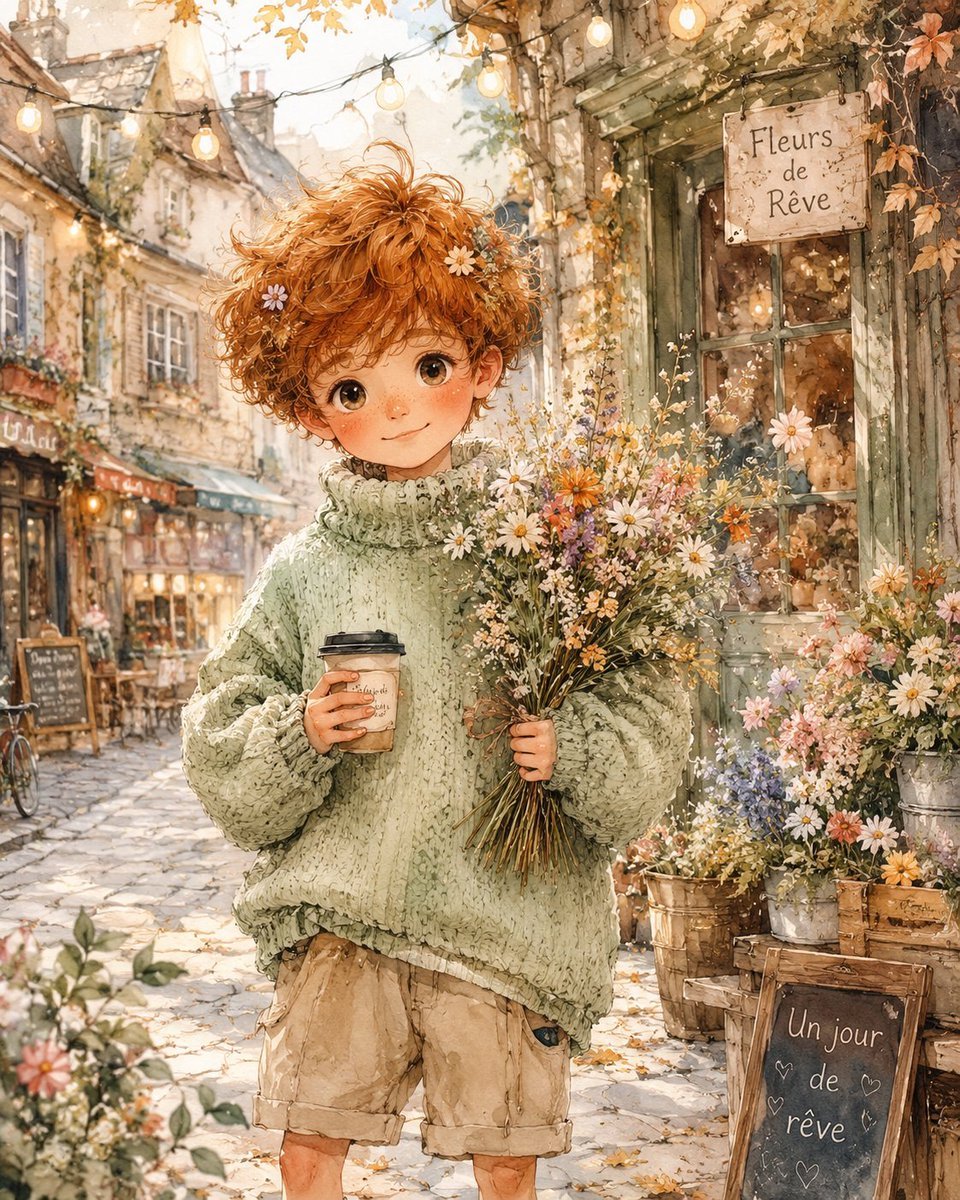
- Prompt included
- Model and format preset
- Free template
The prompt behind this image
Copy the exact prompt behind Dreamy Watercolor Boy Illustration, or open it in the studio and make it yours.
幻想的な水彩画風イラスト。{argument name="キャラクター" default="かわいいくせ毛の男の子"}が、{argument name="場所" default="ヨーロッパの温かみある街角"}に立っている。オーバーサイズの{argument name="衣装" default="パステルグリーンのニットセーター"}、ゆったりしたベージュのショートパンツ、手にはコーヒーカップと野花のブーケ。少し無造作なジンジャーカラーのヘアスタイルに小さな花が飾られている。頭上にはフェアリーライトが優しく輝き、柔らかなシネマティックボケ。夢のような秋の空気感。背景には花屋の細かなディテール。大きく愛らしい瞳とほんのり赤い頬。手描きスケッチ風の線、水彩のにじみ。暖かく自然なライティング。超高精細な絵本アートスタイル。柔らかなパステルカラー。魅力的で魔法のような雰囲気。
How to use Dreamy Watercolor Boy Illustration in 3 steps
- 1
Open
The prompt is already in the box next to the preview, with the template's model and format selected.
- 2…a portrait of your subject in softgolden-hour light, 85mm…
Personalize
Edit the subject and creative details for your destination.
- 3Generate
Generate
Press Generate — your image is created in PicX Studio, so you can compare it with the original and refine one variable at a time.
More like this
Templates with the same subject, style or setup. Open one to see its prompt.
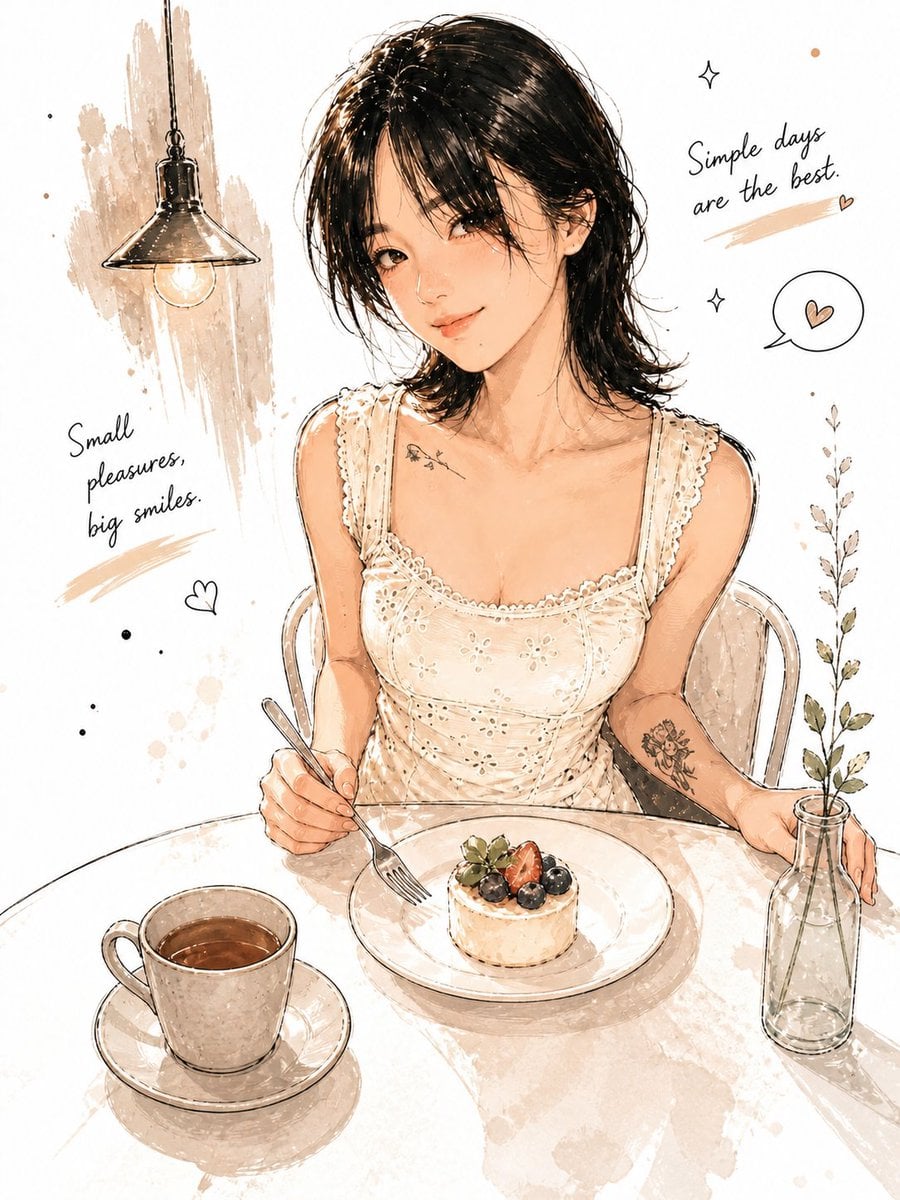
Watercolor Café Cheesecake Editorial Illustration
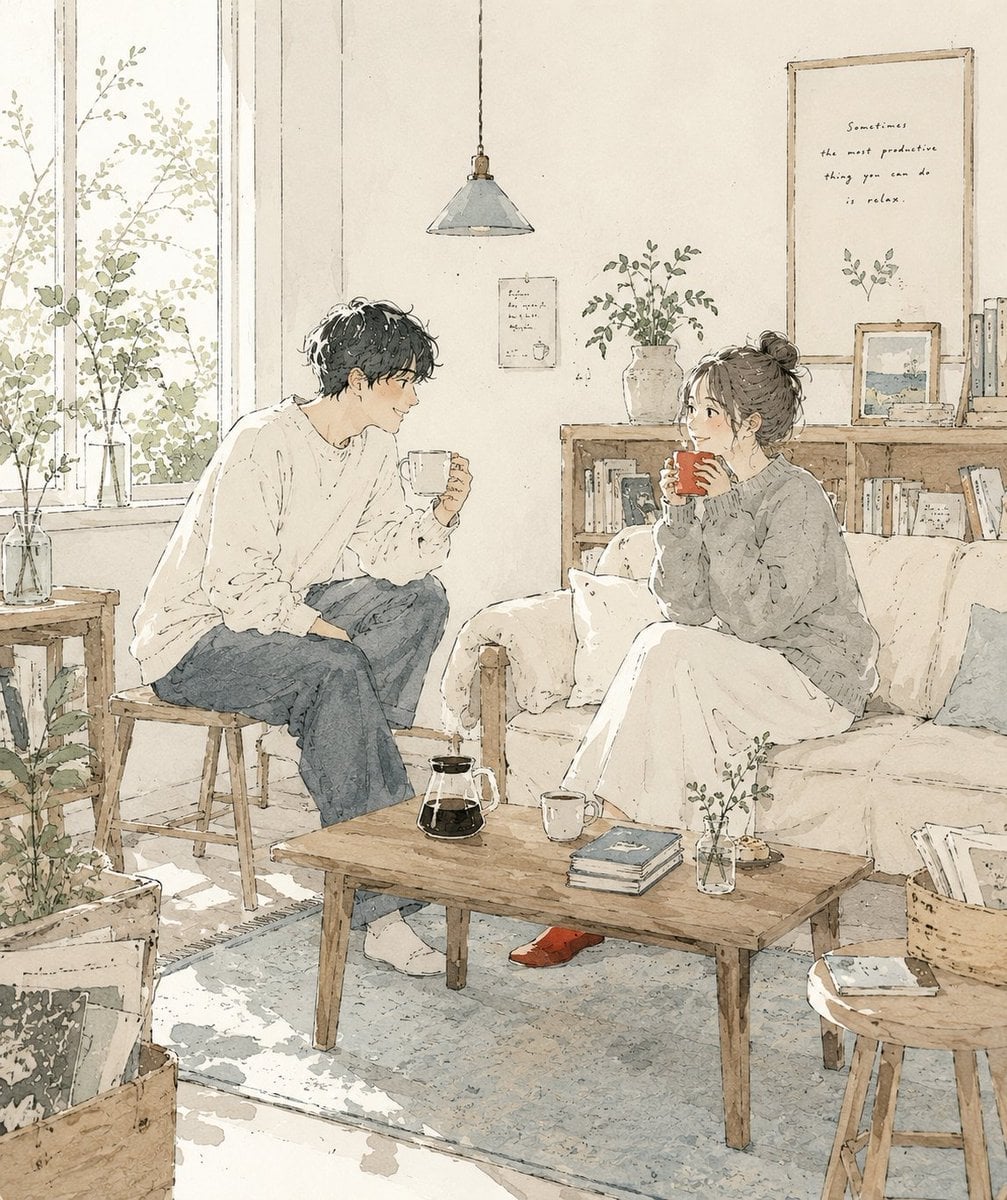
Japanese Café Sketch Duo Illustration
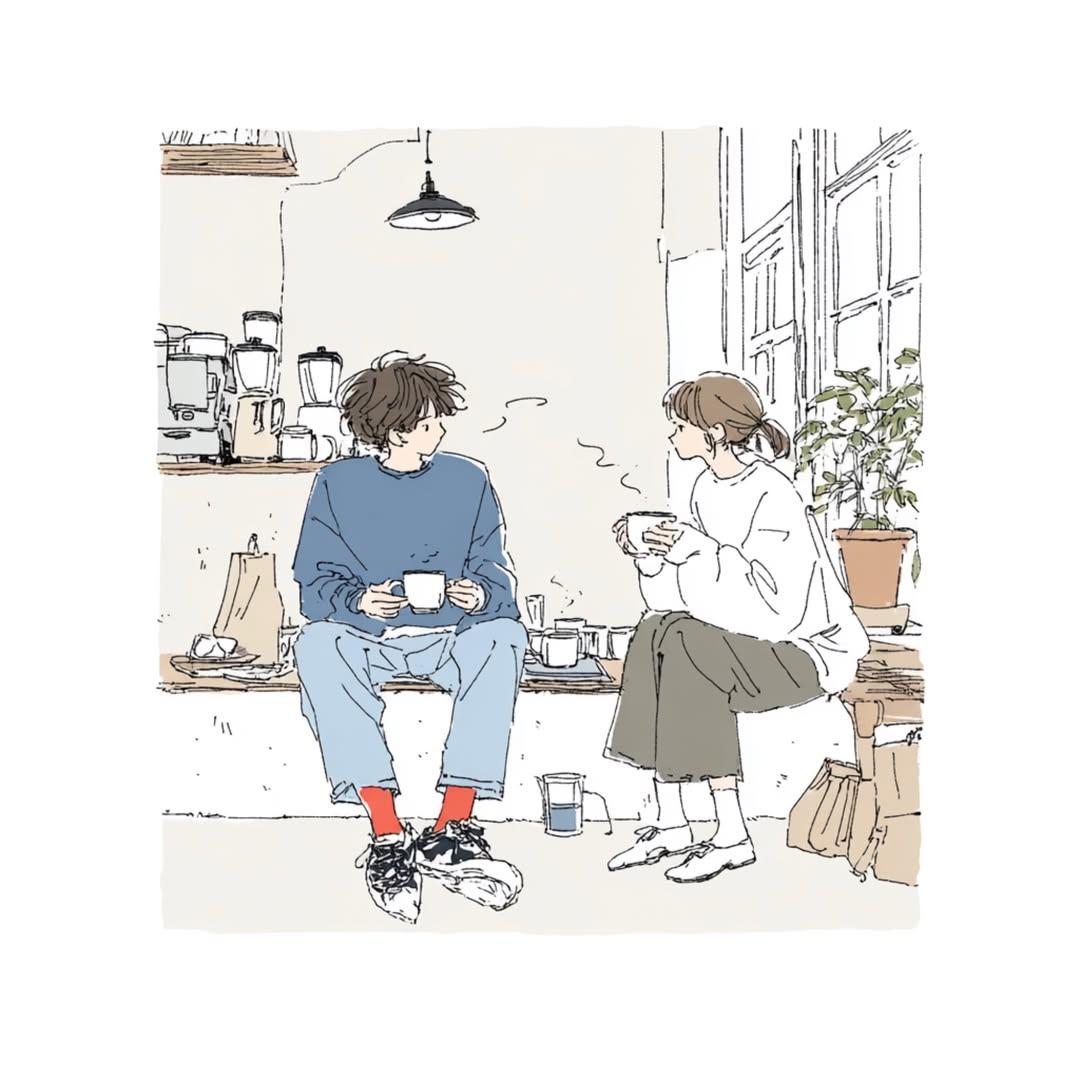
Delicate Japanese Café Lifestyle Illustration
Japanese Café Sketch Duo Illustration
Delicate Japanese Café Lifestyle Illustration
Dreamy Studio Creative Illustration
Watercolor Woodland Children Illustrations
Watercolor Affirmation Illustration
Watercolor Fashion Illustration Sketch
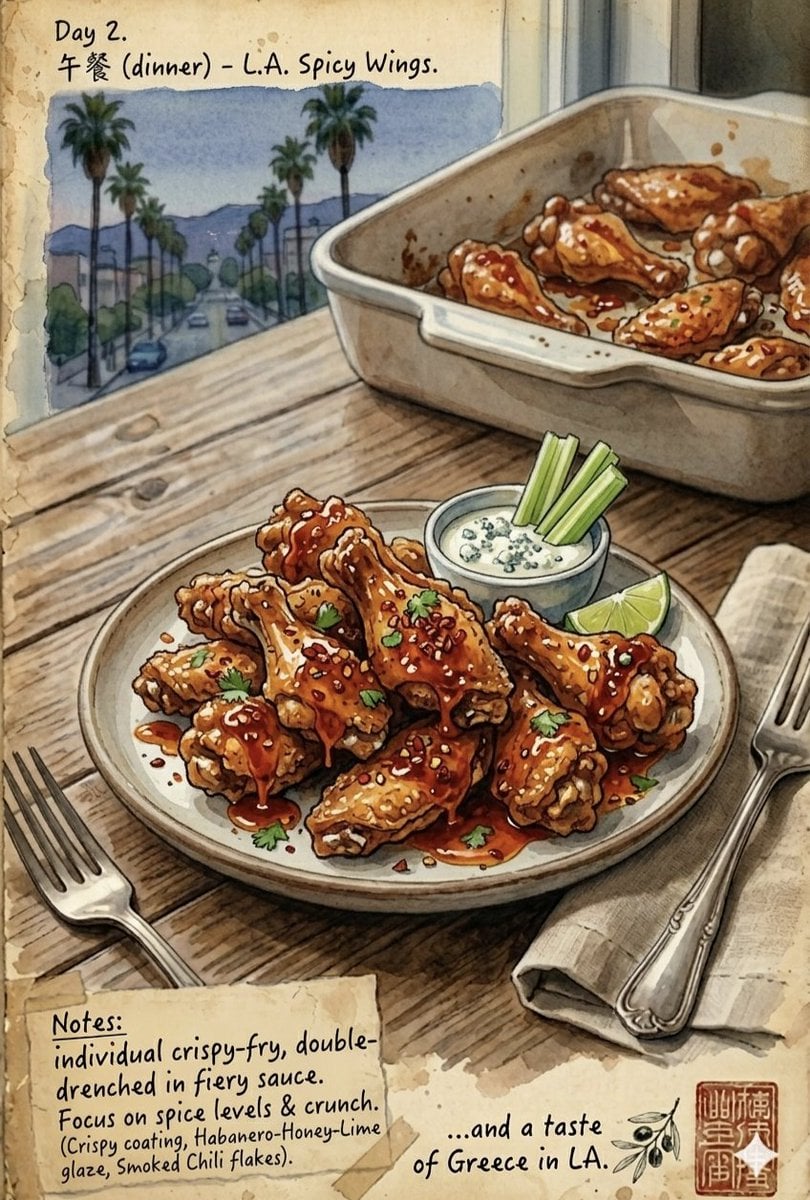
Watercolor Culinary Travel Diary Illustration
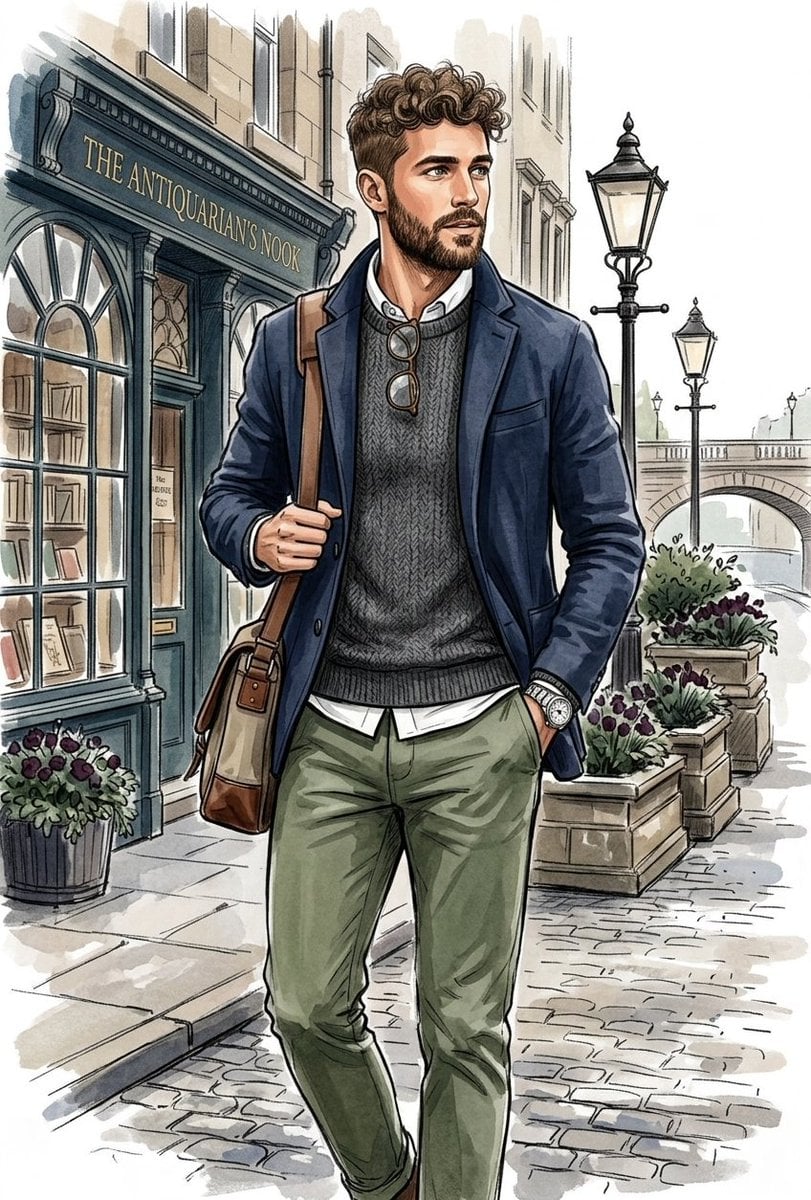
Vintage Explorer Watercolor Illustration
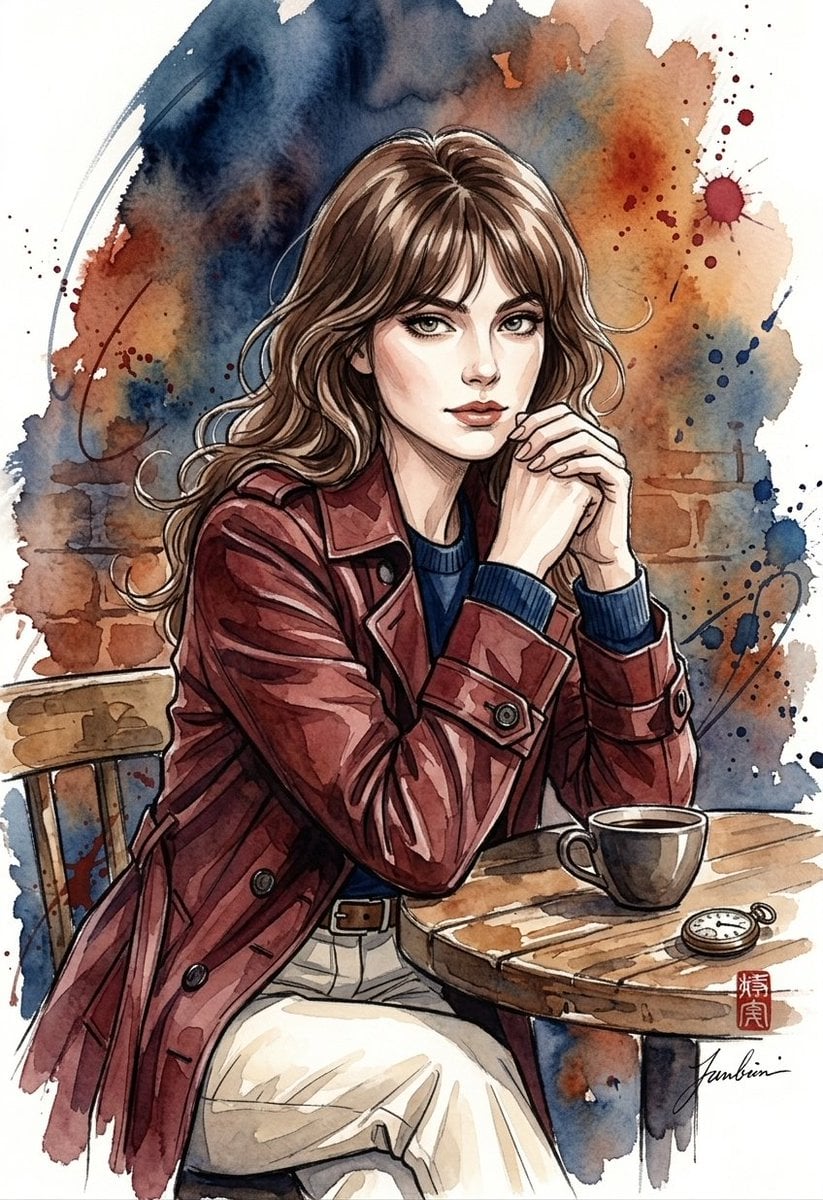
Watercolor Urban Street Illustration
Make it yours
Dreamy Watercolor Boy Illustration works as-is. These are the safest ways to change it without losing the look.
Change one field
Copy a single group, rewrite it, and generate again so you can see what that field is doing.
Keep the frame, change the subject
Hold the composition and light of Dreamy Watercolor Boy Illustration, then swap wardrobe, props or the person for a new take.
| If the result… | Why | Fix |
|---|---|---|
| The result drifts from the preview | Too many fields changed at once. | Reuse Dreamy Watercolor Boy Illustration as-is first, then change one group — subject, light, or setting. |
| The model over-stylizes the scene | The prose prompt leaves finish and camera underspecified. | Add one camera or lighting sentence and stay on GPT Image 2. |
More GPT Image 2 templates
Other prompts made for GPT Image 2.

Six VTuber Japanese Logo Sheet

Realistic Portrait of Woman and Deer

The Vista Modular Condo Poster

AI Model Routing Comparison Infographic

2.5D Anime Art Board

Isometric Productivity Desk Scene

New York Double Exposure Poster

Four-Panel AI Landscape Comparison

Japanese Tatami Lifestyle Magazine Cover

NESCAFÉ Coffee Map Poster
More image prompts
Fresh picks from across the catalog.
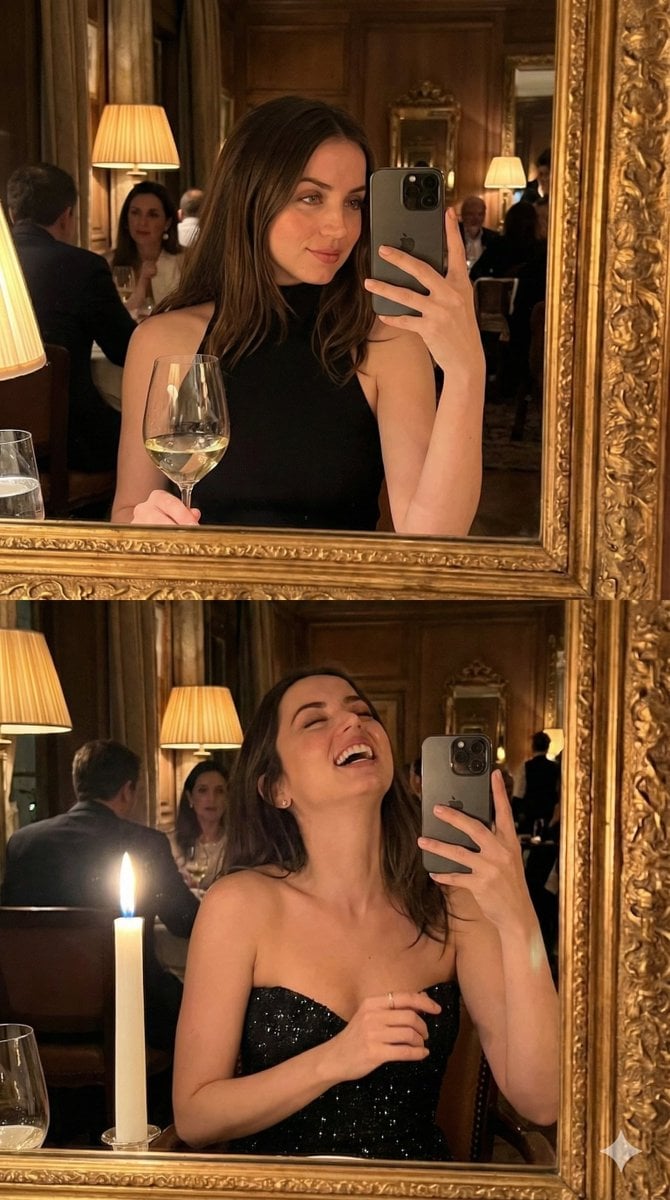
Ultra-Photorealistic Mirror Selfie POV in a Vintage Bistro (Duplicate)
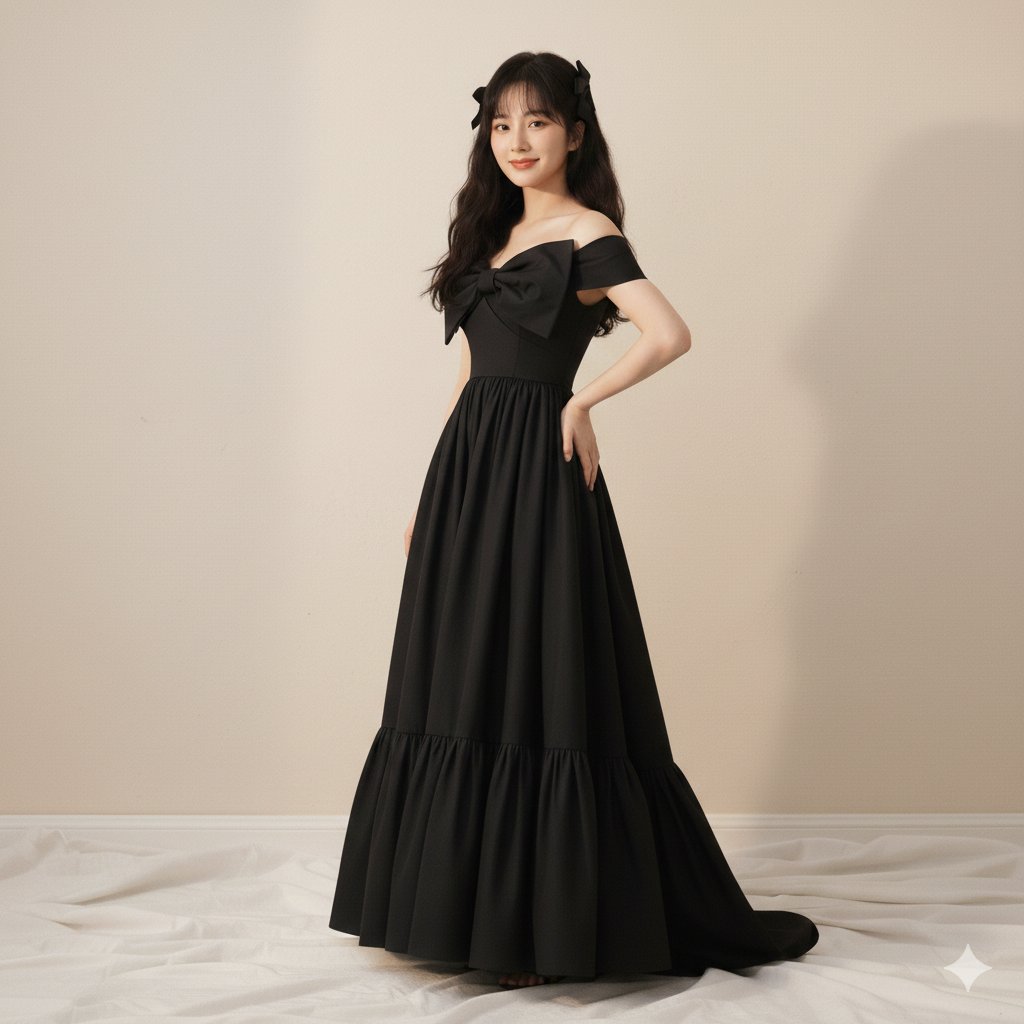
High-Fashion Editorial of Zhao Lusi in Black Bow Gown
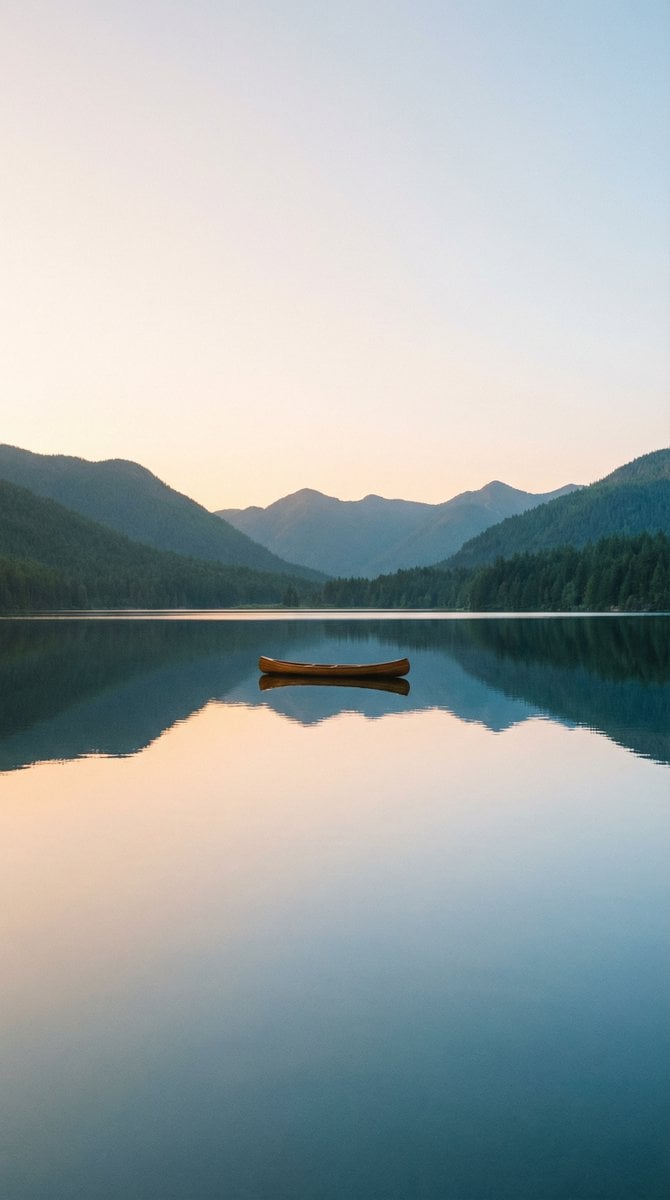
Minimalist Wallpaper Generation Prompt
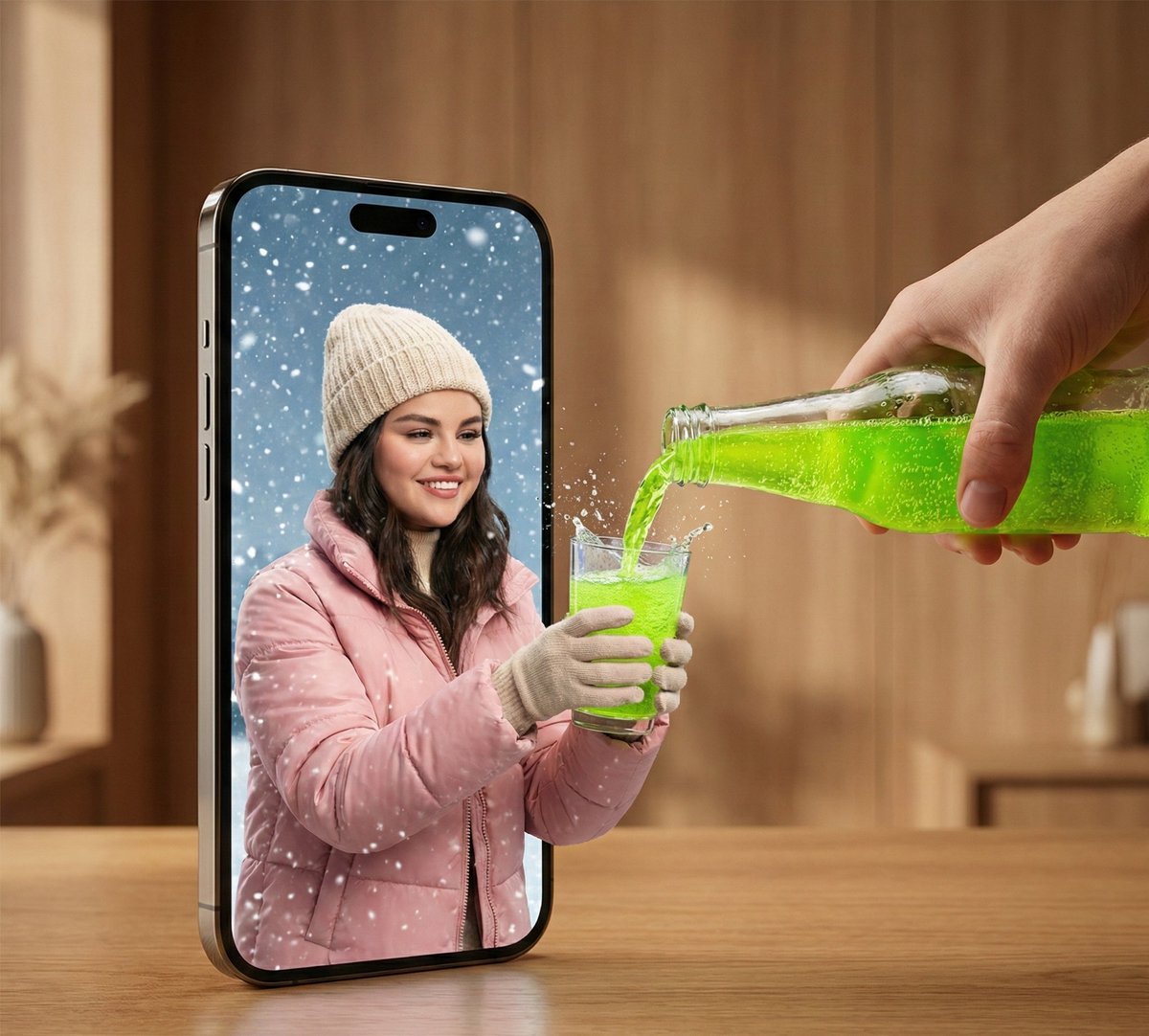
Surreal Smartphone Portal with Frozen Liquid Splash
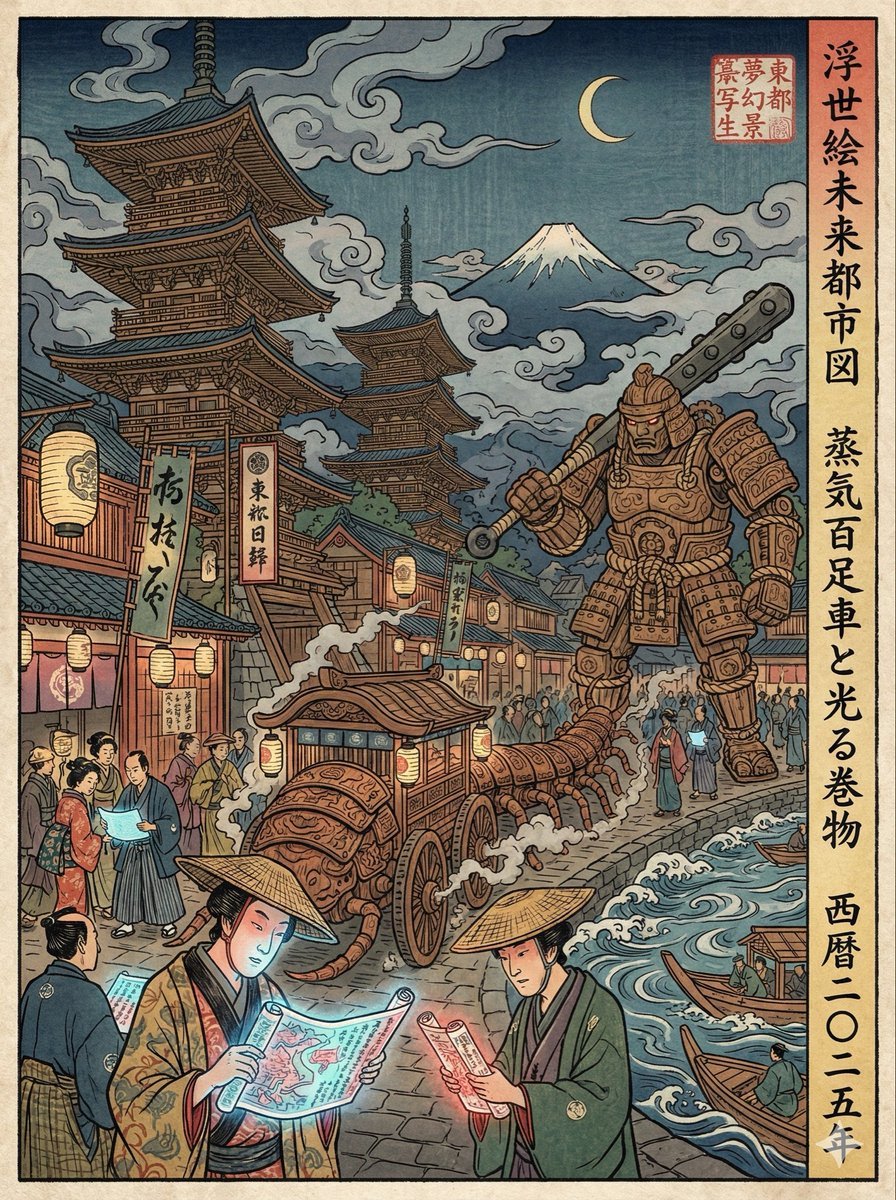
Edo-period Ukiyo-e reinterpretation of a modern scene
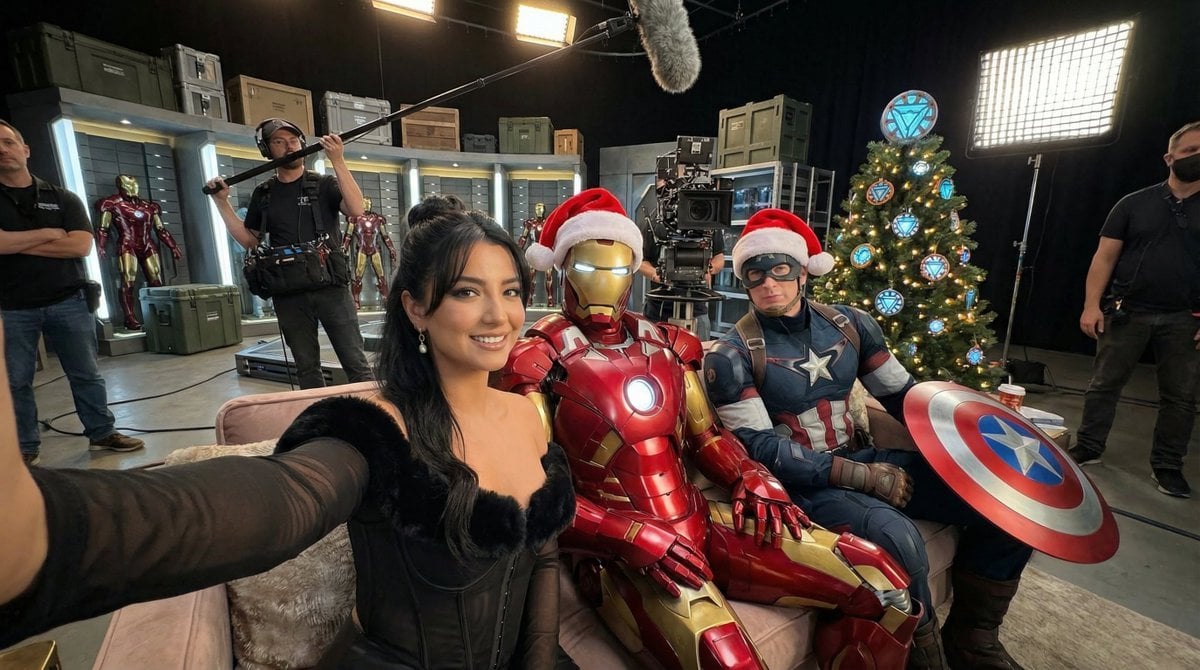
Ultra-Photoreal BTS Superhero Selfie
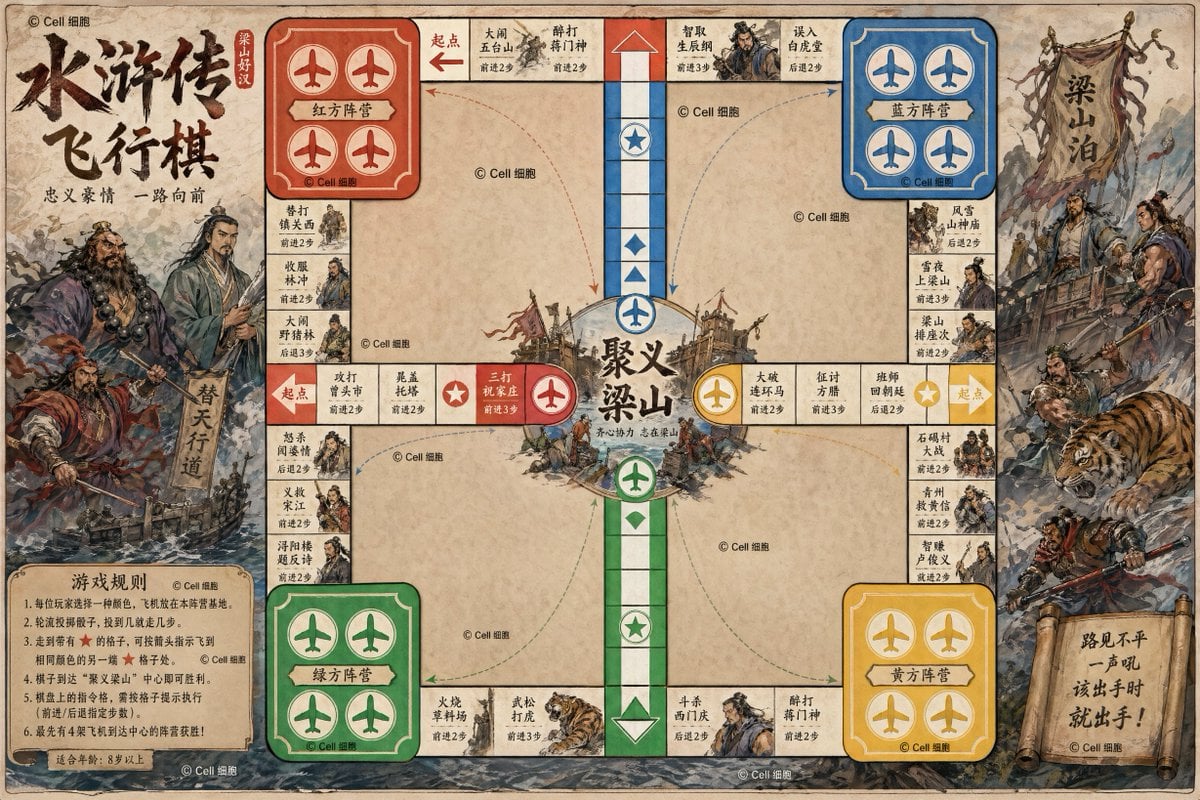
Water Margin Themed Flying Chess Board
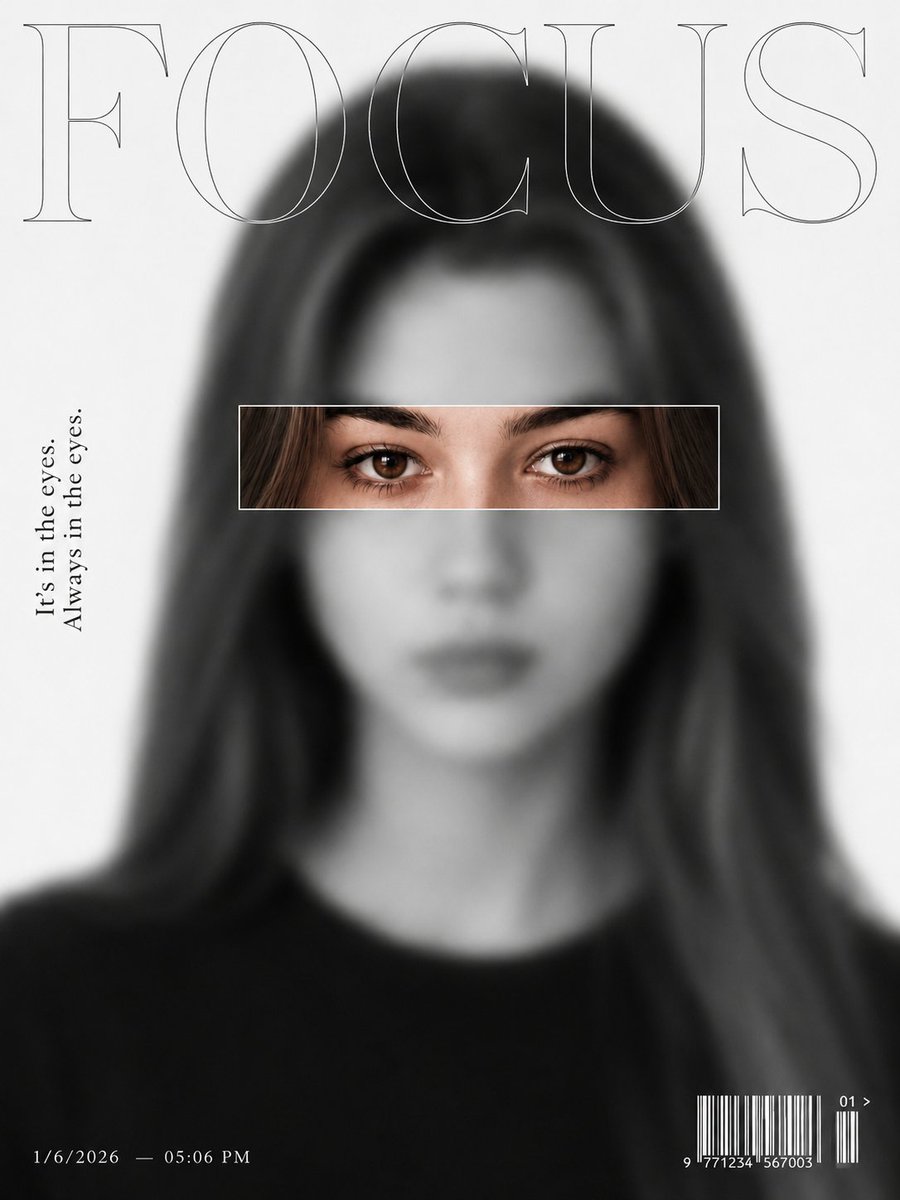
Ultra-Minimalist Magazine Cover Portrait
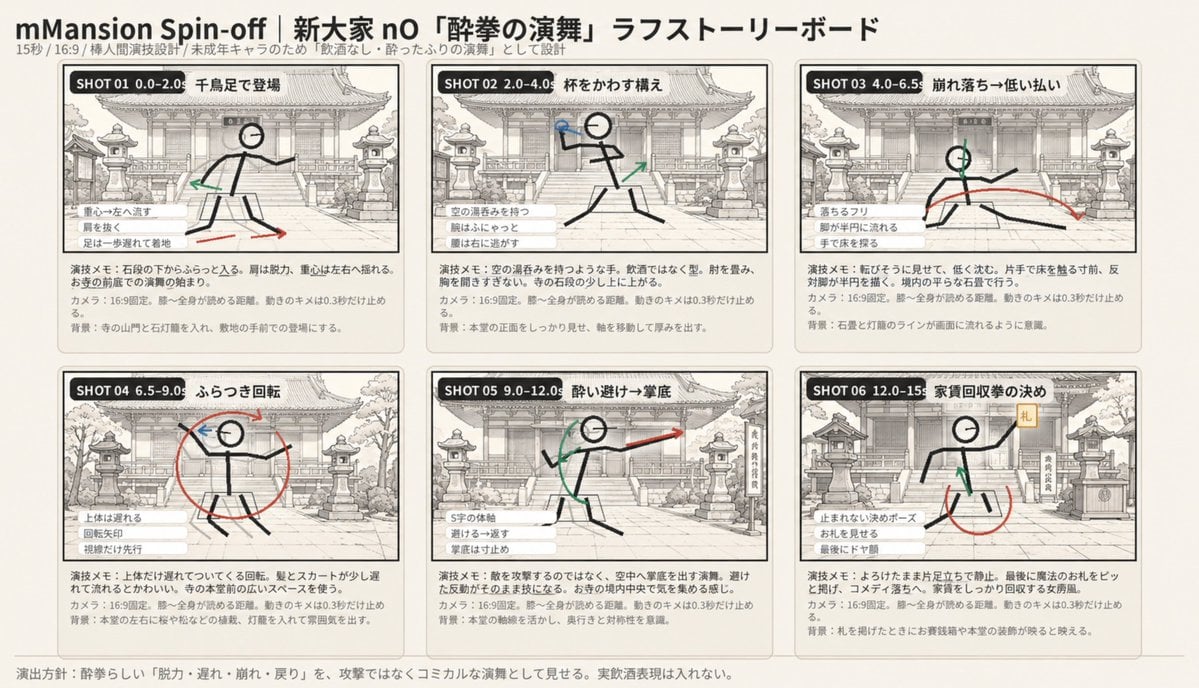
Six-Panel Drunken Kung Fu Storyboard
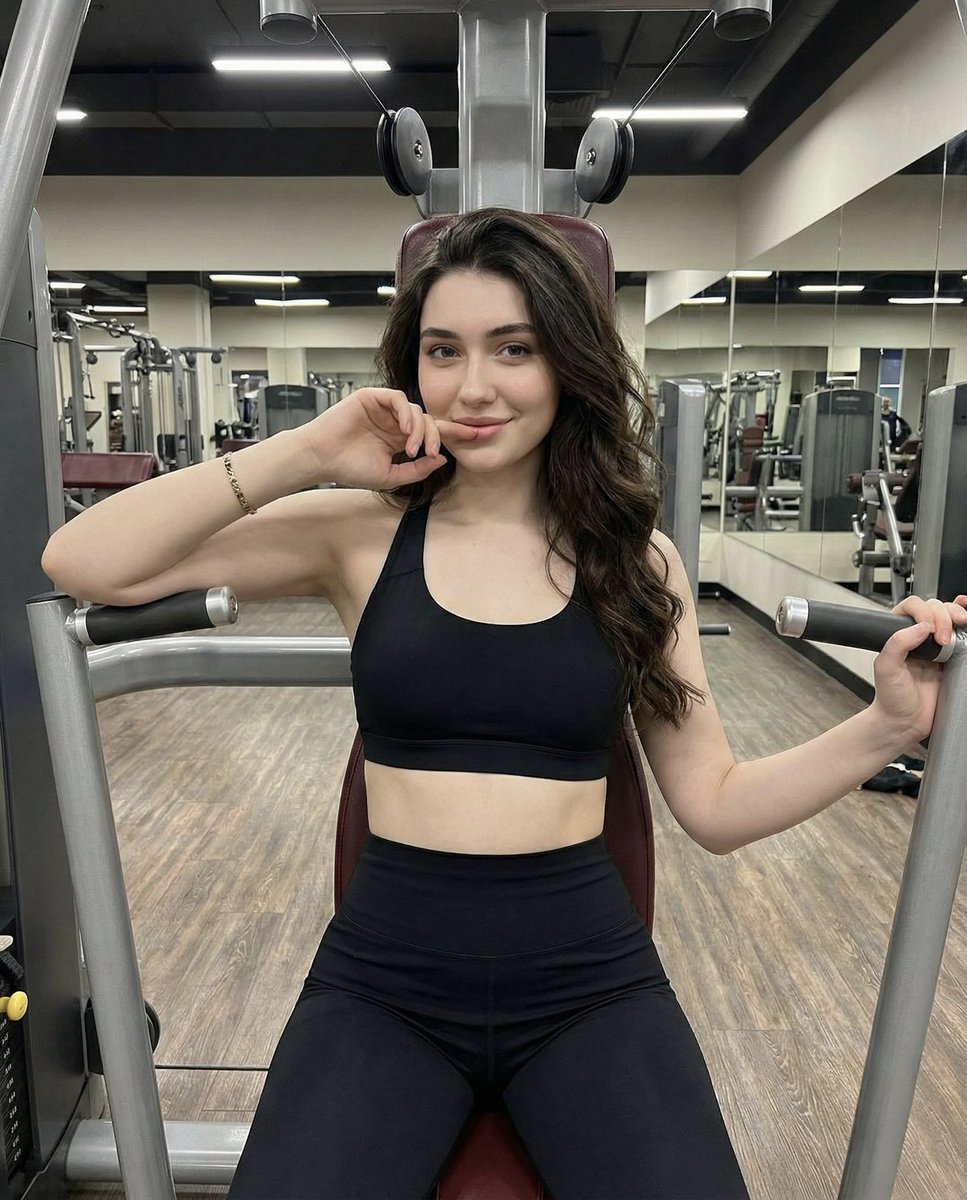
Lifestyle Fitness Portrait on Gym Machine
Browse template categories
Dreamy Watercolor Boy Illustration questions
How do I use the Dreamy Watercolor Boy Illustration template?
Add your photo if the template asks for one, edit the prompt if you like — the template's model and format are already selected — and press Generate. Your version opens in PicX Studio.
Can I customize the Dreamy Watercolor Boy Illustration template?
Yes. You can change the subject, setting, lighting, mood, format, and available model controls before creating your image.
Is the Dreamy Watercolor Boy Illustration template free?
Opening and editing this template is free. Generating uses credits, shown on the Generate button when you are signed in.
Which AI model should I use?
Start with GPT Image 2, which is the model associated with this template. You can compare another compatible model for a different finish.
Looking for something else? Browse all templates.

Your photo, any look
Thousands of ready templates for every top image and video model, from one credit balance.