
Cyberpunk Tech Aesthetic Badge Portrait
A sophisticated prompt for a sci-fi badge-style portrait, featuring a calm East Asian woman with bio-fluorescent eyes and a midnight blue technical coat, set against a dark prism background.
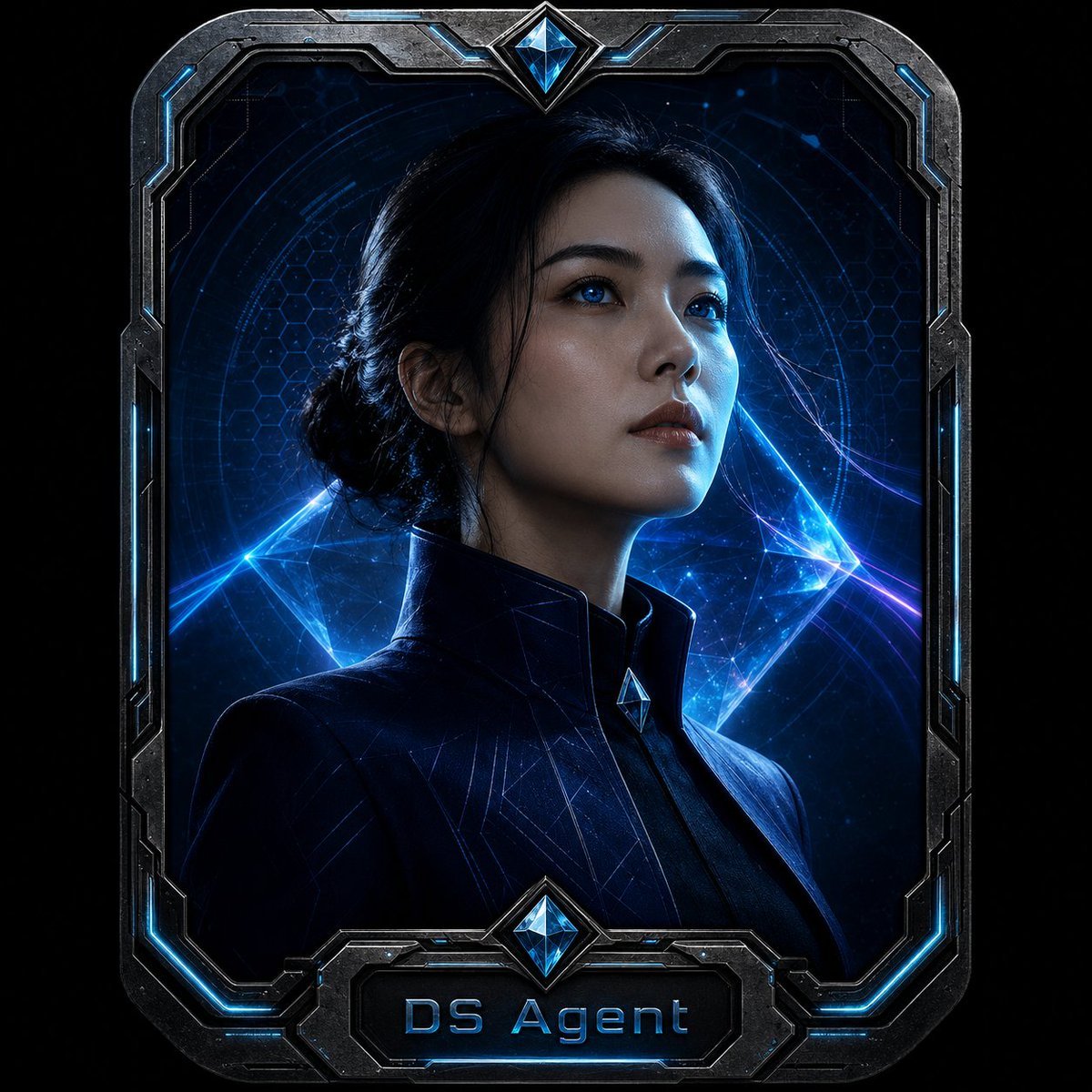
- Prompt included
- Model and format preset
- Free template
The prompt behind this image
Copy the exact prompt behind Cyberpunk Tech Aesthetic Badge Portrait, or open it in the studio and make it yours.
A vertical badge-style portrait, pure black background, deep tech aesthetic. An East Asian woman in her early thirties, with sharp yet composed features, her gaze slightly upturned as if staring at some deep truth beyond the frame — a kind of silent insight. Her black hair is neatly pulled into a low bun, with a loose strand shimmering faintly in the blue rim light like a strand of data. She wears no glasses; her eyes are the absolute focal point: the inner ring of her dark irises glows with a faint cyan-blue bioluminescence, suggesting deep cognition and insight. Outfit: a sharply tailored midnight-blue high-collar long coat, its fabric showing faint geometric seam lines like circuit traces, a matte texture with a barely-there iridescent sheen. Underneath, a simple dark base layer. Aside from a minimalist geometric brooch at the collar — shaped like a tiny prism — she wears no other accessories. The figure is framed within an asymmetric metal border: a brushed dark-titanium texture with chamfered edges, a finely worn surface texture, and faintly glowing cyan lines embedded within it, pulsing like breathing. The top and bottom of the frame are decorated with diamond/prism ornamental elements. Background: a giant glowing deep-blue prism hovers behind the figure, splitting an invisible beam of light into thin cyan and purple spectral arcs that encircle the portrait. Around the outside are concentric thin rings with a subtle hexagonal grid texture, subtly echoing a neural-network topology. Soft volumetric light diffuses from behind, creating a mood of deep exploration. Lighting: a light/dark split — the right side of the face is lit by cool cyan light (technology, clarity, logic), while the left side of the face is hidden in deep shadow, retaining a faint trace of warm undertone (humanity, curiosity, the warmth beneath reason). The skin shows pore-level realistic texture, as if some inner energy glows faintly beneath the surface. The text at the bottom of the badge reads "DS Agent," in a refined, minimalist sans-serif metallic-textured font with a subtle gradient from deep blue to cyan, slightly recessed into the metal base plate. Art style: cinematic character concept, intelligent sci-fi, dark academia fused with cyberpunk, high-end concept art, 8K, hyperrealistic, rich material rendering, volumetric lighting. 1:1, rounded rectangle.
How to use Cyberpunk Tech Aesthetic Badge Portrait in 3 steps
- 1
Open
The prompt is already in the box next to the preview, with the template's model and format selected.
- 2…a portrait of your subject in softgolden-hour light, 85mm…
Personalize
Edit the subject and creative details for your destination.
- 3Generate
Generate
Press Generate — your image is created in PicX Studio, so you can compare it with the original and refine one variable at a time.
More like this
Templates with the same subject, style or setup. Open one to see its prompt.

Found Photograph: Us, 1970

80s Couple Studio Portrait

80s Bollywood Star

80s Golden Hour Cinema

Me in 1985

1985 Studio Portrait

Hyper-Realistic Minecraft POV Portrait

Rooftop Fisheye — Cat-Ear Balaclava at Golden Hour
Crimson Tech-wear Aesthetic Portrait
Rainy Café Window Moody Portrait
Spider-Man 2099 Cyberpunk Neon Future City
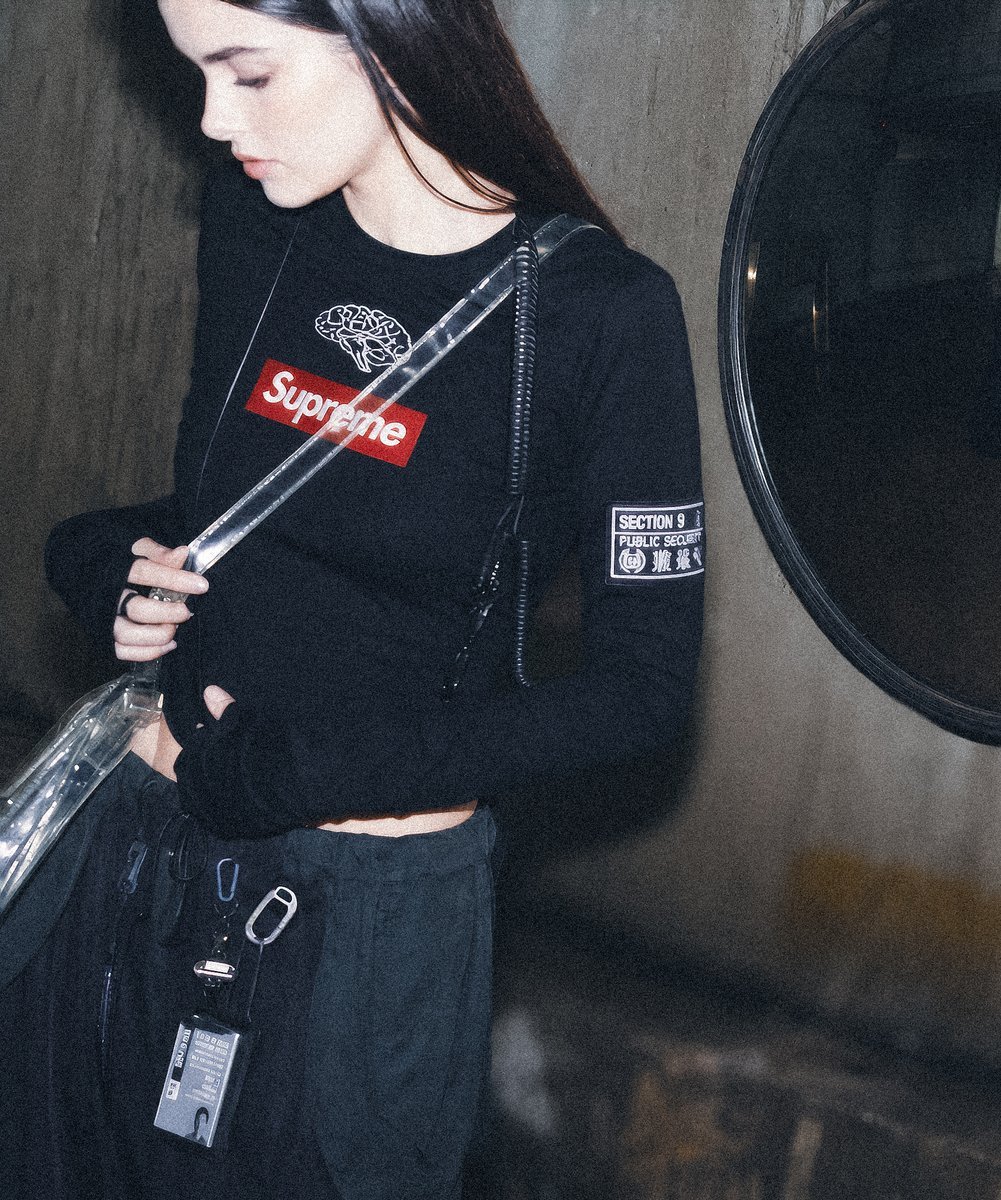
Supreme Section 9 Cyberpunk Fashion Portrait
Make it yours
Cyberpunk Tech Aesthetic Badge Portrait works as-is. These are the safest ways to change it without losing the look.
Change one field
Copy a single group, rewrite it, and generate again so you can see what that field is doing.
Keep the frame, change the subject
Hold the composition and light of Cyberpunk Tech Aesthetic Badge Portrait, then swap wardrobe, props or the person for a new take.
| If the result… | Why | Fix |
|---|---|---|
| The result drifts from the preview | Too many fields changed at once. | Reuse Cyberpunk Tech Aesthetic Badge Portrait as-is first, then change one group — subject, light, or setting. |
| The model over-stylizes the scene | The prose prompt leaves finish and camera underspecified. | Add one camera or lighting sentence and stay on GPT Image 2. |
More GPT Image 2 templates
Other prompts made for GPT Image 2.

Six VTuber Japanese Logo Sheet

Realistic Portrait of Woman and Deer

The Vista Modular Condo Poster

AI Model Routing Comparison Infographic

2.5D Anime Art Board

Isometric Productivity Desk Scene

New York Double Exposure Poster

Four-Panel AI Landscape Comparison

Japanese Tatami Lifestyle Magazine Cover

NESCAFÉ Coffee Map Poster
More image prompts
Fresh picks from across the catalog.
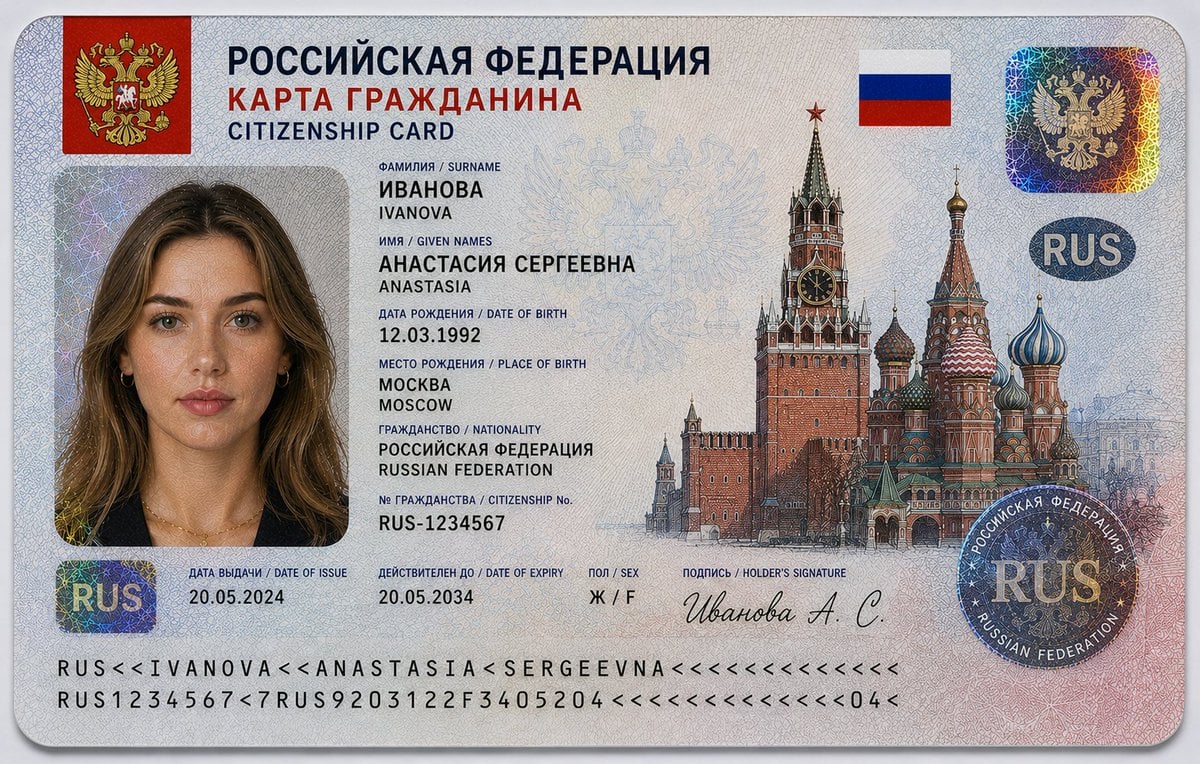
Realistic Citizenship Identity Card
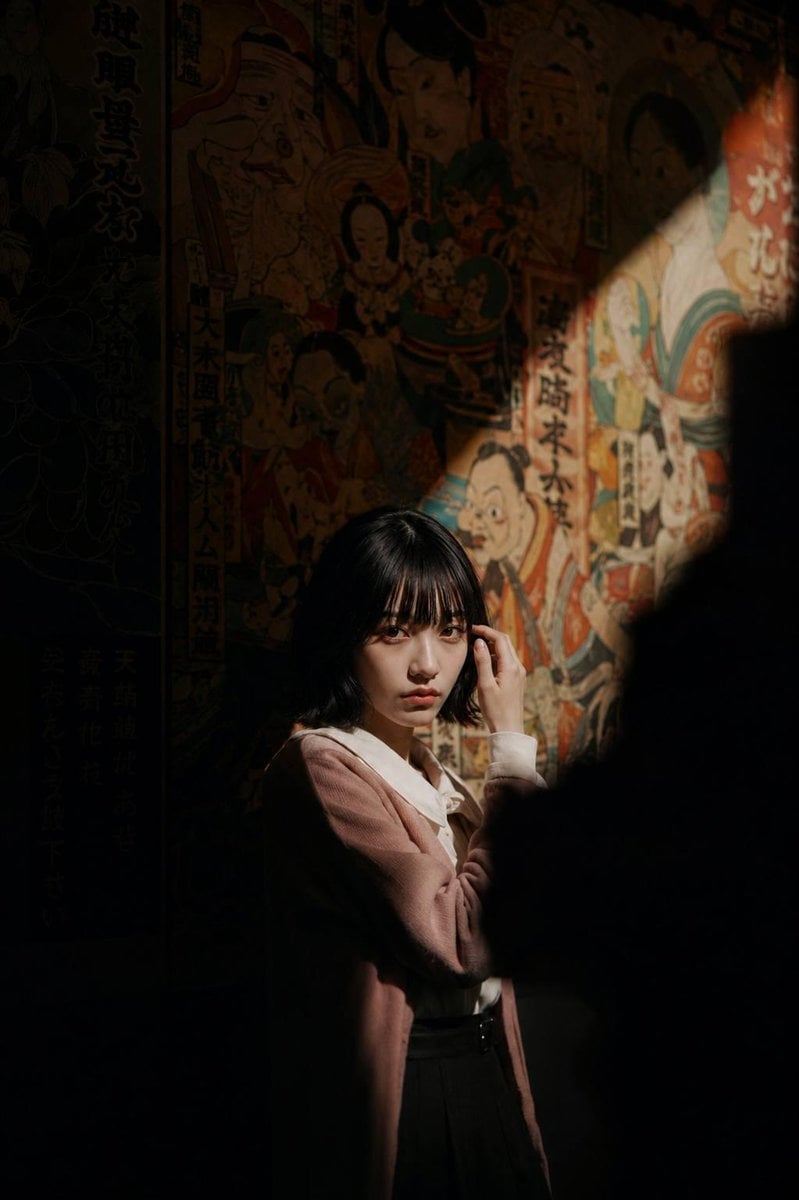
Cinematic Exhibition Room Portrait
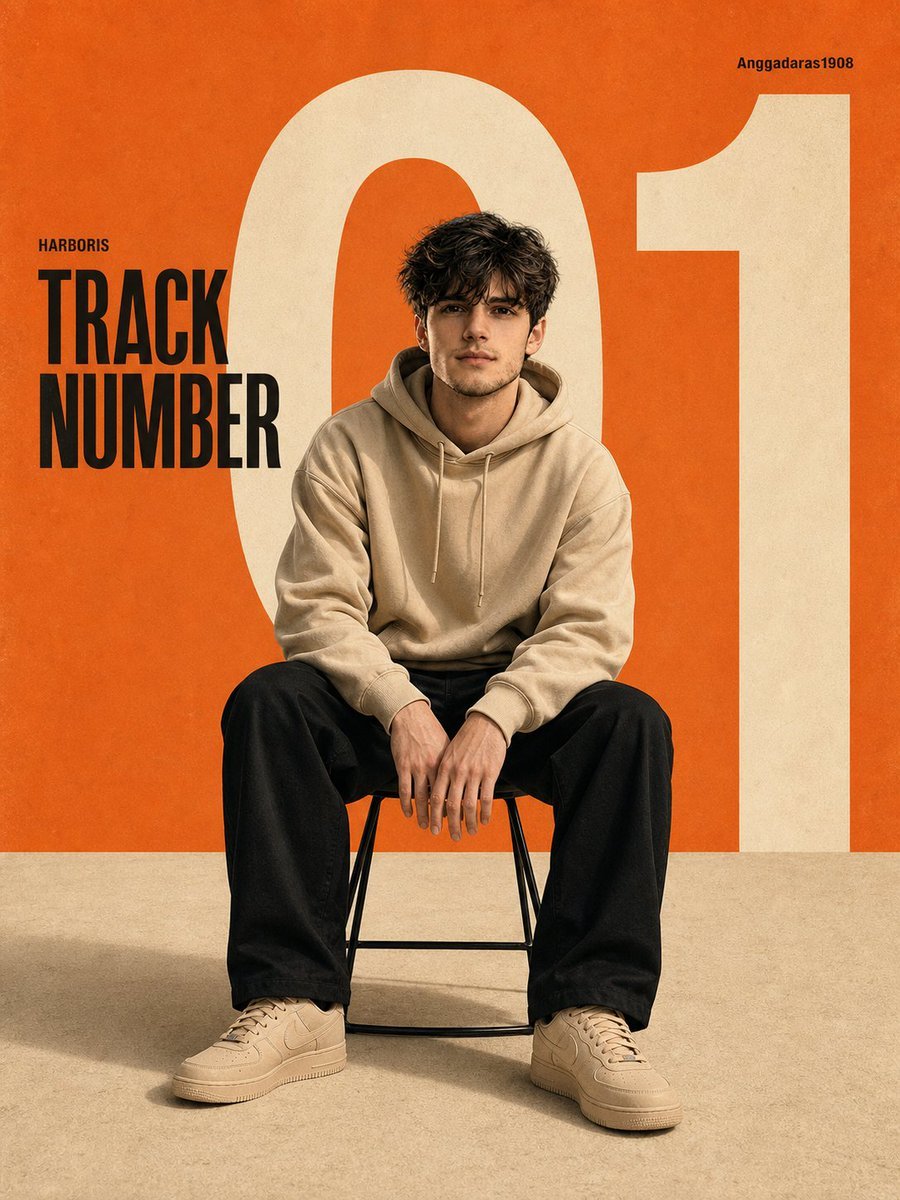
Minimalist Studio Editorial Poster
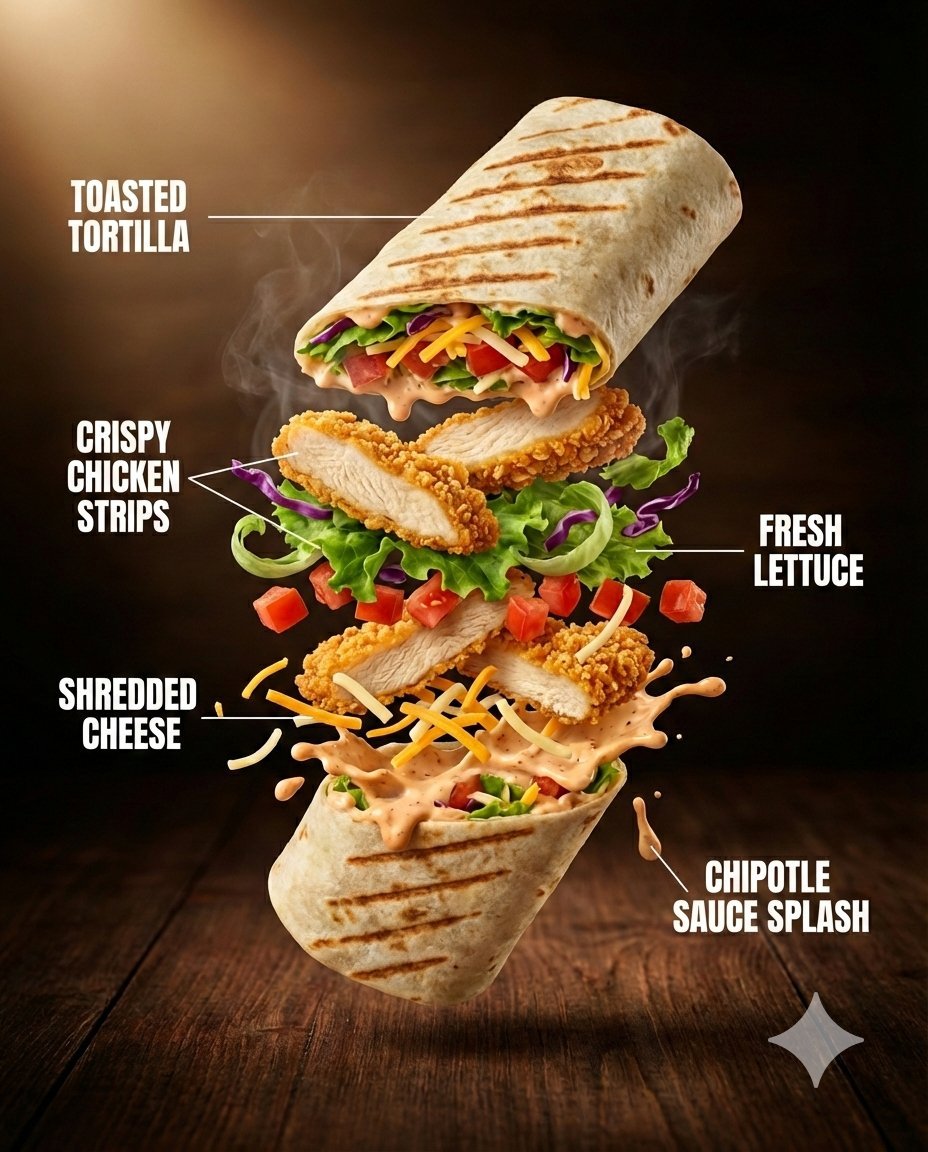
Ultra-Realistic Luxury Fast-Food Ad Shot
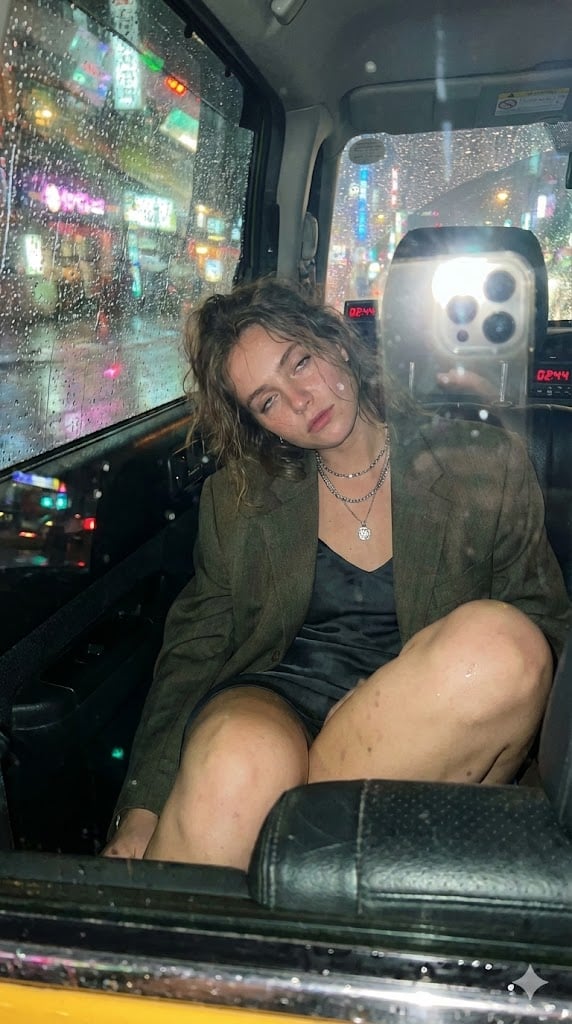
Candid Taxi-Ride Dump Photography

Japanese Ink Illustration Style
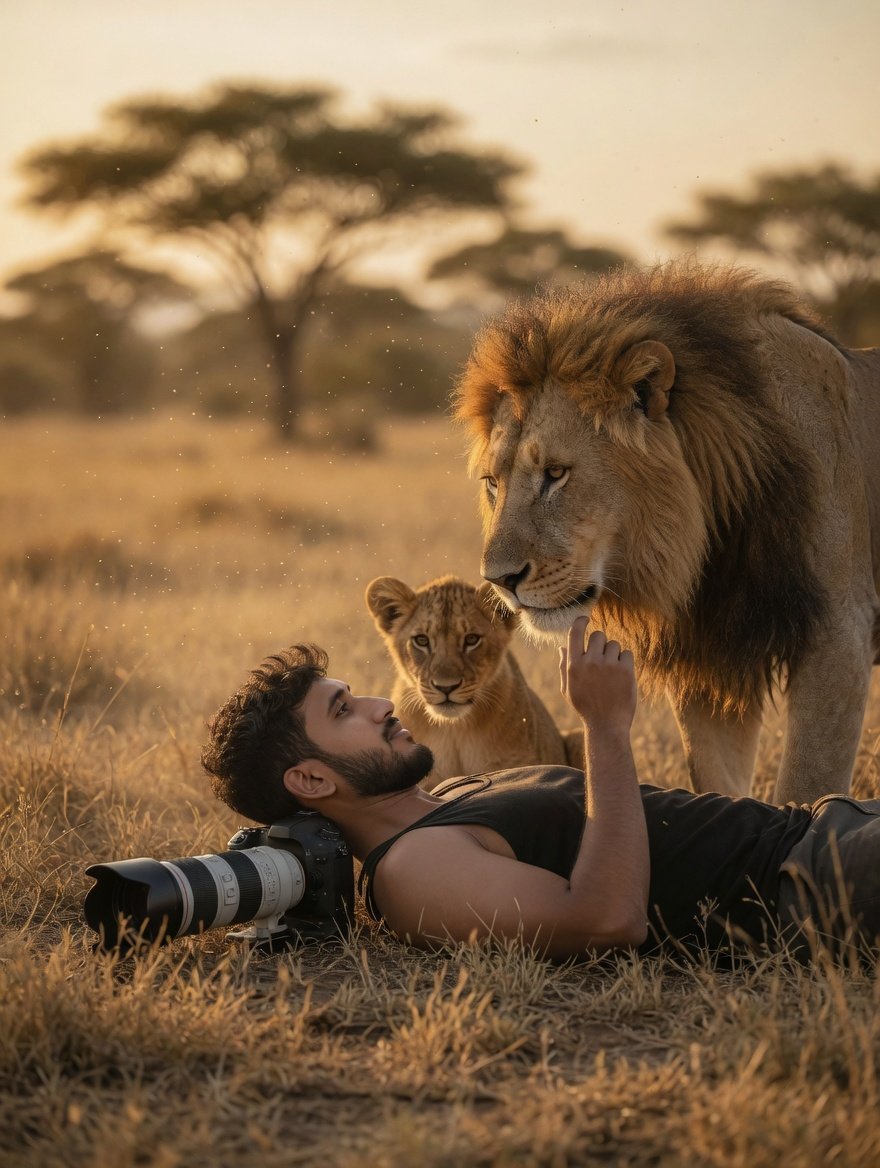
Savanna Portrait with Lions
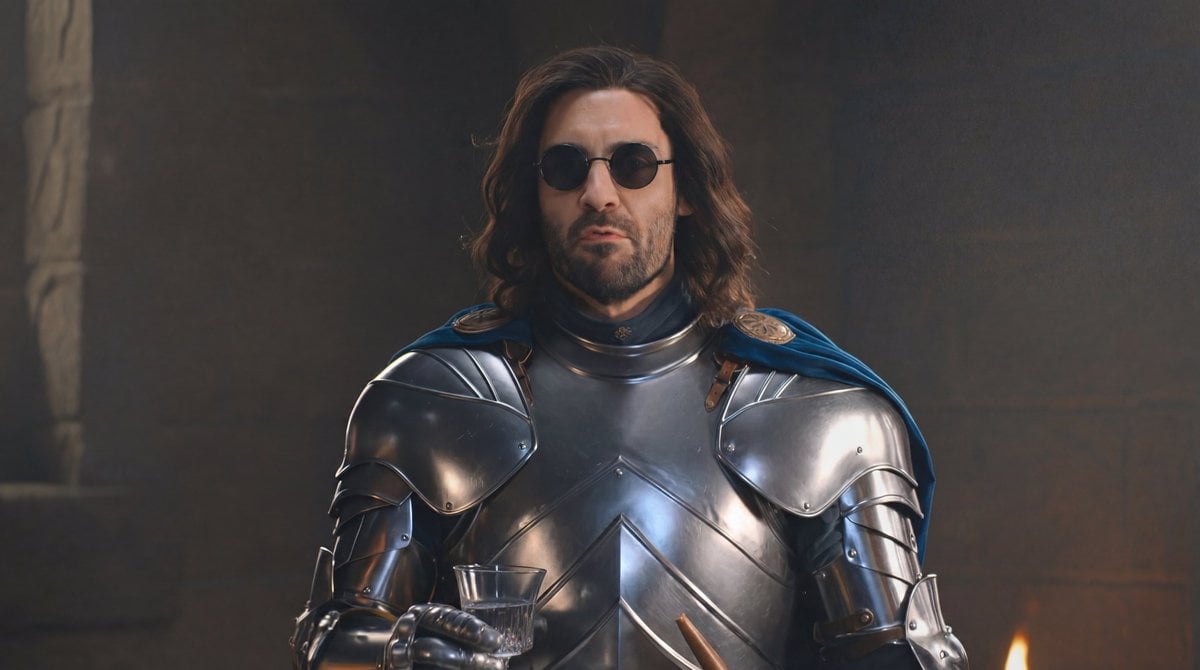
Glasses Removal and Face Integration
Golden Hour Selfie Portrait

Japanese Line-Art Portrait Illustration
Browse template categories
Cyberpunk Tech Aesthetic Badge Portrait questions
How do I use the Cyberpunk Tech Aesthetic Badge Portrait template?
Add your photo if the template asks for one, edit the prompt if you like — the template's model and format are already selected — and press Generate. Your version opens in PicX Studio.
Can I customize the Cyberpunk Tech Aesthetic Badge Portrait template?
Yes. You can change the subject, setting, lighting, mood, format, and available model controls before creating your image.
Is the Cyberpunk Tech Aesthetic Badge Portrait template free?
Opening and editing this template is free. Generating uses credits, shown on the Generate button when you are signed in.
Which AI model should I use?
Start with GPT Image 2, which is the model associated with this template. You can compare another compatible model for a different finish.
Looking for something else? Browse all templates.

Your photo, any look
Thousands of ready templates for every top image and video model, from one credit balance.