
Da Vinci Awards Trophy Acceptance
Generates a photorealistic fictional awards acceptance scene with a tuxedoed actor, Vitruvian trophy, American flag backdrop, and gala stage signage.
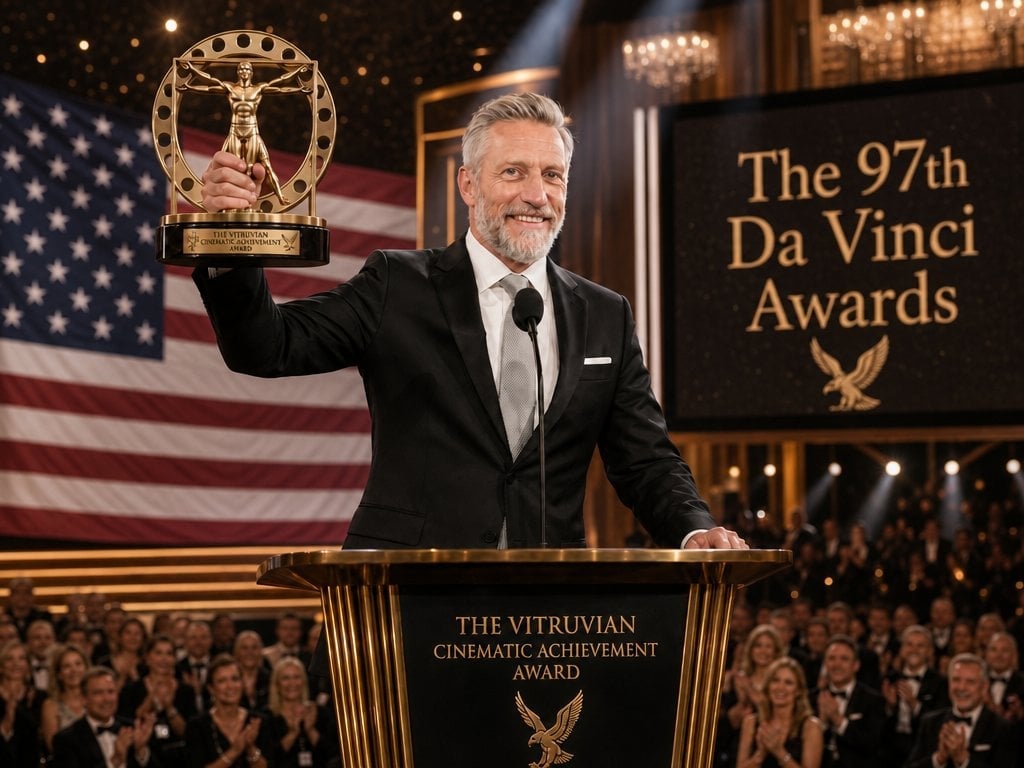
- Prompt included
- Model and format preset
- Free template
The prompt behind this image
Copy the exact prompt behind Da Vinci Awards Trophy Acceptance, or open it in the studio and make it yours.
Create a cinematic photorealistic awards-ceremony still of {argument name="character name" default="John C. Swaggert"}, a silver-haired male actor in a black tuxedo with a white shirt, pale silver tie, and white pocket square, standing behind an elegant black-and-gold podium on a grand theater stage. His face is covered by a flat skin-toned rectangular privacy mask, and the audience faces are similarly obscured with small skin-toned blocks. He raises a large ornate gold trophy in his left hand: a circular Vitruvian-man style statuette inside a ring with small round holes, mounted on a black base with a gold nameplate reading "THE VITRUVIAN CINEMATIC ACHIEVEMENT AWARD." The podium front also reads "THE VITRUVIAN CINEMATIC ACHIEVEMENT AWARD" in gold serif lettering with a gold eagle emblem beneath it. Behind him, place a huge draped American flag filling the left background, and on the right a large black stage screen with gold serif text reading "{argument name="event title" default="The 97th Da Vinci Awards"}" plus a small gold eagle icon. Add a single black microphone at center, warm chandelier lights, golden architectural details, spotlights cutting through haze, bokeh audience applause in formal evening wear, and a luxurious patriotic gala atmosphere. Use a wide 4:3 composition, shallow depth of field, realistic lens perspective, rich warm lighting, crisp trophy details, and high-end broadcast-event photography style.
How to use Da Vinci Awards Trophy Acceptance in 3 steps
- 1Upload ImagePNG, JPG or paste
Add your photo
Upload the photo the template builds on. The prompt, model and format are already set.
- 2…a portrait of your subject in softgolden-hour light, 85mm…
Personalize
Edit the subject and creative details for your destination.
- 3Generate
Generate
Press Generate — your image is created in PicX Studio, so you can compare it with the original and refine one variable at a time.
More like this
Templates with the same subject, style or setup. Open one to see its prompt.
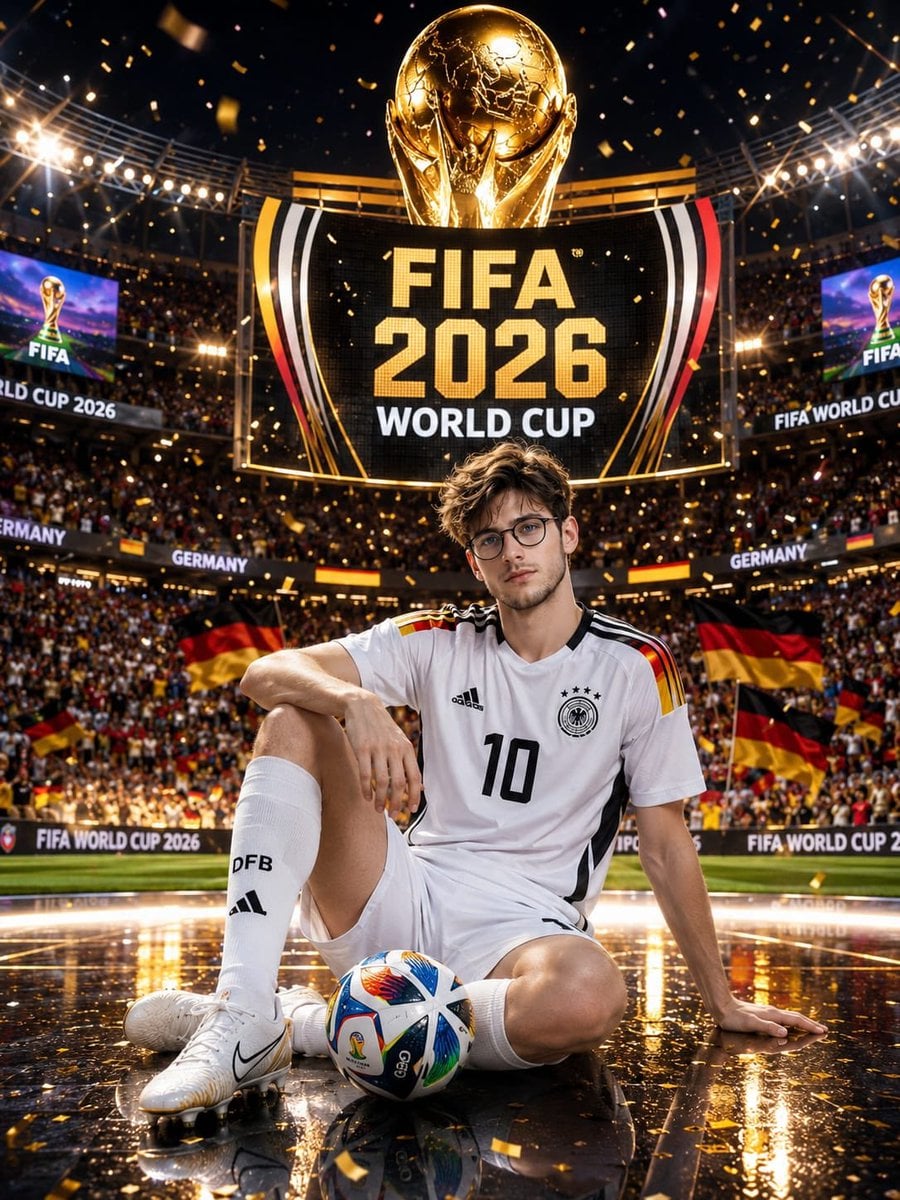
Germany 10 Championship Celebration Poster

FIFA 2026 — Golden Trophy Stadium Night
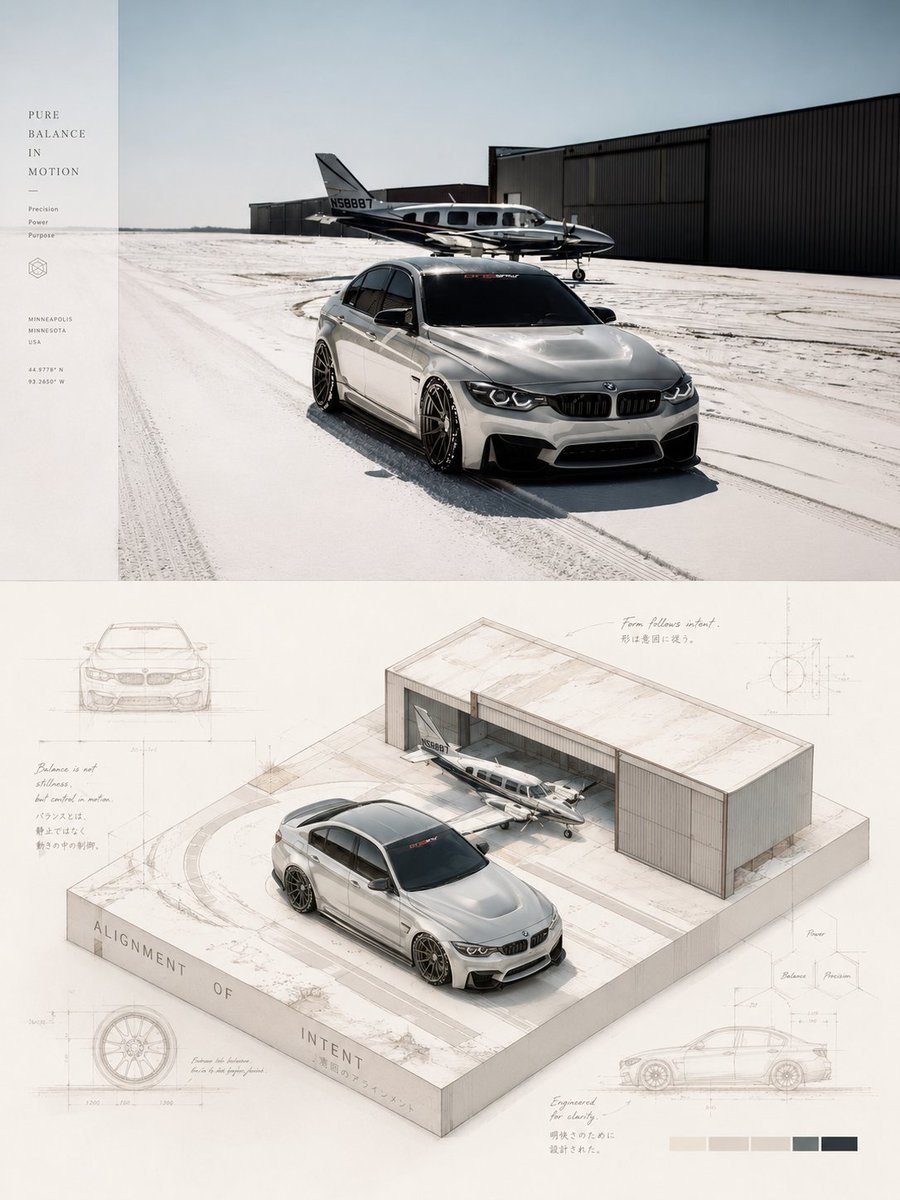
Isometric Da Vinci Design Poster
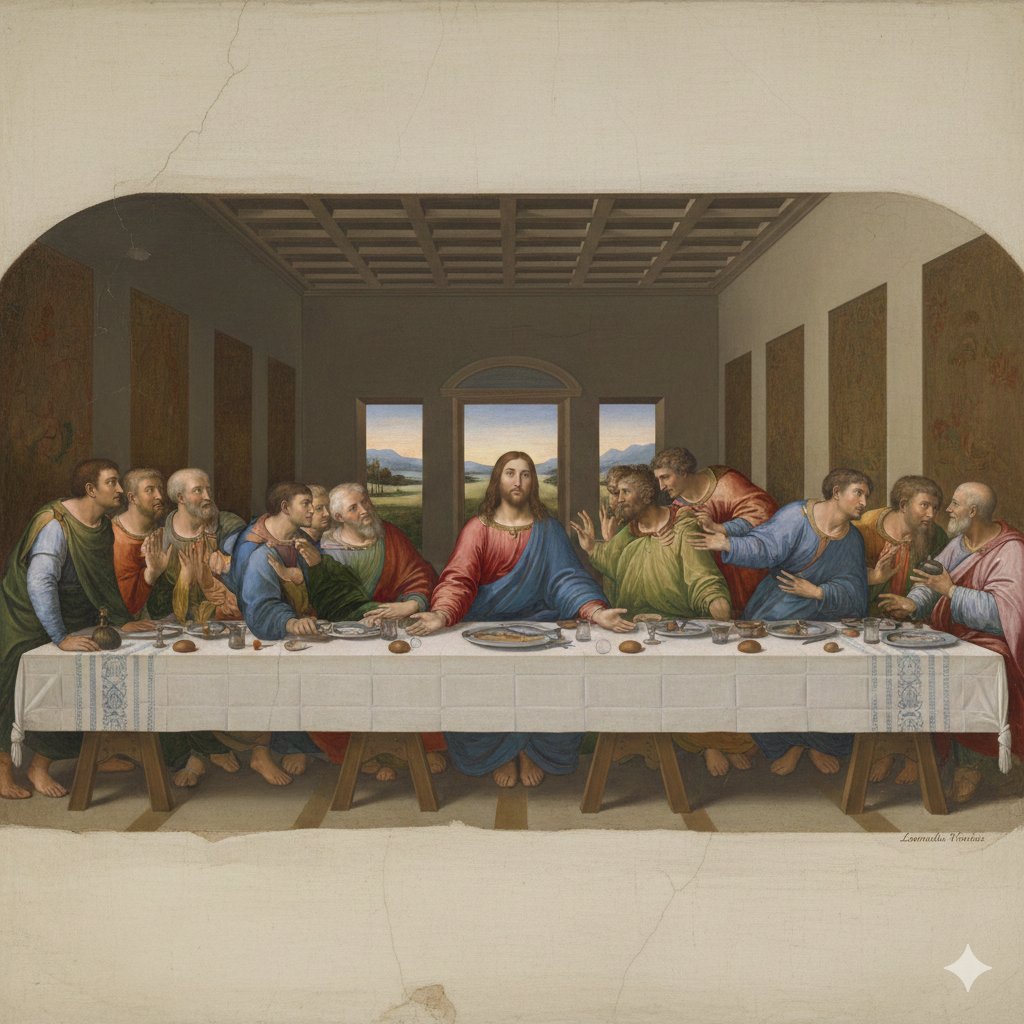
Da Vinci's Last Supper Style Image Generation

FIFA World Cup Trophy — Flag Ribbons Hero
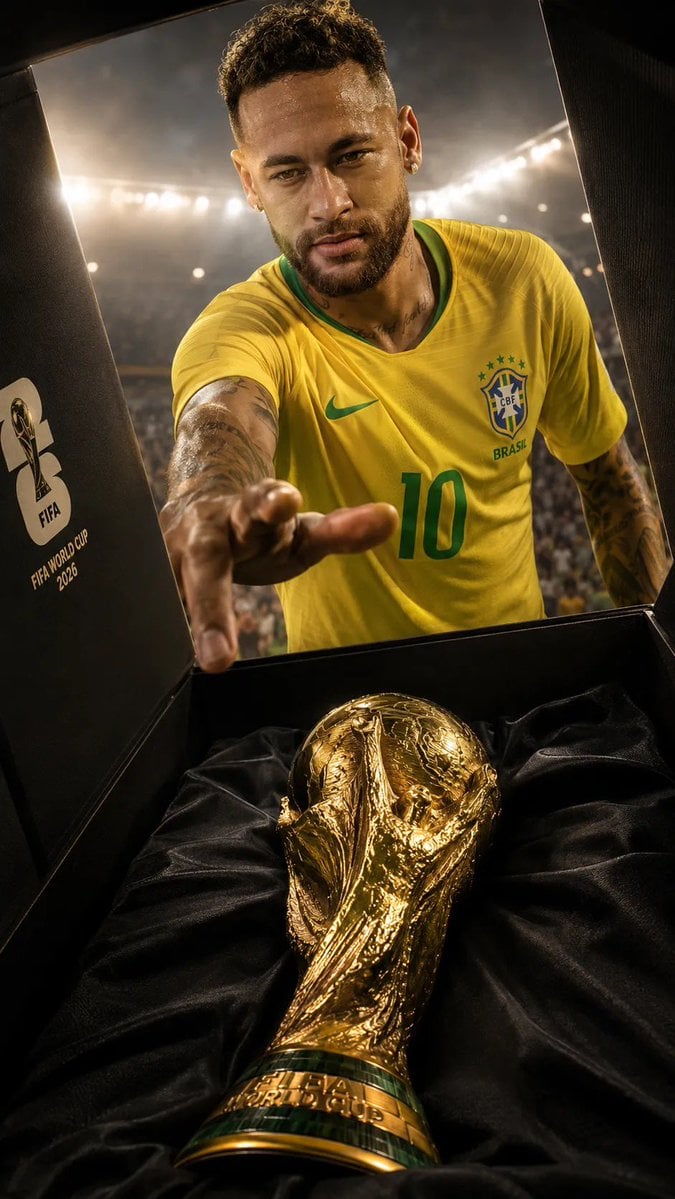
Sports Photography Trophy Reveal
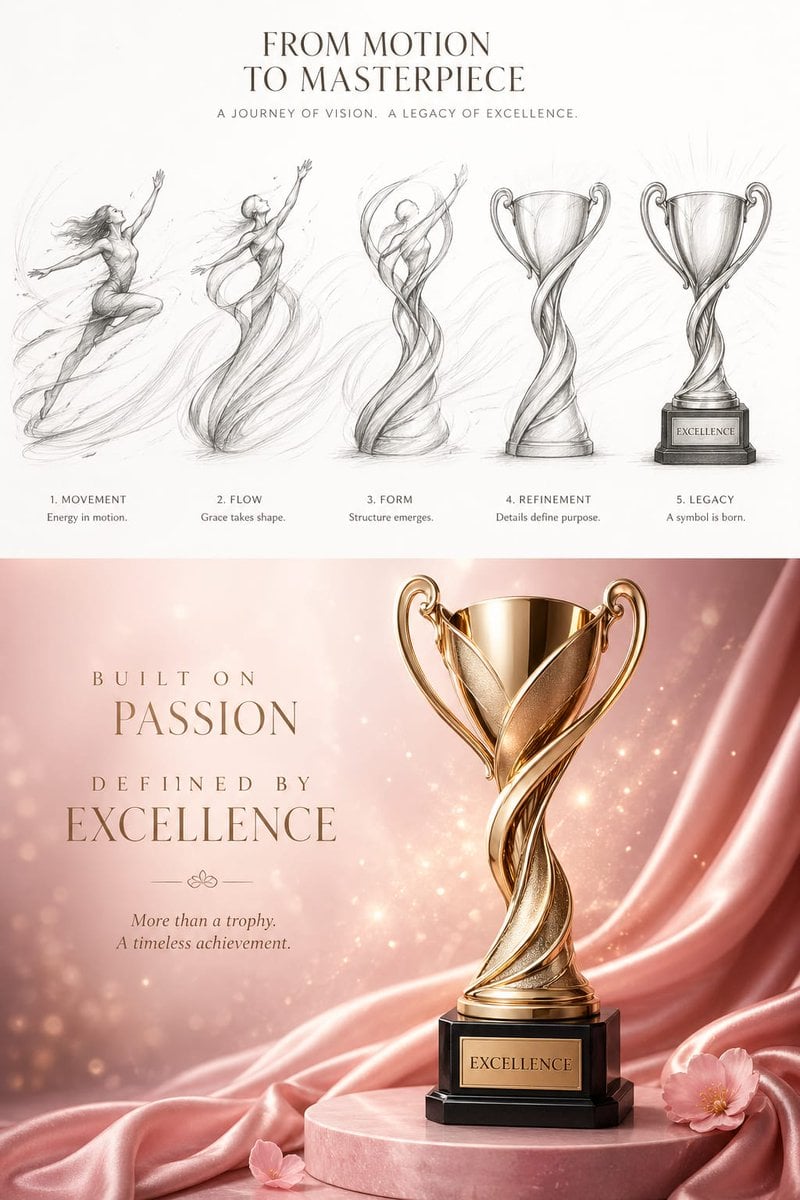
Artistic Luxury Trophy Design Poster

Rainy Premier League Trophy Celebration
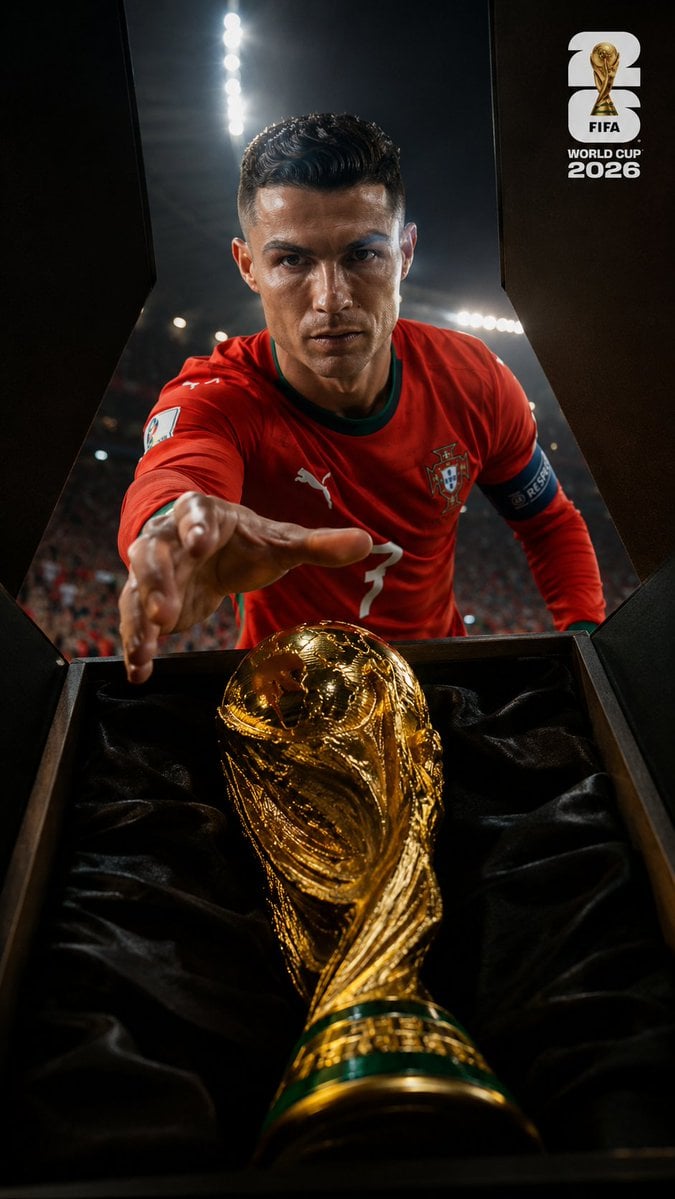
World Cup Trophy Reveal Perspective

FIFA World Cup Trophy Winner
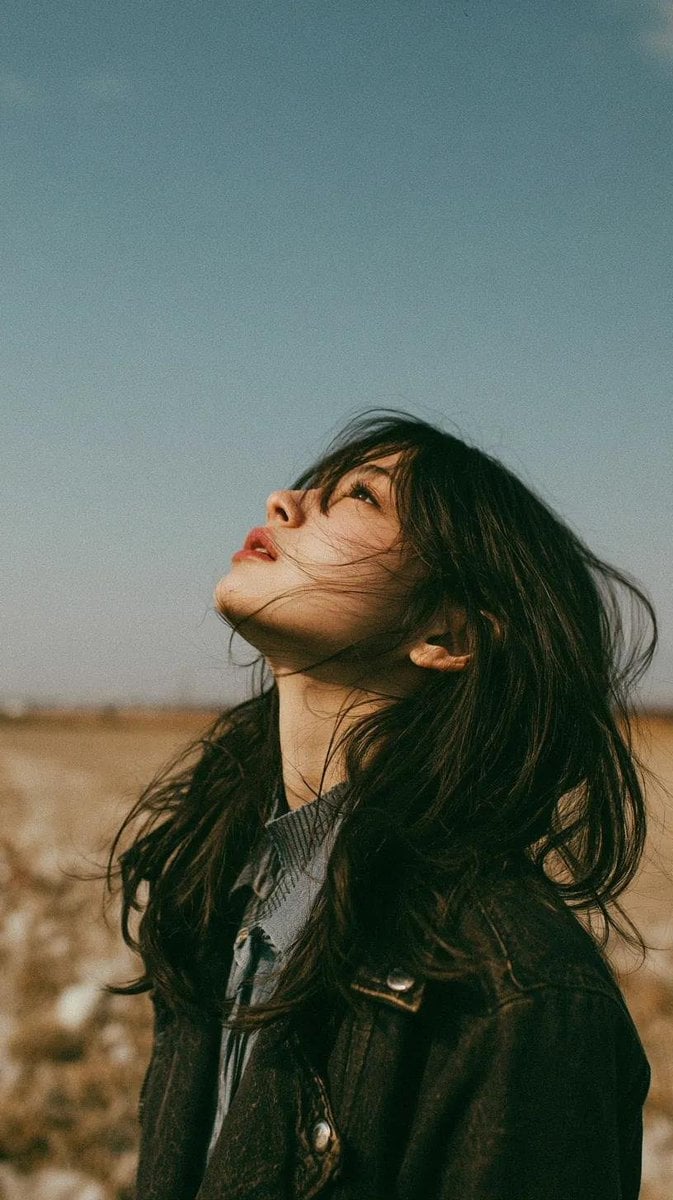
Minimalist Meadow Portrait
Cinematic Storyboard: Kindness in Color
Make it yours
Da Vinci Awards Trophy Acceptance works as-is. These are the safest ways to change it without losing the look.
Change one field
Copy a single group, rewrite it, and generate again so you can see what that field is doing.
Keep the frame, change the subject
Hold the composition and light of Da Vinci Awards Trophy Acceptance, then swap wardrobe, props or the person for a new take.
| If the result… | Why | Fix |
|---|---|---|
| The result drifts from the preview | Too many fields changed at once. | Reuse Da Vinci Awards Trophy Acceptance as-is first, then change one group — subject, light, or setting. |
| The model over-stylizes the scene | The prose prompt leaves finish and camera underspecified. | Add one camera or lighting sentence and stay on GPT Image 2. |
More GPT Image 2 templates
Other prompts made for GPT Image 2.

Six VTuber Japanese Logo Sheet

Realistic Portrait of Woman and Deer

The Vista Modular Condo Poster

AI Model Routing Comparison Infographic

2.5D Anime Art Board

Isometric Productivity Desk Scene

New York Double Exposure Poster

Four-Panel AI Landscape Comparison

Japanese Tatami Lifestyle Magazine Cover

NESCAFÉ Coffee Map Poster
More image prompts
Fresh picks from across the catalog.
Renaissance Painting Style Portrait in an Italian Palazzo
Cinematic Daisangen Mahjong Hand
Surreal Kintsugi Portrait in an Automaton Workshop
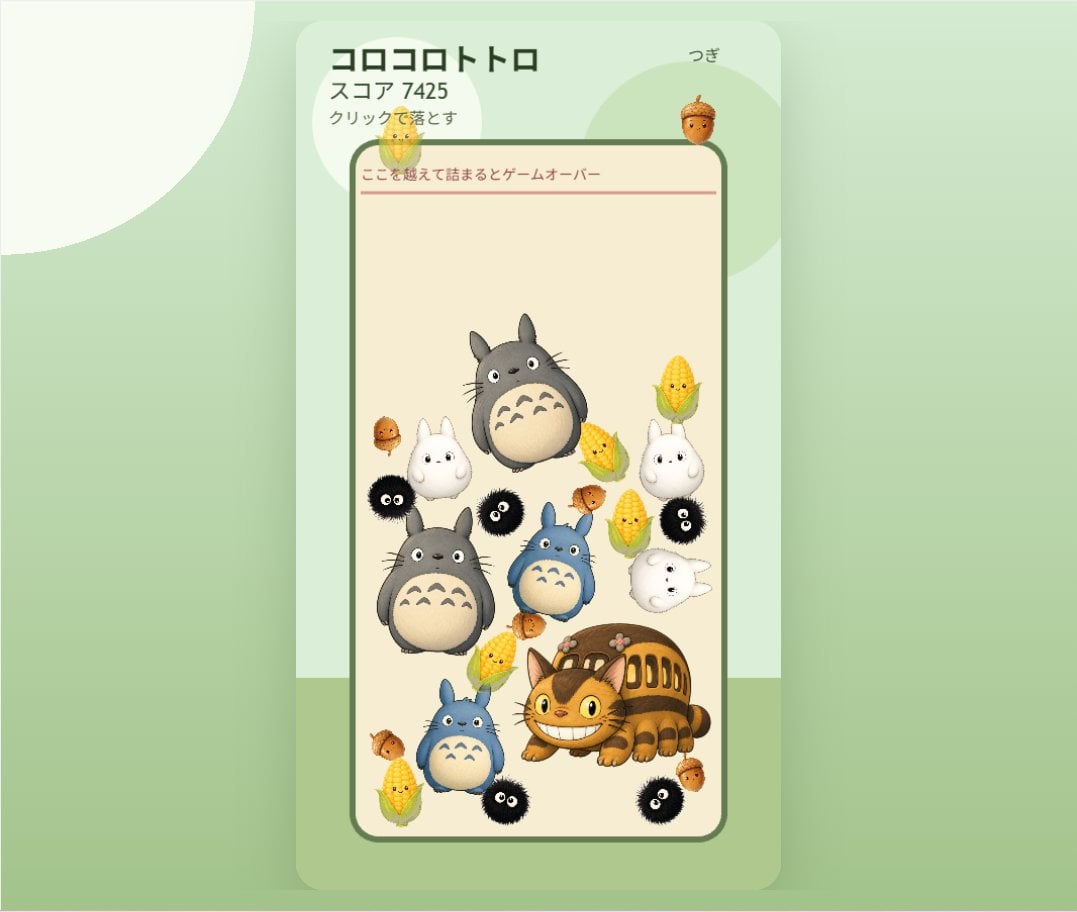
Cute Totoro Puzzle Game UI
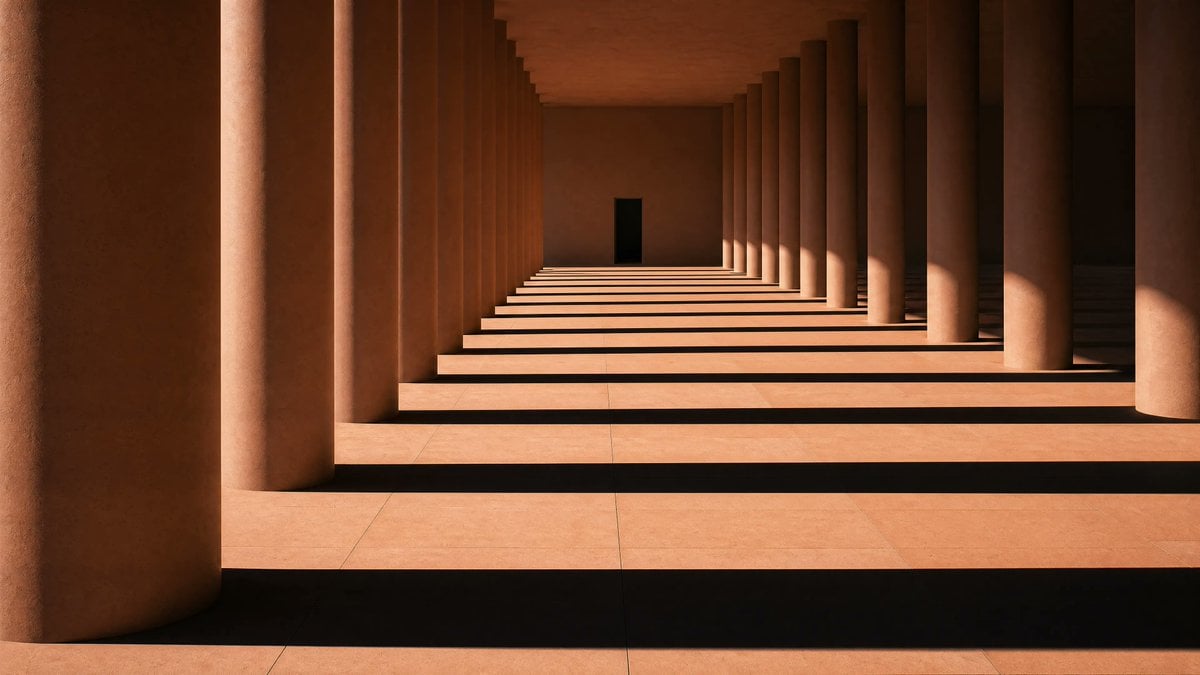
Sunlit Terracotta Colonnade
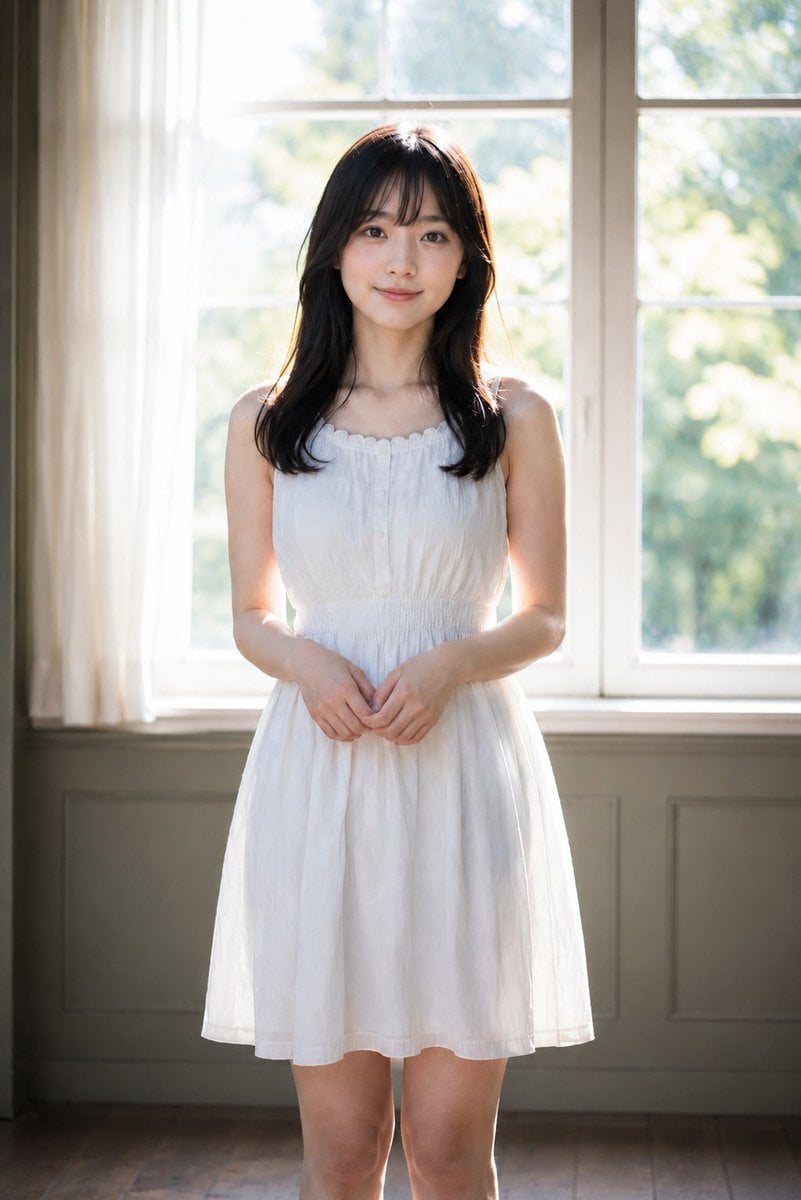
Backlit Indoor Window Portrait
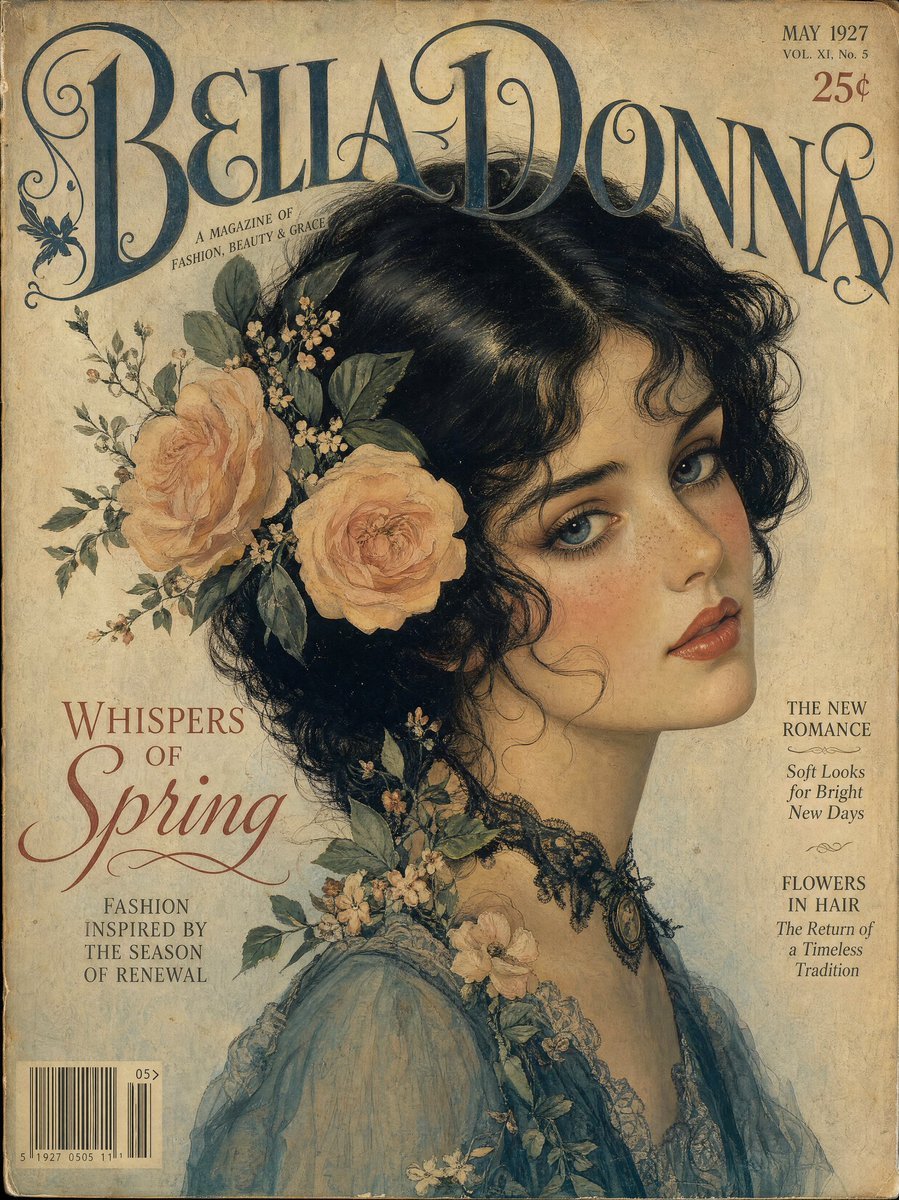
Vintage Gouache Fashion Magazine Cover

NOVALITH Mobile SaaS Onboarding Screen
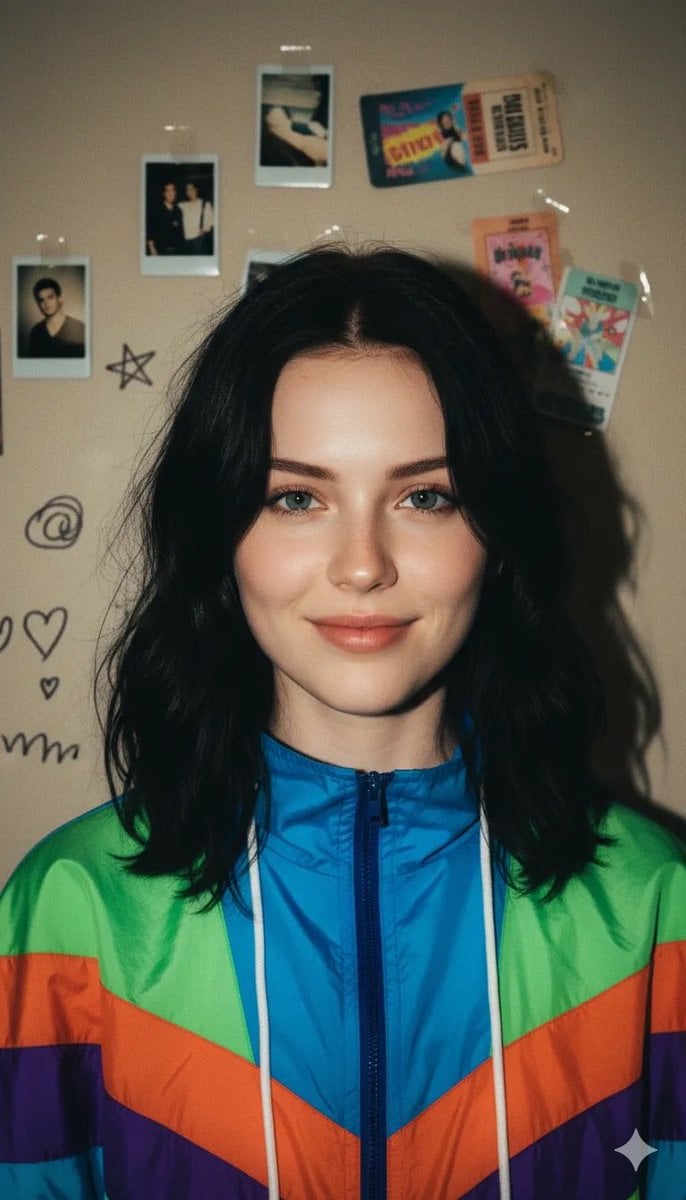
90s Retro Windbreaker Portrait with Harsh Flash (Two Prompts)
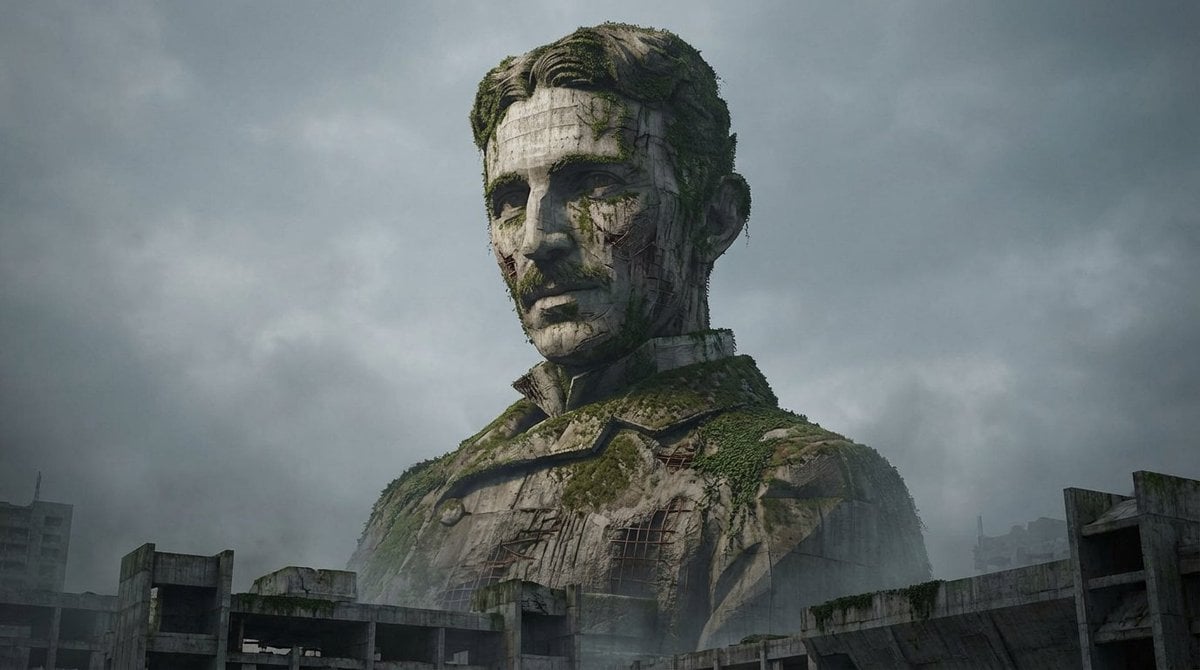
Brutalist Architecture Morphing Prompt
Browse template categories
Da Vinci Awards Trophy Acceptance questions
How do I use the Da Vinci Awards Trophy Acceptance template?
Add your photo if the template asks for one, edit the prompt if you like — the template's model and format are already selected — and press Generate. Your version opens in PicX Studio.
Can I customize the Da Vinci Awards Trophy Acceptance template?
Yes. You can change the subject, setting, lighting, mood, format, and available model controls before creating your image.
Is the Da Vinci Awards Trophy Acceptance template free?
Opening and editing this template is free. Generating uses credits, shown on the Generate button when you are signed in.
Which AI model should I use?
Start with GPT Image 2, which is the model associated with this template. You can compare another compatible model for a different finish.
Looking for something else? Browse all templates.

Your photo, any look
Thousands of ready templates for every top image and video model, from one credit balance.