
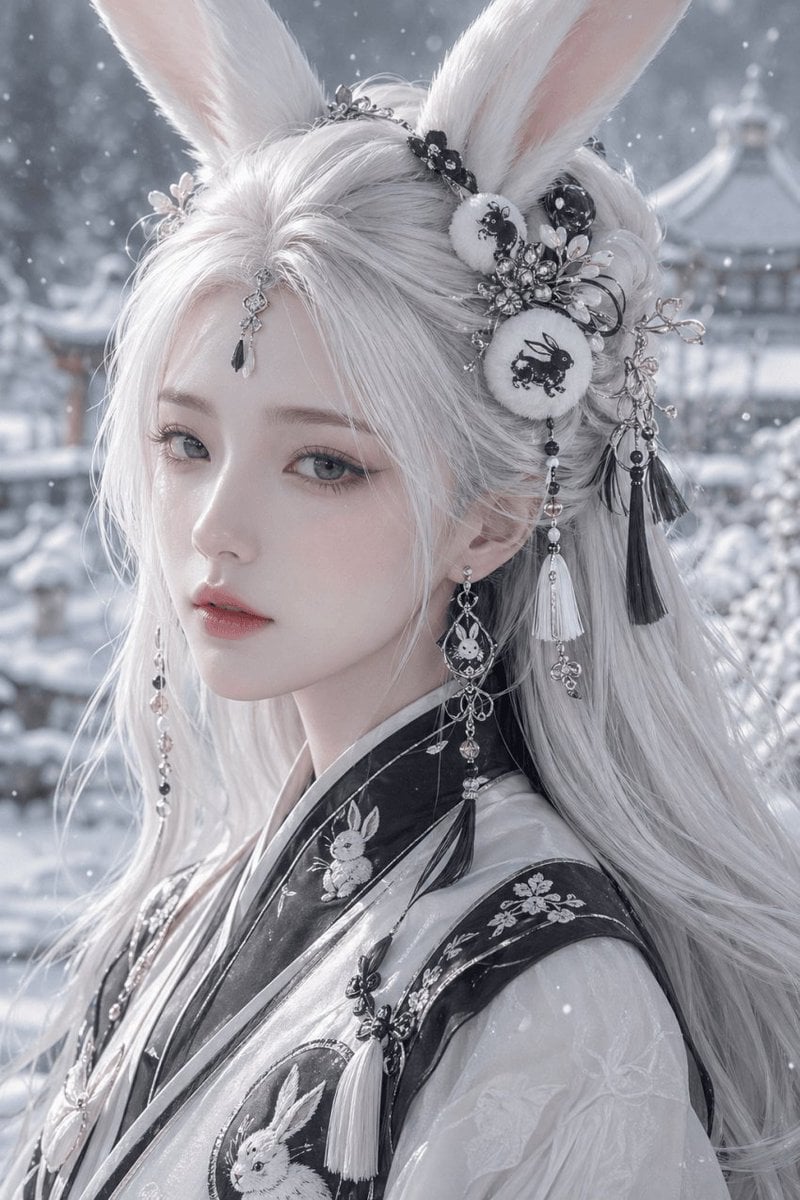
Snowy Rabbit Hanfu Portrait
This prompt generates an ultra-detailed fantasy beauty portrait of a rabbit-eared woman in embroidered hanfu, ideal for elegant character art, costume design, or cinematic AI portrait showcases.
- Prompt included
- Model and format preset
- Free template
The prompt behind this image
Copy the exact prompt behind Snowy Rabbit Hanfu Portrait, or open it in the studio and make it yours.
A highly detailed fantasy portrait of a young woman in side profile wearing elegant white rabbit ears and traditional East Asian hanfu in a snowy winter garden. She has {argument name="hair color" default="silver white"} hair, extremely long, silky, and softly wind-swept, styled with ornate floral and jeweled hair ornaments. The face is mostly obscured by a large centered rectangular blur mask in muted gray, covering the eyes, nose, and upper cheeks, as if censored for privacy. The rabbit ears are tall, plush, white, and realistic, with pale pink inner fur, attached through an elaborate headdress featuring black lace, silver filigree, small blossoms, crystals, beads, and tassels. Visible in the headdress are 2 round embroidered ornaments with black rabbit motifs, plus multiple dangling tassels in black and white, delicate chains, and floral metal branches. She wears asymmetrical long earrings with beads and tassels. Her robe is a layered {argument name="outfit style" default="black-and-white hanfu with rabbit embroidery"}, with glossy dark trim, translucent pale fabric, and embroidered rabbit designs visible in 3 places: one small rabbit near the collar, one large circular rabbit emblem on the chest, and one faint rabbit motif on the sleeve. The overall palette is monochrome silver, white, charcoal, and soft gray, creating a cold ethereal mood. Snow is gently falling in the foreground and background. Behind her is a softly blurred {argument name="background setting" default="snow-covered classical Chinese garden with pavilion roofs"}, with shallow depth of field, atmospheric haze, cinematic bokeh, ultra-fine textile detail, soft winter lighting, elegant composition, and a serene mystical aesthetic. Vertical portrait framing, upper torso crop, luxurious fantasy costume photography, ultra-realistic, high detail, polished editorial beauty image.
How to use Snowy Rabbit Hanfu Portrait in 3 steps
- 1Upload ImagePNG, JPG or paste
Add your photo
Upload the photo the template builds on. The prompt, model and format are already set.
- 2…a portrait of your subject in softgolden-hour light, 85mm…
Personalize
Edit the subject and creative details for your destination.
- 3Generate
Generate
Press Generate — your image is created in PicX Studio, so you can compare it with the original and refine one variable at a time.
More like this
Templates with the same subject, style or setup. Open one to see its prompt.
A Snowy Couple Portrait
Snowy Locations Views Winter Special
Snowy Rabbit Spirit Portrait
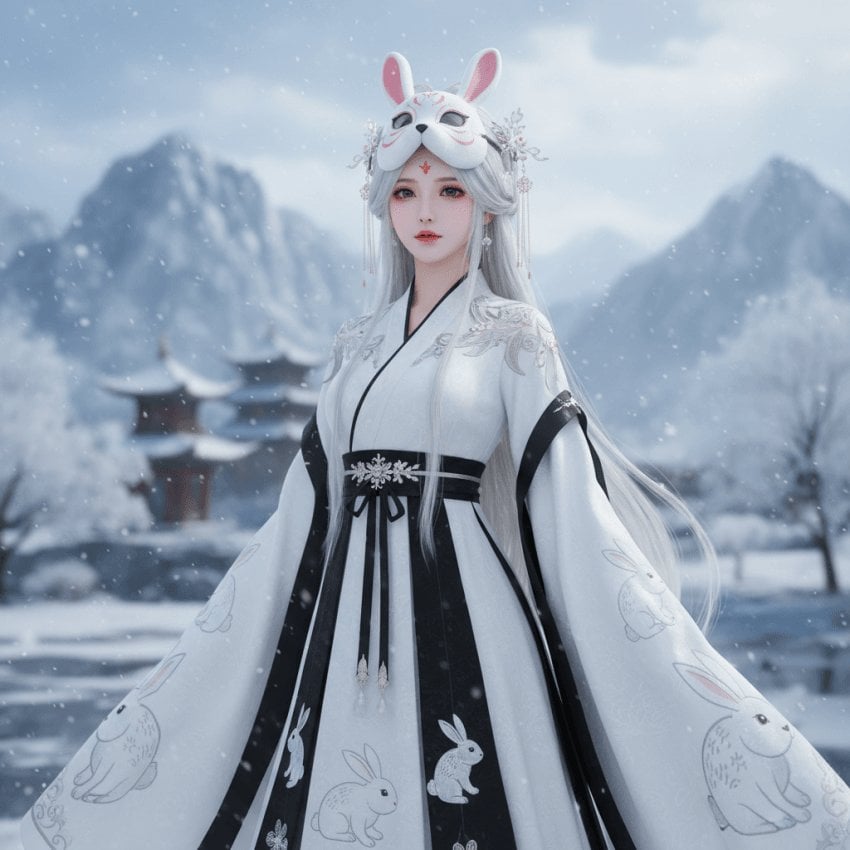
Snow Rabbit Mask Hanfu Portrait

Found Photograph: Us, 1970

80s Couple Studio Portrait

80s Bollywood Star

80s Golden Hour Cinema

Me in 1985

1985 Studio Portrait

Hyper-Realistic Minecraft POV Portrait

Rooftop Fisheye — Cat-Ear Balaclava at Golden Hour
Make it yours
Snowy Rabbit Hanfu Portrait works as-is. These are the safest ways to change it without losing the look.
Change one field
Copy a single group, rewrite it, and generate again so you can see what that field is doing.
Keep the frame, change the subject
Hold the composition and light of Snowy Rabbit Hanfu Portrait, then swap wardrobe, props or the person for a new take.
| If the result… | Why | Fix |
|---|---|---|
| The result drifts from the preview | Too many fields changed at once. | Reuse Snowy Rabbit Hanfu Portrait as-is first, then change one group — subject, light, or setting. |
| The model over-stylizes the scene | The prose prompt leaves finish and camera underspecified. | Add one camera or lighting sentence and stay on GPT Image 2. |
More GPT Image 2 templates
Other prompts made for GPT Image 2.

Six VTuber Japanese Logo Sheet

Realistic Portrait of Woman and Deer

The Vista Modular Condo Poster

AI Model Routing Comparison Infographic

2.5D Anime Art Board

Isometric Productivity Desk Scene

New York Double Exposure Poster

Four-Panel AI Landscape Comparison

Japanese Tatami Lifestyle Magazine Cover

NESCAFÉ Coffee Map Poster
More image prompts
Fresh picks from across the catalog.
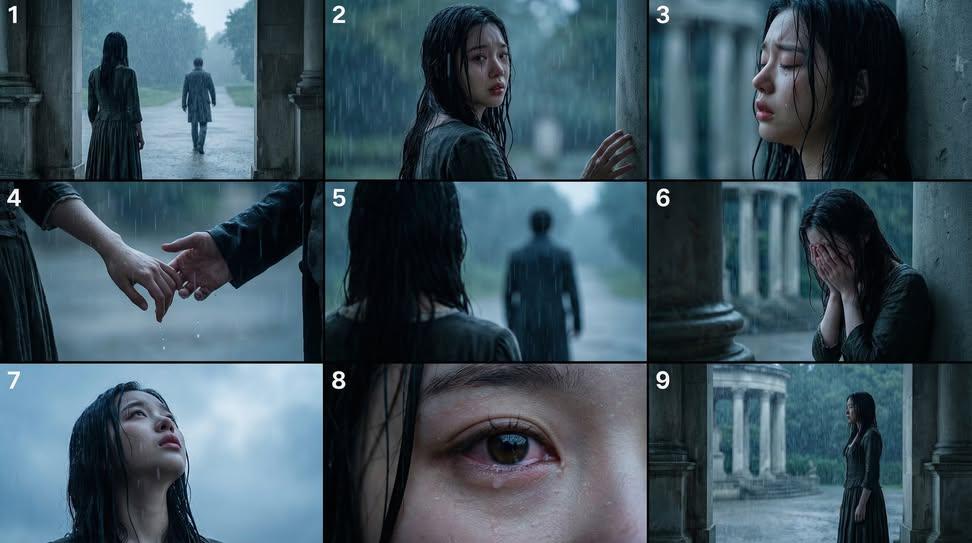
Cinematic Storyboard Generation Prompt
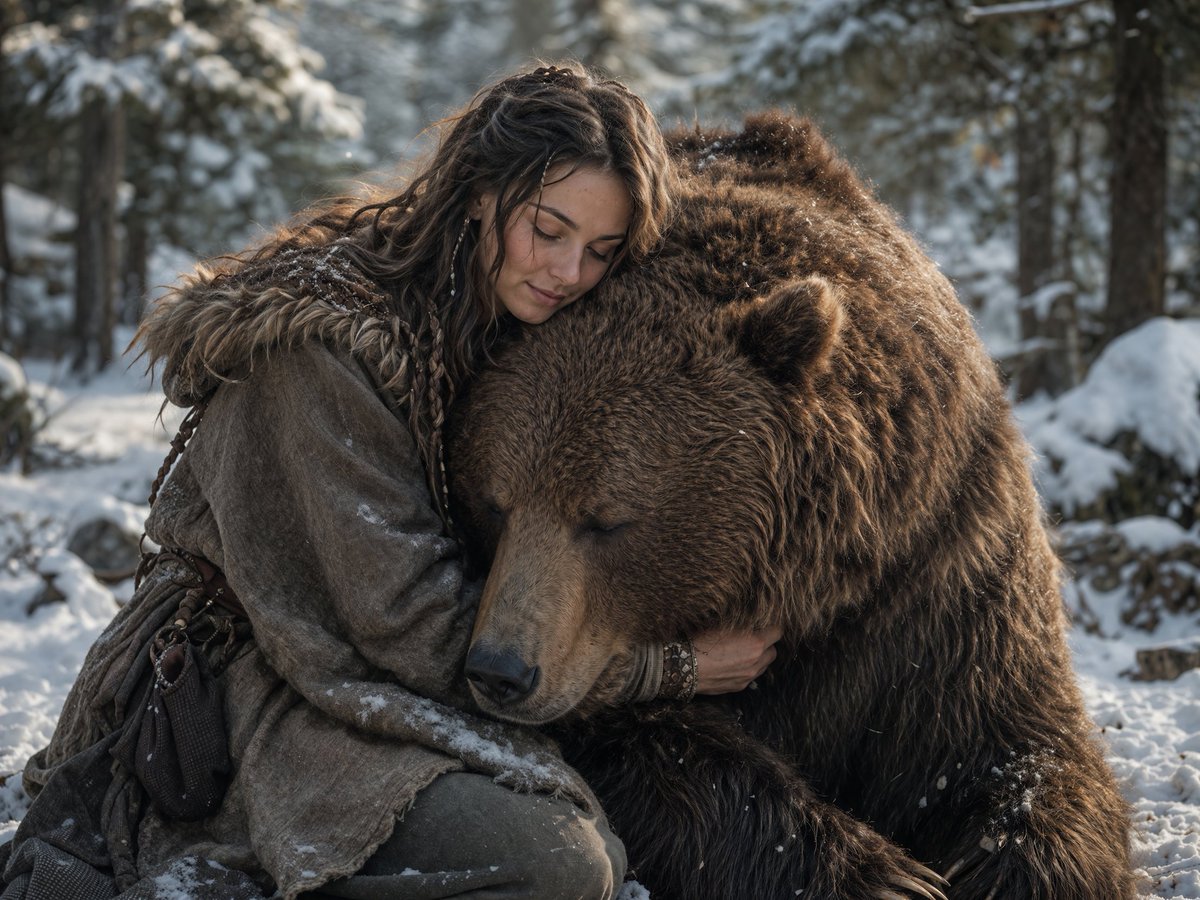
Woman Embracing a Bear in Winter
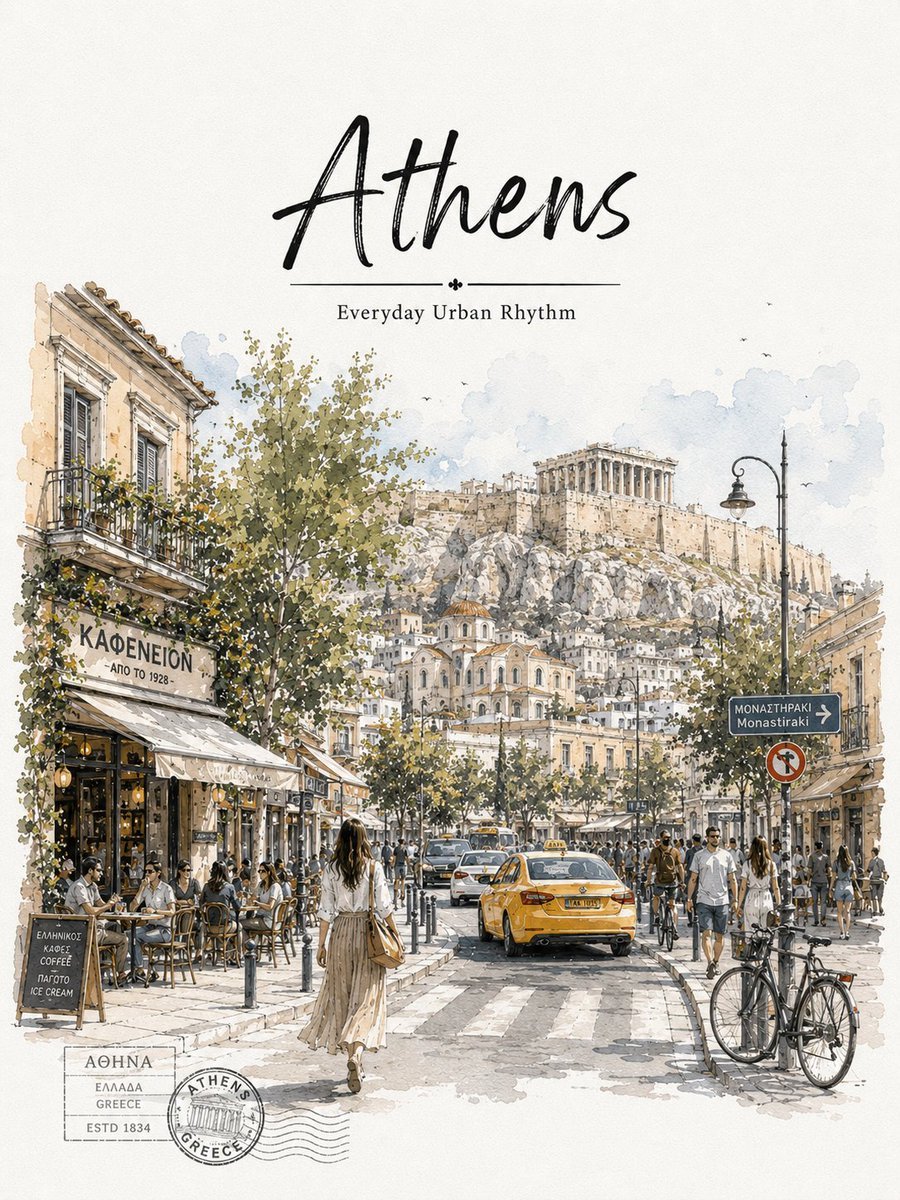
Athens Travel Sketch and Watercolor Poster
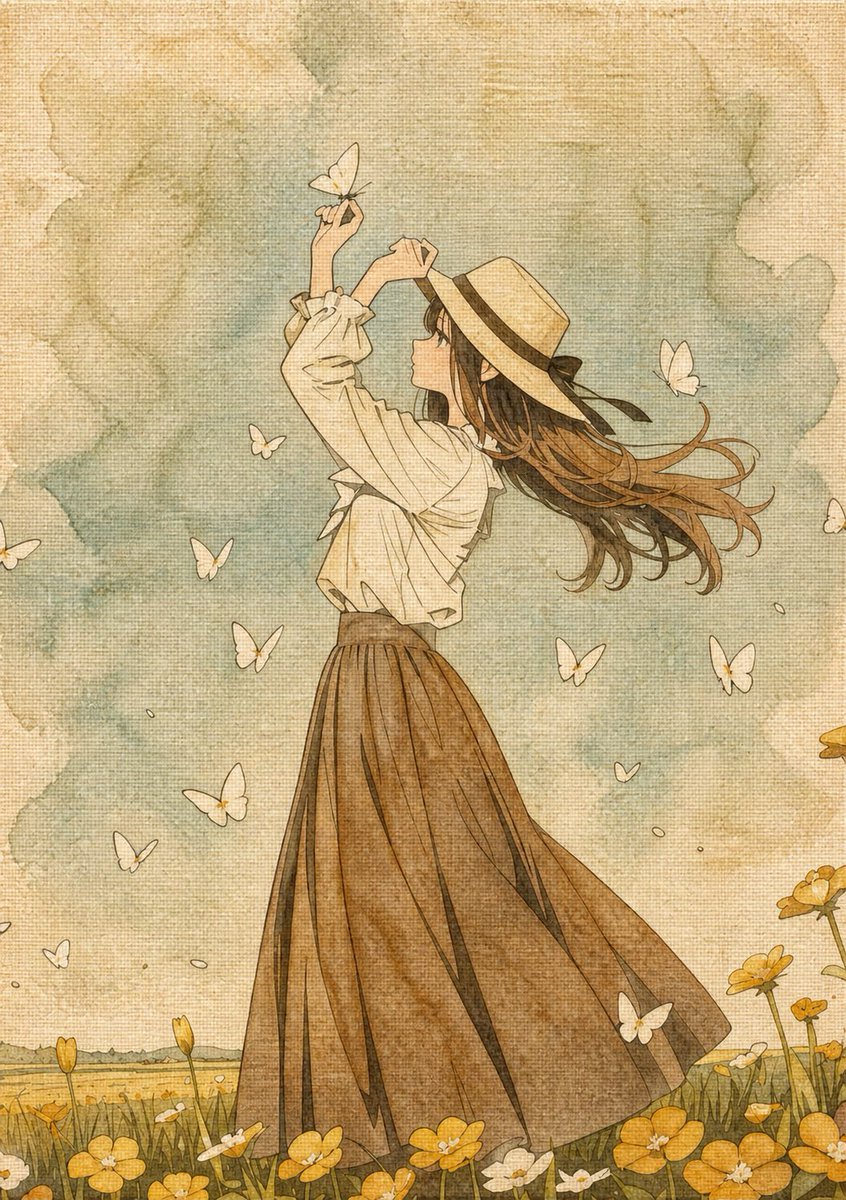
Botanical Plant Dye Canvas Painting
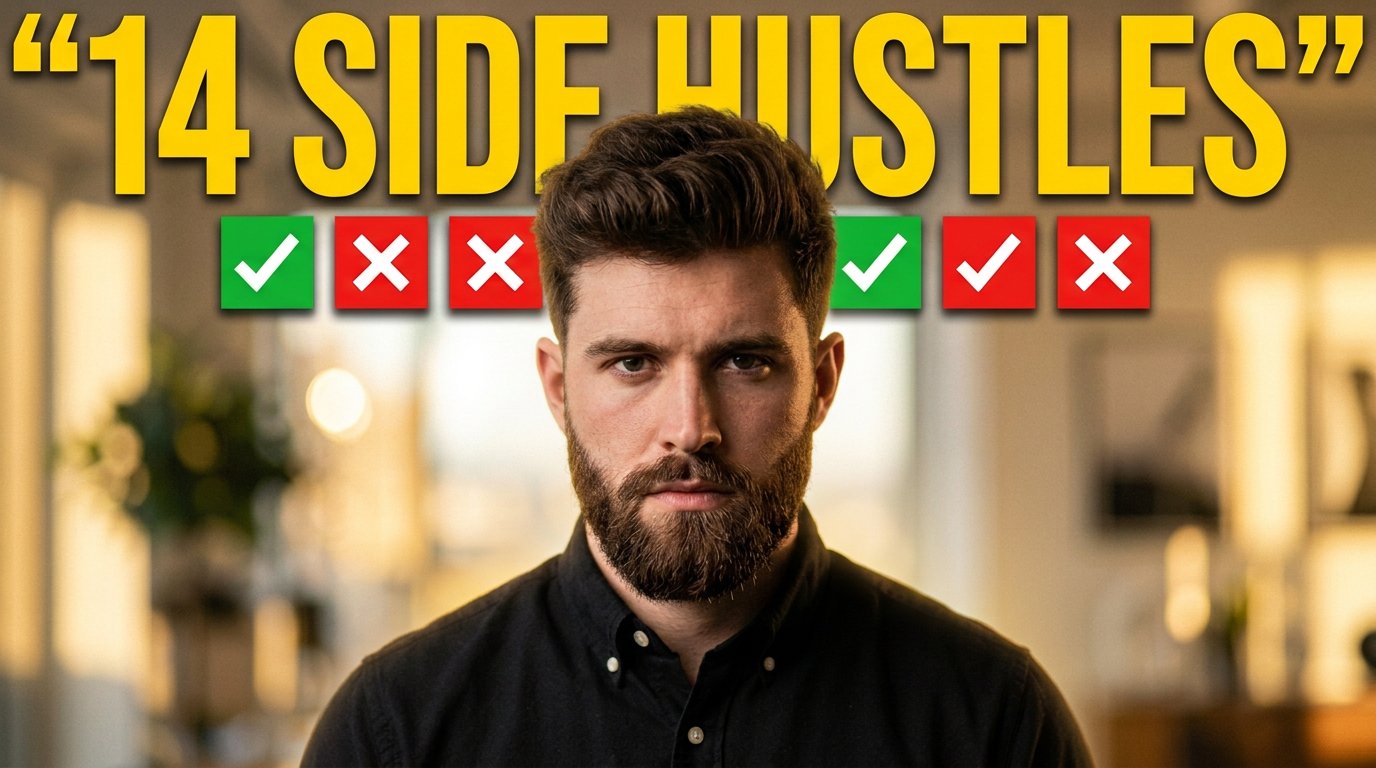
Youtube Thumbnail Template
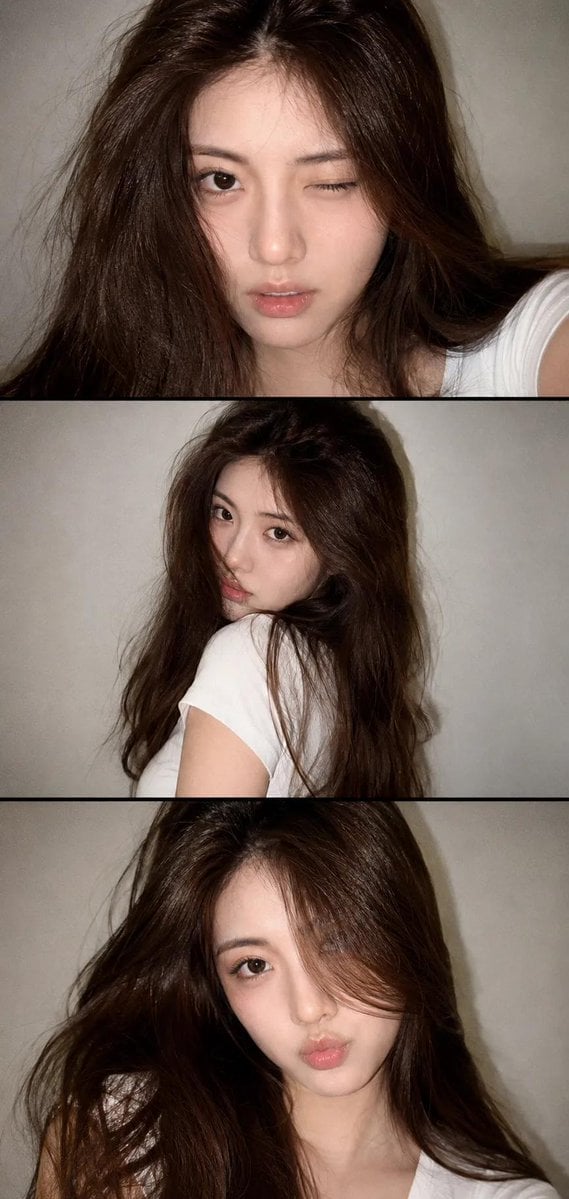
Vintage Style Selfie Collage
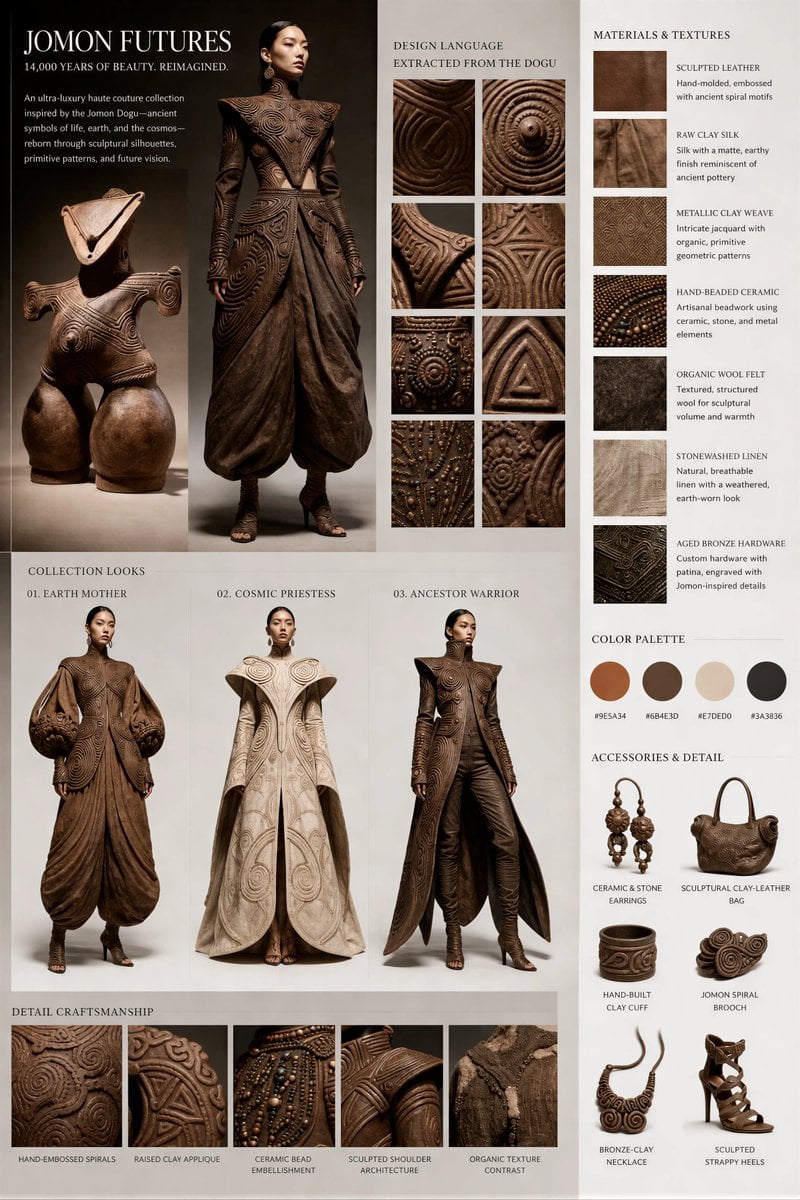
Jomon Dogu Couture Moodboard
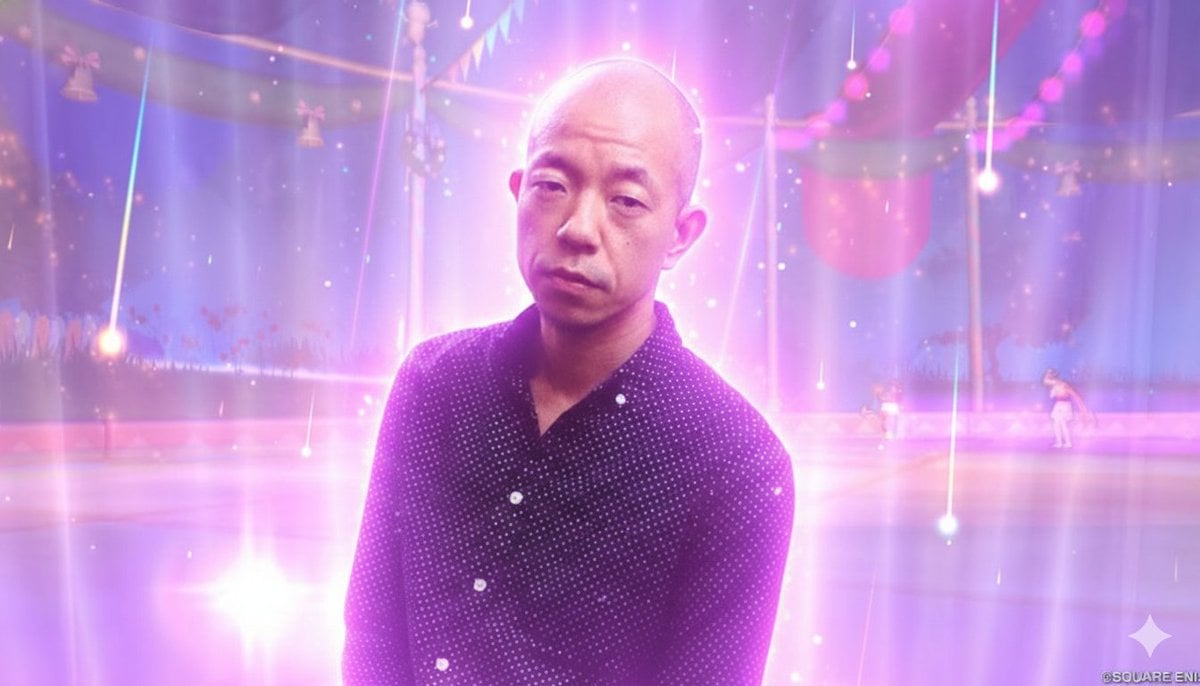
Image Style Transfer Prompt: Viking to Dragon Quest X 'Sage's Breath of God'
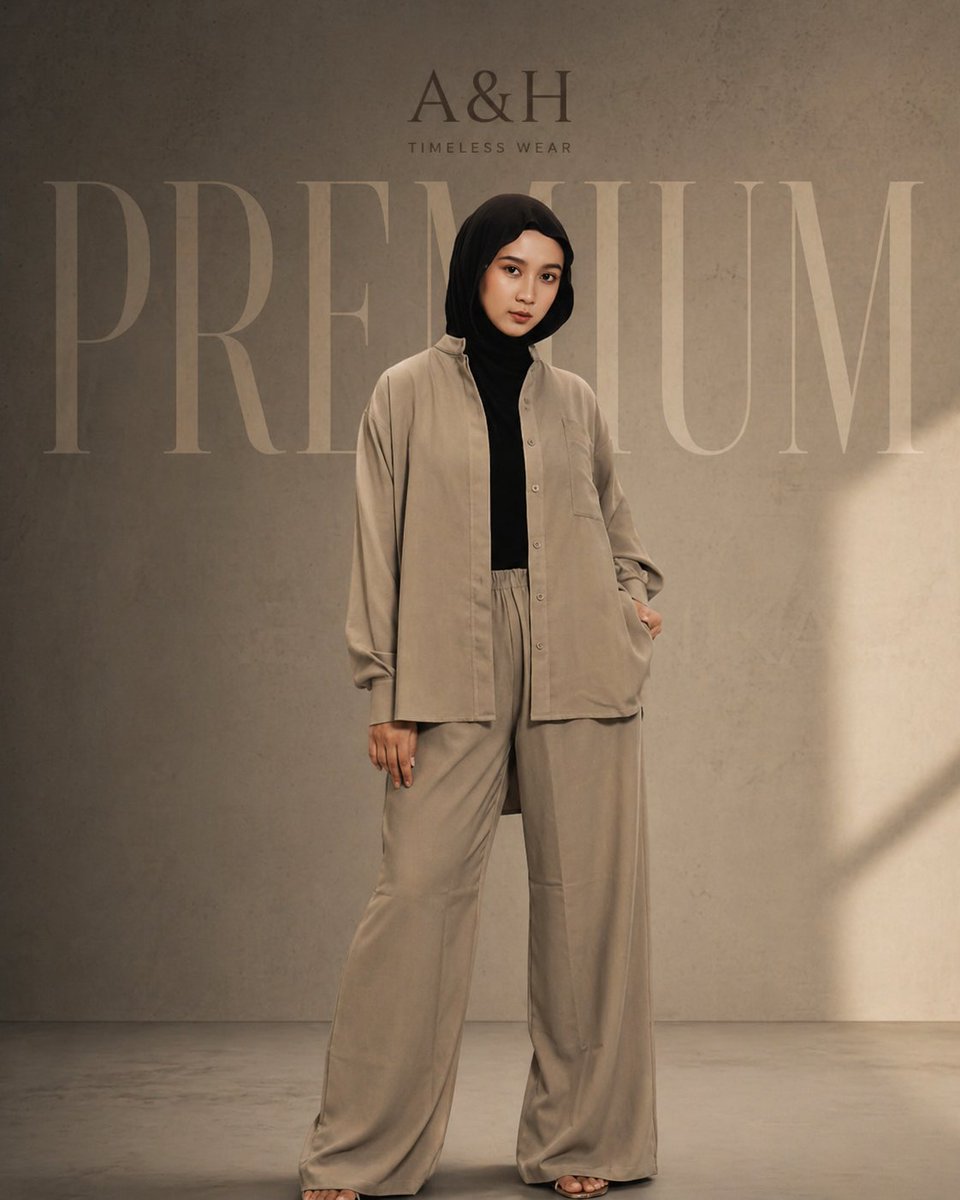
Modest Fashion Studio Editorial Prompt
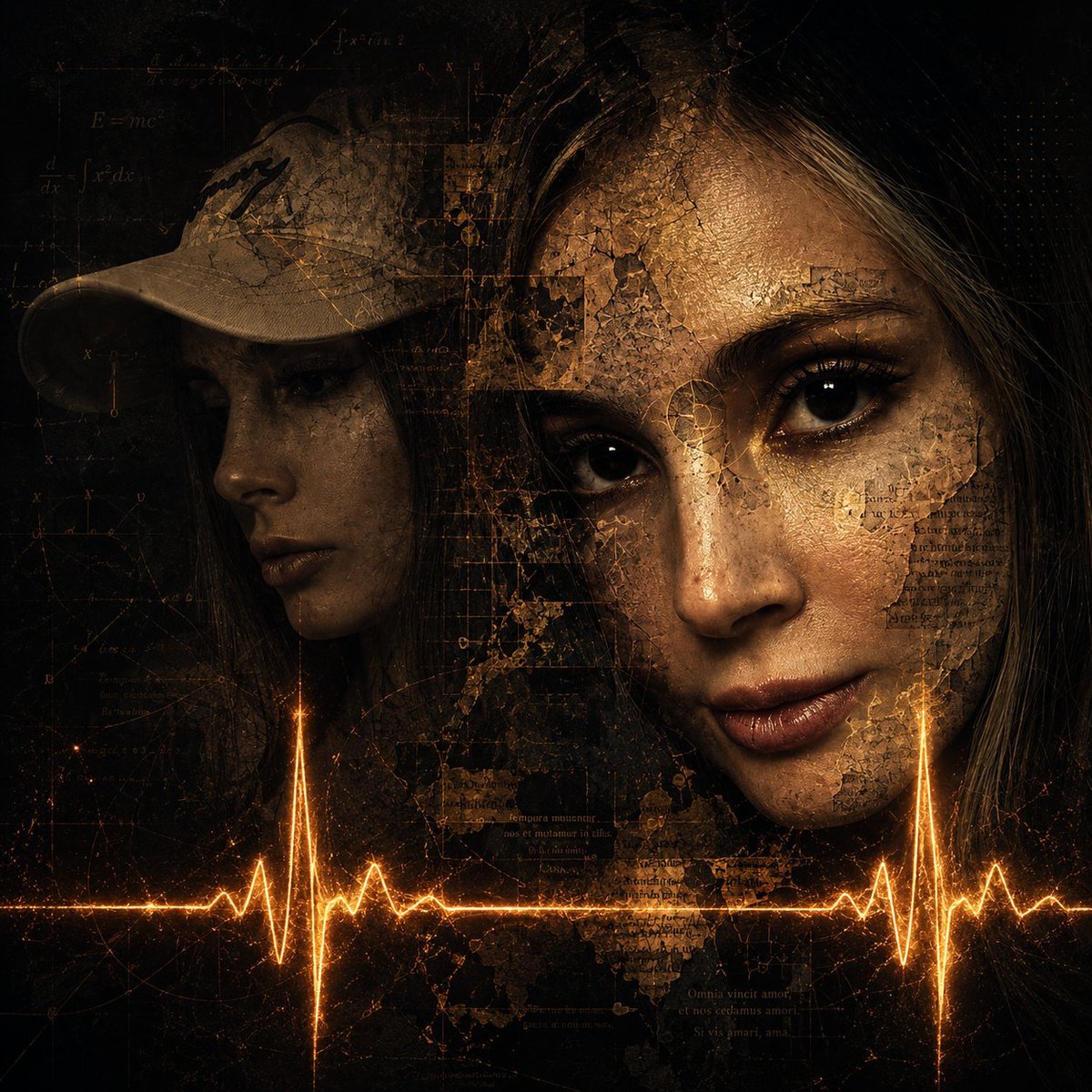
Surreal Dark Digital Collage
Browse template categories
Snowy Rabbit Hanfu Portrait questions
How do I use the Snowy Rabbit Hanfu Portrait template?
Add your photo if the template asks for one, edit the prompt if you like — the template's model and format are already selected — and press Generate. Your version opens in PicX Studio.
Can I customize the Snowy Rabbit Hanfu Portrait template?
Yes. You can change the subject, setting, lighting, mood, format, and available model controls before creating your image.
Is the Snowy Rabbit Hanfu Portrait template free?
Opening and editing this template is free. Generating uses credits, shown on the Generate button when you are signed in.
Which AI model should I use?
Start with GPT Image 2, which is the model associated with this template. You can compare another compatible model for a different finish.
Looking for something else? Browse all templates.

Your photo, any look
Thousands of ready templates for every top image and video model, from one credit balance.