
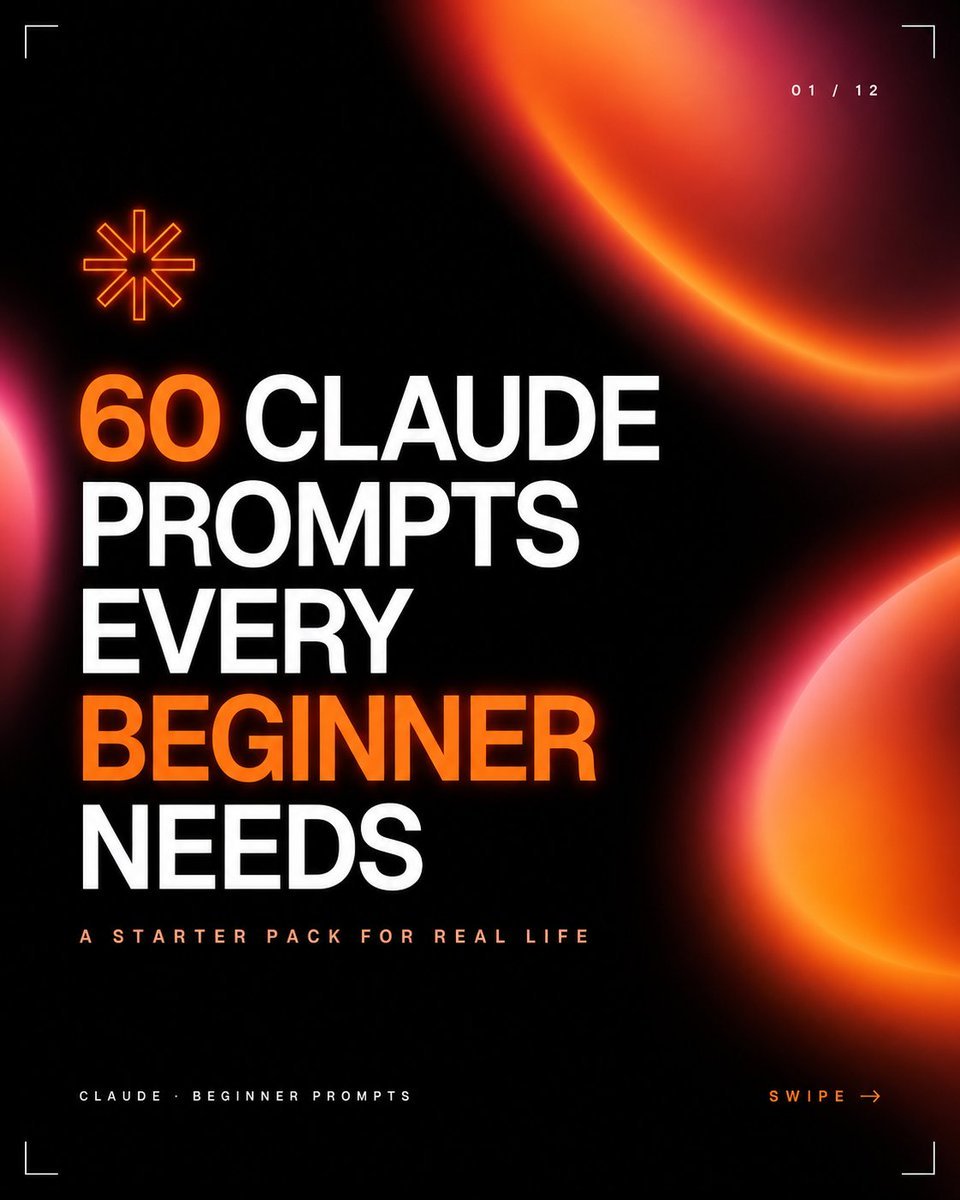
Dark Neon Carousel Cover
Generates a bold black-and-orange social media carousel cover for beginner Claude prompt content or similar educational posts.
- Prompt included
- Model and format preset
- Free template
The prompt behind this image
Copy the exact prompt behind Dark Neon Carousel Cover, or open it in the studio and make it yours.
Create a square 1:1 social media carousel cover with a premium dark tech aesthetic on a nearly black background. Use huge bold uppercase condensed sans-serif typography aligned left in stacked lines reading “{argument name="headline text" default="60 CLAUDE PROMPTS EVERY BEGINNER NEEDS"}”, with the words “60” and “BEGINNER” in vivid glowing orange and the remaining words in bright white. Beneath the headline, add a small widely spaced uppercase subtitle reading “{argument name="subtitle text" default="A STARTER PACK FOR REAL LIFE"}” in pale peach. Add a tiny footer label at bottom left reading “{argument name="footer text" default="CLAUDE · BEGINNER PROMPTS"}” and a bottom-right call to action reading “{argument name="call to action" default="SWIPE →"}” in orange. Include exactly 3 large soft blurred orange-red gradient orb shapes: one partial crescent orb entering from the upper right, one partial hot pink/orange glow entering from the lower right edge, and one small pink glow peeking from the left edge. Include exactly 1 orange outlined eight-point asterisk icon above the headline on the left. Add exactly 4 thin white corner crop marks, one in each corner, plus a small page indicator at the top right reading “{argument name="page indicator" default="01 / 12"}”. Overall style: high-contrast black, neon orange glow, clean editorial grid, sharp modern startup branding, minimal futuristic UI details, crisp typography, professional carousel thumbnail design.
How to use Dark Neon Carousel Cover in 3 steps
- 1Upload ImagePNG, JPG or paste
Add your photo
Upload the photo the template builds on. The prompt, model and format are already set.
- 2…a portrait of your subject in softgolden-hour light, 85mm…
Personalize
Edit the subject and creative details for your destination.
- 3Generate
Generate
Press Generate — your image is created in PicX Studio, so you can compare it with the original and refine one variable at a time.
More like this
Templates with the same subject, style or setup. Open one to see its prompt.

80s Neon Disco Night

Neon Anime Fireworks Magazine Cover

Cartoon TV Show Poster Pack

Rainy Night Android Cyberpunk Portrait

Korean Idol Partial Shadow Editorial Portrait

Cyberpunk Neon Profile Fashion Portrait

Neon Night Crosswalk Candid Portrait

Subway Platform Quiet Introspective Portrait
Rainy Night Android Cyberpunk Portrait

Cinematic Sci-Fi Commander Side Profile Portrait
Low-Angle Cyberpunk Neon Profile Portrait

Cinematic Neon Light Strip Studio Portrait
Make it yours
Dark Neon Carousel Cover works as-is. These are the safest ways to change it without losing the look.
Change one field
Copy a single group, rewrite it, and generate again so you can see what that field is doing.
Keep the frame, change the subject
Hold the composition and light of Dark Neon Carousel Cover, then swap wardrobe, props or the person for a new take.
| If the result… | Why | Fix |
|---|---|---|
| The result drifts from the preview | Too many fields changed at once. | Reuse Dark Neon Carousel Cover as-is first, then change one group — subject, light, or setting. |
| The model over-stylizes the scene | The prose prompt leaves finish and camera underspecified. | Add one camera or lighting sentence and stay on GPT Image 2. |
More GPT Image 2 templates
Other prompts made for GPT Image 2.

Six VTuber Japanese Logo Sheet

Realistic Portrait of Woman and Deer

The Vista Modular Condo Poster

AI Model Routing Comparison Infographic

2.5D Anime Art Board

Isometric Productivity Desk Scene

New York Double Exposure Poster

Four-Panel AI Landscape Comparison

Japanese Tatami Lifestyle Magazine Cover

NESCAFÉ Coffee Map Poster
More image prompts
Fresh picks from across the catalog.
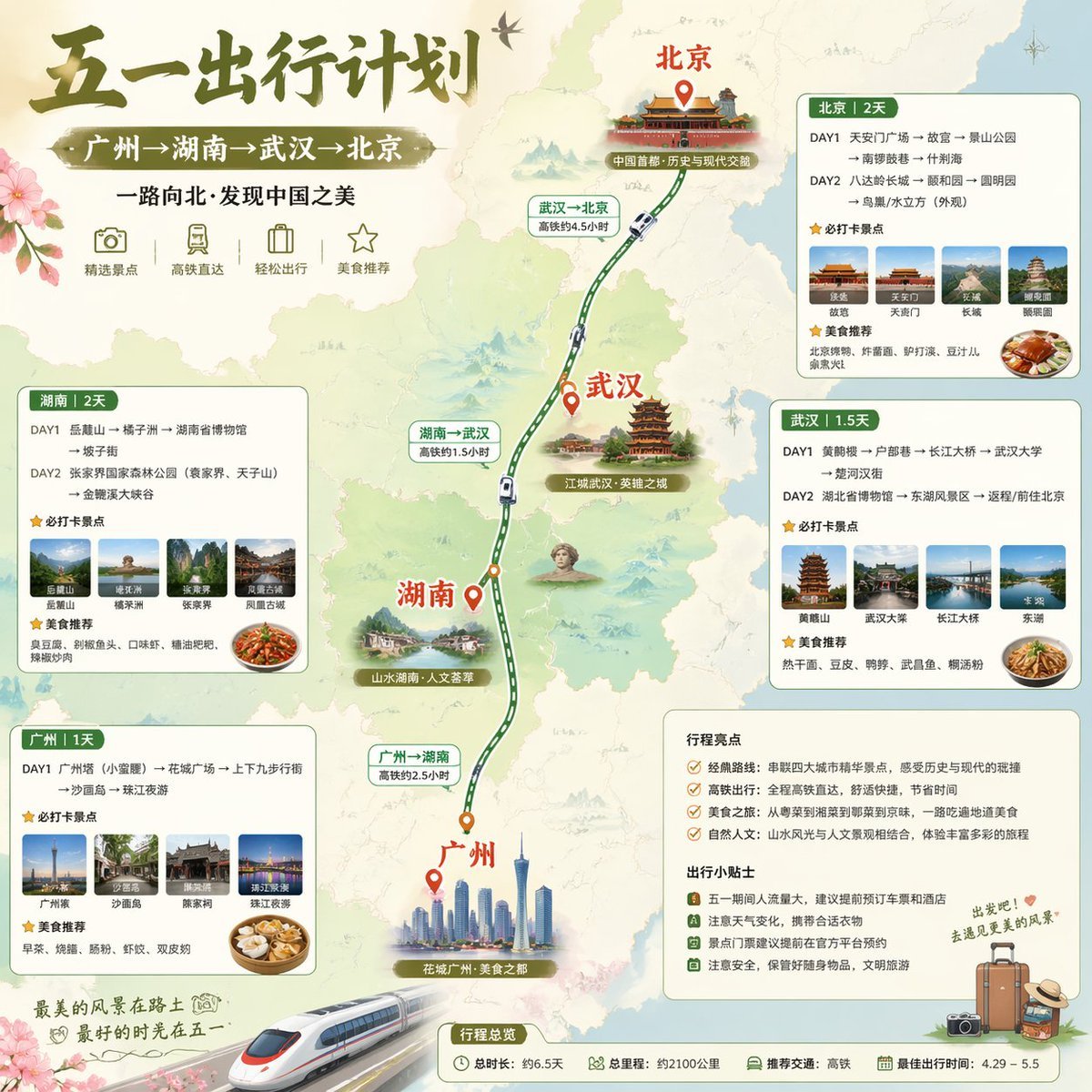
China May Day Rail Travel Infographic

Meme-to-Toy Box Conversion Template
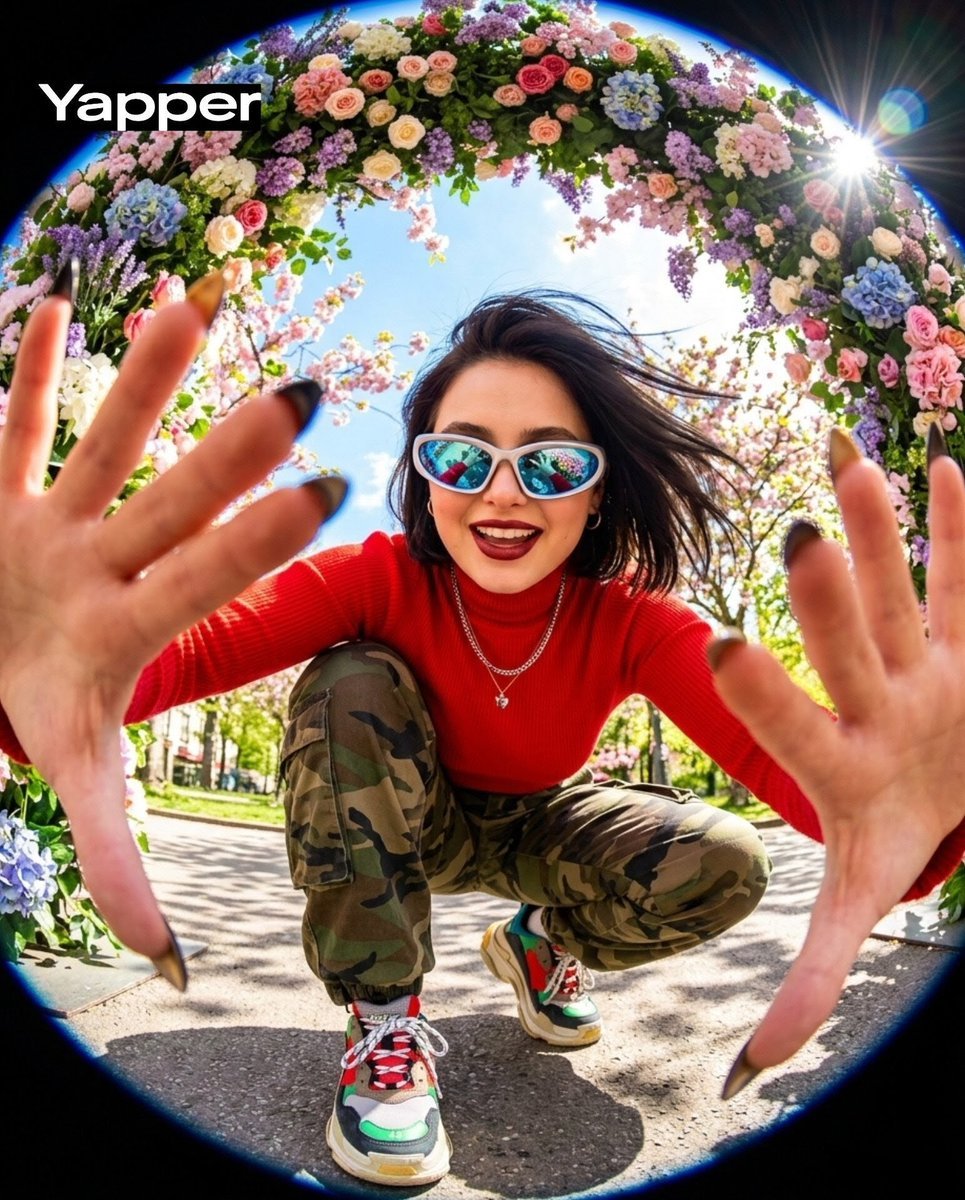
Funky style selfie portrait with fisheye distortion
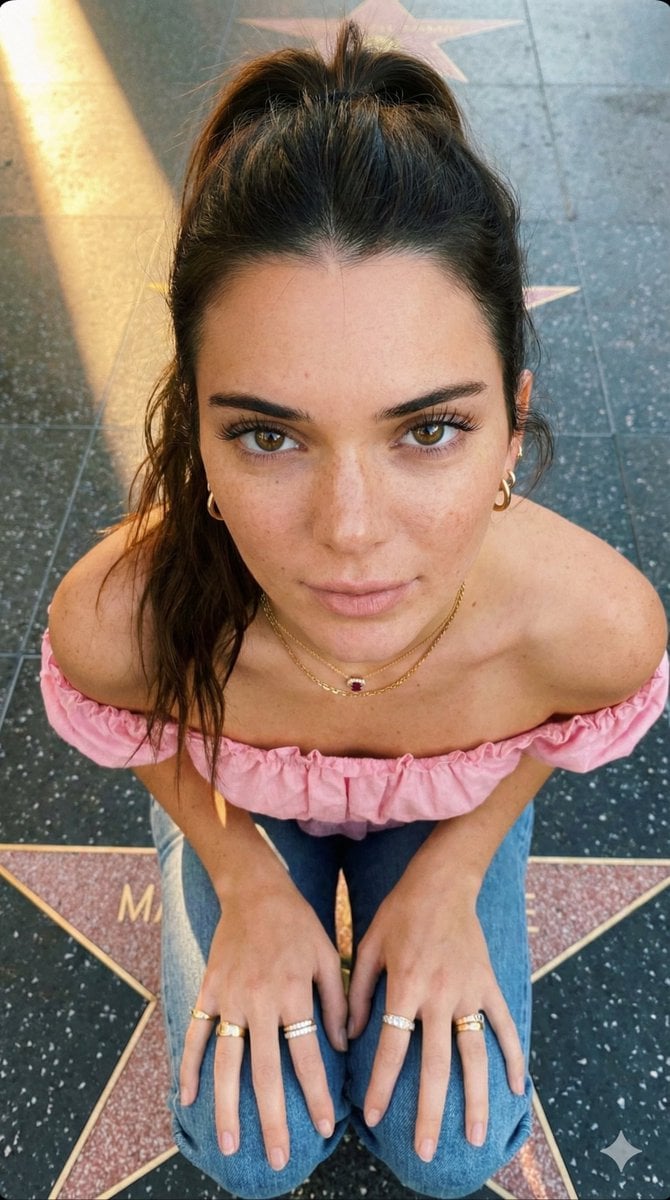
Golden Hour High-Angle Portrait on Walk of Fame
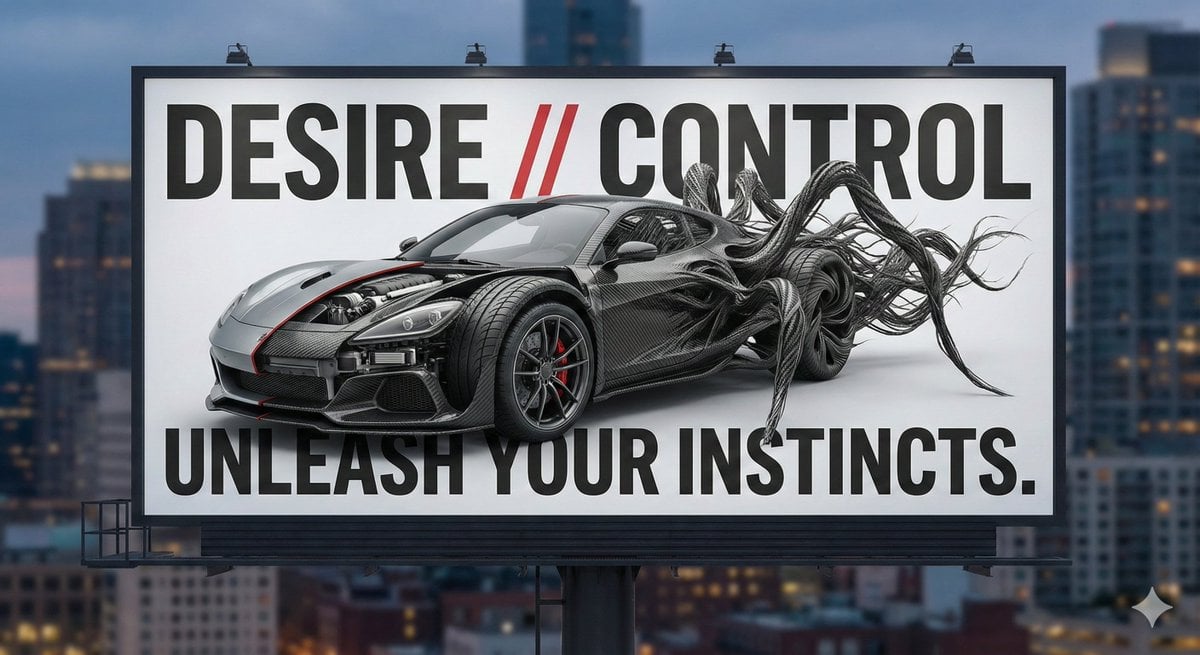
Advertising Visual Prompt: Sports Car Model Exploration
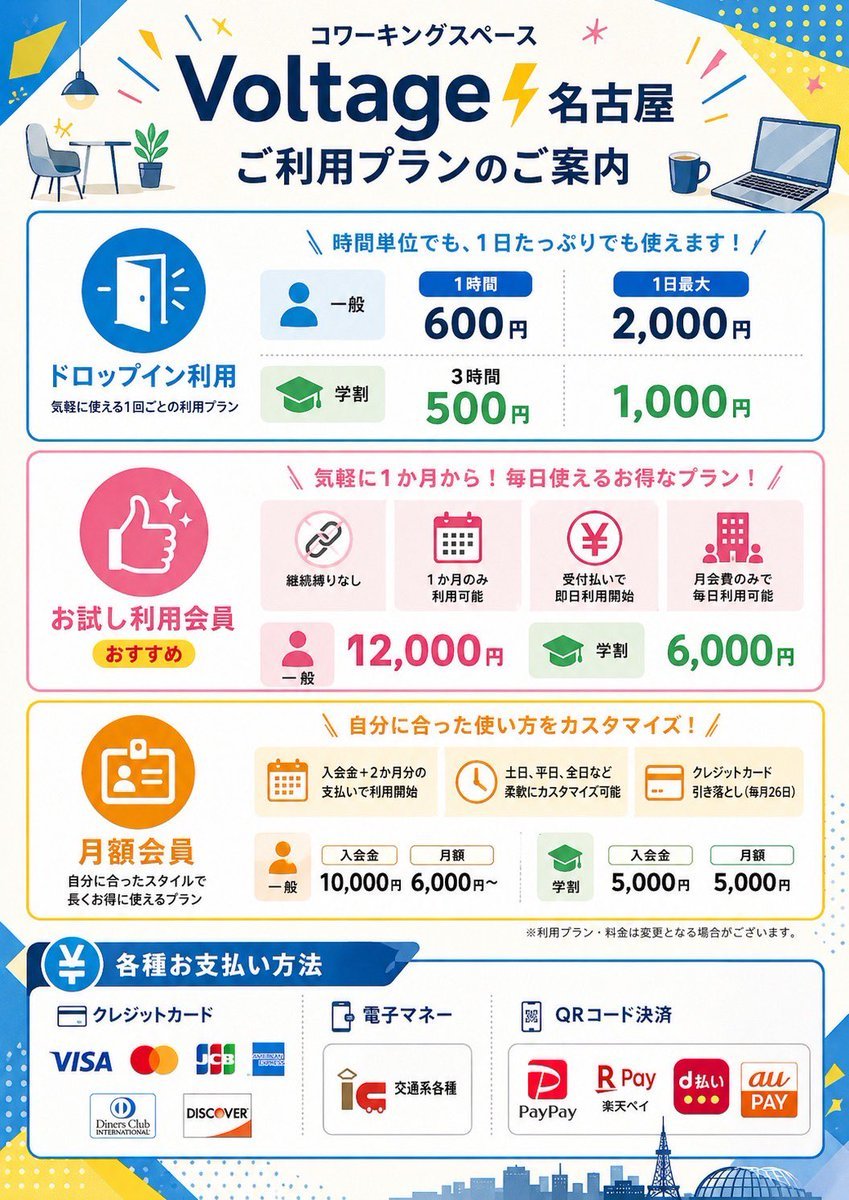
Japanese Coworking Pricing Flyer
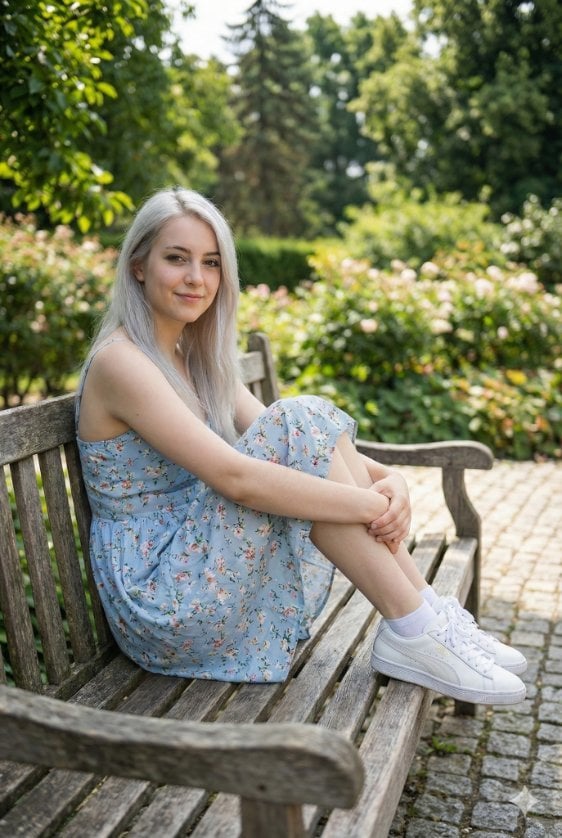
Photorealistic Summer Park Portrait
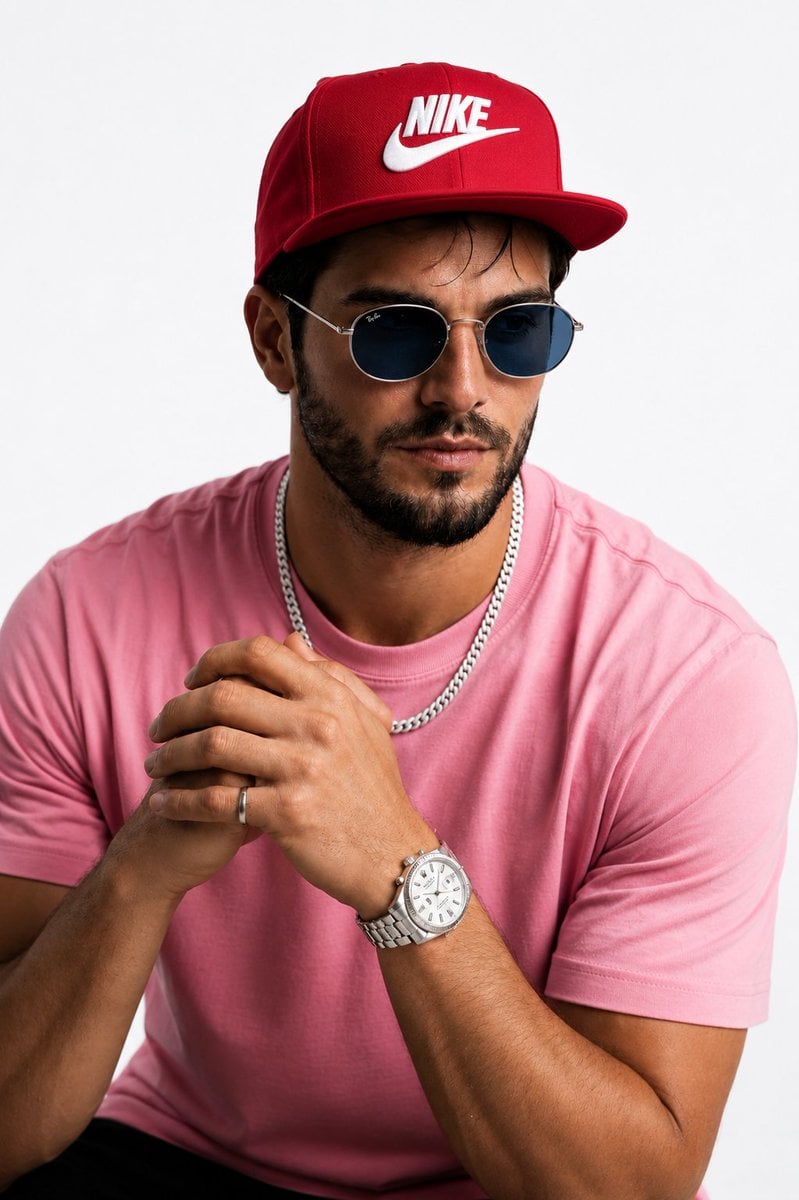
Hyperrealistic Streetwear Studio Portrait

untitled
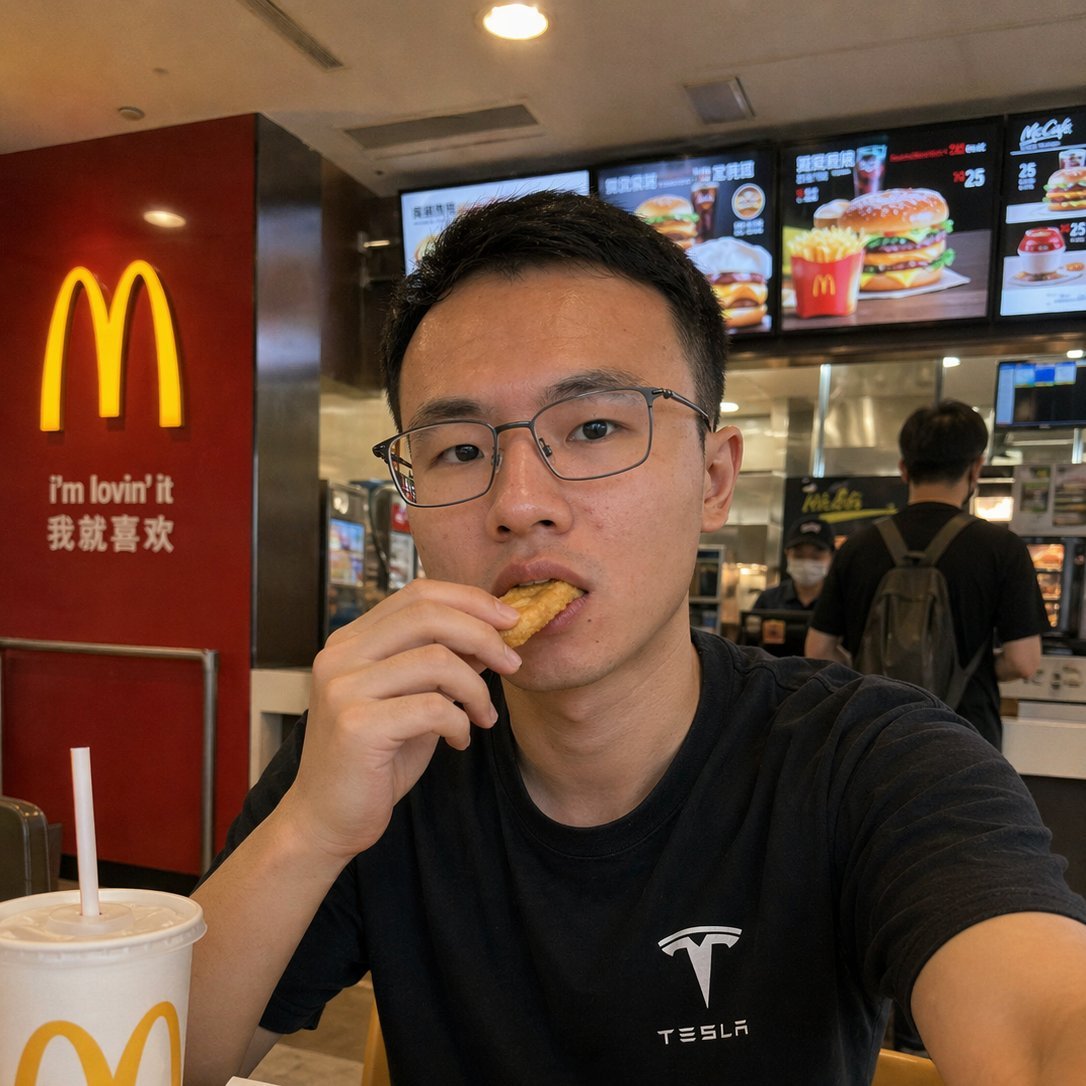
Realistic McDonald's Selfie Portrait
Browse template categories
Dark Neon Carousel Cover questions
How do I use the Dark Neon Carousel Cover template?
Add your photo if the template asks for one, edit the prompt if you like — the template's model and format are already selected — and press Generate. Your version opens in PicX Studio.
Can I customize the Dark Neon Carousel Cover template?
Yes. You can change the subject, setting, lighting, mood, format, and available model controls before creating your image.
Is the Dark Neon Carousel Cover template free?
Opening and editing this template is free. Generating uses credits, shown on the Generate button when you are signed in.
Which AI model should I use?
Start with GPT Image 2, which is the model associated with this template. You can compare another compatible model for a different finish.
Looking for something else? Browse all templates.

Your photo, any look
Thousands of ready templates for every top image and video model, from one credit balance.