
Professional Automotive Technical Infographic Prompt
A massive, detailed prompt for generating high-end automotive technical breakdown posters with 3D perspective views and complex Chinese typography.
- Prompt included
- Model and format preset
- Free template
The prompt behind this image
Copy the exact prompt behind Professional Automotive Technical Infographic Prompt, or open it in the studio and make it yours.
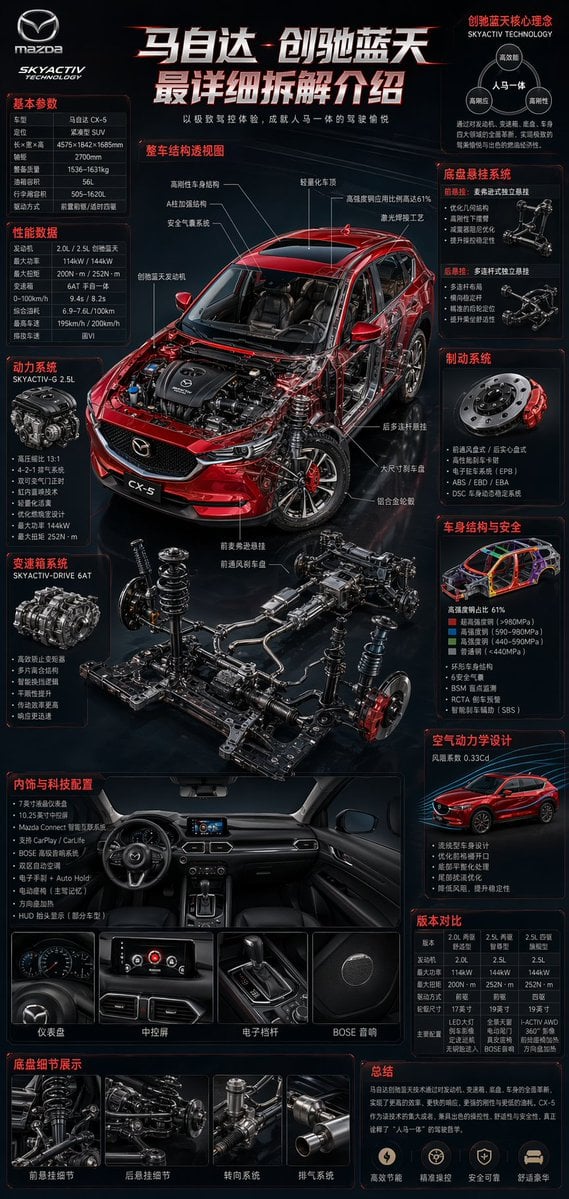
The Chinese infographic layout should be clear, with large, eye-catching titles and neatly organized parameter tables; keep each Chinese text module as readable as possible, while allowing slight decorative styling. A vertical 9:16 high-end automotive technical exploded-diagram infographic, with the theme "{argument name="topic" default="Mazda Skyactiv — Full Technical Breakdown"}." The overall background is dark black-gray, with a strong tech feel and visuals on the level of a professional automotive-magazine cover. At the center of the image is a highly detailed 3D perspective exploded view of a {argument name="model" default="Mazda CX-5"} with Soul Red Crystal body paint, showing the front engine bay, body structure, chassis, suspension, brakes, transmission, interior, and other systems in layered detail; parts of the body are shown semi-transparent or in cutaway view, with the mechanical structure clearly visible, a strong metallic texture, and extremely rich detail. At the top is an eye-catching large title, "{argument name="main title" default="Mazda Skyactiv — The Most Detailed Breakdown"}," paired with Mazda brand tech-styled elements. Around the image are arranged numerous Chinese explanatory modules and parameter cards, covering sections such as "Basic Specifications, Performance Data, Powertrain, Chassis and Suspension System, Braking System, Body Structure and Safety, Aerodynamic Design, Interior and Tech Features, Version Comparison, Summary," and so on. The overall design uses an infographic layout that is clearly organized, with a compact yet premium arrangement. The central vehicle is rendered at a real-photography level, with Soul Red Crystal paint; the wheels, brake discs, calipers, suspension links, engine, transmission, carbon-fiber parts, and cockpit details are all extremely realistic. Thin leader lines on the left and right label the part names, and there are close-up detail views of the chassis and interior at the bottom. The overall style resembles an automotive-engineering exploded-view poster, an industrial design drawing, or a long-form popular-science promotional graphic — the image is information-dense, clearly layered, ultra-high-definition, 8K, extremely fine, sharp, professional, and striking, with cinematic-level lighting, realistic metal reflections, a beautifully designed UI layout, clear Chinese typography, and a modern tech style.
How to use Professional Automotive Technical Infographic Prompt in 3 steps
- 1
Open
The prompt is already in the box next to the preview, with the template's model and format selected.
- 2…a portrait of your subject in softgolden-hour light, 85mm…
Personalize
Edit the subject and creative details for your destination.
- 3Generate
Generate
Press Generate — your image is created in PicX Studio, so you can compare it with the original and refine one variable at a time.
More like this
Templates with the same subject, style or setup. Open one to see its prompt.
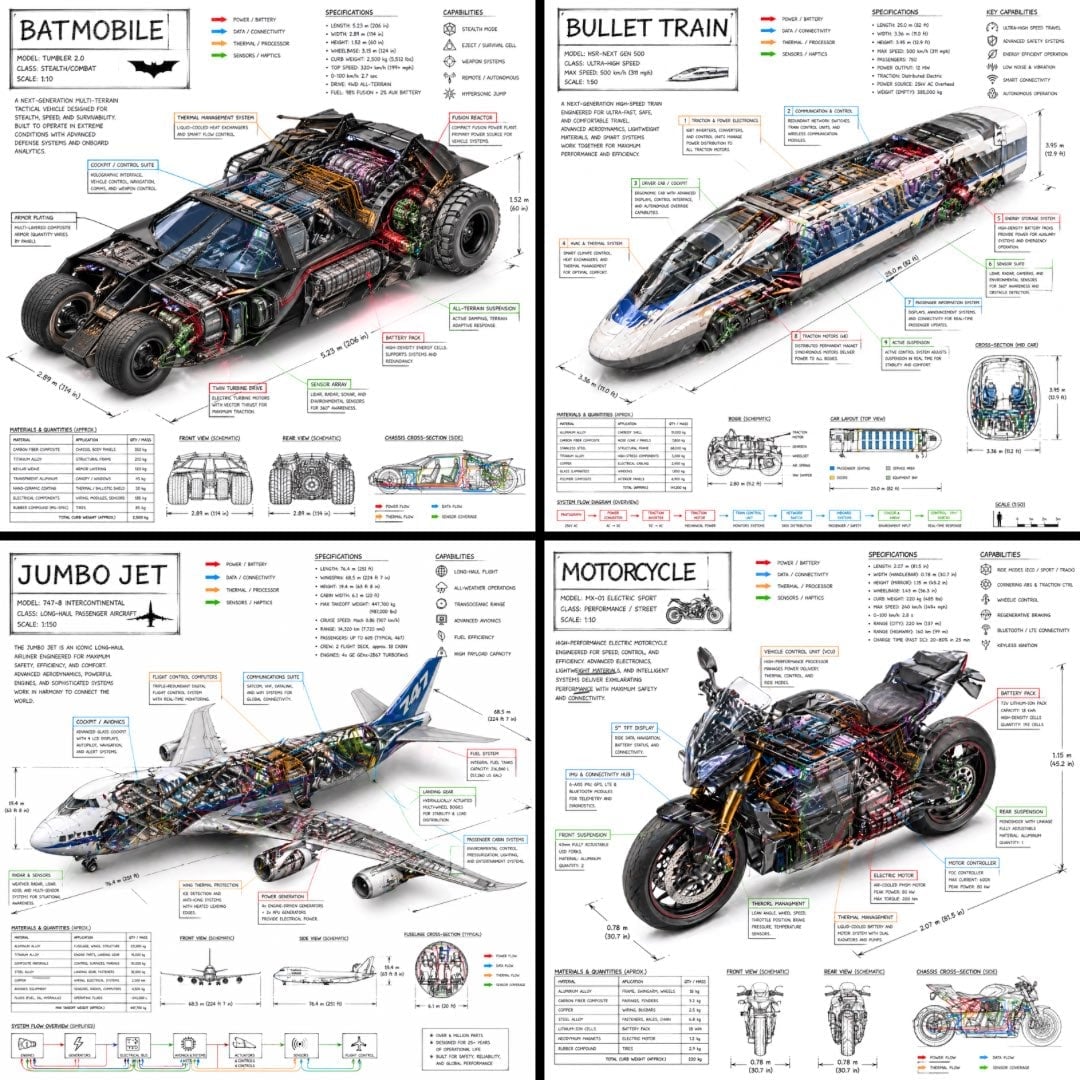
Isometric Vehicle Teardown Infographic Template

Japan Travel Brochure Poster
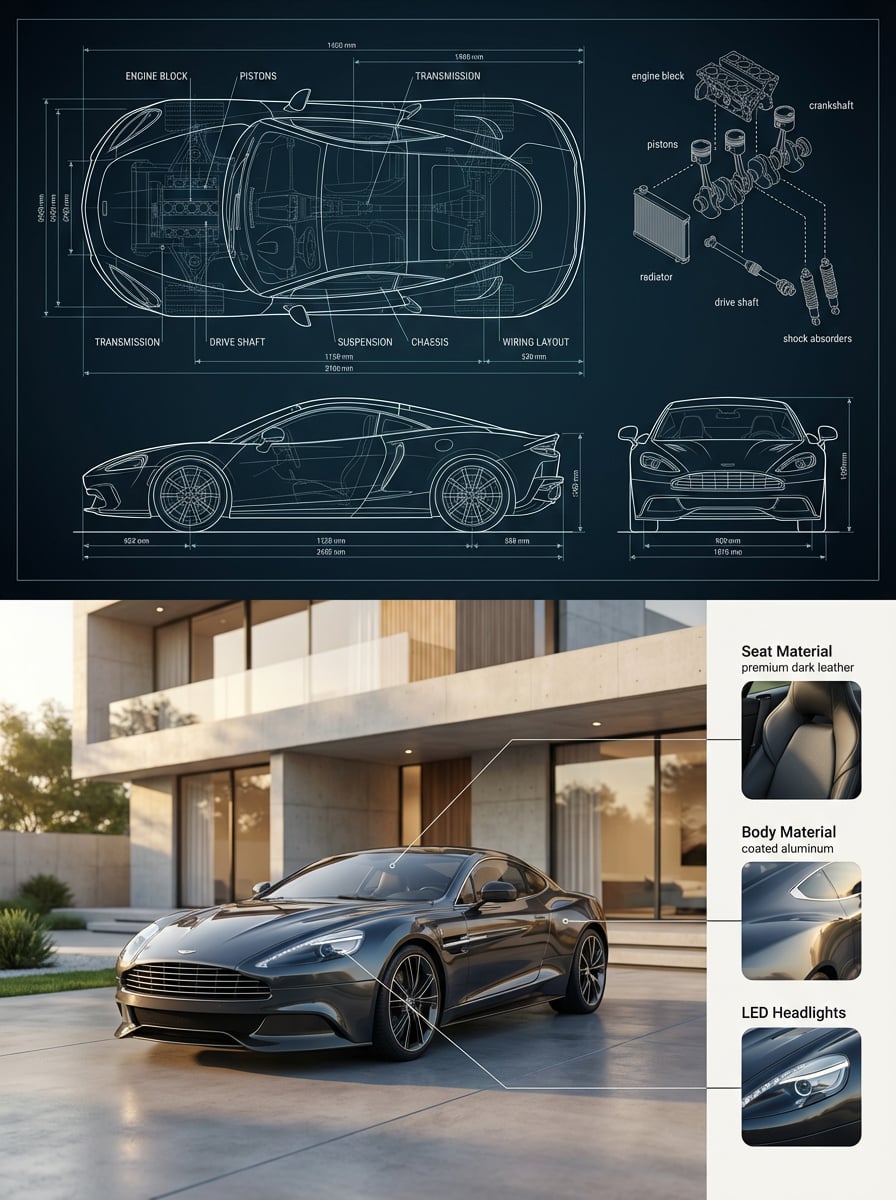
Automotive Blueprint Split Composition
Automotive Blueprint Split Composition
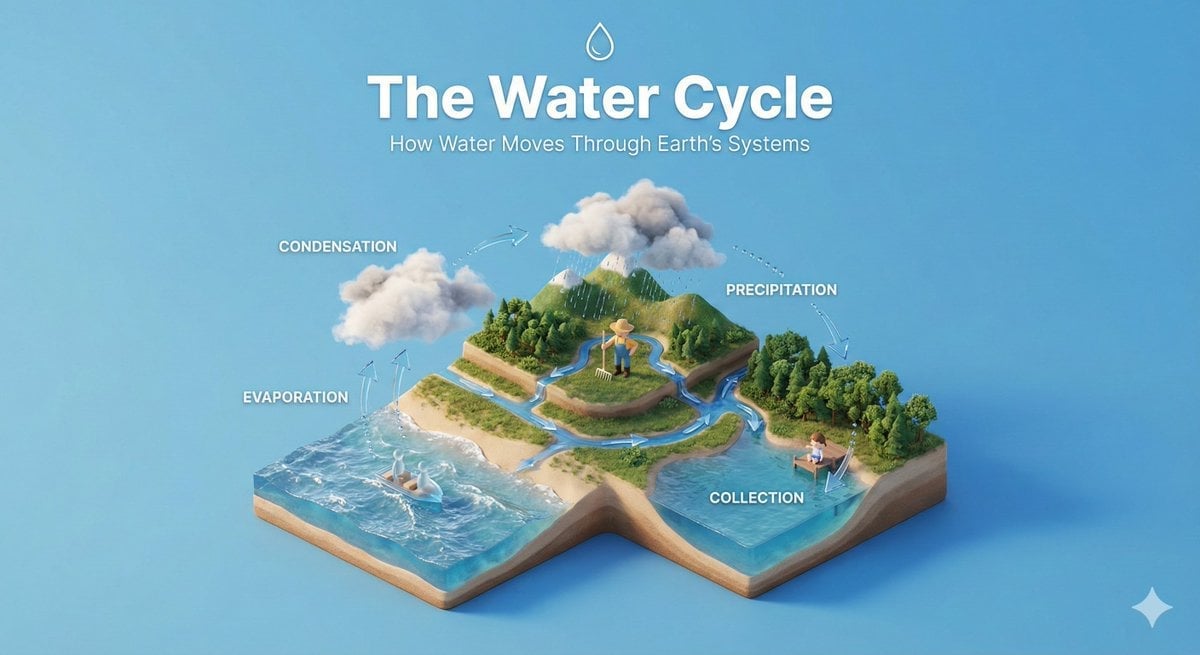
Isometric Process Educational Diorama
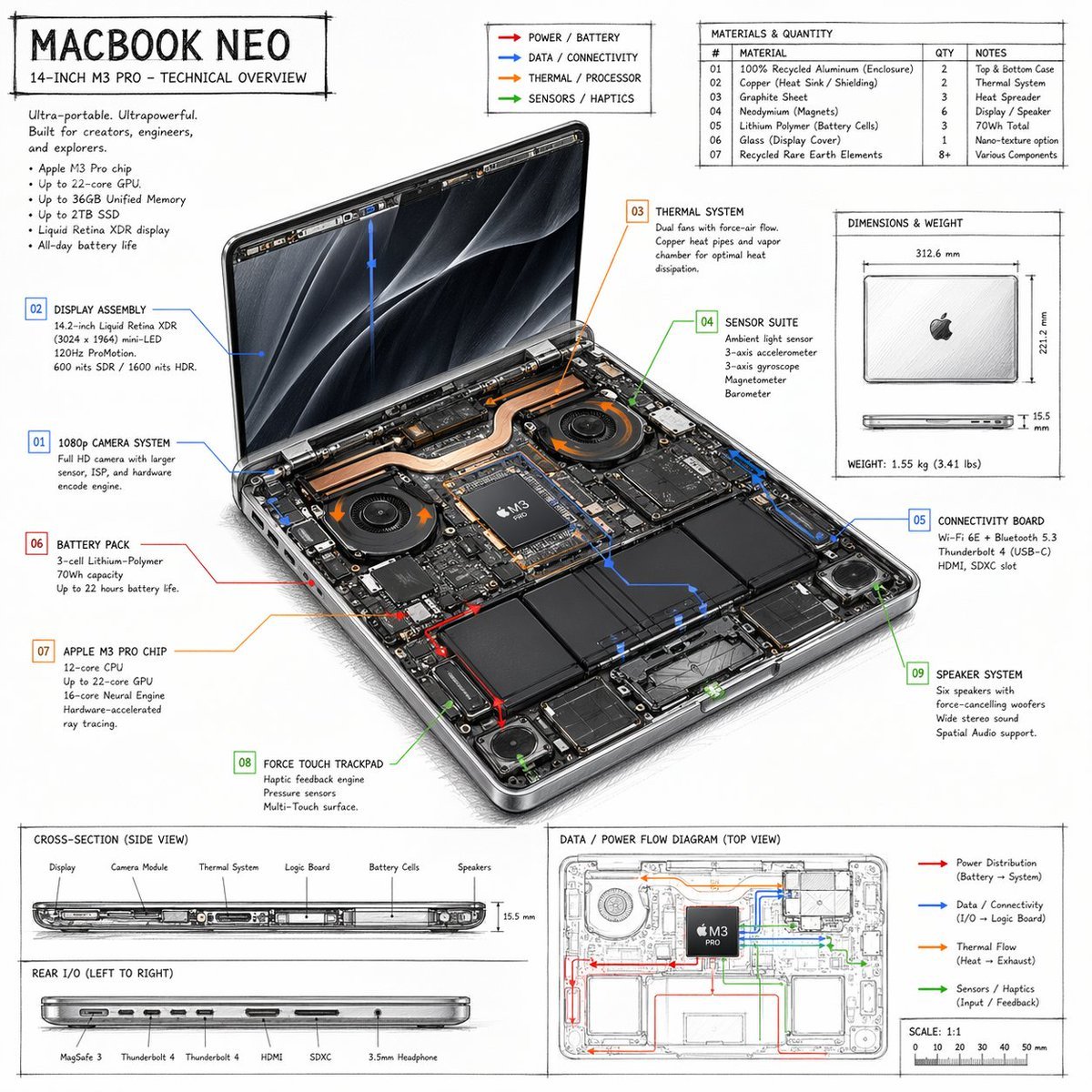
Laptop Technical Overview Infographic
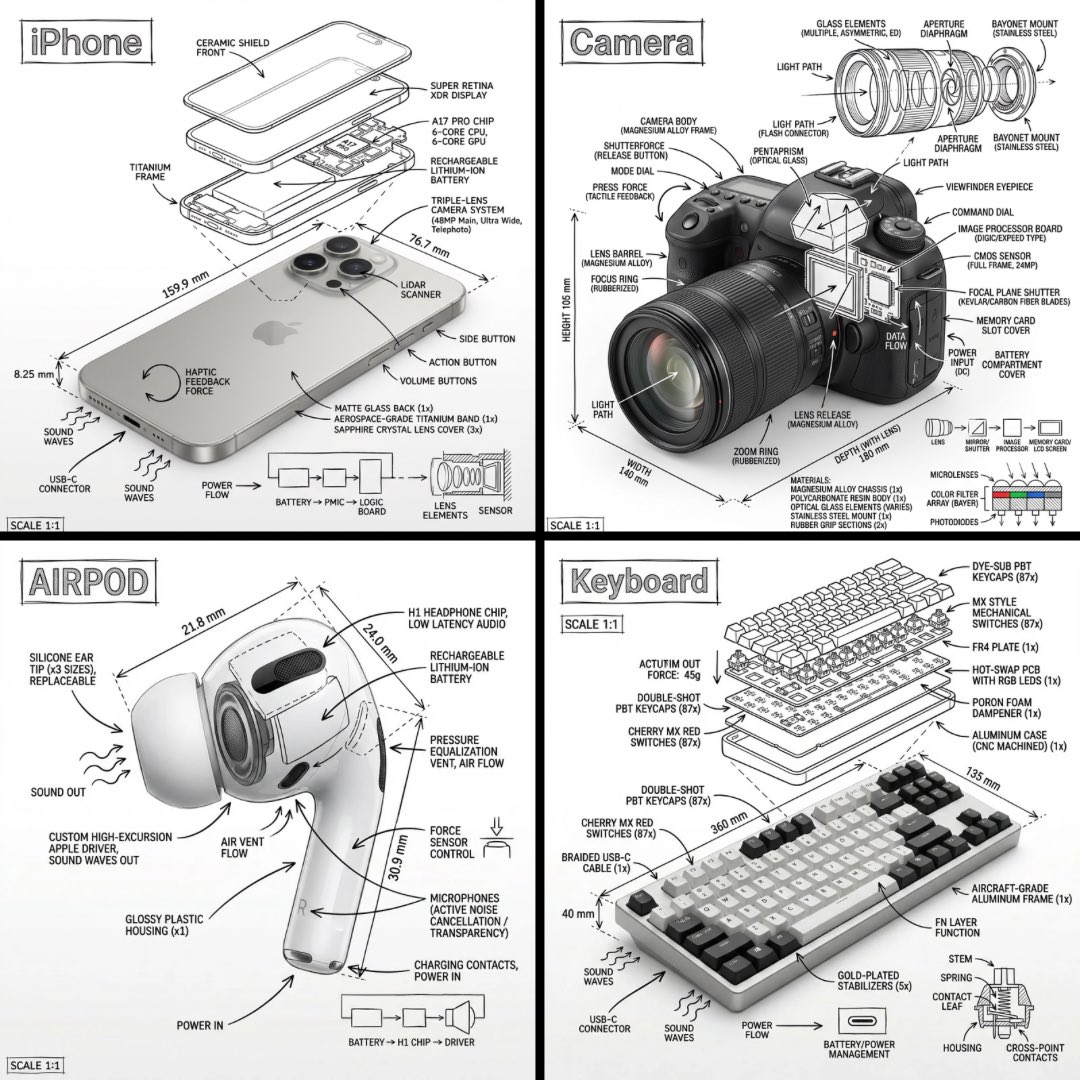
Technical Manual Infographic Style
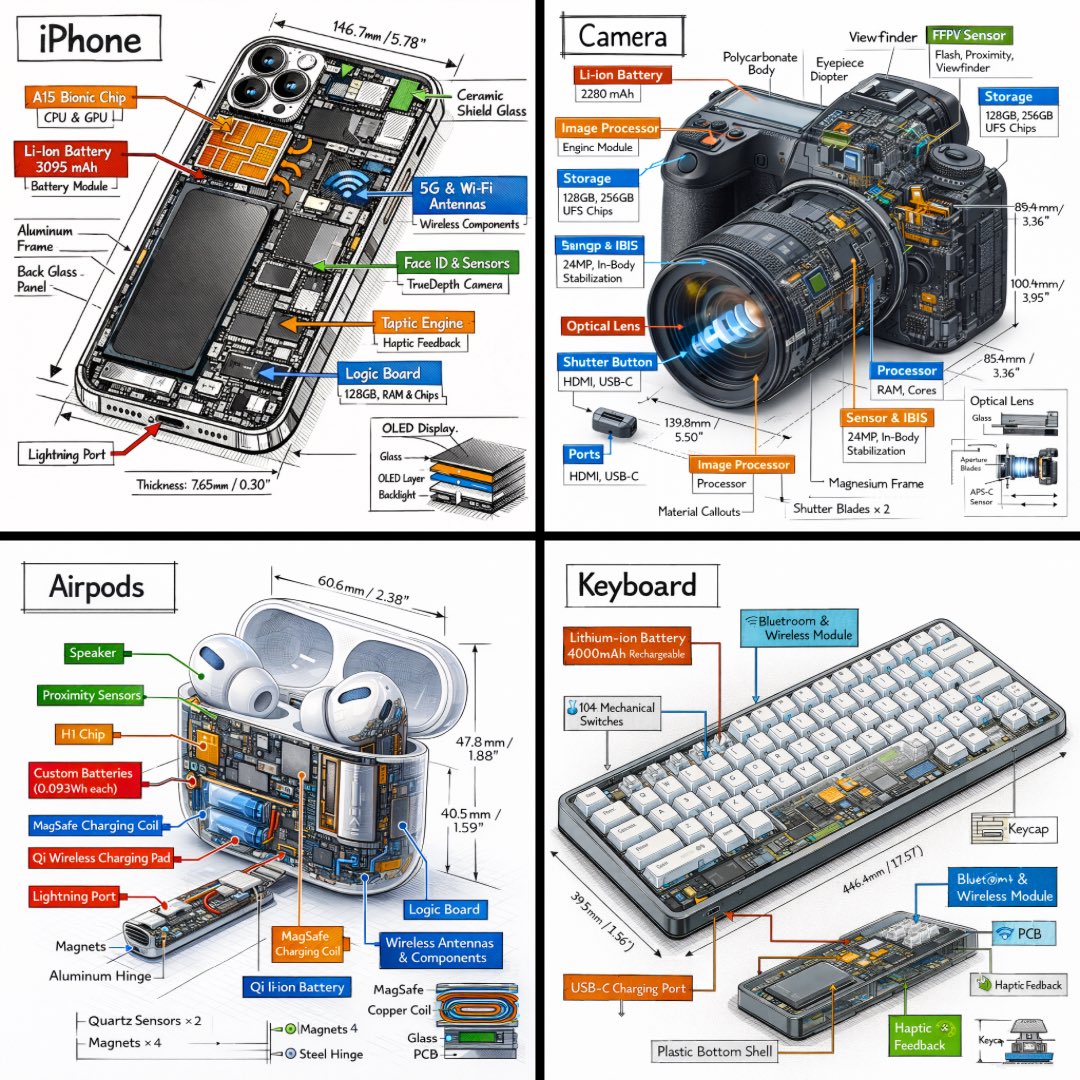
Technical Isometric Teardown Infographic

Technical Annotation Infographic Style
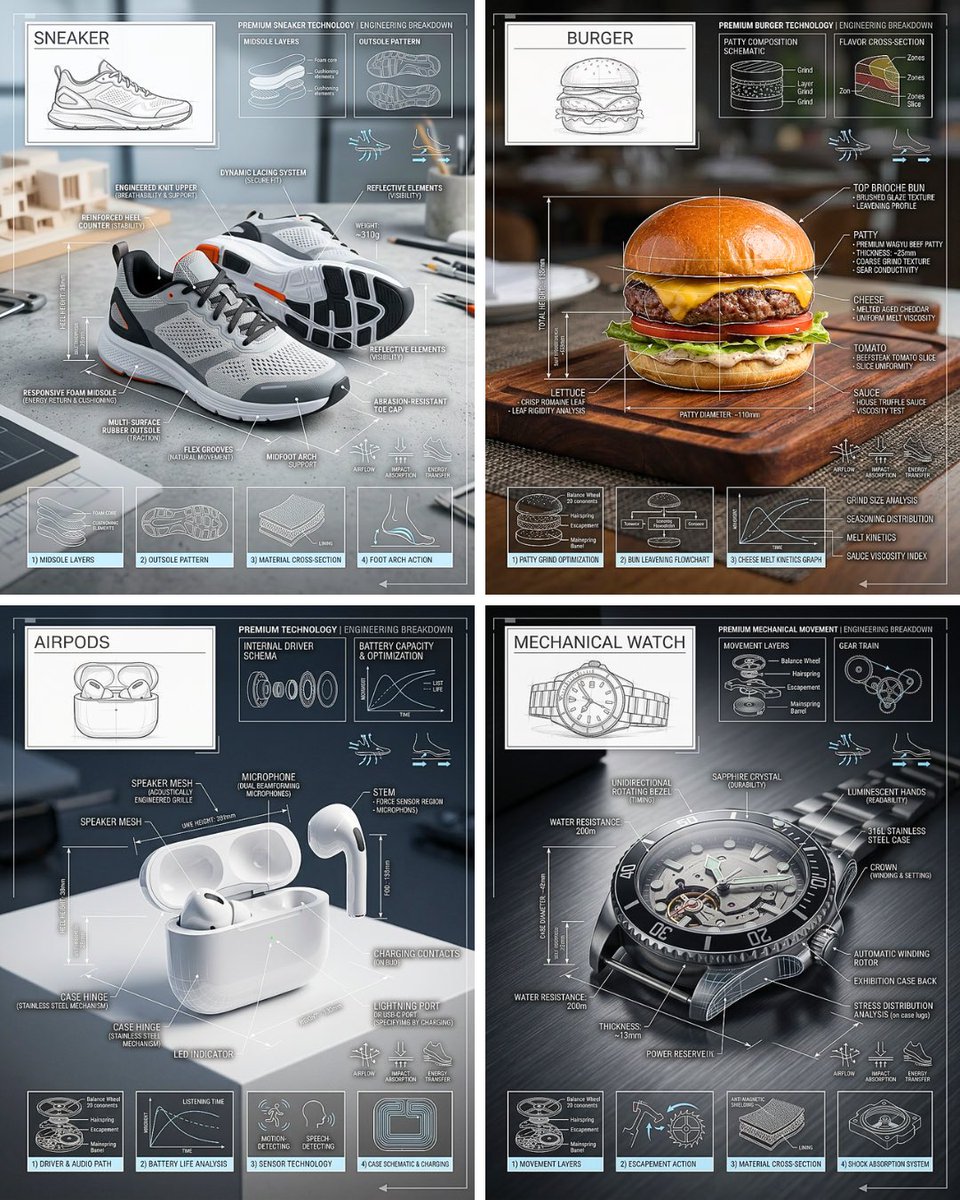
Technical Breakdown Infographic
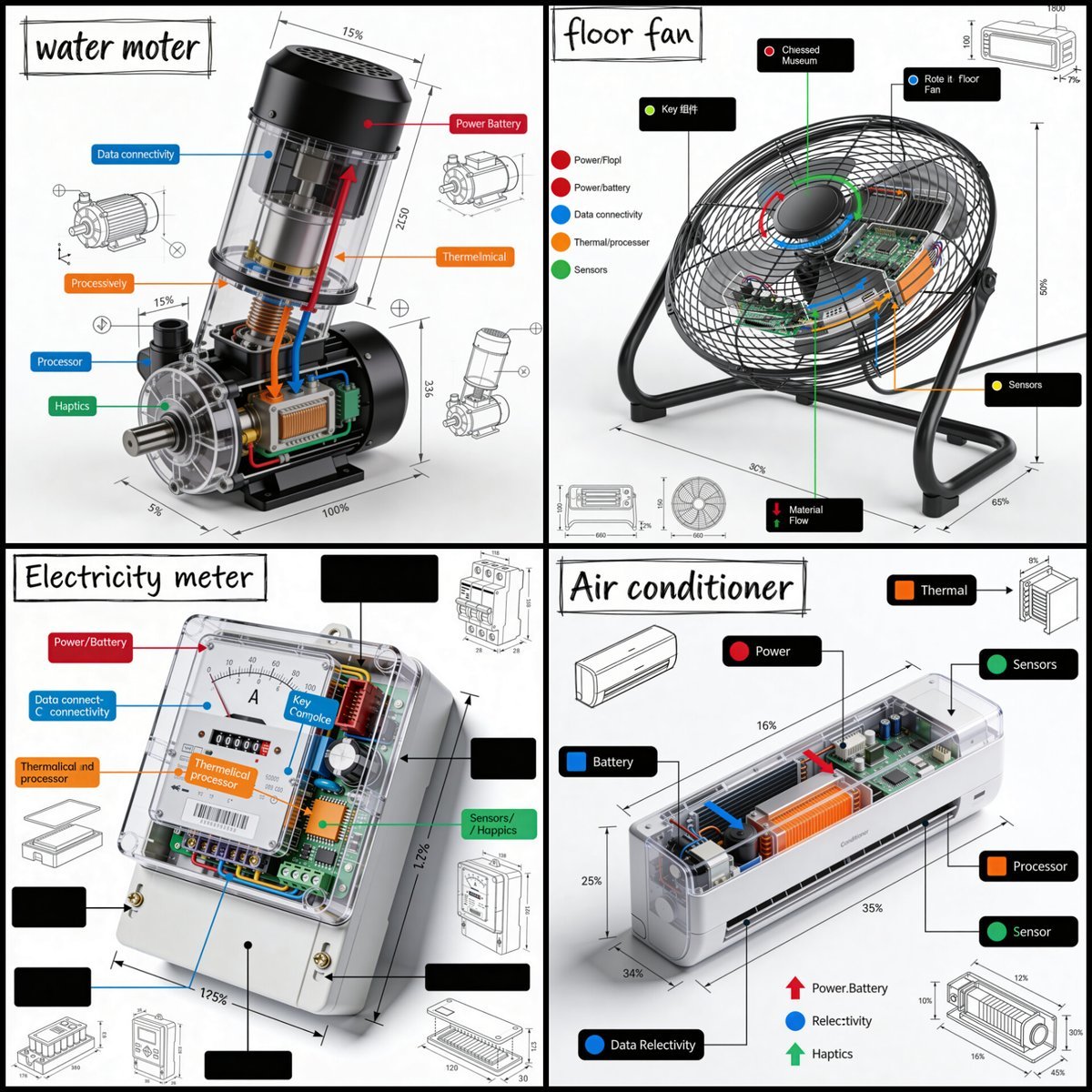
Technical Product Teardown Infographic
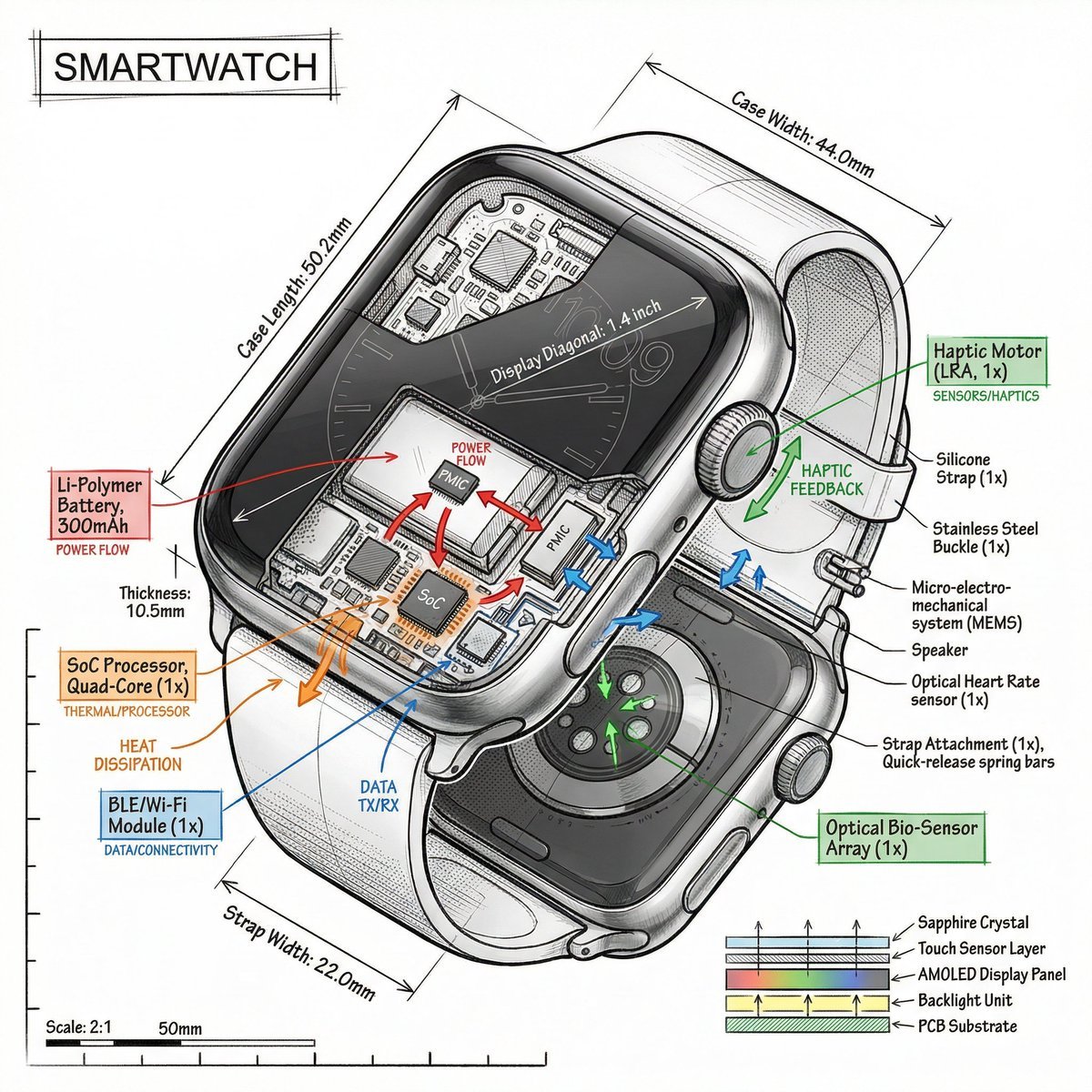
Technical Infographic Prompt Template
Make it yours
Professional Automotive Technical Infographic Prompt works as-is. These are the safest ways to change it without losing the look.
Change one field
Copy a single group, rewrite it, and generate again so you can see what that field is doing.
Keep the frame, change the subject
Hold the composition and light of Professional Automotive Technical Infographic Prompt, then swap wardrobe, props or the person for a new take.
| If the result… | Why | Fix |
|---|---|---|
| The result drifts from the preview | Too many fields changed at once. | Reuse Professional Automotive Technical Infographic Prompt as-is first, then change one group — subject, light, or setting. |
| The model over-stylizes the scene | The prose prompt leaves finish and camera underspecified. | Add one camera or lighting sentence and stay on GPT Image 2. |
More GPT Image 2 templates
Other prompts made for GPT Image 2.

Six VTuber Japanese Logo Sheet

Realistic Portrait of Woman and Deer

The Vista Modular Condo Poster

AI Model Routing Comparison Infographic

2.5D Anime Art Board

Isometric Productivity Desk Scene

New York Double Exposure Poster

Four-Panel AI Landscape Comparison

Japanese Tatami Lifestyle Magazine Cover

NESCAFÉ Coffee Map Poster
More image prompts
Fresh picks from across the catalog.

Cozy Scrapbook Image Transformation
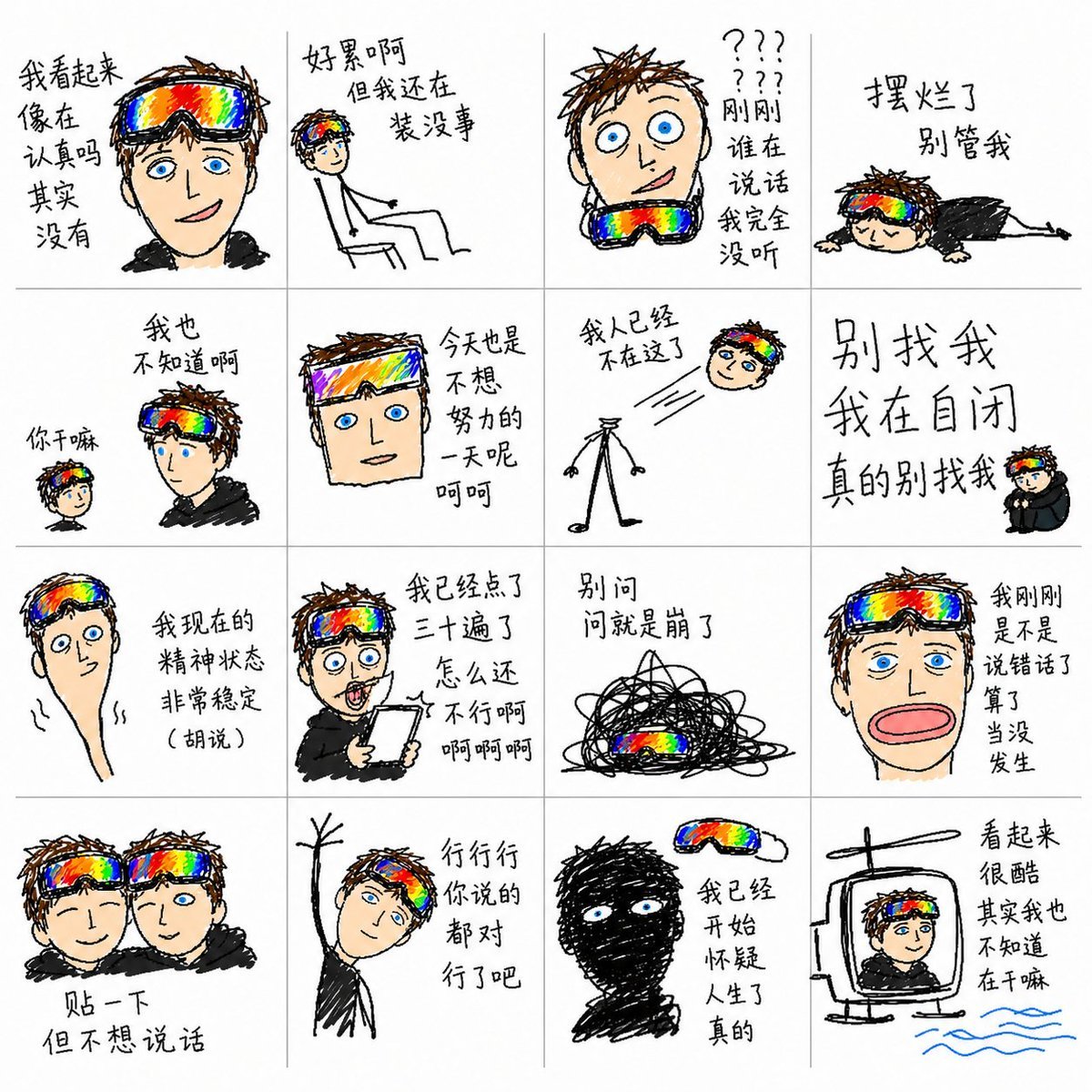
Chaotic MS Paint Sticker Emoji Set
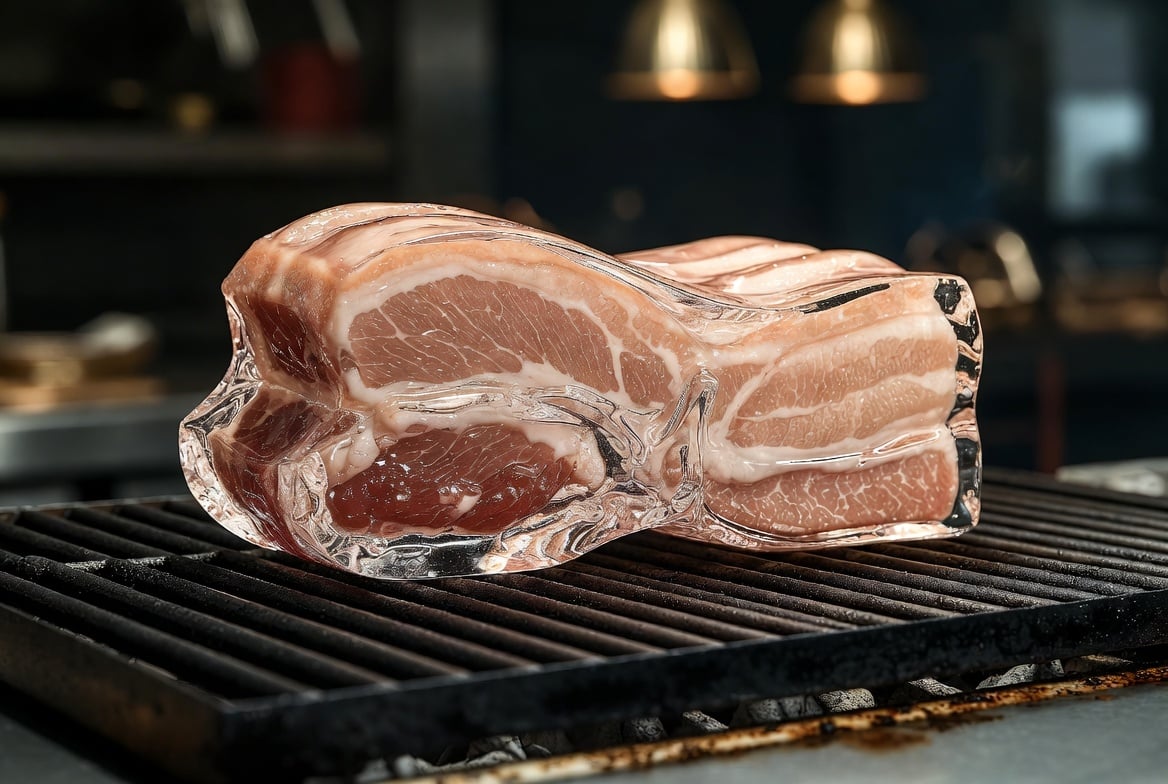
Hyperrealistic glass pork belly on a grill

Trash Polka Urban Digital Painting

Structured Fashion Portrait with Precise Pose and Outfit Details
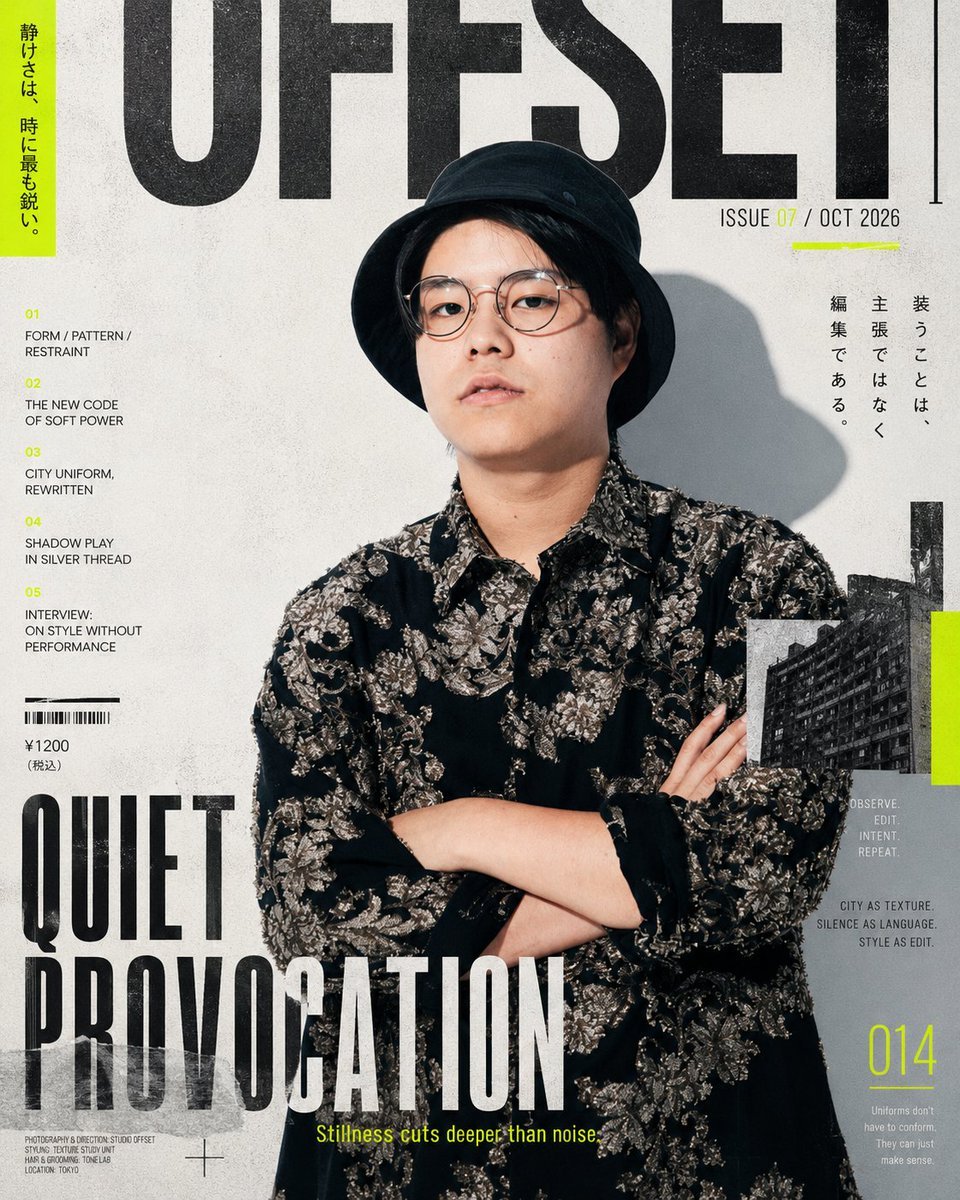
Editorial Fashion Magazine Cover
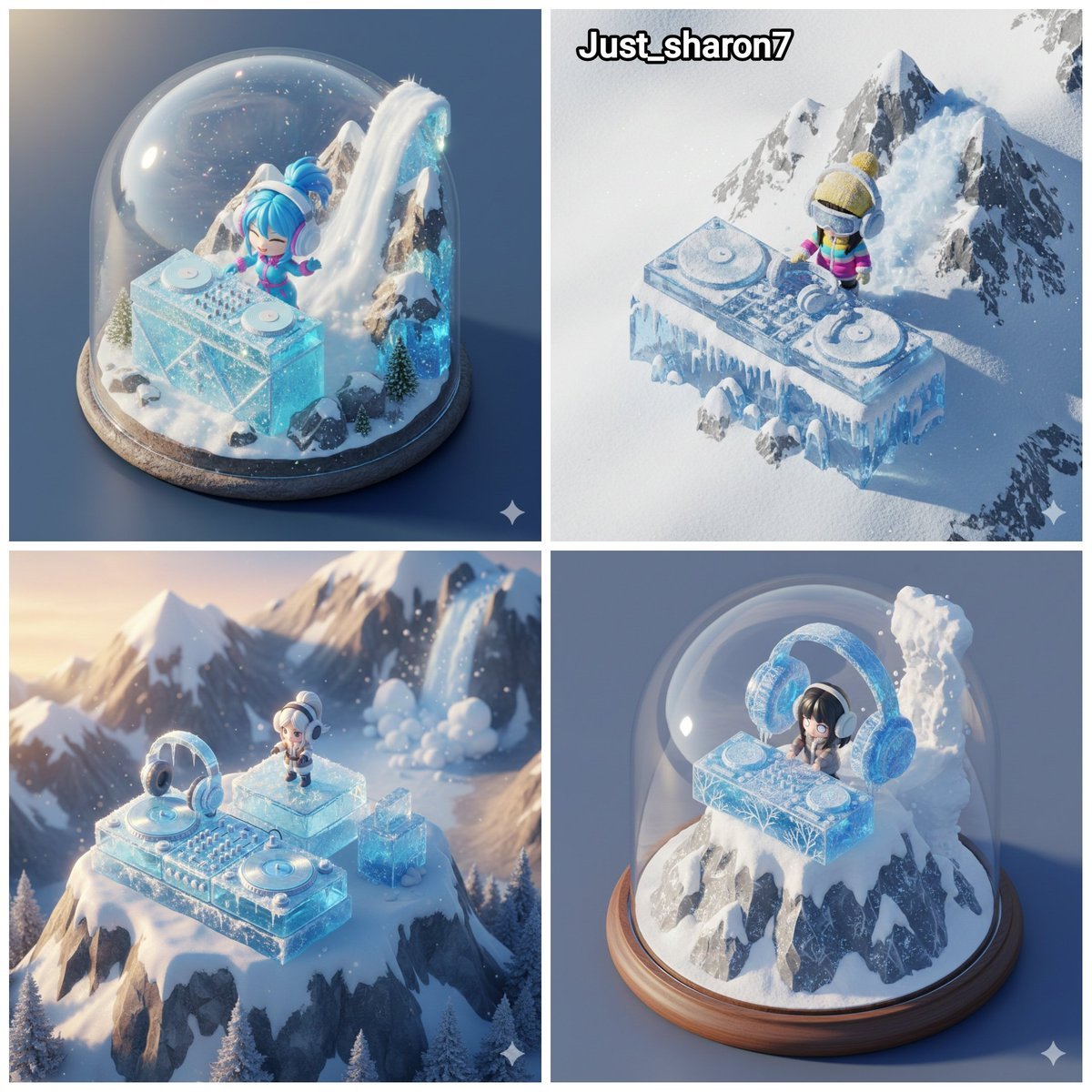
Isometric Miniature DJ Setup Scene
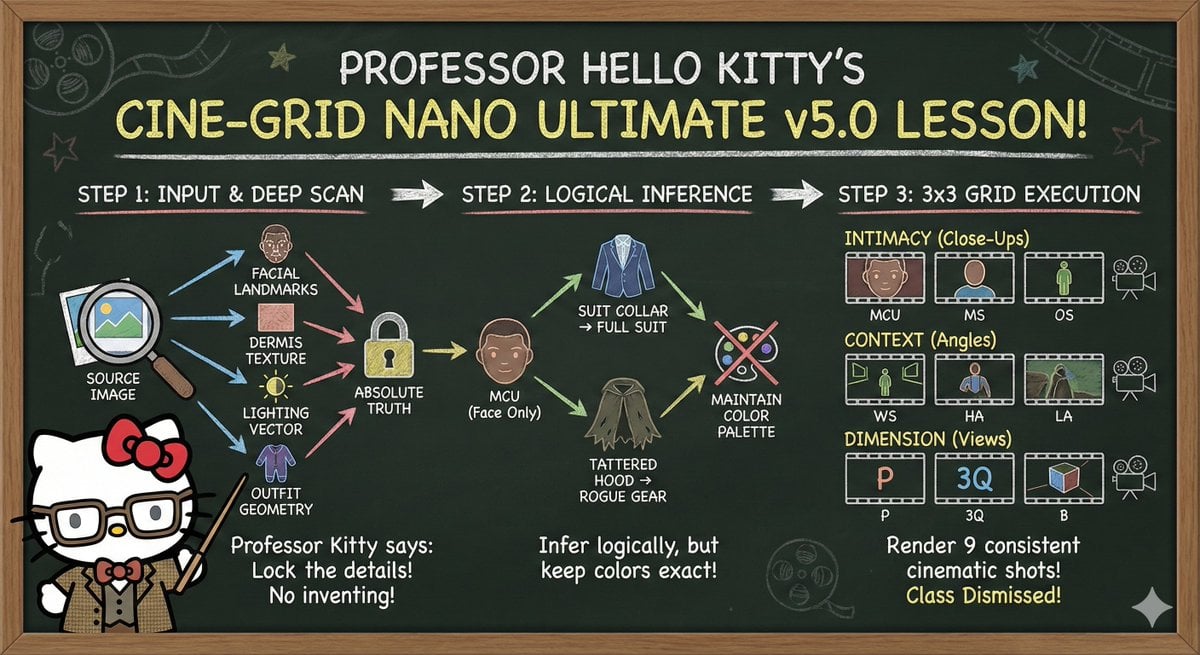
Informative Page Generation Prompt (Professor Hello Kitty)
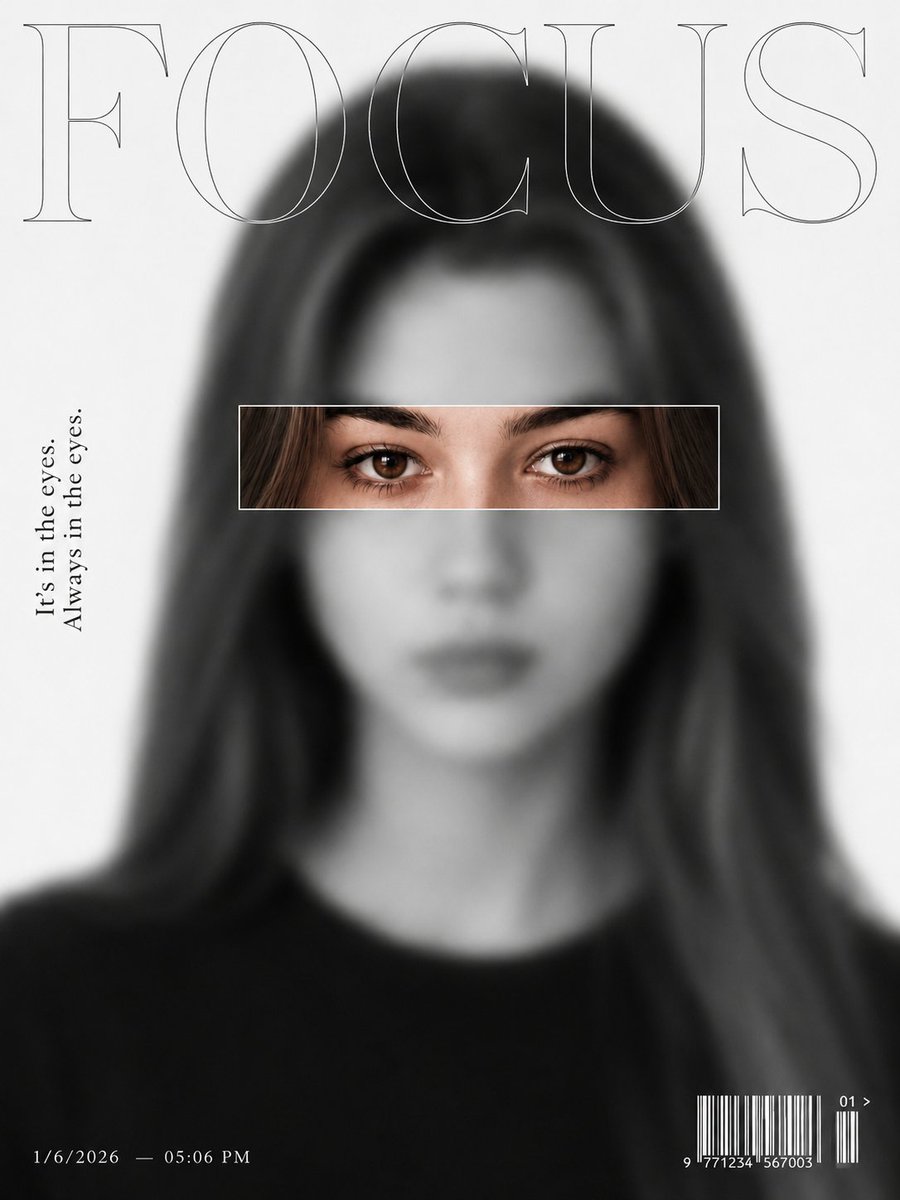
Ultra-Minimalist Magazine Cover Portrait
Cyberpunk Neon Alley Fashion Portrait Prompt
Browse template categories
Professional Automotive Technical Infographic Prompt questions
How do I use the Professional Automotive Technical Infographic Prompt template?
Add your photo if the template asks for one, edit the prompt if you like — the template's model and format are already selected — and press Generate. Your version opens in PicX Studio.
Can I customize the Professional Automotive Technical Infographic Prompt template?
Yes. You can change the subject, setting, lighting, mood, format, and available model controls before creating your image.
Is the Professional Automotive Technical Infographic Prompt template free?
Opening and editing this template is free. Generating uses credits, shown on the Generate button when you are signed in.
Which AI model should I use?
Start with GPT Image 2, which is the model associated with this template. You can compare another compatible model for a different finish.
Looking for something else? Browse all templates.

Your photo, any look
Thousands of ready templates for every top image and video model, from one credit balance.