
Vintage Rosemary Chronicle Grid
A structured prompt for generating a square vintage botanical contact sheet that chronicles rosemary growth through 12 labeled photographic stages.
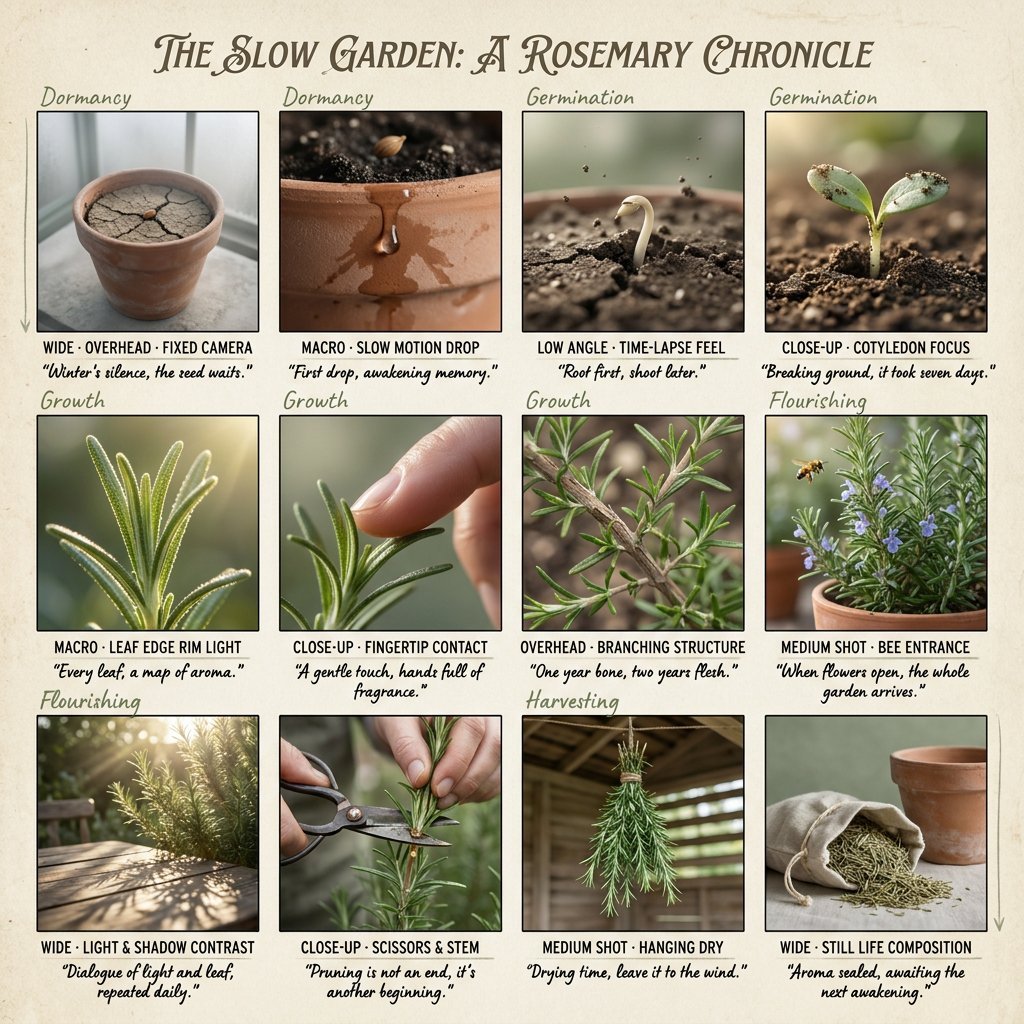
- Prompt included
- Model and format preset
- Free template
The prompt behind this image
Copy the exact prompt behind Vintage Rosemary Chronicle Grid, or open it in the studio and make it yours.
Goal: Create a vintage botanical photo-chronicle contact sheet titled {argument name="headline text" default="The Slow Garden: A Rosemary Chronicle"}, documenting the life cycle of {argument name="plant name" default="rosemary"} from dry pot to harvest. Canvas: Square 1:1 poster on warm aged parchment paper, subtle stains and speckles, soft cream background, thin dark-green panel borders, handwritten field-journal typography. Use a large decorative serif/calligraphy headline centered at the top. Layout: Arrange exactly 12 photographic panels in a clean 4-column by 3-row grid. Each panel has a handwritten green stage label above it, a short uppercase camera-direction caption below it, and an italic poetic quote beneath the caption. Add small downward arrow marks along the far left and far right margins to suggest time passing. Panel details, count exactly 12: 1. Stage label: "Dormancy". Image: a terracotta pot on a windowsill filled with cracked dry soil, no plant visible. Caption: "WIDE · OVERHEAD · FIXED CAMERA". Quote: "Winter's silence, the seed waits." 2. Stage label: "Dormancy". Image: macro view of a terracotta pot rim and dark soil with a single water droplet running down the clay side. Caption: "MACRO · SLOW MOTION DROP". Quote: "First drop, awakening memory." 3. Stage label: "Germination". Image: low-angle close photo of a pale tiny shoot emerging from dark soil. Caption: "LOW ANGLE · TIME-LAPSE FEEL". Quote: "Root first, shoot later." 4. Stage label: "Germination". Image: close-up of a small cotyledon seedling with two green leaves rising from soil, soft bokeh background. Caption: "CLOSE-UP · COTYLEDON FOCUS". Quote: "Breaking ground, it took seven days." 5. Stage label: "Growth". Image: macro of young rosemary leaves with rim light, dew-like texture on needle edges. Caption: "MACRO · LEAF EDGE RIM LIGHT". Quote: "Every leaf, a map of aroma." 6. Stage label: "Growth". Image: close-up of a human fingertip gently touching a tender rosemary sprig. Caption: "CLOSE-UP · FINGERTIP CONTACT". Quote: "A gentle touch, handful of fragrance." 7. Stage label: "Growth". Image: overhead photo of a woody rosemary branch with green branching needles. Caption: "OVERHEAD · BRANCHING STRUCTURE". Quote: "One year bone, two years flesh." 8. Stage label: "Flourishing". Image: medium shot of a rosemary plant in a terracotta pot with small purple-blue flowers and a bee approaching or hovering near the blooms. Caption: "MEDIUM SHOT · BEE ENTRANCE". Quote: "When flowers open, the whole garden arrives." 9. Stage label: "Flourishing". Image: wide shot of rosemary on a rustic wooden surface in golden sunlight, strong leaf shadows across the boards. Caption: "WIDE · LIGHT & SHADOW CONTRAST". Quote: "Dialogue of light and leaf, repeated daily." 10. Stage label: "Flourishing". Image: close-up of pruning shears cutting a rosemary stem while a hand holds the sprig. Caption: "CLOSE-UP · SCISSORS & STEM". Quote: "Pruning is not an end, it's another beginning." 11. Stage label: "Harvesting". Image: medium shot of a bundled rosemary bunch hanging upside down in a rustic shed or wooden room to dry. Caption: "MEDIUM SHOT · HANGING DRY". Quote: "Drying time, leave it to the wind." 12. Stage label: "Harvesting". Image: wide still-life composition with dried rosemary spilling from a small linen drawstring pouch beside a terracotta pot. Caption: "WIDE · STILL LIFE COMPOSITION". Quote: "Aroma sealed, awaiting the next awakening." Visual style: Photorealistic macro garden photography mixed with hand-crafted editorial scrapbook design, shallow depth of field, soft natural window light, earthy terracotta browns, rosemary greens, muted purple blossoms, warm sunlight, gentle film grain, slightly imperfect handwritten annotations. Constraints: Keep the grid aligned and readable, use exactly 12 panels and no extra panels, avoid modern UI elements, avoid watermarks, avoid logos, preserve the vintage botanical journal feeling. Make all visible text legible and in English.
How to use Vintage Rosemary Chronicle Grid in 3 steps
- 1Upload ImagePNG, JPG or paste
Add your photo
Upload the photo the template builds on. The prompt, model and format are already set.
- 2…a portrait of your subject in softgolden-hour light, 85mm…
Personalize
Edit the subject and creative details for your destination.
- 3Generate
Generate
Press Generate — your image is created in PicX Studio, so you can compare it with the original and refine one variable at a time.
More like this
Templates with the same subject, style or setup. Open one to see its prompt.










Make it yours
Vintage Rosemary Chronicle Grid works as-is. These are the safest ways to change it without losing the look.
Change one field
Copy a single group, rewrite it, and generate again so you can see what that field is doing.
Keep the frame, change the subject
Hold the composition and light of Vintage Rosemary Chronicle Grid, then swap wardrobe, props or the person for a new take.
| If the result… | Why | Fix |
|---|---|---|
| The result drifts from the preview | Too many fields changed at once. | Reuse Vintage Rosemary Chronicle Grid as-is first, then change one group — subject, light, or setting. |
| The model over-stylizes the scene | The prose prompt leaves finish and camera underspecified. | Add one camera or lighting sentence and stay on GPT Image 2. |
More GPT Image 2 templates
Other prompts made for GPT Image 2.

Six VTuber Japanese Logo Sheet

Realistic Portrait of Woman and Deer

The Vista Modular Condo Poster

AI Model Routing Comparison Infographic

2.5D Anime Art Board

Isometric Productivity Desk Scene

New York Double Exposure Poster

Four-Panel AI Landscape Comparison

Japanese Tatami Lifestyle Magazine Cover

NESCAFÉ Coffee Map Poster
More image prompts
Fresh picks from across the catalog.

Hyper-Detailed Footballer Portrait Sketch Prompt

Tang Dynasty Aesthetic CG Illustration

Ultra-Realistic McDonald's Lifestyle Portrait (Two Scenes)
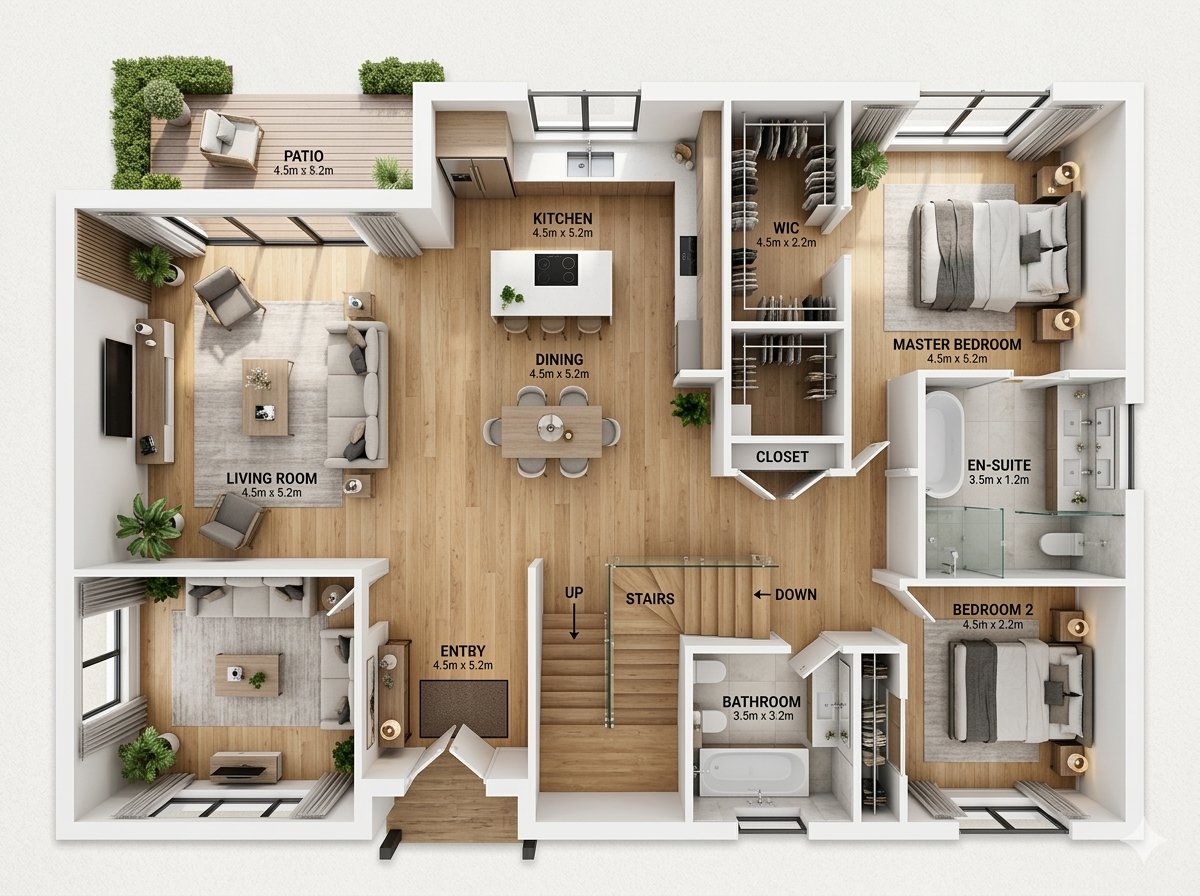
Modern Home Interior Architectural Blueprint Prompt
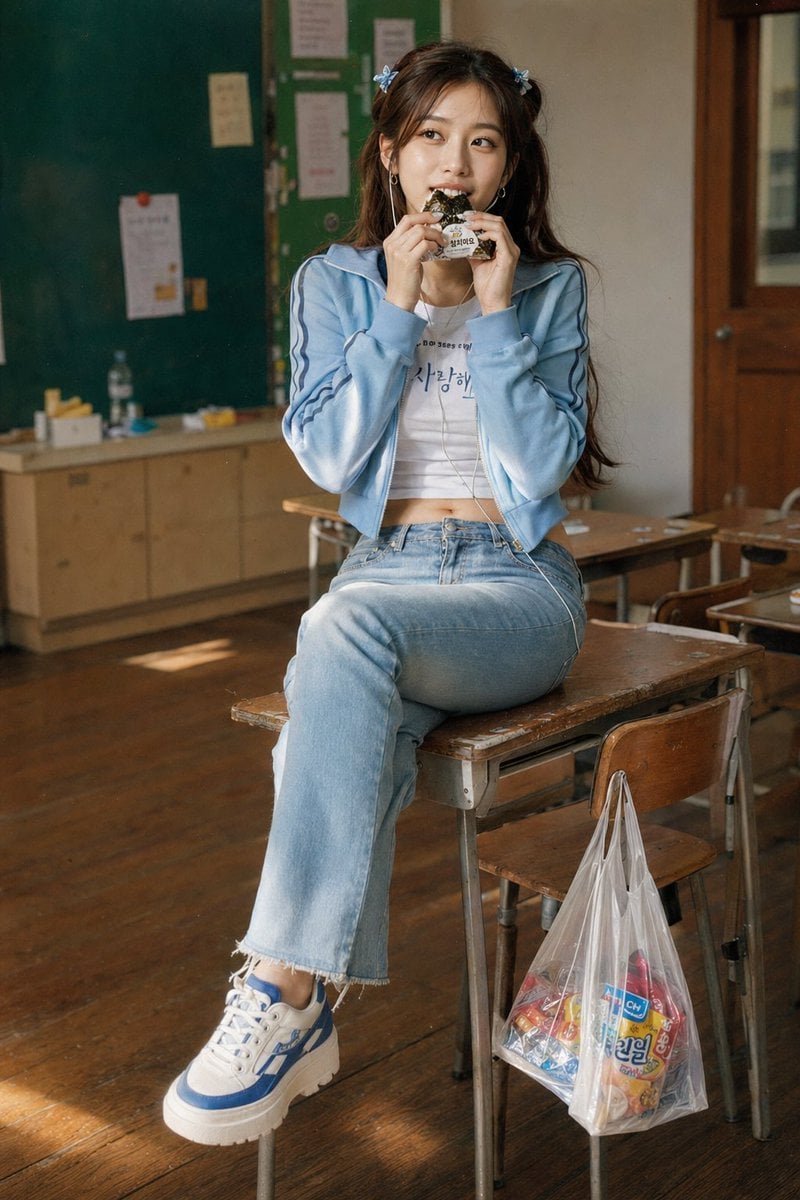
Korean Youth Y2K Classroom Candid
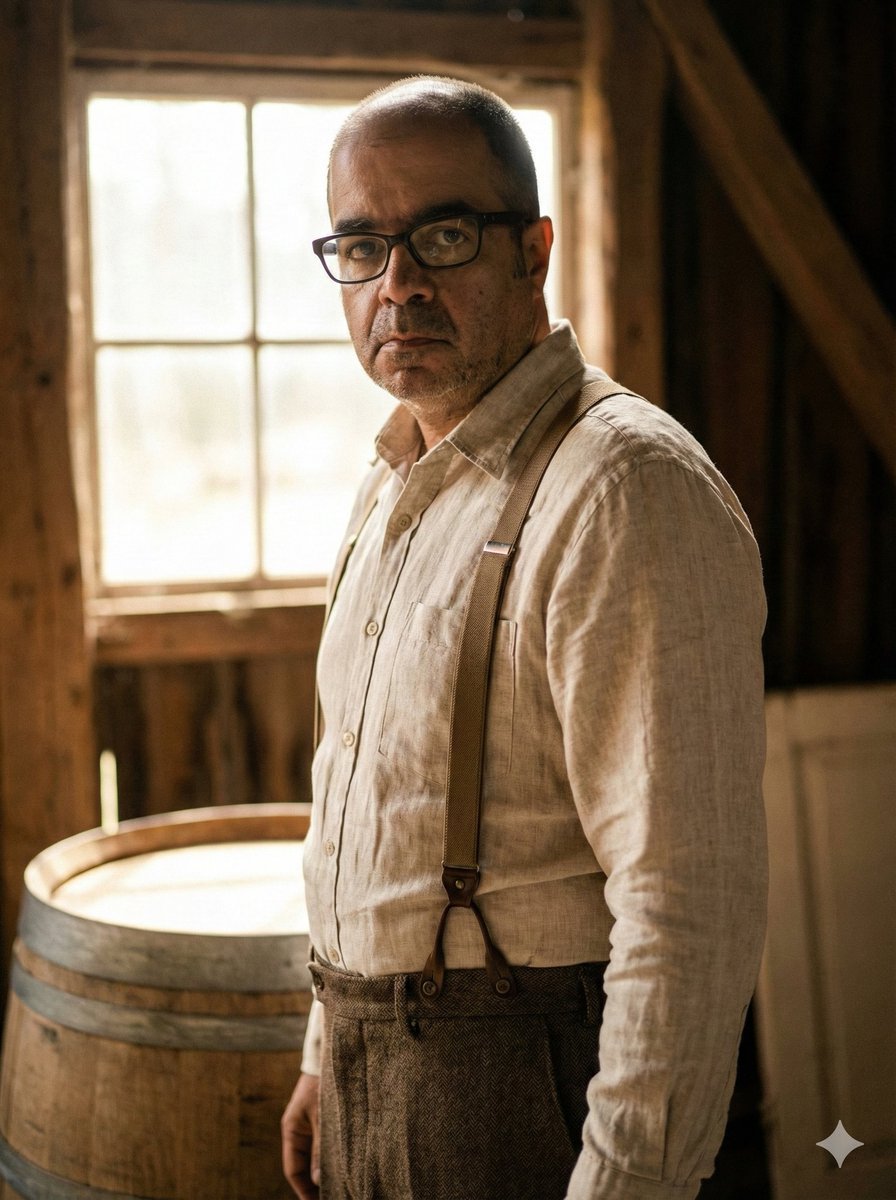
Detailed Image Prompt for Rustic Vintage Aesthetic

Japanese Video Production Poster

Golden Hour Ski Slope Selfie (Snow Bunny Aesthetic)

Luxurious Royal Palace Portrait

High School Girl Walking by the Sea Cinematic Video Prompt
Browse template categories
Vintage Rosemary Chronicle Grid questions
How do I use the Vintage Rosemary Chronicle Grid template?
Add your photo if the template asks for one, edit the prompt if you like — the template's model and format are already selected — and press Generate. Your version opens in PicX Studio.
Can I customize the Vintage Rosemary Chronicle Grid template?
Yes. You can change the subject, setting, lighting, mood, format, and available model controls before creating your image.
Is the Vintage Rosemary Chronicle Grid template free?
Opening and editing this template is free. Generating uses credits, shown on the Generate button when you are signed in.
Which AI model should I use?
Start with GPT Image 2, which is the model associated with this template. You can compare another compatible model for a different finish.
Looking for something else? Browse all templates.

Your photo, any look
Thousands of ready templates for every top image and video model, from one credit balance.