
Dark TRPG Antagonist Character Sheet
Generates a classified dossier-style character design sheet for a modern occult TRPG antagonist with outfit details, turnarounds, portraits, and equipment swatches.
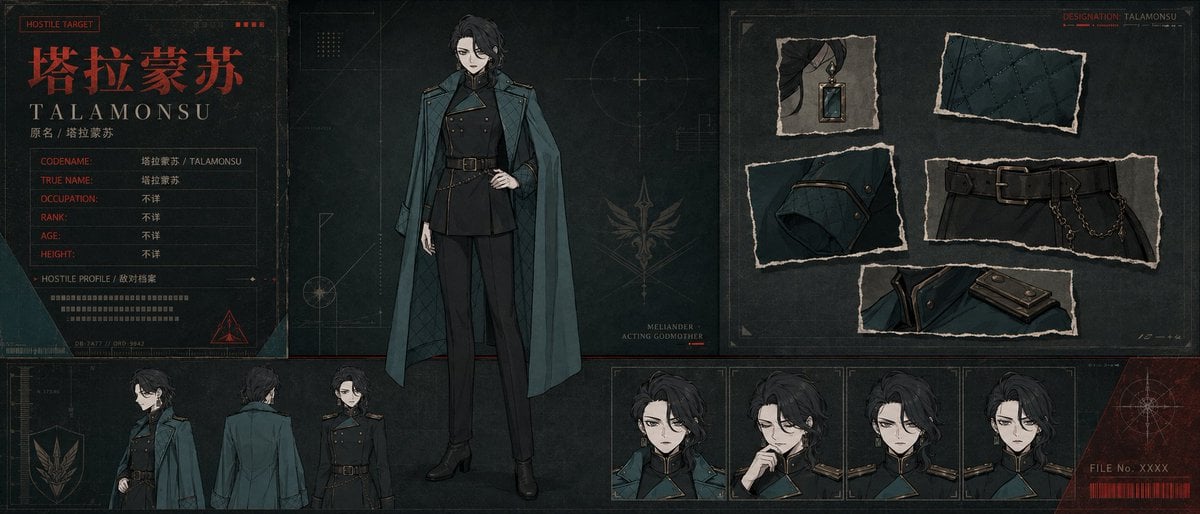
- Prompt included
- Model and format preset
- Free template
The prompt behind this image
Copy the exact prompt behind Dark TRPG Antagonist Character Sheet, or open it in the studio and make it yours.
Goal: Create a dark tactical character reference sheet for a fictional TRPG antagonist, styled like a classified dossier and fashion design board. The character is {argument name="character name" default="Talamonsu"}, a hostile target / eternal godmother figure from an occult modern-fantasy setting. Canvas: Wide horizontal 2.4:1 character sheet, approximately 1200×500 px. Use a distressed black-green background with thin technical blueprint lines, red warning accents, worn paper textures, grid marks, compass circles, and small dossier UI details. The overall mood is grim, elegant, militaristic, and supernatural. Layout: Split the sheet into three main zones. Left zone: an intelligence dossier panel with large red Chinese title text 「塔拉蒙苏」, Romanized name “TALAMONSU”, smaller line 「原名 / 塔拉蒙苏」, and a table of fields. Center zone: one dominant full-body standing character illustration framed by red guide lines. Right zone: torn-paper equipment detail board showing outfit material closeups. Bottom strip: smaller reference panels for alternate views and facial portrait crops. Text content: Include the small top-left label “HOSTILE TARGET”. In the left dossier table, show these 6 rows exactly: “CODENAME: 塔拉蒙苏 / TALAMONSU”, “TRUE NAME: 塔拉蒙苏”, “OCCUPATION: 不详”, “RANK: 不详”, “AGE: 不详”, “HEIGHT: 不详”. Add a section label “HOSTILE PROFILE / 敌对档案” with tiny unreadable classified text lines and a red triangular hazard symbol. On the right upper corner, add “DESIGNATION TALAMONSU”. Near the lower center, add small text “MELIANDER ACTING GODMOTHER”. Bottom-right corner: “FILE No. XXXX” and a red barcode. Subject details: The main character is a tall, slim adult woman with {argument name="hair color" default="dark charcoal-black"} wavy short hair, pale skin, and an elegant severe posture. Her face should be anonymized by a soft square grey blur mask, as if redacted from a classified document. She wears a structured black military-inspired tunic with asymmetrical buttons, high collar, fitted waist, black trousers, black gloves, heeled black boots, a leather belt with metal buckle, and a dramatic long teal-blue cloak with dark quilted lining and shoulder epaulets. Use desaturated teal, black, charcoal, muted brass, and blood-red UI accents. Counted visible elements: Include exactly 1 large full-body front pose in the center. Include exactly 3 small turnaround reference figures along the bottom-left: front three-quarter view, rear cloak view, and front uniform view without the cloak dominating. Include exactly 4 square portrait panels along the bottom middle-right, each with the same grey face-redaction blur and different head/hand angles: neutral front, hand raised near mouth, side glance, and calm front-facing bust. Include exactly 5 torn-paper equipment/detail swatches on the right: a pendant or ID tag on fabric, a quilted teal fabric rectangle, a folded hood or cloak collar, a black belt with dangling chains, and stacked cuffs/epaulet or folded uniform trim. Visual style: Semi-realistic anime concept art mixed with graphic-design dossier layout. Clean inked character rendering, muted painterly shading, thin gold and red linework, weathered paper borders, and subtle grunge scratches. Make the clothing design readable and fashion-reference oriented, with precise seams, buckles, buttons, quilting, and cape folds. Constraints: Keep the image as a single finished character sheet, not a collage of separate unrelated images. Preserve the exact counts of figures, portraits, and equipment swatches. Do not add extra characters. Do not use bright colors or cheerful lighting. Keep all text as small dossier typography except for the large red Chinese name.
How to use Dark TRPG Antagonist Character Sheet in 3 steps
- 1Upload ImagePNG, JPG or paste
Add your photo
Upload the photo the template builds on. The prompt, model and format are already set.
- 2…a portrait of your subject in softgolden-hour light, 85mm…
Personalize
Edit the subject and creative details for your destination.
- 3Generate
Generate
Press Generate — your image is created in PicX Studio, so you can compare it with the original and refine one variable at a time.
More like this
Templates with the same subject, style or setup. Open one to see its prompt.
Selective Color Monochrome Football Poster
Dancer Character - Four View Reference Sheet
Movement Sheet - Dance Reference (Seedance 2.0)
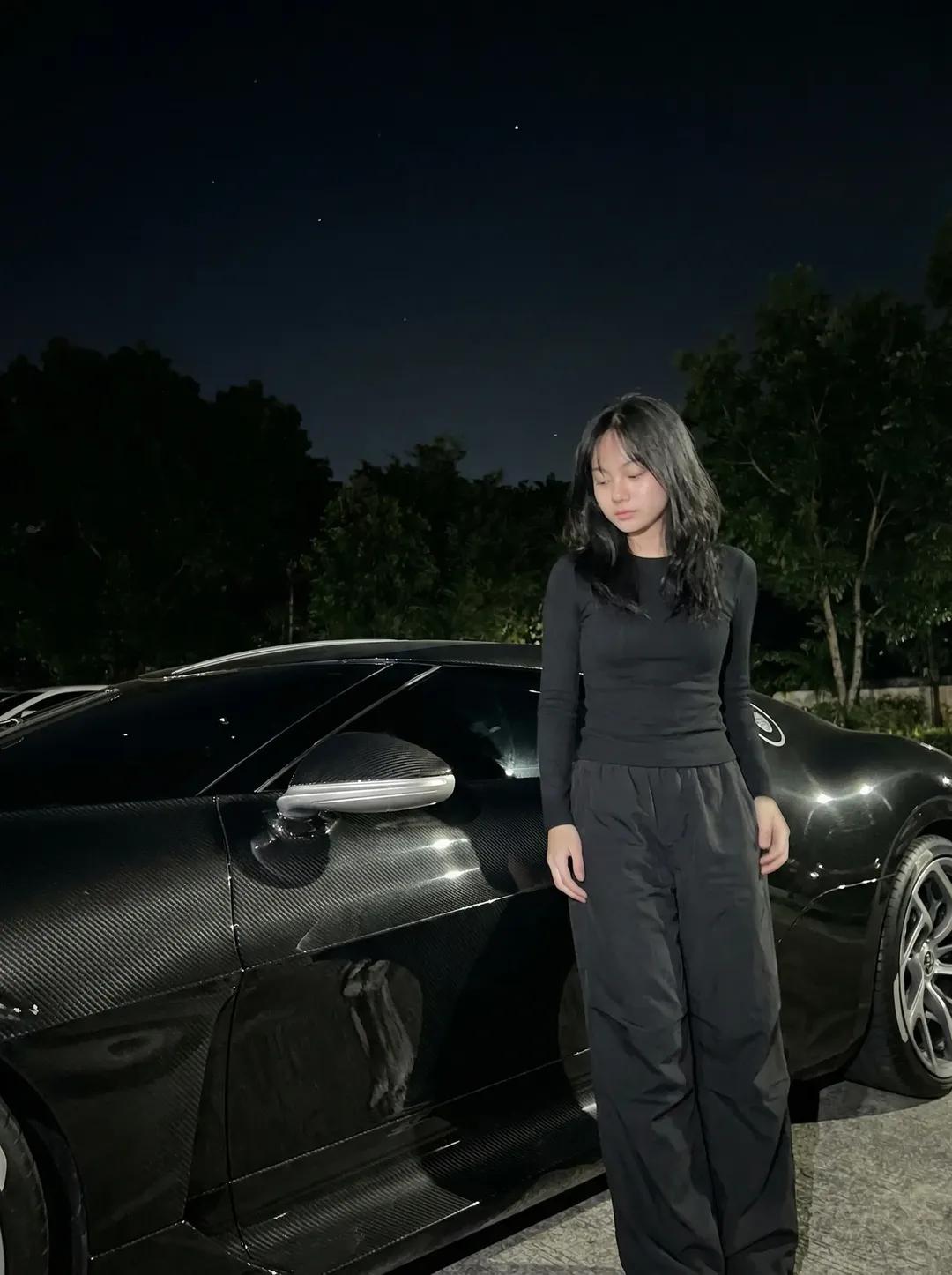
Night Sports Car Portrait — Cinematic Moody
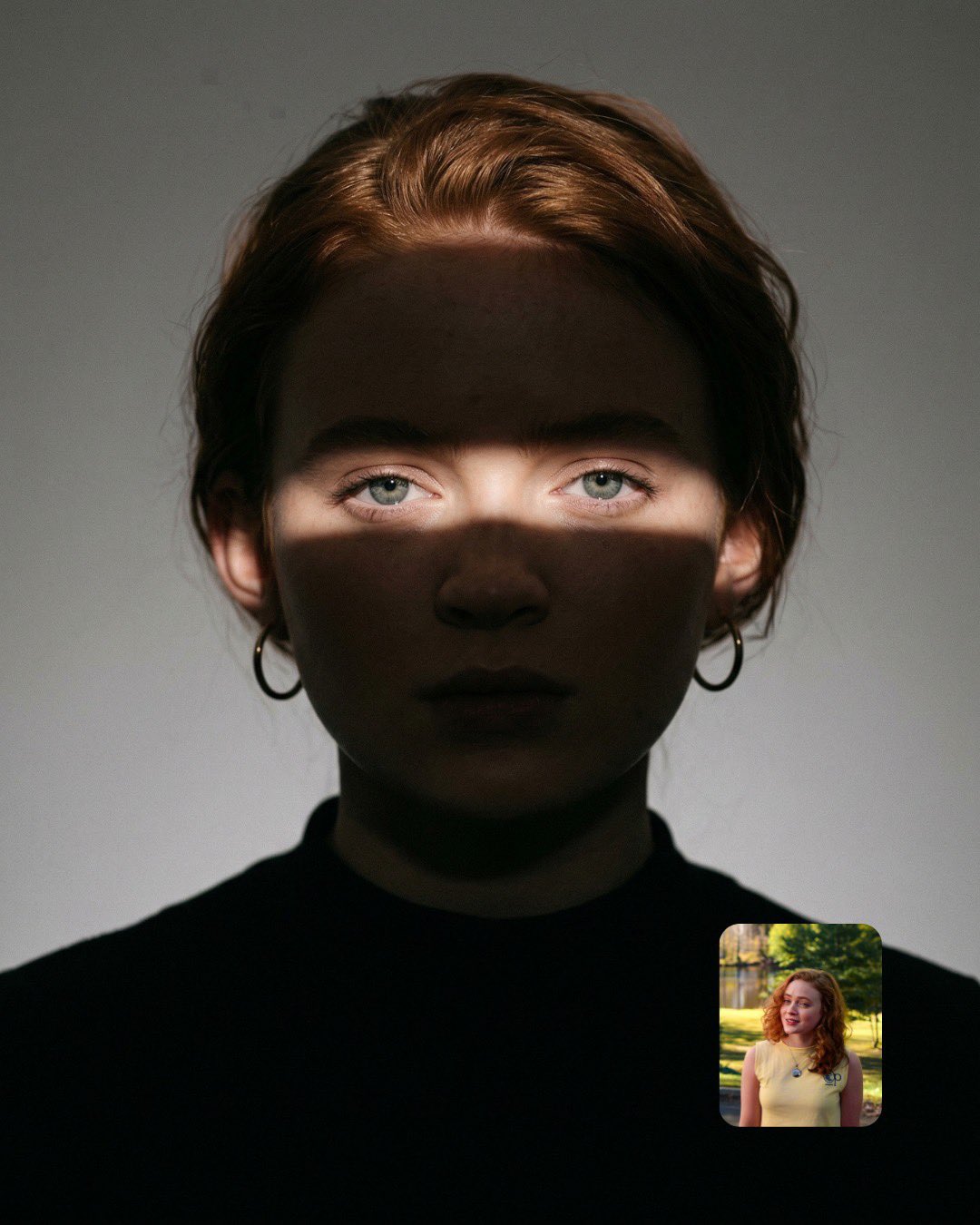
Cinematic Eye Light Portraits — 3 Nano Banana Prompts
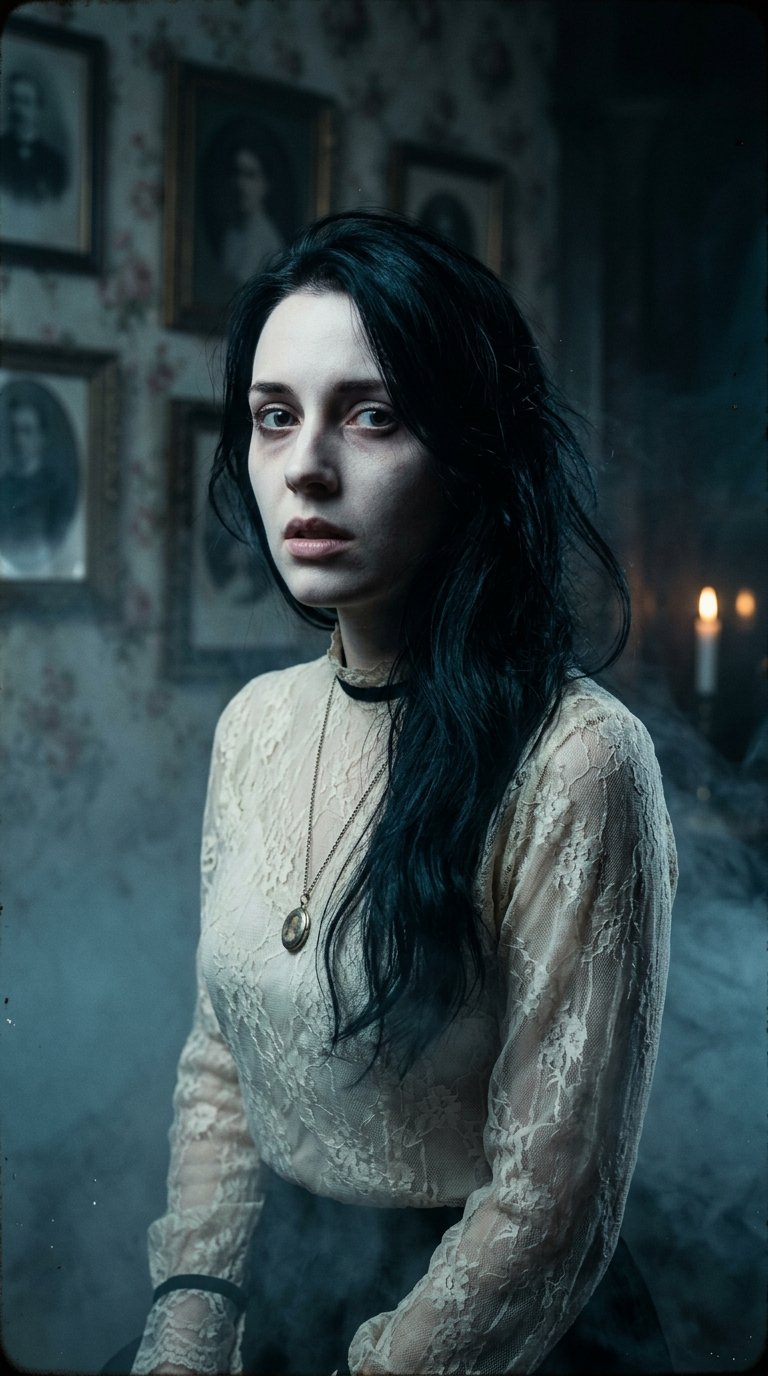
Horror Cinematic Portrait
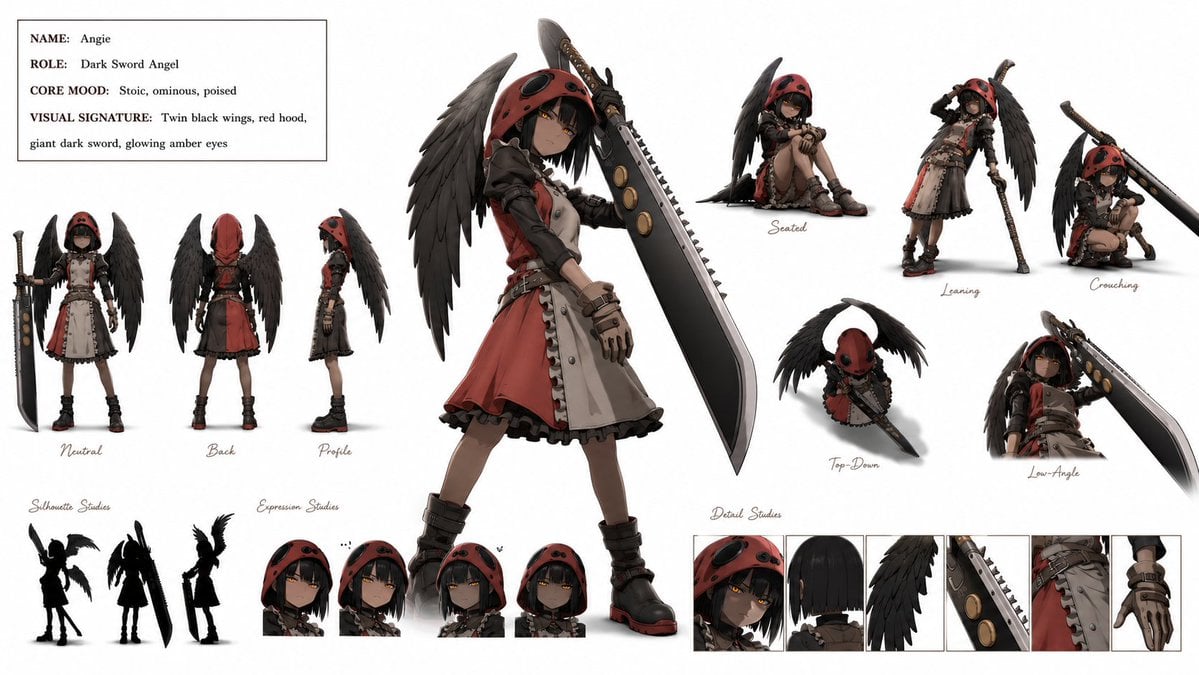
Dark Sword Angel Character Sheet
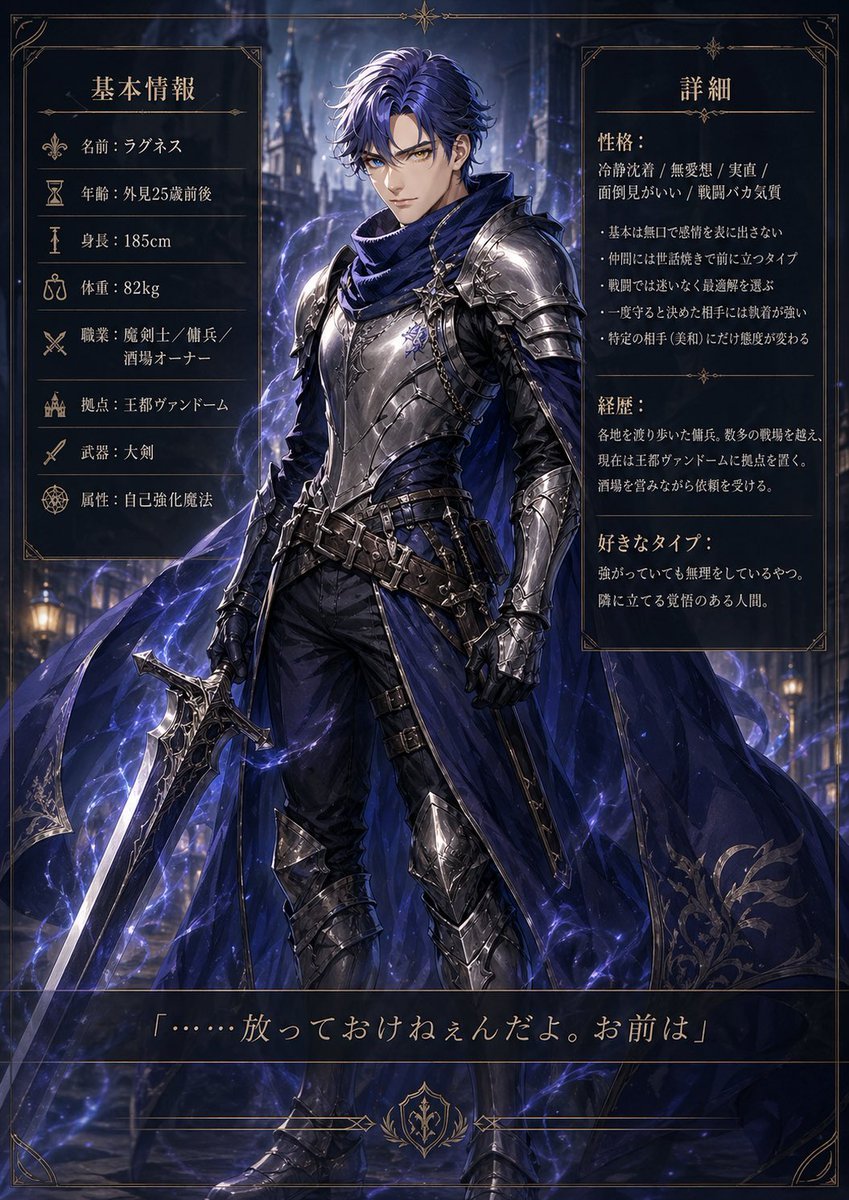
Dark Fantasy Knight Character Sheet
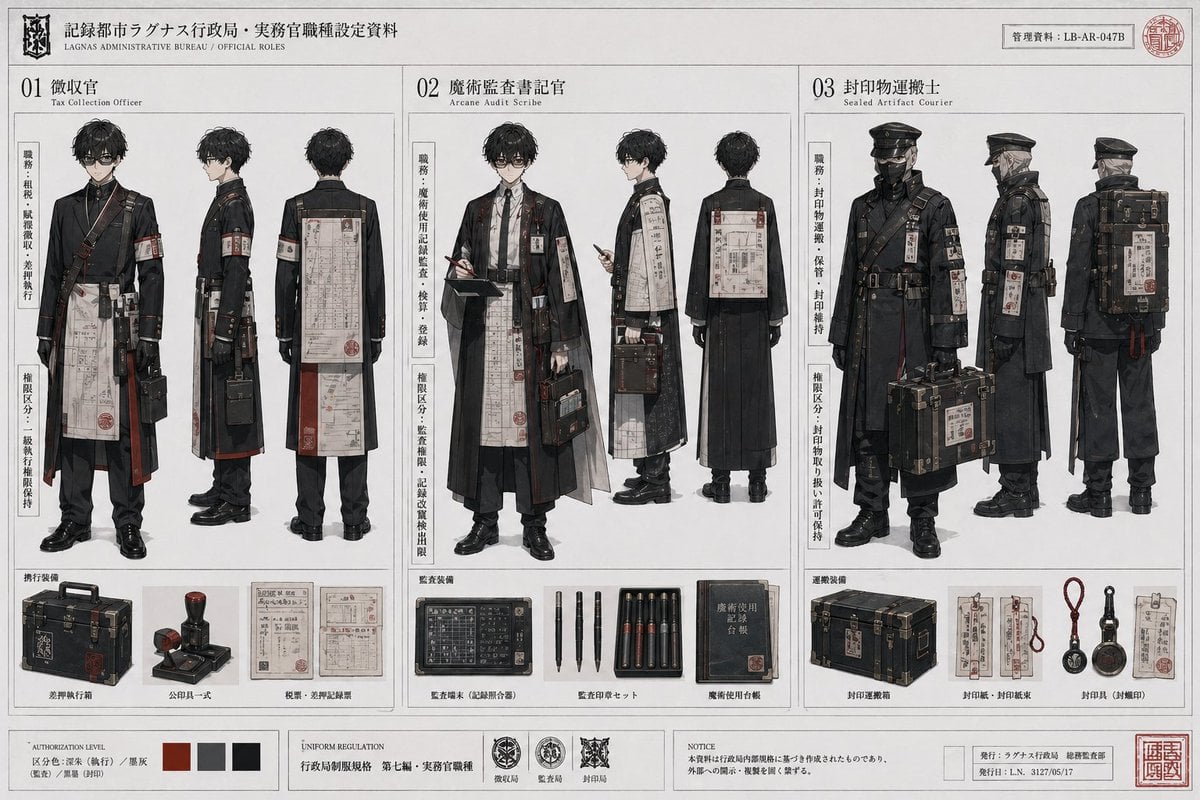
Dark Fantasy Bureau Role Sheet
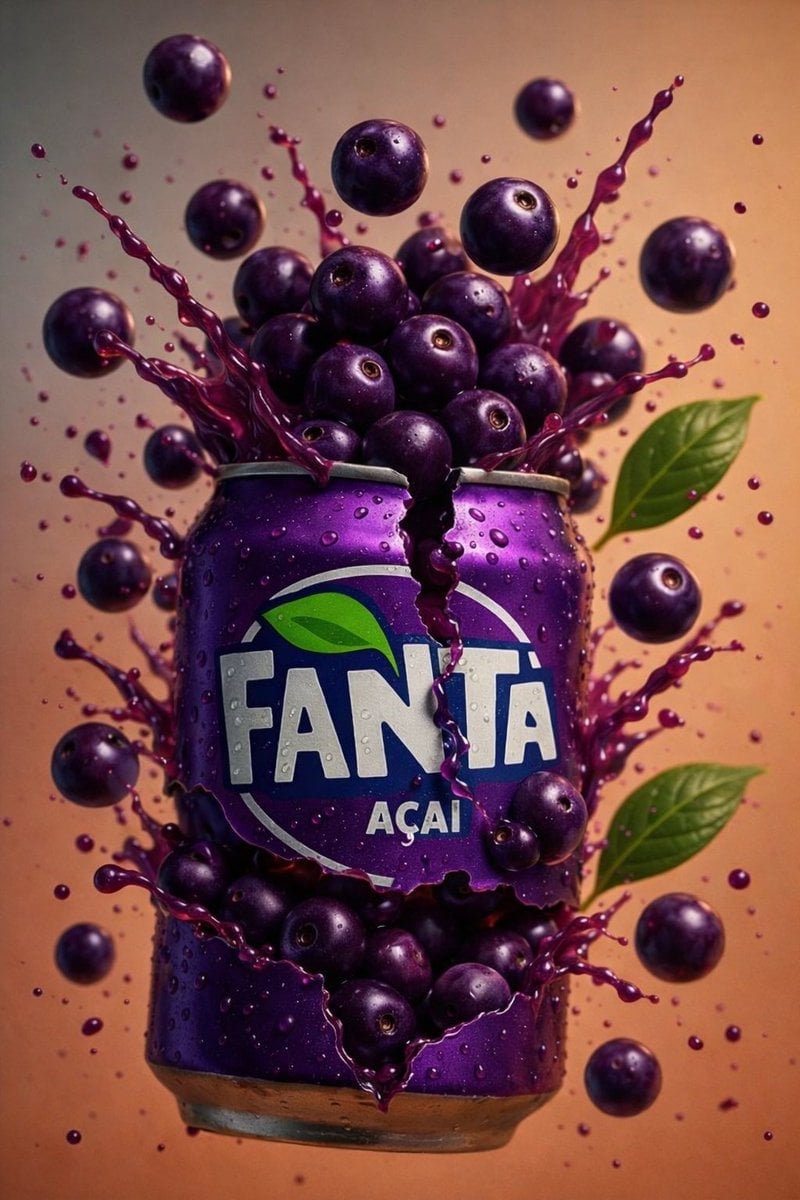
Multiple dark purple berries erupting from inside the can
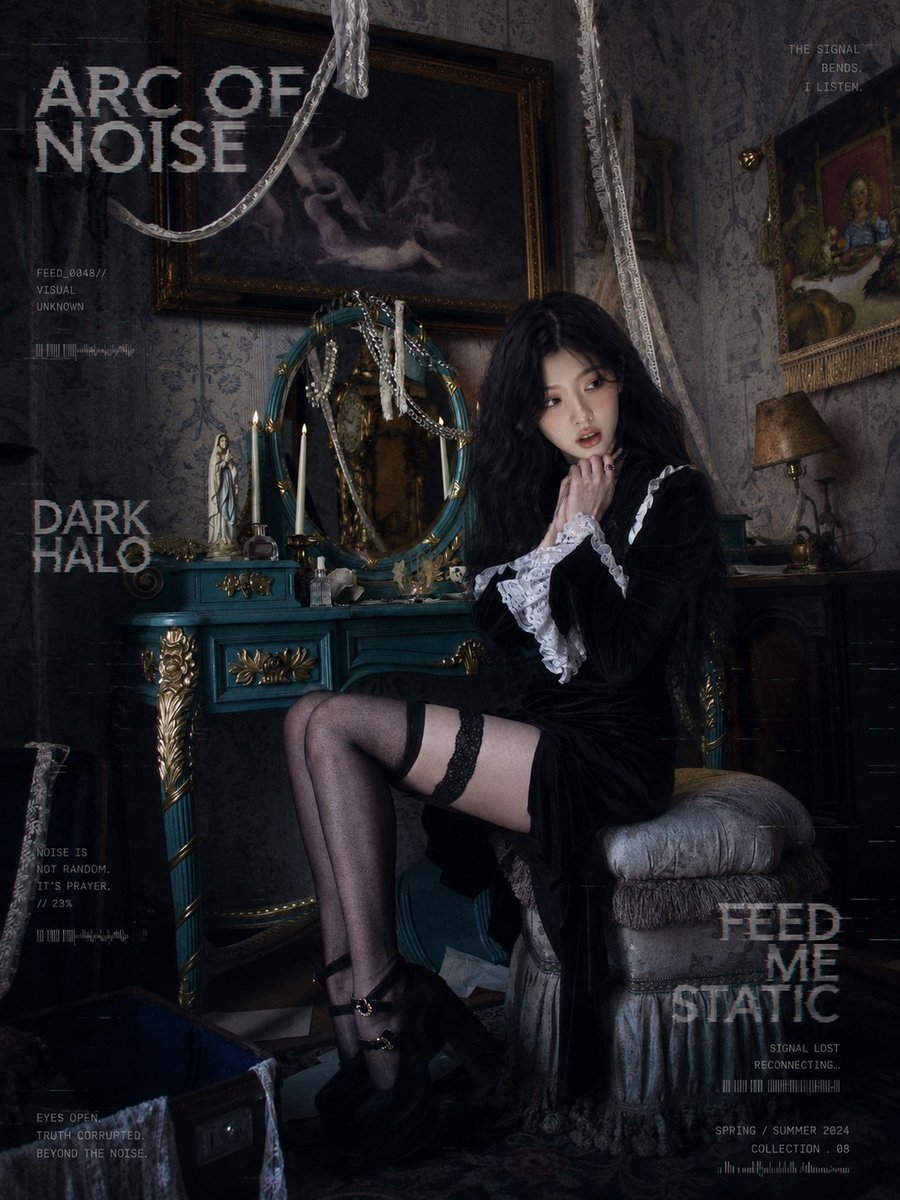
Dark Gothic Lolita Static Portrait
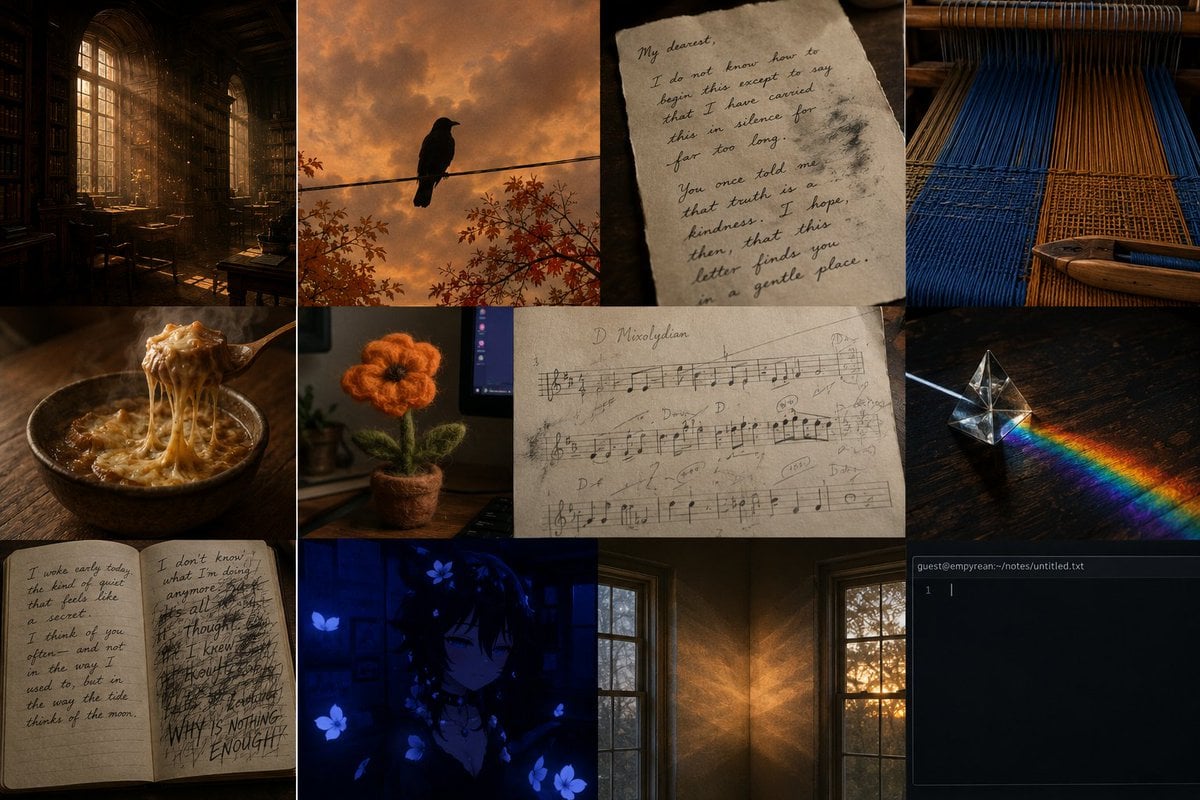
Dark Academia AI Moodboard Collage
Make it yours
Dark TRPG Antagonist Character Sheet works as-is. These are the safest ways to change it without losing the look.
Change one field
Copy a single group, rewrite it, and generate again so you can see what that field is doing.
Keep the frame, change the subject
Hold the composition and light of Dark TRPG Antagonist Character Sheet, then swap wardrobe, props or the person for a new take.
| If the result… | Why | Fix |
|---|---|---|
| The result drifts from the preview | Too many fields changed at once. | Reuse Dark TRPG Antagonist Character Sheet as-is first, then change one group — subject, light, or setting. |
| The model over-stylizes the scene | The prose prompt leaves finish and camera underspecified. | Add one camera or lighting sentence and stay on GPT Image 2. |
More GPT Image 2 templates
Other prompts made for GPT Image 2.

Six VTuber Japanese Logo Sheet

Realistic Portrait of Woman and Deer

The Vista Modular Condo Poster

AI Model Routing Comparison Infographic

2.5D Anime Art Board

Isometric Productivity Desk Scene

New York Double Exposure Poster

Four-Panel AI Landscape Comparison

Japanese Tatami Lifestyle Magazine Cover

NESCAFÉ Coffee Map Poster
More image prompts
Fresh picks from across the catalog.
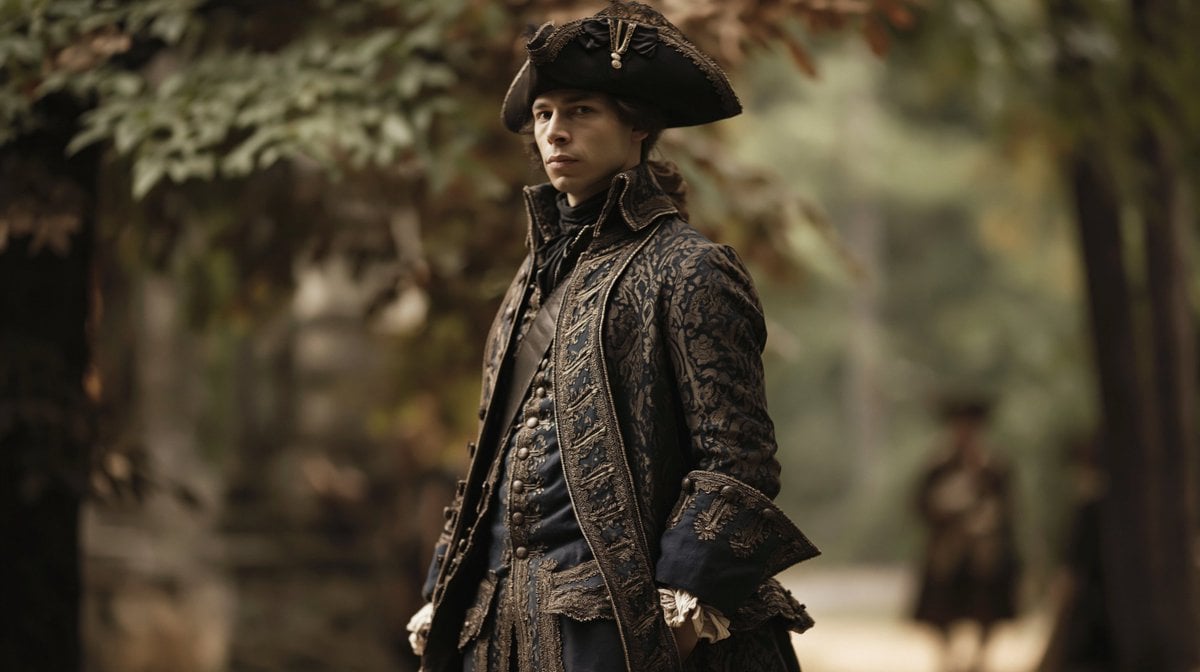
Character Swap Into Period Portrait
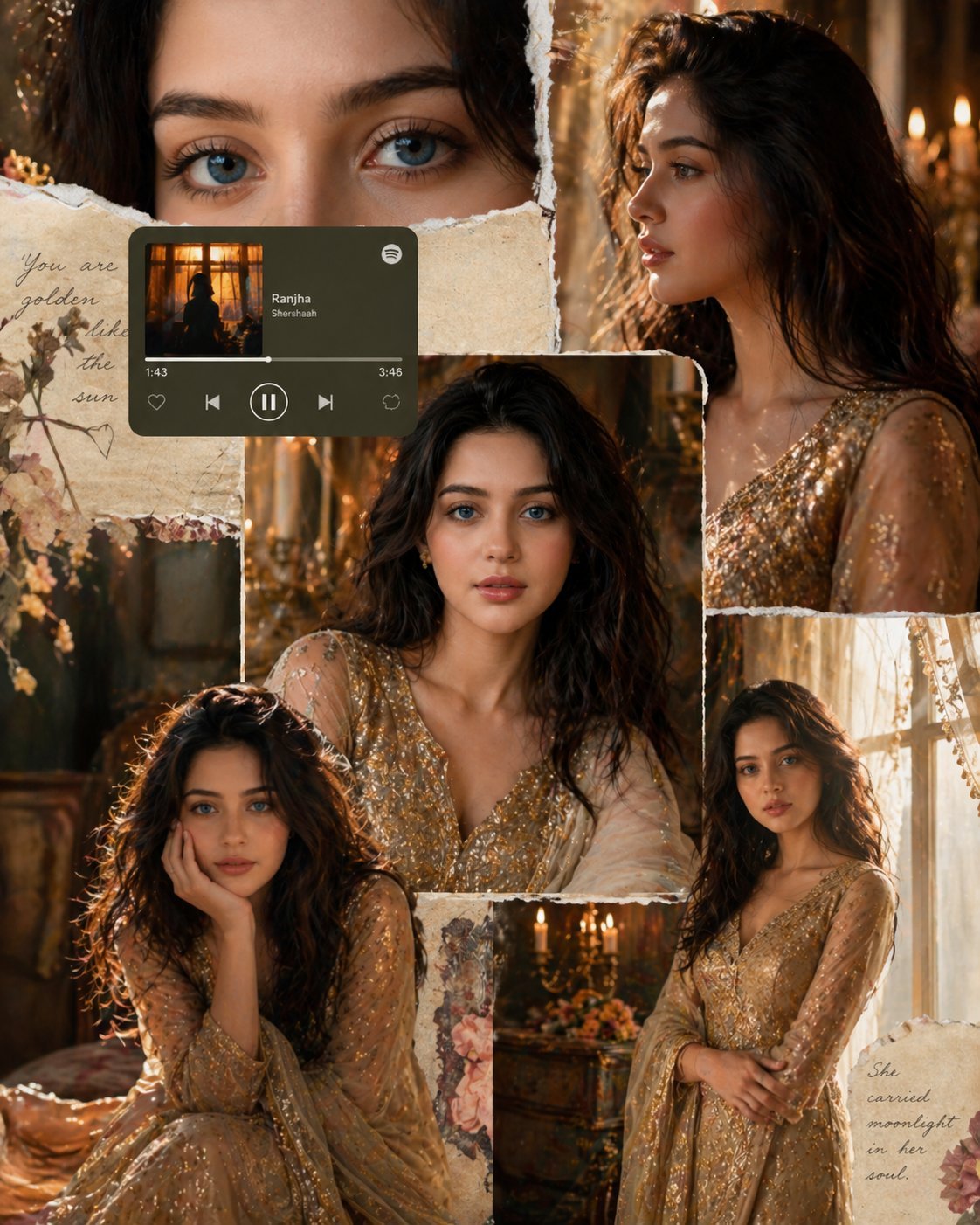
X Imgopaltiwari Golden Memories in Soft Light Chatgptapp

Energetic Juice Advertisement Scene
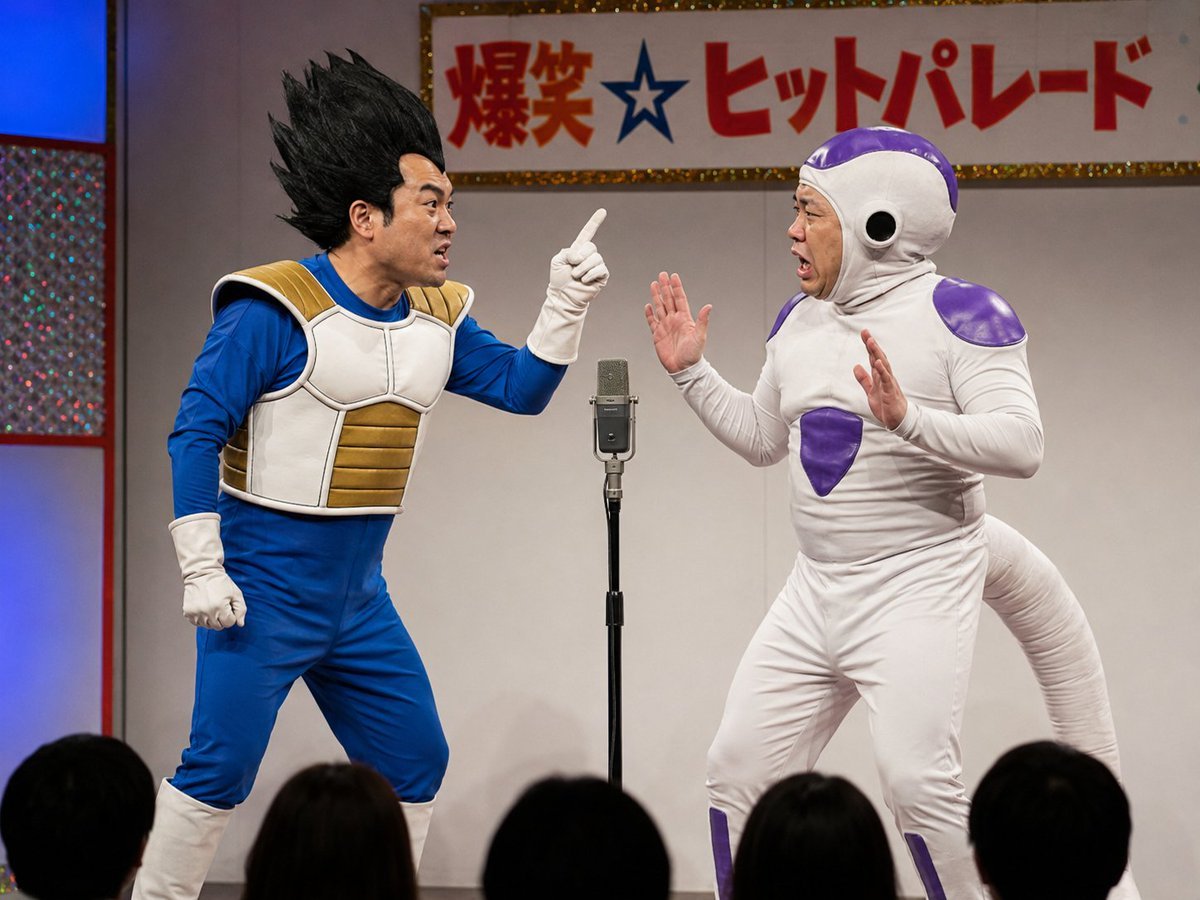
Vegeta and Frieza Cosplay Comedy
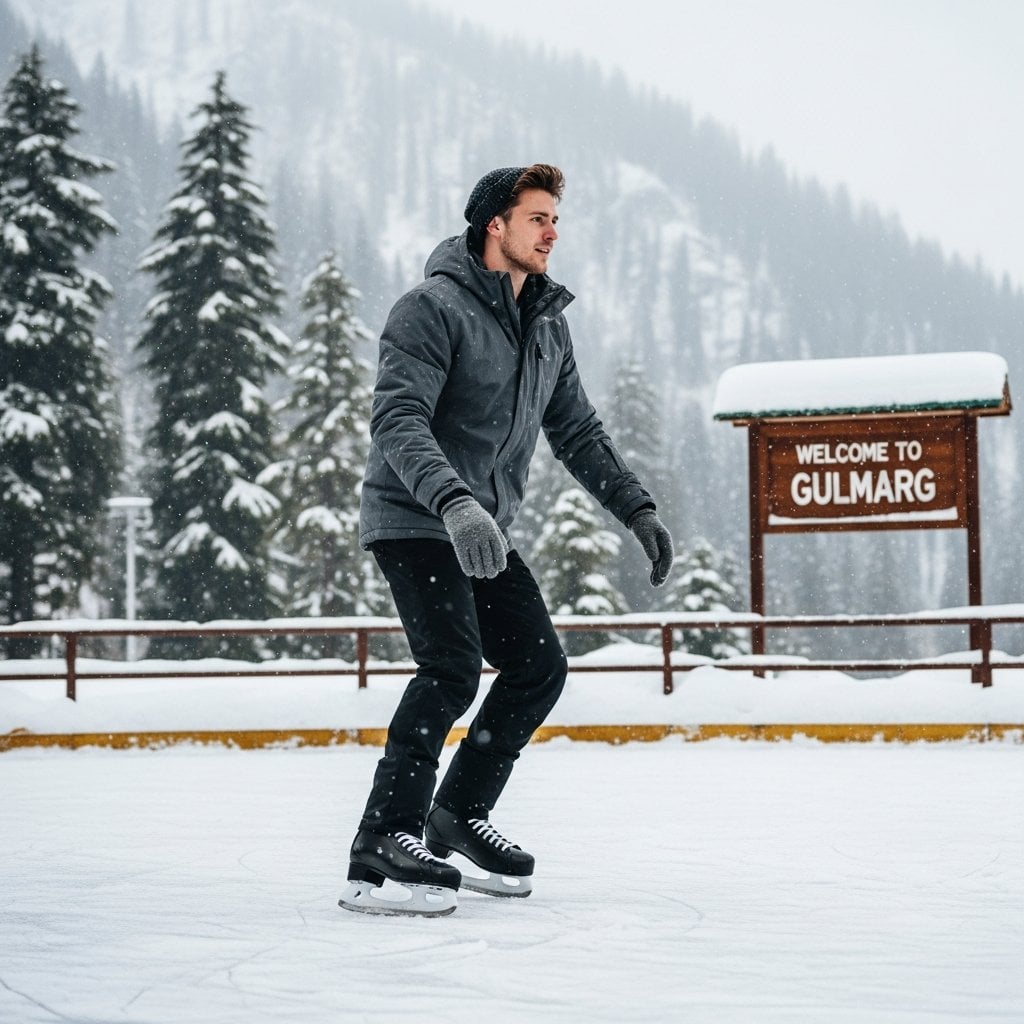
A detailed prompt for generating a photorealistic image of a nano-banana-pro
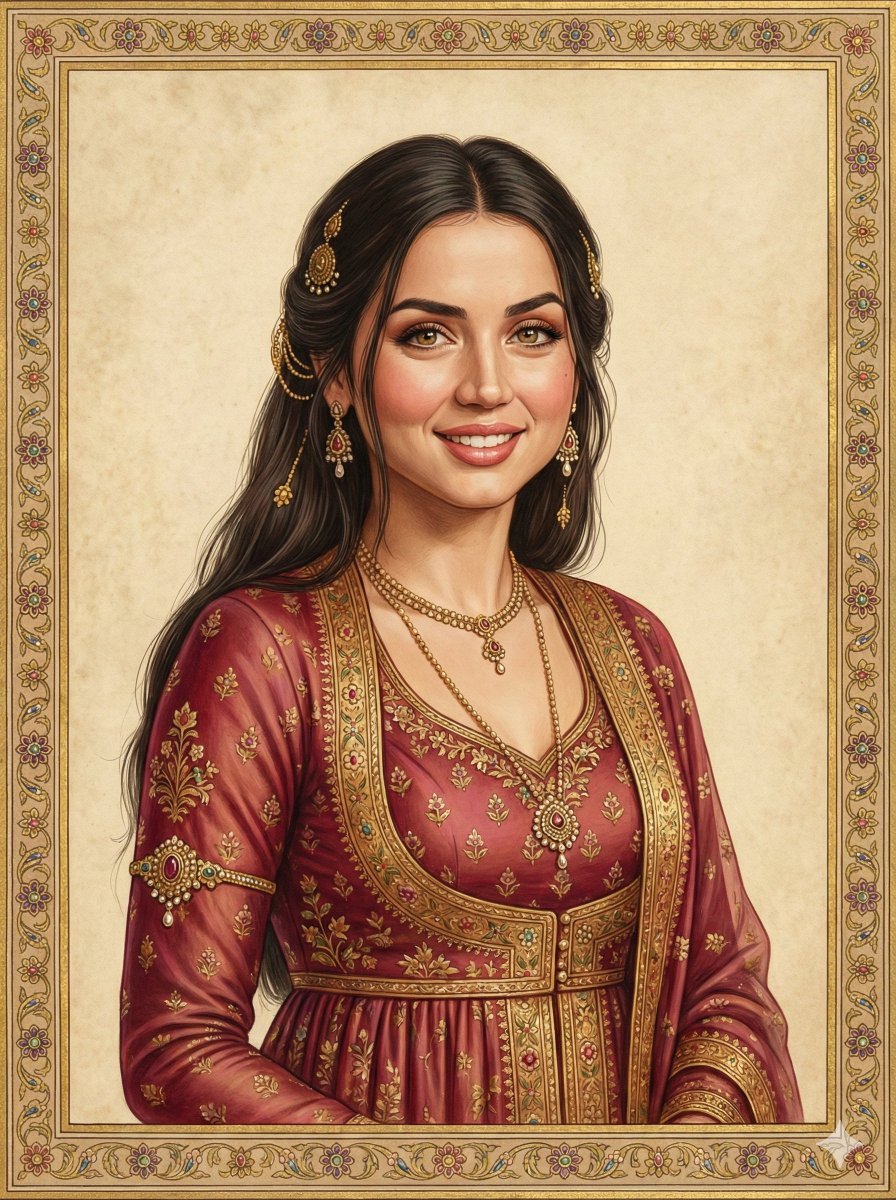
Indian Miniature Painting from Photo Reference
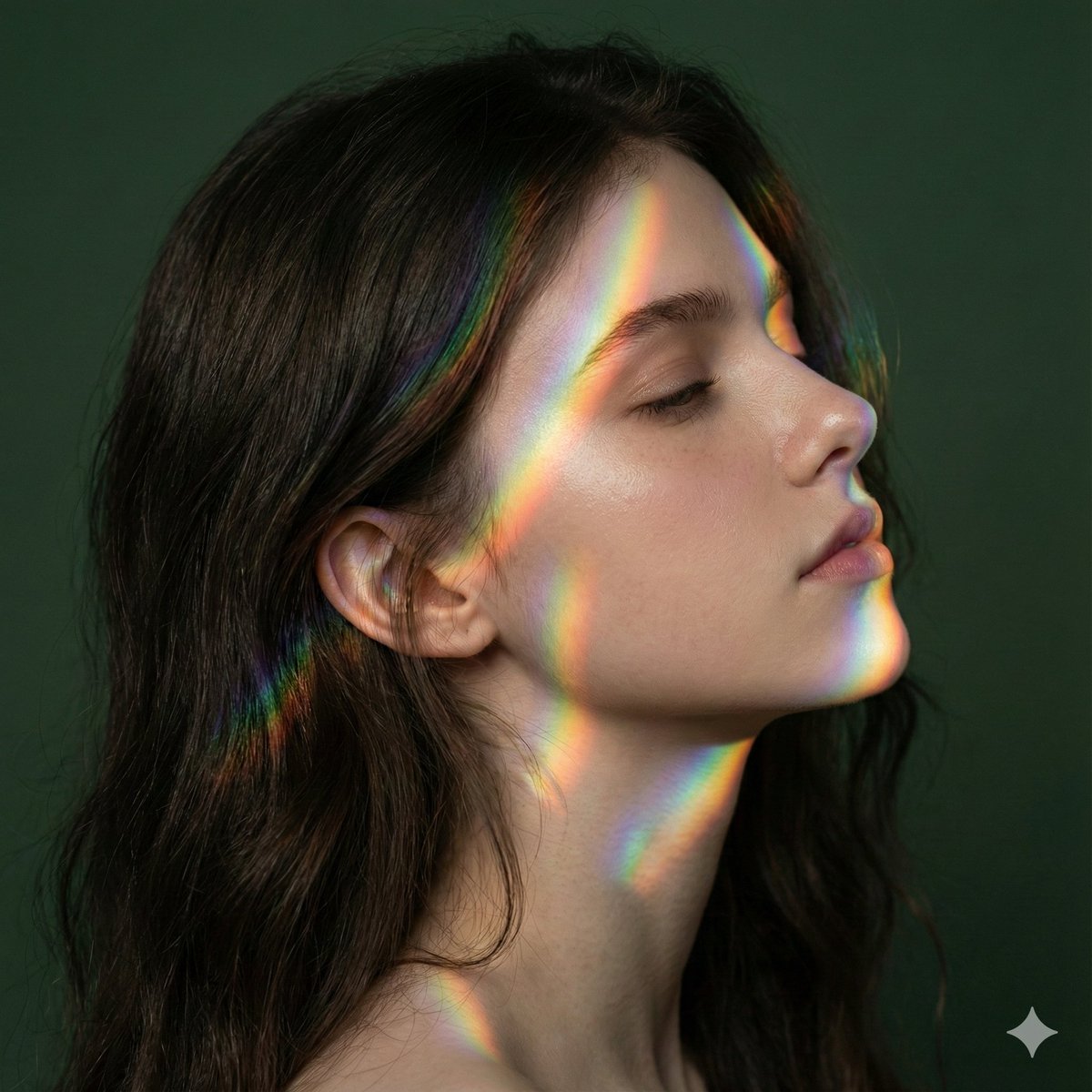
Cinematic Portrait with Identity Preservation and Prism Lighting
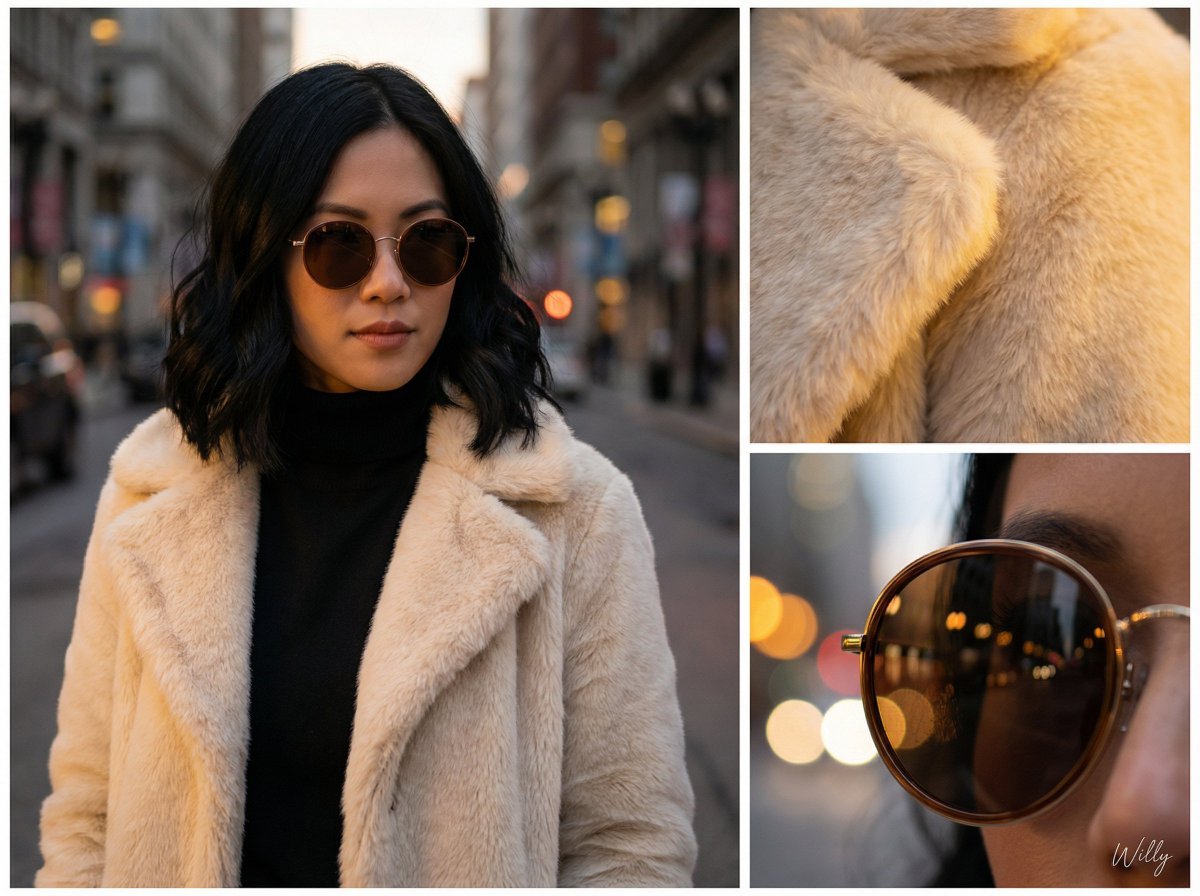
Asymmetric Grid Editorial Portrait with Detail Shots
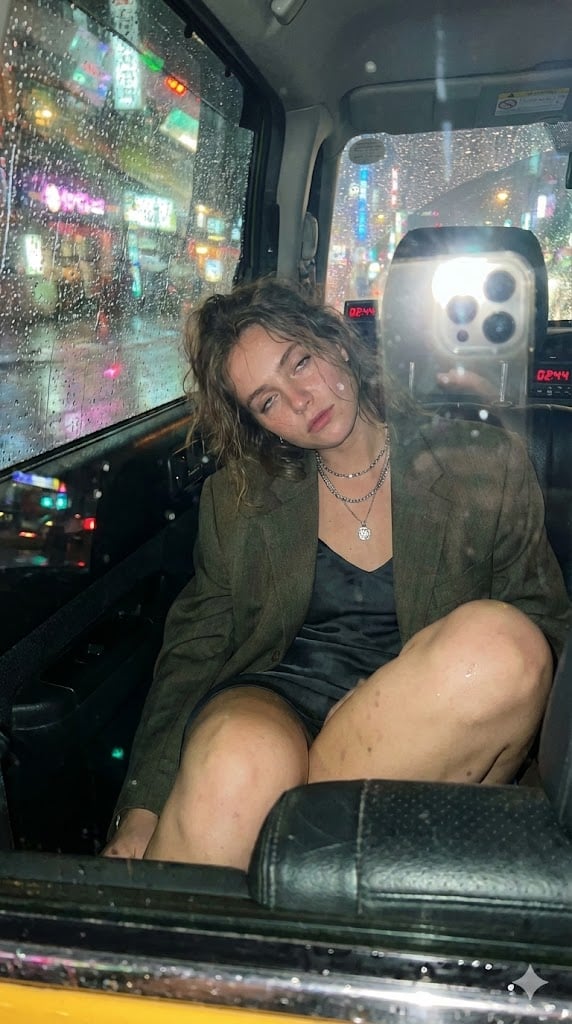
Candid Taxi-Ride Dump Photography
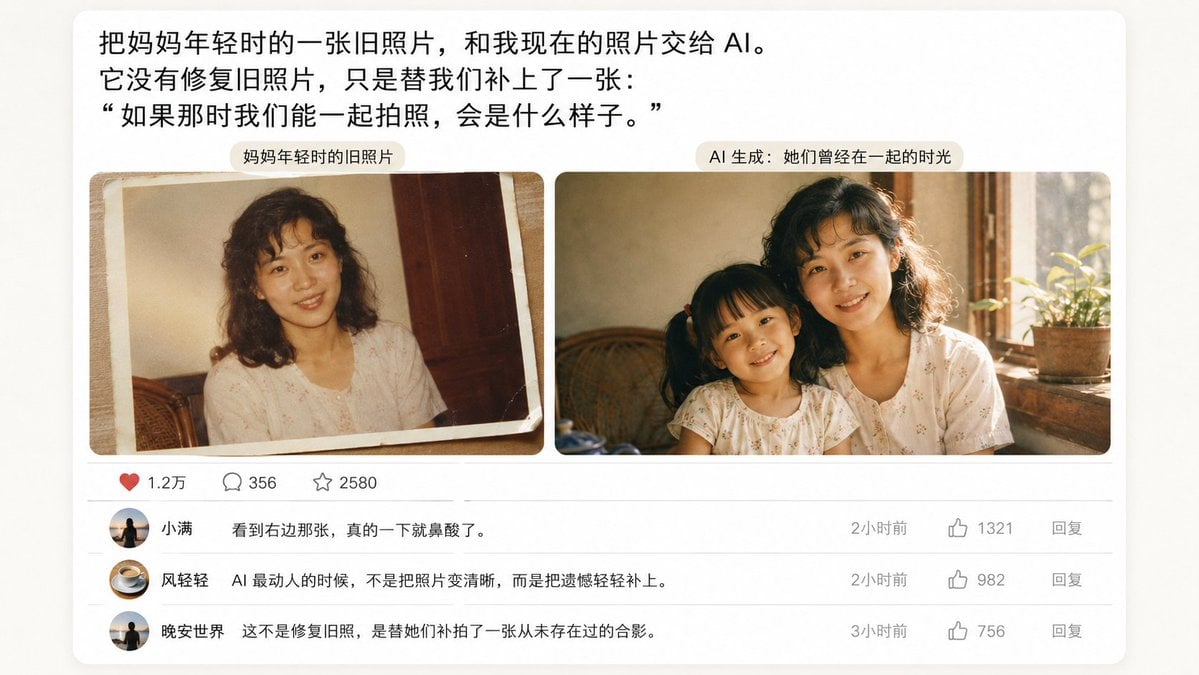
Emotional Mother's Day Comparison Prompt
Browse template categories
Dark TRPG Antagonist Character Sheet questions
How do I use the Dark TRPG Antagonist Character Sheet template?
Add your photo if the template asks for one, edit the prompt if you like — the template's model and format are already selected — and press Generate. Your version opens in PicX Studio.
Can I customize the Dark TRPG Antagonist Character Sheet template?
Yes. You can change the subject, setting, lighting, mood, format, and available model controls before creating your image.
Is the Dark TRPG Antagonist Character Sheet template free?
Opening and editing this template is free. Generating uses credits, shown on the Generate button when you are signed in.
Which AI model should I use?
Start with GPT Image 2, which is the model associated with this template. You can compare another compatible model for a different finish.
Looking for something else? Browse all templates.

Your photo, any look
Thousands of ready templates for every top image and video model, from one credit balance.