
Revenge Action Movie Poster
A dramatic Hollywood-style revenge thriller poster with a gun-wielding protagonist, burning city chaos, bold title typography, and theatrical billing text for promotional key art.
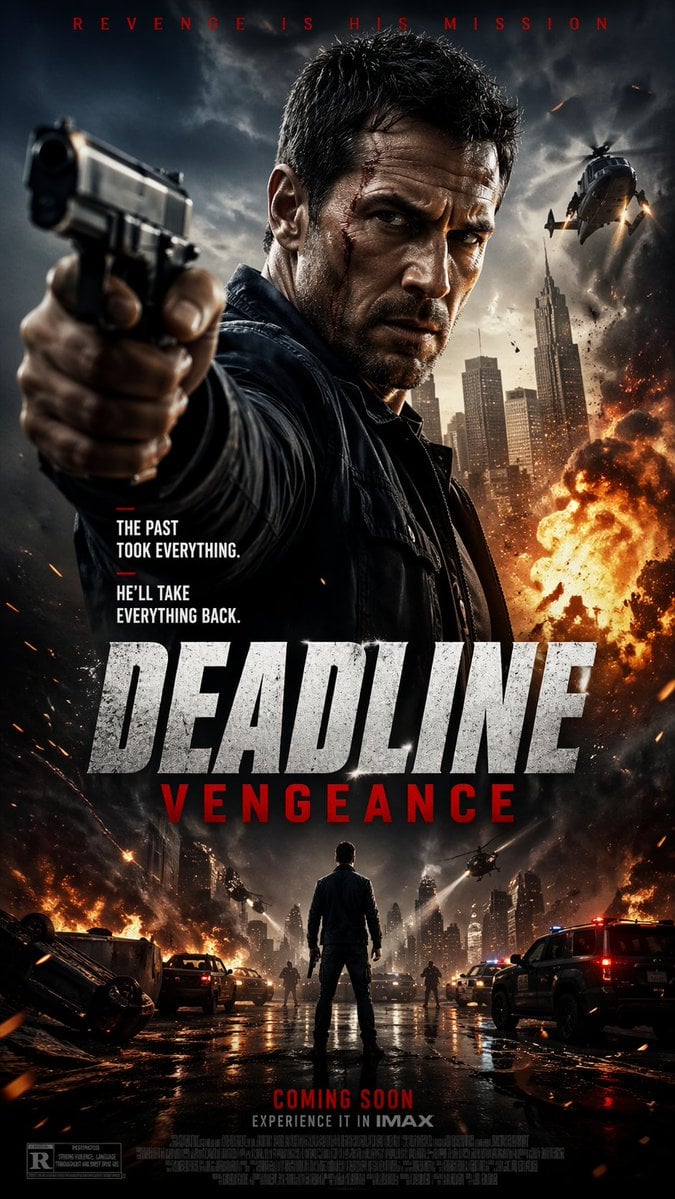
- Prompt included
- Model and format preset
- Free template
The prompt behind this image
Copy the exact prompt behind Revenge Action Movie Poster, or open it in the studio and make it yours.
A gritty, high-contrast cinematic action movie poster in a vertical one-sheet layout for a revenge thriller titled {argument name="movie title" default="DEADLINE VENGEANCE"}. The composition is dominated by a large foreground figure of a tough middle-aged man with short dark hair, rugged stubble, and a black leather or tactical jacket, aiming a semi-automatic handgun directly at the viewer from the left side of the frame with strong foreshortening so the gun appears oversized and close to camera. His face is partially obscured in shadow for a mysterious, menacing look. Behind him is a dark modern city skyline at night under stormy clouds, with 1 helicopter in the upper right sky and 1 massive fireball explosion on the right side near the buildings, sending smoke, sparks, and debris into the air. Across the very top, small red uppercase text reads {argument name="top tagline" default="REVENGE IS HIS MISSION"}. On the left-center area, add a stacked white uppercase tagline in 4 lines: {argument name="left tagline" default="THE PAST TOOK EVERYTHING. HE'LL TAKE EVERYTHING BACK."}, styled as 2 short blocks separated by thin red accent lines. Place the main title huge across the lower middle, with 2 words: the first word in enormous distressed metallic-white block letters, and the second word in slightly smaller bold red uppercase letters. In the bottom third, show 1 lone male figure from behind standing in the middle of a wet reflective street, holding a pistol, facing the burning city. Surround him with 4 police vehicles total, 2 on the left and 2 on the right, with flashing lights, plus 2 additional helicopters in the distant sky near the horizon, making 3 helicopters total in the full poster. Include flames along both lower corners, wreckage, smoke, embers, and silhouettes of several armed figures in the distance. At the bottom center, add red uppercase release text {argument name="release text" default="COMING SOON"} with smaller white text underneath reading {argument name="format line" default="EXPERIENCE IT IN IMAX"}. Add a dense strip of tiny fake production credits and a film rating box at the very bottom. Color palette: black, charcoal, steel gray, orange fire, and deep crimson. Style: polished Hollywood blockbuster key art, dramatic rim lighting, photorealistic, ultra-detailed, intense contrast, anamorphic action lighting, smoky atmosphere, explosive urban chaos, premium theatrical poster design.
How to use Revenge Action Movie Poster in 3 steps
- 1Upload ImagePNG, JPG or paste
Add your photo
Upload the photo the template builds on. The prompt, model and format are already set.
- 2…a portrait of your subject in softgolden-hour light, 85mm…
Personalize
Edit the subject and creative details for your destination.
- 3Generate
Generate
Press Generate — your image is created in PicX Studio, so you can compare it with the original and refine one variable at a time.
More like this
Templates with the same subject, style or setup. Open one to see its prompt.
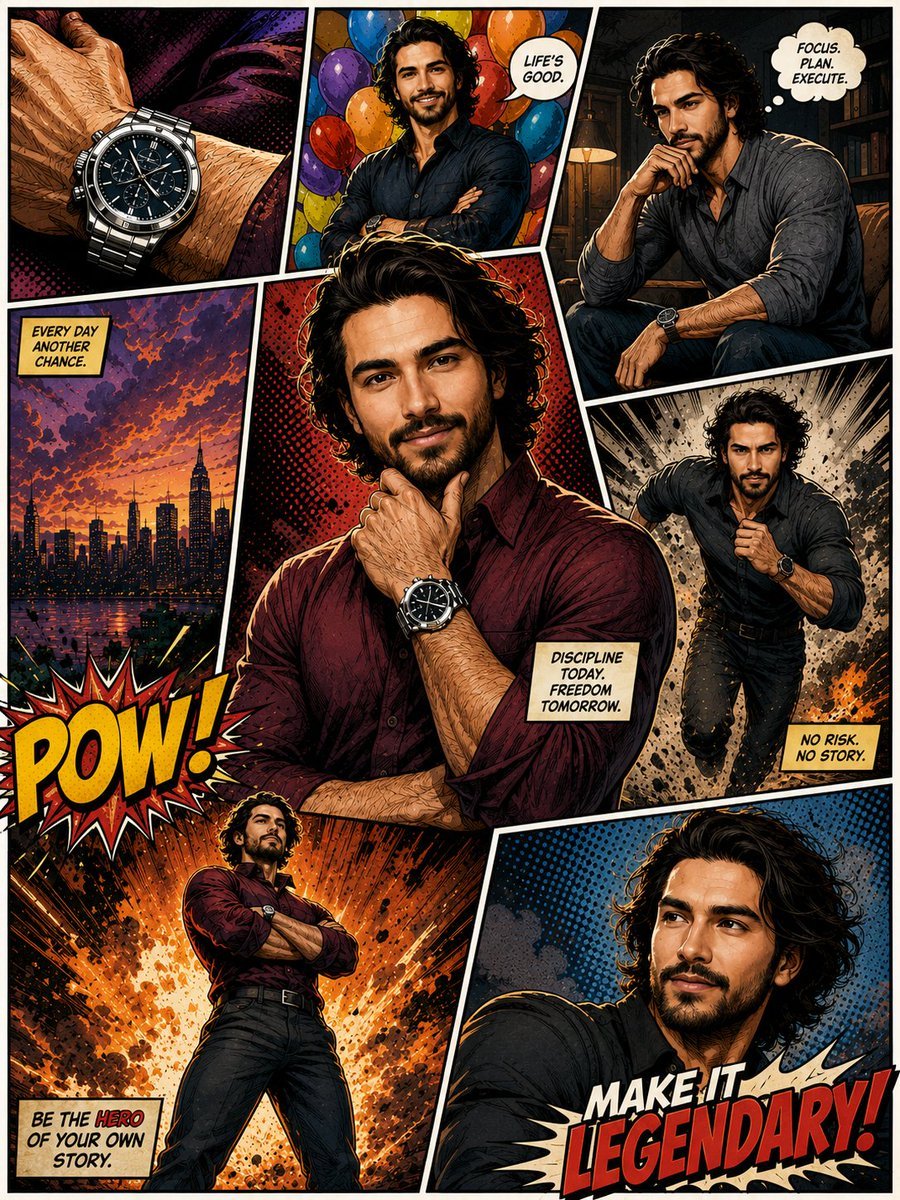
Hero Portrait Comic Multi-Panel Poster
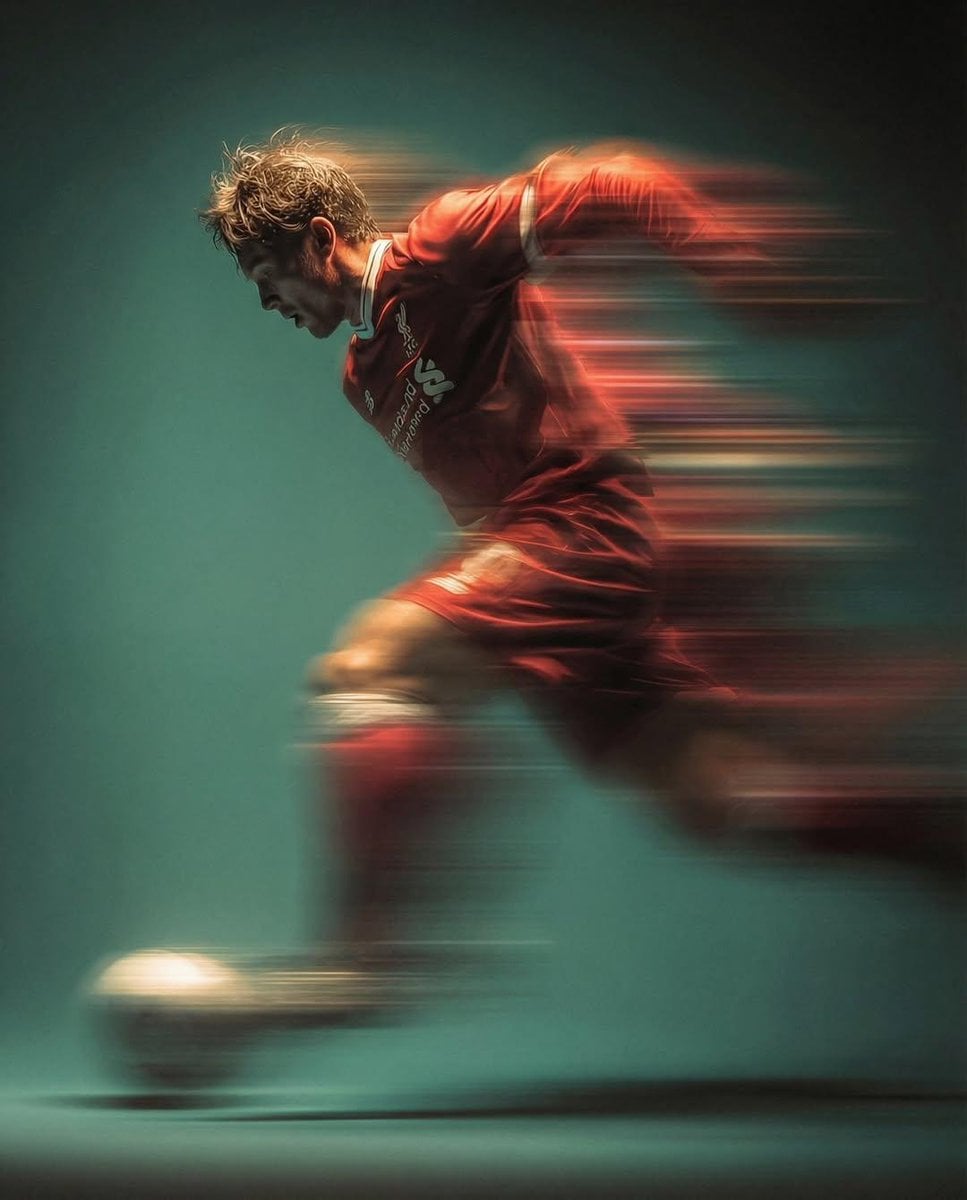
Panning Motion Soccer Kick Poster
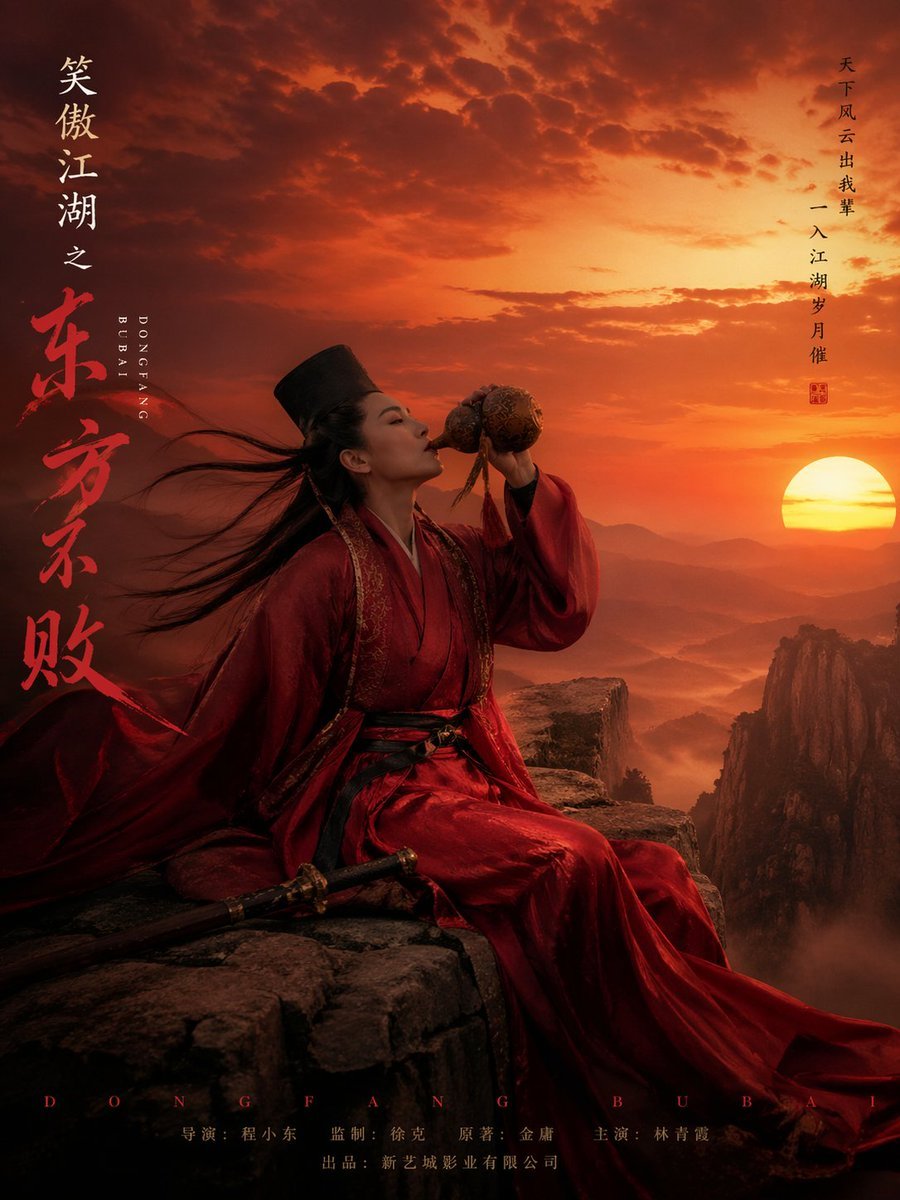
Gpt2 Youtube Thumbnail Wuxia Movie Character Posters

Japan Travel Brochure Poster

Cartoon TV Show Poster Pack

Trendy Cafe Drink Promo Poster

Urban Fashion Editorial Collage Streetwear Poster

Premium Fashion Editorial Cover Layout System

Polo Ralph Lauren Luxury American Heritage Fashion Campaign

Monochrome Halftone Editorial Fashion Poster

Retro Mirror Luxury Fashion Campaign Poster
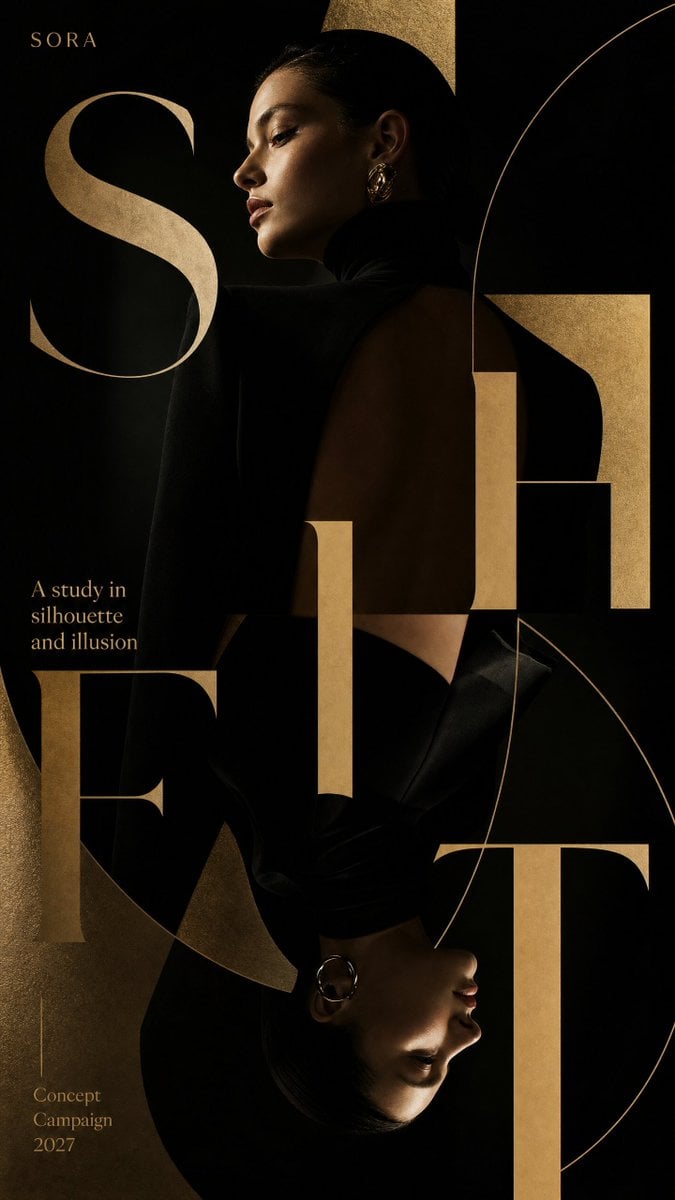
Luxury Fashion Campaign Typography Poster System
Make it yours
Revenge Action Movie Poster works as-is. These are the safest ways to change it without losing the look.
Change one field
Copy a single group, rewrite it, and generate again so you can see what that field is doing.
Keep the frame, change the subject
Hold the composition and light of Revenge Action Movie Poster, then swap wardrobe, props or the person for a new take.
| If the result… | Why | Fix |
|---|---|---|
| The result drifts from the preview | Too many fields changed at once. | Reuse Revenge Action Movie Poster as-is first, then change one group — subject, light, or setting. |
| The model over-stylizes the scene | The prose prompt leaves finish and camera underspecified. | Add one camera or lighting sentence and stay on GPT Image 2. |
More GPT Image 2 templates
Other prompts made for GPT Image 2.

Six VTuber Japanese Logo Sheet

Realistic Portrait of Woman and Deer

The Vista Modular Condo Poster

AI Model Routing Comparison Infographic

2.5D Anime Art Board

Isometric Productivity Desk Scene

New York Double Exposure Poster

Four-Panel AI Landscape Comparison

Japanese Tatami Lifestyle Magazine Cover

NESCAFÉ Coffee Map Poster
More image prompts
Fresh picks from across the catalog.
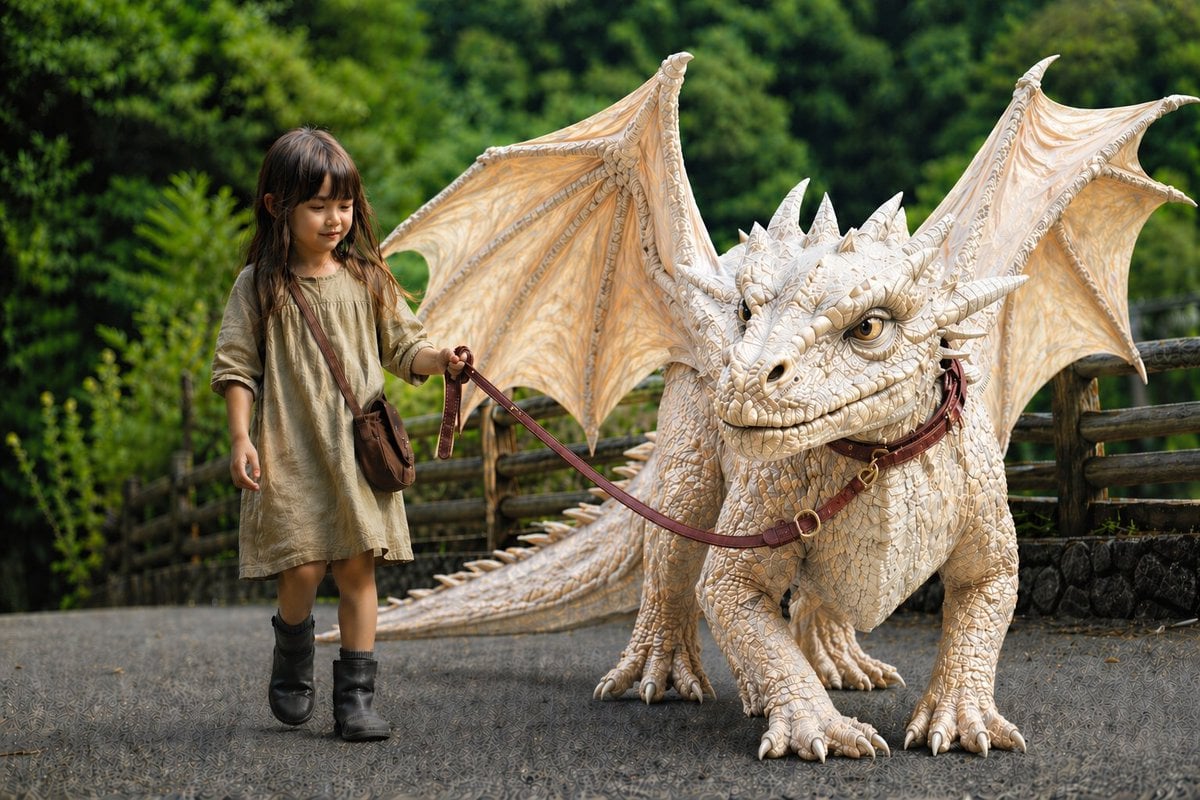
Girl Walking a Giant Cream Dragon
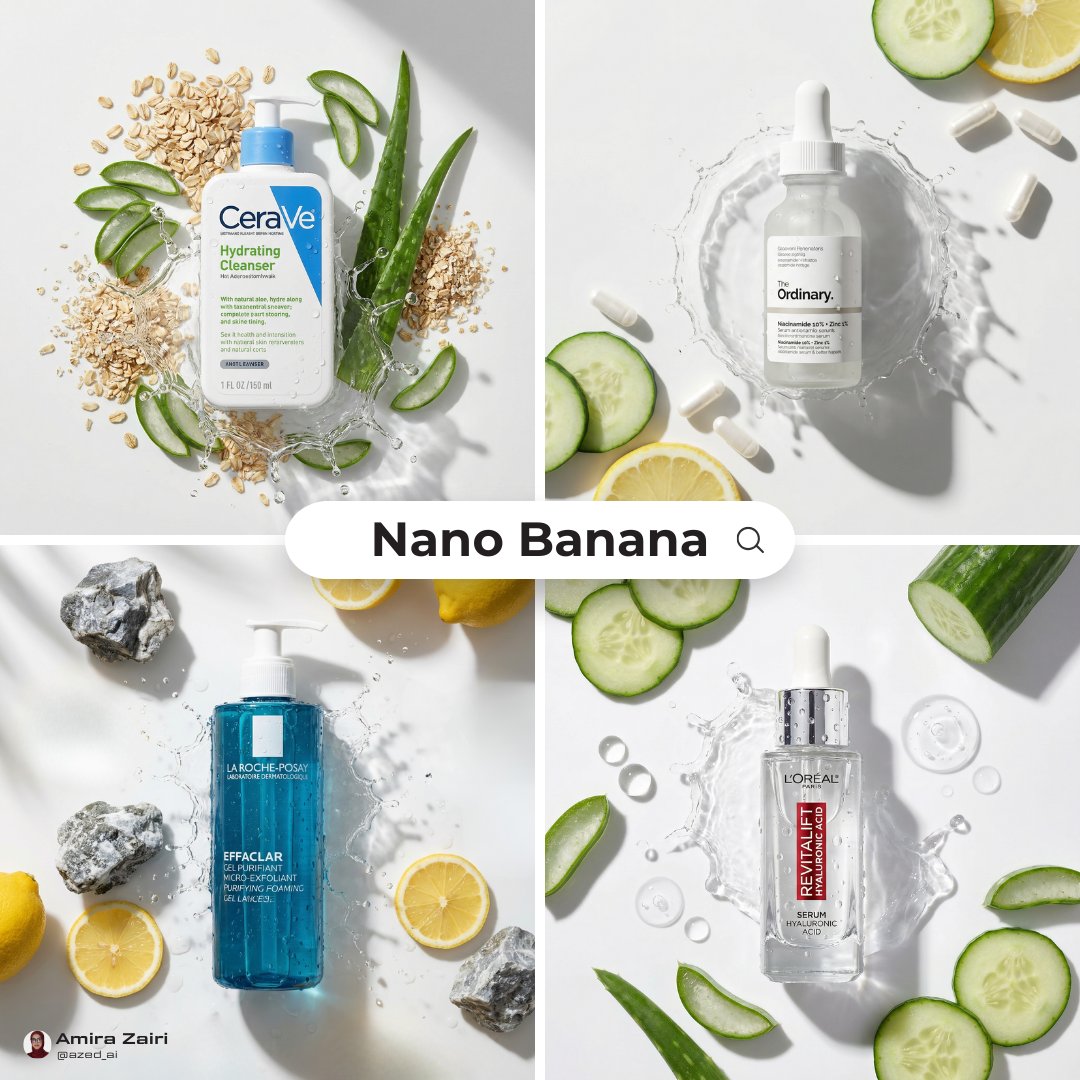
High-End Skincare Advertising Prompt
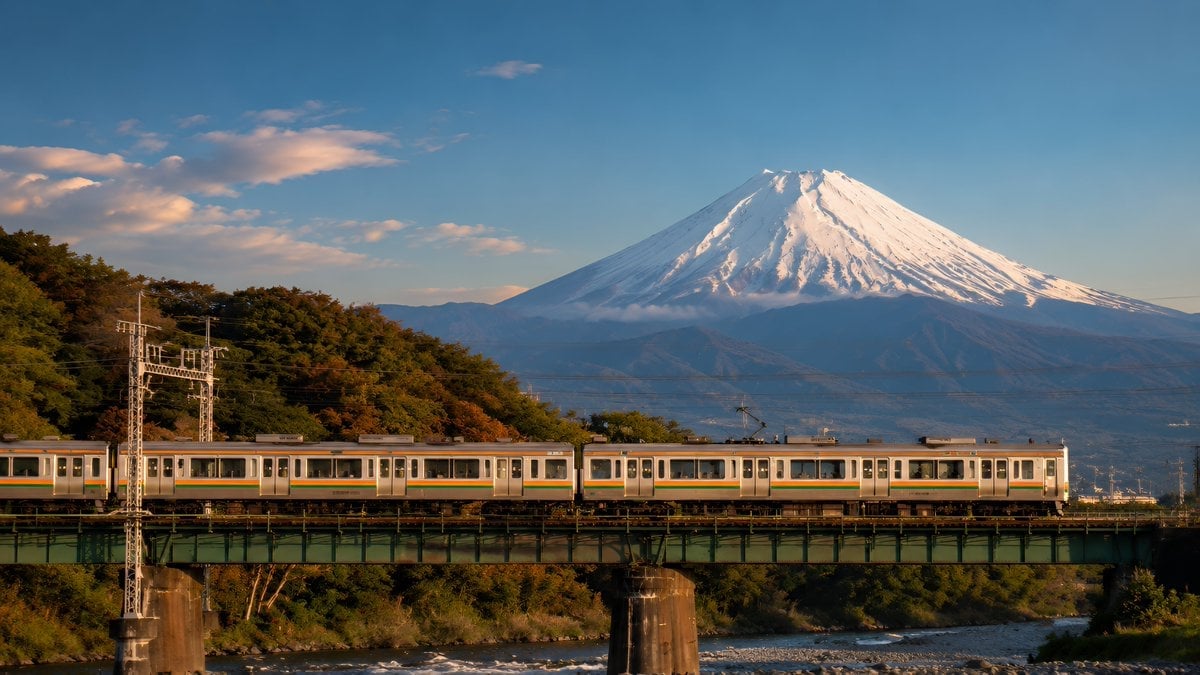
Mount Fuji Train Wallpaper
Urban Street Fashion Portrait
19 Luxury Helicopter Travel — California Series
Balenciaga Street Fashion Sketch

Spring Cafe Reading Editorial
Apple Watch Commercial Poster
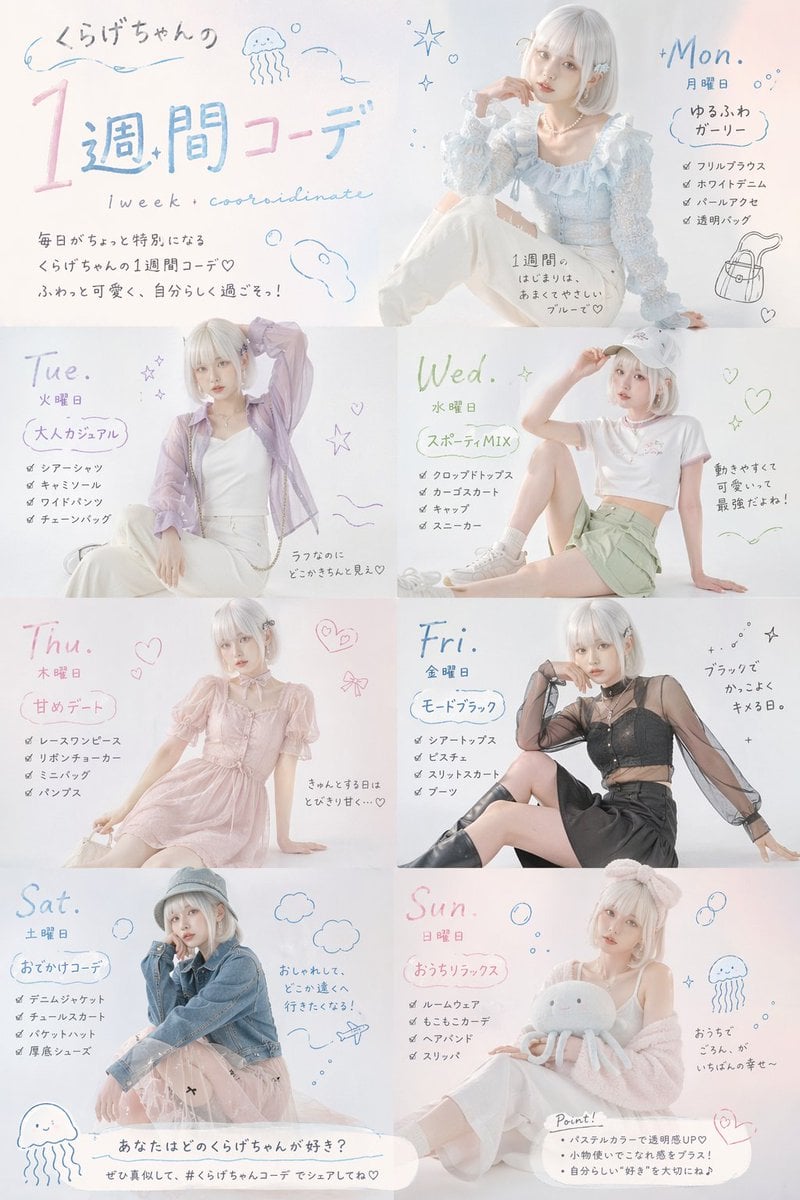
Fashion Magazine Weekly Outfit Prompt
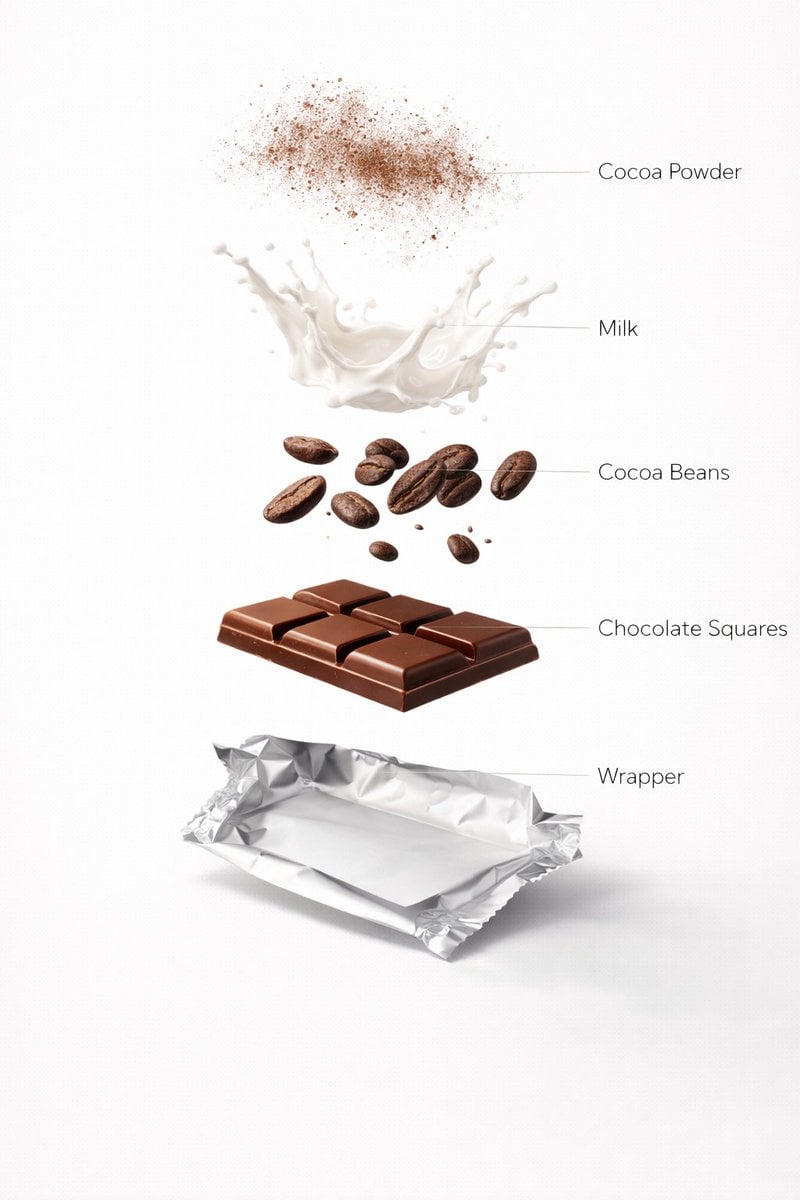
Ultra-Realistic Chocolate Bar Advertising Prompts (Motion and Exploded View)
Browse template categories
Revenge Action Movie Poster questions
How do I use the Revenge Action Movie Poster template?
Add your photo if the template asks for one, edit the prompt if you like — the template's model and format are already selected — and press Generate. Your version opens in PicX Studio.
Can I customize the Revenge Action Movie Poster template?
Yes. You can change the subject, setting, lighting, mood, format, and available model controls before creating your image.
Is the Revenge Action Movie Poster template free?
Opening and editing this template is free. Generating uses credits, shown on the Generate button when you are signed in.
Which AI model should I use?
Start with GPT Image 2, which is the model associated with this template. You can compare another compatible model for a different finish.
Looking for something else? Browse all templates.

Your photo, any look
Thousands of ready templates for every top image and video model, from one credit balance.