
Anime Pilot Reference Sheet
This prompt generates a polished Evangelion-style anime character design sheet with full-body views, facial studies, equipment callouts, and labeled color notes for concept art or character presentation.
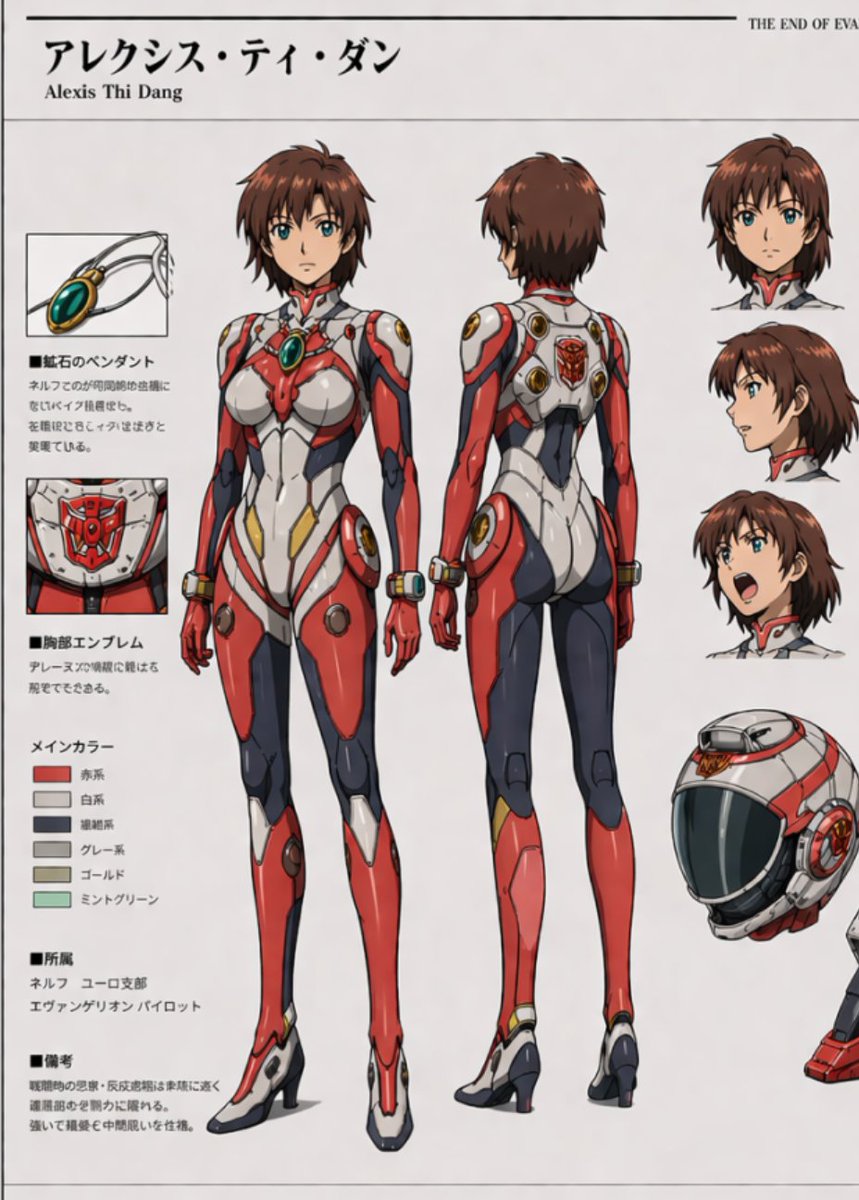
- Prompt included
- Model and format preset
- Free template
The prompt behind this image
Copy the exact prompt behind Anime Pilot Reference Sheet, or open it in the studio and make it yours.
- Type
- anime character reference sheet
- Style
- clean official mecha-anime design sheet, white background, thin black border lines, polished cel-shaded illustration, highly detailed plugsuit materials and seams, similar to a production model sheet
- Franchise Vibe
- Evangelion-inspired pilot character sheet
- Character › Name
- {argument name="character name" default="アレクシス・ティ・ダン"}
- Character › Romanized Name
- Alexis Thi Dang
- Character › Gender Presentation
- young woman
- Character › Age Appearance
- late teenager to young adult
- Character › Hair › Color
- {argument name="hair color" default="auburn brown"}
- Character › Hair › Style
- short layered bob with soft outward flips, slightly messy ends, side-swept bangs
- Character › Eyes › Color
- teal blue
- Character › Eyes › Style
- large anime eyes
- Character › Expression Vibe
- confident, energetic pilot
- Outfit › Type
- futuristic pilot plugsuit
- Outfit › Primary Colors
- red, white, dark navy, gray-black, gold, mint green
- Outfit › Design
- skin-tight biomechanical suit with glossy and matte paneling, white torso armor, red chest and limb plating, dark navy inner leg and side panels, gold accent inserts near hips and joints, mint-green oval chest jewel pendant embedded at the upper chest, circular mechanical ports at shoulders, hips and wrists, high sculpted collar, integrated high-heeled boot shape
- Layout › Canvas
- vertical portrait sheet
- Layout › Sections › 0 › Title
- main full-body views
- Layout › Sections › 0 › Position
- center
- Layout › Sections › 0 › Count
- 2
- Layout › Sections › 0 › Labels
- front view, back view
- Layout › Sections › 1 › Title
- 顔アップ
- Layout › Sections › 1 › Position
- right side upper column
- Layout › Sections › 1 › Count
- 3
- Layout › Sections › 1 › Labels
- front neutral head, side profile head, shouting expression head
Raw JSON
{"type":"anime character reference sheet","style":"clean official mecha-anime design sheet, white background, thin black border lines, polished cel-shaded illustration, highly detailed plugsuit materials and seams, similar to a production model sheet","franchise vibe":"Evangelion-inspired pilot character sheet","character":{"name":"{argument name=\"character name\" default=\"アレクシス・ティ・ダン\"}","romanized name":"Alexis Thi Dang","gender presentation":"young woman","age appearance":"late teenager to young adult","hair":{"color":"{argument name=\"hair color\" default=\"auburn brown\"}","style":"short layered bob with soft outward flips, slightly messy ends, side-swept bangs"},"eyes":{"color":"teal blue","style":"large anime eyes"},"expression vibe":"confident, energetic pilot"},"outfit":{"type":"futuristic pilot plugsuit","primary colors":["red","white","dark navy","gray-black","gold","mint green"],"design":"skin-tight biomechanical suit with glossy and matte paneling, white torso armor, red chest and limb plating, dark navy inner leg and side panels, gold accent inserts near hips and joints, mint-green oval chest jewel pendant embedded at the upper chest, circular mechanical ports at shoulders, hips and wrists, high sculpted collar, integrated high-heeled boot shape"},"layout":{"canvas":"vertical portrait sheet","sections":[{"title":"main full-body views","position":"center","count":2,"labels":["front view","back view"]},{"title":"顔アップ","position":"right side upper column","count":3,"labels":["front neutral head","side profile head","shouting expression head"]},{"title":"detail insets","position":"left side column","count":2,"labels":["pendant close-up","chest emblem close-up"]},{"title":"helmet","position":"right side lower area","count":1,"labels":["pilot helmet three-quarter view"]},{"title":"メインカラー","position":"left lower-middle","count":6,"labels":["赤系","白系","紺色系","グレー系","ゴールド","ミントグリーン"]},{"title":"text info blocks","position":"left column","count":4,"labels":["■藍石のペンダント","■胸部エンブレム","■所属","■備考"]}],"header":{"large_name":"{argument name=\"header name\" default=\"アレクシス・ティ・ダン\"}","subtitle":"Alexis Thi Dang","top_right_small_text":"THE END OF EVA"}},"composition":{"centerpiece":"two full-body character turnarounds occupying most of the page, front view on the left and back view on the right","right_column":"three floating head studies stacked vertically plus a large helmet rendering below","left_column":"two boxed detail callouts with Japanese explanatory text, a 6-swatch color palette, and two additional Japanese info paragraphs","margins":"generous white margins with technical-sheet spacing"},"rendering notes":"sharp anime line art, subtle shadows, glossy highlights on suit, precise seam lines, realistic panel joins, elegant proportions, high-fashion stance, feet slightly apart, arms relaxed at sides","negative prompts":"no background scene, no extra characters, no messy sketch lines, no photorealism, no 3D render look, no heavy texture, no watermark"}How to use Anime Pilot Reference Sheet in 3 steps
- 1Upload ImagePNG, JPG or paste
Add your photo
Upload the photo the template builds on. The prompt, model and format are already set.
- 2…a portrait of your subject in softgolden-hour light, 85mm…
Personalize
Edit the subject and creative details for your destination.
- 3Generate
Generate
Press Generate — your image is created in PicX Studio, so you can compare it with the original and refine one variable at a time.
More like this
Templates with the same subject, style or setup. Open one to see its prompt.
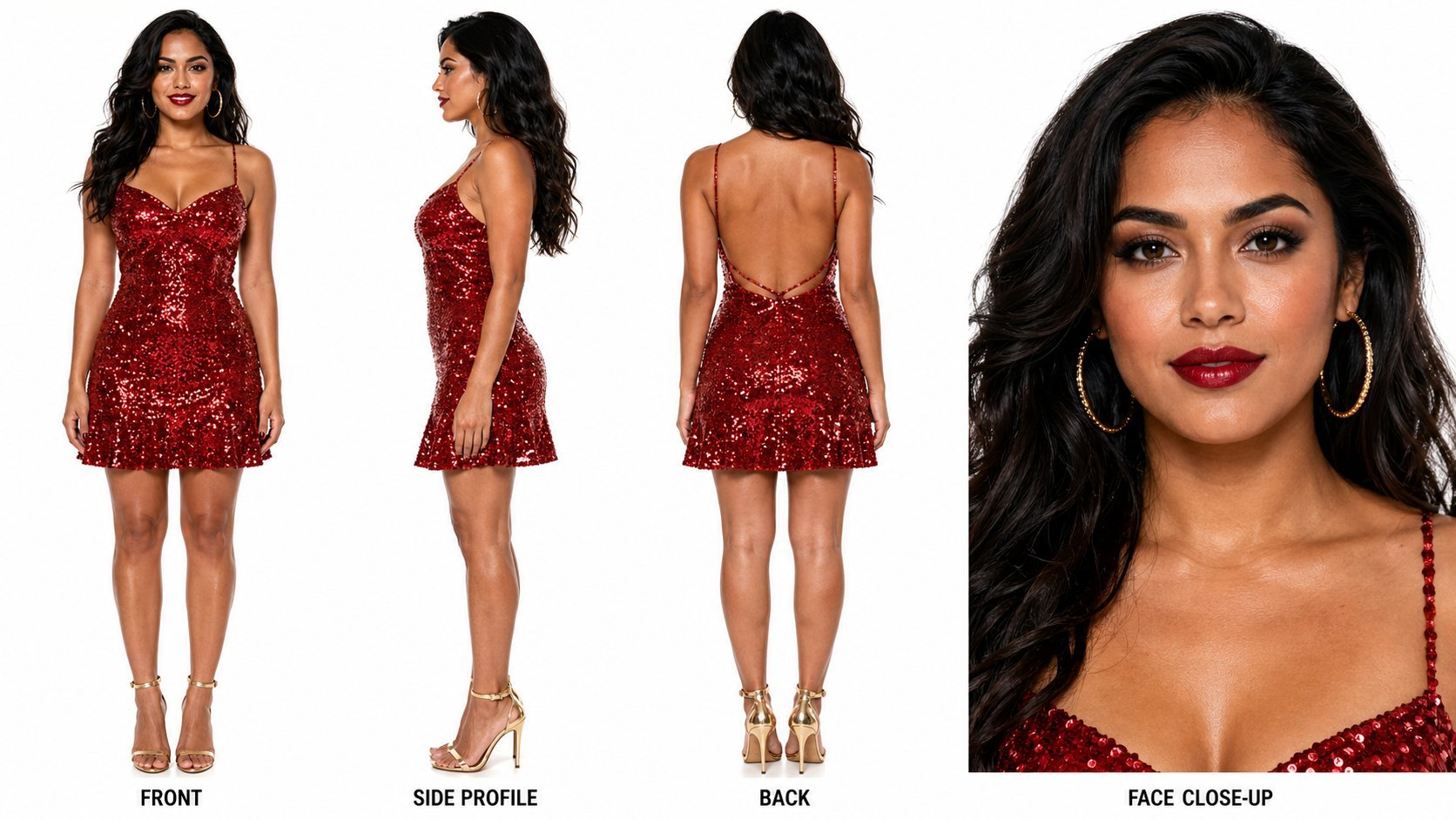
Dancer Character - Four View Reference Sheet
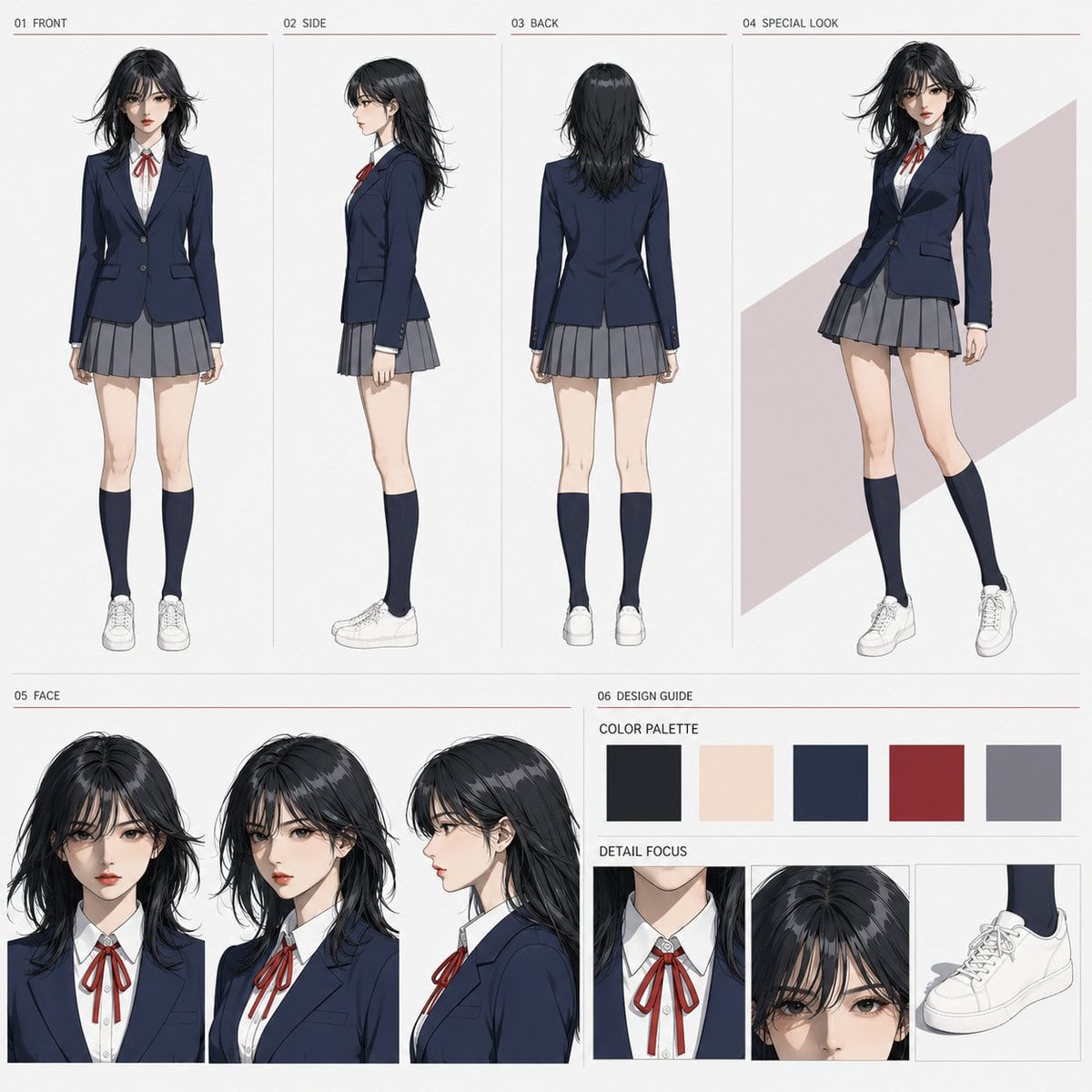
Anime Character Sheet Reference Prompt
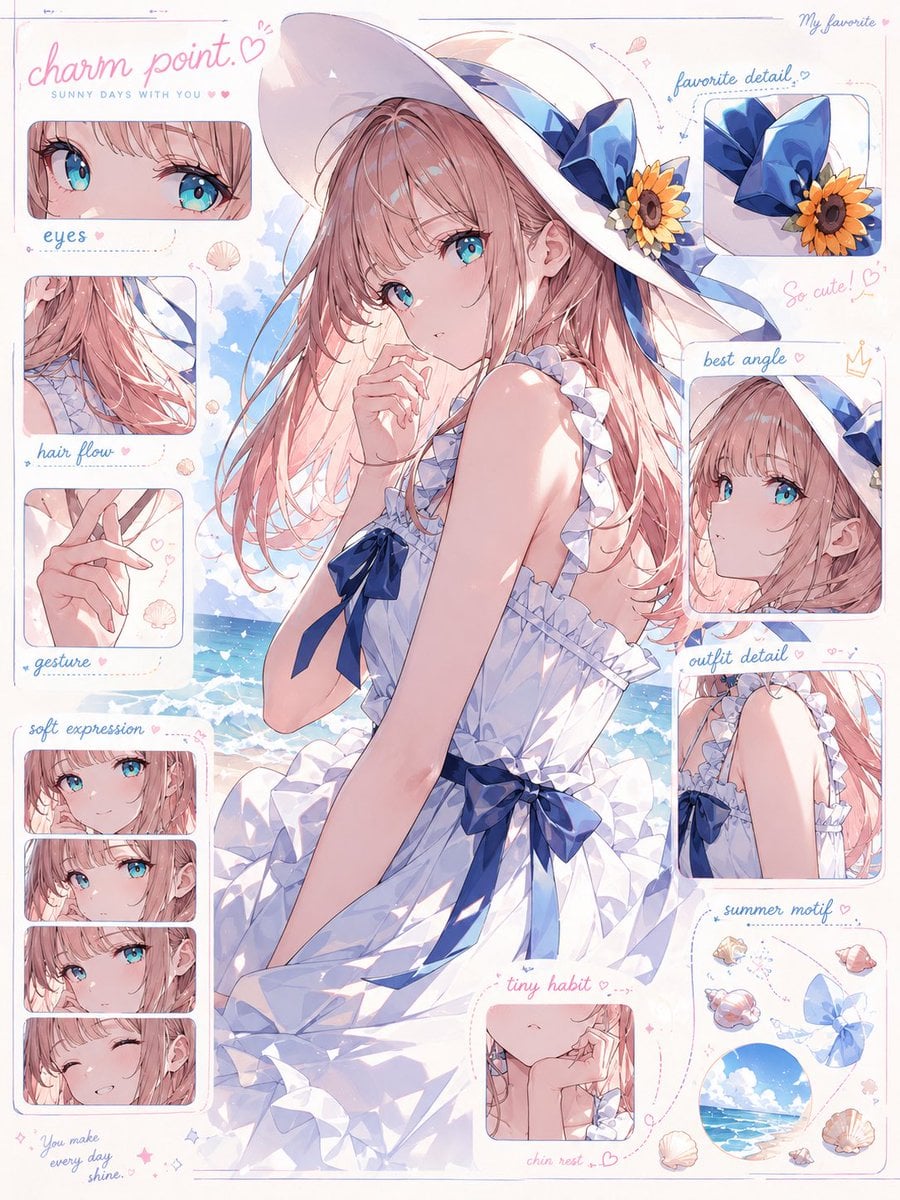
Anime Character Charm Analysis Sheet
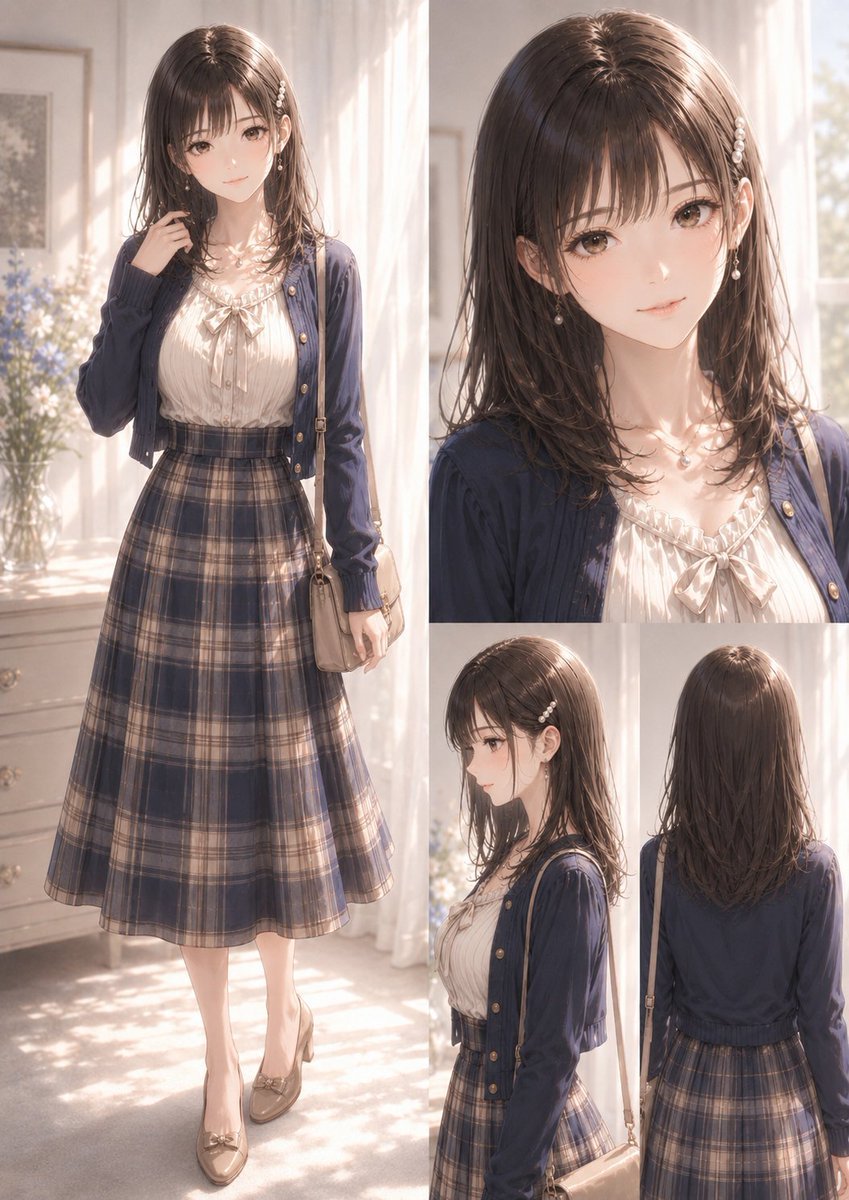
Elegant Anime Fashion Reference Sheet
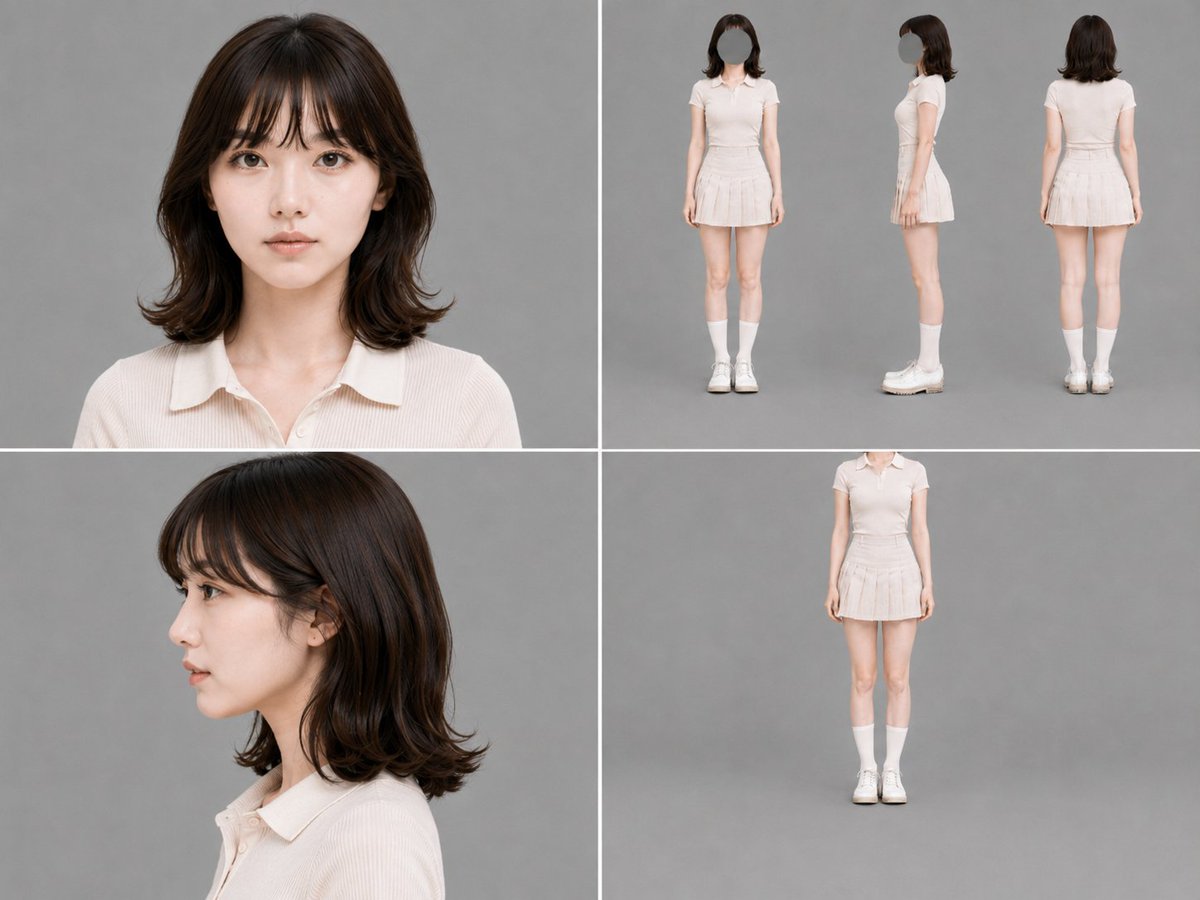
Gray Studio Character Reference Sheet
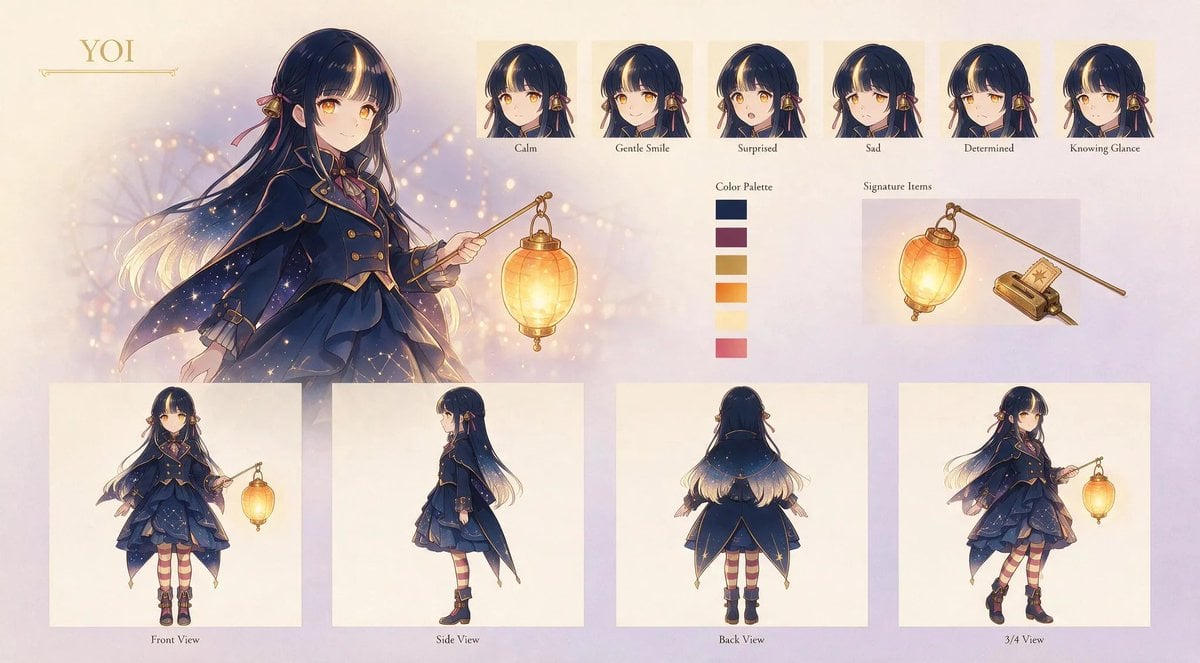
Anime Lantern Girl Character Sheet
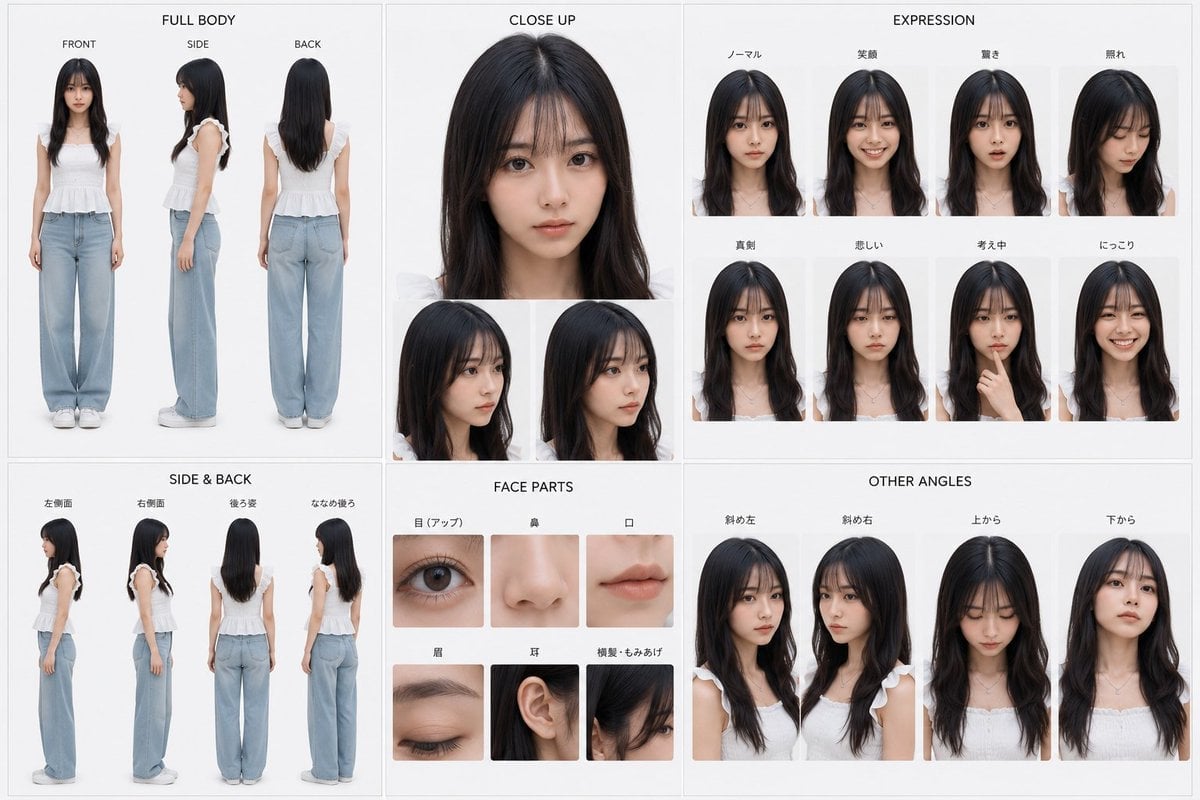
Photoreal Character Reference Sheet
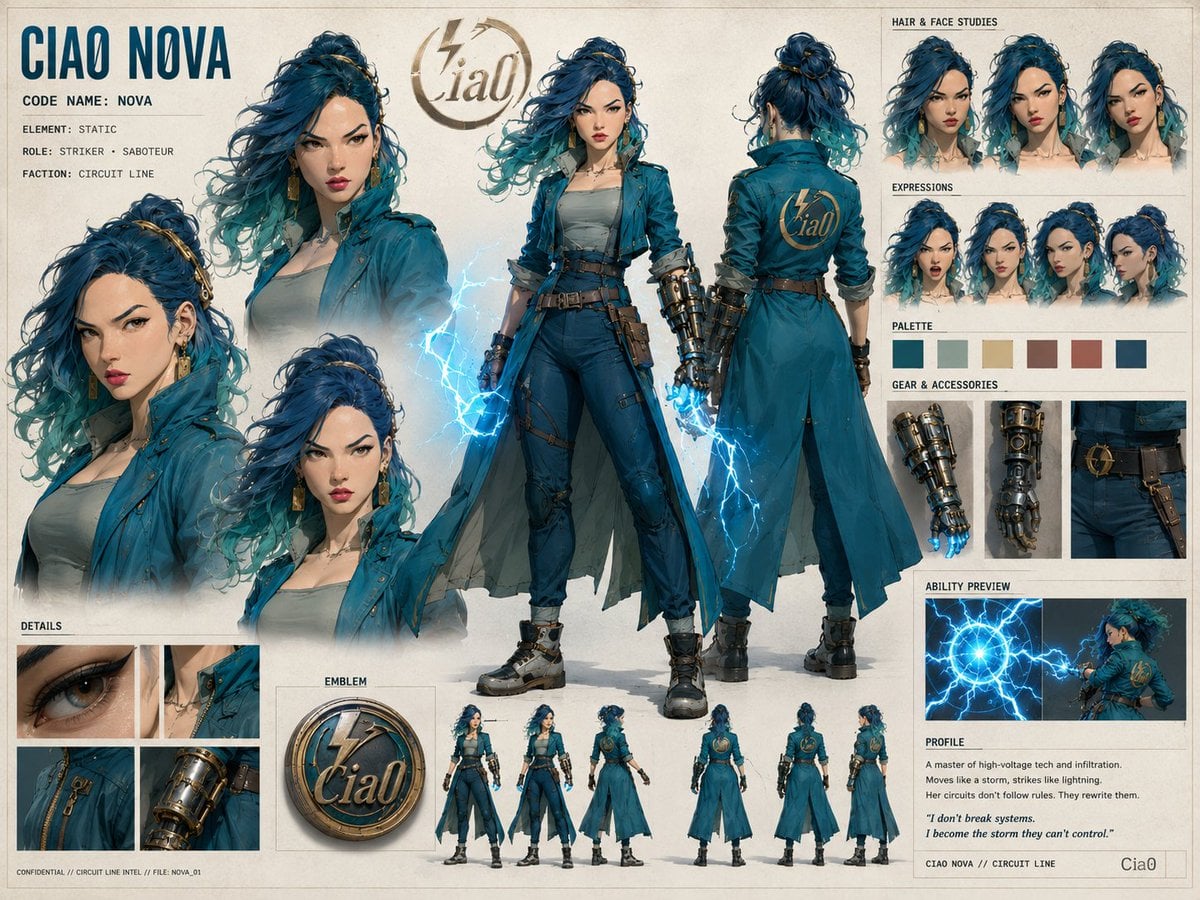
Ciao Nova Character Reference Sheet

Cel 2D Finale Fireworks

Cel 2D Garden Maze

Cel 2D Rooftop Concert
Cel 2D Bicycle Coast
Make it yours
Anime Pilot Reference Sheet works as-is. These are the safest ways to change it without losing the look.
Change one field
Copy a single group, rewrite it, and generate again so you can see what that field is doing.
Keep the frame, change the subject
Hold the composition and light of Anime Pilot Reference Sheet, then swap wardrobe, props or the person for a new take.
| If the result… | Why | Fix |
|---|---|---|
| The result drifts from the preview | Too many fields changed at once. | Reuse Anime Pilot Reference Sheet as-is first, then change one group — subject, light, or setting. |
| GPT Image 2 ignores part of the JSON | Some models flatten or skip nested keys. | Keep the same values and paste them as a short paragraph instead. |
More GPT Image 2 templates
Other prompts made for GPT Image 2.

Six VTuber Japanese Logo Sheet

Realistic Portrait of Woman and Deer

The Vista Modular Condo Poster

AI Model Routing Comparison Infographic

2.5D Anime Art Board

Isometric Productivity Desk Scene

New York Double Exposure Poster

Four-Panel AI Landscape Comparison

Japanese Tatami Lifestyle Magazine Cover

NESCAFÉ Coffee Map Poster
More image prompts
Fresh picks from across the catalog.

8K Cinematic Winter Portrait in Jammu & Kashmir

Structured Prompt for Ultra-Realistic Portrait of Man in Snowstorm
Backlit Censored Portrait
Japanese Shoe Laundry Bag Ad
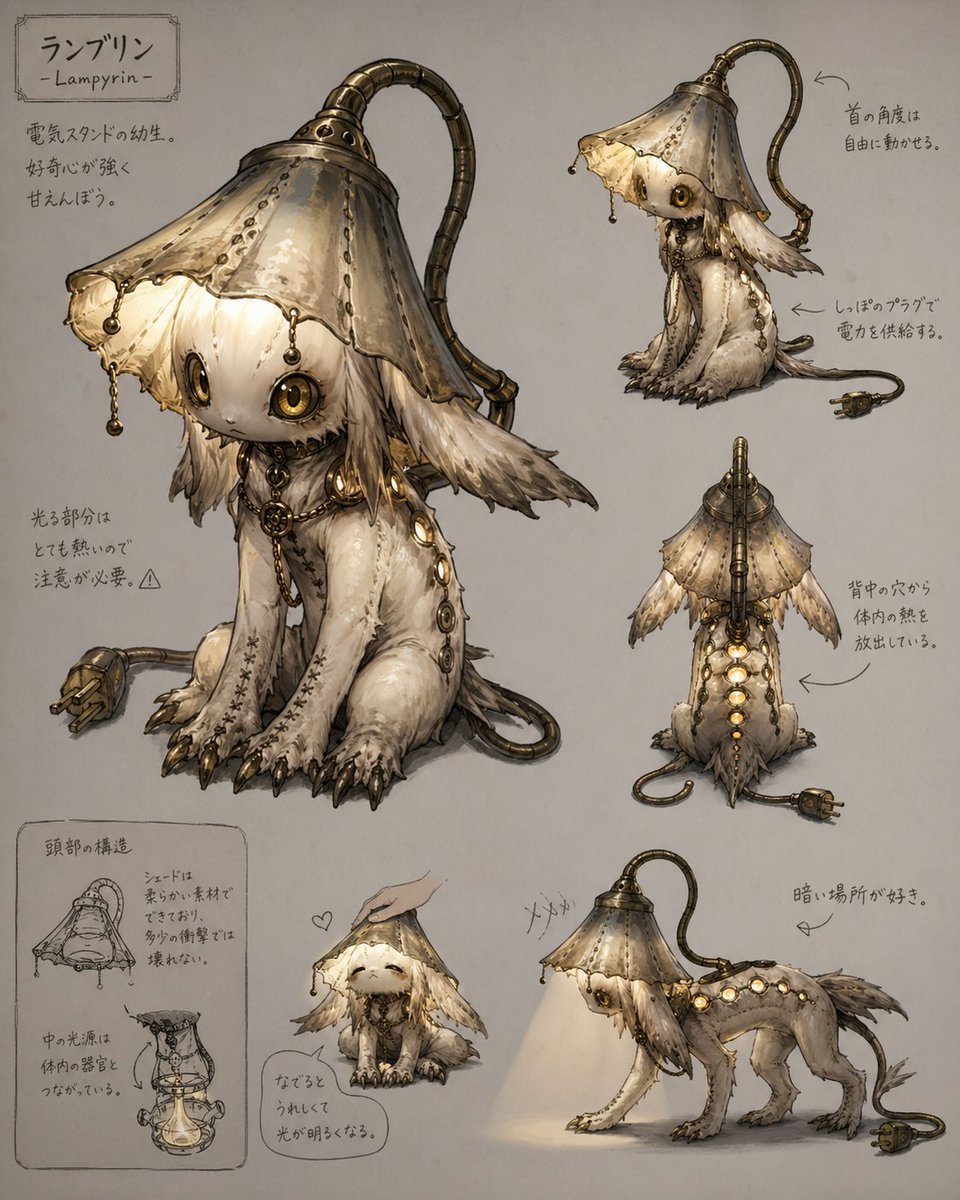
Lamp-Creature Concept Art Sheet
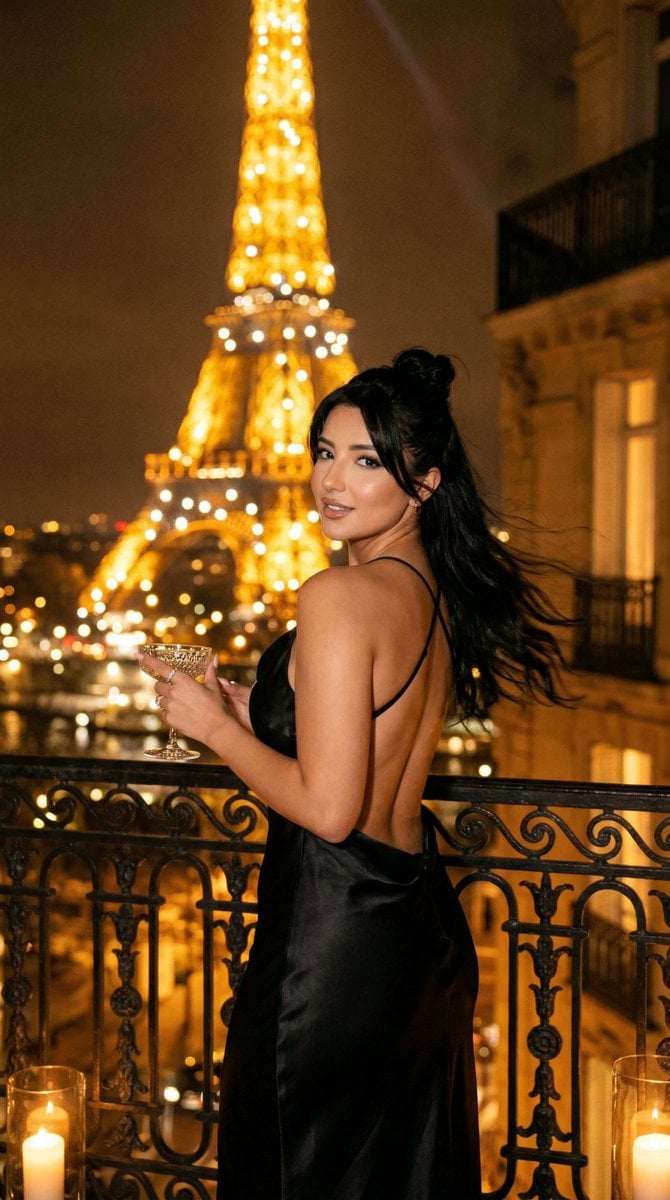
Nano Banana - Yacht Eiffel Night

Iridescent Water Phone Wallpaper
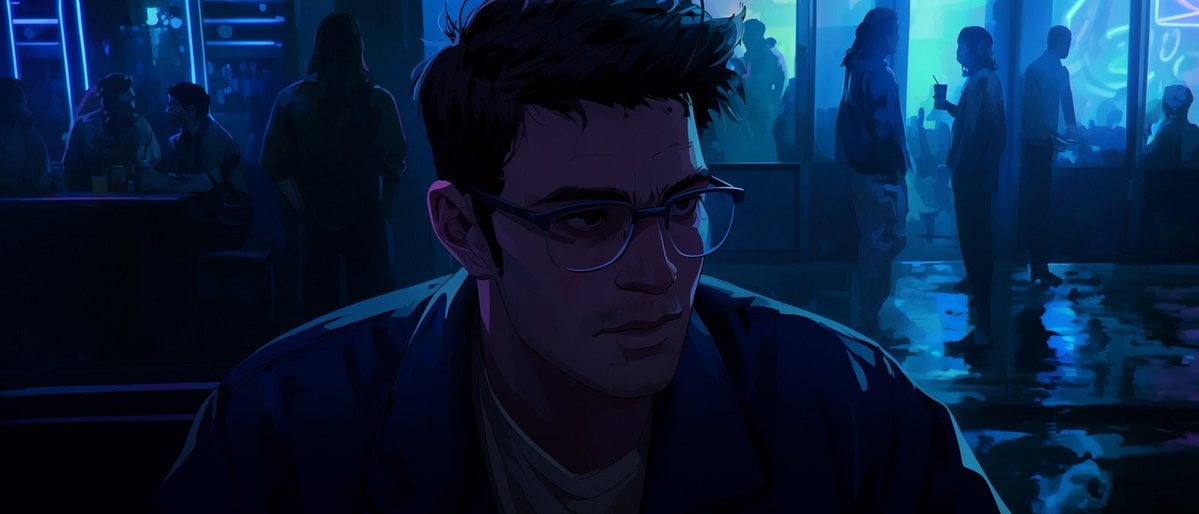
Censored Neon Noir Anime Portrait
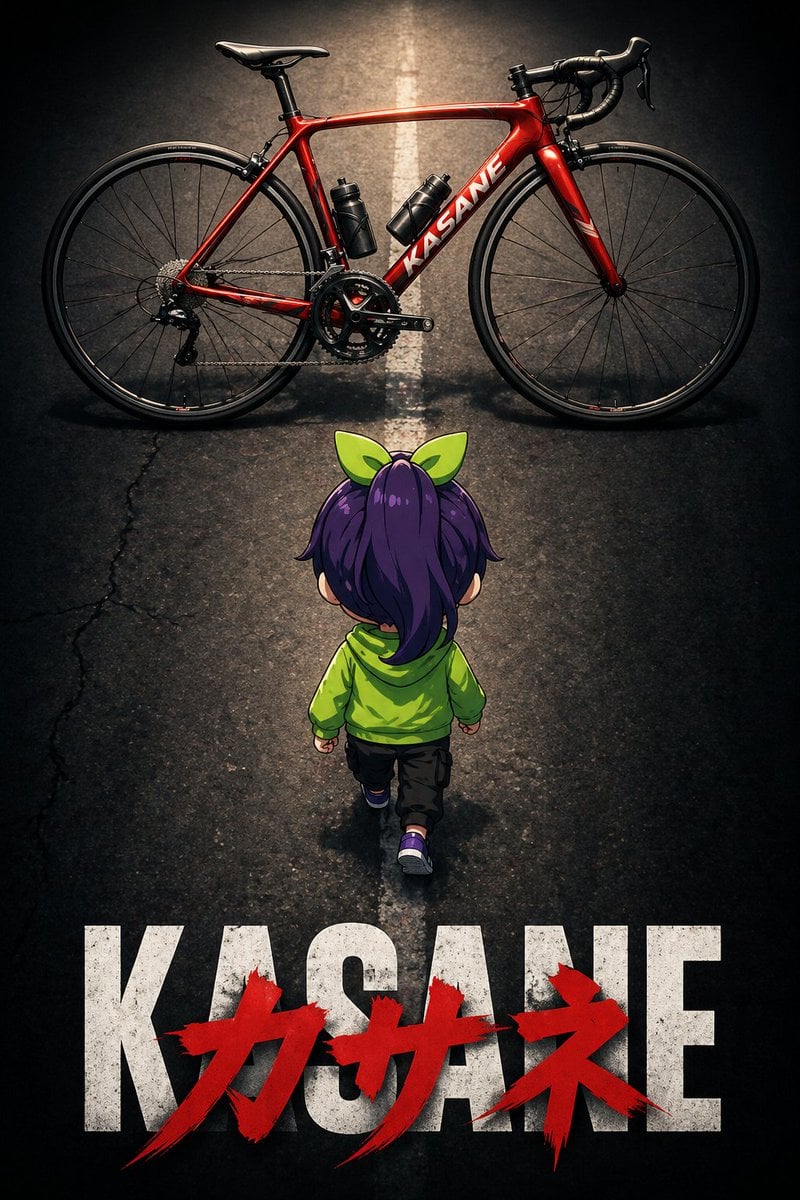
Dramatic Chibi Anime Poster

X Ozayrr Irl Chatgpt Image 2 Vs Google
Browse template categories
Anime Pilot Reference Sheet questions
How do I use the Anime Pilot Reference Sheet template?
Add your photo if the template asks for one, edit the prompt if you like — the template's model and format are already selected — and press Generate. Your version opens in PicX Studio.
Can I customize the Anime Pilot Reference Sheet template?
Yes. You can change the subject, setting, lighting, mood, format, and available model controls before creating your image.
Is the Anime Pilot Reference Sheet template free?
Opening and editing this template is free. Generating uses credits, shown on the Generate button when you are signed in.
Which AI model should I use?
Start with GPT Image 2, which is the model associated with this template. You can compare another compatible model for a different finish.
Looking for something else? Browse all templates.

Your photo, any look
Thousands of ready templates for every top image and video model, from one credit balance.