
Moody Vintage Bedroom at Night
This prompt generates a cinematic nostalgic interior photo of an old bedroom lit by a bedside lamp, ideal for atmospheric storytelling, retro set design, or mood-board imagery.
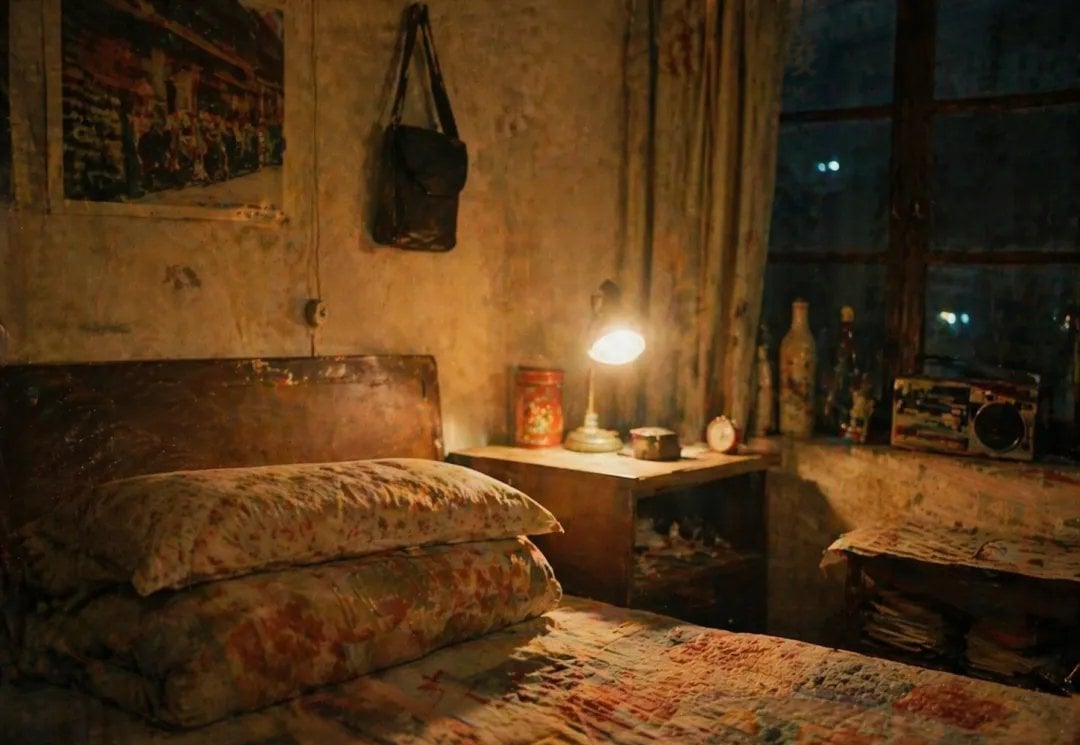
- Prompt included
- Model and format preset
- Free template
The prompt behind this image
Copy the exact prompt behind Moody Vintage Bedroom at Night, or open it in the studio and make it yours.
A moody cinematic photograph of a small old-fashioned bedroom at night, viewed from bedside height. In the left foreground, a worn wooden bed with a dark headboard is covered by a faded patchwork quilt, with exactly 2 stacked floral pillows near the head of the bed. The walls are stained, cracked, and aged plaster in warm ochre tones, giving the room a lived-in, slightly neglected feeling. On the upper left wall hangs 1 framed vintage street-scene print, and near the center wall hangs 1 dark shoulder bag from a hook. Beside the bed is a small wooden nightstand lit by 1 warm glowing table lamp with a round shade, casting soft amber light and deep shadows across the room. On the tabletop sit exactly 5 visible objects: 1 red cylindrical tin, 1 small boxy container, 1 shallow cup or ashtray, 1 small round alarm clock, and the lamp itself. Beneath the nightstand is an open shelf with clutter. On the right side, a tall old window with dark wooden panes shows a deep blue nighttime exterior with a few distant blurry lights; the curtain is thin, worn, and partly drawn. On the windowsill are exactly 3 visible objects: 1 tall ceramic bottle, 1 dark glass bottle, and 1 vintage silver-and-black radio cassette player. At the lower right is 1 small stool or low table draped with newspapers, with more papers stacked underneath. The lighting should be low-key, tungsten warm indoors against cool blue night outside, with heavy film grain, soft focus, rich shadows, nostalgic realism, subtle dust, and the atmosphere of a quiet, lonely apartment from the late 1970s or 1980s.
How to use Moody Vintage Bedroom at Night in 3 steps
- 1Upload ImagePNG, JPG or paste
Add your photo
Upload the photo the template builds on. The prompt, model and format are already set.
- 2…a portrait of your subject in softgolden-hour light, 85mm…
Personalize
Edit the subject and creative details for your destination.
- 3Generate
Generate
Press Generate — your image is created in PicX Studio, so you can compare it with the original and refine one variable at a time.
More like this
Templates with the same subject, style or setup. Open one to see its prompt.






Make it yours
Moody Vintage Bedroom at Night works as-is. These are the safest ways to change it without losing the look.
Change one field
Copy a single group, rewrite it, and generate again so you can see what that field is doing.
Keep the frame, change the subject
Hold the composition and light of Moody Vintage Bedroom at Night, then swap wardrobe, props or the person for a new take.
| If the result… | Why | Fix |
|---|---|---|
| The result drifts from the preview | Too many fields changed at once. | Reuse Moody Vintage Bedroom at Night as-is first, then change one group — subject, light, or setting. |
| The model over-stylizes the scene | The prose prompt leaves finish and camera underspecified. | Add one camera or lighting sentence and stay on GPT Image 2. |
More GPT Image 2 templates
Other prompts made for GPT Image 2.

Six VTuber Japanese Logo Sheet

Realistic Portrait of Woman and Deer

The Vista Modular Condo Poster

AI Model Routing Comparison Infographic

2.5D Anime Art Board

Isometric Productivity Desk Scene

New York Double Exposure Poster

Four-Panel AI Landscape Comparison

Japanese Tatami Lifestyle Magazine Cover

NESCAFÉ Coffee Map Poster
More image prompts
Fresh picks from across the catalog.

Fairy Tale Woodcut Engraving Style
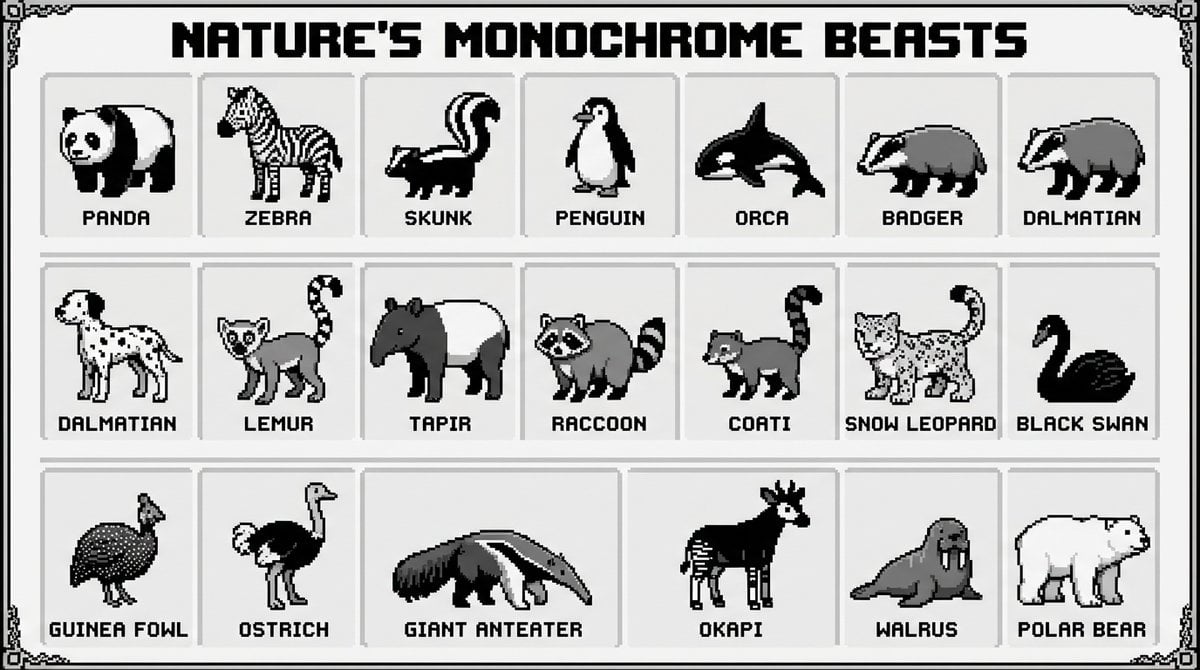
bit pixel art poster of black-and-white animals
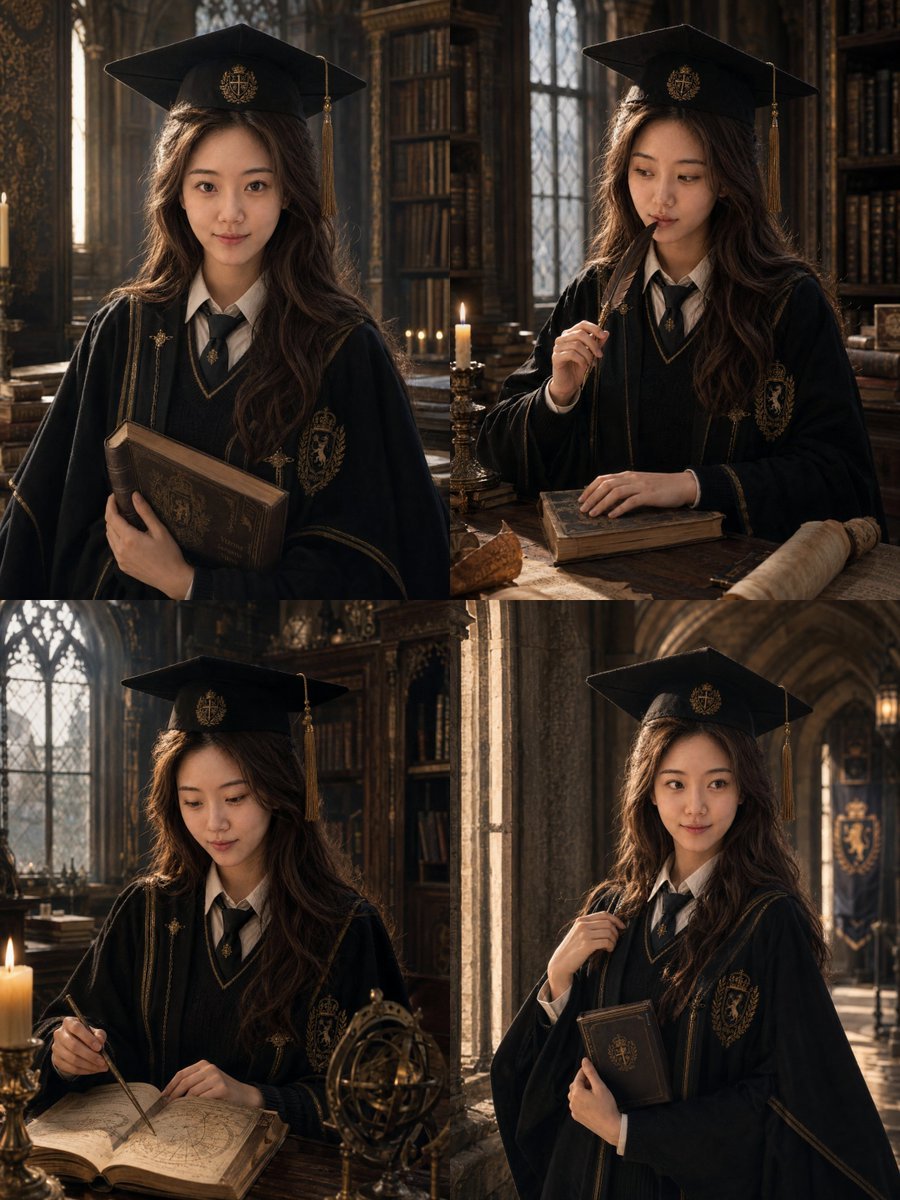
British Magic Academy Graduation Portraits

Mini Workers Sculpt Spicy Chicken Wings
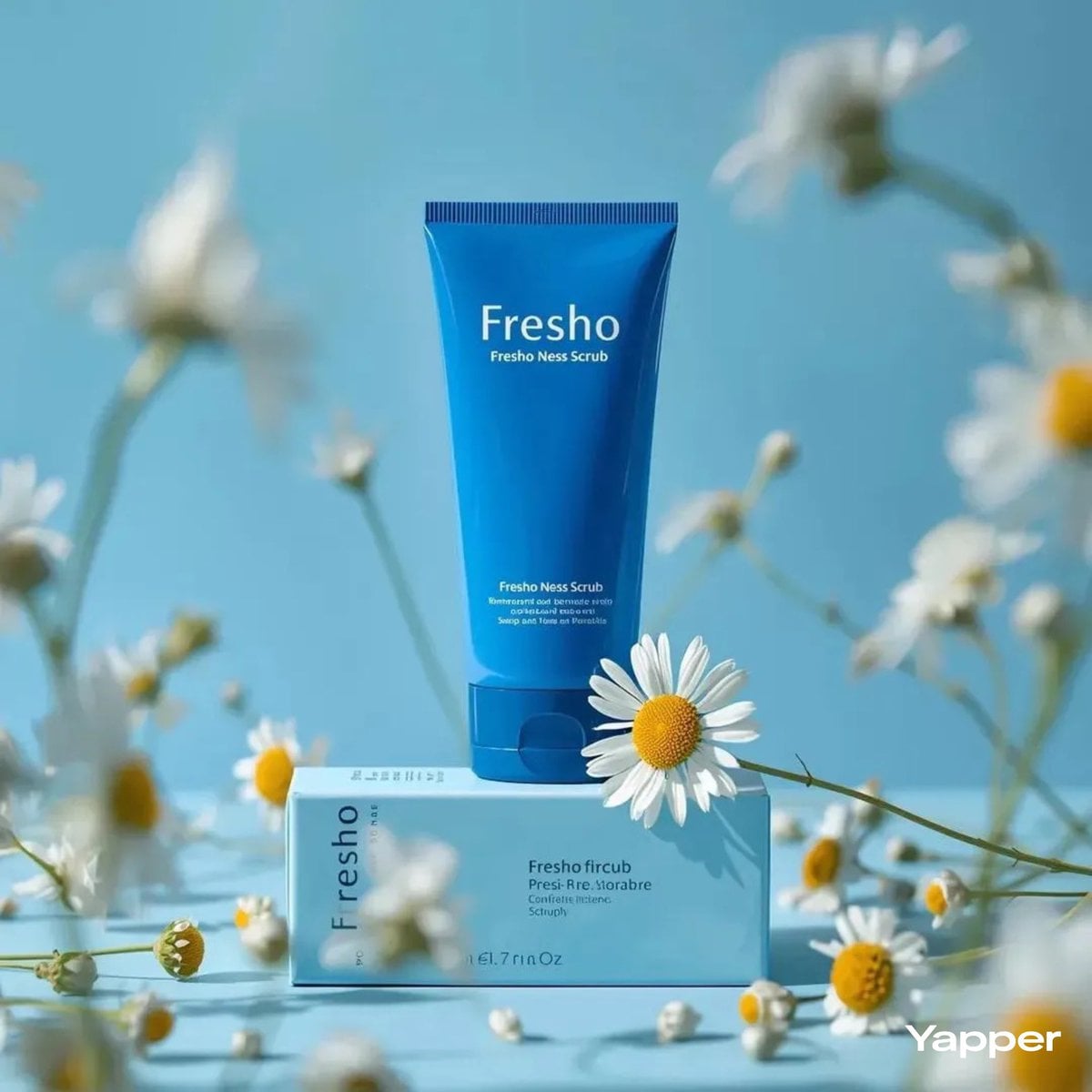
Cobalt Blue Skincare Product Photography
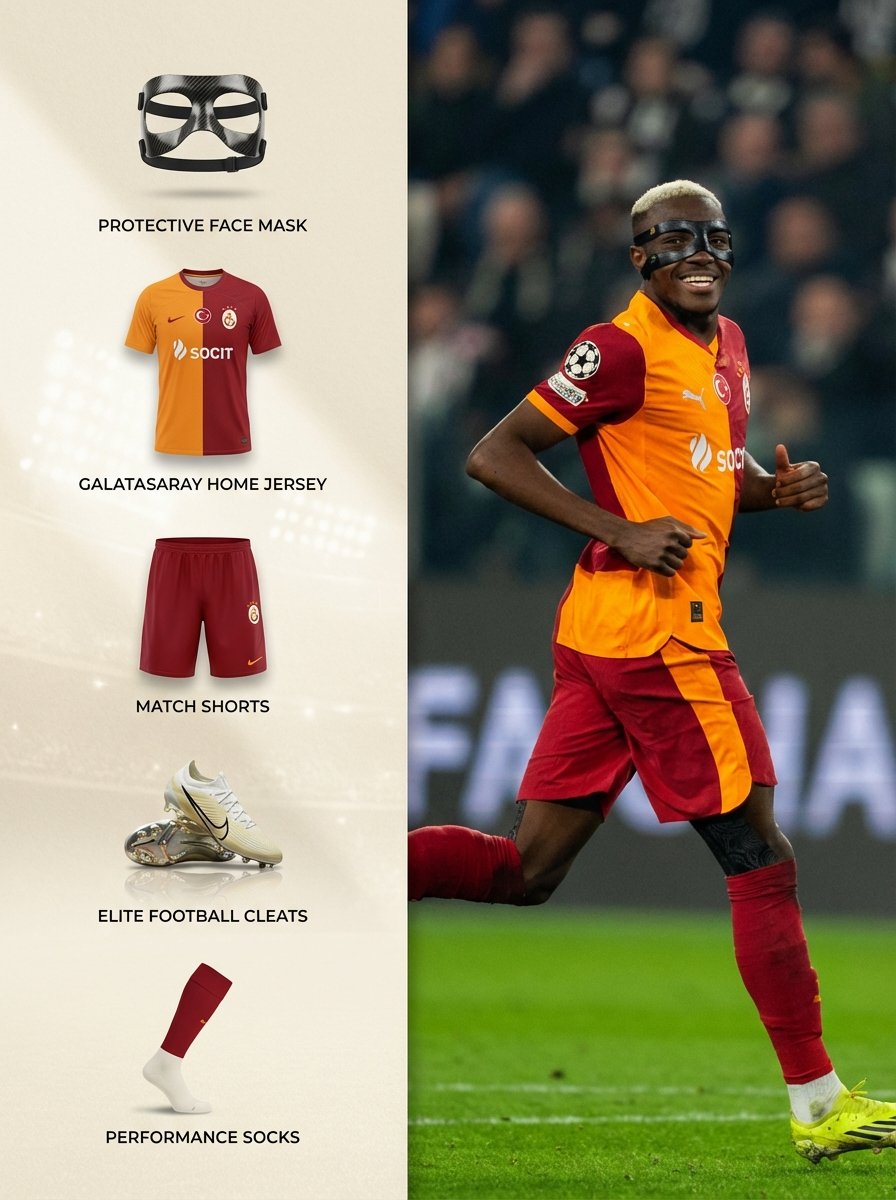
Sports Equipment Infographic Layout of Victor Osimhen
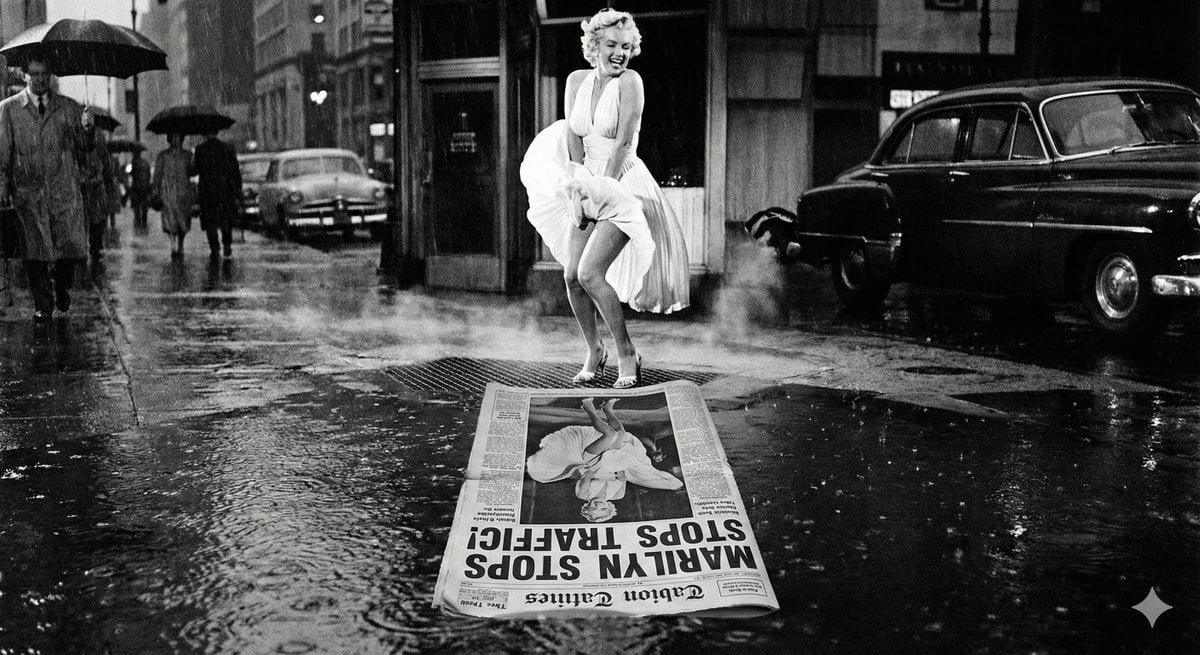
Cinematic Reflection Headline Prompt
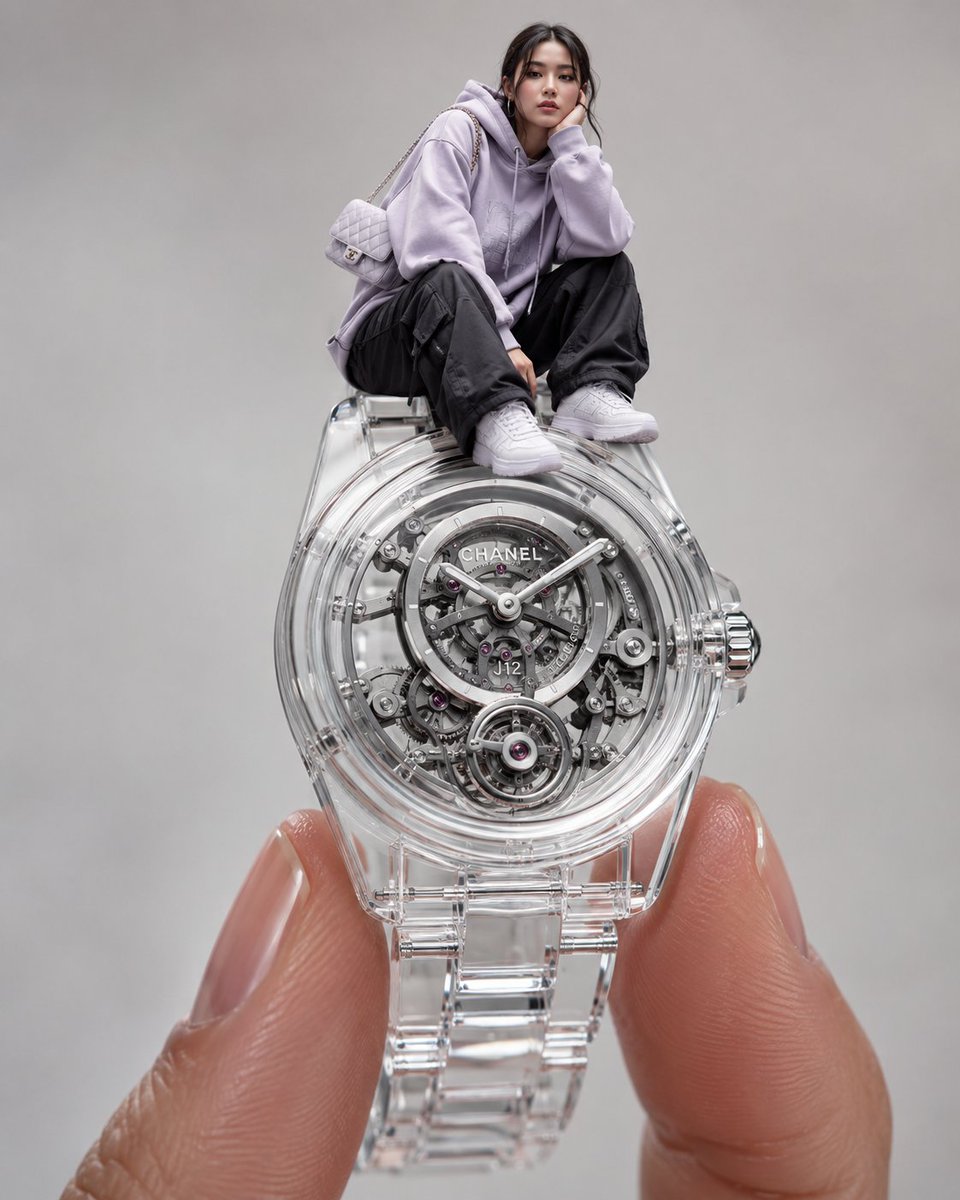
Surreal Luxury Wristwatch Fashion Campaign
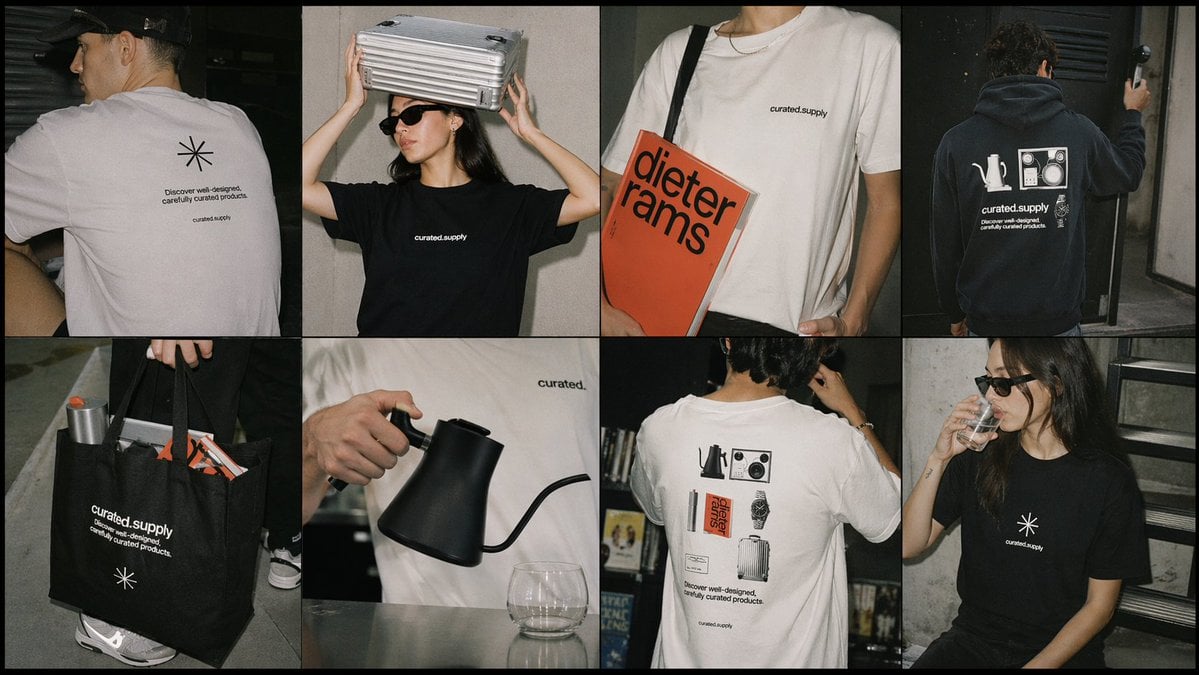
Streetwear Merch Lookbook Grid
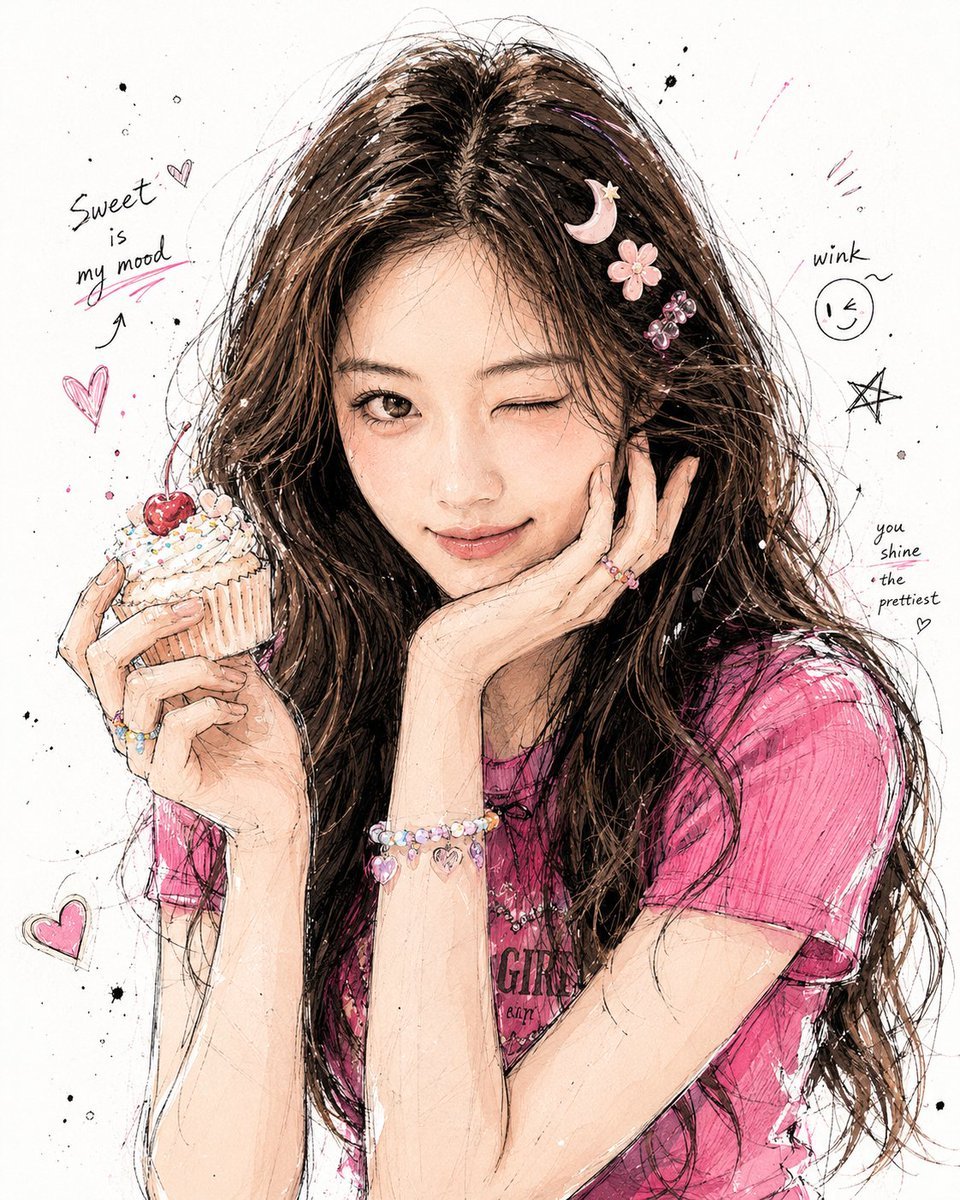
Korean Graffiti Illustration Portrait
Browse template categories
Moody Vintage Bedroom at Night questions
How do I use the Moody Vintage Bedroom at Night template?
Add your photo if the template asks for one, edit the prompt if you like — the template's model and format are already selected — and press Generate. Your version opens in PicX Studio.
Can I customize the Moody Vintage Bedroom at Night template?
Yes. You can change the subject, setting, lighting, mood, format, and available model controls before creating your image.
Is the Moody Vintage Bedroom at Night template free?
Opening and editing this template is free. Generating uses credits, shown on the Generate button when you are signed in.
Which AI model should I use?
Start with GPT Image 2, which is the model associated with this template. You can compare another compatible model for a different finish.
Looking for something else? Browse all templates.

Your photo, any look
Thousands of ready templates for every top image and video model, from one credit balance.