
Sci-Fi Mech Blueprint Hangar
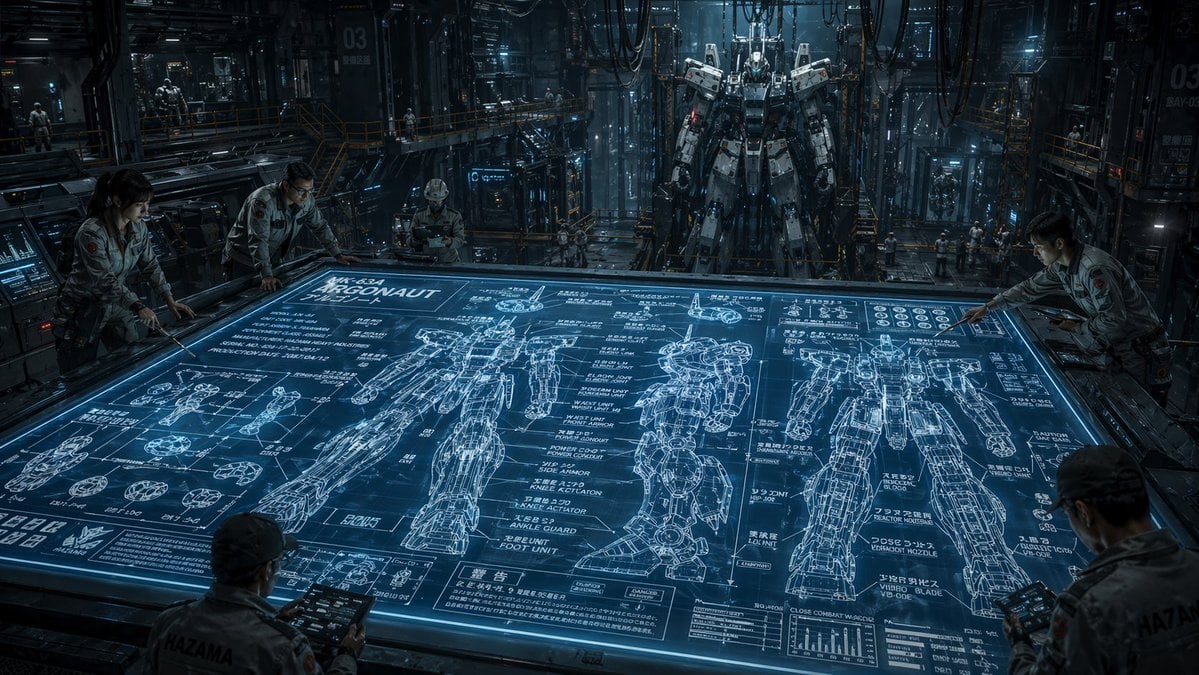
This prompt generates a cinematic photorealistic scene of engineers studying a giant holographic mech blueprint inside an industrial robotics hangar, ideal for concept art and sci-fi worldbuilding.
- Prompt included
- Model and format preset
- Free template
The prompt behind this image
Copy the exact prompt behind Sci-Fi Mech Blueprint Hangar, or open it in the studio and make it yours.
A cinematic ultra-detailed sci-fi mech hangar interior at night, shown in a wide-angle view from slightly above a massive horizontal holographic planning table. The glowing blue tabletop dominates the foreground and center, displaying an intricate engineering blueprint for a humanoid combat robot labeled {argument name="mech name" default="ARGONAUT"}. The blueprint includes exactly 3 large full-body orthographic mech drawings across the table, one front view, one side view, and one rear view, plus many smaller component diagrams for hands, joints, feet, armor segments, and circular mechanical parts, dense technical callouts, graphs, measurement lines, and blocks of Japanese annotation text mixed with alphanumeric labels. Around the table are exactly 5 engineers in light gray industrial jumpsuits studying the design, leaning over the edges and holding rugged tablets; their faces are intentionally indistinct and partially obscured. In the deep background, exactly 1 towering real humanoid mech stands upright in a maintenance gantry, suspended or docked in a cavernous factory bay filled with catwalks, scaffolding, pipes, heavy cables hanging from the ceiling, illuminated control panels, glass partitions, and a few tiny distant workers for scale. Use a cold steel-and-cyan color palette, dramatic volumetric lighting, reflective metallic surfaces, subtle mist, high contrast shadows, and a serious military-industrial mood. The environment should feel dense, realistic, and operational, like a secret advanced robotics facility. Emphasize scale, technical complexity, and the contrast between the flat luminous blueprint and the massive constructed mech behind it. Render in photorealistic concept-art style with crisp linework on the holographic display, cinematic depth, and extreme detail.
How to use Sci-Fi Mech Blueprint Hangar in 3 steps
- 1Upload ImagePNG, JPG or paste
Add your photo
Upload the photo the template builds on. The prompt, model and format are already set.
- 2…a portrait of your subject in softgolden-hour light, 85mm…
Personalize
Edit the subject and creative details for your destination.
- 3Generate
Generate
Press Generate — your image is created in PicX Studio, so you can compare it with the original and refine one variable at a time.
More like this
Templates with the same subject, style or setup. Open one to see its prompt.

Paper Tunnel Book Architecture

Scientific Dessert Blueprint
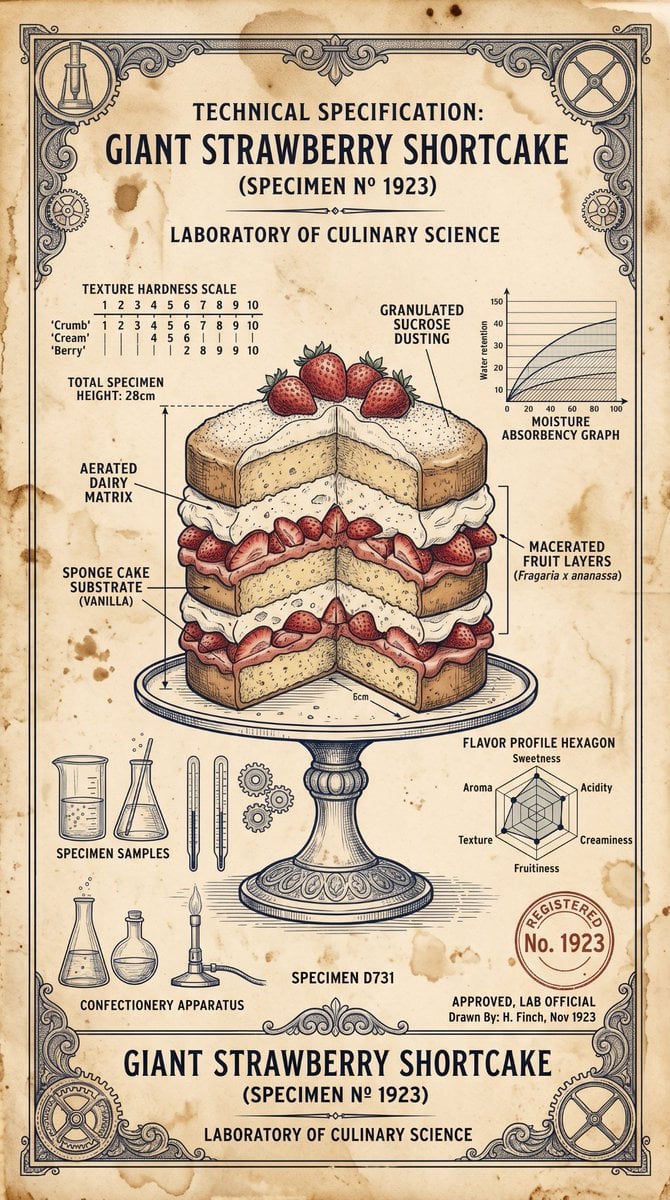
Vintage Scientific Blueprint Dessert

Automotive Blueprint Split Composition

Blueprint Split Reality Archetype Prompt
Automotive Blueprint Split Composition
Blueprint Split Reality Archetype Prompt
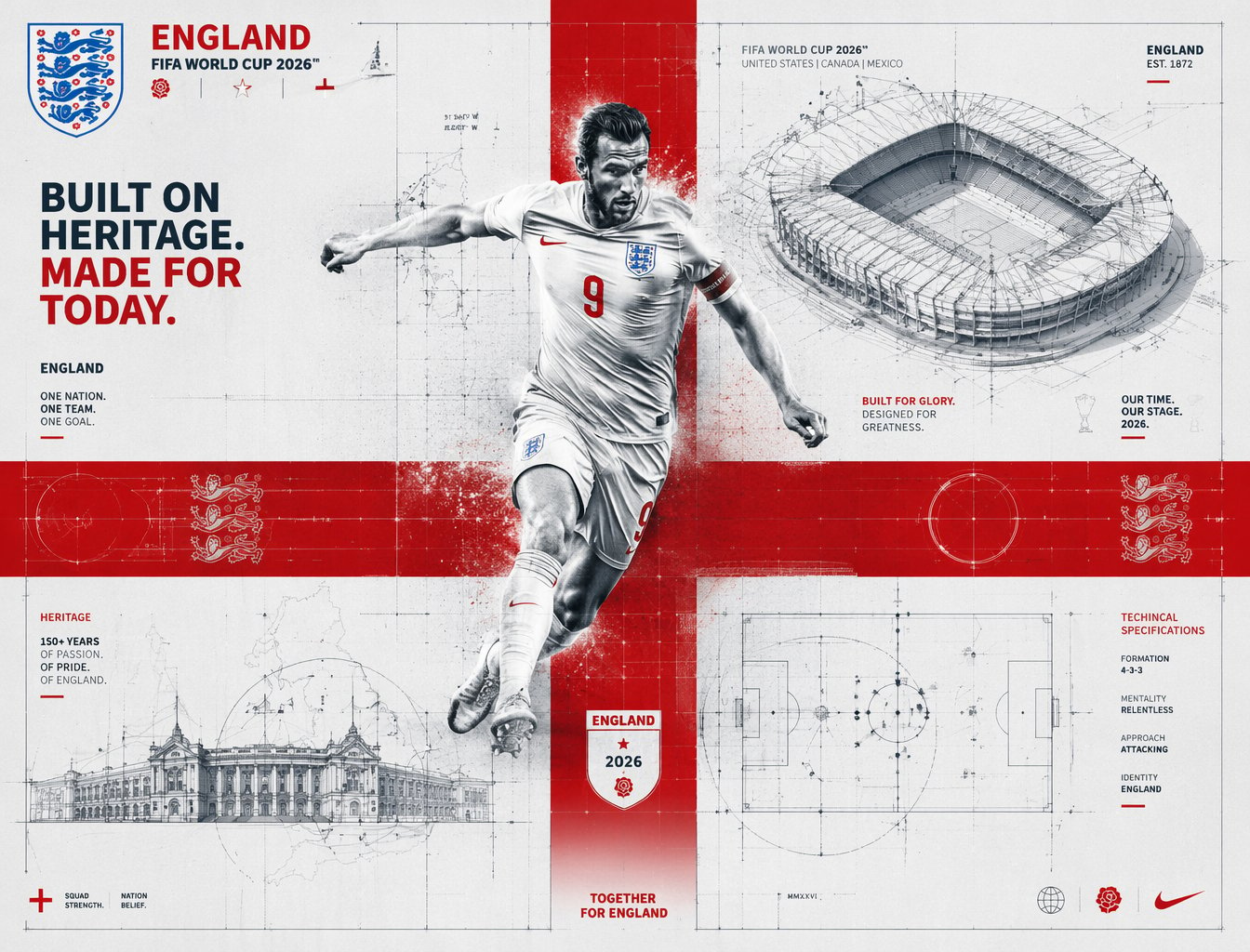
FIFA 2026 England — Blueprint Heritage
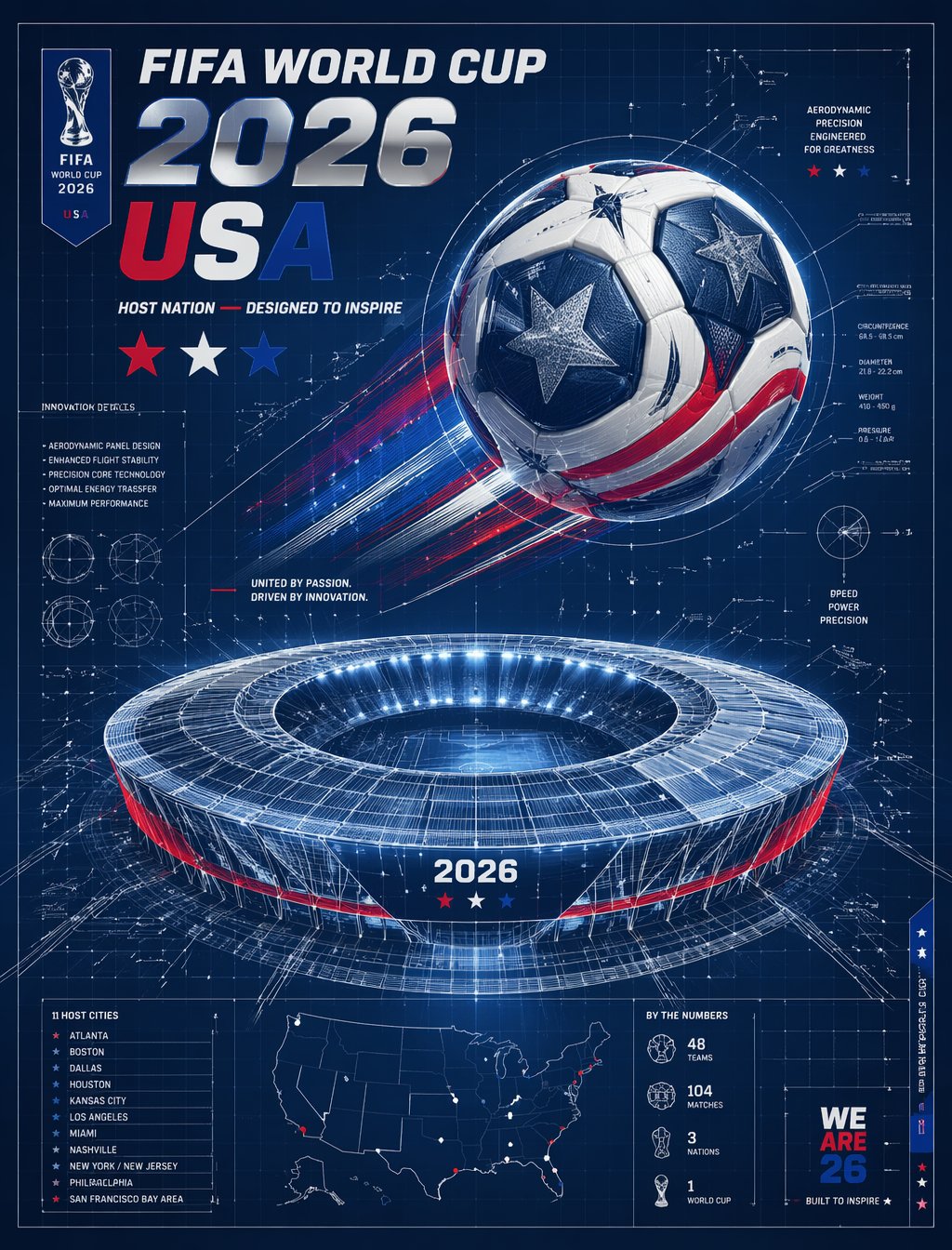
FIFA 2026 USA — Blueprint Host Nation
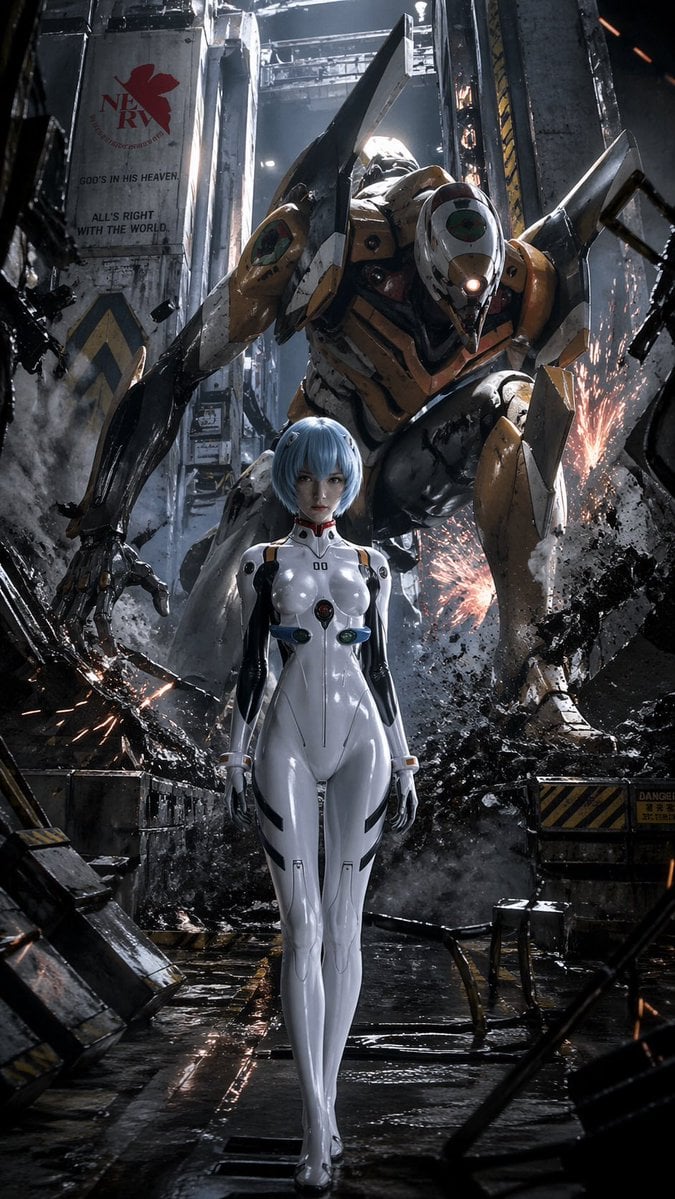
Evangelion-Inspired Mecha Hangar Poster
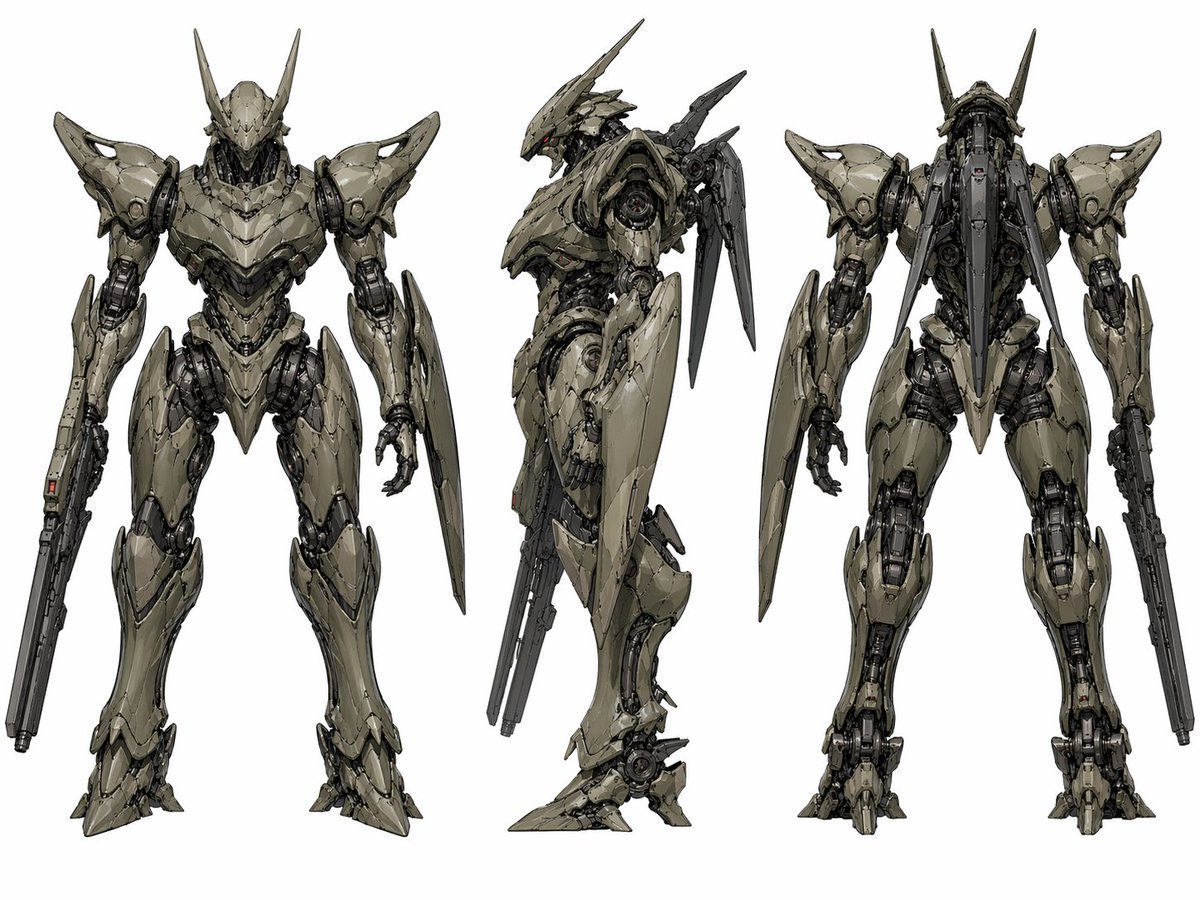
Sci-Fi Mecha Turnaround Sheet
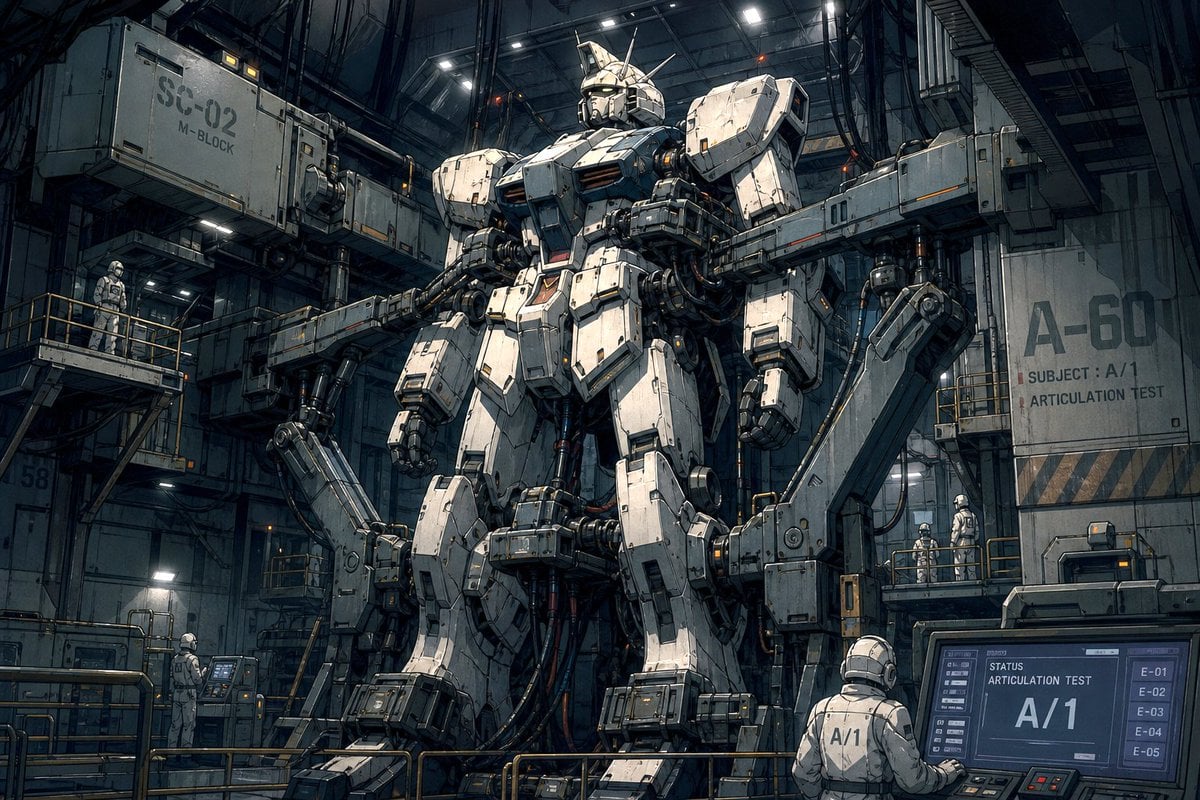
Mecha Articulation Test Hangar
Make it yours
Sci-Fi Mech Blueprint Hangar works as-is. These are the safest ways to change it without losing the look.
Change one field
Copy a single group, rewrite it, and generate again so you can see what that field is doing.
Keep the frame, change the subject
Hold the composition and light of Sci-Fi Mech Blueprint Hangar, then swap wardrobe, props or the person for a new take.
| If the result… | Why | Fix |
|---|---|---|
| The result drifts from the preview | Too many fields changed at once. | Reuse Sci-Fi Mech Blueprint Hangar as-is first, then change one group — subject, light, or setting. |
| The model over-stylizes the scene | The prose prompt leaves finish and camera underspecified. | Add one camera or lighting sentence and stay on GPT Image 2. |
More GPT Image 2 templates
Other prompts made for GPT Image 2.

Six VTuber Japanese Logo Sheet

Realistic Portrait of Woman and Deer

The Vista Modular Condo Poster

AI Model Routing Comparison Infographic

2.5D Anime Art Board

Isometric Productivity Desk Scene

New York Double Exposure Poster

Four-Panel AI Landscape Comparison

Japanese Tatami Lifestyle Magazine Cover

NESCAFÉ Coffee Map Poster
More image prompts
Fresh picks from across the catalog.
Surrealist Fashion Brand Poster
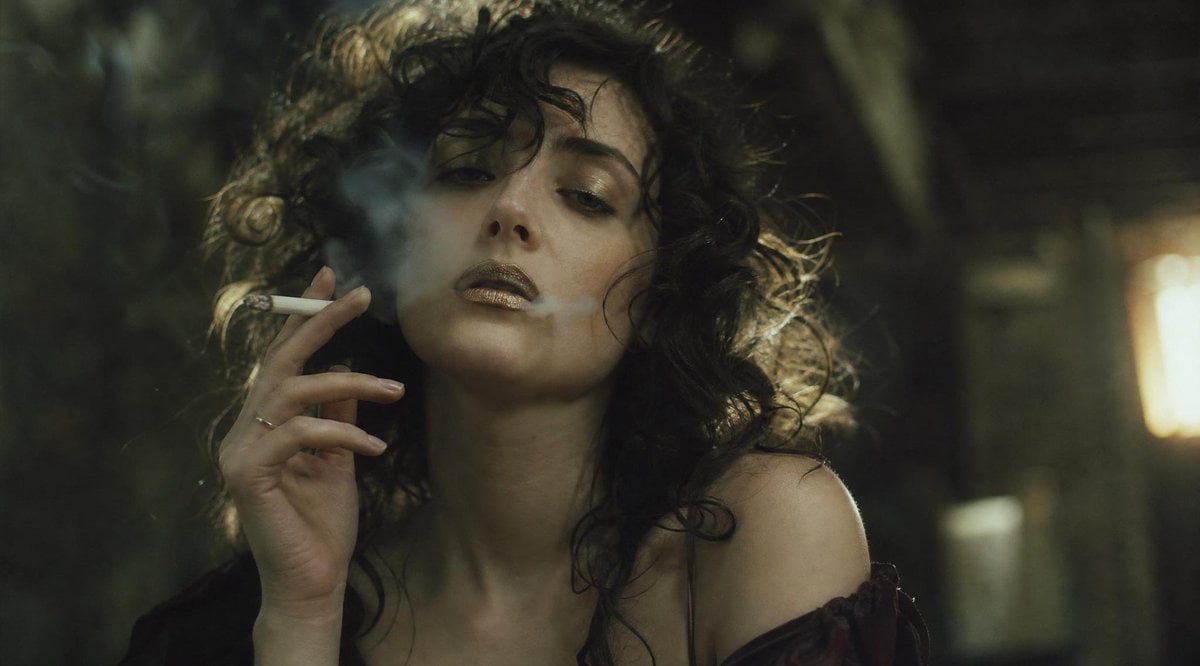
Cinematic Smoking Portrait With Censored Face
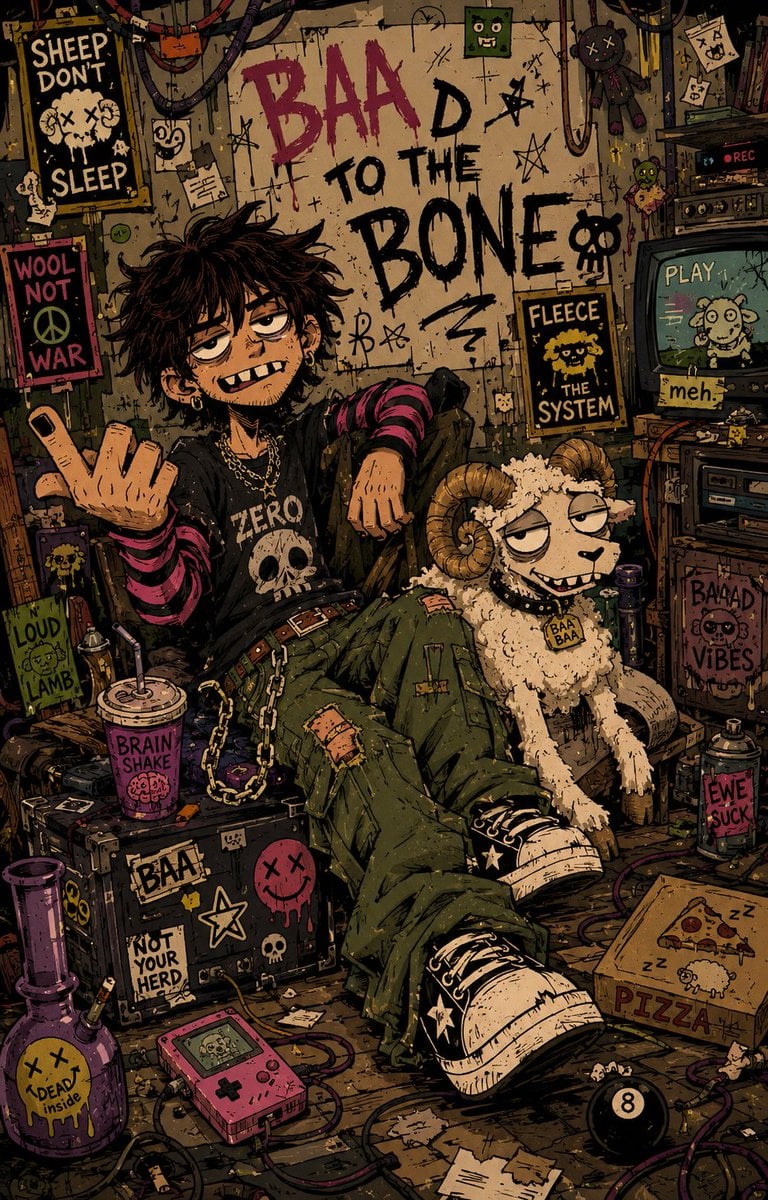
Indie Cartoon Illustration Template
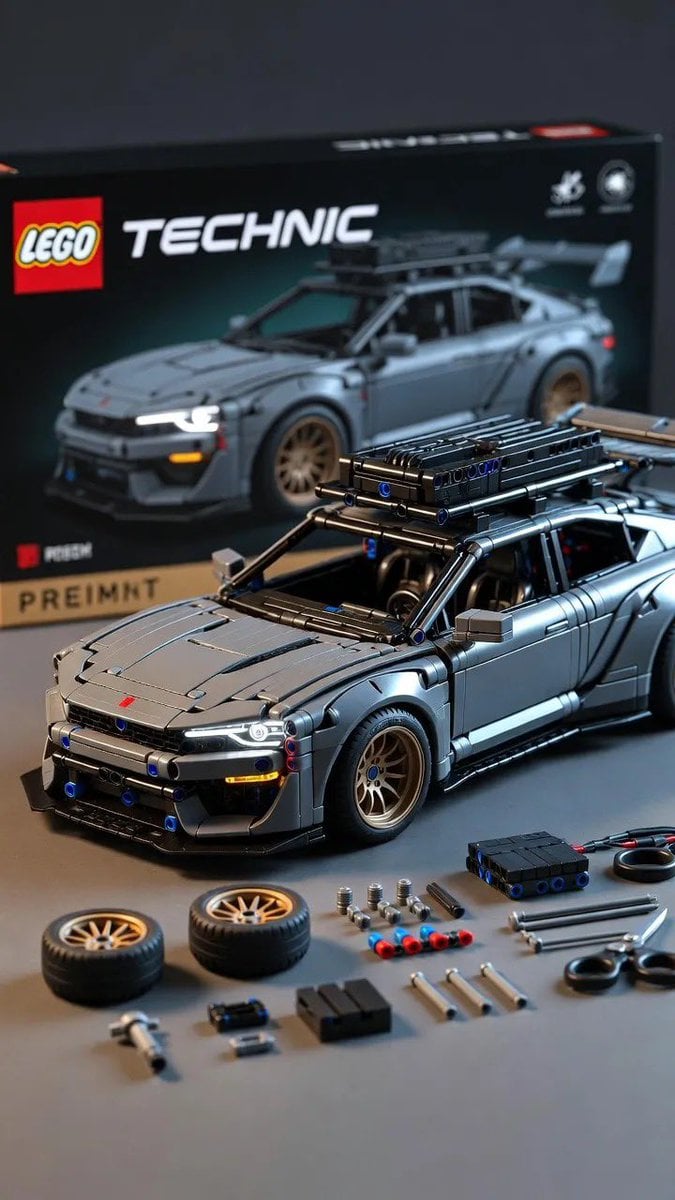
Ultra-Detailed LEGO Technic Product Render
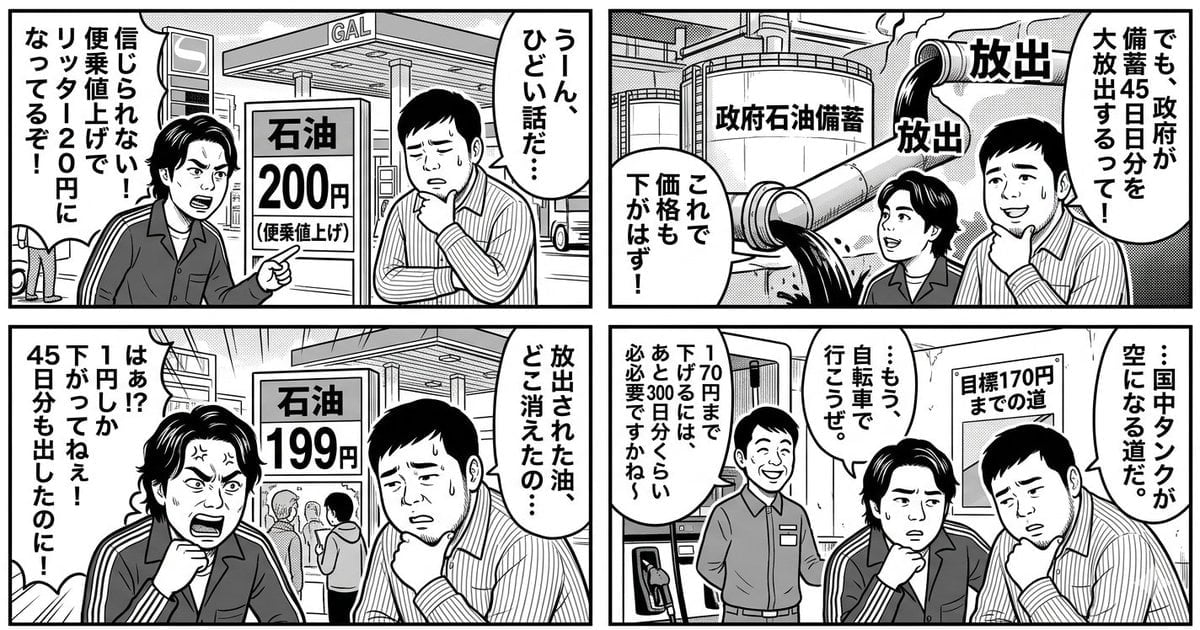
Panel Manga: The Long Road to 170 Yen Gasoline Price

Modern Mexican Restaurant Menu Design

Hyper-Realistic iPhone 17 Pro Selfie Simulation Prompt
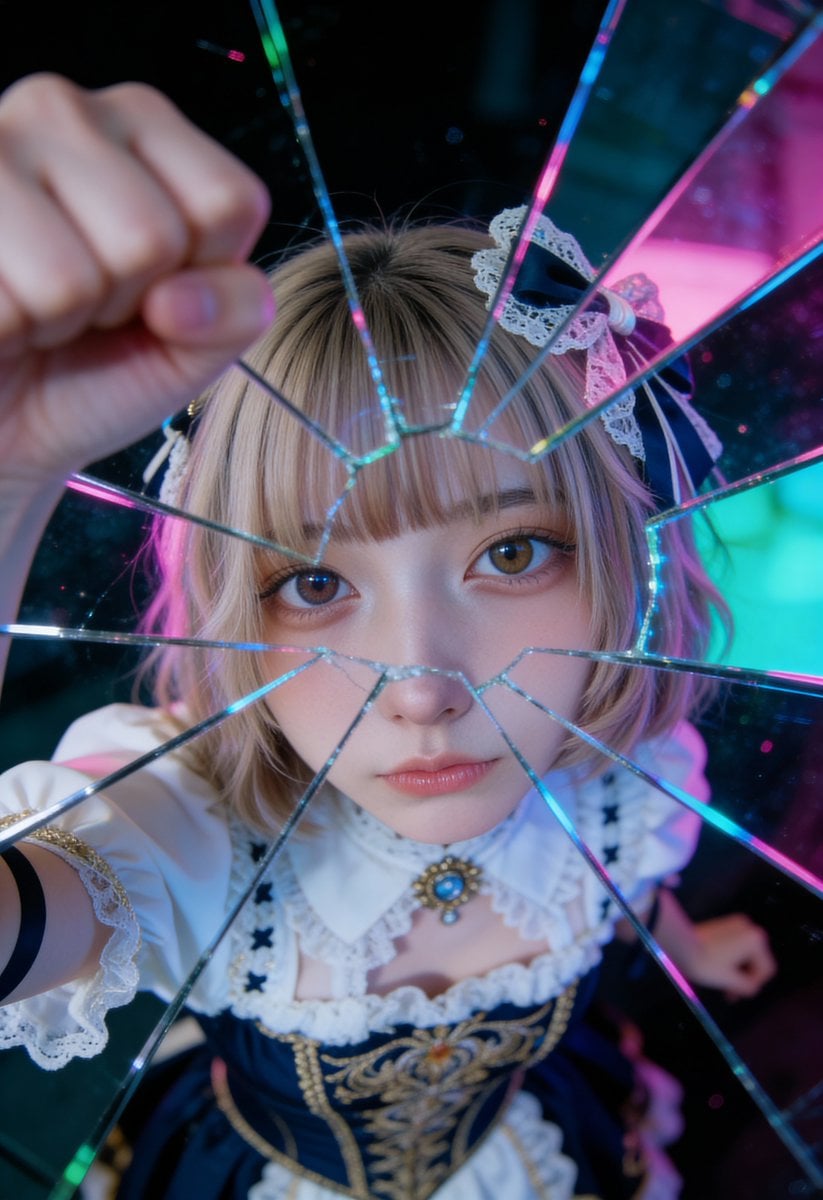
Shattered Glass Portrait Style Prompt

Kawaii Wolf Donut Diagnosis Poster
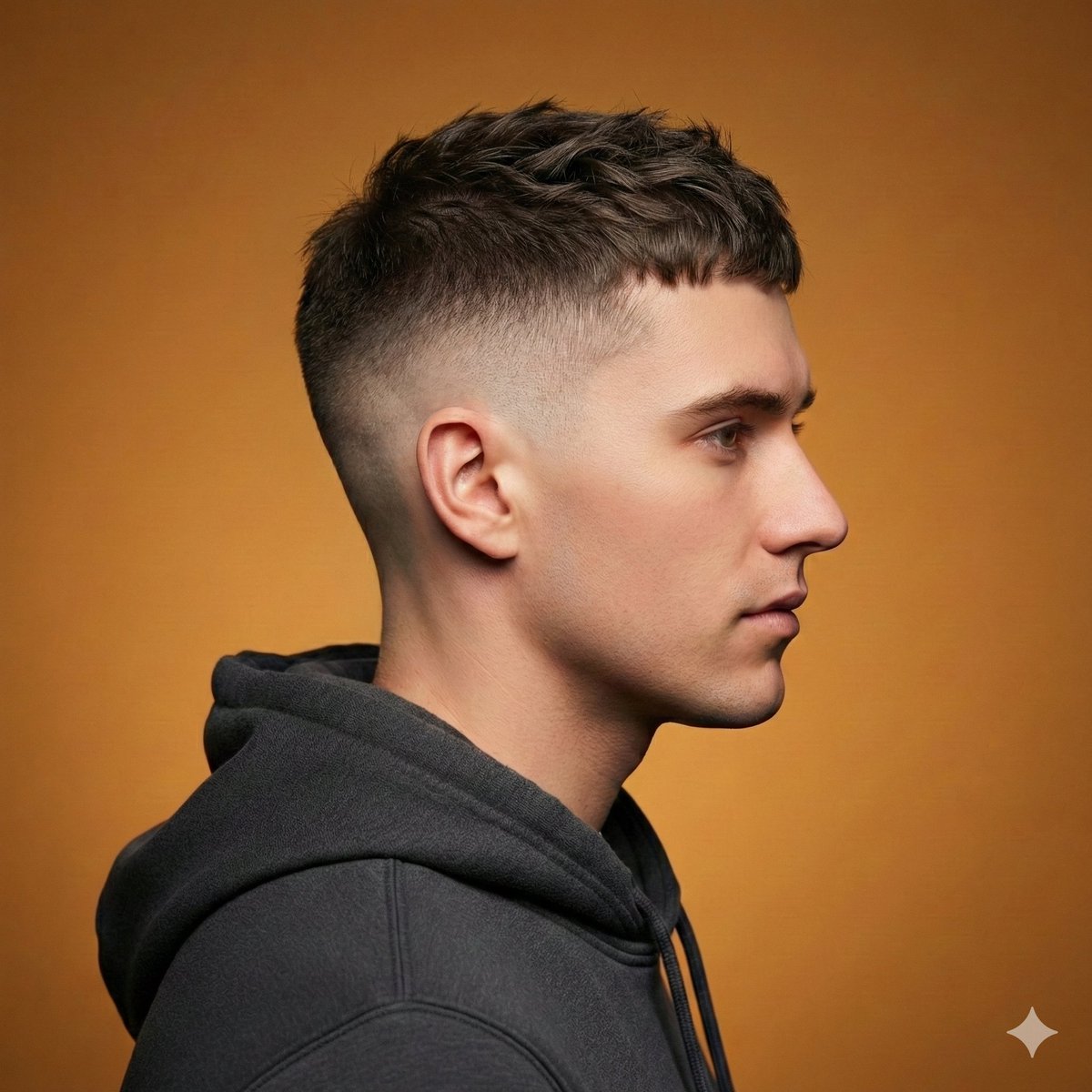
Ultra-Realistic Studio Haircut Portrait
Browse template categories
Sci-Fi Mech Blueprint Hangar questions
How do I use the Sci-Fi Mech Blueprint Hangar template?
Add your photo if the template asks for one, edit the prompt if you like — the template's model and format are already selected — and press Generate. Your version opens in PicX Studio.
Can I customize the Sci-Fi Mech Blueprint Hangar template?
Yes. You can change the subject, setting, lighting, mood, format, and available model controls before creating your image.
Is the Sci-Fi Mech Blueprint Hangar template free?
Opening and editing this template is free. Generating uses credits, shown on the Generate button when you are signed in.
Which AI model should I use?
Start with GPT Image 2, which is the model associated with this template. You can compare another compatible model for a different finish.
Looking for something else? Browse all templates.

Your photo, any look
Thousands of ready templates for every top image and video model, from one credit balance.